 ForgottenEcho
- 0spore13
- 0spore13
- America/Chicago
- Yes
- No
 MCPE-17479MCPE-34858MCPE-41037MCPE-42257MCPE-145770MCPE-177098
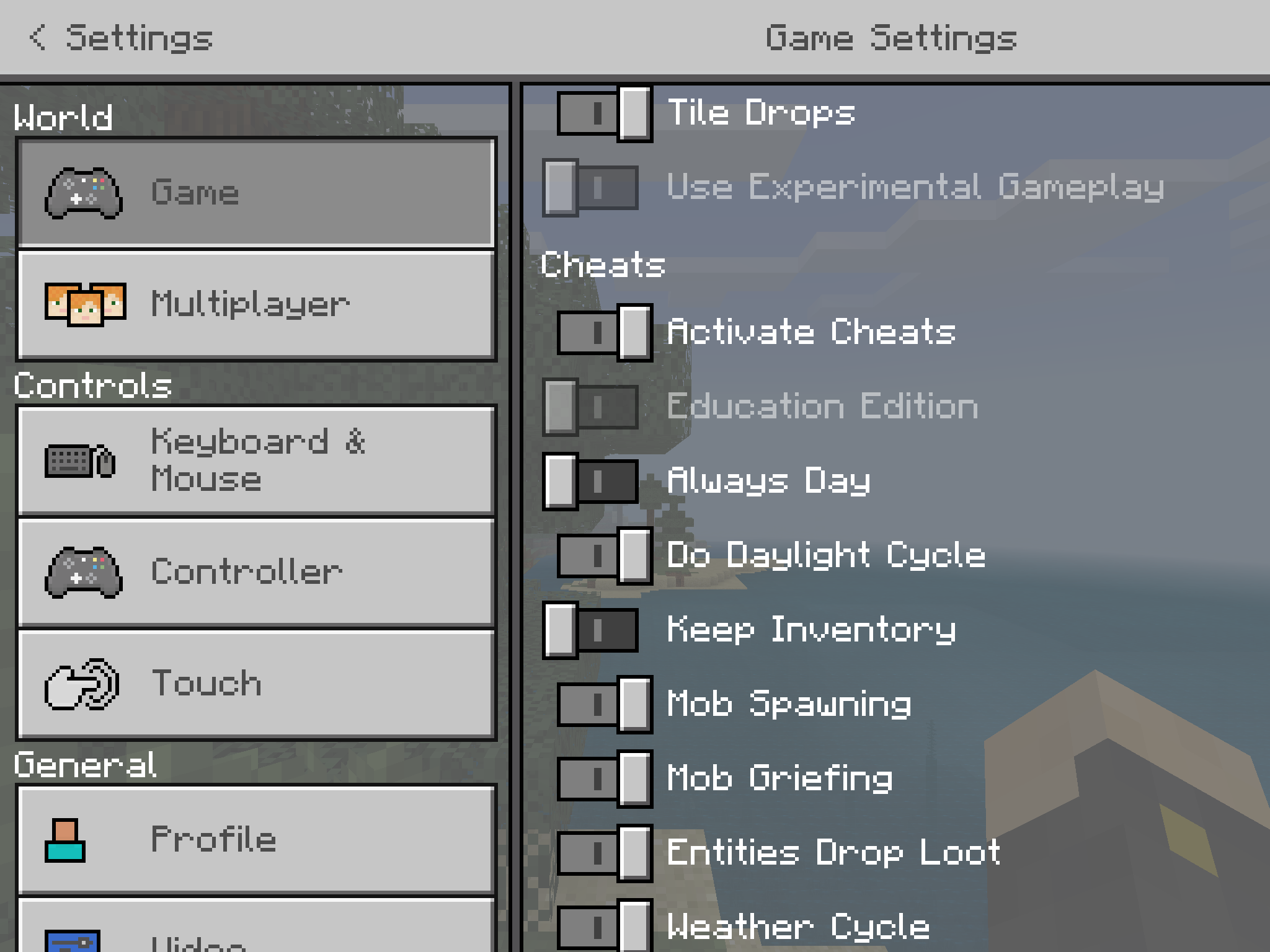


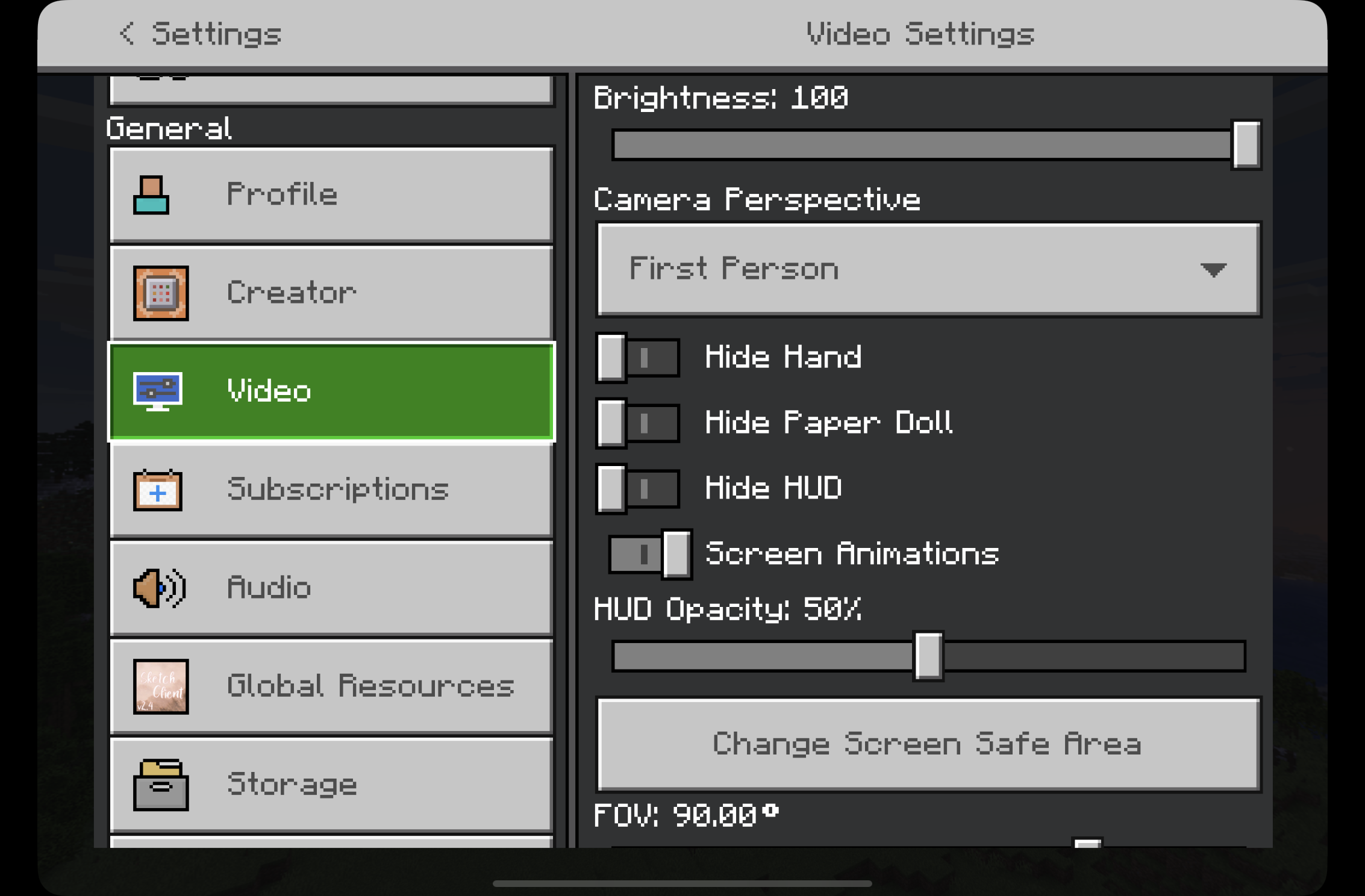


When the Google Play Store was released, Minecraft Pocket Editiotion was available and able to be downloaded and played on my Acer Chromebook R11, two days later, it was removed.
There was no reason for it to be removed, unless if you are specifically planning to never support Chromebooks, even with system requirements reached.
I am a Rising Star on the Google Chromebook Support team and am wondering if this is the case, or you are going to eventually re-add it to the Chromebook Google Play store.
EDIT: This is a native part of the OS now on certain devices, and you guys couldn't have removed it if you never knew about ARC++. It IS supported now, just you guys don't want it to be.
When the Google Play Store was released, Minecraft Pocket Editio
tion was available and able to be downloaded and played on my Acer Chromebook R11, two days later, it was removed.There was no reason for it to be removed, unless if you are specifically planning to never support Chromebooks, even with system requirements reached.
I am a Rising Star on the Google Chromebook Support team and am wondering if this is the case, or you are going to eventually re-add it to the Chromebook Google Play store.
EDIT: This is a native part of the OS now on certain devices, and you guys couldn't have removed it if you never knew about ARC++. It IS supported now, just you guys don't want it to be.
Flying up to top edges of old style world causes rapid flickering of screen (Epilepsy warning)
I'm assuming this affects all entities, and not just thrown ones. I'm having a strange occurrence where all the mobs either vanished, or there are mob drops where they once were, which I'm guessing happened after they fell through and suffocated in blocks, resulting in their drops float up to the surface.
My whole chicken, cow, and even my village trading center had every entity go missing and either had nothing, or just drops on the ground remain. No XP.
Version 1.17.32, iOS 15
I don’t see a video of this in the main bug, so here’s a video of it happening in 1.19.11 on an iPad mini 6. [^FullSizeRender.MOV]
Video of this happening in 1.19.11. Using an iPad mini 6. Quite annoying!
[^FullSizeRender.MOV]
Have been noticing a lot of users complaining about this. What happened?
I've been having this jitter issue for awhile, but most recently on ver. 1.8.1 on an iPad mini 4.
Unfortunately, in at least my case, it does not seem to be an issue with electrical noise. It happens both when plugged into a charger and when not plugged in.
After the latest update it seems to take less time for this issue to reoccur. It's extremely annoying to have to force-close the app every 5-10 minutes because the controls start getting so twitchy it's unplayable.
It's a Lenovo 500e, released in January of last year.
Meant to say this after 1.10.0 came out but it is still an issue with 1.10.0 bedrock.
Still unfixed in 1.11.4.
Jakub, I have been having this issue too after 1.14. it's extremely frustrating but I am unsure if it's related to this bug and if we should make a new bug for it.
I've been seeing this for quite awhile. I am too on 1.14.60 on iOS and here is my report.
Steps to reproduce -
1. Turn on "Show Autosave Icon" in video settings, this makes it easier to know when the game is autosaving.
2. Make a new world, create nether portal.
3. Switch to survival mode if you aren't already, when the autosave icon appears onscreen enter the portal. Wait for the animation and generating world.
What went wrong? -
-Nether chunks somewhat generate, but stop loading part of the way through.
-Cannot open up the pause menu or the inventory, or interact with chests and other interactable blocks.
-Mobs don't move, player can move but placing and breaking blocks make no sound.
-Need to force-quit Minecraft and re-enter the world to fix it. Whatever happens in the nether is not retained after re-entering. You are sent back to before the last autosave.
Additional details -
The world I see this the most on is pretty large, 193.0MB. Autosave is extremely frequent on that world which is likely why I see it more, though I was able to reproduce - albeit not reliably - on a new world after a few attempts.
It happens in singleplayer as well as multiplayer as seen in OP's post. I only really see it happen to nether generation. I have seen a similar issue appear in the overworld but not with nether portals.
Attached are a few screenshots. Video is too large to share.
Hello, this is confirmed to be fixed in most crafting overlays, but it does not work in the stonecutter. Is that WAI for the stonecutter? Or should tap and hold stack crafting work in that crafting ui too?
I am on iPadOS 14.6, using Minecraft Bedrock 1.17.2. Crafting stairs in the stonecutter is so frustrating.
Can confirm that this is still an issue on 1.17.30 on iOS
This has started to happen to me with 1.17.34 on iOS 15 after suspending the app. The game needs to be closed completely and reopened again for sound to come back. Minecraft is the only application this happens to.
Video of this occurrence is linked via an unlisted YouTube link due to file size being too large. I only demonstrated with the main menu and settings but this happens with the whole game.
https://youtu.be/xkeNVozvgBc
I'm assuming that with the advent of old-style worlds being depreciated in future updates (as seen in 1.18.0.22 beta released today) that this bug will likely never be fixed?
I'm having this issue really badly on my iPad Mini 5 on 1.17.41, only in the nether. It happens pretty consistently, about every 10 seconds.
When bridging you can suddenly end up over nothing since the blocks that you just placed didn't actually place.
I at first thought this was a server issue as this issue looks really similar to server lag, but this happens in singleplayer, with LAN and general multiplayer turned off. Same when wifi is disabled on the device.
The world I have this issue on is rather large, 310.3MB. But this bug is strange because no frame drops occur whatsoever, it only effects entities and block placement/removal.
I posted this on another bug thread, but I now feel that the bug thread I originally posted this on was unrelated.
I'm having this issue really badly on my iPad Mini 5 on 1.17.41, only in the nether. It happens pretty consistently, about every 10 seconds everything but movement just stops working for 5-10 seconds at a time.
When bridging you can suddenly end up over nothing since the blocks that you just placed didn't actually place.
I at first thought this was a server issue as this issue looks really similar to server lag, but this happens in singleplayer, with LAN and general multiplayer turned off. Same when wifi is disabled on the device. This is not a realm.
The world I have this issue on is rather large, 310.3MB. But this bug is strange because no frame drops occur whatsoever, it only effects entities and block placement/removal.
I did a small test to verify things.
After this I decided to make a new world to try to figure this out further. Fresh world, mob spawning off, random seed. With that I figured out these steps to reproduce. Higher end systems and lower world sizes will need to spawn more striders to get this to happen, but the process is the same.
This issue is almost certainly caused by striders.
I've done another test and have now completely verified that this only happens with baby striders riding striders. They cause the game to stop ticking randomly in short bursts while they exist. Video showing this bug is linked as a twitter vid. The redstone clock is there to show when it lags. https://twitter.com/TitaniumSp0rks/status/1458615340309565444
This is still an issue on 1.18.2. The game does not take up the full screen, and the safe mode is off center.

The black bars have been fixed at some point between 1.18.2 and 1.18.31, but the screen safe area is still off-center and doesn't work right.
Video of this happening on 1.19.11 on an iPad mini 6.
Untitled.mp4
Please close this issue as I had not realized this was added to the (still poorly implemented and experimental) customize controls section, which has it's own set of issues (like the default not being savable, as seen in MCPE-174886). I still can't change the opacity without the d-pad being far too high up compared to how it should be, but that isn't related to this bug.
I was also able to temporarily fix by editing options.txt under gfx_touchDpadOpacity and gfx_classicButton2Opacity, but then the size is too small... Again, unrelated to this issue. I can at least see my maps in offhand again at the detriment of my carpal tunnel.
Was able to reproduce on 1.20.41, the default locations for d-pad is in an area that can't be saved in, so slight edits to the defaults are impossible. The red zones are far too big making the available options to move it into extremely uncomfortable for actual use.
This is on iOS.
Also have been able to reproduce this on any version above release 1.16.5, including all 1.20 versions. I was able to reproduce with shift+arrowkeys to select text in main menu and chat, ctrl+a, as well as had it happen when moving items around in the inventory.
When it occurs on menu before loading in a world, it flickers between red and the proper window. When in game, it flickers black and the window. The game can still be interacted with despite nothing visually working and no errors appear in console.
Debian 11 (bullseye), OpenJDK 17, also tried 16 and it also had same issue.