 Cameron Porteous
- 108CAM
- JIRAUSER567205
- Europe/Stockholm
- Yes
- No
 MC-204331
 REALMS-8717
 MCPE-139622

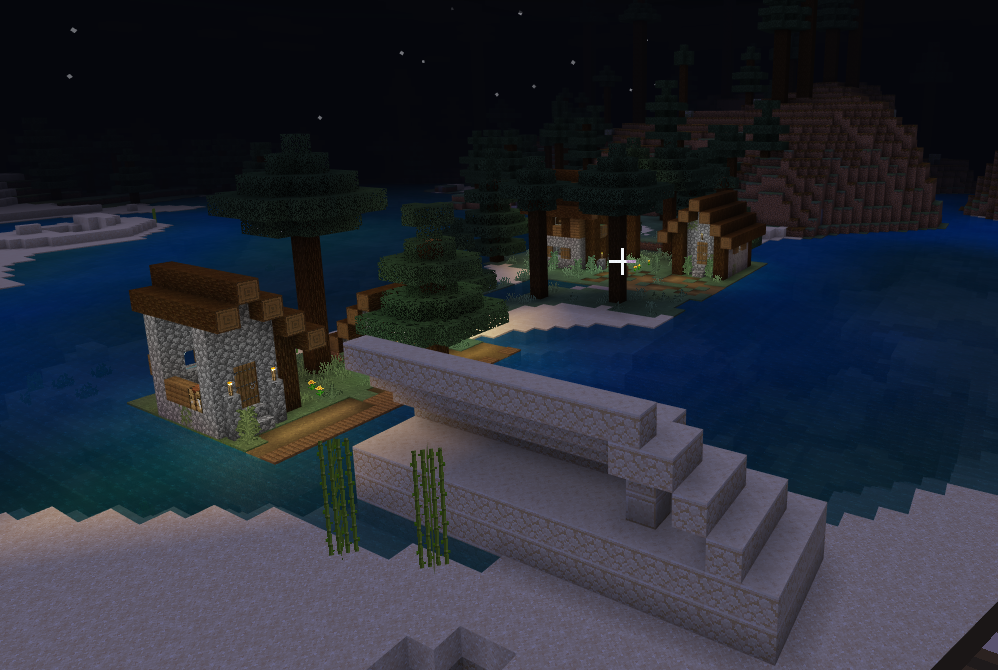


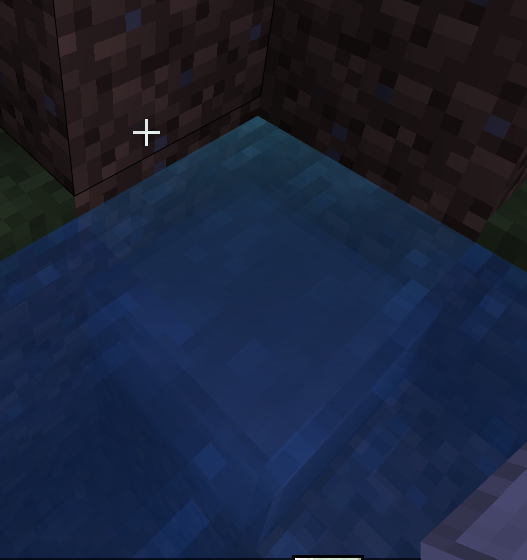

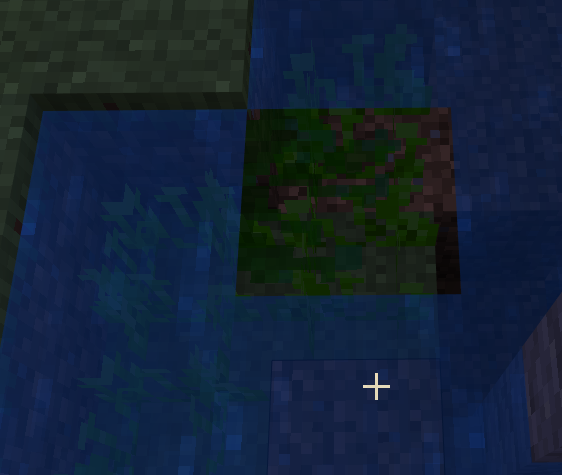






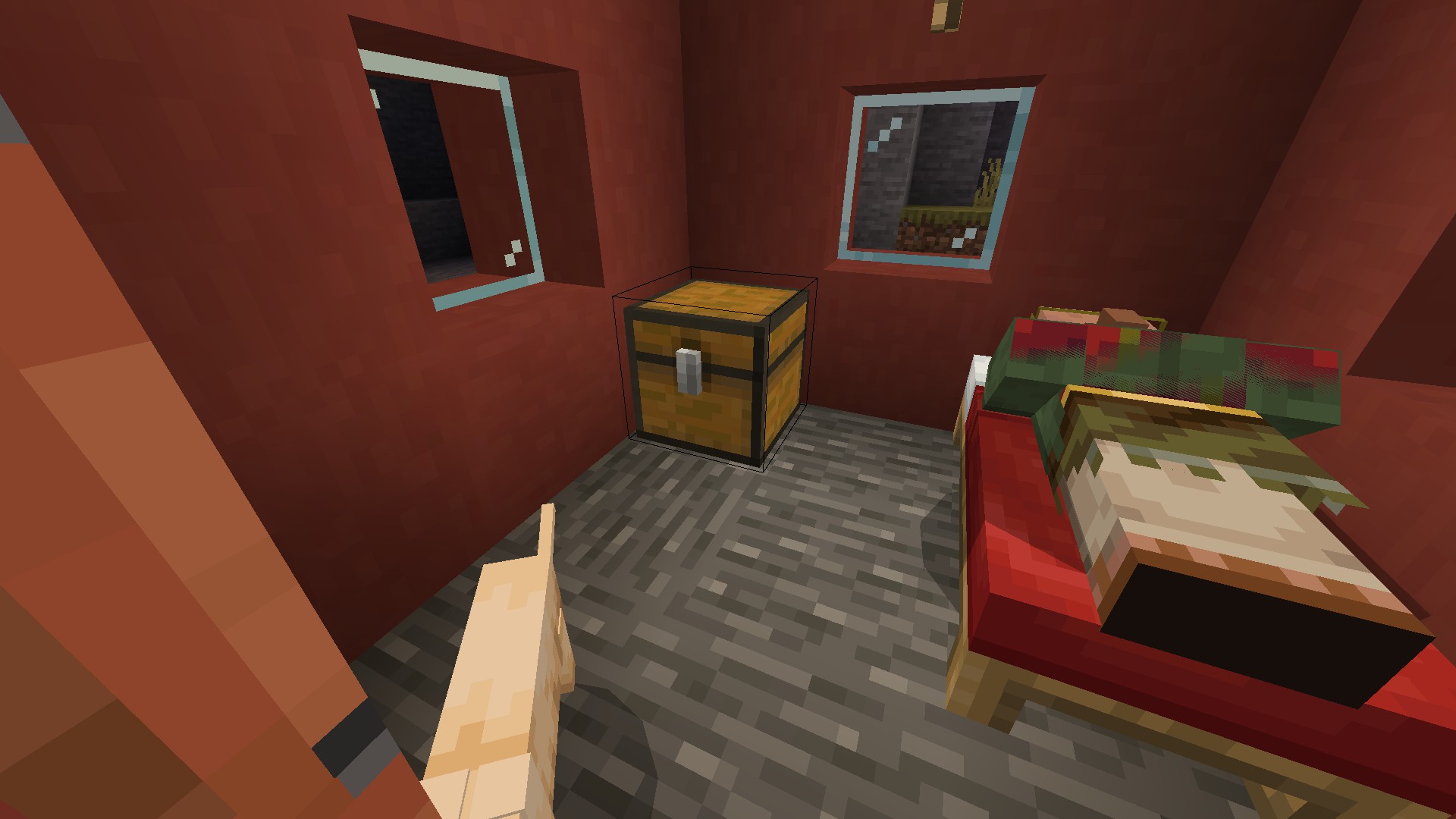


Screenshot 2021-08-26 093522.png
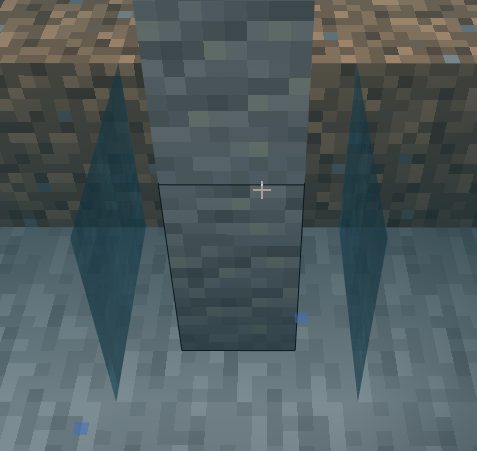
I can't place lanterns on grindstones even if I hold shift. I can however place chains on grindstones
Pathfinding for
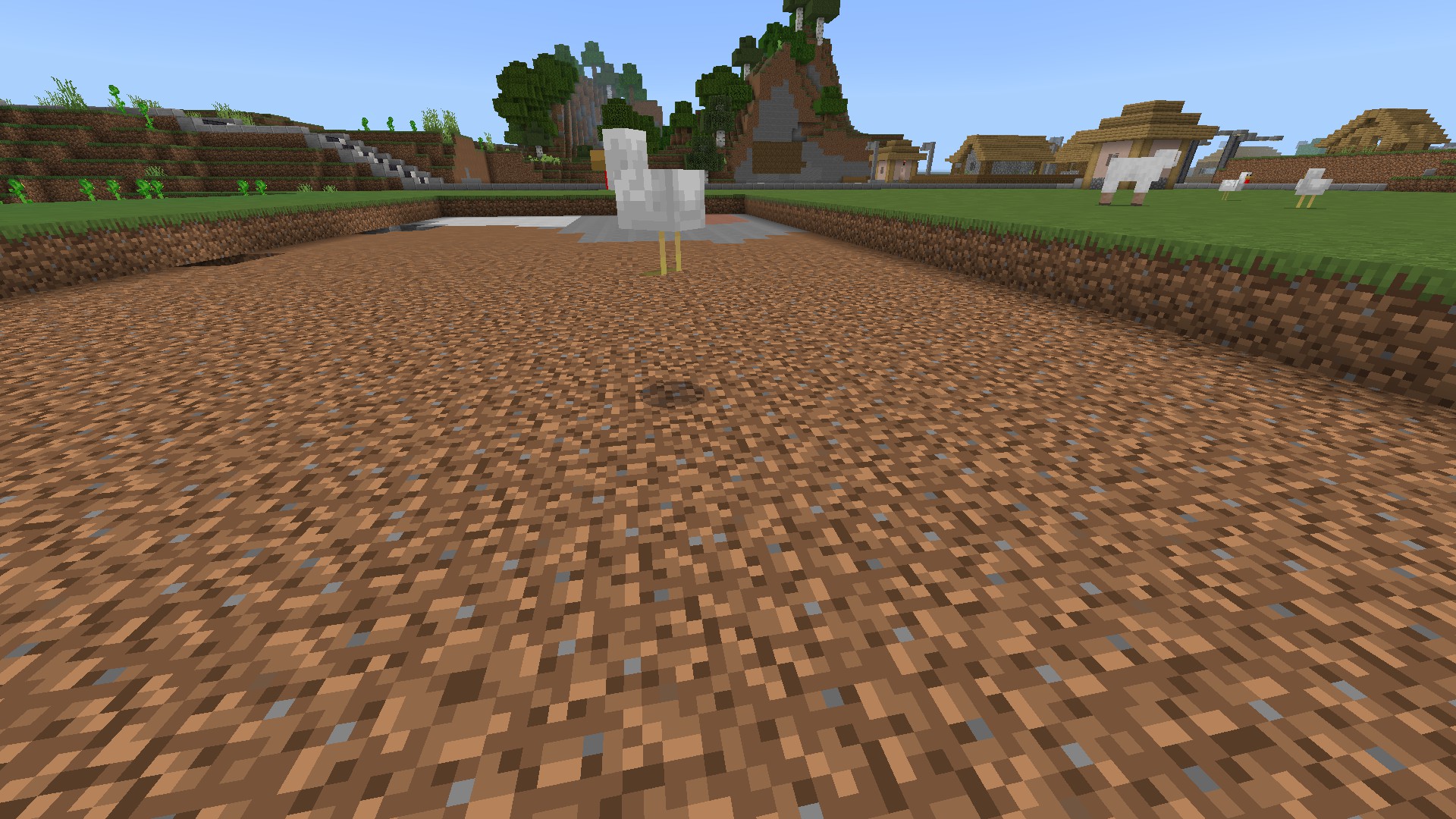
chickens on carpet appears to be broken as they just keep on trying to jump/fly over blocks that don't existPathfinding for mobs on carpet appears to be broken as they just keep on trying to jump/fly over blocks that don't exist. I originally thought it was only chickens that were affected but found other mobs are affected when I saw similar behaviour with a pig
Chickens continuously jump on carpetMobs continuously jump on carpet
Sadly 1.20 is not immune from the dreaded 9191 sign glitch. Got a bunch of # symbols when trying to type "Flasher"
Regular and Hanging signs are both affected.

Sadly 1.20 is not immune from the dreaded 9191 sign glitch. Got a bunch of # symbols when trying to type "Flasher"
Regular and Hanging signs are both affected.
Reply from [Mod] Umija5895M:
As stated at the very beginning of the Description, that is a different issue (REALMS-10537).
(please delete this entire comment after reading)
Prior to 1.19, paintings could be placed behind signs but since updating, it won't work. Also please don't mark this as "Works As Intended" or "Invalid" as it is a genuine issue that has arised as part of the 1.19 update.
Prior to 1.19, paintings could be placed behind signs but since updating, it won't work. Also please don't mark this as "Works As Intended" or "Invalid" as it is a genuine issue that has arised as part of the 1.19 update. Prior to 1.19, paintings could be placed behind signs by right clicking the exposed part of the block that the sign is on. Since updating, trying to place a painting behind a sign does nothing except produce a clunky grinding sound
Every time I try to open the game, it reaches the Mojang logo and then crashes shortly before the Minecraft logo and progress bar should appear.
Please don't mark this as Incomplete, Invalid or Cannot Reproduce. This is a genuine issue which needs attention and the info I have provided is all I have. The game does not openandisunplayable.I am using a gaming laptop so I don't know why performance would be an issue.
Every time I try to open the game, it reaches the Mojang logo and then crashes shortly before the Minecraft logo and progress bar should appear.
I am using a gaming laptop so I don't know why performance would be an issue.
MCPE-162425appears to be a similar issue.Please don't mark this as Incomplete, Invalid or Cannot Reproduce. This is a genuine issue which needs attention and the info I have provided is all I have. The game does not open and is unplayable.
Every time I try to open the game, it reaches the Mojang logo and then crashes shortly before the Minecraft logo and progress bar should appear.
I am using a gaming laptop so I don't know why performance would be an issue.
MCPE-162425appears to be a similar issue.Please don't mark this as Incomplete, Invalid or Cannot Reproduce. This is a genuine issue which needs attention and the info I have provided is all I have. The game does not open and is unplayable.
Every time I try to open the game, it reaches the Mojang logo and then crashes shortly before the Minecraft logo and progress bar should appear.
I am using a gaming laptop so I don't know why performance would be an issue.
MCPE-162425appears to be a similar issue as both it and this issue have both appeared after the 1.19.30 update.Please don't mark this as Incomplete, Invalid or Cannot Reproduce. This is a genuine issue which needs attention and the info I have provided is all I have. The game does not open and is unplayable.
Every time I try to open the game, it reaches the Mojang logo and then crashes shortly before the Minecraft logo and progress bar should appear.
I am using a gaming laptop so I don't know why performance would be an issue.
MCPE-162425appears to be a similar issue as both it and this issue have both appeared after the 1.19.30 update.
Please don't mark this as Incomplete, Invalid or Cannot Reproduce. This is a genuine issue which needs attention and the info I have provided is all I have. The game does not open and is unplayable.
Every time I try to open the game, it reaches the Mojang logo and then crashes shortly before the Minecraft logo and progress bar should appear.
I am using a gaming laptop so I don't know why performance would be an issue.
MCPE-162425appears to be a similar issue as both it and this issue have both appeared after the 1.19.30 update.An identical issue has been reported by an iOS user in
MCPE-162398however my issue is on the Windows 10 version.Please don't mark this as Incomplete, Invalid or Cannot Reproduce. This is a genuine issue which needs attention and the info I have provided is all I have. The game does not open and is unplayable.
I'm also unsure if the game is sending crash reports as the crashes are happening before the main menu appears.
![[Mod] Jarl-Penguin](../../../data/avatars/users/92849.png)
Cameron Porteous: Your issue was resolved as Incomplete because you refused to provide steps to reproduce the issue, along with observed and expected results. Also, this report has nothing to do with the old Edit Realms UI, this is about the new Edit World UI.
Edit: Also, MCPE-160217 was resolved as Awaiting Response, not Incomplete.
Just added a screenshot
From what ive seen, it only happens to me
Its an iPad 2 with an Apple A5 processer. I installed minecraft onto it when the game was still at version 0.3.0 alpha and its seen every update.
The game ran flawlessly for the first few years but performance issues started around the time the Nether was implemented
The hitbox may be there but hard to see
My issues began when iOS 9.3.5 was first released
My Ipad 2 has an apple A5 processor. unfortunately, I don't know how much ram it has.
This issue also appears on Windows 10 and iOS. I was also playing on a realm.
Look in the screenshot
Try it with leaves
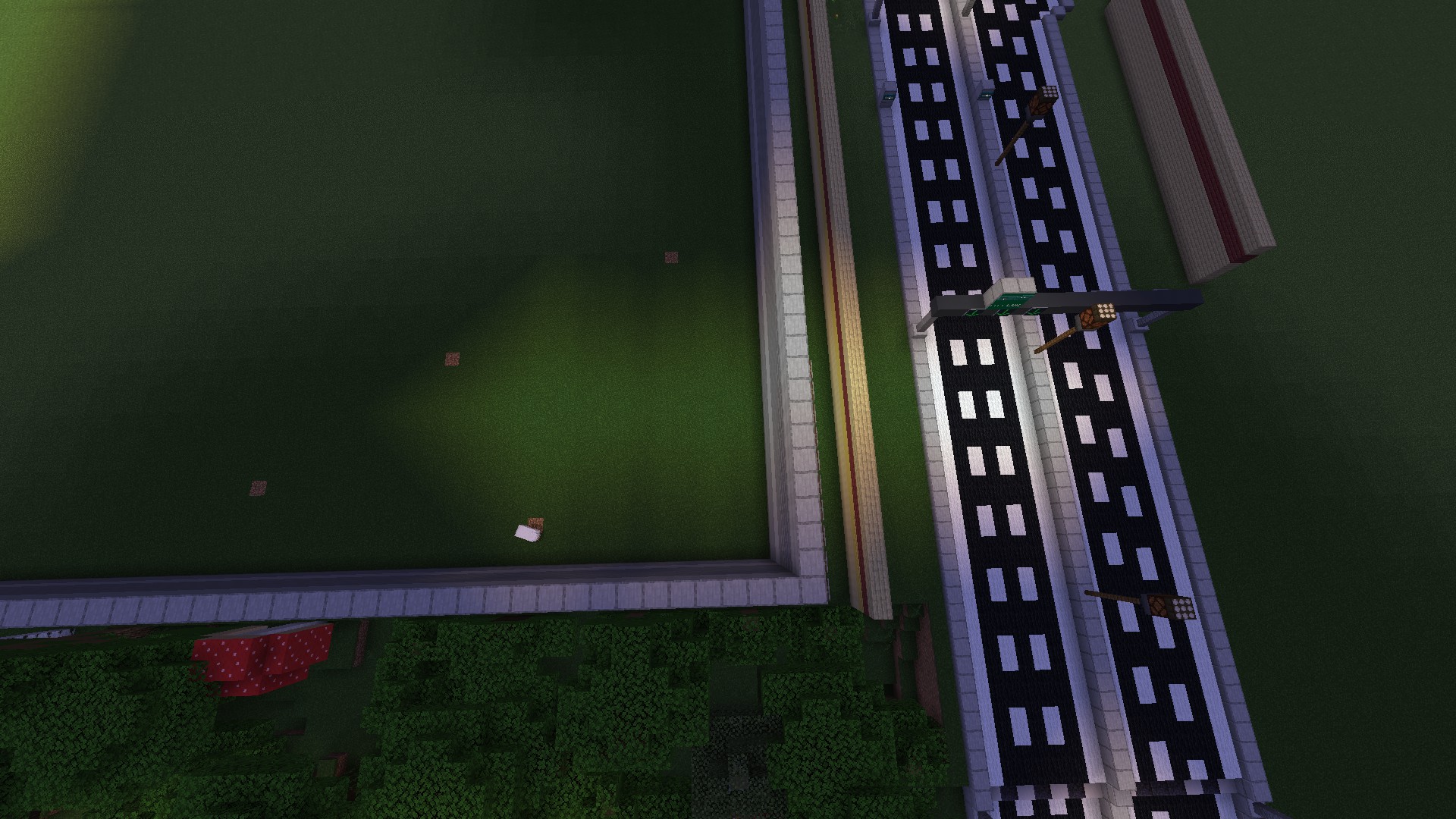
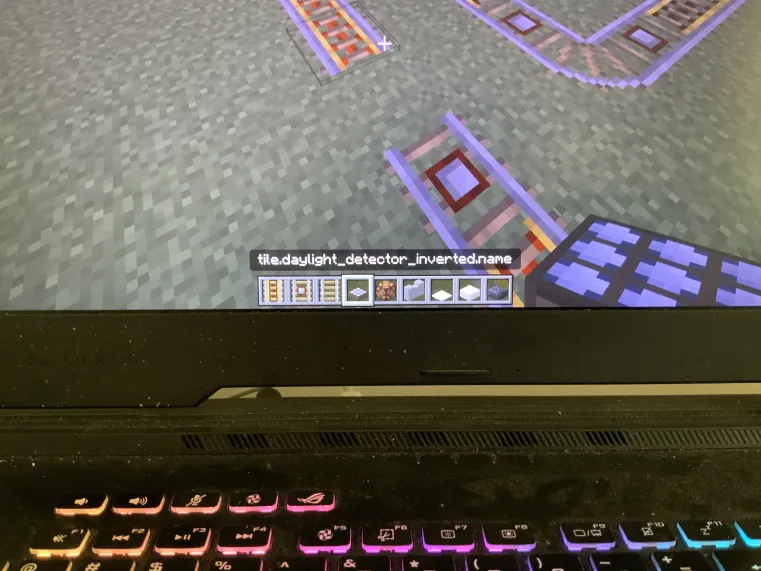
The sensor cant see through them despite the fact light passes through them
It might be related to the line break glitch
I think the glitch may be from a plugin witch is why you couldn't reproduce it
Update: This issue was found to be caused by small lag spikes within the realm itself
Its exactly the same as my issue
I have now started seeing the bug with anvils
I've noticed a similar thing happen when carpet is placed over path blocks
It is still an issue. It is caused when structures are generate over chunk borders and the player only gets close enough to partially generate the chunks containing the structures and comes back at a later date and generates the rest of the chunks however the structures will appear incomplete like in the screenshot
I can confirm that this was caused by an issue with a plugin and not MC itself
This is not incomplete. It's a genuine glitch that is unpleasant to look at and uses excessive cpu/gpu power
Reread the report. it clearly states the issue.
I've experienced a similar thing in my creative world when breaking blocks in water and areas with low light
I'm seeing abnormal graphics on my laptop with similar hardware and specs as the reporter. I think this issue is why my CPU was running almost 30 degrees above its maximum safe operating temperature
I was having a similar issue while placing and removing paintings to get the one I wanted
I was kicked twice within 5 mins
record_000009.asf
Shows the issue I'm referring to
What I'm saying is it sometimes takes over 30 tries for some paintings to appear
A try is when you place and remove the painting until you get the one you want
Duplicate of
REALMS-9191I got it in a normal world but didn't go to the nether or end.
This may be related to MCPE-54410 however what I'm seeing only appears on the sides of the slabs
I think this issue is an early variation of the glitch described in
REALMS-9191. It started happening to me shortly before text was disappearing completely.The issue seems to have worsened because the text is disappearing immediately after placing the sign. I have noticed that if you place a sign with pre-existing NBT data, it won't be affected.
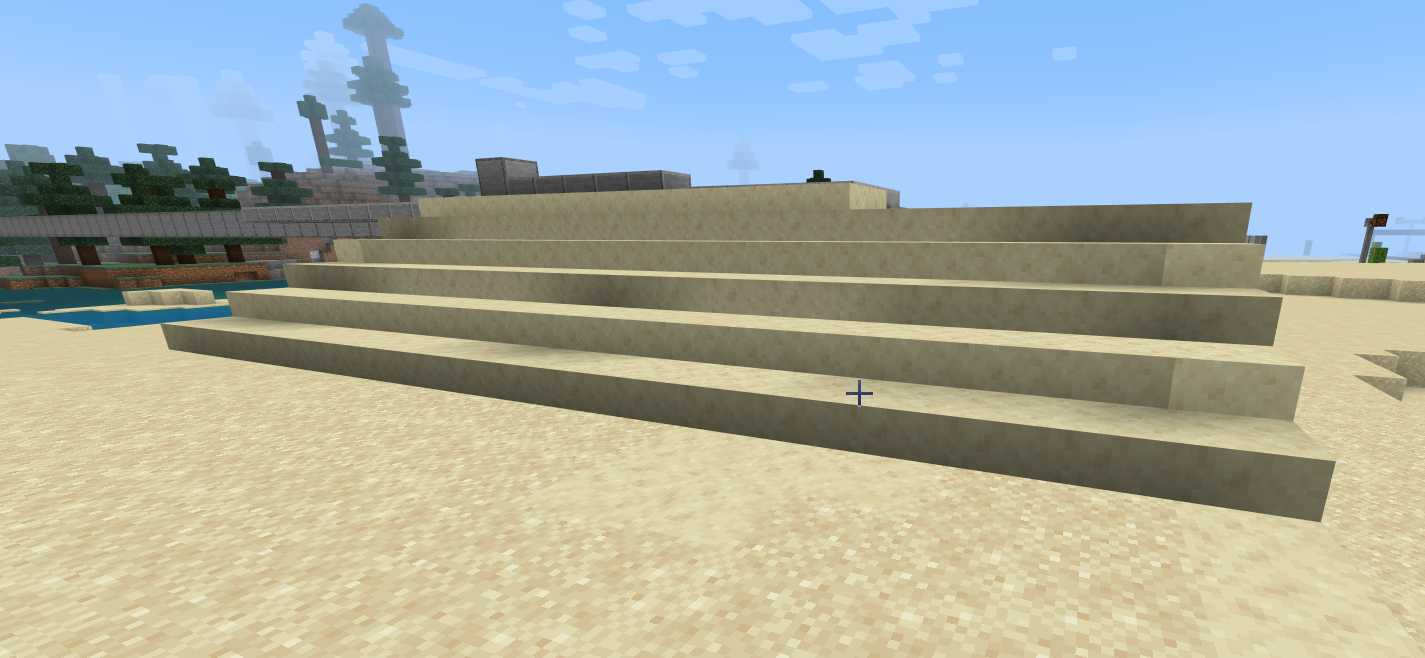
It does look like an issue with shadows. There are blocks behind some slabs while others don't have any blocks behind them. There's also a mixture of full size smooth sandstone blocks and double stacked smooth sandstone slabs. It may be related to MCPE-54410 as some of the slabs are darker than the full blocks
All I know is that it's something to do with how the Nvidia Geforce RTX renders the changes in the shadows when a light coloured block is placed in a dark area, especially under water and trees and inside areas with no light such as caves.
I can't provide steps on how to reproduce the issue as it occurs randomly and I don't know when it will happen.
This super annoying issue has been plaguing the game since October 2021. Mojang needs to prioritise this issue as it's been annoying us for over 6 months. All the hotfixes have fixed everything except the issues that people have been reporting for months.
MCPE-150056&MCPE-149168are duplicates of this issueREALMS-8717is a very early version of this issue where only a certain character would cause all the text to disappear. In my case, whenever I typed an uppercase C onto a sign, all the text would disappear. My report actually predates this report by nearly 2 months. It was created on August 8, 2021 while this report was created on October 1, 2021.Here's a timeline of events from my perspective
Early August 2021: Typing an uppercase C would cause the text to disappear
Late September 2021: Dyes started to make the text disappear when used
Early-Mid October 2021: Ink sacks started suffering the same issue as dyes
Mid November 2021: Text would disappear when exiting and rejoining the realm
December 2021: Text would disappear immediately after placing the sign
It seems anything text based has been affected. I'm seeing reports of similar issues with anvils, books and name tags all suffering from text related issues.
I've noticed the issue has reappeared for me. It happens on and off
I've had it happen a few times but the bug went away by itself when I closed the game
Prior to 1.19, paintings could be placed behind signs by right clicking the exposed part of the block the sign is placed on. Since updating, this ability no longer works
Just wanted to say that all functions of signs are still functioning correctly in my realm. So far so good
I wouldn't get too excited. My signs have started breaking whenever I type the letter M. See the attachment for a video of my issue
record_000021.asf
Hoppers, Chests, Banners, Paintings, Anvills, Signs, Trapdoors and Minecarts all have similar issues
Was building a train station and tried to place a sign but the pre 1.19 issue has sadly returned. Text disappearing after typing the sign.
With me, I haven't received any message about being muted for anything. The glitch just reappeared out of the blue.
I do know that even though the text disappears, the NBT data for the sign is still written to the save file as the game is able to read it when you do Control + Middle Click to pick a block with it's NBT data.
The issue seems to have been fixed in 1.19.20 however like with previous updates, it could just be a result of the Realm server restarting so there is still a potential for it to return. Fingers crossed that it's actually been fixed this time!
I've been noticing the same issue but with naturally spawning Traders as opposed to those spawned with an egg.
I've seen instances of the Trader becoming invisible and the llamas are unaffected and vice versa.
The leads seem to be breaking when the Trader is going up or down a hill. It should be reproducible by spawning a Trader on a hillside with a spawn egg and then watching the movements to work out the reason for the leads breaking.
It looks like the glitch is sadly beginning to creep back in. I tried to type a sign with E2 on it and the text disappeared.
It seems like the glitch is being caused by specific combinations of capitalised letters that are followed by a number.
C1, C3, D1 & E2 are combos currently known to cause the glitch.
My game isn't even launching. It only makes it to the Mojang logo and then crashes.
I think this issue and my issue (
MCPE-162430) could be related.I'm on Windows 10 and am having a similar issue (
MCPE-162430) where the game crashes after the Mojang logo.It appears the issue is related to computer memory. Closing some programs fixed the issue but I don't know if there's a larger issue with memory. I have seen a few reports of low memory messages coming up in error but none mentioned crashes.
It seems the performance issues are affecting people in different ways.
Some people are having lag, some are seeing issues with chunks, some people are even crashing upon launch. Rather annoying.
Sorry for the late response. I've noticed that pathfinding is playing a role in the issue with broken leads. The trader and llamas are getting entangled, resulting in the leads becoming stretched and breaking, even on flat surfaces which I've seen in recent observations while playing and building in an area that I made flat, hence the flat surface observations I mentioned before
An issue with Glow Ink Sacks has started to reappear in my world. Using the Ink Sack on the sign sometimes causes the text to disappear. It's very hit or miss and my particular issue occurs at random. Sometimes it works, other times it doesn't.
Oddly, the issue with Dyes causing signs to blank out is not present this time and normal signs with the default black coloured text can still be placed without issue
The issue seems to have fixed itself. Windows didn't have enough memory available to launch the game and freeing up some space fixed the issue.
I'm guessing the "crash" was actually Windows terminating the process so that the computer itself wouldn't crash.
This issue can now be closed if required but it may still have something to do with the performance issues that other users have reported.
I play MC on a gaming computer with a Geforce RTX and ever since the 1.19.51 Hotfix Update, I've noticed a fairly large drop in performance and framerate.
The main issue that I'm facing is randomly getting kicked due to lag spikes.
I've never had an issue with unloaded chunks or pink blocks although I've had a few instances of blocks appearing black and shadows that are much darker than they should be.
I believe that these performance issues are coming from the server that is used to host the Realms service and provide cloud based storage for the world files and their backups. I'm thinking that this server is beginning to run low on memory and is struggling to handle the amount of traffic and as a result, in-game performance begins to drop and issues start appearing within the game, eg. the lag spikes that result in me getting kicked.
I have been experiencing the same issue.
My realm is on Bedrock Minecraft but also crashes roughly every hour. Apart from being on a Bedrock Realm, the only other difference is with how far the game rolls back after a crash. For me, it's usually between 3-5 minutes.
I had this issue appear while renaming a Structure Block that I had saved a structure to.
In my case, the entire custom name was replaced with a line of 17 hashtags. Oddly, these hashtags weren't in italic.
A few days later, I decided to try the renaming again and this time it worked without any issues.
Sometimes waiting a few days and then retrying with a different anvil will fix this issue.
This issue is not isolated to Java. I play on a Bedrock Realm and am facing a similar issue.
I am having this exact same issue on a PC Bedrock Realm. It can be partially circumvented by pressing the Escape key or equivalent button on your console's controller right after using the block. This action updates the save file and has reduced the number of crashes I get.
I'm using 2 resource packs. One contains a set of custom paintings and the other contains custom audio clips for the Bell and Note Blocks.
Everything else is unchanged.
These packs don't appear to be the issue as they've never crashed the game or caused a kick. Another thing to note is the kicks are happening approximately every hour but the interval can vary because of factors such as in-game progress and how much traffic is being handled by the Realms server at the time of the kick.
Sill an issue in the latest 1.19 Hotfix (1.19.83)
Have yet to spot any issues in 1.19.83 although I did find a few signs that reset to the default black coloured text with no glow. (This likely happened when I was having a break so therefore occurred in an earlier 1.19 Hotfix.)
Was able to place, type, colour and dye a bunch of crimson signs with glowing blue text and had no issues.
I loomed a bunch of banners and the GUI looked normal for me
I started seeing this in the final build of 1.19 (1.19.83) and it has carried over to 1.20
I've seen a similar issue that mostly happens with sheep in Creative mode.
2-4 sheep will spawn on the same block and get stuck until I go over and manually push them apart.
Still an issue in 1.20
Tried to type "Flasher" and got a bunch of # symbols. Editing the sign after placing it doesn't fix the issue and the newly added hanging signs are also affected.
Both entities spawned normally but if any of the 3 entities that make up each trader happens to fall through a hole, the pathfinding becomes glitchy due to the entities being on different Y levels.
Since the release of 1.20, this has been less of an issue however I am still seeing the llamas and trader trying to walk in opposite directions to each other.
This is a hard issue to try and reproduce due to it's nature but I'll provide updates on the pathfinding and behaviour to see if there's any patterns with what I've seen
Likely a Duplicate of
MCPE-169001Sequence 2.mp4
There's a video. Computer specs: Nvidia Geforce RTX, Intel Core i7 10th Gen, 16GB RAM
It’s been happening with multiple chests. It also happened with a Loom but I couldn’t reproduce that variant. It happens with chests quite frequently
Still happening in 1.20.12 although the chances of it happening are very hit or miss.
Sometimes you can go for hours typing and placing signs without an issue then all of a sudden you'll get a sign with the 22 #'s and a dash.
I've also noticed that whenever this glitch occurs with a sign, it deletes the line breaks just before the #'s appear.
One thing to note is that the NBT Data of the sign is still saved to the world file.
I found out by doing Ctrl + Pick Block on a glitched sign and then placing it. The #'s show instantly when placing glitched signs like this since there's no pre existing text to glitch out.
I'm having a similar issue however in my case the custom block appearing invisible and has the particles from the Update block when broken.
This happened in 1.20.15
Still happening in 1.20.41 however it's less frequent and I've only seen it once while renaming a Structure Block with an Anvil.
24 hashes in their full glitchy glory
Still happens occasionally in 1.20.50
Still happens in 1.20.71
How hard is it to fix this? They should get the person who fixed
REALMS-9191onto this issue.I started experiencing a similar issue but it was with a Realm running on Windows 10 Bedrock Edition.
Apart from the different OS and Platform, the main difference with my version of the issue doesn't lock me out of the game. Instead, the popup appears for a split second after you select the world but before the loading screen appears.
The time the popup was visible for was so short I had to use a screen recorder to capture the loading sequence then play it back and freeze it on the popup so I could read what it said.
Another thing to point out with my case is that the game is not restricting me from doing anything with my Realm like adding resource packs and general gameplay
Still an issue in v1.20.73
In my case, the error appears instantly when I press Download World.
I've tried everything from removing resource and behaviour packs to restarting the game and my computer.
Very annoying considering it's the only way to get an up to date level.dat file for the Realm which is very helpful when you need to generate a world map.
I also tried opening the Realm on my iPad and downloading it from there. That didn't work either.
I'm having it happen in the current 1.20 hotfix update and even being just a single block past the 64th block of the 4 chunk simulation distance will cause issues.
Block won't place yet I can see the chunks just fine
I've been having this issue for quite some time. Even opened a ticket on the Bug Tracker (
REALMS-11721) and it was closed as incomplete despite having a video attached which shows the issue.It also makes adding and removing recourse/behaviour packs near impossibile, especially when a pack's files become corrupted and you can't remove it to resolve the issue because the game doesn't save your changes when you end up force quitting because you can't use the back button which also toggles the code which checks for and updates changes to recourse/behaviour packs. Very annoying.
FINALLY!!!! A valid ticket for this game breaking glitch.
This has been an issue for over a year and every previous ticket on this issue was either closed as Incomplete or Invalid
MCPE-160217&REALMS-11721are both examples/variants of this issue where the tickets were INCORRECTLY marked as IncompleteStill an issue in 1.21.2
In my case, it's only the odd numbered pages going blank. The even numbered ones have no issues from what I've seen.
Highway and it's abbreviation, Hwy are both being censored. Makes naming roads very hard.
Whoever fixed Realms-9191 needs to be assigned to this issue as they know everything about these types of issues and how to fix them.
Guess I'll have to continue with my trick of swapping out the letters with numbers and symbols until I get something that won't turn to a bunch of #s
Duplicate of
MCPE-185254August 19 and still no dice.
At the rate we're going, Realms won't come back until Minecraft 1.22 is released next year.
Can we at least get the level.dat files for our worlds so we can access them via singleplayer mode while we wait for a fix?
Also why does an issue this bad have nobody assigned to it?
Is there any way that we can at least get copies of the world files for our Realms so that we can run them in singleplayer mode while we wait for a fix?
My Realm is back online!! Still have issues with my skin but I’d take a broken skin over a broken Realm any day.
Flew around to refresh and check the generated chunks for any issues and my world is exactly as I left it, resource and behaviour packs intact too!
Hopefully it doesn’t crash again. Fingers Crossed!
BTW I'm in Australia and running 1.21.21 on both my iPad and Laptop
I'm on Windows 10 and am having a very similar issue to this where instead of the game freezing, the pause menu appears and pressing the Escape key to resume play doesn't work so I have to press the resume button with the mouse.
I haven't had any issues with worlds breaking or the game crashing, it all appears to be related to the autosave.
Decided to add this as a comment instead of creating a new ticket because of the recent influx of tickets following the Realms outage.
This is a GENUNINE issue
Fix it now. We already had the August Realms Outage and don't need more
FIX IT!!!!!
Thanks for the reply. I was able to force an update by loading my realm on my iPad which is running 1.21.30 and now everything is working.
Although I didn't need to do it this time, I'll certainly be keeping your tip in mind for the future
Just got the 1.21.41 update and can confirm that the Tuff Blocks are now where they belong. Thanks for fixing this and the copper doors as well.
Issue still exists on 1.21.44
This one may be the result of reusing a sign with NBT Data from the Overworld and editing it in the Nether
For me, this issue has been slowly worsening with larger areas of ghost chunks and lag spikes
What should be seen is the opposite where Peaceful Mode is what it's meant to be, Peaceful with no hostility whatsoever
It's a clear duplicate of
MCPE-123448so link it to that ticketAgain, this a clear duplicate of
MCPE-123448so link it to that ticketAlso, stop asking for info I can't provide. The world is on a realm and the only seed I can find with any relation to this world is from 2012 when the world was first created with MCPE 0.5.0 Alpha
This issue is also present in older worlds like mine.
I tried to use the command and it said the closest chamber was in an area generated prior to the Caves & Cliffs updates meaning that when I dug down, there was nothing except a couple of caves and a Stronghold that was found ages ago.
Here's what I think is happening:
Instead of checking where the nearest Chamber is within the world's actual loaded chunks, it appeared to be getting coordinates straight from the world's seed data without checking what has already been generated in versions prior to the 1.20 Trails & Tales update.