 Mark Roger
- AgentMindStorm
- agentmindstorm
- Europe/Stockholm
- Yes
- No
 MCPE-22313
















When using a controller with Minecraft: Bedrock Edition, certain
buttons only register when the button is released. The buttons I've noticed that only trigger when I release them are the bumpers (LB+RB) and four D-pad inputs, but more may also have this issue. It's a huge annoyance when swapping between Creative Inventory tabs and changing hotbar slots.To Reproduce
Hook a controller up to any Bedrock Edition of the game. I used the Nvidia SHIELD Controller with my tablet. Once you open the world select menu, it is immediately obvious that when attempting to cycle through Worlds, Friends, and Servers tabs, the game only registers releases of the buttons, not the initial press.
When using a controller with Minecraft: Bedrock Edition, certain inputs only register when the button is released. The buttons I've noticed that only trigger when I release them are the bumpers (LB+RB) and four D-pad inputs, but more may also have this issue. It's a huge annoyance when swapping between Creative Inventory tabs and changing hotbar slots.
To Reproduce
Hook a controller up to any Bedrock Edition of the game. I used the Nvidia SHIELD Controller with my tablet. Once you open the world select menu, it is immediately obvious that when attempting to cycle through Worlds, Friends, and Servers tabs, the game only registers releases of the buttons, not the initial press.
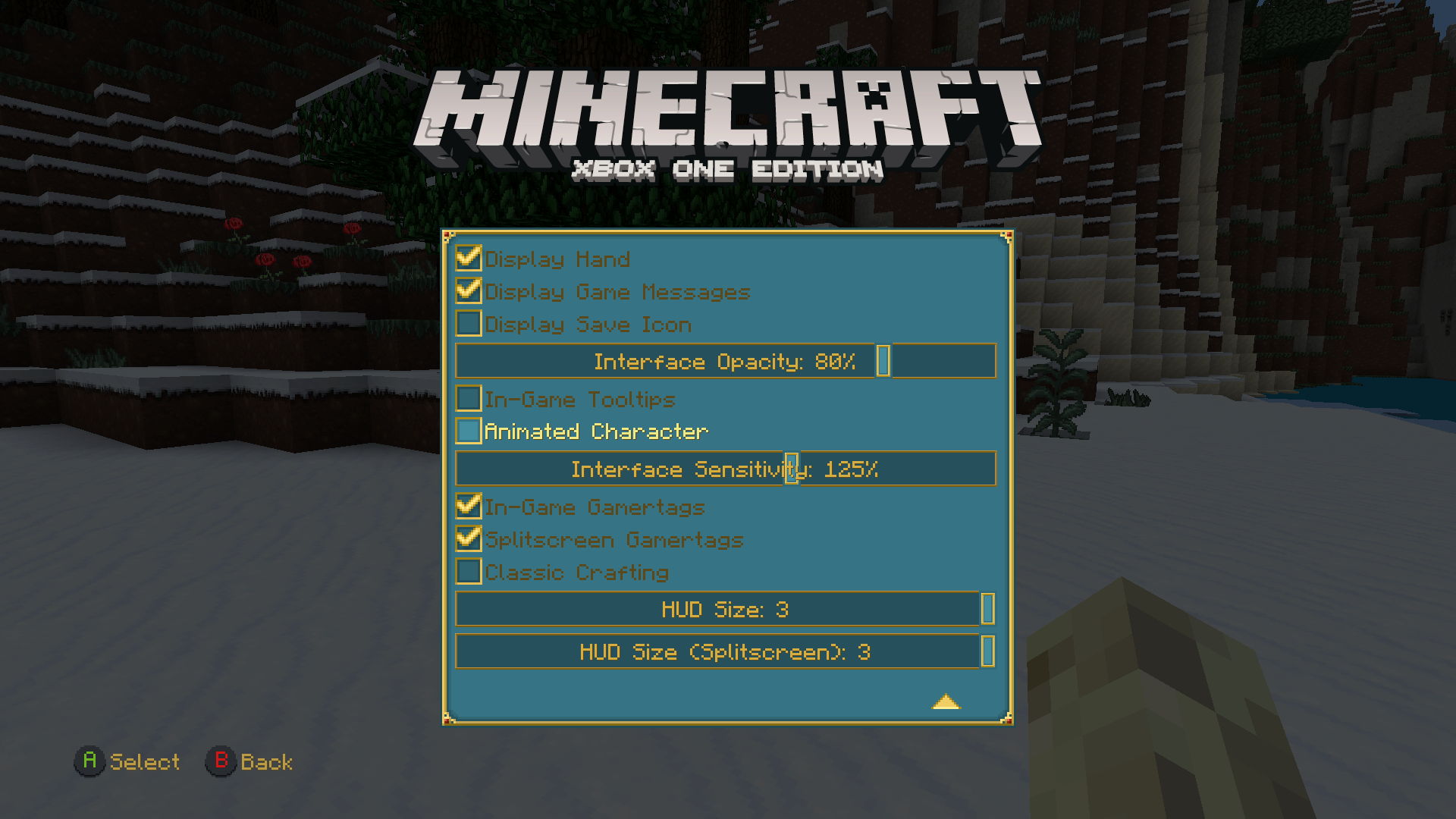
When using a controller on any Bedrock platform, turning feels strange and unnatural. I noticed this was due to the fact that when the right stick is pressed even a tiny amount, the camera moves quite fast with high sensitivity. This makes precision aiming way more difficult than it should be, especially when using bows and building redstone contraptions. An easy way to see the correct solution is to look to PS4 Edition. Even when sensitivity is at 200%, you can still easily adjust the camera a tiny bit.
Thismake cinematic videos and roleplays much easier to film, as well.To Reproduce
Hook up a controller on any Bedrock Edition platform, and load a world. When attempting to turn a small amount, the camera moves much quicker than it should.
When using a controller on any Bedrock platform, turning feels strange and unnatural. I noticed this was due to the fact that when the right stick is pressed even a tiny amount, the camera moves quite fast with high sensitivity. This makes precision aiming way more difficult than it should be, especially when using bows and building redstone contraptions. An easy way to see the correct solution is to look to PS4 Edition. Even when sensitivity is at 200%, you can still easily adjust the camera a tiny bit. If fixed, this would make cinematic videos and roleplays much easier to film, as well.
To Reproduce
Hook up a controller on any Bedrock Edition platform, and load a world. When attempting to turn a small amount, the camera moves much quicker than it should.
No SprintKeyfor ControllersNo Sprint Button for Controllers
I use two xbox ones, each in a different room of the house I live in. On the old Xbox One Edition, I could seamlessly sync worlds between the different consoles to play wherever I wanted. On the new version, no "Syncing data for Minecraft..." popup appears, although it claims to be syncing my data. When the world finishes "syncing," it loads the chunk I was in when I exited the game correctly, then a large circle of void around the one chunk, then new chunks around the void circle. It's one of the strangest bugs I've ever seen.
To Reproduce
Have the same profile on two different Xbox Ones. Download the Better Together version on both. Create a world on one of the consoles, then save it and close Minecraft. Sign out of your profile. Switch to the other Xbox One, and you should see the world you created on the world list. Select it, and when it loads, it should spawn the player in the same chunk they exited in, and then the area around will be a mix of void and new chunks.
Syncing Worlds Between Xboxes Corruptsthe WorldSyncing Worlds Between Xboxes Corrupts Chunks
This bug kind of ruins beacons entirely. They are meant to be able to mark a location from anywhere where the beacon is loaded, but this bug makes beacon beams only appear from around 50 blocks away.
\To Reproduce
Build a beacon. Walk away until it disappears but the chunks around it do not.
While traveling the Nether, little lava blocks can be found that aren't flowing when they should be. Updating them with a block will cause them to start flowing.
To Reproduce
Create a world with the seed 1602560007. Go to the Nether and teleport to my coordinates. (Coordinates are in the screenshot.)
Note - This is for Bedrock Edition. I'm using a texture pack to make the game look more like Java Edition.
While traveling the Nether, little lava blocks can be found that aren't flowing when they should be. Updating them with a block will cause them to start flowing.
To Reproduce
Create a world with the seed 1602560007. Go to the Nether and teleport to my coordinates. (Coordinates are in the screenshot.)
Note - This is for Bedrock Edition. I'm using a texture pack to make the game look more like Java Edition.
The Drowned's head is much larger on Bedrock Edition than Java. It looks similar to when a player wears their own head on Java Edition.
The Drowned's head is much larger on Bedrock Edition than Java. It looks similar to when a player wears their own head on Java Edition.
It should be similar in size to the Zombie's head, but is instead much larger.
Anti-aliasing is disabled in the screenshot below. This affects every block in the game.
To Reproduce
Walk up very close to any block.
Anti-aliasing is disabled in the screenshot below. This affects every block in the game.
This is actually version 1.6.0.1 but it's not an option above.To Reproduce
Walk up very close to any block.
In the default resources' "sounds.json", there are four triggers for wither skeletons: mob.witherskeleton.hurt, mob.witherskeleton.death, mob.witherskeleton.step, and mob.witherskeleton.say. In my resource pack, I added custom sounds and changed mob.witherskeleton.say to mob.witherskeleton.idle in both "sounds.json" and "sound_definitions.json". The images included show the JSON. In-game, however, the wither skeletons still use skeleton sounds, instead of the custom ones specifically for them.
All the sounds work when they're played with commands. The wither skeletons themselves are the issue.
-In the default resources' "sounds.json", there are four triggers for wither skeletons: mob.witherskeleton.hurt, mob.witherskeleton.death, mob.witherskeleton.step, and mob.witherskeleton.say. In my resource pack, I added custom sounds and changed mob.witherskeleton.say to mob.witherskeleton.idle in both "sounds.json" and "sound_definitions.json". The images included show the JSON. In-game, however, the wither skeletons still use skeleton sounds, instead of the custom ones specifically for them.
All the sounds work when they're played with commands. The wither skeletons themselves are the issue.-
Nevermind.
-In the default resources' "sounds.json", there are four triggers for wither skeletons: mob.witherskeleton.hurt, mob.witherskeleton.death, mob.witherskeleton.step, and mob.witherskeleton.say. In my resource pack, I added custom sounds and changed mob.witherskeleton.say to mob.witherskeleton.idle in both "sounds.json" and "sound_definitions.json". The images included show the JSON. In-game, however, the wither skeletons still use skeleton sounds, instead of the custom ones specifically for them.
All the sounds work when they're played with commands. The wither skeletons themselves are the issue.-
Nevermind.
In the default resources' "sounds.json", there are four triggers for wither skeletons: mob.witherskeleton.hurt, mob.witherskeleton.death, mob.witherskeleton.step, and mob.witherskeleton.say. In my resource pack, I added custom sounds and changed mob.witherskeleton.say to mob.witherskeleton.idle in both "sounds.json" and "sound_definitions.json". The images included show the JSON. In-game, however, the wither skeletons still use skeleton sounds, instead of the custom ones specifically for them.
All the sounds work when they're played with commands. The wither skeletons themselves are the issue.Nevermind.
-Wither skeleton sounds use incorrect triggers-
-Wither skeleton sounds use incorrecttriggers-Incprrect, ignore
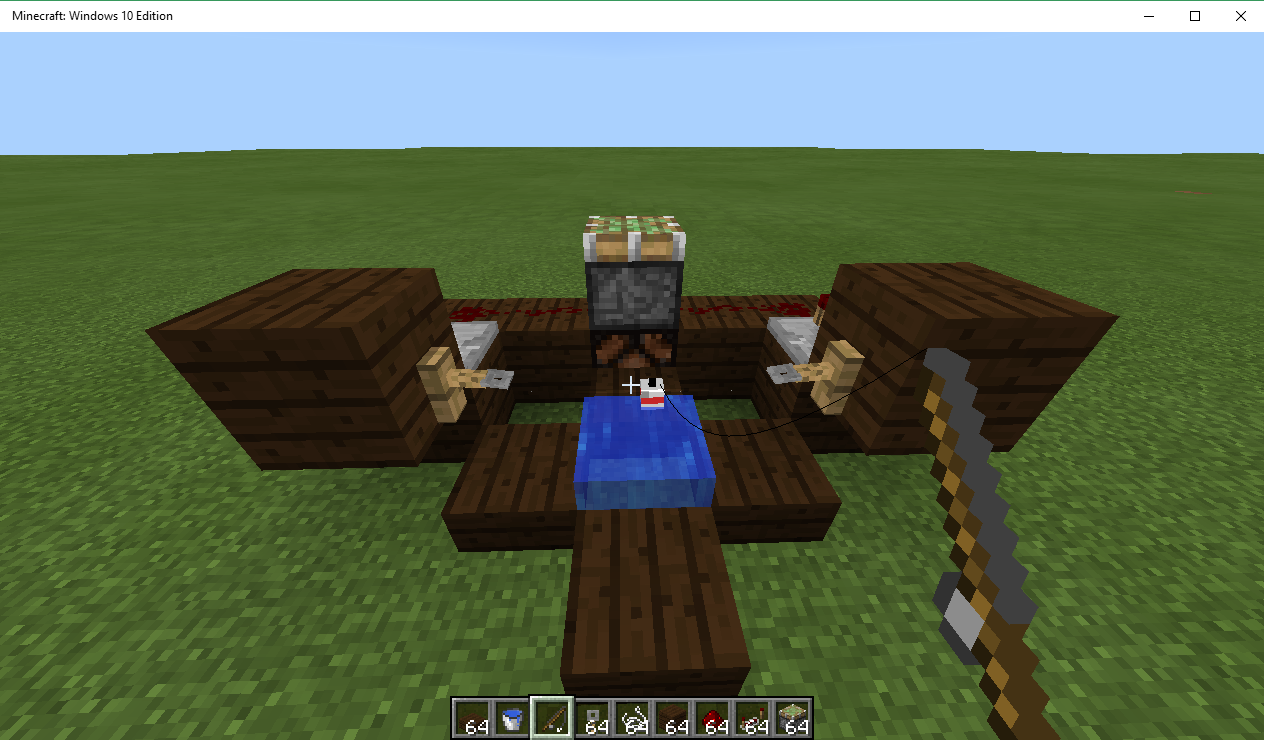
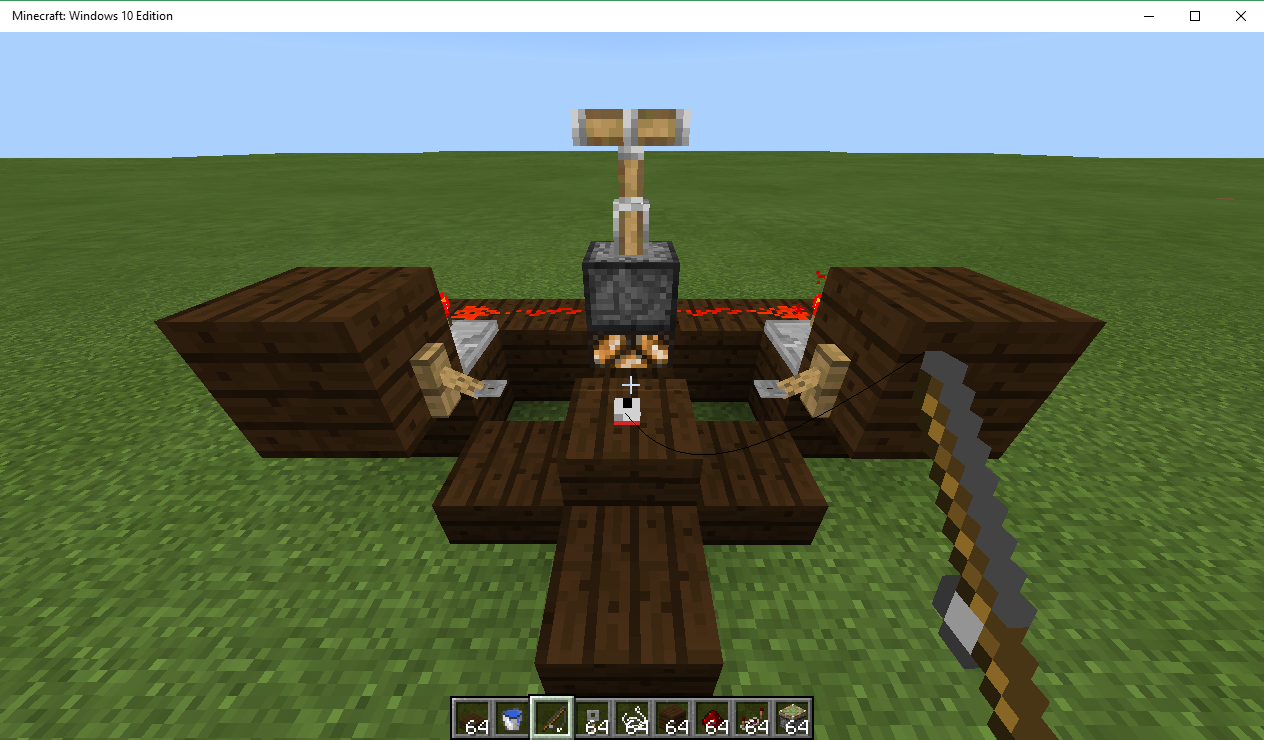
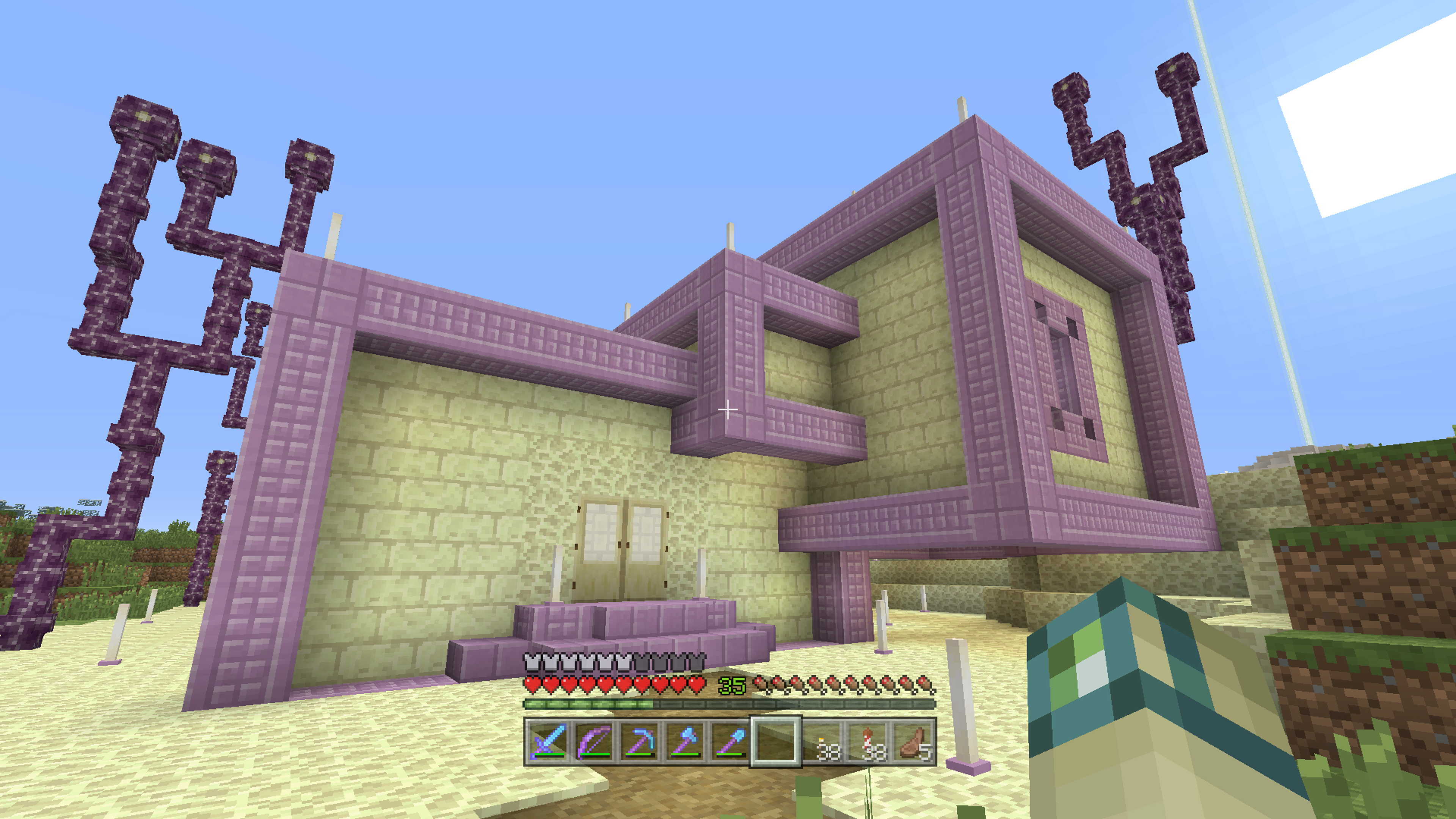
The purpur pillars lose their orientation when converted. On Xbox One, they're sideways, after conversion, they become vertical.
To Reproduce
Place sideways purpur pillars in a world on Xbox One Edition. Convert it to bedrock edition. The pillars have turned
sideways.The purpur pillars lose their orientation when converted. On Xbox One, they're sideways, after conversion, they become vertical.
To Reproduce
Place sideways purpur pillars in a world on Xbox One Edition. Convert it to bedrock edition. The pillars have turned vertical.
The developers have been
havinga hard time properlyremovingreferences to Pocket Edition from the game, but this splash text still appears.The developers have been trying to remove all references to the name Pocket Edition from the game, but this splash text still appears.
When trying to load up the game on even the Xbox One X, about 2/3 times it gives up and says "The game took too long to start"
This is considered a bug because the intent was to mimic a Console Edition feature but it was implemented incorrectly.
A special feature for Creative Mode allows players to gain height while holding the jump button. This is to make the elytra much more fun to use as you almost never need to land and can fly at ludicrous speeds forever. The feature was added to Bedrock during the 1.2 betas to match the Console Edition. However, one part of it was done incorrectly that almost entirely ruins its purpose. I'll try to explain the bug the best I can.
On Console Edition, when you hold the jump button while flying, your current vertical momentum is stored but not applied. Instead, a constant vertical gain equal to the speed of flying up in fly mode is added. No matter what way the player faces, the vertical gain will be the same. The vertical momentum changes will be stored but not applied, e.g. facing straight down while holding jump will still move the player upward and gain momentum. The momentum isn't applied until the player releases the jump button.
Horizontal momentum, however, is still calculated and applied normally. This means you can be looking down-forward to go very fast in a certain direction while not losing height. It adds a great feeling of speed to elytra flight.
The way it's handled on Bedrock Edition instead applies a constant upward momentum to the player. Instead of allowing the player the fly forward and go up, they will stop mid-air and float up slowly. When facing down, it can take a very long time for the momentum to actually change your direction. This takes away almost all the fun from elytra height gain with jump in Creative.
TL;DR: On Console Edition, the elytra height gain in Creative works a lot better than Bedrock, which is trying to emulate it.
This is considered a bug because the intent was to mimic a Console Edition feature but it was implemented incorrectly.
A special feature for Creative Mode allows players to gain height while holding the jump button. This is to make the elytra much more fun to use as you almost never need to land and can fly at ludicrous speeds forever. The feature was added to Bedrock during the 1.2 betas to match the Console Edition. However, one part of it was done incorrectly that almost entirely ruins its purpose. I'll try to explain the bug the best I can.
On Console Edition, when you hold the jump button while flying, your current vertical momentum is stored but not applied. Instead, a constant vertical gain equal to the speed of flying up in fly mode is added. No matter what way the player faces, the vertical gain will be the same. The vertical momentum changes will be stored but not applied, e.g. facing straight down while holding jump will still move the player upward
andgain momentum. The momentum isn't applied until the player releases the jump button.Horizontal momentum, however, is still calculated and applied normally. This means you can be looking down-forward to go very fast in a certain direction while not losing height. It adds a great feeling of speed to elytra flight.
The way it's handled on Bedrock Edition instead applies a constant upward momentum to the player. Instead of allowing the player the fly forward and go up, they will stop mid-air and float up slowly. When facing down, it can take a very long time for the momentum to actually change your direction. This takes away almost all the fun from elytra height gain with jump in Creative.
TL;DR: On Console Edition, the elytra height gain in Creative works a lot better than Bedrock, which is trying to emulate it.
This is considered a bug because the intent was to mimic a Console Edition feature but it was implemented incorrectly.
A special feature for Creative Mode allows players to gain height while holding the jump button. This is to make the elytra much more fun to use as you almost never need to land and can fly at ludicrous speeds forever. The feature was added to Bedrock during the 1.2 betas to match the Console Edition. However, one part of it was done incorrectly that almost entirely ruins its purpose. I'll try to explain the bug the best I can.
On Console Edition, when you hold the jump button while flying, your current vertical momentum is stored but not applied. Instead, a constant vertical gain equal to the speed of flying up in fly mode is added. No matter what way the player faces, the vertical gain will be the same. The vertical momentum changes will be stored but not applied, e.g. facing straight down while holding jump will still move the player upward but gain downward momentum. The momentum isn't applied until the player releases the jump button.
Horizontal momentum, however, is still calculated and applied normally. This means you can be looking down-forward to go very fast in a certain direction while not losing height. It adds a great feeling of speed to elytra flight.
The way it's handled on Bedrock Edition instead applies a constant upward momentum to the player. Instead of allowing the player the fly forward and go up, they will stop mid-air and float up slowly. When facing down, it can take a very long time for the momentum to actually change your direction. This takes away almost all the fun from elytra height gain with jump in Creative.
TL;DR: On Console Edition, the elytra height gain in Creative works a lot better than Bedrock, which is trying to emulate it.
This is a bit hard to explain, but here goes.
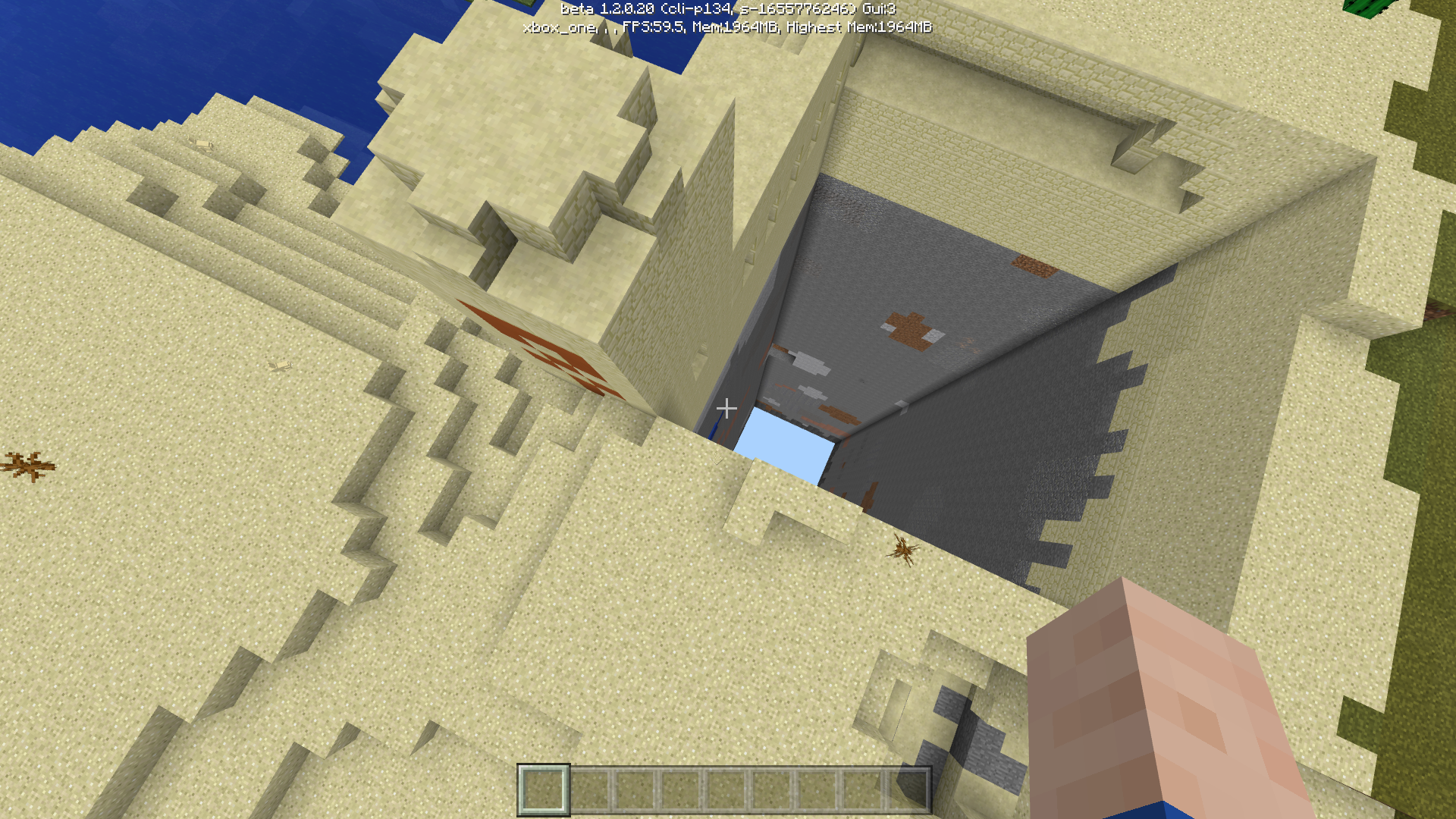
Back in pre-TU46 on Console Edition, you were able to access the top of the Nether and build up there. Post-TU46, you were not able to move around but could still teleport around with Ender Pearls. After a later update, all ender pearls spawned above y=128 are terminated instantly, and blocks above 128 can no longer be placed or destroyed. Entities cannot interact with blocks up there either, meaning that you cannot destroy or alter anything above the top bedrock on Console Edition.
Pre-TU46, I created a Nether Portal above the top bedrock in the Nether. On Console Edition, no Nether Portals above y=128 could ever be exited, only entered to return to the overworld. I assumed this would be problematic when converting to Bedrock Edition as the Nether's height limit is 128 instead of 256, but it just erased all the blocks up there.
Problem is, any Nether Portal I place in the overworld on Bedrock Edition that's above y=128 now links to the exact spot where the Nether Portal used to be on Console Edition. I can't destroy it on Console Edition because there's no possible way to. Believe me, I tried glitching a ghast into the bedrock to break the portal. It didn't work.
I can't destroy the portal on Bedrock Edition either, since no blocks actually exist up there. The only way to even prove that a portal exists up there is to use one from the overworld that teleports me into an empty field.
To Fix
The easiest fix would be to disallow any portals from teleporting a player into a position above y=128 in the Nether. The more solid solution would be to attempt to find why the game still registers blocks placed above the max height in the Nether after Console Edition conversion.
In-Game Underwater Hurt Sound Doesn't Respect Resource Pack Choice
What I Expected
Changing this spot in the sounds.json document with a resource pack would change the player drowning sound to whatever new sound chosen to replace it.
What Happened
Changing this spot does not affect the drowning sound for any entity. The sound isn't even taken from the "hurt" section, but instead from the "game.player.hurt" sound, meaning it's impossible to change the sound for one mob without changing it for all of them.
To Fix
Make the sound chosen in the "hurt.in.water" entrybe the one that is played while an entitytakesdrowning damage.What I Expected
Changing this spot in the sounds.json document with a resource pack would change the player drowning sound to whatever new sound chosen to replace it.
What Happened
Changing this spot does not affect the drowning sound for any entity. The sound isn't even taken from the "hurt" section, but instead from the "game.player.hurt" sound, meaning it's impossible to change the sound for one mob without changing it for all of them.
To Reproduce
Change the sound chosen in the "hurt.in.water" entry with a resource pack. Go into a world with the pack applied and go underwater until you take drowning damage. The sound you chose to play will not be the one playing.
I'll try to find a way to send skin, as I'm on mobile, but for now here are some things I'd like to note:
My skin has no transparent parts.
Pressing confirm doesn't show a black skin as my new skin, it just shows Steve.
I hope that helps!
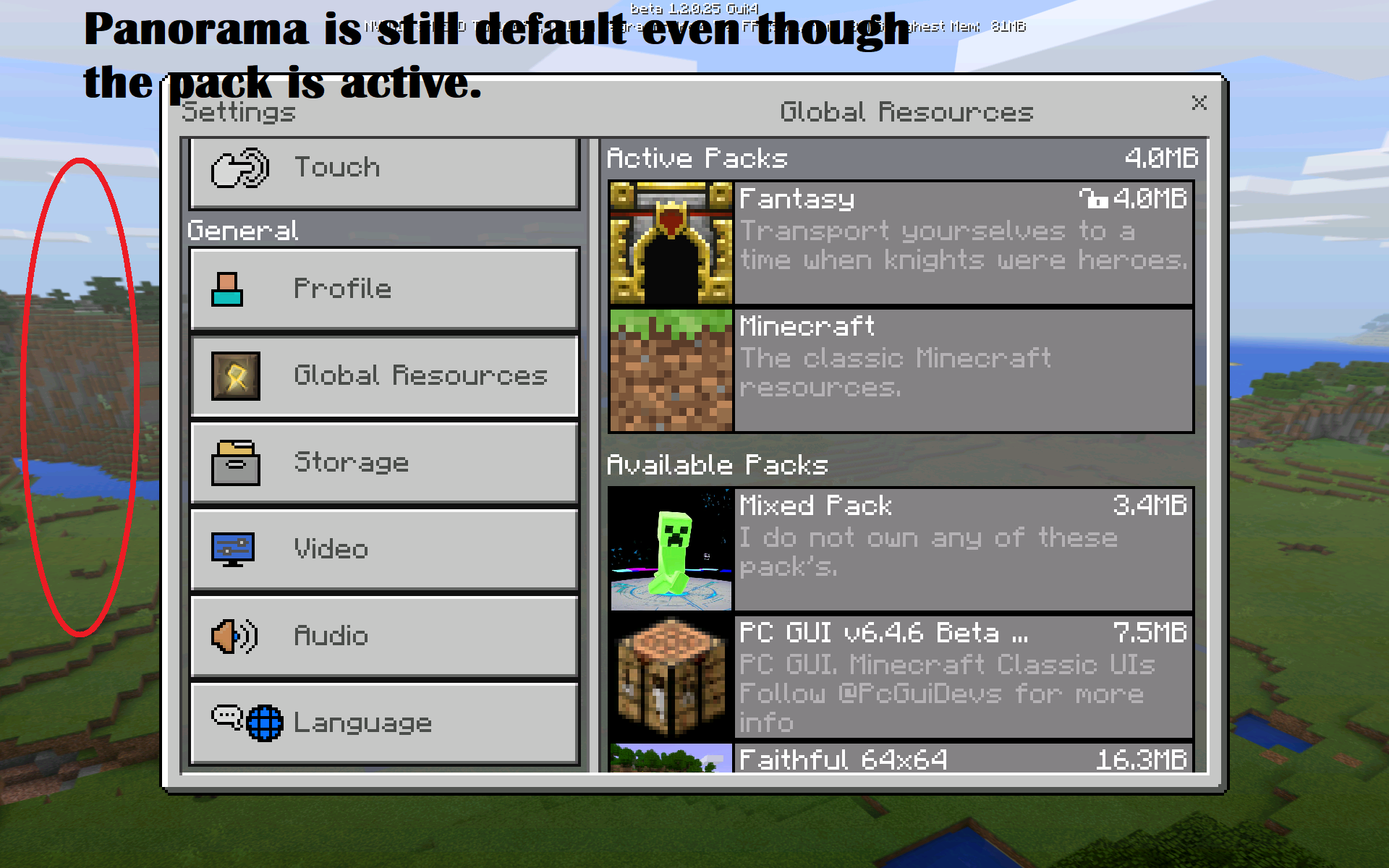
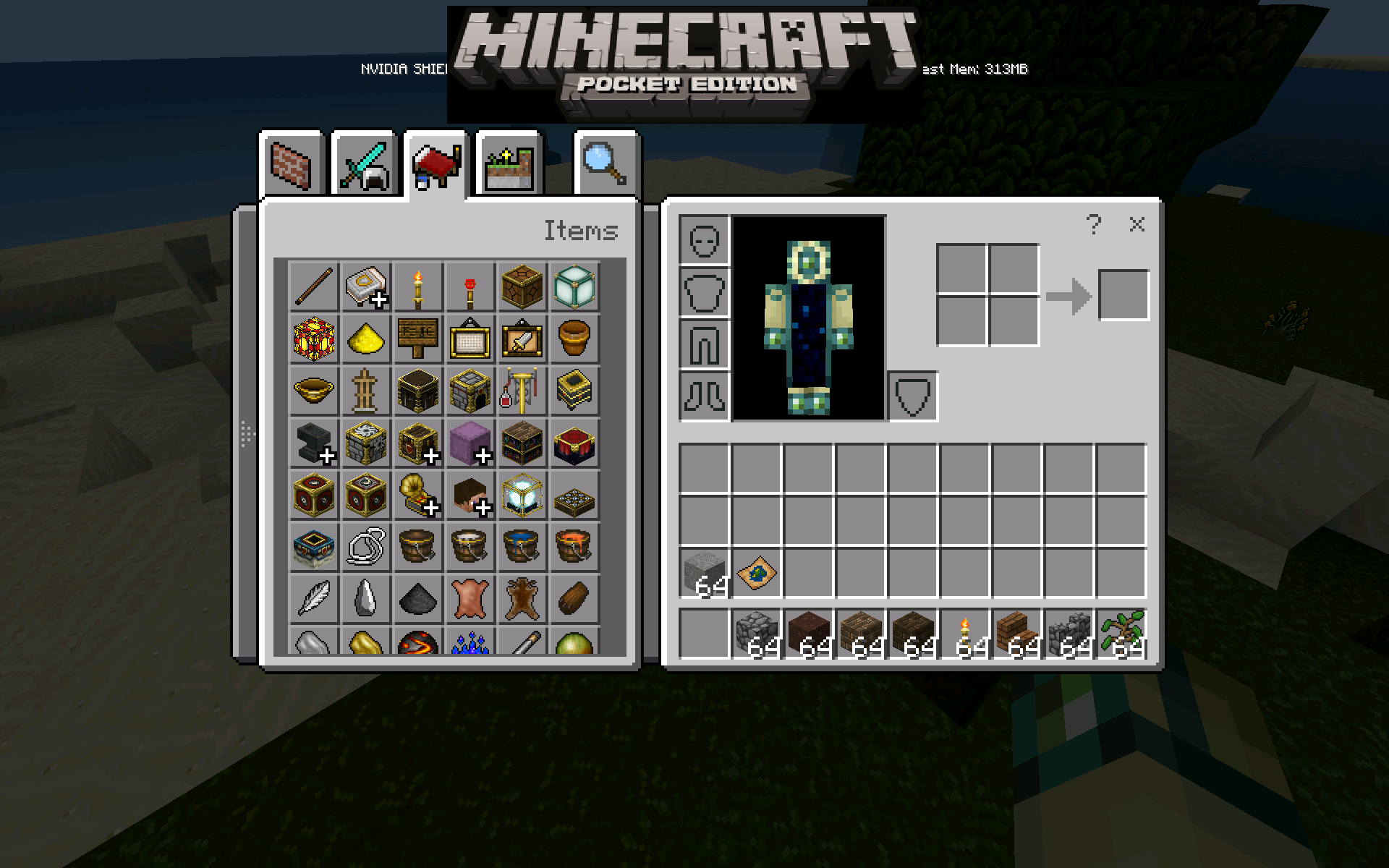
The texture pack is called PC GUI, if you're wondering.
Incorrect, Pick Block works in survival, but only on items you currently have in your inventory.
This is honestly one of the funniest bugs I've ever seen.
The lighting from light sources (not day light, only light sources like torches and glowstone) was green-tinted on old console edition, but now default white on Bedrock.
Still not resolved in the 1.2.6 Beta.
To Reproduce
Build a beacon. Walk away until it disappears but the chunks around it do not.
If you are adding a fireworks star, this is an intended feature. If no fireworks star was added, so it's a blank firework, then it's a bug.
You should split this into many different reports, as the mods close reports with multiple bugs in them.
This bug needs to be fixed ASAP, along with the typing behind / for commands.
Are you sprinting? Sprinting causes the animation to trigger.
This was fixed in the most recent Beta.
This is caused by the way horses grow. When a horse grows, its model slowly gets larger and can end up pushing into walls if the horse doesn't move around.
Haven't experienced it in the latest release, likely fixed.
You should separate this into lots of different bug reports. One huge report is harder to manage.
There's no confirmation, there needs to be a way to password-protect it to make sure you don't click it by accident.
This is still an issue. On Xbox One Edition, you can turn much slower with higher sensitivity by pressing the stick less. On Bedrock, there's a larger zone where no input happens, then suddenly it activates and moves faster, making super precise actions, e.g. pushing a button behind a chest, very difficult.
Yeah, this is really annoying and I hope it gets fixed soon.
This can be seen in this video: https://www.youtube.com/watch?v=BWqys2HGR4M&t=0s
This bug is four years old, how hasn't it been fixed?
I have this same issue.
Confirmed for 1.14.0.2 beta. This is very much still a problem.