 Daniel Baldwin
- asup759
- asup759
- Europe/Stockholm
- Yes
- No
 MC-18570



Put the summary of the bug you're having here
What I expected to happen was...:
The game would not crash, and the resource pack would be loadedWhat actually happened was...:
The game crashed when I converted the texture pack to a resource pack, while still having the Resource Packs menu openSteps to Reproduce:
1. Open the Resource Packs menu by Options -> Resource Packs
2. Convert any texture pack (oCd 1.5 by Disco was used) to resource pack using the converter
3. Move the folder of converted texture pack to resource pack folder (.minecraft\resourcepacks)
4. Attempt to switch to the newly converted resource pack
When I start the game, the title screen is too small compared to the rest of the window, which is black. This seems to be proportional to the window size. The buttons do not appear selected when you mouse over where they are, but rather where they would be if the title screen was at a normal size. This is my first launch of 13w38a.
Note: The white square in the screenshot is a result of the cursor being hidden when windows takes a screenshot.EDIT: This is NOT a duplicate of
MC-13661. The visual for the title screen is a square in this bug, but it is the default rectangle inMC-13661. Also, this only occurs at the title screen, other submenus of the title screen such as options and singleplayer are at their normal resolution. I'm not sure if this can be unmarked as resolved, but I would like it to be.
When a block such as stairs are placed, they usually face the way the player is facing, so that is what I expected to happen. However, when I placed the block (spruce wood stairs in question), they were all facing west, (the back of the stairs were on the west side) with a damage value of 0.
-When logs are attempted to be placed in any direction, the game crashes (crash report attached, says something about there being no axis? logs can be placed fine with directional orientation with /setblock however)
-With dispensers and droppers, there seems to be issues as well where they usually face a different direction, but it seems to be server-side as there is some latency. They usually face south.
-Trapdoors, both wood and iron, are also always put on the block south of them, and if there is no such block, then they will break when updated.
-All stairs behave the same way, always with the back to the west.
-Doors sometimes have the same problems as dispensers, but much less frequently.
-Redstone repeaters, comparators, pumpkins, and jack-o-lanterns face the opposite way they should be when placed.
-Buttons, pistons, hoppers, torches, redstone torches, levers, tripwire hooks, furnaces, chests, ladders, and hay bales are unaffected.This is all likely to "rewrote how block data is handled".
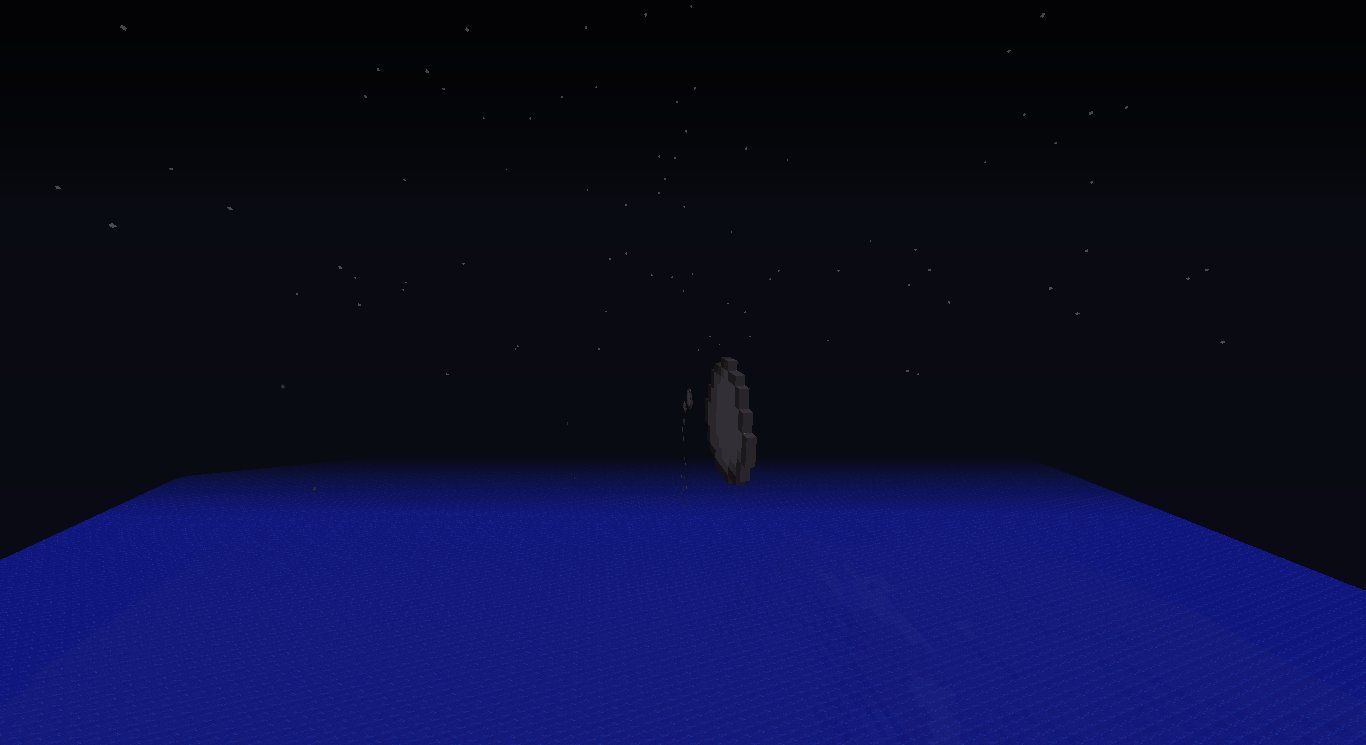
When you normally throw a snowball, you can usually see it as a circle from all sides.
What ended up happening was the snowball was rendered like an actual 3-D object that follows modern-day Newtonian physics. However, it was not rendered like a sphere, but rather as a flat circle, similarly to how items are rendered in Fancy mode, but not spinning. This happens in both Fast and Fancy modes.E
xamples are attached.When you normally throw a snowball, you can usually see it as a circle from all sides.
What ended up happening was the snowball was rendered like an actual 3-D object that follows modern-day Newtonian physics. However, it was not rendered like a sphere, but rather as a flat circle, similarly to how items are rendered in Fancy mode, but not spinning. This happens in both Fast and Fancy modes.EDIT: Same thing happens with eggs.
Examples are attached.
What I expected to happen was when I set the command on a clock "execute @p ~ ~ ~ setblock ~ ~-1 ~ planks 0 replace dirt" that it would only replace dirt blocks with planks.
What happened was it replaced every block with planks.
After further testing, this also happens with the fill command and the setblock command (as opposed to only happening when used in combination with /execute).It seems that setblock doesn't have a thing that will replace certain blocks, my bad. Fill is unaffected by this, I must have tested it wrong.
What I expected to happen was when I set the command on a clock "execute @p ~ ~ ~ setblock ~ ~-1 ~ planks 0 replace dirt" that it would only replace dirt blocks with planks.
What happened was it replaced every block with planks.
After further testing, this also happens with the fill command and the setblock command (as opposed to only happening when used in combination with /execute).
replace parameterfor setblock and fill not working properlyreplace parameter not working properly for setblock (RETRACTED)

I can confirm what Daniel Baldwin already said before: the client uses the y-coordinate as x-coordinate. To check this, place an item frame at 0 4 0 and it will end up at 4 4 0. Place one at 3 5 8 and it will end up at 5 5 8. One placed at 6 5 8 will also end up at 5 5 8. One placed at 3 3 7 will appear at the correct spot. Note that the coordinates are about the block where the frame is placed IN and NOT the block where they're placed ON. The same goes for leash knots.
EDIT: You might want to add something like this to the description so it explains the issue better.
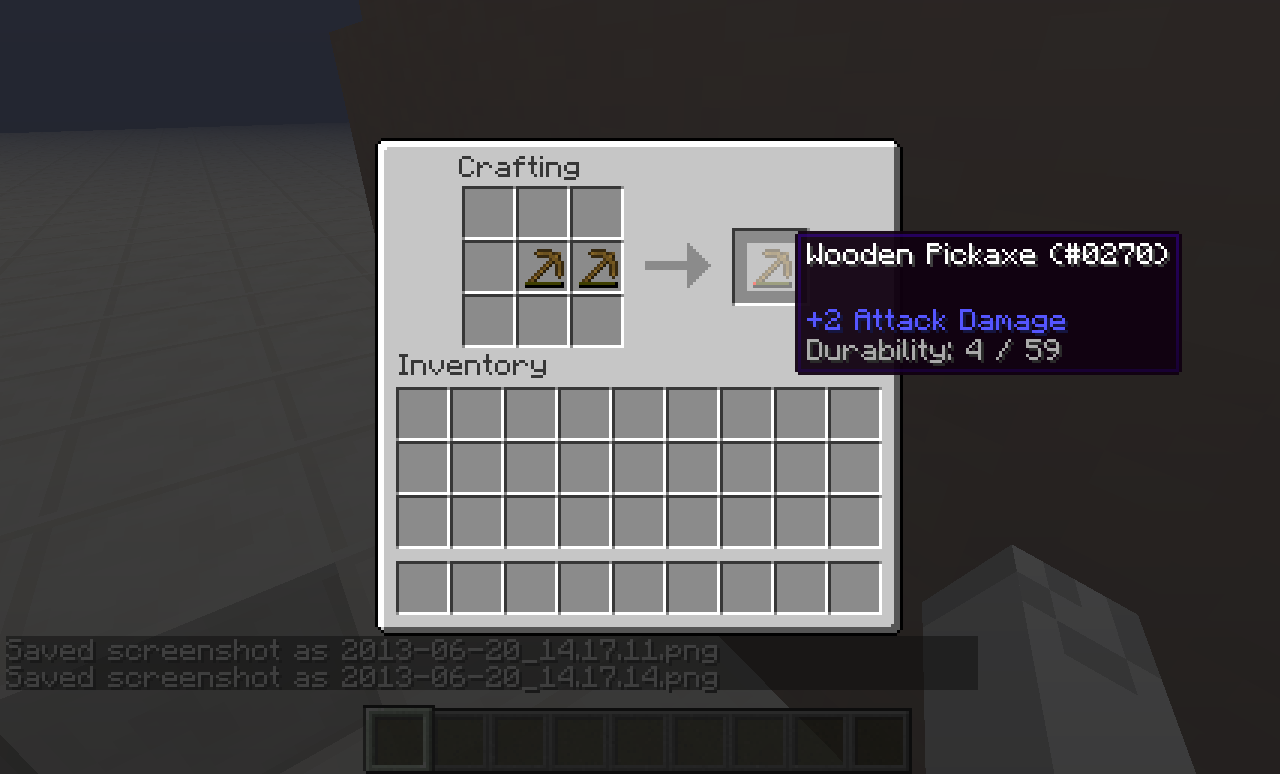
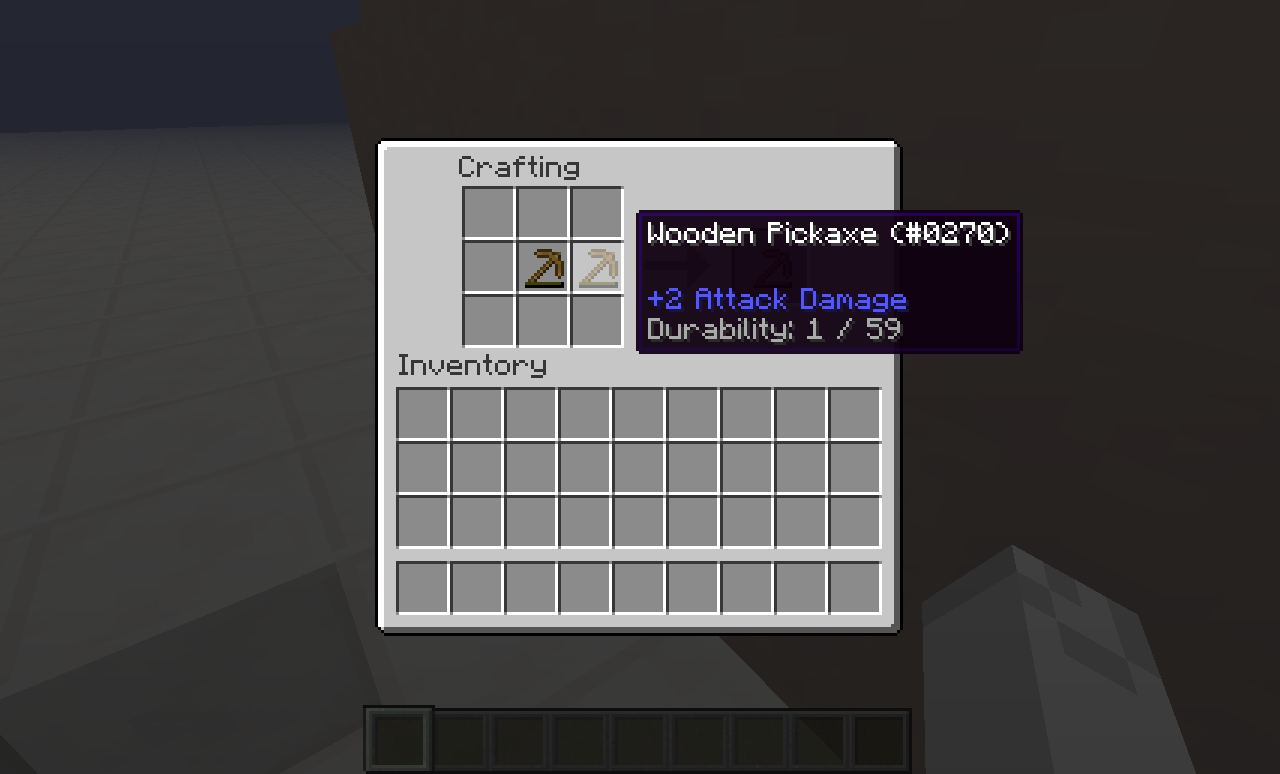
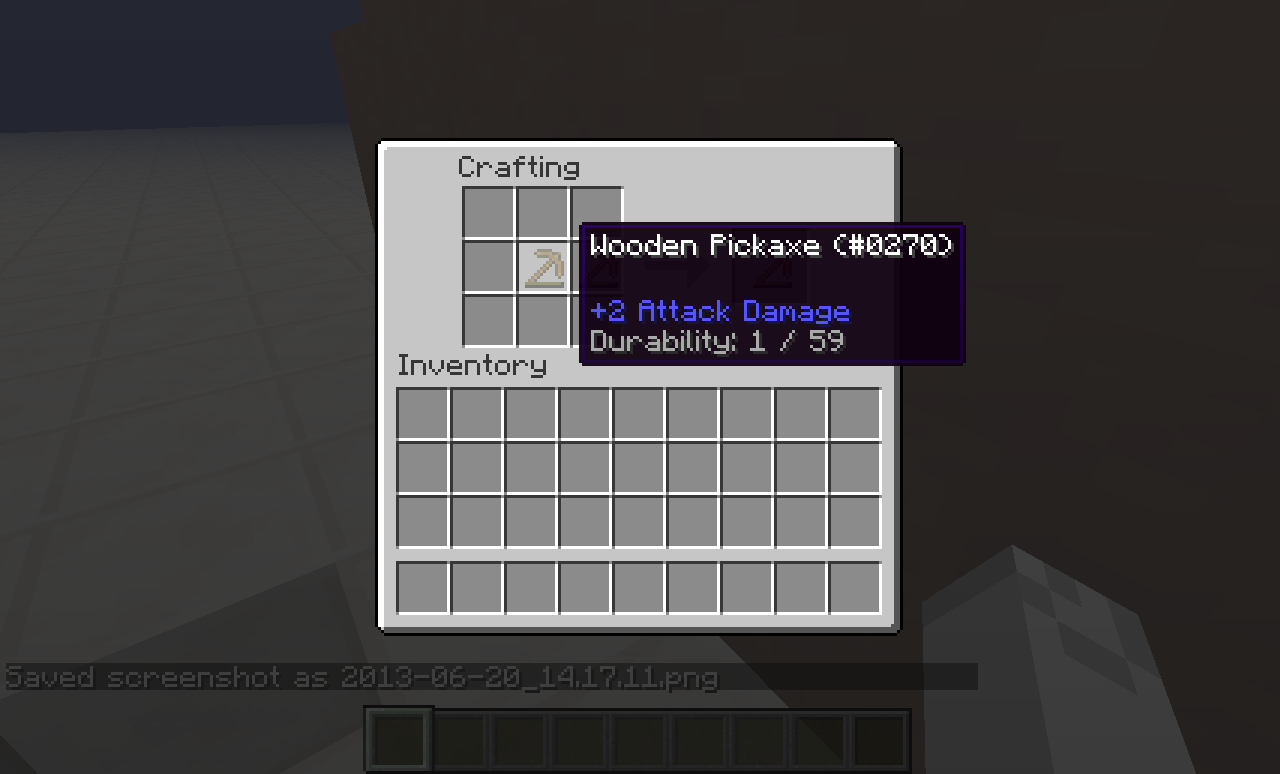
Hmm... perhaps this could be improved? Maybe the resulting durability would only go up while crafting if one or both of the tools are enchanted? Theoretically if they weren't enchanted, it could be exploited to saving materials.
I should really remind myself to look at the wiki before posting a bug report.
@Talven81 This is not a duplicate of
MC-13661. I haven't changed the window resolution at all when this happens. I get the Mojang screen, and then this happens. Note that the title screen forMC-13661has normal length-width proportions, that of the default window size. This time, the (visual) title screen is in a square, and not the right length-width proportions. I believeMC-13661is for most recent versions, while this only happens with 13w38a.I also did use the search function with "13w38a screen resolution title screen", and I got no results.
If this is not unmarked, then I will probably make a new report with additional information pertaining to why this is not a duplicate of
MC-13661.@Kumasasa I see how the original bug report escaped my searching. At least it was marked as the right duplicate this time. Additionally, I am sorry for creating another issue, as I was unsure whether issues could be reopened.
I am having the same issue. Using NBTExplorer, I noted that my coordinates were at -92, 114, -9. I think that this issue may be related to the positioning of the player, but I'm not sure.
EDIT: Using NBTExplorer to change my coordinates did nothing, after checking again, they were back to the original coordinates.
I can confirm that this happens also in creative mode, and to most blocks (not all were tested).
Ah, I see now. I guess I should just use a fill instead like "/execute @p ~ ~ ~ fill ~ ~-1 ~ ~ ~-1 ~ planks 0 replace dirt". Thanks
The x coordinate that they appear at is always the same as their y coordinate. So the code that displays them must be reading their y coordinate when figuring out what x coordinate to render them at.
They can also spawn in trees and get stuck- this is notable in the large oak trees where they spawn on top of a log and get stuck in the leaves
