 Bryan
Bryan
- BOSS5224
- boss5224
- America/Los_Angeles
- Yes
- No
 MCPE-2992














Put the summary of the bug you're having here
What I expected to happen was...:
For the gold to last the same as the pc version.What actually happened was...:
A gold pickaxe I made started wearing out very quickly.Steps to Reproduce:
1. Make a gold pickaxe
2. Mine at least 8 blocks and look at the pickaxe's durability bar.
3. It will be around 80% already.In the attachments, it begins with a new pickaxe and I will mine 10 blocks of cobblestone. Watch the pickaxe's durability bar in these attachments.
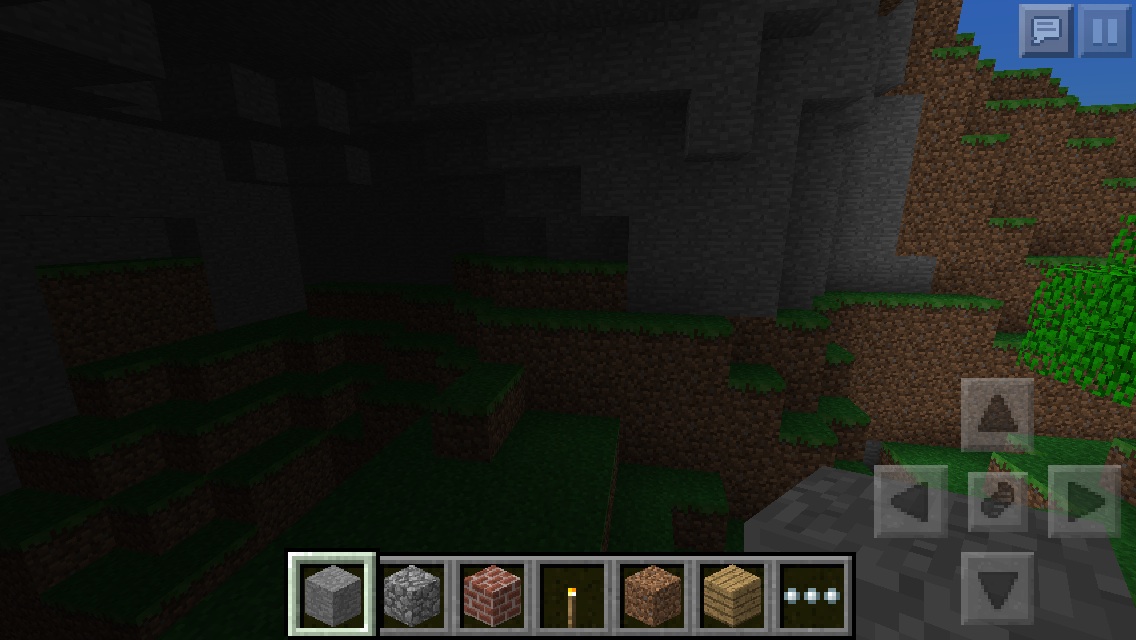
- In the first picture, it shows 10 cobblestone and a new gold pickaxe.
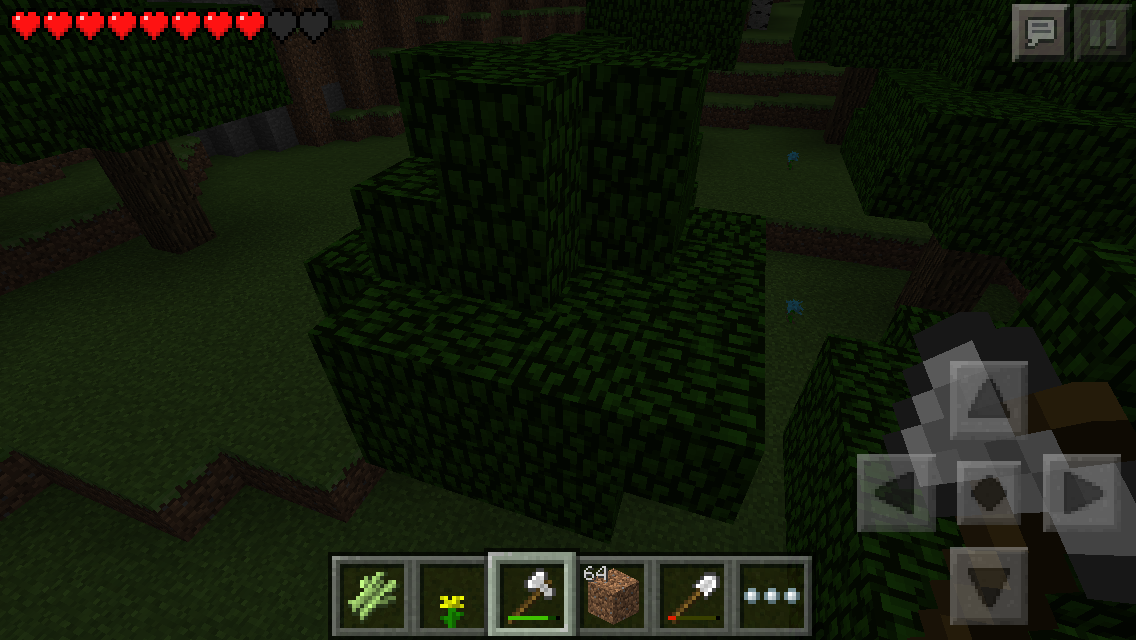
- In the second picture, I mined 2 cobblestone blocks and the pickaxe
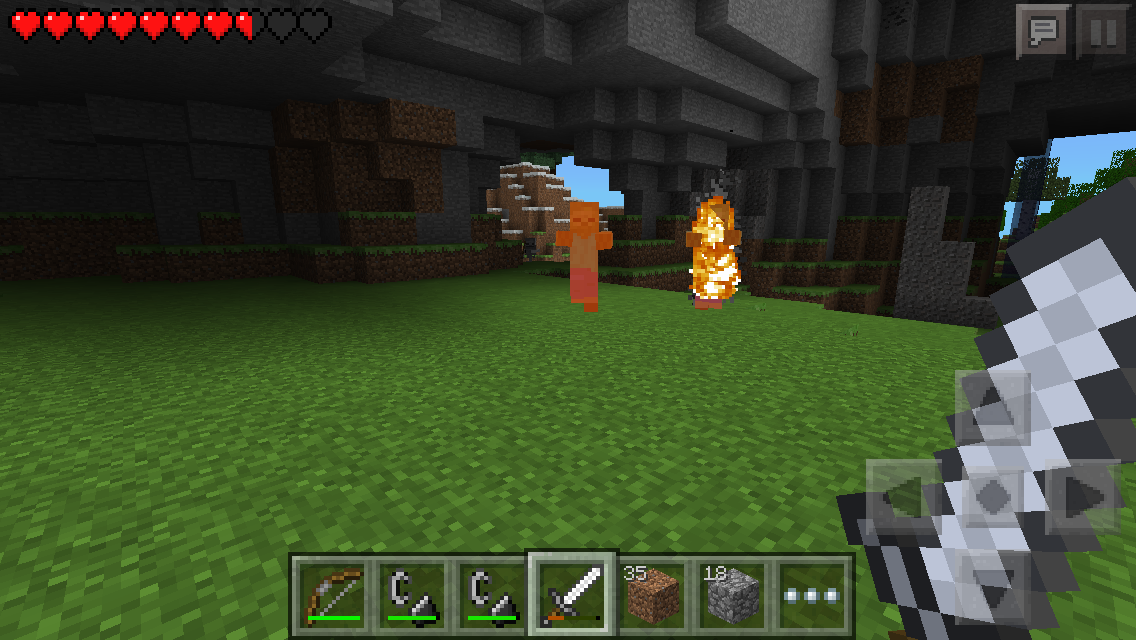
shows thedurability bar.- In the third, I mined 6 blocks and the bar is already to around 90%
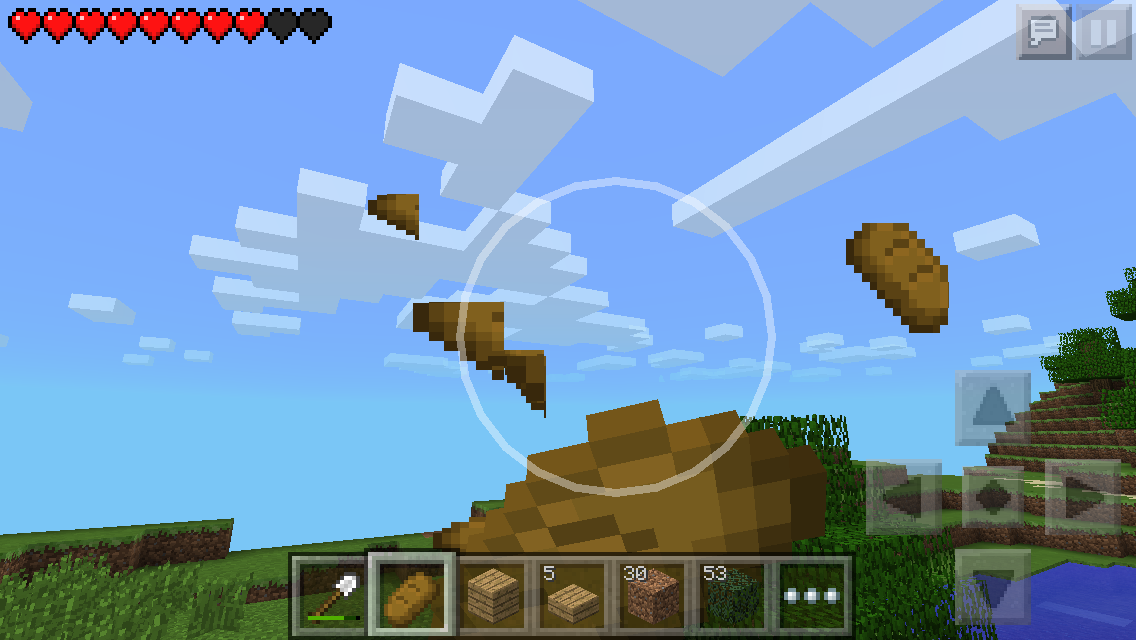
In the fourth, I mined the rest (2 blocks) and the bar is already to about 80%Put the summary of the bug you're having here
What I expected to happen was...:
For the gold to last the same as the pc version.What actually happened was...:
A gold pickaxe I made started wearing out very quickly.Steps to Reproduce:
1. Make a gold pickaxe
2. Mine at least 8 blocks and look at the pickaxe's durability bar.
3. It will be around 80% already.In the attachments, it begins with a new pickaxe and I will mine 10 blocks of cobblestone. Watch the pickaxe's durability bar in these attachments.
- In the first picture, it shows 10 cobblestone and a new gold pickaxe.
- In the second picture, I mined 2 cobblestone blocks and the pickaxe's durability bar is already about 95%
- In the third, I mined 6 blocks and the bar is already to around 90%
In the fourth, I mined the rest (2 blocks) and the bar is already to about 80%
Put the summary of the bug you're having here
What I expected to happen was...:
For the gold to last the same as the pc version.What actually happened was...:
A gold pickaxe I made started wearing out very quickly.Steps to Reproduce:
1. Make a gold pickaxe
2. Mine at least 8 blocks and look at the pickaxe's durability bar.
3. It will be around 80% already.In the attachments, it begins with a new pickaxe and I will mine 10 blocks of cobblestone. Watch the pickaxe's durability bar in these attachments.
- In the first picture, it shows 10 cobblestone and a new gold pickaxe.
- In the second picture, I mined 2 cobblestone blocks and the pickaxe's durability bar is already about 95%
- In the third, I mined 6 blocks and the bar is already to around
90%
In the fourth, I mined the rest (2 blocks) and the bar is already to about 80%Put the summary of the bug you're having here
What I expected to happen was...:
For the gold to last the same as the pc version.What actually happened was...:
A gold pickaxe I made started wearing out very quickly.Steps to Reproduce:
1. Make a gold pickaxe
2. Mine at least 8 blocks and look at the pickaxe's durability bar.
3. It will be around 80% already.In the attachments, it begins with a new pickaxe and I will mine 10 blocks of cobblestone. Watch the pickaxe's durability bar in these attachments.
- In the first picture, it shows 10 cobblestone and a new gold pickaxe.
- In the second picture, I mined 2 cobblestone blocks and the pickaxe's durability bar is already about 95%
- In the third, I mined 6 blocks and the bar is already to around 85%
In the fourth, I mined the rest (2 blocks) and the bar is already to about 80%
When I was playing on a Survival Games server, I took 2 bows quickly and they ended up stacking up on a single inventory slot.
What I expected to happen was...:
For the 2 bows to have their own slot, like one bow on one slot, another bow on anotherWhat actually happened was...:
The 2 bows were stackableSteps to Reproduce:
1. Put a step by step guide on how to trigger the bug here
2. ...
3. ...When I was playing on a Survival Games server, I took 2 bows quickly and they ended up stacking up on a single inventory slot.
What I expected to happen was...:
For the 2 bows to have their own slot, like one bow on one slot, another bow on anotherWhat actually happened was...:
The 2 bows were stackableIn the attachment below, you can see in the inventory slots that there are 2 bows stacked in one slot.
Over times, the game's settings reset for some reason
andmy username changes to "game_difficulty".What I expected to happen was...:
For the settings to stay the way they wereWhat actually happened was...:
The settings reset for some reasonSteps to Reproduce:
1. Put a step by step guide on how to trigger the bug here
2. ...
3. ...Over times, the game's settings reset and go crazy for some reason. Like, my username changes to "game_difficulty" and the D-pad size gets really big.
What I expected to happen was...:
For the settings to stay the way they wereWhat actually happened was...:
The settings reset for some reasonSteps to Reproduce:
1. Put a step by step guide on how to trigger the bug here
2. ...
3. ...
The game settings resetautomaticallyOptions get out of control!
If you look at the Armor menu, and get hurt while wearing armor, the armor will surround the body part in a strange colored block.
What I expected to happen was:
Nothingto happenwhen I got hurt while looking at the Armor menu and wearing armor.What actually happened was:
For me, I was only wearing a simple leather cap as armor and when I got hurt by a zombie while looking at the armor menu, Steve's head was surrounded in a strange translucent red block and the slot for the "head armor" was colored in dark red.Steps to Reproduce:
1. Put on armor
2. Let a hostile mob approach you
3. Go to the armor menu before you get hurt by the mob
4. Look at Steve when he is hurt.
You caninteractfrom inside windowsYou can place blocks from inside windows
Whenever there's more than one mob on fire by sunlight, only one mob can be on fireat a time.What I expected to happen was:
For every mob to have fire on them.What actually happened was:
Only one mob was able to have fire at a time.Steps to Reproduce:
1. Lead at least 2 zombies to the sunlight at the same time.
2. Look at the zombies while they're burning.Only one mob can show the fire effect at a time.
What I expected to happen was:
For every mob to have fire on them.What actually happened was:
Only one mob was able to have fire at a time.Steps to Reproduce:
1. Lead at least 2 zombies to the sunlight at the same time.
2. Look at the zombies while they're burning.
Using food STILL punches blocksEating food STILL punches blocks
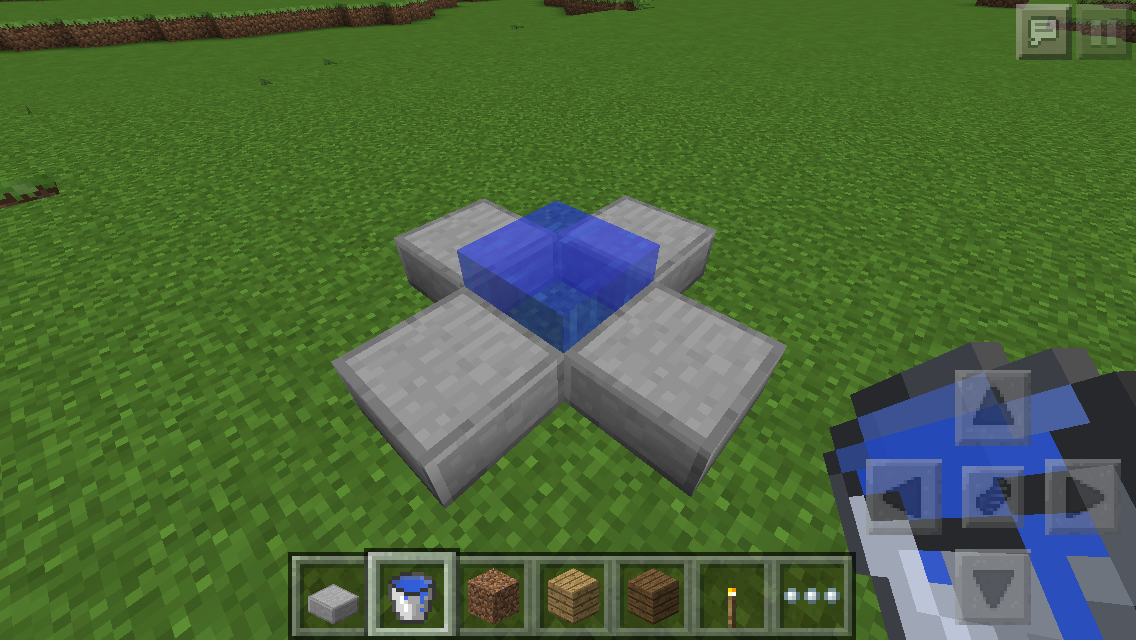
When you walk through the structure shown
below, flying is automatically enabled. (Creative Only)Expectation:
To just simply walk through it with no problems.What happened:
Once I touched the water of the structure, I started flying.Steps:
1. Build the simple structure shown in the attachment.
2. Walk through it.
3. Flying mode will be enabled automatically.When you walk through the structure shown in the attachment, flying is automatically enabled. (Creative Only)
Expectation:
To just simply walk through it with no problems.What happened:
Once I touched the water of the structure, I started flying.Steps:
1. Build the simple structure shown in the attachment.
2. Walk through it.
3. Flying mode will be enabled automatically.
Block Highlight Glitch (z-fighting)
When you look straight down at the ground while walking when Split-Touch Controls are turned on, the block
s that are highlighted look static-y. (This bug also works without Split-Touch controls)Expectation:
For the block to besolidly highlighted.What happened:
Theblock'shighlight isall static.Steps:
1. Turn on Split-Touch controls (it also works without it, but for these steps it needs to be turned on)
2. Look straight down at the ground
3. Start walking and look carefully at the block highlight.When you look straight down at the ground while walking when Split-Touch Controls are turned on, the block highlight "z-fights" the block. (This bug also works without Split-Touch controls)
Expectation:
For the block to be completely highlightedWhat happened:
The highlight is "z-fighting" the blockSteps:
1. Turn on Split-Touch controls (it also works without it, but for these steps it needs to be turned on)
2. Look straight down at the ground
3. Start walking and look carefully at the block highlight.
When you look straight down at the ground while walking when Split-Touch Controls are turned on, the block highlight "z-fights" the block. (This bug also works without Split-Touch controls)
Expectation:
For the block to be completely highlightedWhat happened:
The highlight is "z-fighting" the blockSteps:
1. Turn on Split-Touch controls (it also works without it, butfor these steps it needs to beturned on)
2. Look straight down at the ground
3. Start walking and look carefully at the block highlight.When you look straight down at the ground while walking when Split-Touch Controls are turned on, the block highlight "z-fights" the block. (This bug also works without Split-Touch controls)
Expectation:
For the block to be completely highlightedWhat happened:
The highlight is "z-fighting" the blockSteps:
1. Turn on Split-Touch controls (it also works without it, but it's more visible when turned on)
2. Look straight down at the ground
3. Start walking and look carefully at the block highlight.
I figured it out. your bed cannot be on slabs, that's the reason why you spawn at the corner of the map. take those slabs off also the ones surrounding the bed and replace them with blocks, then die again and you will respawn near your bed
you are only able to stack 16 eggs per slot. this is not a bug.
it is probably because you placed it in a dark place. you have to place it in a place with sunlight
It's probably taking a while to load the login page. Either that, or you have PocketMine Realms on your device, PocketMine Realms was asked by Mojang to end their service. So from now on PocketMine's Realms login page will just be a blank nonexisting page. If you have PocketMine, delete the profile on your device and it will stop showing the blank page and will take you to the original login page for Realms.
That's intentional.
no you don't need too. I think just deleting the profile will do good.
There are multiple torches in the crafting table because the first torch listed in the crafting table is crafted from regular coal (the one you mine underground) and the other torch is crafted from CHARcoal, which is made from smelting wood blocks. I don't know why they made two of those torches in the crafting menu, considering that its the same thing.
This bug is not related to mcpe. This happens when you open any app.
While you're in the MCPE app, double click the home button and press play
I'm pretty sure he said that he was thinking about adding lava buckets to the nether reator
I see it on the iPod Touch 5...
Confirmed for iPod Touch 5 running iOS 7
it also happens if your bed is standing on slabs. replace those slabs with full blocks and hopefully you will respawn near your bed.
same thing here
Same here, though it DECREASES on iOS
Sometimes, when you take off a torch, then when it becomes night, a light appears where you placed the torch.
If you have the game downloaded and you can open and play it, then it should be a bug that Google Play's having.
That's probably because you have the "Animated Water" option turned off.
When you have it off, animations of water, fire, and lava are still.
Tommasso mentioned that they will plan to add the rest of the carpets once they add a more organized crafting system.
Yeah, you should empty your inventory to have room to pick them up.
Oooh okay, I see.
This is a suggestion, not a bug.
It's not a bug if something hasn't been added yet.
I agree, rotated textures aren't really my favorite in the update, but I guess we have to get used to them.
Maybe it's the way you're growing your crops. Check the Minecraft Wiki to find out how you can grow your crops faster.
You probably have Peaceful Mode on.
That's only when you have Fancy Graphics turned OFF. That won't happen once you turn it back on.
This happens when you forceclose the app. To fix it, you might have to forceclose it again. ONLY forceclose it while in the world.
The chat closes because the programmers put it in a way so that the GUI closes so you can become aware that you're getting hurt.
This isn't a bug, if you mean by "chunks." The whole world loads in chunks, and sometimes, it has trouble loading some. Therefore, this situation is called a "chunk error." This just fixes itself after a couple of short seconds.
Day and night are not currently in Creative mode, that will be added later. For now, the sun will just stay in the middle the whole time.
For this to be fixed you need to force-close the app while you're playing.
1. Double press the home button while in the world.
2. Close Minecraft PE
3. Open the app again.
This might work, I'm not entirely sure.
It's because you're pretty much hiding from the creeper. The creeper's AI counts the double-tall grass as 2 actual blocks, thus making it unable for the creeper to actually see you. This actually comes in handy for me as I enjoy using it as a battle tactic against mobs.
Still happens as of 0.11.1
Ghasts were not fully implemented into the game because they were too buggy, which is why they didn't include the spawn egg for it in the first place. Therefore, this is not considered a bug.
Cobwebs are uncraftable in Minecraft PE.
Is this still confirmed for the latest 0.12.0 builds?
This bug does seem to still affect 0.12.2, but it appears less commonly then it used to. In fact, it's pretty rare for me to be able to reproduce this now.
This is still occuring in the latest version. I have attached an image of this being reproduced in version 0.12.2
It's not happening anymore for me. Playing on version 0.12.3
I tried again on 0.15.2, and I wasn't able to reproduce the glitch. This is not affecting the latest versions anymore.
I'm still able to reproduce this bug in version 0.15.6
This bug is still present in version 0.16.1