 Brandonn Richmond
- brandonn
- brandonn
- America/Tijuana
- Yes
- No
 MC-2384


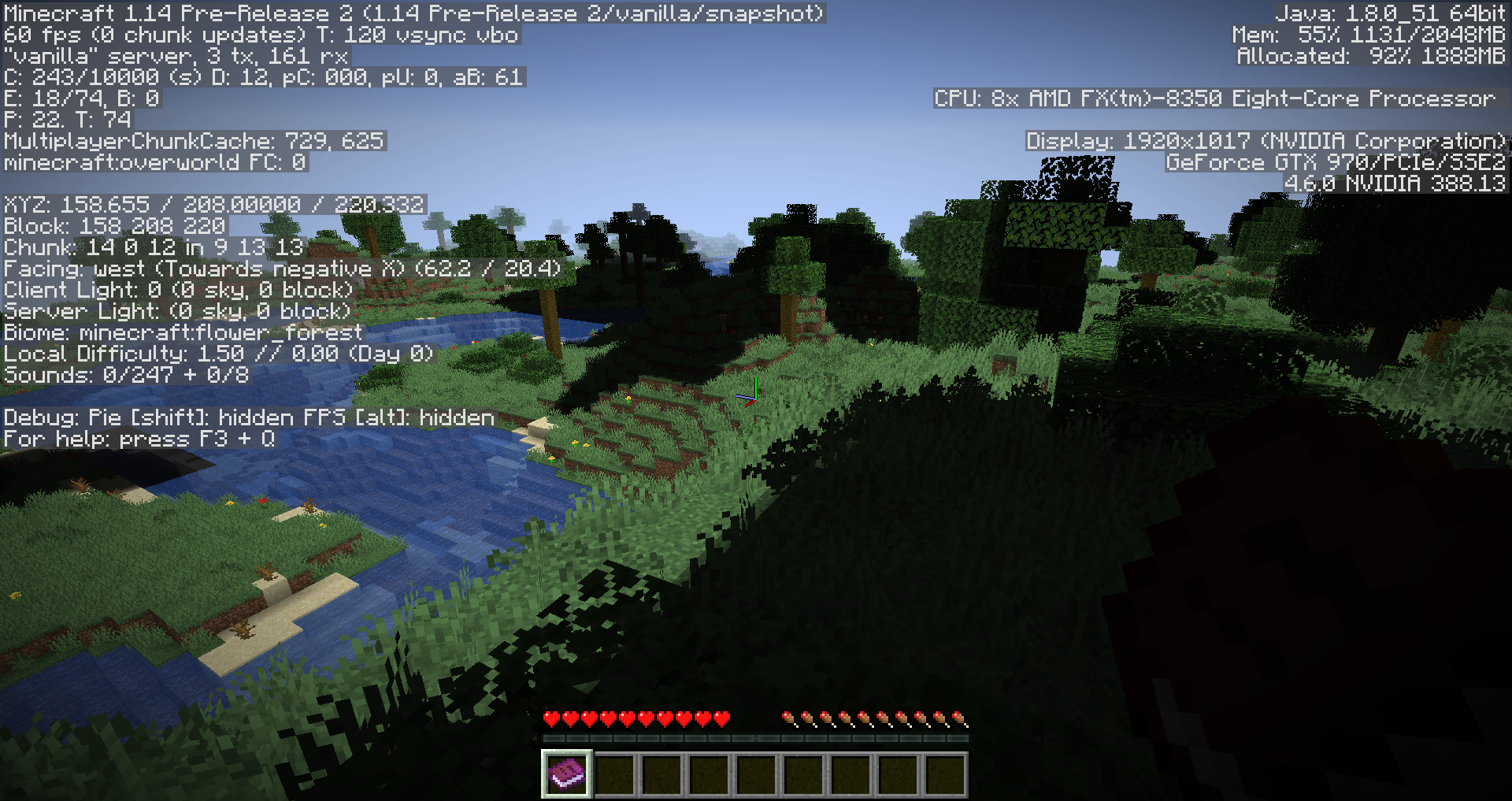

Placeable items (Signs Chests Blocks Heads) lose enchantment data and custom name data once re-picked up.
In 1.4.3 Heads were coded to keep the owner tag data. It would be nice if the same applied to enchantment data and custom name data. I have a map with player heads and custom names, if you place the head then pick it up again it retains the owner tag but loses the custom name.
NEW:
Not sure how to reopen, but I'd like to request specifically that custom naming data stays on at least player heads. I'd like my player head to be called "bRan's Head" but if I place and pick it up again the head name reverts to "Brandonn's Head"OLD:
Placeable items (Signs Chests Blocks Heads) lose enchantment data and custom name data once re-picked up.In 1.4.3 Heads were coded to keep the owner tag data. It would be nice if the same applied to enchantment data and custom name data. I have a map with player heads and custom names, if you place the head then pick it up again it retains the owner tag but loses the custom name.
When on a pressure plate, and pushing a button that activates a /tp command, the pressure plate stays pressed down.
Also, using command blocks to transport back and fourth will blank out signs and display spawners as pigs. Signs still have data and spawners still spawn what they are supposed to, the display is just lost until a relog. (Save and Quit -> Reopen Map)
This can also happen from flying in creative with the chunks unloading and reloading. This is in a world with floating islands and no land underneath.
When
on a pressure plate, and pushing a button thatactivatesa /tp command,the pressure plate stayspresseddown.
Also, using command blocks to transport back and fourth will blank out signs and display spawners as pigs. Signs still have data and spawners still spawn what they are supposed to, the display is just lost until a relog. (Save and Quit -> Reopen Map)
This can also happen from flying in creative with the chunks unloading and reloading. This is in a world with floating islands and no land underneath.When pressing a button to activate a /tp command, if teleported to an unloaded area, returning to the teleporter you find the button is still pressed.
This happens consistently on my map I'm creating. It is more difficult to reproduce on a new 1.4.6 map, but if you teleport into an uncreated area (at least 400-500 blocks away) then use the /tp command to go back, the button is sometimes still pressed. It usually resets itself after a short while, but on my map I was also using pistons to move some blocks around and the blocks weren't resetting.
It may have something to do with loading/unloading chunks - when I /tp-ed back and forth between the same locations the issue went away after about 5-6 jumps.
A command that changes block data, such as:
{Command:/say Bam!}
/blockdata 325 72 231OR
{Command:/time add 16}
/setblock -1 3 -8 minecraft:command_block 0 replaceAs well as commands that place blocks do not operate outside of the Worldborder.
[To clarify, when the cords being targeted are outside of the Worldborder]
THIS MAY BE INTENDED ORIGINALLY, HOWEVER:
Many custom maps use systems of redstone and commandblocks at map spawn to make things work, to reduce lag, the players are moved from map spawn so that the "system" is only loaded for the server. Many custom maps will want to move the World border to keep the player within a certain area BUT having the map spawn outside of the Worldborder will cause may of the more advanced systems from working.
If the decision is that we don't want to allow blocks to be placed outside of the border, it would still be easy to find workarounds for many of these systems if we could still use the /blockdata command.
Friendly Piglins.png
I'm mostly interested in keeping the naming data. To say "since enchanted signs are not obtainable through regular gameplay, I'm not sure this will be considered a legitimate bug" my response is: Player heads aren't obtainable through regular gameplay, but they fixed keeping the owner tag there. This fix would mostly benefit map makers and players of custom maps. Mojang is a company that understands the importance of it's community and player generated content.
Check out my map Sandstone at MiniCTM.com (or just download my schematics) I've been able to do a lot of cool stuff from the small things they've changed just for map makers.
It's called "lore" text. You'll need NBTEdit to add it to items. Visit my site: MiniCTM.com, I have some info there, you can also contact me there, or on the MC forums as "Brandonn".
But let's keep this area for information about this bug.
What about the player heads? Should those lose the custom naming data?
Juat forge and some basic HUD stuff, I'll retest the same map in a clean install and report back tonight.
Retested in 1.4.6 - clean install, results posted above, please reopen
I have also reproduced this bug: https://mojang.atlassian.net/browse/MC-5019
the 178.5 56 -517.5 is intended as far as I know. The solid numbers would put you on the cross sections of the blocks, the .5 puts you in the center of a block.
You could also use "-179.0 56 -518.0" if you want that specific location
Also if you have "tp @p -179 56 -518" as your command I don't see any arguments for radius.
http://www.minecraftwiki.net/wiki/Command_blocks
EDIT: I see the bug now, but the other stuff I typed should still apply.
Will do from now on - sorry
I just wanted to comment that I love that you were just actively looking for bugs - this is such a great community!
But then I thought I'd feel bad just posting that, so I tried to reproduce it and no luck. I even matched your inventory as exact as I could from shot 2, is that a slowness potion?
I made a portal near spawn, then made a second portal and returned then did the /kill with keep inventory on. I also used /tp in the nether to for like 400 blocks away and tried again - no issue.
Was this a new world, or a world from a previous version? Were you near natural spawn? Any other game rules you change? Render distance? Were the chucks loaded when you did /kill or when you went back to the normal world?
Other questions that may help, but honestly shouldn't matter, 32 or 64 bit Java (and version) I'm using Java 7.10 64x Windows 8. Can you verify a default install (No MODs)?
It definitely happened... I don't think there are any combination of keys you can press to put 64 of anything in the second slot to replace something.
==== Diffrent Idea Here ====
Did you at any point pick the stair block back up by using the 'pick block' key (middle mouse button)? If the answer is yes, then we'd have a direction to test.
I think the stairs have a data value # of , but when it's placed it would also have an extra number, ??:, the added number would be the direction it's facing. I don't have time to test, but I'd place a quartz stairs in each direction, clear your invintory, pickblock the first one - /kill command, etc for each direction you may have used and see if that is the cause of the issue.
How did you reproduce?
13w05b Rename Bug Still Exists
Check attached photo above
All command blocks are outside the border
This is still an issue as of 14w32d. Commandblocks seem to be able to operate outside of the worldborder, but after teleporting away, with no players nearby, the commands stop.
This is with commands that are in map spawn chunks.
You can test this with a simple clock hooked up to a say command. Teleport 5000 blocks away and then set a small worldborder centered on you. You bay need to teleport back and forth a few times. It also seems like it will happen after just a short time.
It feels like the game is unloading the chunks because the area is outside of the world border, yet these chunks are spawn chunks and should not be unloaded.
This is vital for map makers that want to have a "game system" that is only loaded for the server, but that they also want to use the world border feature in.
I can explain more if necessary, but I think this crowd knows what I mean.
I think I understand what is happening after thinking about it. I'm assuming placing 2 chest the game is generating the loot rather than the player, so no luck is applied. I can confirm this by placing a single and double chest tied to a loot table and then try to look inside each in spectator mode. On the single, I get the message I'd expect, that I can look inside - on the double, the loot has already been generated.
In the case of the shulker box, spectator mode shows that the loot isn't generated yet, but luck is still not applied.
I think in the case of the double chest, the placing players luck could still be checked. In the case of the shulker box and other containers, the code may just not be in place - but shulker boxes are perfect for loot rewards because they can be different colors and the box is a reward in and of itself.
EDIT: I also meant to add - breaking a container attached to a loot table does not check the luck value of the player either.
Confirmed in 19w14a
I can confirm this issue on my map I've created. (If you need it: https://www.dropbox.com/s/m9gv3jsf8r55r89/Xiphias%201.14pr1-19.04.11.zip?dl=0)
I cleared the chunk cache and then flew around some areas to make sure they were all loading correctly. Just flying around in one area on a second pass lighting glitches appeared where they weren't before. Quitting and relaunching a server with the map caused the generation of light glitches - and sometimes where the issues were changed.
I had this issue with a map I created. I replaced the region data from a previous backup that wasn't loaded in 1.14-pre1 or 19w14b. I now see no lighting issues.
I tried the same files from my map (that are now working in single player) in a pre-2 server and there are still lighting glitches there.
I discovered the cause of my issue. Happy that my map was loading without lighting issues I ran it through the "Optimize world" option with "Erase cached data" checked. This re-added the lighting issues into the map. Reverting back to my fixed version and running that with the server resulted in no known lighting glitches.
This is not resolved. Today (4/16) while playing the single player world that I thought was fixed, lighting glitches appeared after visiting a previous area that had none.
I opened a map with this issue in pre-3 and it resolved. I followed the instructions above after (Singleplayer: Select world → Edit world → Optimize world → check "erase cache data" → Backup and load) and few around in creative with no issues. I then played for half an hour with no lighting issues. Pre-4 is out now, I will post a follow-up if I see the issue return.
I can confirm this issue. I can replicate it in a vanilla world. Place a campfire, grab a raw food. Set DoLimitedCrafting to true, and run the command to clear all known recipes. You can still cook the item.
This same issue applies to the Stonecutter, and other similar workstations. (aside from the crafting table)
I am confirming this issue. I'm adding Piglins to the same team as the player so that they are friendly. I will try adding weakness so they do no damage to achieve the same result for now.
EDIT: Making a MOB deal no damage has caused it to not attack the player in that past - but that also does not work. You can set generic.follow_range to 0 but then they still attack when you are right next to them and a follow range of 0 makes them not walk around.
Anyway - not for the bug, I'm sure it will be fixed soon, but the solution I found that I now love, is to just make them all babies.
// data merge entity @s {Attributes:[{Name:"generic.attack_damage",Base:0d}],HandItems:[{Count:1,id:shield},{Count:1,id:shield}],CanPickUpLoot:0b,IsImmuneToZombification:1b,IsBaby:1b}