 Siravid Chit-Arkhah
- Casual Gaming
- casual gaming
- America/Chicago
- Yes
- No
 MC-77692
![[Mojang] Grum (Erik Broes)](../../../data/assets/gravatar/grum.png)
![[Mojang] Gegy](../../../data/avatars/users/10122.svg)




 MCPE-42317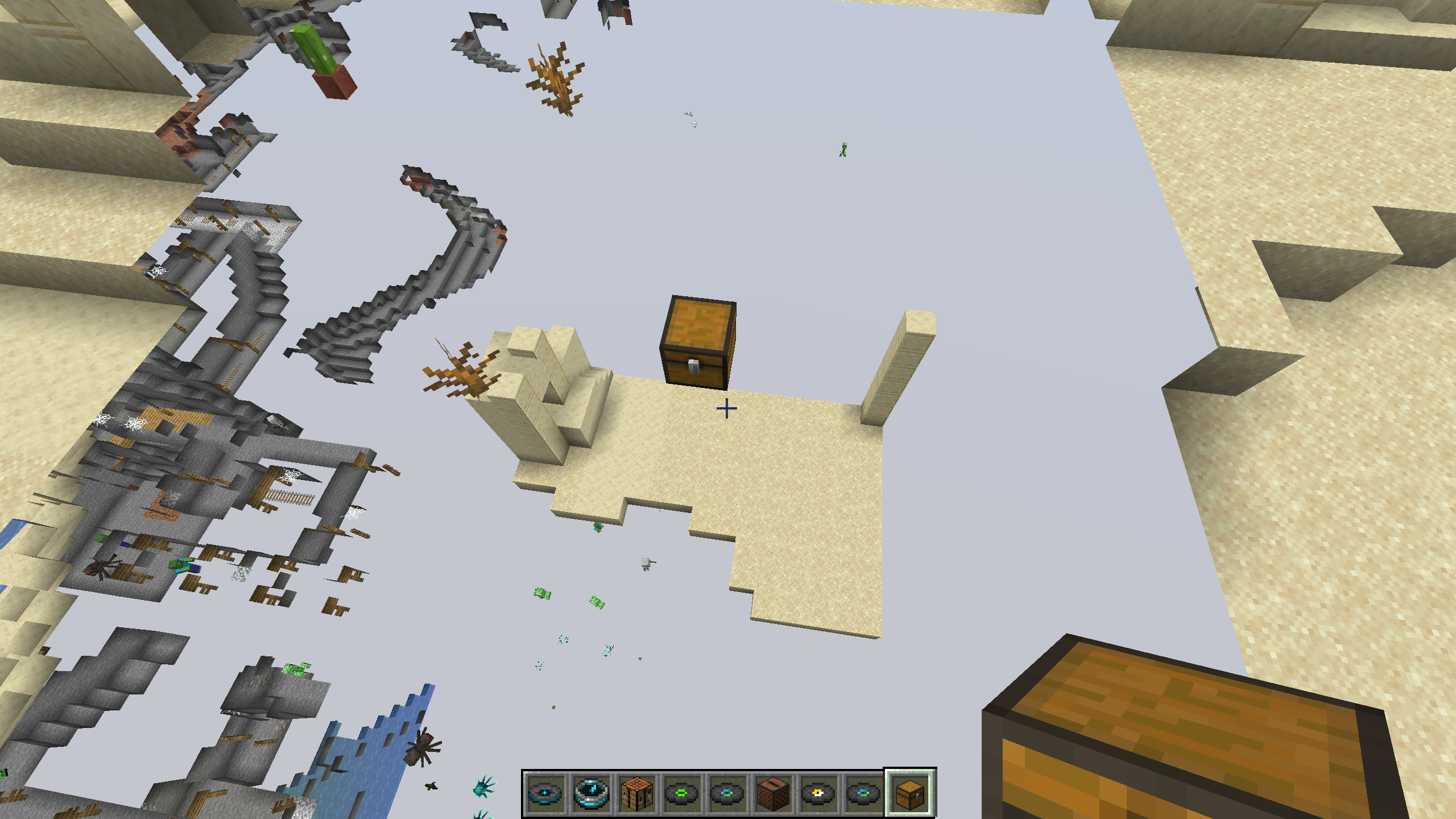


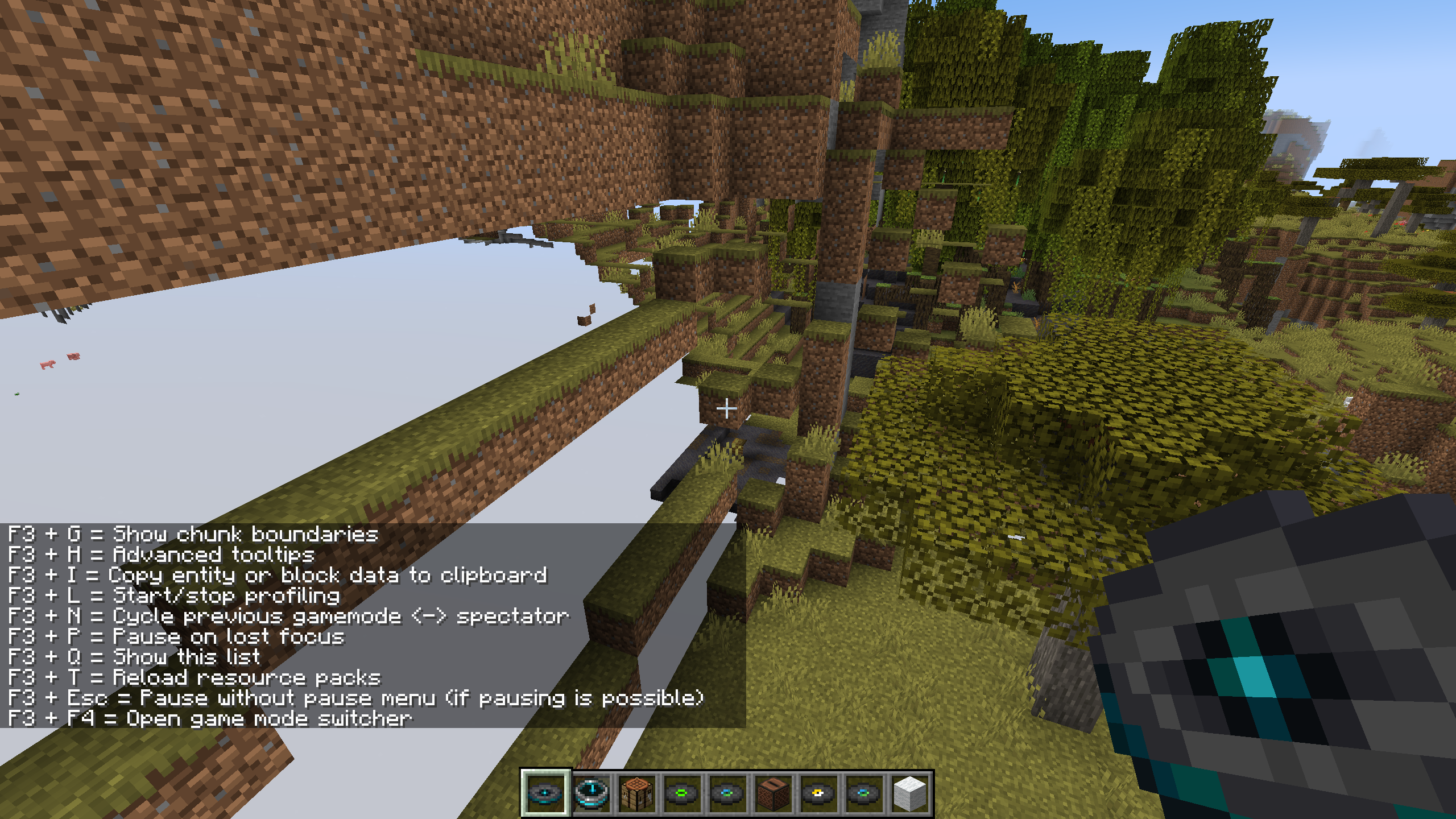


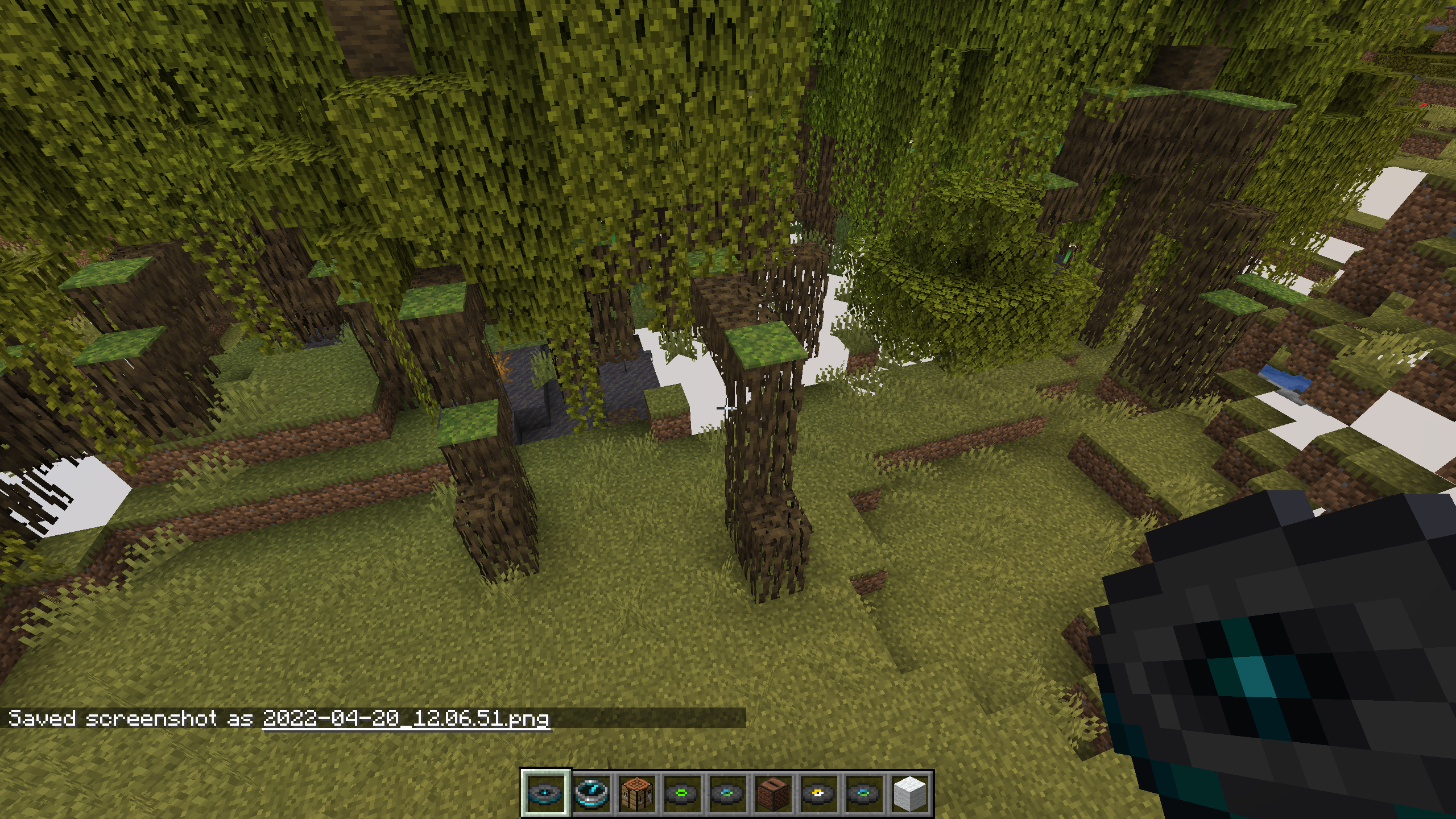
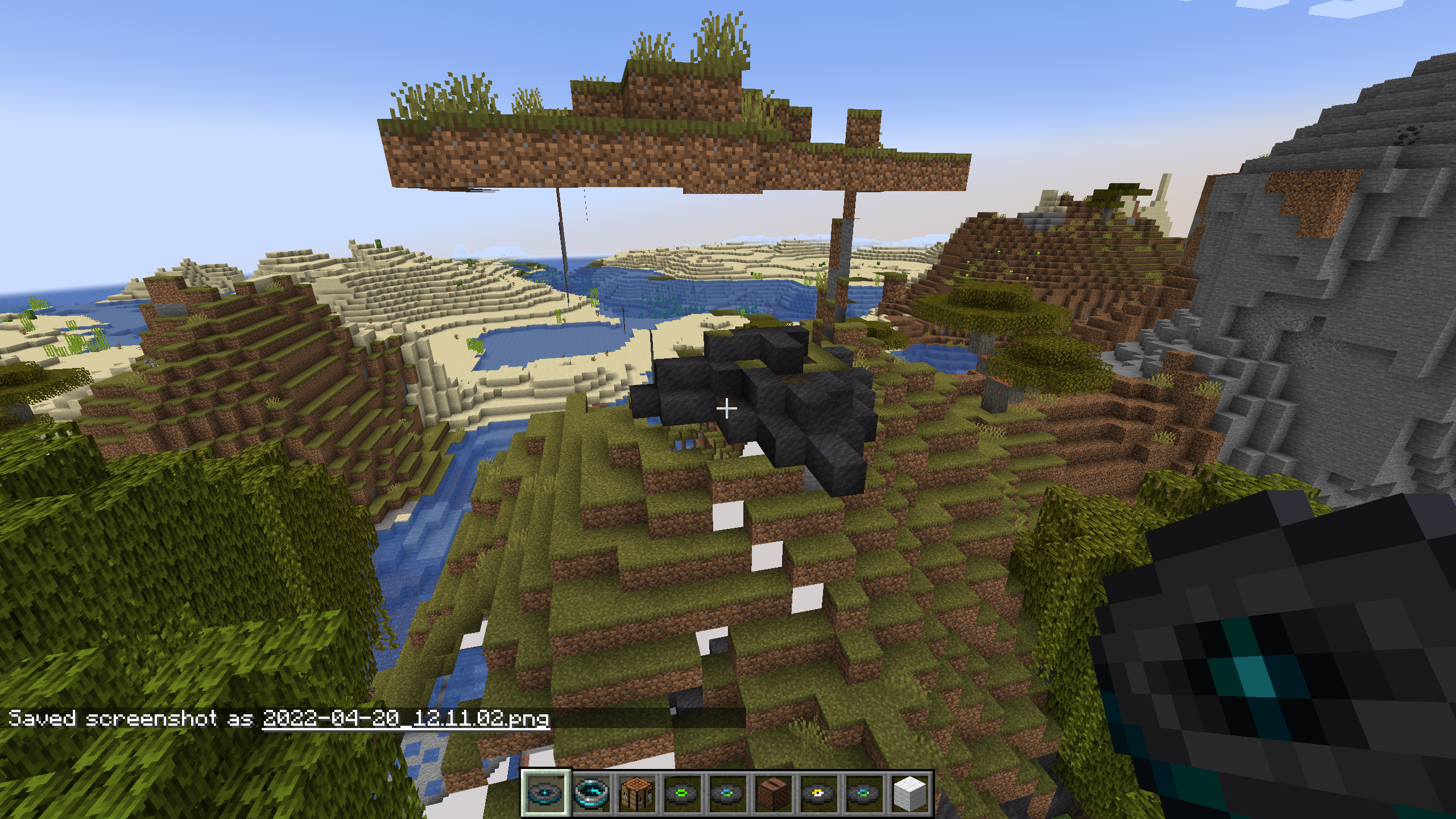

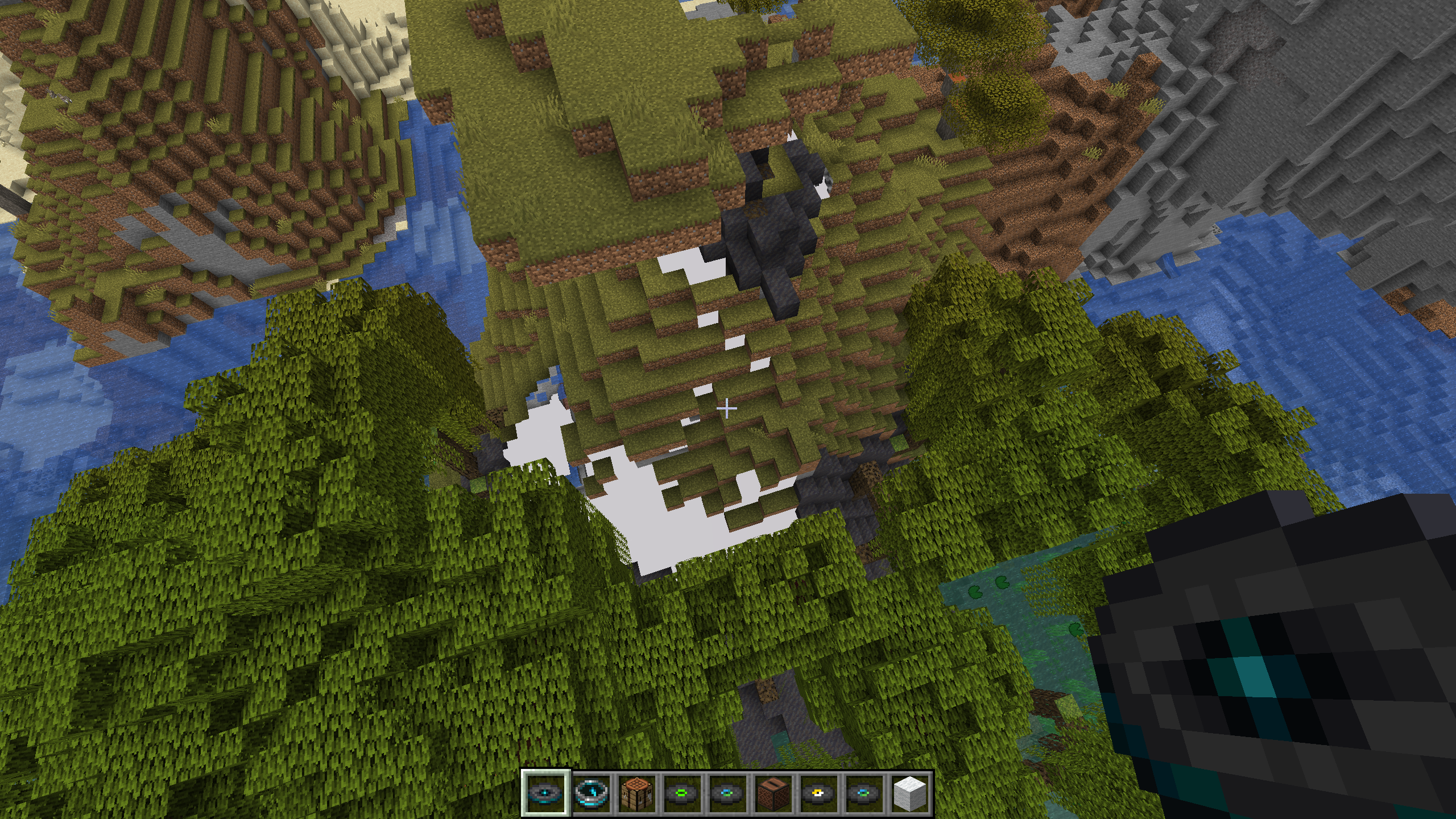
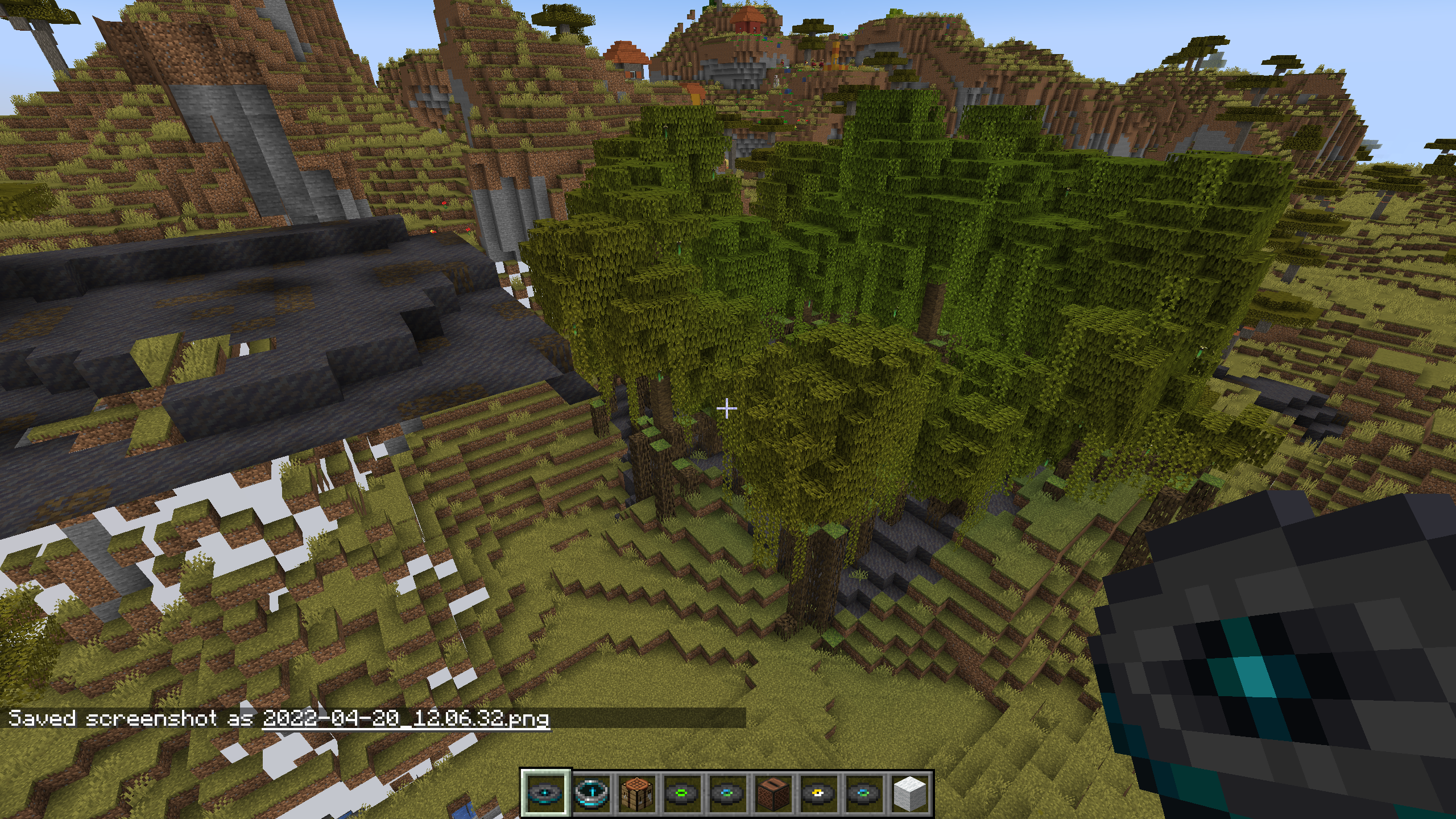
What I expected to happen was...: -
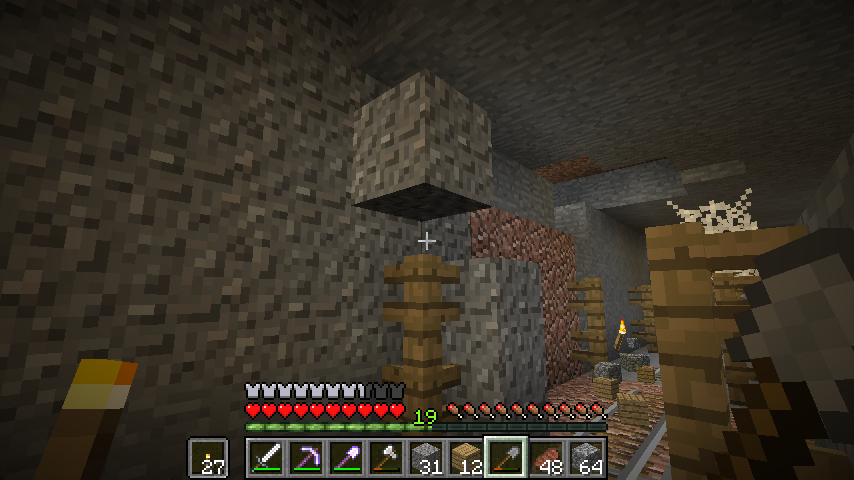
the block to render properly on the fence.What actually happened was...:
it glitched out on the fence and could not mine it until breaking fence underneath, sometimes it dropped the block as an item, sometimes it rendered the block thereSteps to Reproduce:
1. Put a fence down a few blocks below where you're going to drop the gravel
2. Drop the gravel
3. Enjoy
What I expected to happen was...: -
the block to render properly on the fence.What actually happened was...:
it glitched out on the fence and could not mine it until breaking fence underneath, sometimes it dropped the block as an item, sometimes it rendered the block thereSteps to Reproduce:
1. Put a fence down a few blocks below where you're going to drop thegravel
2.Drop the gravel
3. EnjoyWhat I expected to happen was...: -
the block to render properly on the fence.What actually happened was...:
it glitched out on the fence and could not mine it until breaking the fence underneath, sometimes it dropped the block as an item, sometimes it rendered the block thereSteps to Reproduce:
1. Put a fence down a few blocks below where you're going to drop the block which becomes a falling entity
2. Let it drop
3. Enjoy
1.9 Lag after Snapshot 15w40b ONLY WINDOWED MODE
I believe that this is mainly a problem for abnormal resolution types for monitors since I run the game not at the standard model of 1920 x 1080 at full windowed mode but a slight variation of this, 1920 x 1017, which may be the cause of this problem. Otherwise, it may be cause of AMD drivers not working properly but I'm fairly certain that isn't the case.
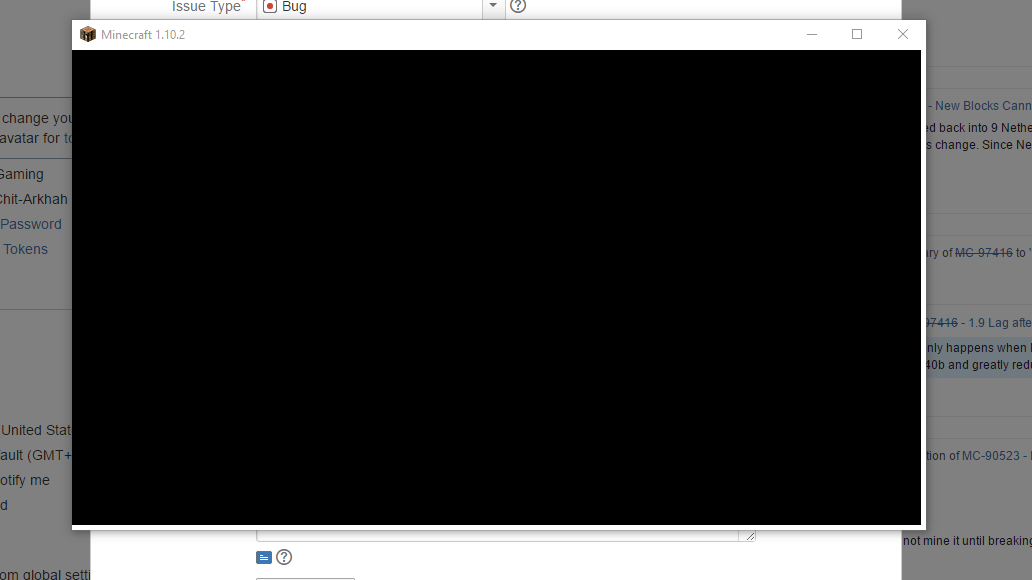
When switching from full screen to the smaller aspect ratio of 800 x 600, I get a black screen with a small white bezel that surrounds the bottom and right side of the black screens' borders but I know the game is still running, I'm just not being shown what I should see. However, if I try to switch from the smaller resolution to full windowed mode, it all shows back up. So the problem here is that it doesn't fully load when switching from an abnormal resolution because it has a bug where when scaling from fullscreen to the smaller resolution
itdoes not know how to load the display correctly and therefore sees a black rectangle with a white cutoff.I believe that this is mainly a problem for abnormal resolution types for monitors since I run the game not at the standard model of 1920 x 1080 at full windowed mode but a slight variation of this, 1920 x 1017, which may be the cause of this problem. Otherwise, it may be cause of AMD drivers not working properly but I'm fairly certain that isn't the case.
When switching from full screen to the smaller aspect ratio of 800 x 600, I get a black screen with a small white bezel that surrounds the bottom and right side of the black screens' borders but I know the game is still running, I'm just not being shown what I should see. However, if I try to switch from the smaller resolution to full windowed mode, it all shows back up. So the problem here is that it doesn't fully load when switching from an abnormal resolution because it has a bug where when scaling from fullscreen to the smaller resolution which the game does not know how to load the display correctly and therefore sees a black rectangle with a white cutoff.
Crash when changing resolution from base resolution in launch settings
weird chunk rendering whenteleporting andplacing a block in a chunk
THIS IS THE GAME OUTPUT!!!
I cannot upgrade my driver software since it is incompatible with my laptop.
This has become a little different. This only happens when I'm not in fullscreen and in windowed mode. 1.9 made better fullscreen performance than that of snapshot 15w40b and greatly reduced the capability of running the game in windowed mode.
I'm sorry, I realized this was only a problem for optifine because when I switched back to normal minecraft, it did not do this. I'm sorry for the inconvenience.
I recently opened my world with falling block entities in 1.13 prerelease and they all converted to the same block. This may be that 1.13 redid the blocks and since it is a falling block, it converts to default.