 Connor McNally
- connor1145
- connor1145
- America/Thunder_Bay
- Yes
- No
 MC-25438
 MCPE-49799
![[Mojang] Adrian Östergård](../../../data/assets/gravatar/nighter.jpeg)





Endermen pathfindingtowards endermites is unrealiable or improperEndermen and Zombie pathfinding looks for the simplest path rather than the optimal path.
Endermen pathfinding towards endermites is much different in 1.13 compared to 1.12.2. In 1.13, endermen take the simplest path to get to the endermite instead of the optimal path, like they do in 1.12.2. I am not sure if this is an intended feature to nerf endermen farms or an unintentional change that messed up the pathfinding of endermen towards endermites.
Video: https://www.youtube.com/watch?v=6bPVEC38N9M
Endermen and zombie pathfinding
Video showing this bug (for endermen*)*: https://www.youtube.com/watch?v=6bPVEC38N9M
Endermen and zombie pathfinding
Video showing this bug (
forendermen*)*: https://www.youtube.com/watch?v=6bPVEC38N9M
Endermen and zombie pathfinding are now unreliable when they track for endermites and villagers respectively. Instead of looking for the optimal path (like they did in 1.12.2, they instead look for the simplest path that will get them closest to the endermite or villager.
Video showing this bug (endermen): https://www.youtube.com/watch?v=6bPVEC38N9M
Endermen and zombie pathfinding are now unreliable when they track for endermites and villagers respectively. Instead of looking for the optimal path (like they did in 1.12.2), they instead look for the simplest path that will get them closest to the endermite or villager.
Video showing this bug (endermen): https://www.youtube.com/watch?v=6bPVEC38N9M
Endermenand Zombiepathfinding looks for the simplest path rather than the optimal path.
Endermen and zombie pathfinding are now unreliable when they track for endermites and villagers respectively. Instead of looking for the optimal path (like they did in 1.12.2), they instead look for the simplest path that will get them closest to the endermite or villager.
Video showing this bug (endermen): https://www.youtube.com/watch?v=6bPVEC38N9M
Endermen pathfinding in 1.13 is slightly different than in 1.12.2 where they look for the simplest path that will get them close to the endermite instead of the optimal path that will get them closest to the endermite like in 1.12.2. There are some cases where this change has caused problems. For instance, with a certain enderman farm design (shown in the video) that works perfectly in 1.12.2 but stops working properly in 1.13 due to the pathfinding change.
Video showing this bug (endermen): https://www.youtube.com/watch?v=6bPVEC38N9M
The bug
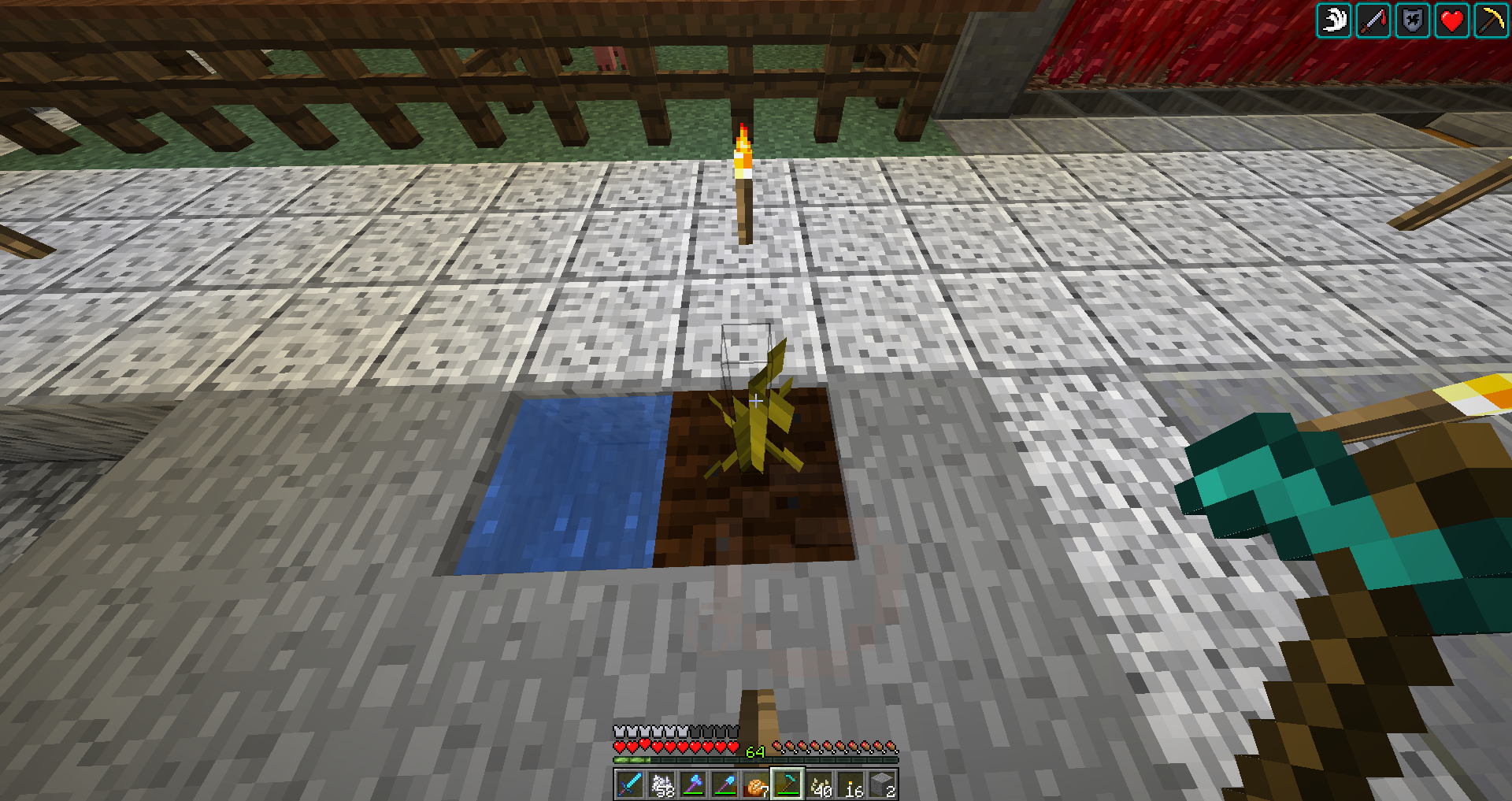
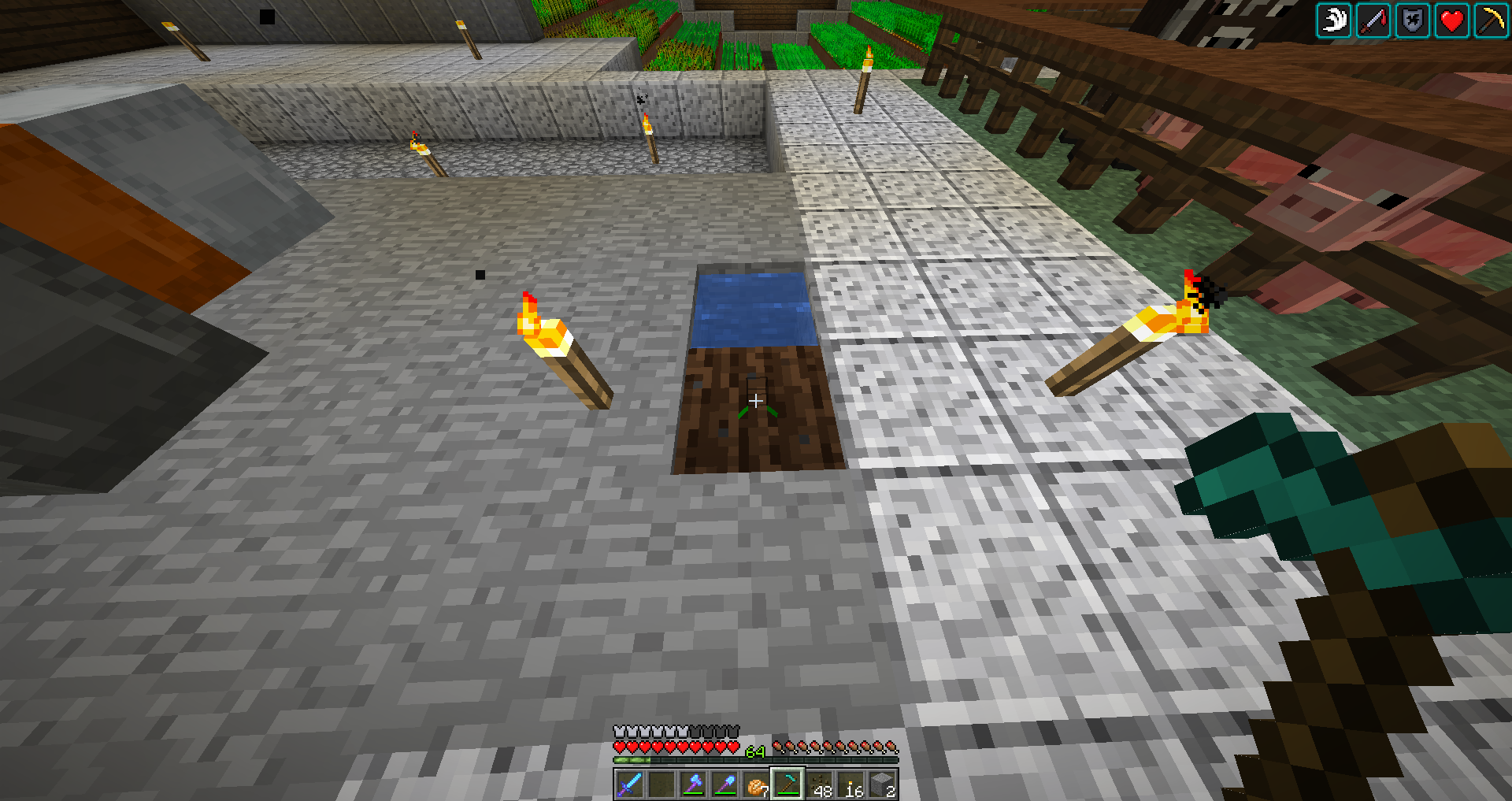
The hitboxes on melon and pumpkin stems are too small when compared to 1.12.2, especially when they are in a non-matured state. In the first state, they are much smaller compared to
itstextures.Same goes for most of the other states. The hitbox on the matured stems seem to make sense but it could also use a resizing as well. Just increasing the sizes of the hitboxes of the melon and pumpkin stems would fix this bug.The bug
The hitboxes on melon and pumpkin stems are too small when compared to 1.12.2, especially when they are in a non-matured state. In the first state, they are much smaller compared to their textures. The same goes for most of the other states. The hitbox on the matured stems seems to make sense but it could also use a resizing as well. Just increasing the sizes of the hitboxes of the melon and pumpkin stems would fix this bug.
Refer to crash-2020-05-04_02.15.17-client.txt
The bug
When connecting an Xbox controller to a mobile device to play Minecraft with it, when the RT or LT buttons on the controller are pressed, it causes the in-game camera to spin around uncontrollably even when no buttons are being pressed on the controller. In fact, the LT and RT buttons do not do their assigned function at all when pressed. Even when disconnecting the controller from the device and using touch controls, the camera still spins uncontrollably. The only way to fix this issue is to restart Minecraft entirely. I also tried using this controller on the Windows 10 edition of Minecraft and the LT and RT buttons work without any issues. I also tried an old Logitech controller on both the mobile and Windows 10 versions of Minecraft and strangely, it works with no issues on both versions.
Device and Platform
The mobile device I used was a Samsung Galaxy S9+ running Android
v9. The controller I used was a third-party Xbox controller connected to the mobile device using Samsungs USB-A to USB-C adapter.Video of Bug
The bug
When connecting an Xbox controller to a mobile device to play Minecraft with it, when the RT or LT buttons on the controller are pressed, it causes the in-game camera to spin around uncontrollably even when no buttons are being pressed on the controller. In fact, the LT and RT buttons do not do their assigned function at all when pressed. Even when disconnecting the controller from the device and using touch controls, the camera still spins uncontrollably. The only way to fix this issue is to restart Minecraft entirely. I also tried using this controller on the Windows 10 edition of Minecraft and the LT and RT buttons work without any issues. I also tried an old Logitech F310 controller on both the mobile and Windows 10 versions of Minecraft and strangely, it works with no issues on both versions.
Device and Platform
The mobile device I used was a Samsung Galaxy S9+ running Android 10. The controller I used was a third-party Xbox controller connected to the mobile device using Samsungs USB-A to USB-C adapter.
Video of Bug
The bug
When connecting an Xbox controller to a mobile device to play Minecraft with it, when the RT or LT buttons on the controller are pressed, it causes the in-game camera to spin around uncontrollably even when no buttons are being pressed on the controller. In fact, the LT and RT buttons do not do their assigned function at all when pressed. Even when disconnecting the controller from the device and using touch controls, the camera still spins uncontrollably. The only way to fix this issue is to restart Minecraft entirely. I also tried using this controller on the Windows 10 edition of Minecraft and the LT and RT buttons work without any issues. I also tried an old Logitech F310 controller on both the mobile and Windows 10 versions of Minecraft and strangely, it works with no issues on both versions.
Device and Platform
The mobile device I used was a Samsung Galaxy S9+ running Android 10. The controller I used was athird-party Xbox controller connected to the mobile device using Samsungs USB-A to USB-C adapter.Video of Bug
The bug
Observed Results
When connecting an Xbox controller to an Android mobile device to play Minecraft with it, when the RT or LT buttons on the controller are pressed, it causes the in-game camera to spin around uncontrollably even when no buttons are being pressed on the controller. In fact, the LT and RT buttons do not do their assigned function at all when pressed. Even when disconnecting the controller from the device and using touch controls, the camera still spins uncontrollably. The only way to fix this issue is to restart Minecraft entirely. I also tried using this controller on the Windows 10 edition of Minecraft and the LT and RT buttons work without any issues. I also tried an old Logitech F310 controller on both the mobile and Windows 10 versions of Minecraft and strangely, it works with no issues on both versions.
The mobile device I used was a Samsung Galaxy S9+ running Android 10. The controller I used was a third-party Xbox controller connected to the mobile device using Samsungs USB-A to USB-C adapter.
Expected Results
For the RT and LT buttons on the Xbox controller to do their assigned function on the Android version of the game (attack/destroy and use item/place block respectively) and not cause the camera to spin uncontrollably.
How To Reproduce
- Connect an Xbox controller to the charge port of the mobile device (usually by using a USB-A to USB-C or USB-A to Micro-USB adapter).
- Open Minecraft and enter into a world
- Press either the RT or the LT buttons on the controller and the bug should occur.
Video of Bug
lagwithelytra.mp4
I think it was something to do with switching on/off fullscreen. I had fullscreen set to on when I started the game. The bug occurred when I was still on fullscreen though and I didn't switch fullscreen on/off before it happened. However, I did alt+esc after opening the game, which may also be a cause since
MC-130296mentions that this bug occurs when minimizing Minecraft in any viewing.But, since the game always starts windowed then goes to fullscreen when it fully loads, it could also be the culprit. I am unsure if it does have something to do with the bug since I am still unable to reproduce it, even when spamming F11 and alt+esc.
Relates to
MC-132985Did some testing and the zombie pathfinding is just fine. Their behaviour is the exact same in 1.13 as they are in 1.12.2. Enderman pathfinding is the same way too but their pathfinding in 1.13 is different in some situations, one of them being an enderman farm design. I also used that enderman farm design with zombies and they do the intended behaviour in 1.13. They still look for the optimal path that is within their pathfinding limits, but instead, it looks for the path that will get them CLOSEST to the endermite or villager instead of the most POTENTIAL path like in 1.12.2 (at least, I think that's how it works).
Relates to
MC-134118I think this is an intended feature. It's been in the game for a very long time, well before 1.13.
One thing to add is that the game lags out significantly when flying around with an elytra equipped (at least in 1.16.200.55). When the player equips an elytra, the game lags substantially and continues to lag substantially until the player unequips the elytra. I have attached a video showing this in action since I thought this issue related to this bug report.
This is a duplicate of
MCPE-41651. If you want music in the mobile editions of the game, you need to download the music pack from the Minecraft marketplace (it's free).The sound now plays in sync with the animation when normal chests and trapped chests are closed but the sound and animation of ender chests closing are still desynced in 20w48a.
You need an RTX compatible graphics card to enable ray tracing. You currently have a GTX 1060 which doesn't support RTX. In order to enable it, you need an RTX 2060 or better.
Make sure you are on an RTX enabled resource pack or world in order for the options to pop up. You can get them from the marketplace free of charge.
Another thing to add is that the location relative to the lava/water blocks where the camera lifts up is different based on where the player is positioned in the world. When the player is in the (+x, +z) part of the world, this bug does not occur at all. The camera lifts up on the west side of a lava/water block when the player is in the (-x, +z) part of the world, the north side in the (-x, +z) part of the world, and the north-west corner in the (-x, -z) part of the world.
Based on this information, I think that this bug is caused by a discrepancy between the player (or camera's) float position and the integer position of the world's blocks when one of the player's coordinates are negative. (0, 0) as in integer positions seen in the coordinates represents the block that is south-east of the float (0, 0), which is located in the corner of the four blocks in the middle of the world. I think the camera does a check whether or not it is in a liquid based on the slightly offset integer position of the player and not the float position, and due to this offset (plus the fact that integers do not have a -0 and floats do), this might be the cause for this camera bug.
I have included a video that shows this bug in action (the version is 1.16.201)
LiquidCameraBug.mp4
This bug was fixed in 21w10a as a result of
MC-29318being fixed. As a result of this, this bug report should be resolved as a duplicate toMC-29318.I have this issue with a third-party Xbox controller connected to a Samsung phone. Every time I press LT or RT, the camera spins uncontrollably and will continue to do so even if I disconnect the controller and restart the world. This issue only goes away if I restart Minecraft.
Another thing to note is that an old Logitech controller meant for use on a PC works fine with no issues.
I have attached a video of this bug in action to this report. For the full quality version, refer to https://youtu.be/rwbYHkeEhFo