 clarkx86
- DigitalClark
- digitalclark
- Europe/Stockholm
- Yes
- No
 BDS-249
 MCPE-43419





I'm playing on the latest update (1.10.0) on a Dedicated Server (BDS 1.10.0.7).
When I'm opening the interface of the crafting table or even my inventory, I'm getting a small lag spike where the whole game noticeably freezes for a couple of milliseconds.
Furnaces and anvils are not affected however, as they open just fine and smoothly without lag spikes.
I'm not sure if this is Client or BDS related, but I'm very confident that this is an issue that the update caused, because I'm 100% certain it was all smooth back on 1.9.
Have a great day,
Clark
UPDATE: These "lag spikes" even occur when typing into the search bar of the crafting recipe book on the left-hand side of the inventory GUI, each letter again and again.
My specs:
Modell: Dell XPS 13 9360
CPU: Intel Core i7 7500U 4x 2.7GHz
GPU: Intel HD Graphics 620
RAM: 8GB RAM
I'm playing on the latest update (1.10.0) on a Dedicated Server (BDS 1.10.0.7).
When I'm opening the interface of the crafting table or even my inventory, I'm getting a small lag spike where the whole game noticeably freezes for a couple of milliseconds.
Furnaces and anvils are not affected however, as they open just fine and smoothly without lag spikes.
I'm not sure if this is Client or BDS related, but I'm very confident that this is an issue that the update caused, because I'm 100% certain it was all smooth back on 1.9.
Have a great day,
Clark
UPDATE: These "lag spikes" even occur when typing into the search bar of the crafting recipe book on the left-hand side of the inventory GUI, each letter again and again.
Other players on the server, playing on different hardware, are also experiencing the same bug.
My specs:
Modell: Dell XPS 13 9360
CPU: Intel Core i7 7500U 4x 2.7GHz
GPU: Intel HD Graphics 620
RAM: 8GB RAM
I'm playing on the latest update (1.10.0) on a Dedicated Server (BDS 1.10.0.7).
When I'm opening the interface of the crafting table or even my inventory, I'm getting a small lag spike where the whole game noticeably freezes for a couple of milliseconds.
Furnaces and anvils are not affected however, as they open just fine and smoothly without lag spikes.
I'm not sure if this is Client or BDS related, but I'm very confident that this is an issue that the update caused, because I'm 100% certain it was all smooth back on 1.9.
Have a great day,
Clark
UPDATE: These "lag spikes" even occur when typing into the search bar of the crafting recipe book on the left-hand side of the inventory GUI, each letter again and again.
Other players on the server, playing on different hardware, are also experiencing the same bug.
My specs:
Modell: Dell XPS 13 9360
CPU: Intel Core i7 7500U 4x 2.7GHz
GPU: Intel HD Graphics 620
RAM: 8GB RAM
UPDATE 2: This seems to affect both multi- and singleplayer.
Still present in the latest stable release (1.10).
What does this even have to do with BDS?
This bug doesn't affect 1.8.1.2 as stated above, but the latest release isn't listed.
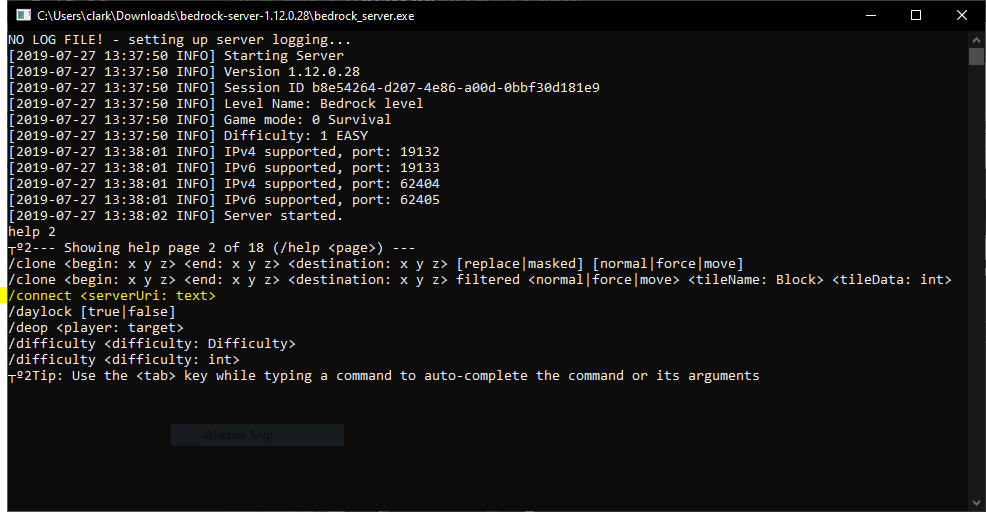
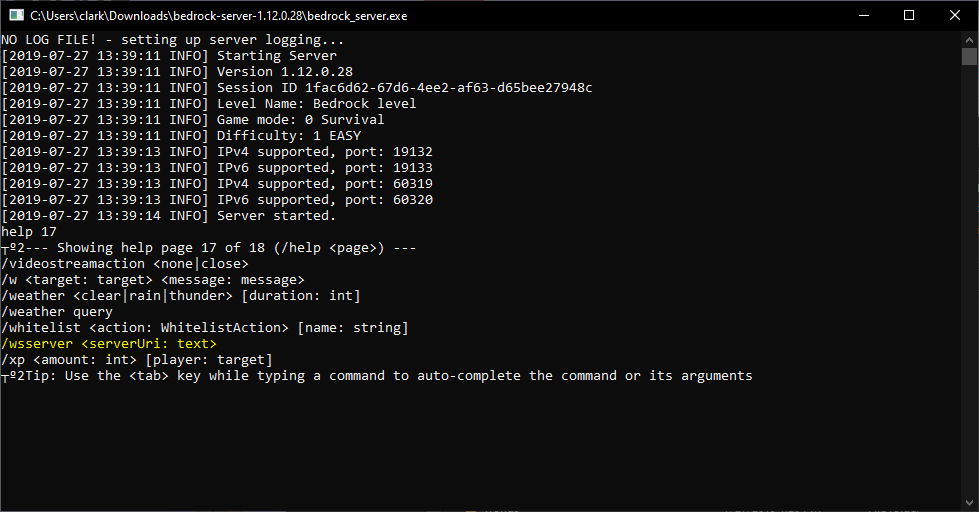
The commands /connect or /wsserver are listed in the command-list (available when typing "help 2" or "help 17") in the BDS terminal, but they don't seem to do anything.
As an OP'ed player on a server with cheats enabled, the commands don't even show up in the chat window. When trying to run the command(s) in-game anyway, a message appears that says:
"Unknown command: wsserver. Please check that the command exists and that you have permission to use it." (this happens regardless of typing /connect or /wsserver).At this point I'm not sure if this even a bug or maybe intentional.
Being able to use Websockets on a server would be incredibly useful, especially for things that aren't achievable through the Scripting API (yet?), like getting the coordinates from players and displaying them on a clan website (for example) or creating Discord chatbots. However, I know this isn't the feature-request section
!
Also, it is already implemented and works when using it in a singleplayer or LAN-Game, but just doesn't work on BDS hosted servers.
Hello
,
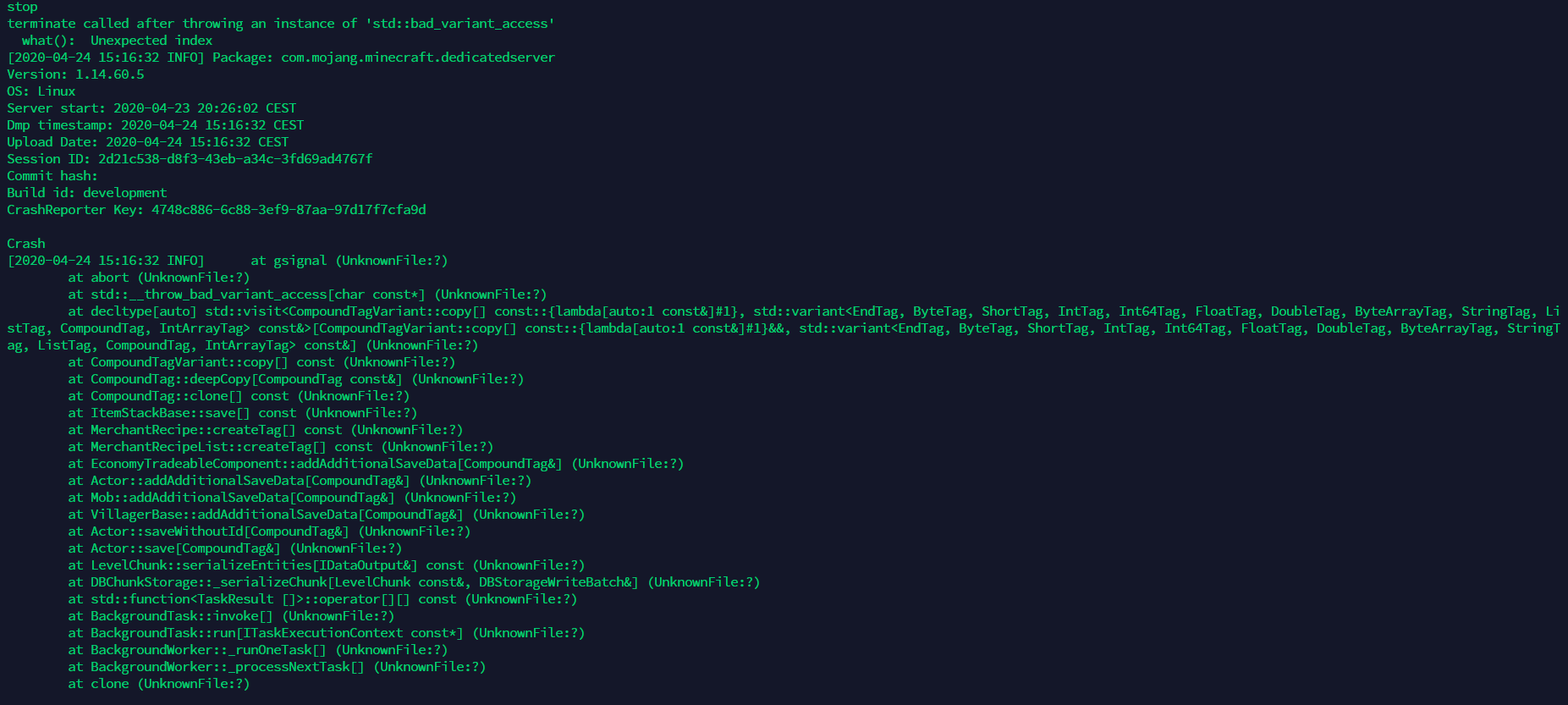
using the "stop" command to correctly shut down the server causes BDS to crash with the following error message:
I
wasonly able to constantly reproduce this with our ~1.3 GB large world (happens every time the server is stopped this way), however not with newly generated worlds.Hello
using the "stop" command to correctly shut down the server causes BDS to crash with the following error message:
I am only able to constantly reproduce this with our ~1.3 GB large world (happens every time the server is stopped this way), however not with newly generated worlds.

Importing comments from BDS-1206:
Vyacheslav Makhonin:
What I expected to happen was...:
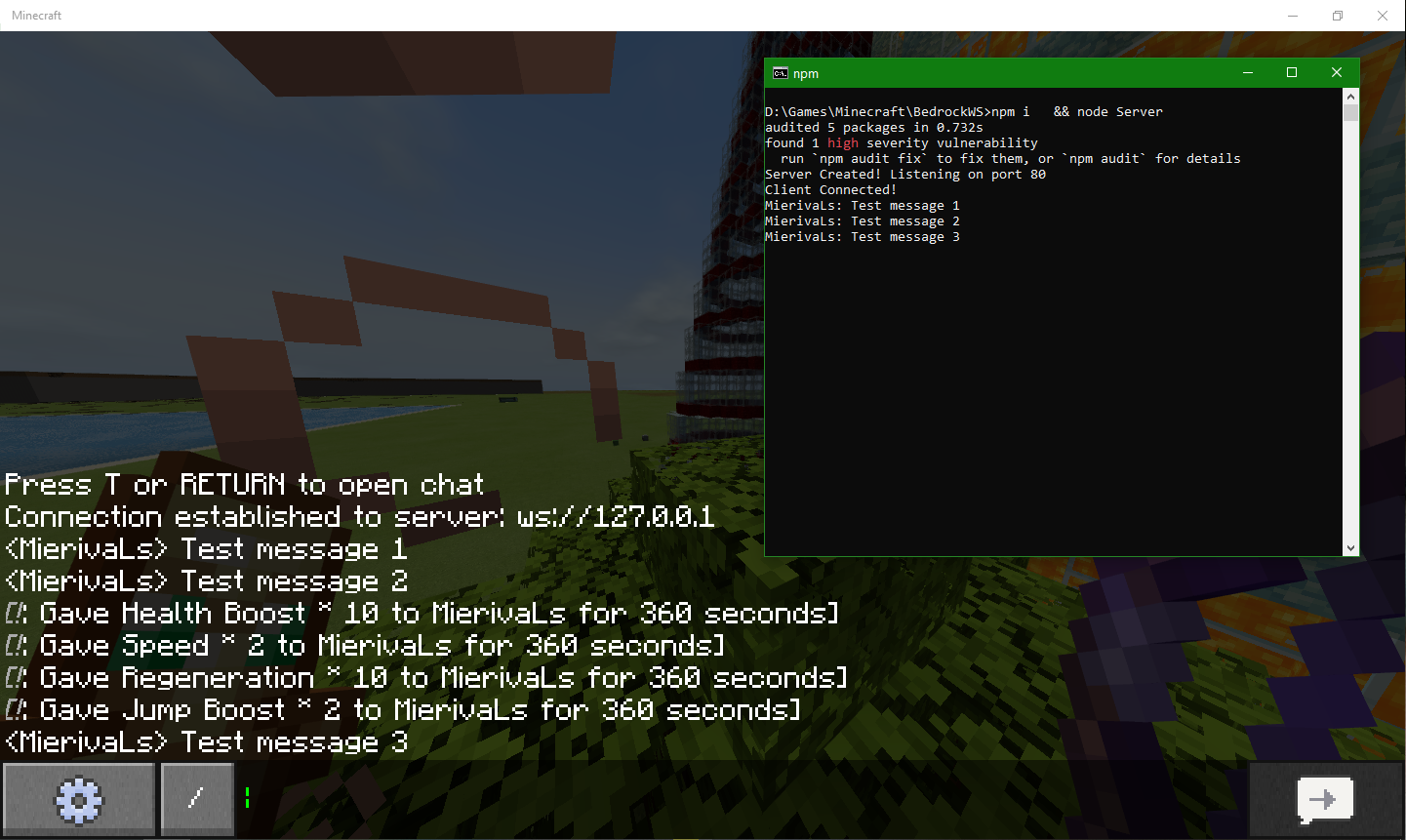
The connection will be established, which BDS will notify us of, and the WebSocket server will receive messages from the game chat.
[singleplayer as example, /connect 127.0.0.1]
What actually happened was...:
No reaction to command input from the server side.
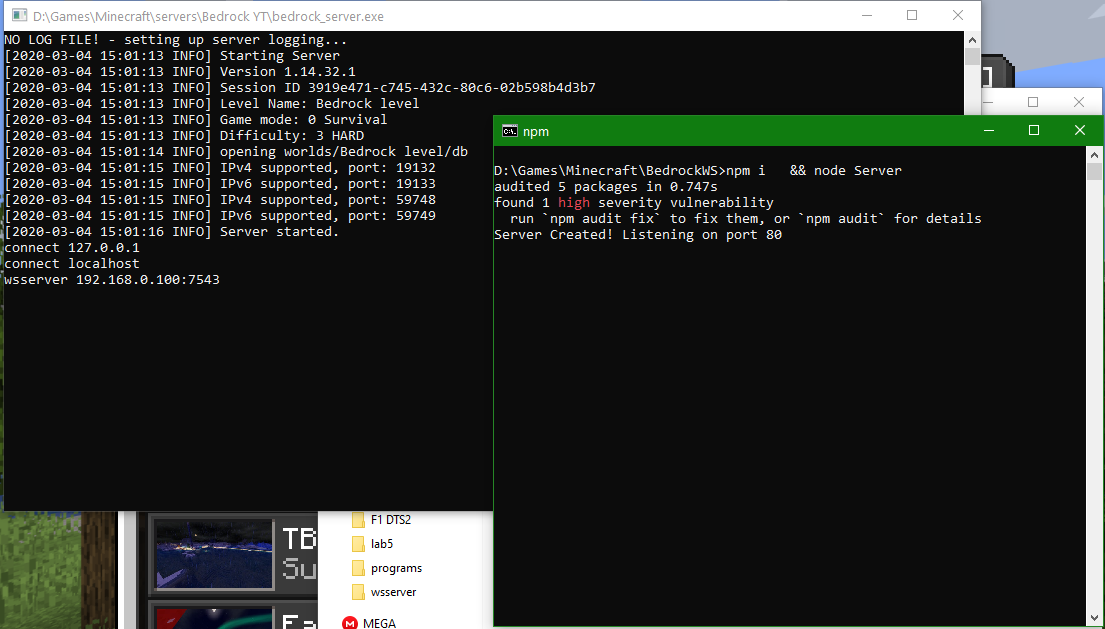
Steps to Reproduce:
- Run any WebSocket-server software;
- Run BDS;
- Insert command connect [uri] or wsserver [uri].
clarkx86:
Vyacheslav Makhonin Thanks for the example pictures!
When executing the "help" command in BDS v1.14.32.1, it now seems that there are only 3 help-pages instead of 18 (like back in v1.12). The connect or wsserver command isn't even listed anymore, but executing one of them doesn't result in an error like
"Unknown command: example. Please check that the command exists and that you have permission to use it."
that pops up when trying to run any non-existing arbitrary command.
Thank you for your answer! Yes, I will attach them with this comment!
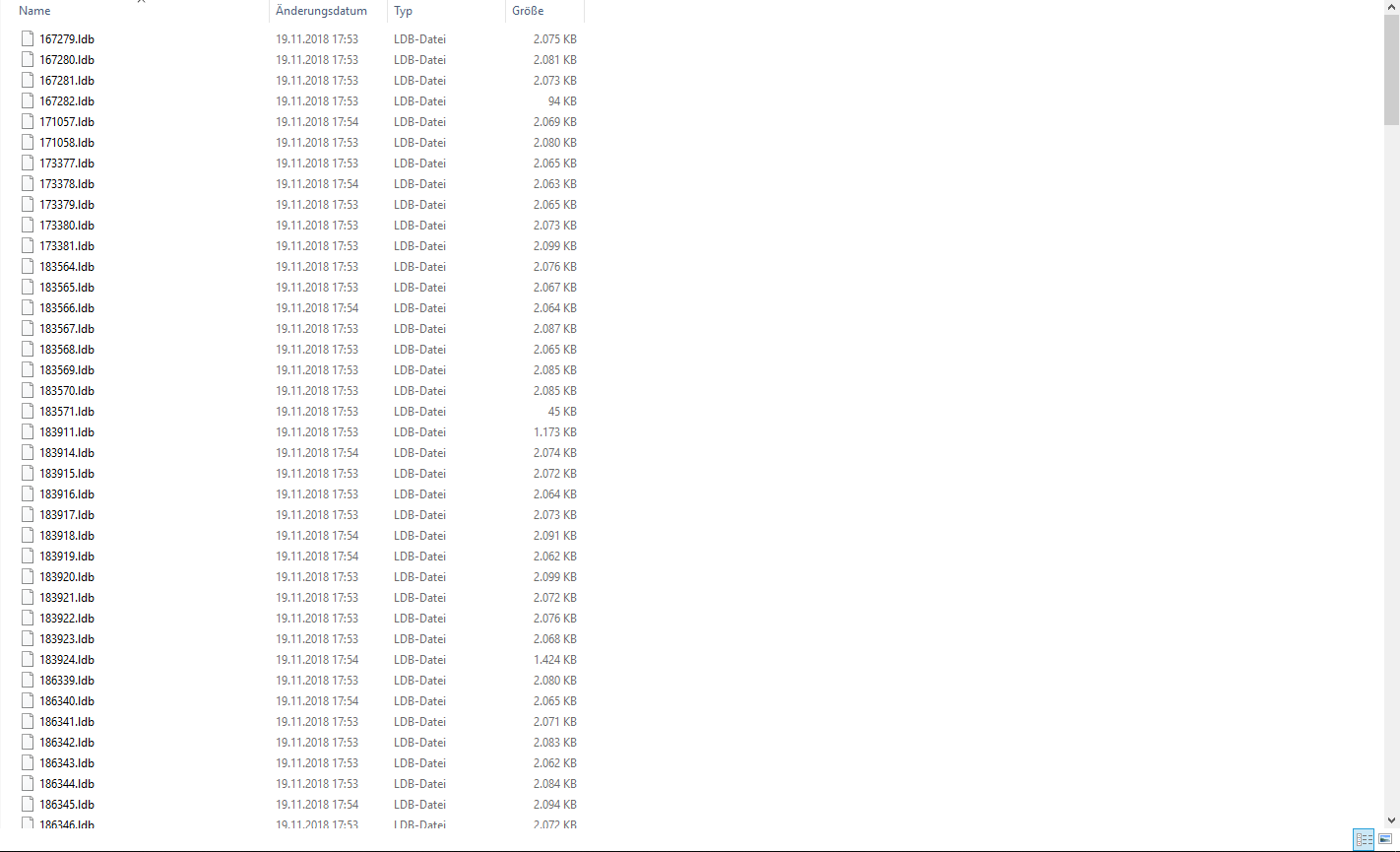
There are 281 .ldb files, counting from 167279.ldb to 215069.ldb. The world is straight downloaded from our realm and pasted into the BDS-worlds-folder.
I actually had success joining the server when renaming the 215070.log and MANIFEST-215068 files to the default names of a freshly generated world using BDS, but it wouldn't show the MOTD and player count in the server browser, and also would move the files into an "old"-folder or something like that after a couple of seconds/ minutes, re-generating the 215070.log and MANIFEST-215068 again and the issue accured all over again. **
Thanks so far and have a great day!
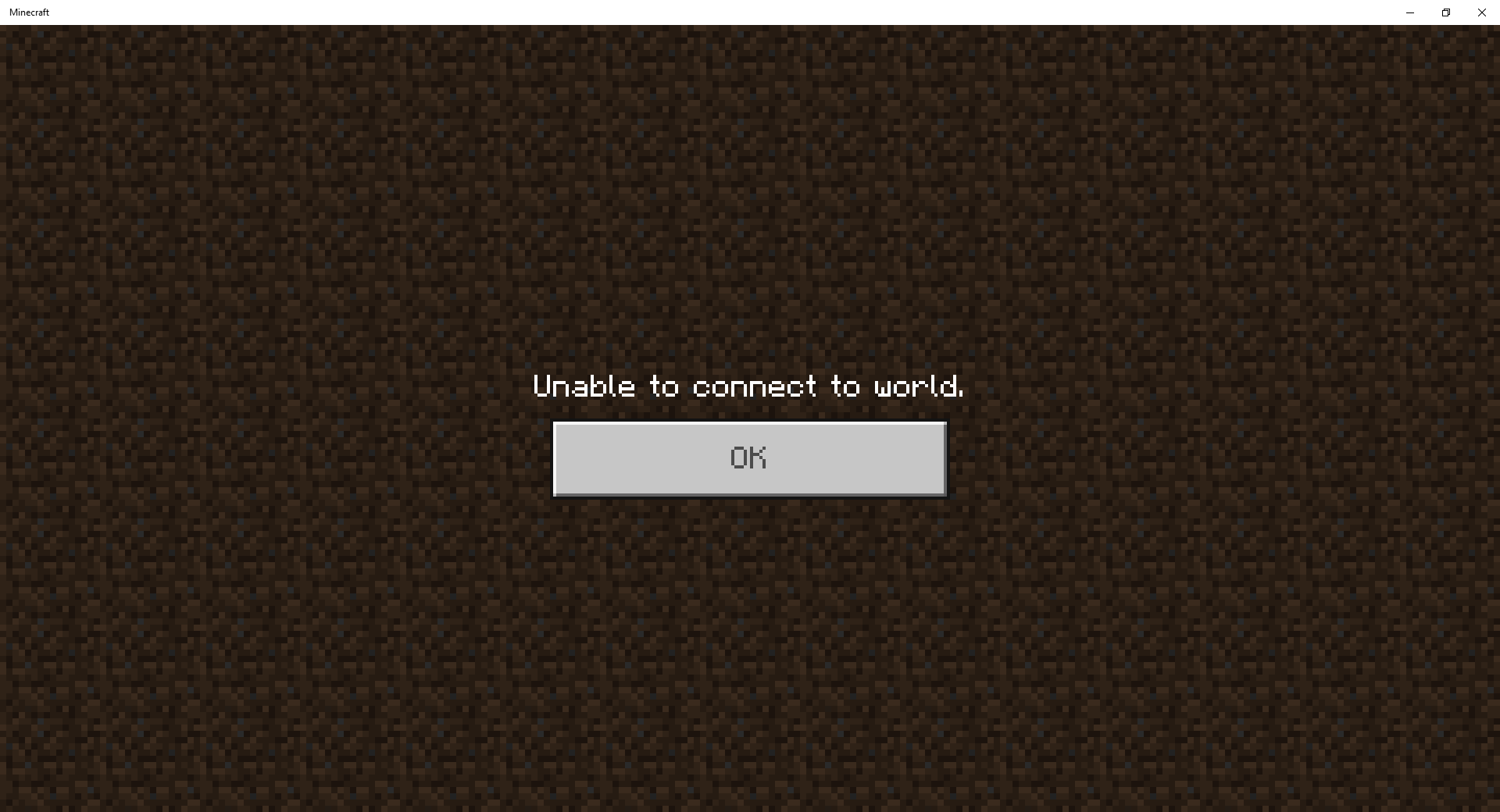
According to your screenshot, your Server is listening on Port 19*0*32 somehow, not 19*1*32 (IPv4). Either change the port in the server.properties, or change forwarded port in your Router to 19032 and make sure to enter the right port when adding the server to your server list in Minecraft.
Unfortunately not. I made sure that the world name definitely matched and tried with other worlds too, which seemed to work. It was only our realm save that I downloaded (unmodified) directly from Minecraft Bedrock Edition Windows 10 which didn't work. I'm currently still using Realms because I still could not get it to work with BDS and our world.
Have a great day,
DigitalClark
I just experienced this error for the first time, too. Thought it was very weird, never seen it before. I had to restart the server and everything was fine again. Running on Ubuntu 18.04, Bedrock 1.9.
I have the same issue, but just after updating to 1.10.0 aswell.
It only affects opening the inventory and the crafting bench however, as furnances and anvils are opening smoothly and without lag spikes.
I have the same issue.
It has already been reported however, this is the main thread: https://bugs.mojang.com/projects/MCPE/issues/MCPE-41772
This has nothing to do with the Bedrock Dedicated Server software. Completely unrelated. Contact the server owners, this is the wrong place to report this and just spams the issue tracker with unrelated stuff.
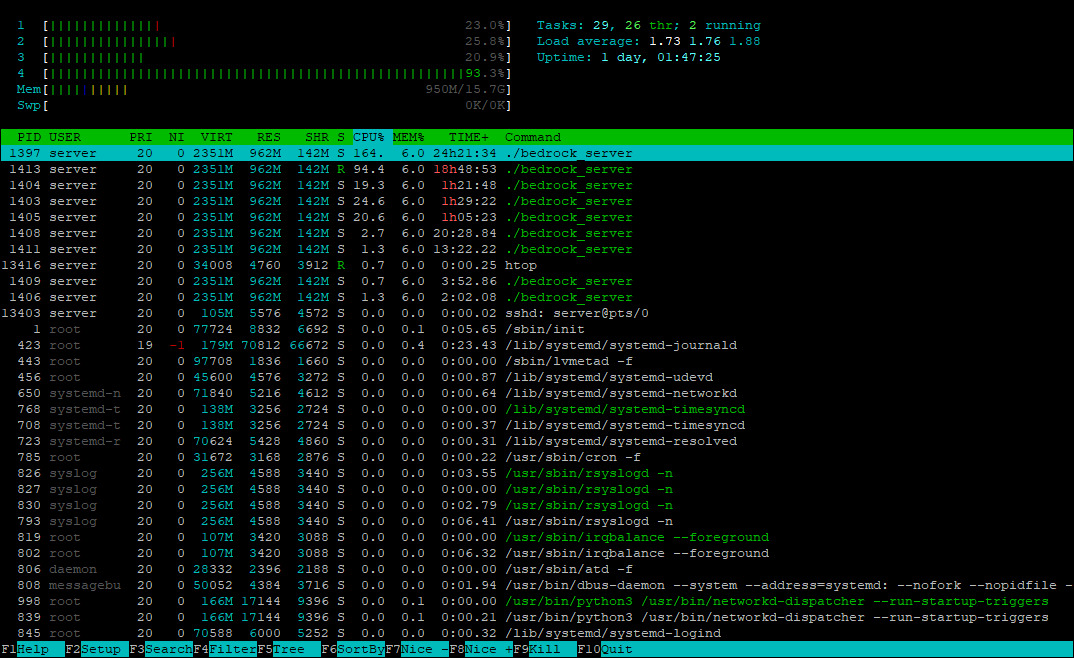
BDS does have an option for "threads" in the server.properties, so it should support multi-threading on paper.
This has nothing to do with BDS.
Vyacheslav Makhonin Thanks for the example pictures!
When executing the "help" command in BDS v1.14.32.1, it now seems that there are only 3 help-pages instead of 18 (like back in v1.12). The connect or wsserver command isn't even listed anymore, but executing one of them doesn't result in an error like
"Unknown command: example. Please check that the command exists and that you have permission to use it."
that pops up when trying to run any non-existing arbitrary command.
@Toba da'Great We switched back to a 2-Player Realm instead of a dedicated server so I can't really say if it is still an issue to be honest :-/...