 DmitriyIII
- DmitriyIII
- JIRAUSER591302
- Europe/Stockholm
- Yes
- No
 MCL-16260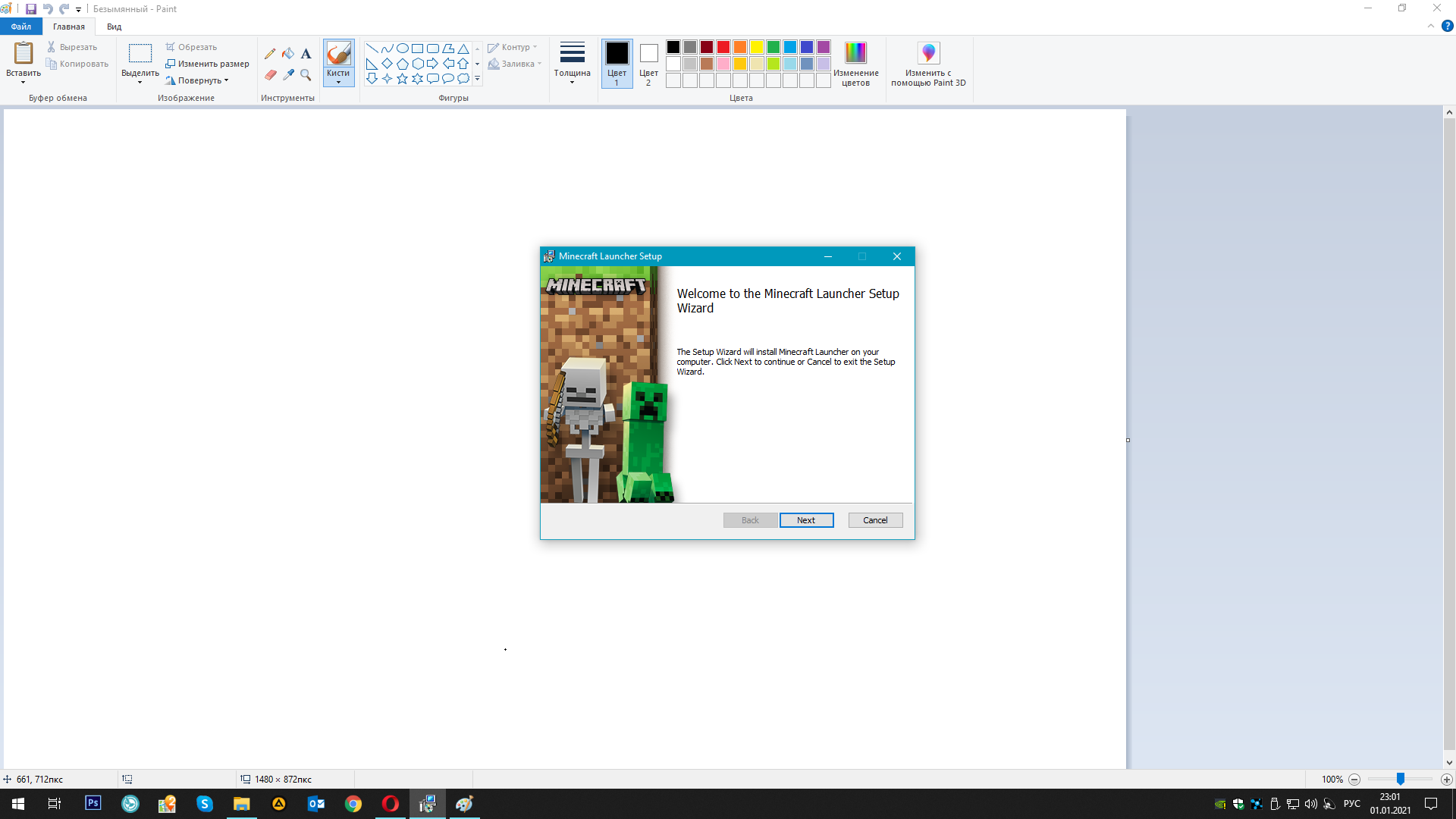



the computer has a hard drive, but it began to die due to its age. Naturally, I replaced it, set a new letter (dying hard drive E:, new hard drive K
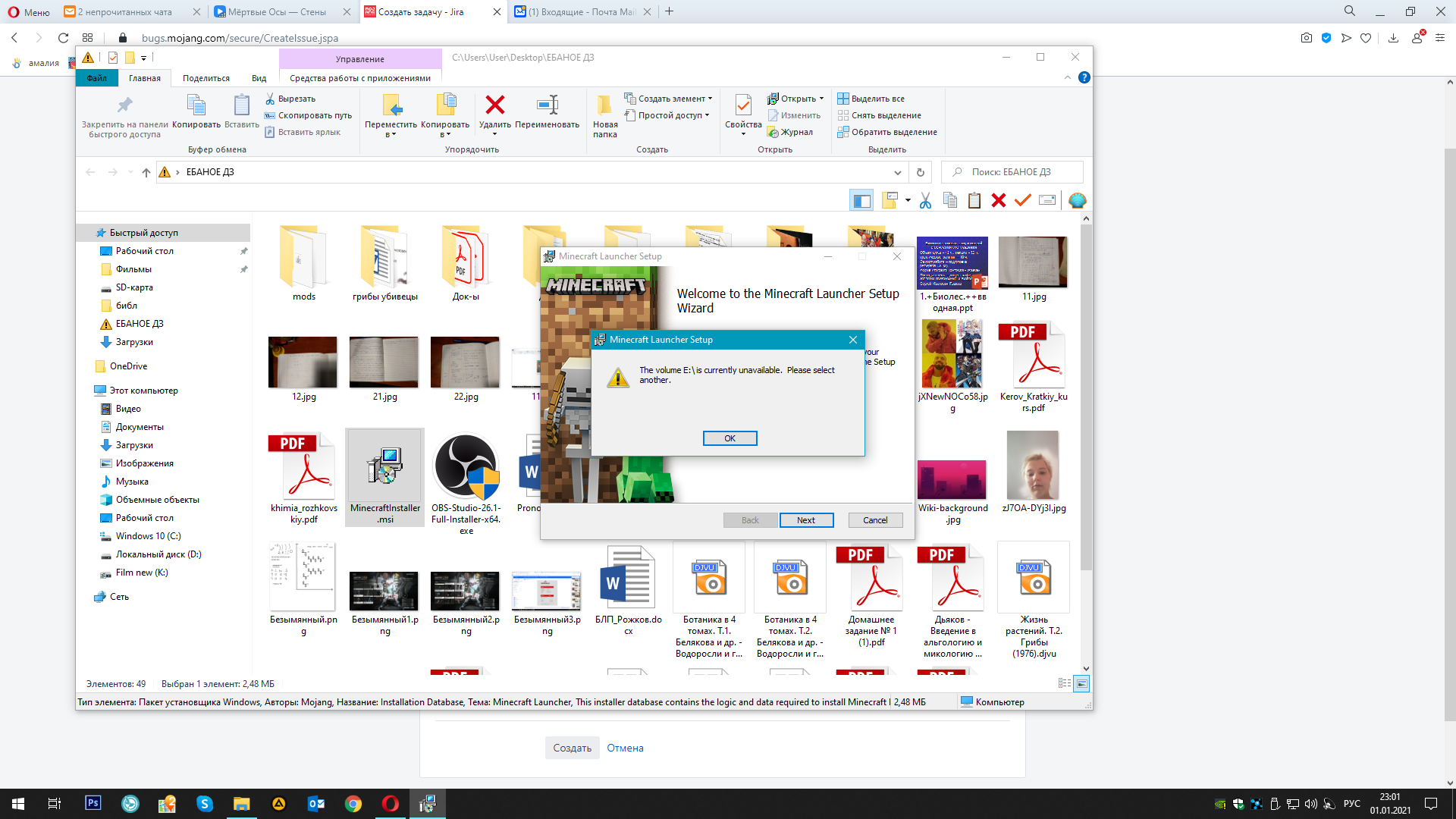
, now I need to reinstall all games that were once on E:, but the Minecraft installer requires me to drive E:, while without giving the opportunity to choose a different installation path. Before changing the hard drive, there were no such problems
the computer has a hard drive, but it began to die due to its age. Naturally, I replaced it, set a new letter (dying hard drive E:, new hard drive K: ), now I need to reinstall all games that were once on E:, but the Minecraft installer requires me to drive E:, while without giving the opportunity to choose a different installation path. Before changing the hard drive, there were no such problems
the solution turned out to be unexpected: go to the registry editor -> HKEY_CURRENT_USER -> SOFTWARE -> find the "Mojang" folder and delete it. After that minecraftinstaller.msi started working correctly. The game is installed, the launcher is checked
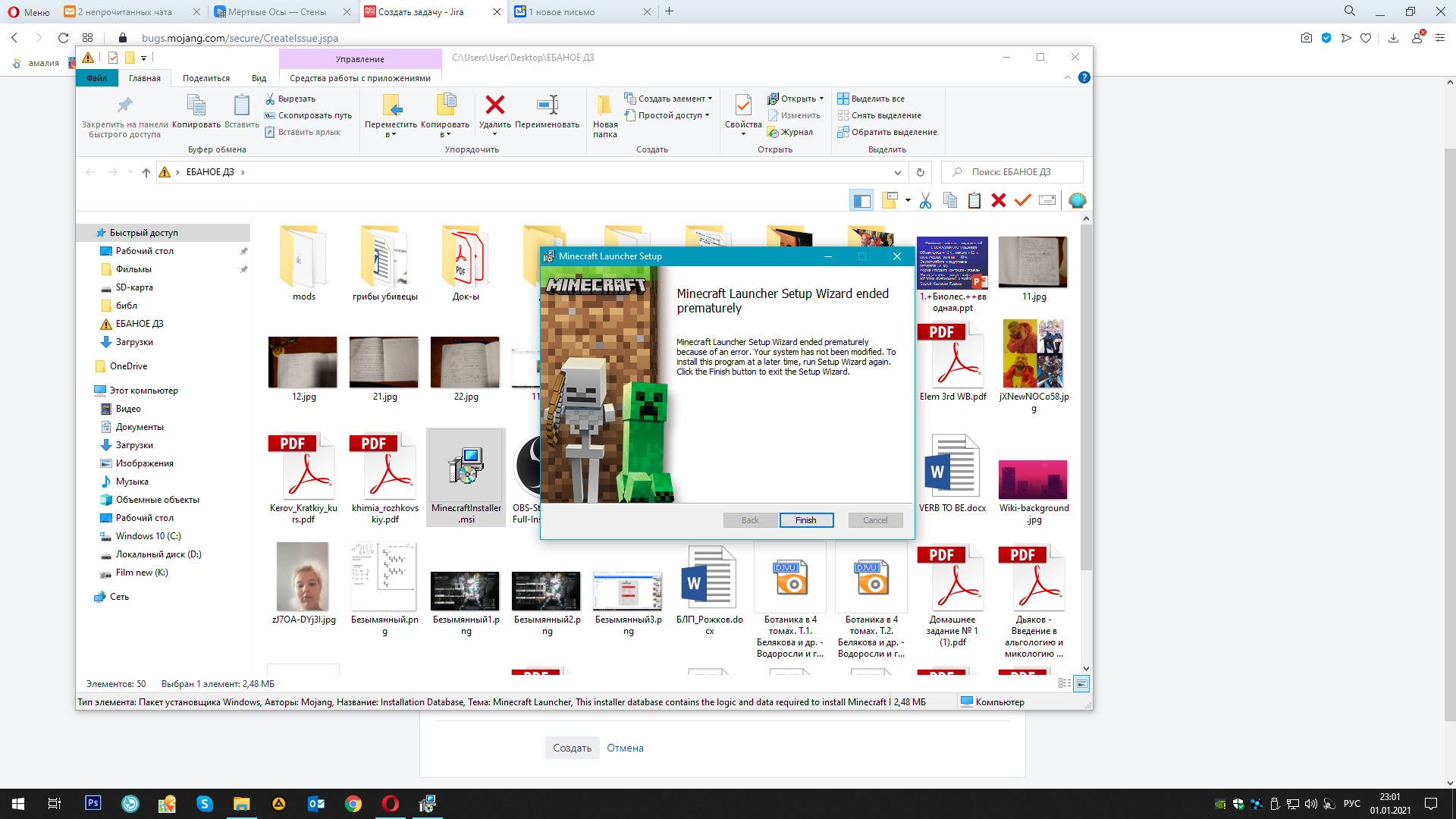
I have attached pictures of how the installer requires the "E" drive. At the same time, there was a folder ". Minecraft" in the path you specified. Even so, the already installed game would not start. I decided to delete this folder and then install the game again, but MinecraftInstaller.msi requires an "E" drive. This is the problem, that drive "E" did not contain OC files, especially minecraft files, but the installer requires me to drive "E"
whatever I delete, it requires drive E. At the same time minecraft Win10Edit (BE) works fine. But I need Java edit... (ಥ﹏ಥ)
the solution turned out to be unexpected: go to the registry editor -> HKEY_CURRENT_USER -> SOFTWARE -> find the "Mojang" folder and delete it. After that minecraftinstaller.msi started working correctly. The game is installed, the launcher is checked