 DutchMC
- DutchCommanderYT
- dutchcommanderyt
- Europe/Stockholm
- Yes
- No
 MCL-9310
 MC-150859
![[Mojang] Bartosz Bok](../../../data/avatars/users/10122.svg) MC-191000
MC-191000 MCPE-107682



I'm using a /setblock command to set a sign, but everytime I'm getting the message An unexpected error occured trying to execute that command . This only occurs when you add {{ } } data to the sign (There doesn't need to be anything in it. Just including it already gives an error). Without it it works completely fine. This works for all signs (not for chests etc). Now for the weird part, the sign still places correctly. However, once I try to place multiple signs in the same command ({{{{/execute at <Multiple Entities> run setblock ~ ~2 ~ oak_wall_sign{Text1:'
{"text":"test"}'}}}}}), it only sets the first one. The other ones get ignored. Using multiple /setblock commands in the same tick does still place the signs (although the error keeps appearing). There is nothing in the game logs that could help.
I'm using a /setblock command to set a sign, but everytime I'm getting the message An unexpected error occured trying to execute that command . This only occurs when you add {{ }
{"text":"test"}}data to the sign (There doesn't need to be anything in it. Just including it already gives an error). Without it it works completely fine. This works for all signs (not for chests etc). Now for the weird part, the sign still places correctly. However, once I try to place multiple signs in the same command ({{{{/execute at <Multiple Entities> run setblock ~ ~2 ~ oak_wall_sign{Text1:''}}}}}), it only sets the first one. The other ones get ignored. Using multiple /setblock commands in the same tick does still place the signs (although the error keeps appearing). There is nothing in the game logs that could help.
I'm using a /setblock command to set a sign, but everytime I'm getting the message An unexpected error occured trying to execute that command . This only occurs when you add NBT data to the sign (There doesn't need to be anything in it. Just including it already gives an error). Without it it works completely fine. This works for all signs (not for chests etc). Now for the weird part, the sign still places correctly. However, once I try to place multiple signs in the same command ({{{{/execute at <Multiple Entities> run setblock ~ ~2 ~ oak_wall_sign{Text1:'
{"text":"test"}'}}}}}), it only sets the first one. The other ones get ignored. Using multiple /setblock commands in the same tick does still place the signs (although the error keeps appearing). There is nothing in the game logs that could help.
 crash-2020-04-23_14.40.26-client.txt
Upgradingworlds without all vanilla tags supplied are not upgraded and locked by the instanceOptimizing older worlds without all vanilla tags supplied are not upgraded and locked by the instance
When you
have worlds that have to be converted andwould be opened up in safe mode because the vanilla datapack is disabled and not all tags are supplied,when trying to optimize or open the worldit sends you straight back to the title screen. The world then disappears from your singleplayer menu for a couple of seconds and later returns with the message "Locked by another running instance of Minecraft".When trying to open the world a warning appears in the output log. While the world is not yet visible in your singleplayer menu another warning appears when opening the singleplayer menu. See attached output_log_warn.txt file.
I've tried this with worlds made for versions 1.14 and 1.15.
2.
How to reproduce:
- Open an older version of Minecraft, create a world and disable the vanilla datapack
- Try to open or optimize the world in 1.16 RC 1
When you want to optimize a world from an older version which would be opened up in safe mode in 1.16 because the vanilla datapack is disabled and not all tags are supplied, it sends you straight back to the title screen. The world then disappears from your singleplayer menu for a couple of seconds and later returns with the message "Locked by another running instance of Minecraft".
When trying to open the world a warning appears in the output log. While the world is not yet visible in your singleplayer menu another warning appears when opening the singleplayer menu. See attached output_log_warn.txt file.
I've tried this with worlds made for versions 1.14, 1.14.4 and 1.15.
How to reproduce:
- Open an older version of Minecraft, create a world and disable the vanilla datapack
- Try to open or optimize the world in 1.16 RC 1
When you want to optimize a world from an older version which would be opened up in safe mode in 1.16 because the vanilla datapack is disabled and not all tags are supplied, it sends you straight back to the title screen. The world then disappears from your singleplayer menu for a couple of seconds and later returns with the message "Locked by another running instance of Minecraft".
When trying to open the world a warning appears in the output log. While the world is not yet visible in your singleplayer menu another warning appears when opening the singleplayer menu. See attached output_log_warn.txt file.
I've tried this with worlds made for versions 1.14, 1.14.4 and 1.15.
How to reproduce:
- Open an older version of Minecraft, create a world and disable the vanilla datapack
Try to openor optimize the world in 1.16 RC 1
When you want to optimize a world from an older version which would be opened up in safe mode in 1.16 because the vanilla datapack is disabled and not all tags are supplied, it sends you straight back to the title screen. The world then disappears from your singleplayer menu for a couple of seconds and later returns with the message "Locked by another running instance of Minecraft".
When trying to open the world a warning appears in the output log. While the world is not yet visible in your singleplayer menu another warning appears when opening the singleplayer menu. See attached output_log_warn.txt file.
I've tried this with worlds made for versions 1.14, 1.14.4 and 1.15.
How to reproduce:
- Open an older version of Minecraft, create a world and disable the vanilla datapack
- Create (or copy) a different datapack into the world which does not contain all vanilla tags
- Try to open or optimize the world in 1.16 RC 1
When you want to optimize a world from an older version which would be opened up in safe mode in 1.16 because the vanilla datapack is disabled and not all tags are supplied, it sends you straight back to the title screen. The world then disappears from your singleplayer menu for a couple of seconds and later returns with the message "Locked by another running instance of Minecraft".
When trying to open the world a warning appears in the output log. While the world is not yet visible in your singleplayer menu another warning appears when opening the singleplayer menu. See attached output_log_warn.txt file.
I've tried this with worlds made for versions 1.14, 1.14.4 and 1.15.
How to reproduce:
- Open an older version of Minecraft, create a world and disable the vanilla datapack
- Create (or copy) a different datapack into the world which does not contain all vanilla tags. As long as the game recognizes it as a datapack.
- Try to open or optimize the world in 1.16 RC 1
When you want to optimize a world from an older version which would be opened up in safe mode in 1.16 because the vanilla datapack is disabled and not all tags are supplied, it sends you straight back to the title screen. The world then disappears from your singleplayer menu for a couple of seconds and later returns with the message "Locked by another running instance of Minecraft".
When trying to open the world a warning appears in the output log. While the world is not yet visible in your singleplayer menu another warning appears when opening the singleplayer menu. See attached output_log_warn.txt file.
I've tried this with worlds made for versions 1.14, 1.14.4 and 1.15.
How to reproduce:
- Open an older version of Minecraft, create a world and disable the vanilla datapack
- Create (or copy) a different datapack into the world which does not contain all vanilla tags. As long as the game recognizes it as a datapack.
- Try to open
oroptimize the world in 1.16 RC 1
When you want to optimize a world from an older version which would be opened up in safe mode in 1.16 because the vanilla datapack is disabled and not all tags are supplied, it sends you straight back to the title screen. The world then disappears from your singleplayer menu for a couple of seconds and later returns with the message "Locked by another running instance of Minecraft".
When trying to open the world a warning appears in the output log. While the world is not yet visible in your singleplayer menu another warning appears when opening the singleplayer menu. See attached output_log_warn.txt file.
I've tried this with worlds made for versions 1.14, 1.14.4 and 1.15.
How to reproduce:
- Open an older version of Minecraft, create a world and disable the vanilla datapack
- Create (or copy) a different datapack into the world which does not contain all vanilla tags. As long as the game recognizes it as a datapack.
- Try to open (not optimize) the world in 1.16 RC 1
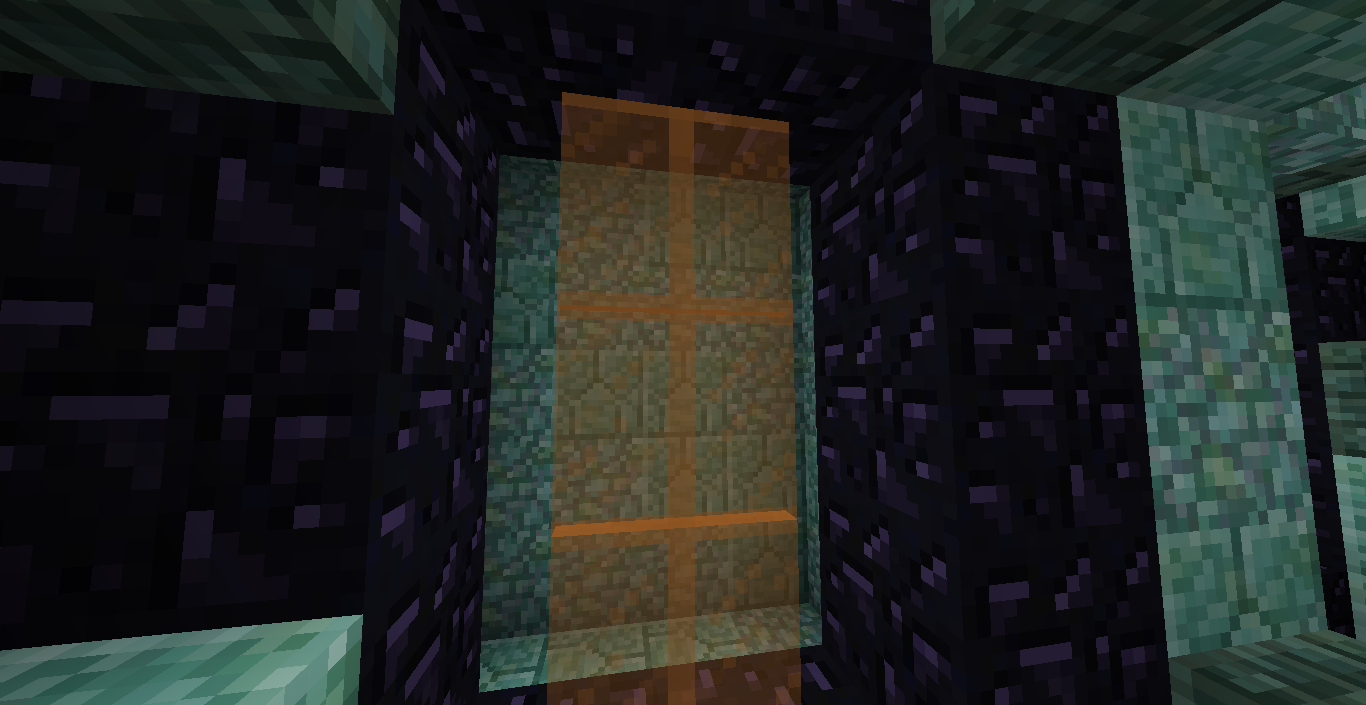
you could also add facing to it, for example /fill 2 4 2 6 6 6 orange_stained_glass_pane[north=true,south=true]
Just tried to reproduce this myself again, this time simply opening the world worked fine. Optimizing the world however still gives me the same result I had before, where it sends me straight back to the title screen and locking the world. I'll edit the bug report. @Galaxy_2Alex could you try again?
Can confirm. Also, it seems like all loot tables are automatically generated when the world is opened. I've modified chests' NBT with a third party program, opened the world and left immediately. When looking at the chests' data it then has all of its loot already generated.
Exact same as Alberto here
Definitely still an issue in 1.17.11 on Win10, just tested it.