 Bryan Emmanuel Mejía Castañeda
- emmanuelito18
- emmanuelito18
- America/Mexico_City
- Yes
- No
 BDS-1373
 MCPE-55661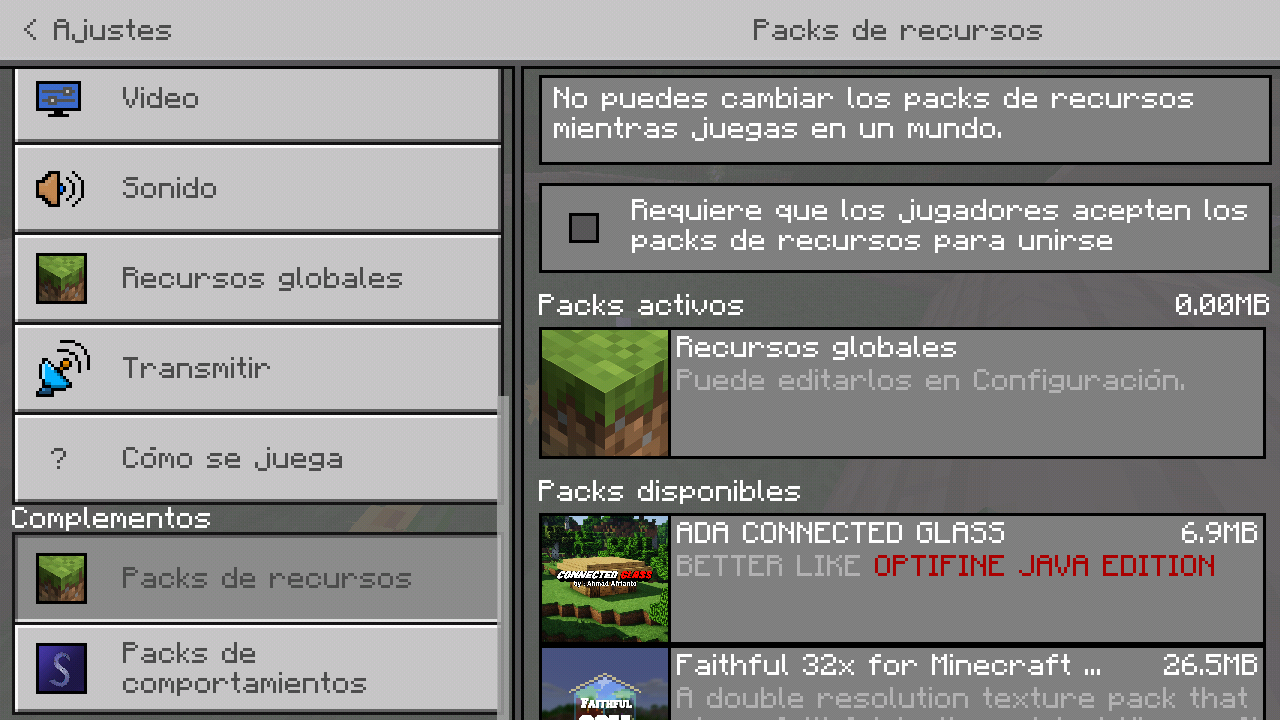




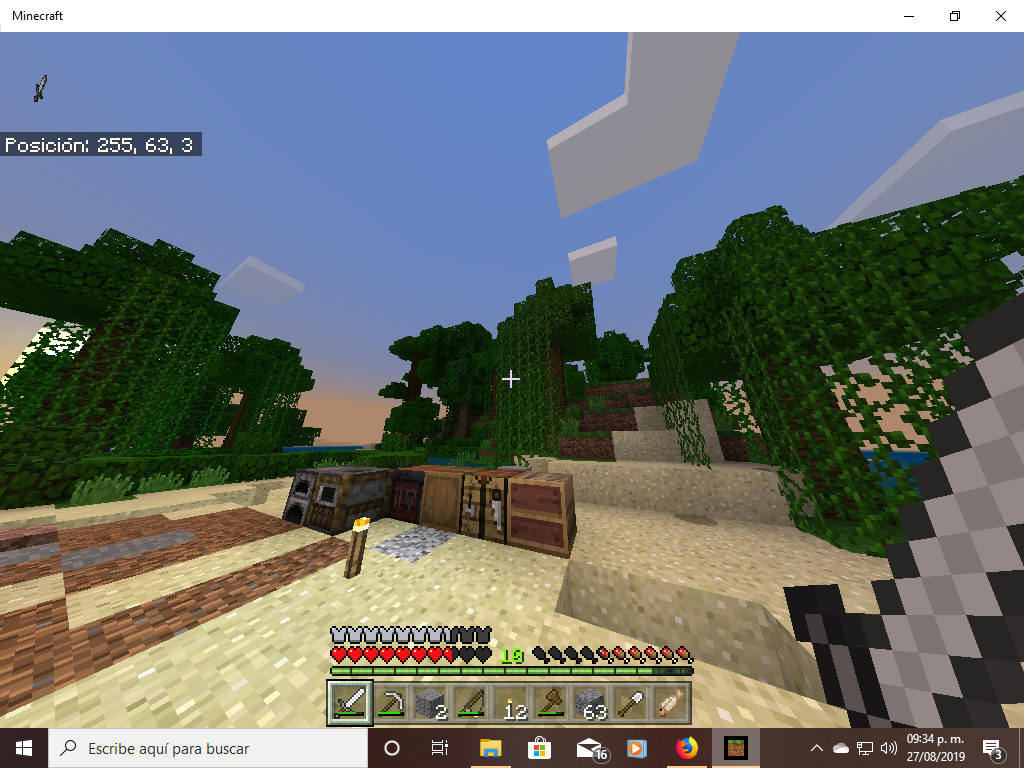
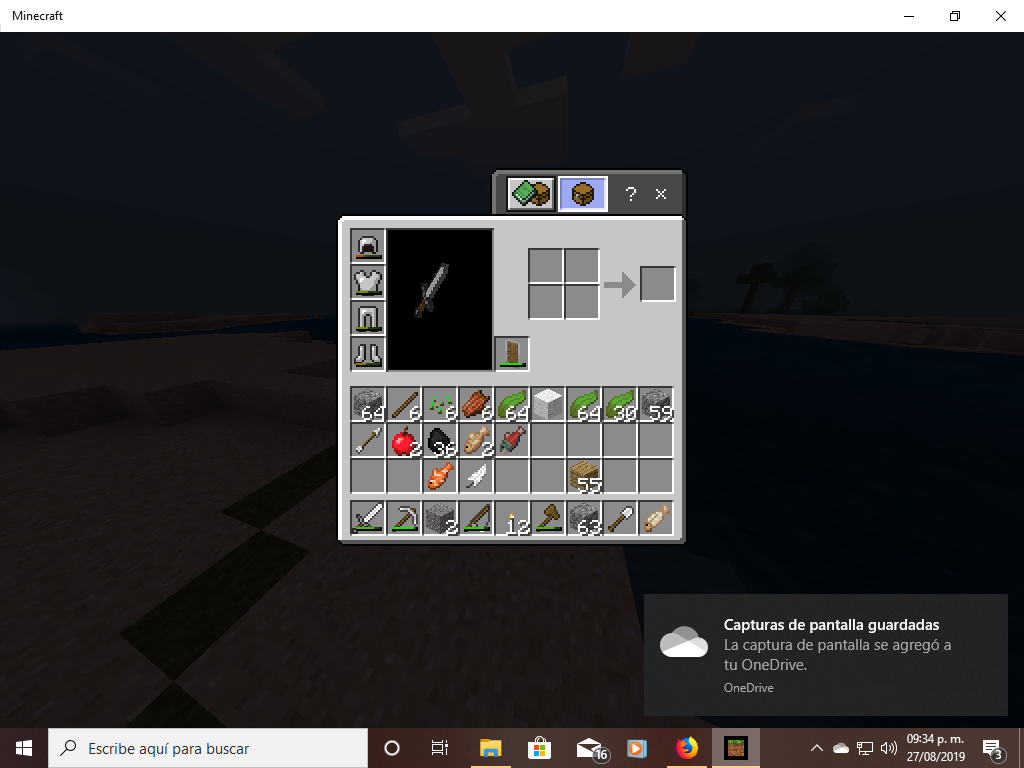


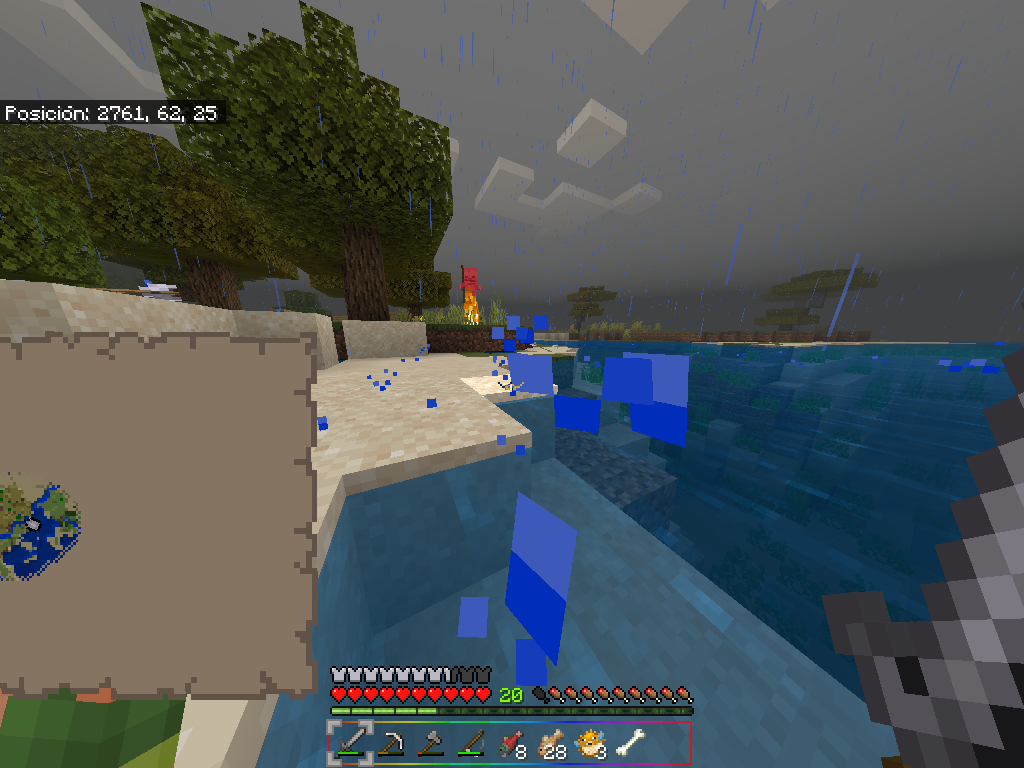



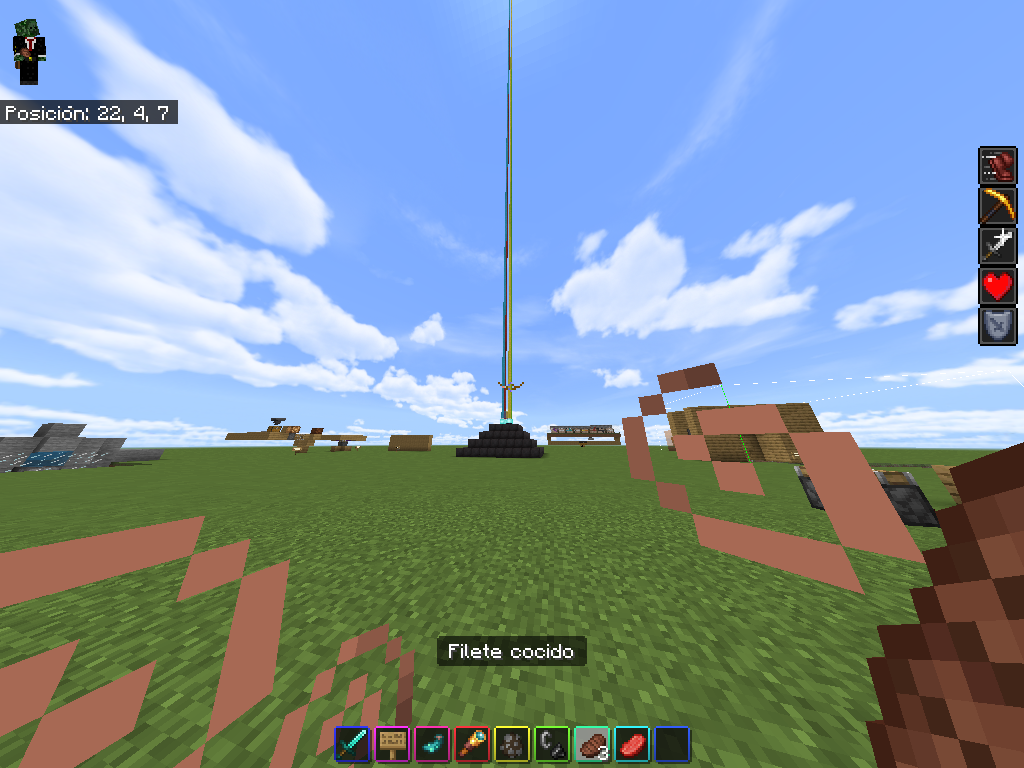
scoreboards do not work in minecraft 1.11.4, none of the related commands in the chat or in the command blocks
steps to recreate the bug
1. in minecraft 1.11.4 invoke the command block
2. already having the block in the inventory, put it and open its interface and put the following command "/ scoreboard objetives add muertes dummy "
3. in another block of commands enter the following command "/scoreboard objetives add jugador dummy"
4. in another block of commands enter the following command "/scoreboard objetives setdisplay sidebar muertea".
and finally
5. Enter the following command in the command block "/scoreboard objetives setdisplay belowname muertes".
in two other command blocks, put the following commands
type of command block repeat
"/testfor @p [scores=\{jugador=1}] "
type of command block pulse
"/scoreboard players add @p [scores=\{jugador=1}] muertes 1 and activate all command blocks
scoreboards do not work in minecraft 1.11.4, none of the related commands in the chat or in the command blocks
steps to recreate the bug
1. in minecraft 1.11.4 invoke the command block
2. already having the block in the inventory, put it and open its interface and put the following command "/ scoreboard objetives add muertes dummy "
3. in another block of commands enter the following command "/scoreboard objetives add jugador dummy"
4. in another block of commands enter the following command "/scoreboard objetives setdisplay sidebar muertea".
and finally
5. Enter the following command in the command block "/scoreboard objetives setdisplay belowname muertes".
in two other command blocks, put the following commands
type of command block repeat
"/testfor @p [scores=\{jugador=1}]"
type of command block pulse
"/scoreboard players add @p [scores=\{jugador=1}]muertes 1 and activate all command blocksscoreboards do not work in minecraft 1.11.4, none of the related commands in the chat or in the command blocks
steps to recreate the bug
{jugador=1}]"
1. in minecraft 1.11.4 invoke the commandblock
2. already having the block in the inventory, put it and open its interface and put the following command "/ scoreboard objetives add muertes dummy "
3. in another block of commands enter the following command "/scoreboard objetives add jugador dummy"
4. in another block of commands enter the following command "/scoreboard objetives setdisplay sidebar muertea".
and finally
5. Enter the following command in the command block "/scoreboard objetives setdisplay belowname muertes".
in two other command blocks, put the following commands
type of command block repeat
"/testfor @p [scores=
type of command block pulse
"/scoreboard players add @p [scores=
{jugador=1}] muertes 1 and activate all command blocks.
Observed results:
even if all the command blocks are activated none execute the commands previously put, therefore the score board does not appear on the screen or below the player's nametagexpected results:
You should appreciate the score board on the screen counting how many deaths each player takes besides appearing under your nametag of the player only being able to be visible to the other players.
please fix the commands related to the scoreboards
scoreboards do not work in minecraft 1.11.4, none of the related commands in the chat or in the command blocks
steps to recreate the bug
{jugador=1}]"
1. in minecraft 1.11.4 invoke the commandblock
2. already having the block in the inventory, put it and open its interface and put the following command "/scoreboard objetives add muertes dummy "
3. in another block of commands enter the following command "/scoreboard objetives add jugador dummy"
4. in another block of commands enter the following command "/scoreboard objetives setdisplay sidebar muertea".
and finally
5. Enter the following command in the command block "/scoreboard objetives setdisplay belowname muertes".
in two other command blocks, put the following commands
type of command block repeat
"/testfor @p[scores=
type of command block pulse
"/scoreboard players add @p [scores=
{jugador=1}
] muertes 1and activate all command blocks.
Observed results:
even if all the command blocks are activated none execute the commands previously put, therefore the score board does not appear on the screen or below the player's nametagexpected results:
You should appreciate the score board on the screen counting how many deaths each player takes besides appearing under your nametag of the player only being able to be visible to the other players.
please fix the commands related to the scoreboardsscoreboards do not work in minecraft 1.11.4, none of the related commands in the chat or in the command blocks
steps to recreate the bug
1. in minecraft 1.11.4 invoke the commandblock
2. already having the block in the inventory, put it and open its interface and put the following command "/scoreboard objetives add muertes dummy "
3. in another block of commands enter the following command "/scoreboard objetives add jugador dummy"
4. in another block of commands enter the following command "/scoreboard objetives setdisplay sidebar muertes".
and finally
5. Enter the following command in the command block "/scoreboard objetives setdisplay belowname muertes".
in two other command blocks, put the following commands
type of command block repeat
"/testfor @p [scores=\{jugador=1}]"
type of command block pulse
"/scoreboard players add @p [scores=\{jugador=1}] muertes 1and activate all command blocks.
Observed results:
even if all the command blocks are activated none execute the commands previously put, therefore the score board does not appear on the screen or below the player's nametagexpected results:
You should appreciate the score board on the screen counting how many deaths each player takes besides appearing under your nametag of the player only being able to be visible to the other players.
please fix the commands related to the scoreboards
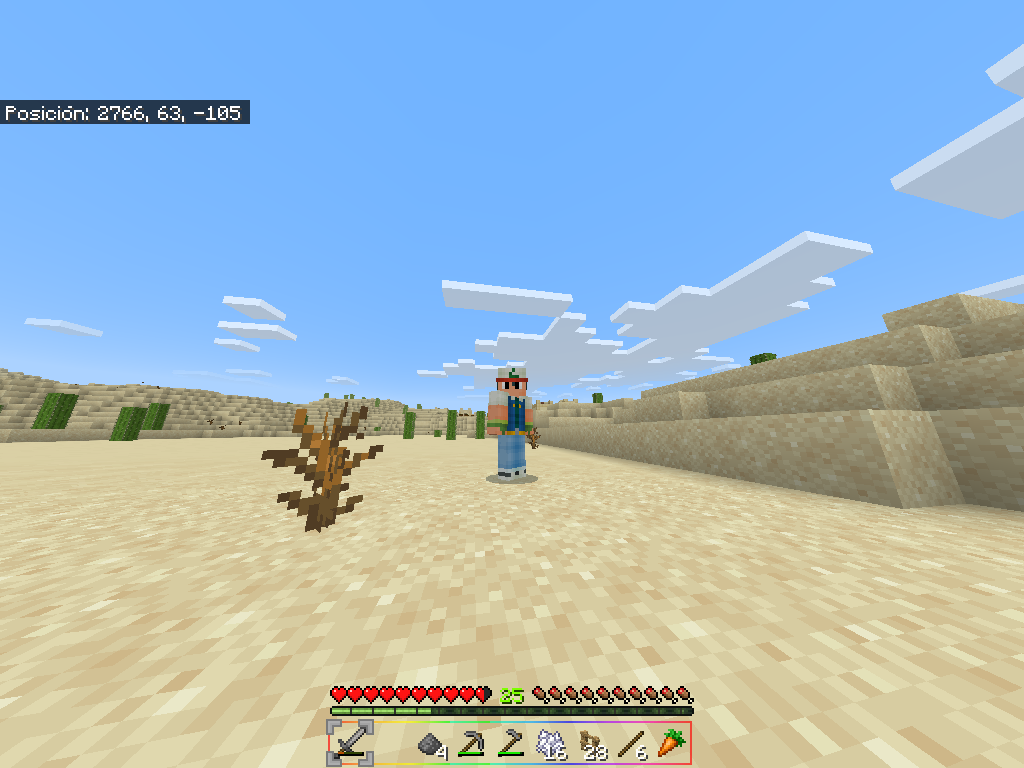
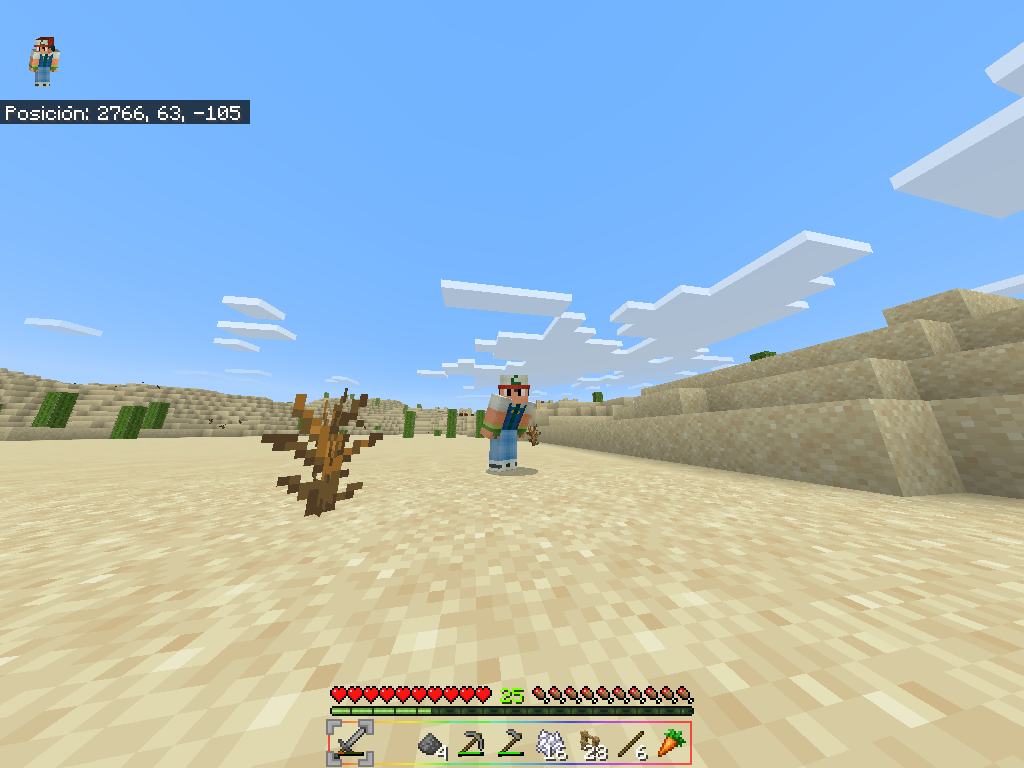
When you activate the sophisticated graphics in the game, the character becomes invisible, no matter if you wear armor or a parrot, your character becomes invisible, including the skin, what you have in the second hand, as opposed to the hand, becomes invisible. main, since the item you have in that hand if you see it.
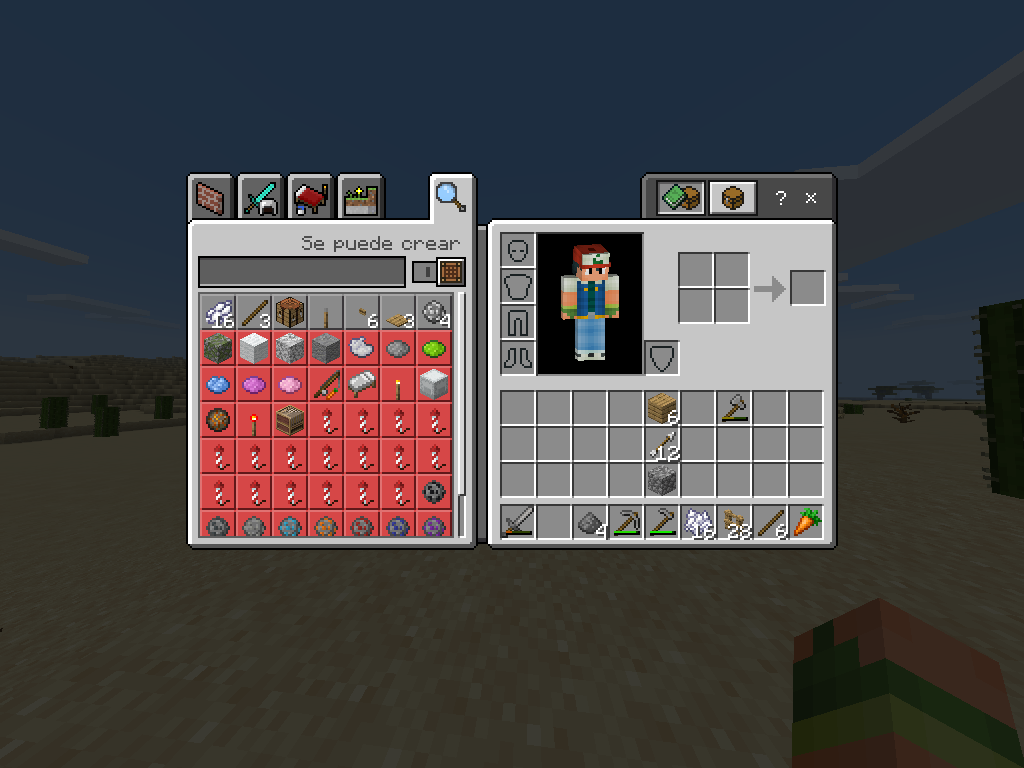
also the character is invisible in the minute that in Spanish they called him paper doll, he also became invisible in the pause menu (when you give him scape) only seeing what you have in the main hand, just like the skin is invisible on the menu to change skin while you are still in the world.When I was taking the screenshots to put them in the report of this bug I discovered that this same bug also affects the mobs I spend with skeletons and with village zombies the armor skeletons are seen in armor and like the zombies can also see their arches, the villagers zombies can only see the clothes they eat and if any of them are burning you can also see the fire I don't know if the bug affects all the mobs of the game
invisible skin and mobs with sophisticated graphics
When i execute bedrock_server.exe Windows 10 says what the program is not compatible for windows 10.
i've Windows 10 pro 32 bits update 1903
(I do not know the version of bedrock_server.exe or any of the other files contained in the .zip file of the page https://www.minecraft.net/es-es/download/server/bedrock but I put in this error report The latest version that appeared as published).
The screenshot is in spanish because it is t
e language of my operating system.:v good bye
I hope and do not stop supporting this tool to create minecraft bedrock servers.
When i execute bedrock_server.exe Windows 10 says what the program is not compatible for windows 10.
i've Windows 10 pro 32 bits update 1903
(I do not know the version of bedrock_server.exe or any of the other files contained in the .zip file of the page https://www.minecraft.net/es-es/download/server/bedrock but I put in this error report The latest version that appeared as published).
The screenshot is in spanish because it is th
e language of my operating system.
:v good bye
I hope and do not stop supporting this tool to create minecraft bedrock servers.

When i execute bedrock_server.exe Windows 10 says what the program is not compatible for windows 10.
i've Windows 10 pro 32 bits update 1903
(I do not know the version of bedrock_server.exe or any of the other files contained in the .zip file of the page https://www.minecraft.net/es-es/download/server/bedrock but I put in this error report The latest version that appeared as published).
The screenshot is in spanish because it is th
e language of my operating system.
:v good bye
I hope and do not stop supporting this tool to create minecraft bedrock servers.
greetings from Mexico.
bug BDS.png
Hwbev
When i play MC BEDROCK with on my android device, constantly there's crashes when i play with bluethoot controller and the touch screen
The skinsskins belonging to skin packs disappear from the skins editor when reopening minecraft
When removing the bell with a stone pi
When removing the bell with a stone pickaxe the bell never can i set the bell on any block and any chest and otres blocks with intreface
bell glitch when removing the bell with stonebeakbell glitch when removing the bell with stone pickaxe
When removing the bell with a stone pickaxe the bell never can i set the bell on any block and any chest
and otresblocks with intrefaceWhen removing the bell with a stone pickaxe the bell never can i set the bell on any block and any chest or other blocks with intreface.
Also in the inventory and the hotbar.
When removing the bell with a stone pickaxe the bell never can i set the bell on any block and any chest or other blocks with intreface.
Also in the inventory and the hotbar.
When removing the bell with a stone pickaxe the bell never can i set the bell on any block and any chest or other blocks with intreface.
Also in the inventory and the hotbar, neither can drop the bell item.
Only can drop the bell item whe you'll die
When
removing the bellwith a stone pickaxe the bellnever can i set the bell on any blockand anychest or otherblocks withintreface.Also in the inventory and the hotbar
, neither can drop the bell item.
Onlycan drop the bellitemwhe you'lldieWhen the bell is removed with a stone pickaxe, the bell can never be placed in any block or in a chest or other interface blocks.
Also in the inventory and in the hotbar the same thing happens, the item of the bell cannot be dropped either.
You can only drop the bell when you die
the worlds for Minecraft Realms its imposible set experimental gameplay ,
untilthe worlds for Minecraft Realms its imposible set experimental gameplay , although the experimental gameplay is set in the world configuration
When in the world there are many mobs and then other player joins to the game, sometimes the game crash and the crashes cause to many mobs dissppears shuch as:
cows, pigs, chikens and sometimes very rare horses.video: https://youtu.be/DucRyH3IoMM
piglins don't trade whit anything intem of gold regardless of whether the gold item was drop or right-clicked, even with gold nuggets they just shake their heads down but don't pick them up, plus they disappear without the piglins exchanging anything
HOW TO REPRODUCE
1.go to the nether
2.find a piglin
3.drop anything gold item excep gold ingots or right click
4.the piglin don't trade
piglins don't trade whit anything intem of gold regardless of whether the gold item was drop or right-clicked, even with gold nuggets they just shake their heads down but don't pick them up, plus they disappear without the piglins exchanging anything
HOW TO REPRODUCE
1.go to the nether
2.find a piglin
3.drop anything gold item excep gold ingotsor right click
4.the piglin don't tradepiglins don't trade whit anything intem of gold except gold ingots regardless of whether the gold item was drop or right-clicked, even with gold nuggets they just shake their heads down but don't pick them up, plus they disappear without the piglins exchanging anything
HOW TO REPRODUCE
1.go to the nether
2.find a piglin
3.dropo right click anything gold item except gold ingots
4.the piglin don't trade
piglins don't trade whit anything intem of gold except gold ingots regardless of whether the gold item was drop or right-clicked, even with gold nuggets they just shake their heads down but don't pick them up, plus they disappear without the piglins exchanging anything
HOW TO REPRODUCE
1.go to the nether
2.find a piglin
3.droporight click anything gold item except gold ingots
4.the piglin don't tradepiglins don't trade whit anything intem of gold except gold ingots regardless of whether the gold item was drop or right-clicked, even with gold nuggets they just shake their heads down but don't pick them up, plus they disappear without the piglins exchanging anything
HOW TO REPRODUCE
1.go to the nether
2.find a piglin
3.drop or right click anything gold item except gold ingots
4.the piglin don't trade
When you trade with the villagers to the point of blocking all their trades, they do not resupply or work even if they have their work station within reach
When you trade with the villagers to the point of blocking all their trades, they do not resupply or work even if they have their work station within reach.
And this still don't work, pls see this reportMCPE-55639and this report
When you trade with the villagers to the point of blocking all their trades, they do not resupply or work even if they have their work station within reach.
And this still don't work, pls see this reportMCPE-55639and this reportWhen you trade with the villagers to the point of blocking all their trades, they do not resupply or work even if they have their work station within reach.
And this still don't work, pls see my report and this reportMCPE-55639
When you trade with the villagers to the point of blocking all their trades, they do not resupply or work even if they have their work station within reach.
And this still don't work, pls see my report and this reportMCPE-55639When you trade with the villagers to the point of blocking all their trades, they do not resupply or work even if they have their work station within reach.
And this still don't work, pls see my report and this reportMCPE-55639, and pls fix it.
Greetings form Mexico
When you trade with the villagers to the point of blocking all their trades, they do not resupply or work even if they have their work station within reach.
And this still don't work, pls see my report and this reportMCPE-55639, and pls fix it.
Greetings form MexicoWhen you trade with the villagers to the point of blocking all their trades, they do not resupply or work even if they have their work station within reach.
And this still don't work, pls see my report and this reportMCPE-55639, and pls fix it.
This bug DON'T are fix
Greetings form Mexico
When you trade with the villagers to the point of blocking all their trades, they do not resupply or work even if they have their work station within reach.
And this still don't work, pls see my report and this reportMCPE-55639,andpls fix it.
This bug DON'T are fix
Greetings form MexicoWhen you trade with the villagers to the point of blocking all their trades, they do not resupply or work even if they have their work station within reach.
And this still don't work, pls see my report and this reportsMCPE-55639andMCPE-55639, and pls fix it.
This bug DON'T are fix
Greetings form Mexico
When you trade with the villagers to the point of blocking all their trades, they do not resupply or work even if they have their work station within reach.
And this still don't work, pls see my report and this reportsMCPE-55639andMCPE-55639, and pls fix it.
This bug DON'T are fix
Greetings form Mexico
- When you trade with the villagers to the point of blocking all their trades, they do not resupply or work even if they have their work station within reach.
And this still don't work, pls see my report and this reportsMCPE-55639andMCPE-55639, and pls fix it.
This bug AREN't fix
Greetings form Mexico
- When you trade with the villagers to the point of blocking all their trades, they do not resupply or work even if they have their work station within reach.
And this still don't work, pls see my report and this reportsMCPE-55639andMCPE-55639, andpls fix it.
This bug AREN't fix
Greetings form Mexico
sometimes when is raining during the day and spawn hostile mobs like skeletons, the skeleton burns during the rainSometimes when is raining during the day and spawn hostile mobs like skeletons, the skeleton burns during the rain.
Sometimes when is raining during the day and spawn hostile mobs like skeletons, the skeleton burns during the rain.
Steps to reproduce:
- Create a new minecraft bedrock wolrd
- If you spawn in a desert or any biome in the world where it cannot rain like in the desert, go to a biome where it can, such as plains or savannah
- Then write the following command in the chat: /time set day
- Then write the following command in the chat: /weather rain o /weather storm
- Finally Spawn a zombie, drowned, zombie villager, skeleton or stray on the day during the rain
Observed results:
These mobs burns during the day under the rain, and it hurts by the fire and Then dies
Expected results:
Those mobs shouldn't be burned because the rain prevents them from burning during the day.
skeletons burns in rainHostile mobs burns in rain
Sometimes when is raining during the day and spawn hostile mobs like skeletons, the skeleton burns during the rain.
Steps to reproduce:
- Create a new minecraft bedrock wolrd
- If you spawn in a desert or any biome in the world where it cannot rain like in the desert, go to a biome where it can, such as plains or savannah
- Then write the following command in the chat: /time set day
- Then write the following command in the chat: /weather rain o /weather storm
- Finally Spawn a zombie, drowned, zombie villager, skeleton or stray on the day during the rain
Observed results:
These mobs burns during the day under the rain, and it hurts by the fire and Then dies
Expected results:
Those mobs shouldn't be burned because the rain prevents them from burning during the day.
Note: When i create this report the last version of the game was 1.16.20 and i don't update this report because i can't by the school, actually the last version of the game is 1.17.10, I don't know if this problem affected intermediate versions between 1.16.20 and 1.17.10.
Greetings from Mexico.
Sometimes when is raining during the day and spawn hostile mobs like skeletons, the skeleton burns during the rain.
Steps to reproduce:
- Create a new minecraft bedrock wolrd
- If you spawn in a desert or any biome in the world where it cannot rain like in the desert, go to a biome where it can, such as plains or savannah
- Then write the following command in the chat: /time set day
- Then write the following command in the chat: /weather rain o /weather storm
- Finally Spawn a zombie, drowned, zombie villager, skeleton or stray on the day during the rain
Observed results:
These mobs burns during the day under the rain, and it hurts by the fire and Then dies
Expected results:
Those mobs shouldn't be burned because the rain prevents them from burning during the day.
Note: When i create this report the last version of the game was 1.16.20 and i don't update this report because i can't by the school, actually the last version of the game is 1.17.10, I don't know if this problem affected intermediate versions between 1.16.20 and 1.17.10.
Greetings from Mexico.
Sometimes when is raining during the day and spawn hostile mobs like skeletons, the skeleton burns during the rain.
Steps to reproduce:
- Create a new minecraft bedrock wolrd
- If you spawn in a desert or any biome in the world where it cannot rain like in the desert, go to a biome where it can, such as plains or savannah
- Then write the following command in the chat: /time set day
- Then write the following command in the chat: /weather rain o /weather storm
- Finally Spawn a zombie, drowned, zombie villager, skeleton or stray on the day during the rain
Observed results:
These mobs burns during the day under the rain, and it hurts by the fire and Then dies
Expected results:
Those mobs shouldn't be burned because the rain prevents them from burning during the day.
Note: When i create this report the last version of the game was 1.16.20 and i don't update this report because i can't by the school, actually the last version of the game is 1.17.10, I don't know if this problem affected intermediate versions between 1.16.20 and 1.17.10.
Greetings from Mexico.
Update:
In the lastest versions 1.17.30 and 1.17.32 this issue is fixed
In naturally generated villages, nor in artificial villages (created by the player) the iron golems aren't generated for any reason, no matter there are many villagers, beds and some zombies or husks.
To prove it, I will leave a copy of my world in which I have a natural village that I repopulated in which iron golems do not spawn.
Note: Most of the houses were built by myself, in addition to removing, modifying, relocating and recreating some naturally generated structures in the village.
Note 2: the file of my world is in the rar file, it is necessary to download the 3 parts of the rar file to be able to unzip the .mcwolrd file of my world
NOTE 3: I will write the steps to reproduce more late, if you want to try the problem just open my attached world
In naturally generated villages, nor in artificial villages (created by the player) the iron golems aren't generated for any reason, no matter there are many villagers, beds and some zombies or husks.
To prove it, I will leave a copy of my world in which I have a natural village that I repopulated in which iron golems do not spawn.
Note: Most of the houses were built by myself, in addition to removing, modifying, relocating and recreating some naturally generated structures in the village.
Note 2: the file of my world is in the rar file, it is necessary to download the 3 parts of the rar file to be able to unzip the .mcwolrd file of my world
NOTE 3: I will write the steps to reproduce
more late, if you want to try the problem just open my attached worldIn naturally generated villages, nor in artificial villages (created by the player) the iron golems aren't generated for any reason, no matter there are many villagers, beds and some zombies or husks.
To prove it, I will leave a copy of my world in which I have a natural village that I repopulated in which iron golems do not spawn.
Note: Most of the houses were built by myself, in addition to removing, modifying, relocating and recreating some naturally generated structures in the village.
Note 2: the file of my world is in the rar file, it is necessary to download the 3 parts of the rar file to be able to unzip the .mcwolrd file of my world
NOTE 3: I will write the steps to reproduce the issue later, if you want to try the problem just open my attached world
In naturally generated villages, nor in artificial villages (created by the player) the iron golems aren't generated for any reason, no matter there are many villagers, beds and some zombies or husks.
To prove it, I will leave a copy of my world in which I have a natural village that I repopulated in which iron golems do not spawn.
Note: Most of the houses were built by myself, in addition to removing, modifying, relocating and recreating some naturally generated structures in the village.
Note 2: the file of my world is in the rar file, it is necessary to download the 3 parts of the rar file to be able to unzip the .mcwolrd file of my world
NOTE 3: I will write the steps to reproduce the issue later, if you want to try the problem just open my attached world
Steps to reproduce:
In naturally generated villages, nor in artificial villages (created by the player) the iron golems aren't generated for any reason, no matter there are many villagers, beds and some zombies or husks.
To prove it, I will leave a copy of my world in which I have a natural village that I repopulated in which iron golems do not spawn.
Note: Most of the houses were built by myself, in addition to removing, modifying, relocating and recreating some naturally generated structures in the village.
Note 2: the file of my world is in the rar file, it is necessary to download the 3 parts of the rar file to be able to unzip the .mcwolrd file of my world
NOTE 3: I will write the steps to reproduce the issue later, if you want to try the problem just open my attached world
Steps to reproduce
:
In naturally generated villages, nor in artificial villages (created by the player) the iron golems aren't generated for any reason, no matter there are many villagers, beds and some zombies or husks.
To prove it, I will leave a copy of my world in which I have a natural village that I repopulated in which iron golems do not spawn.
Note: Most of the houses were built by myself, in addition to removing, modifying, relocating and recreating some naturally generated structures in the village.
Note 2: the file of my world is in the rar file, it is necessary to download the 3 parts of the rar file to be able to unzip the .mcwolrd file of my world
NOTE 3: I will write the steps to reproduce the issue later, if you want to try the problem just open my attached world
Steps to reproduce
Observed results:
Expected results:
In naturally generated villages, nor in artificial villages (created by the player) the iron golems aren't generated for any reason, no matter there are many villagers, beds and some zombies or husks.
To prove it, I will leave a copy of my world in which I have a natural village that I repopulated in which iron golems do not spawn.
Note: Most of the houses were built by myself, in addition to removing, modifying, relocating and recreating some naturally generated structures in the village.
Note 2: the file of my world is in the rar file, it is necessary to download the 3 parts of the rar file to be able to unzip the .mcwolrd file of my world
NOTE 3: I will write the steps to reproduce the issue later, if you want to try the problem just open my attached world
Steps to reproduce:
Observed results:
Expected results:
Error translation on Spanish MX languageTranslation error on Spanish MX language
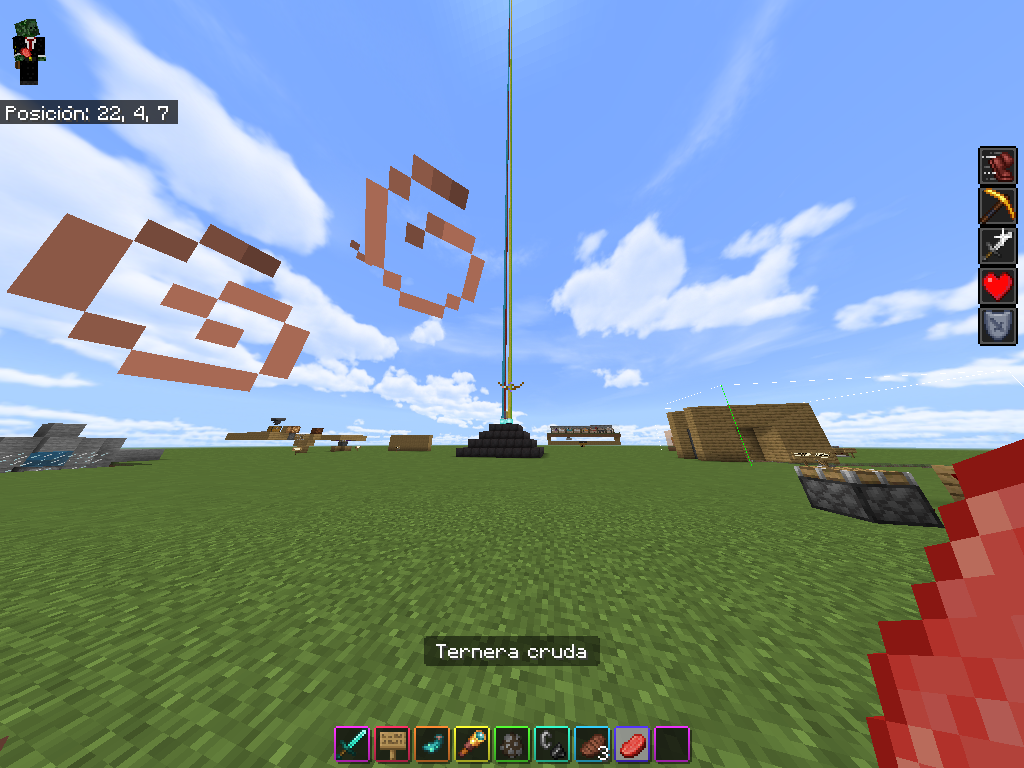
I found an error translation for the raw beef and cooked beef on spanish MX language, the correct tranlsation is raw beef = "bistec crudo" or "filete crudo", and cooked beed = "bistec cocinado" or "bistec cocido" or "filete cocido" or "filete cocinado".
The currents translations are: raw beef = "ternera cruda" and cooked beef = "filete cocido", the error consist what that words "filete" and "ternera" are tow differents cuts of meat cow.
Greetings from Mexico 🐱🏍😎.
This error translation it's since Minecraft Bedrock 1.17.30
In minecraft for Windows 10 there is an error that means that players include you, just like mobs become invisible when activating the sophisticated graphics in the game, only seeing the particles that they release in addition to what you have in the main hand since no matter what you have in the left hand it will not be seen, this error also happens if you activate the camera in the third person, either front or back, it also happens in the inventory and with the paper doll, please fix that annoying error.
Greetings from Mexico
PS: I like the new logo, but would prefer to add the apple of the original mojang logo to the current logoIn minecraft for Windows 10 there is an error that means that players include you, just like mobs become invisible when activating the sophisticated graphics in the game, only seeing the particles that they release in addition to what you have in the main hand since no matter what you have in the left hand it will not be seen, this error also happens if you activate the camera in the third person, either front or back, it also happens in the inventory and with the paper doll, please fix that annoying error.
Greetings from Mexico
PS: I like the new logo, but would prefer to add the apple of the original mojang logo to the current logo
In minecraft for Windows 10 there is an error that means that players include you, just like mobs become invisible when activating the sophisticated graphics in the game, only seeing the particles that they release in addition to what you have in the main hand since no matter what you have in the left hand it will not be seen, this error also happens if you activate the camera in the third person, either front or back, it also happens in the inventory and with the paper doll, please fix that annoying error.
Greetings from Mexico
PS: I like the new logo, but would prefer to add the apple of the original mojang logo to the current logoIn minecraft for Windows 10 there is an error that means that players include you, just like mobs become invisible when activating the sophisticated graphics in the game, only seeing the particles that they release in addition to what you have in the main hand since no matter what you have in the left hand it will not be seen, this error also happens if you activate the camera in the third person, either front or back, it also happens in the inventory and with the paper doll, please fix that annoying error.
How to reproduce
1.- Press esc on the keyboard and then click on settings
2.-Then click on
Greetings from Mexico
PS: I like the new logo, but would prefer to add the apple of the original mojang logo to the current logo
In minecraft for Windows 10 there is an error that means that players include you, just like mobs become invisible when activating the sophisticated graphics in the game, only seeing the particles that they release in addition to what you have in the main hand since no matter what you have in the left hand it will not be seen, this error also happens if you activate the camera in the third person, either front or back, it also happens in the inventory and with the paper doll, please fix that annoying error.
How to reproduce
1.- Press esc on the keyboard and then click on settings
2.-Then click on
Greetings from Mexico
PS: I like the new logo, but would prefer to add the apple of the original mojang logo to the current logoIn minecraft for Windows 10 there is an error that means that players include you, just like mobs become invisible when activating the sophisticated graphics in the game, only seeing the particles that they release in addition to what you have in the main hand since no matter what you have in the left hand it will not be seen, this error also happens if you activate the camera in the third person, either front or back, it also happens in the inventory and with the paper doll, please fix that annoying error.
How to reproduce
1.- Press esc on the keyboard and then click on settings
2.-Then click on video
3.-Then enable the sophisticated graphics
4.-Close the settings of the game an return to the game (your wolrd)
Observed results
The zombies, skeletons, strays, zombie villager, husk, another players an yourself will be invisibles, u only can see the armour or items and the particles what that entity emits.
I don't know if also another entities were invisible.
Expected reults
The game should look prettie instead of all the humanoid entitites being invisible.
In fact, the game did look nice, it only presented you with an error humanoid entitites.
In the current version that error of the game this longer happens, and i can't remember in which version the problem wax fixed, but in the version
Greetings from Mexico
PS: I like the new logo, but would prefer to add the apple of the original mojang logo to the current logo
In minecraft for Windows 10 there is an error that means that players include you, just like mobs become invisible when activating the sophisticated graphics in the game, only seeing the particles that they release in addition to what you have in the main hand since no matter what you have in the left hand it will not be seen, this error also happens if you activate the camera in the third person, either front or back, it also happens in the inventory and with the paper doll, please fix that annoying error.
How to reproduce
1.- Press esc on the keyboard and then click on settings
2.-Then click on video
3.-Then enable the sophisticated graphics
4.-Close the settings of the game an return to the game (your wolrd)
Observed results
The zombies, skeletons, strays, zombie villager, husk, another players an yourself will be invisibles, u only can see the armour or items and the particles what that entity emits.
I don't know if also another entities were invisible.
Expected reults
The game should look prettie instead of all the humanoid entitites being invisible.
In fact, the game did look nice, it only presented you with an error humanoid entitites.
In the current version that error of the game this longer happens, and i can't remember in which version the problem wax fixed, but in the version
Greetings from Mexico
PS: I like the new logo, but would prefer to add the apple of the original mojang logo to the current logoIn minecraft for Windows 10 there is an error that means that players include you, just like mobs become invisible when activating the sophisticated graphics in the game, only seeing the particles that they release in addition to what you have in the main hand since no matter what you have in the left hand it will not be seen, this error also happens if you activate the camera in the third person, either front or back, it also happens in the inventory and with the paper doll, please fix that annoying error.
How to reproduce
1.- Press esc on the keyboard and then click on settings
2.-Then click on video
3.-Then enable the sophisticated graphics
4.-Close the settings of the game an return to the game (your wolrd)
Observed results
The zombies, skeletons, strays, zombie villager, husk, another players an yourself will be invisibles, u only can see the armour or items and the particles what that entity emits.
I don't know if also another entities were invisible.
Expected reults
The game should look prettie instead of all the humanoid entitites being invisible.
In fact, the game did look nice, it only presented you with an error humanoid entitites.
In the current version that error of the game this longer happens, and i can't remember in which version the problem wax fixed, but in the version 1.19.2 the error wax fixed.{}
In fact that error was fixed too many version ago, but i forget in which version the error was fixed , probably in a version not too far from the report.
Greetings from Mexico
PS: I like the new logo, but would prefer to add the apple of the original mojang logo to the current logo
![[Mod] Jarl-Penguin](../../../data/avatars/users/92849.png)
Bryan Emmanuel Mejía Castañeda Piglins only barter with gold ingots.
![[Mod] GoldenHelmet](../../../data/avatars/users/18951.svg)
We've confirmed a new issue that can prevent villagers from restocking trades at MCPE-98361. It is possible that the original reporter of this ticket was experiencing that issue rather than MCPE-49580, but there is not enough information here to tell.
@Bryan Emmanuel Mejía Castañeda this ticket will not be reopened, find an open ticket that fits your issue. I cannot tell what your issue is from the information here.
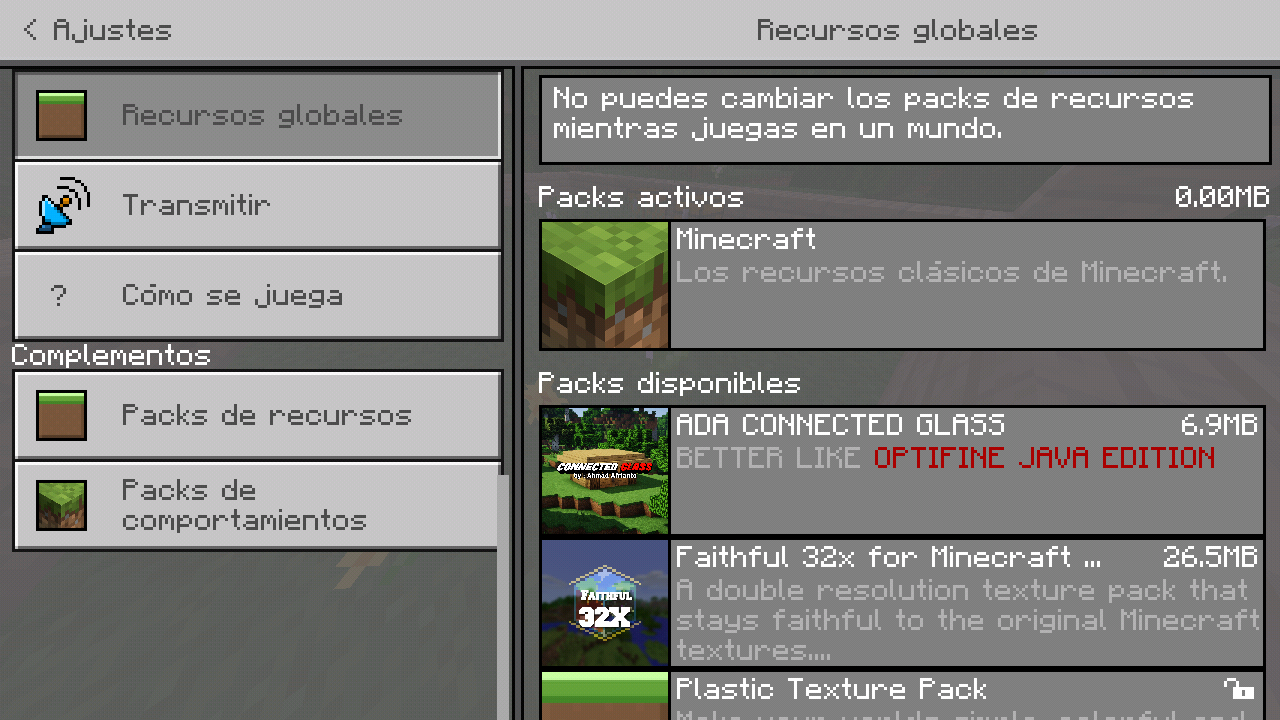
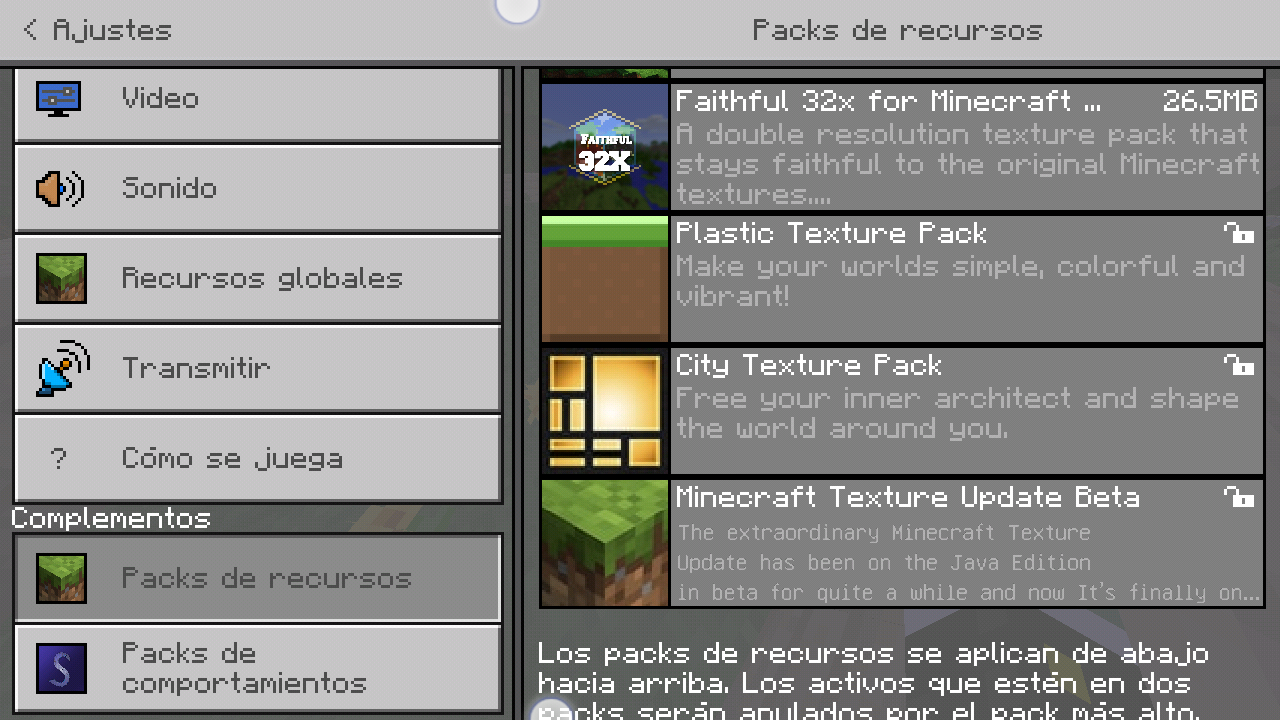
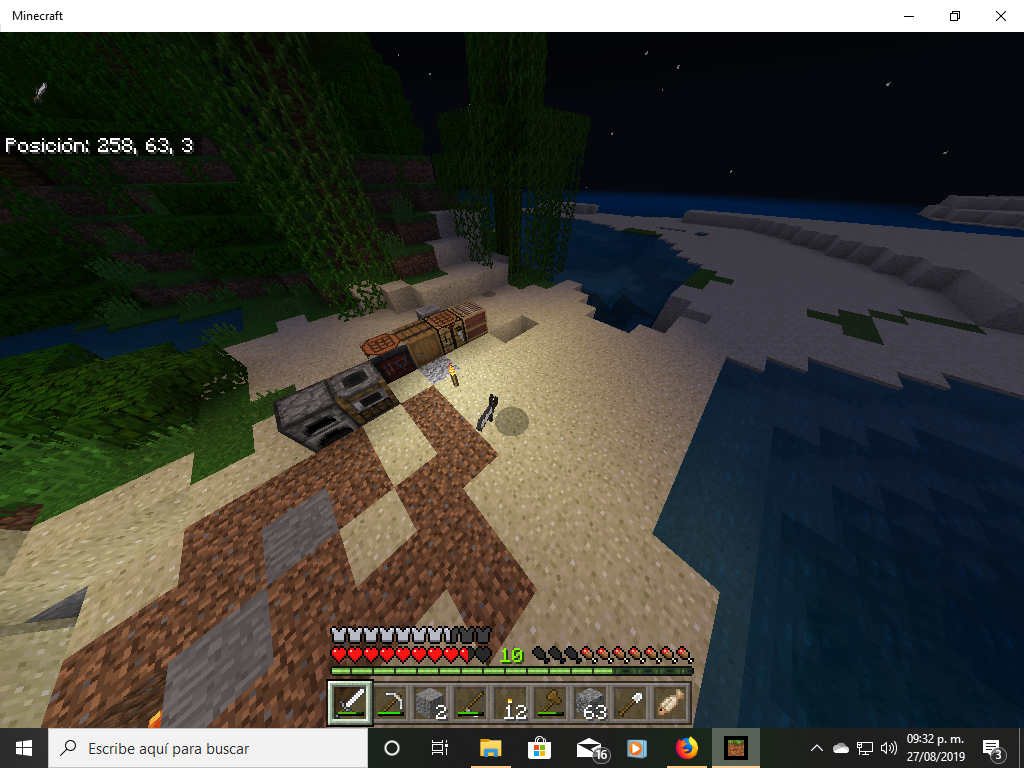
No me gusta que esten activas por defectos ya que me parecen feas esas texturas opcionales porfavor corrigan eso
steps to recreate the bug
1. in minecraft 1.11.4 invoke the command block
2. already having the block in the inventory, put it and open its interface and put the following command "/ scoreboard objetives add muertes dummy "
3. in another block of commands enter the following command "/scoreboard objetives add jugador dummy"
4. in another block of commands enter the following command "/scoreboard objetives setdisplay sidebar muertea".
and finally
5. Enter the following command in the command block "/scoreboard objetives setdisplay belowname muertes".
in two other command blocks, put the following commands
type of command block repeat
"/testfor @p [scores=\{jugador=1}]"
type of command block pulse
"/scoreboard players add @p [scores=\{jugador=1}] muertes 1 and activate all command blocks
invisible skin
This glitch also happens on android in official minecraft 1.13.0
pls report this bug about microsoft store to microsoft not Mojang studios
if I realized,by the way "jugador" is the name of the target
really i spell too bad "objectives" 😅😅😅😅😅, but i want all types of scoreboard for minecraft bedrock pls.
greetings from mexico.
Well, actually I haven't a minecraft realm so I cannot know if this issue still exists in the game and in the minecraft realms platform, also when I created this report, the minecraf realms section did not exist in the bug tracker
check the microsoft sotre
in fact piglins don't trade whit anything item of gold regardless of whether the gold item was dropped or right-clicked, even with gold nuggets they just shake their heads down but don't pick them up, plus they disappear without the piglins exchanging anything
@Mega_Spud,@Umija5895 this still don't work on minecraft bedrock 1.16.10, pls fix it
you need to assign the server in ipv4 the port 19132 and in the ipv6 the 19133
i need mor information of your problem whit the server software, i need a screenshot of the server propertes and the settings of your modem/router. In the configuration of your modem / router, that the screenshot is preferably in Spanish
i need a screenshot of your server.properties and the configuration of your modem, the onfiguration of you modem/router i need that on spanish
Do you have that port opened on the configuration of your modem/router?
updtate the server.properties too, if ur server doesn't work again contact me for some help in spanish
Who are have the bedrock dedicated server software u or ur friend?
maybe it has to do with the fact that minecraft bedrock on ps4 cannot be played with the other bedrock platforms
first you need to rewrite your explanation as clear and understandable as possible.
then i help you when i understand your issue
This issue until not work on Minecraft 1.17.10
incomplete, pls give more details
the correct command is /whitelist in the game, but in the server console is whitelist.
To add new players in the whitelist the right command is whitelist add "player name"
Not, it isn't in the lastest update 1.17.30 and 1.17.32
Hi mojang team, i update this issue report whit more info, but actually this issue was fixed too many versions ago.
In the current version of the game, this error dosen't happens again.