 Ashton Brown
- FireFalconX
- firefalconx
- America/Phoenix
- Yes
- No
 MCPE-36334

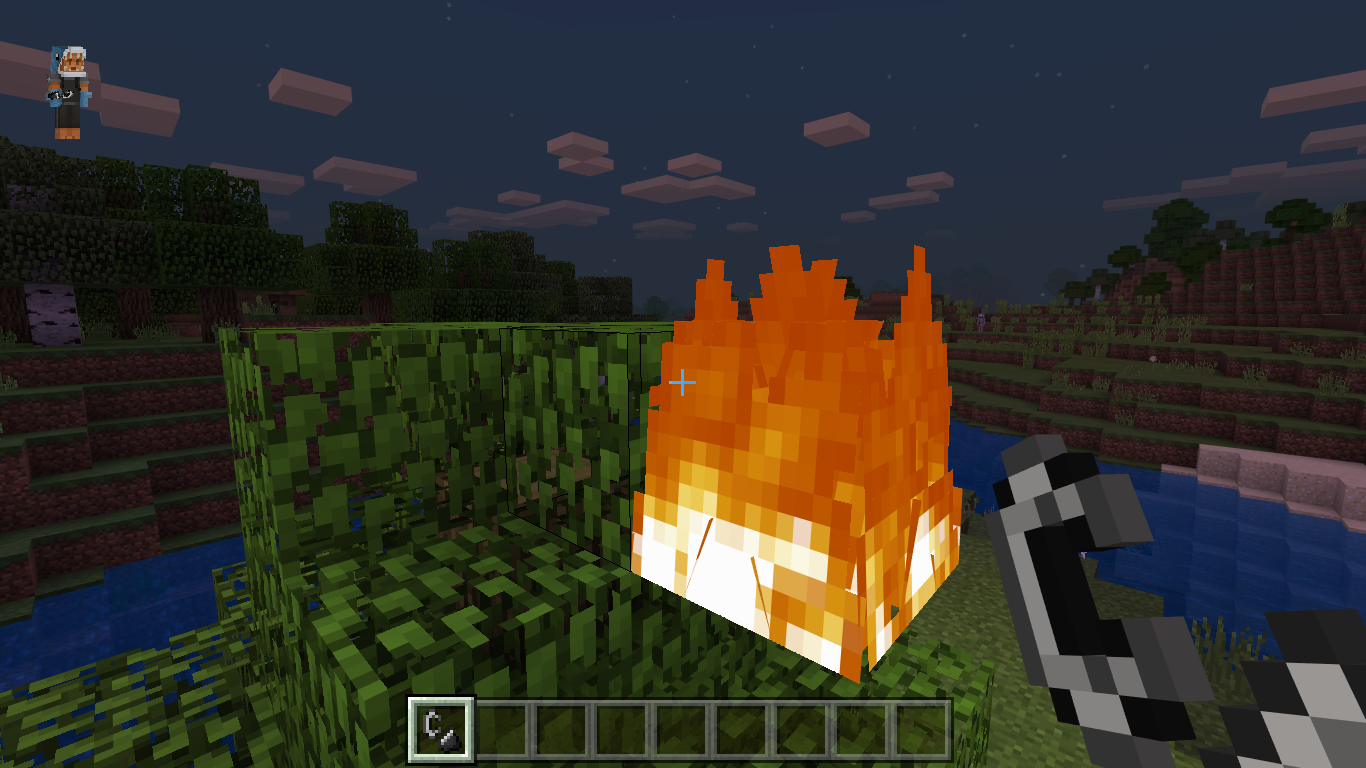

Whenever the switch enters sleep mode or internet connection is lost and a reconnect is tried, the sign in service fails or is stuck in a loop requiring a restart of the game to fix. Thankfully after the Switch version 10.0.0 the game launches much faster, but this is still very annoying and a fix would be greatly appreciated! This has happened across all of the wi-fi connections I have been connected to. The following image shows the generic sign in loading animation (It somewhat often goes invisible as well)
Steps to recreate:
-exit the game to the home menu (but do not close the game)
-leave the console in sleep mode for a minute
-Reenter the game and go to the home menu hitting sign in to nintendo account.
The sign in will fail and the text "Signing into Nintendo Account..." will sometimes appear or not at all.
The Nintendo sign-in process should be stuck from there and not resolve itself.
Whenever the switch enters sleep mode or internet connection is lost and a reconnect is tried, the sign in service fails or is stuck in a loop requiring a restart of the game to fix. Thankfully after the Switch version 10.0.0 the game launches much faster, but this is still very annoying and a fix would be greatly appreciated! This has happened across all of the wi-fi connections I have been connected to. The following image shows the generic sign in loading animation (It somewhat often goes invisible as well)
Steps to recreate:
-exit the game to the home menu (but do not close the game)
-leave the console in sleep mode for a minute
-Reenter the game and go to the home menu hitting sign in to nintendo account.
The sign in will fail and the text "Signing into Nintendo Account..." will sometimes appear or not at all.
The Nintendo sign-in process should be stuck from there and not resolve itself.(Note that restarting the game fixes this issue temporarily)
I have a similar issue on the Nintendo Switch's bedrock version of Minecraft. No matter how or what I try to do, my attempts to sign in to my Microsoft Account I always have gotten the message:
Failed to login
"We tried to sign you in to your Microsoft account, but something went wrong."
This started to happen a few weeks ago, so about mid June 2019.
I have a similar issue on the Nintendo Switch's bedrock version of Minecraft. No matter how or what I try to do, my attempts to sign in to my Microsoft Account I always have gotten the message:
Failed to login
"We tried to sign you in to your Microsoft account, but something went wrong."
This started to happen a few weeks ago, so about mid June 2019.
Edit 1: It used to work fine but now just will not work. Now it just says to go to aka.ms/remoteconnect and gives me the error message once I complete the linking online. Whether on M.. Edge or G. Chrome.
Edit 2: I got it working again after going to the place where I first connected the account to my Nintendo Switch (Phoenix AZ). Opposed to when I tried to connect it in the city I was visiting. This problem seems to have to deal with Microsoft's system to make sure it is you. Log in to your account multiple other ways (, other games, profile settings, etc.).
https://bugs.mojang.com/browse/MCPE-34662
I have found that, for me at least, going back to the location I originally connected my account to my Nintendo Switch, has fixed the issue, but likely not entirely. I believe that Microsoft's system to stop others from getting into your account had locked me out of my account. I think you would have to go to your profile settings or something to fix but I am not sure.
Is there a thread for the character creator often failing to load skins? (Switch) This is the only one I could find.
This was in Switch also, although the skins loading in slowly or not at all is still present.
This is also on switch and is extremely infuriating!
You should Make into separate tickets so they can work on this:/
I confirm this inquiry to be true.
Steps to recreate:
-exit the game to the home menu (but do not close the game)
-leave the console in sleep mode for a minute
-Reenter the game and go to the main menu hitting sign in to nintendo account.
The sign in will fail and the text "Signing into Nintendo Account..." will sometimes appear or not at all.
The Nintendo sign-in process should be stuck from there and not resolve itself.
my main issue is having to restart the game so often so I can sign in. The connection error makes sense but not being able to sign in during an active connection is very annoying.
Enabling local network and going back to online Network connections during the described issue also gives an infinite loading screen neccitating the restart of the game.
It sounds like it may be caused by the absolutely terrible autosaving in the game. It brings everything to a crawl and even to an unplayable state. But it is just my speculation.