 Shnae Evanzo
- Freakin_Sweet
- freakin_sweet
- America/New_York
- Yes
- No
 MC-66159
 MCL-3910







On the custom world creation page when creating a new custom generated world, on the second page, you can't select and change emerald ore's spawn size, rate, and the min/max heights (Also note that I noticed this from 14w17a as well, I just never got to it until now, as well as that this may be an intended feature)
Very often when I am switching between my profiles, there is a glitch that occurs that I find to be very annoying. What happens is this: I switch from my normal release 1.8.8 profile to another profile, like my Beta 1.7.3 profile, but upon the Minecraft client beginning, the version is 1.7.3, but it loads the data from my 1.8.8 profile like the worlds and options. None of the data from the 1.7.3 profile is loaded except beta 1.7.3 itself. The issue can be fixed by exiting the "broken" profile and restarting the launcher and going back into the game, but it is still a recurring issue.
EDIT: Also, this bug has been occurring for me prior to me getting Windows 10 (I had Windows 7), and in other Java versions, and started around the time that profiles could have different versions.
Chances are, this could be totally intentional on Mojang's part, but I'll report it just in case. I couldn't find any other issues about this.
I'm working on a resource pack, but after updating it to 1.9, I noticed it's cracks had gone all out of whack.
This only happens to blocks, though, where the texture I used was a 64*64 image. It's a bit hard to explain.
CraftingTable.png is the image the the model uses in-game. All of the textures for the crafting table are in th
e64*64 image, and each quadrant of the image is a different side.2016-03-12_14.34.33.png shows the effect the texture mapping has on the block. The cracks are too large, and abide to CraftingTable.png rather than the block model.
Chances are, this could be totally intentional on Mojang's part, but I'll report it just in case. I couldn't find any other issues about this.
I'm working on a resource pack, but after updating it to 1.9, I noticed it's cracks had gone all out of whack.
This only happens to blocks, though, where the texture I used was a 64*64 image. It's a bit hard to explain.
CraftingTable.png is the image the the model uses in-game. All of the textures for the crafting table are in that 64*64 image, and each quadrant of the image is a different side.
2016-03-12_14.34.33.png shows the effect the texture mapping has on the block. The cracks are too large, and abide to CraftingTable.png rather than the block model.
Block crack textures not aligning with model UV textures
2019-08-08_23.06.29.png
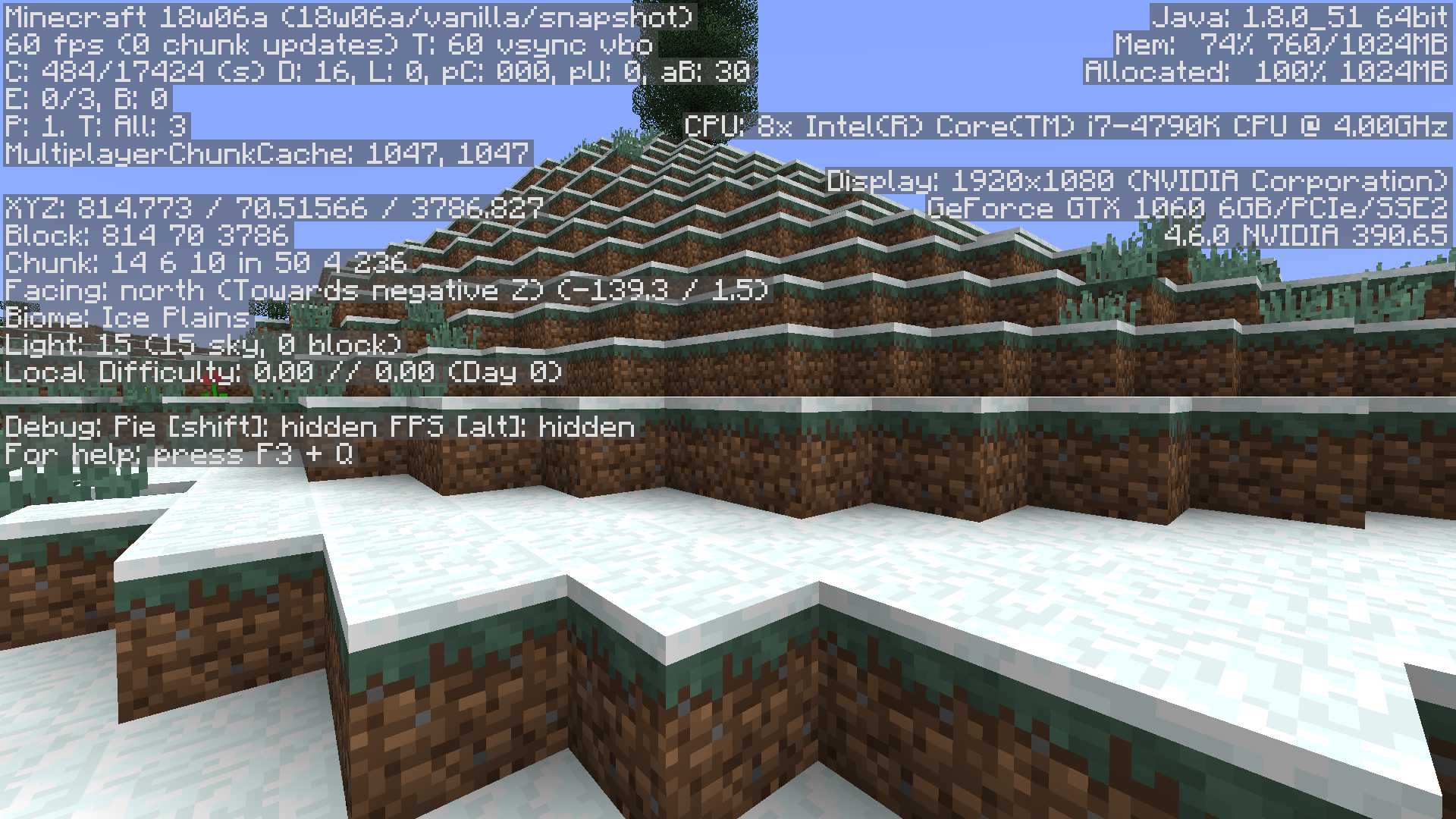
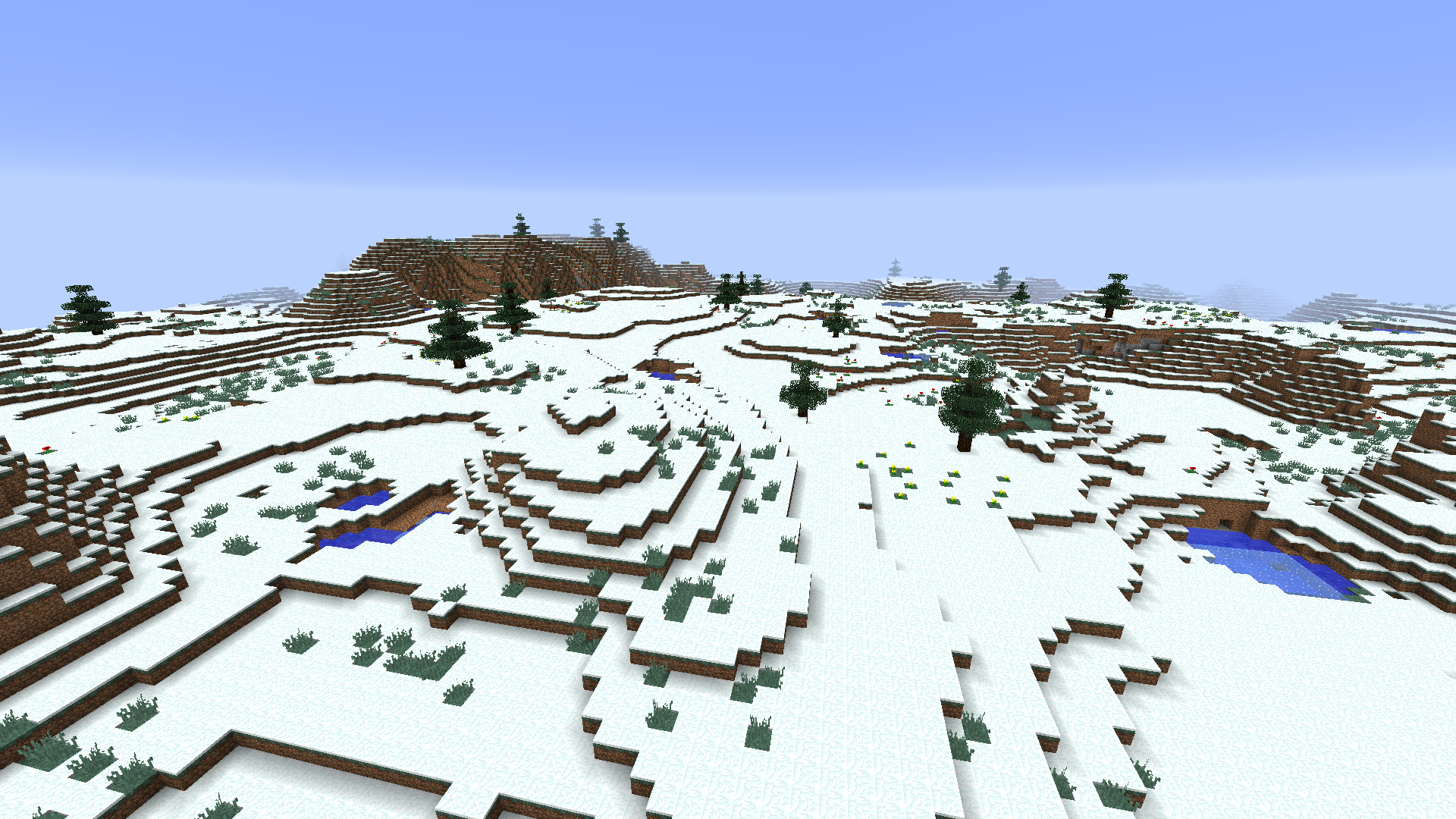
I can confirm this bug is still present, made a new world in 18w06a and the same issue spans over whole snow biomes:

Definitely can confirm this in 18w11a:
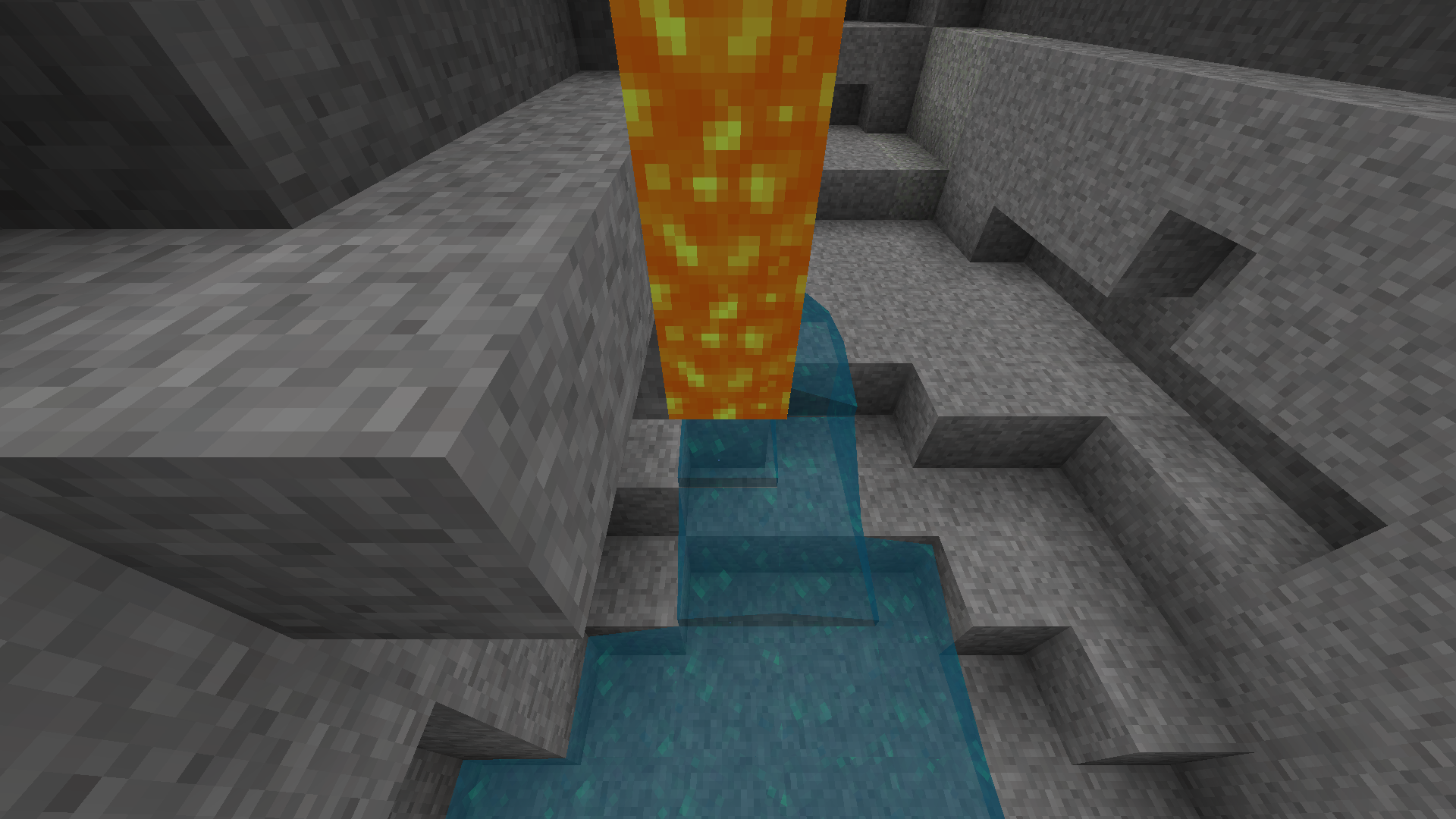
Example:
Seed: -923760149
Tp Command: /tp @p -784 45.00 -2510 90 45
TP and you will see that the water falls and the lava falls, but then the lava stops magically above the water, doing nothing.
Can back this up - I'm messing around with a survival world in End Generation Forest Hills Buffet. I think the way that Minecraft sets up the spawn location is based on randomly selecting a coordinate relatively close to (0,0) +/- about 200 blocks, something like that, but it doesn't check for land.
Yeah this is troubling... it's strange, especially for double slabs, where water cannot even be part of the block given that it takes up the full 1 m^3, but you still can't place water on the block, on any of its six faces.
I'd have to back with Reece Cooper's solution. I followed the filepath to the .tmp file it gave me in the error report box, and then I renamed that to "Minecraft_staging.exe" and the old one I renamed and later deleted.
Yeah... very broken. It's opposite day, it seems!
I think you're right Immanuel Halupczok. I've been mucking about a lot lately in creative worlds, teleporting all about, killing myself, y'know, the usual. And dying very far from your spawn just causes this ghosty glitchy lag-spikey... thing, to happen. It takes ages to really respawn.
Definitely affects 1.13 official release.
Not sure how to close an issue by myself, BUT, it seems that this has been fixed in 1.13.1! The game no longer crashes with a high spawnradius as far as I can tell.
Just happened to me in a survival world in 18w50a... guess that's what I get for using snapshots.
This duplicates
MC-138069Extremely annoying! Can confirm for 19w14b.
This bug is STILL PRESENT in 19w14b! And for other options in addition to the resolution slider, for me.
At least for me, the blocks and technical parts seem to load fine, it only refuses to render some chunks. When I place down a block in one of the invisible chunks, the chunk instantly renders and has no issues. Pausing the game helps some, but its still atrocious.
What is the randomTickSpeed of your world? I can't replicate the bug on my end in a newly created world, unless I change the tickspeed.
I was just about to report on this - I'm no authority on the matter, but to me it looks like its own bug. I was just playing around underwater in 1.14.4 and noticed that the ambient occlusion doesn't seem to work facing the west direction for underwater blocks. Above water it works, and underwater it works facing north, east, and south, but not west. I just started up a new world and found this: