 Ed K
Ed K
- Freaky-Malokai
- freaky-malokai
- Europe/Stockholm
- Yes
- No
 MCPE-122141
 REALMS-11388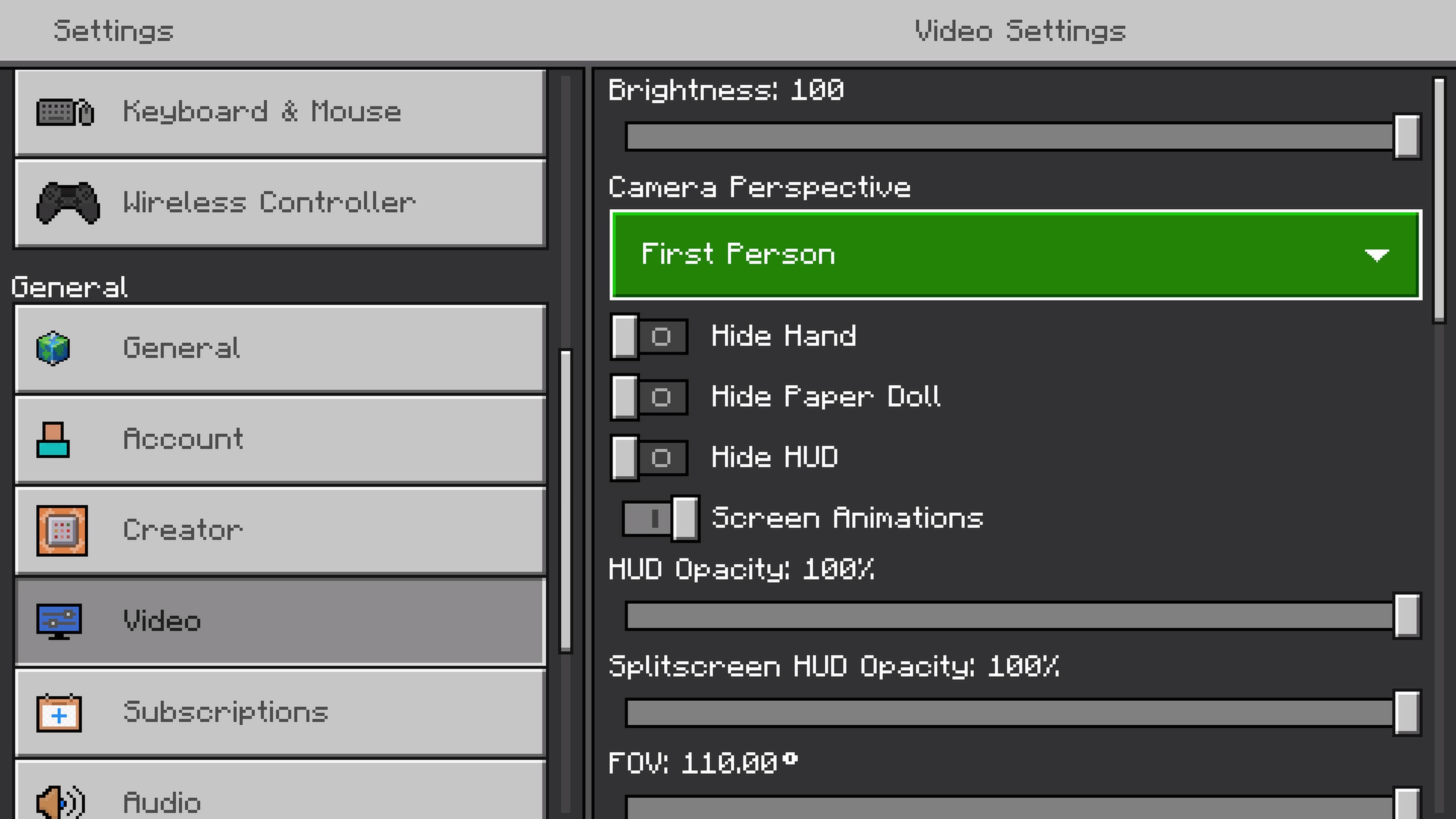

Sometimes after changing difficulty in PS4 Minecraft Realms from 'Peaceful' to either 'Easy/Normal/Hard', the UI/Hand/Paper Doll disappears.Current fix is leaving/rejoining Realm.
Will upload video if issue is encountered again.Edited: Description changed to match a Proper Bug Report.
HUD completely disappears when changing difficultly in the options menu while in-game
Notes:
- Bug may appear at random intervals while playing.
- Unknown if Bug happens on Offline Worlds.
Steps:
1. Enter Options Menu while playing on Realms
2. Scroll to 'Game' tab, change difficultly from 'Peaceful' to 'Easy/Normal/Hard'Observed Results:
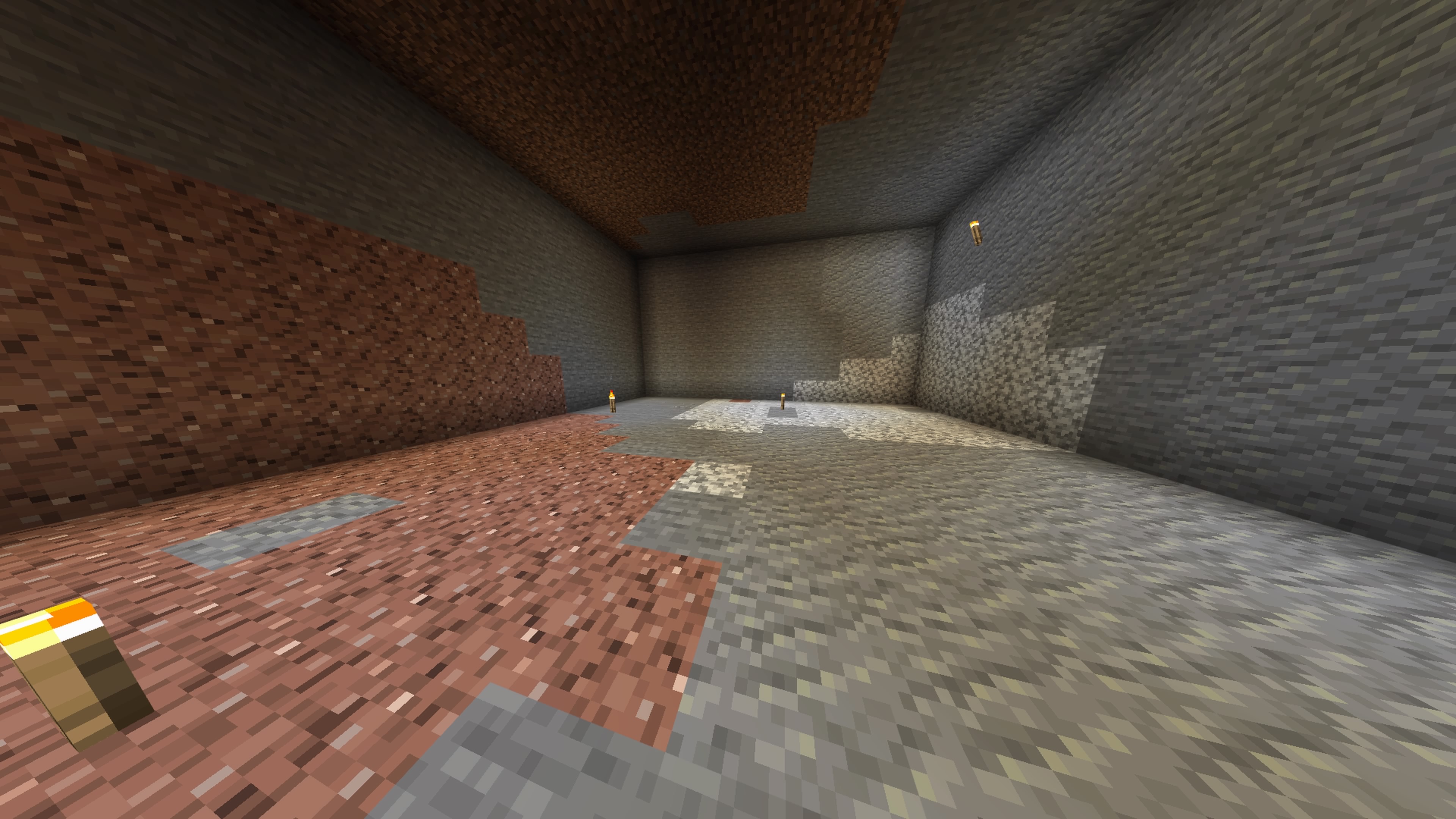
HUD has disappeared (Armor, Health, Hotbar and Hunger Bars (See Image))
Entered Options/Video, all option are switched on (See Image)Expected Results:
HUD should remain on-screen when difficulty has changed.Attached 2 Screenshots.
Edited: Description changed to match a Proper Bug Report.
HUD completely disappears when changing difficultly in the options menu while in-game
Notes:
- Bug may appear at random intervals while playing.
- Unknown if Bug happens on Offline Worlds.
Steps:
1. Enter Options Menu while playing on Realms
2. Scroll to 'Game' tab, change difficultly from 'Peaceful' to 'Easy/Normal/Hard'Observed Results:
HUD has disappeared (Armor, Health, Hotbar and Hunger Bars (See Image))
Entered Options/Video, all option are switched on (See Image)Expected Results:
HUD should remain on-screen when difficulty has changed.Attached 2 Screenshots.
Edited: Description changed to match a Proper Bug Report.
No Addons UsedHUD completely disappears when changing difficultly in the options menu while in-game
Notes:
- Bug may appear at random intervals while playing.
- Unknown if Bug happens on Offline Worlds.
Steps:
1. Enter Options Menu while playing on Realms
2. Scroll to 'Game' tab, change difficultly from 'Peaceful' to 'Easy/Normal/Hard'Observed Results:
HUD has disappeared (Armor, Health, Hotbar and Hunger Bars (See Image))
Entered Options/Video, all option are switched on (See Image)Expected Results:
HUD should remain on-screen when difficulty has changed.Attached 2 Screenshots.
Whenever I need to view/change Settings in my Realm, the Settings menu keeps appearing/disappearing rapidly. (See Video attached)
Steps:
- Log on to Realm
- Open Pause Menu
- Select Settings
Error Message:
'Failed to retrieve Realm Information'Fix:
Restart Minecraft (PS4)
Realm Settings not stable (PS4)
Already tried that way, also tried igniting a block of Netherrack
Updated Description.
Added New Video (see Attached)
Changing Difficulty gave me a black screen followed by Loading Screen.
(In my opinion...a potential Game-Breaker)
The HUD reappears when re-entering the Realm.
Added more Information
Tried all 3 realm slots and reinstalled the game, the problem remains
It happens as soon as I log in to my realm.
Issue hasn't occurred since the update, no