 Mason Glaves
- gnovos
- gnovos
- America/Los_Angeles
- Yes
- No
 MC-62253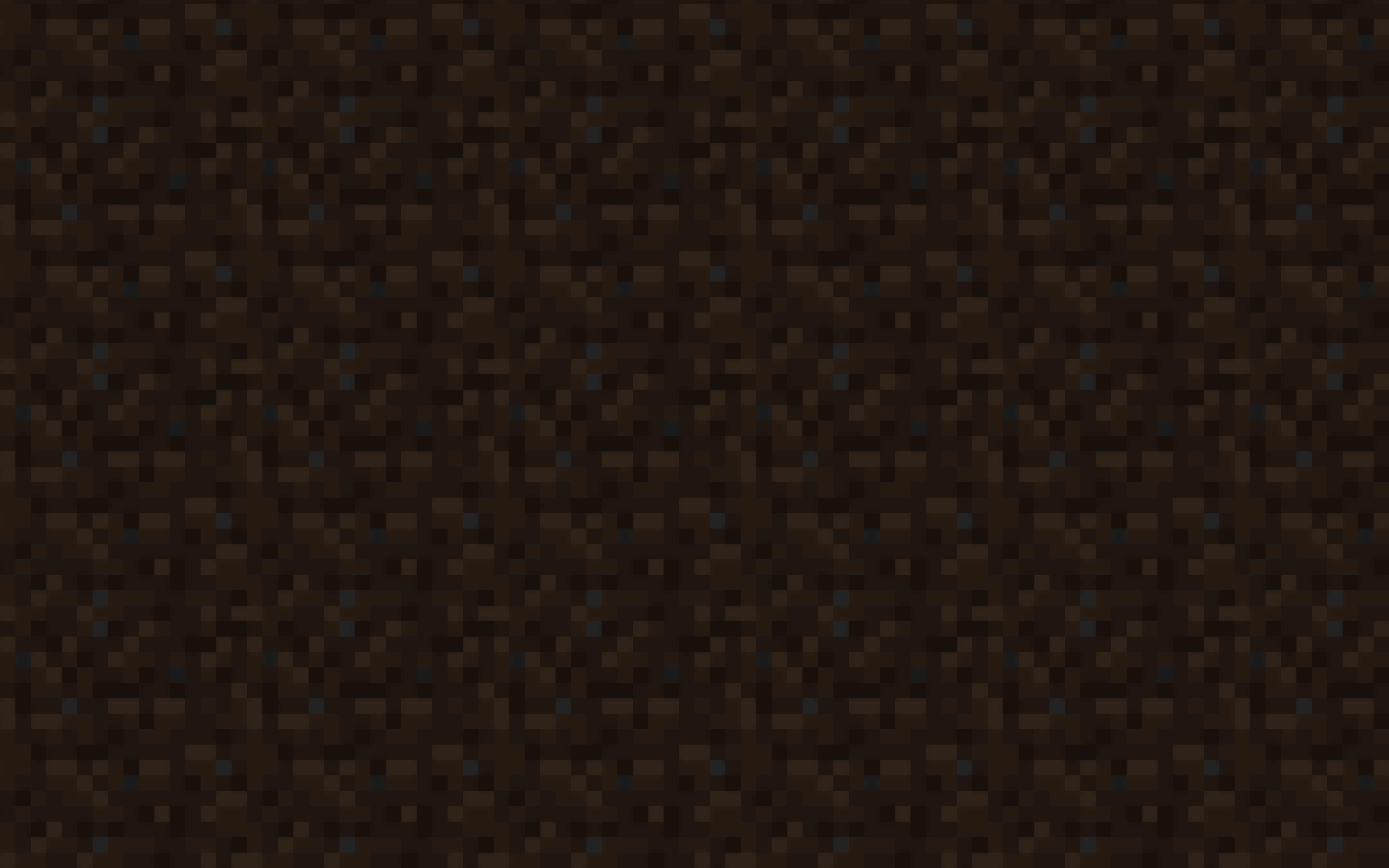



Everything looks normal unless you press any button ("single player", options, etc), then you see a zoomed-in dirt texture (see screenshot) and nothing else.
When changing the "GUI Scale", slightly different dirt textures can be seen on top of one another (second screen shot).
If you attempt to play the game in maximized windowed-mode, it is playable, but if you then try to switch to full-screen while in mid-game, the view is very distorted.
Two
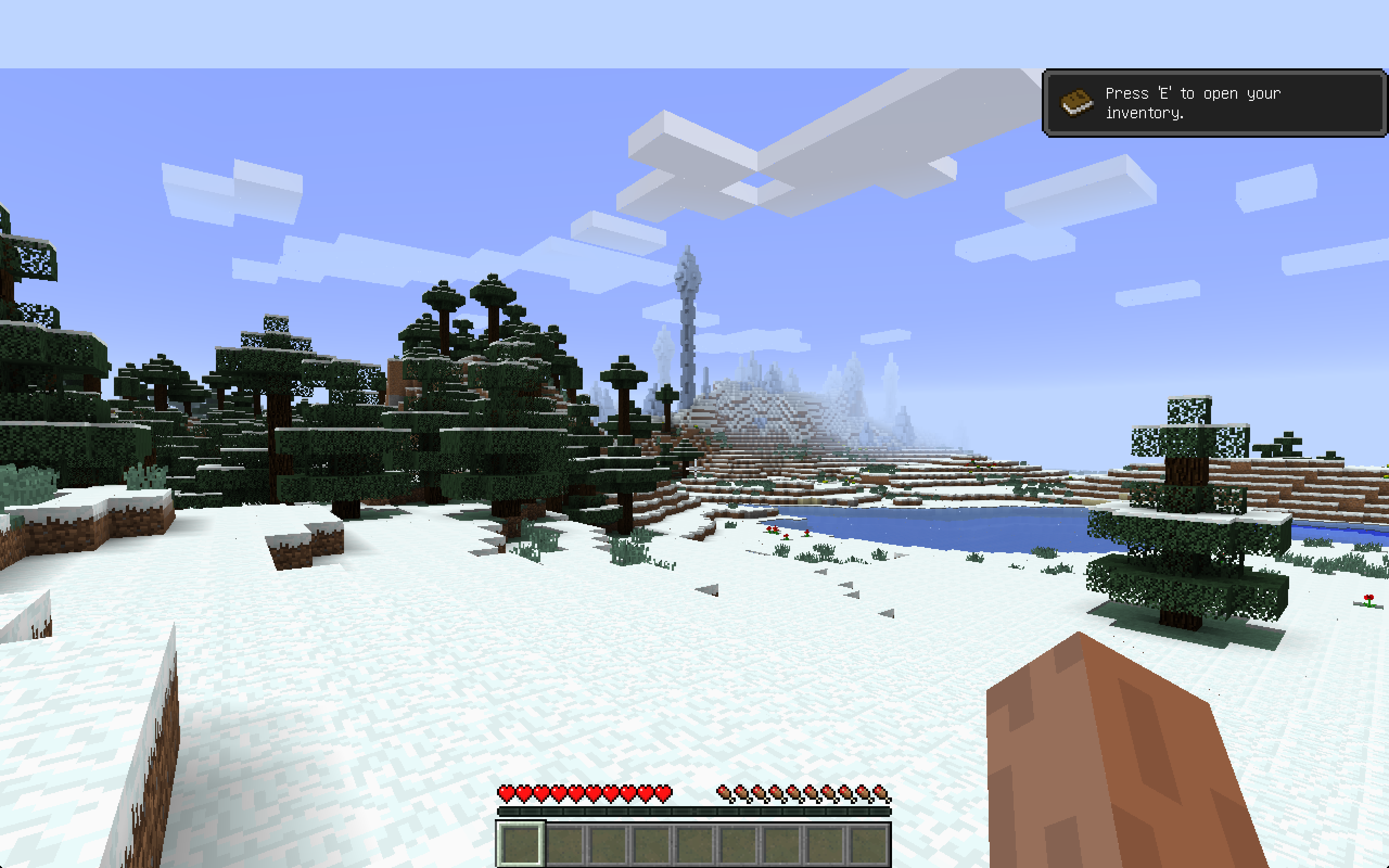
napshots show the difference, one taken while in maximized-window mode (note the blue bar across the top, which is probably also a bug), and the other taken from the exact same position (I didn't move the character's view at all) which appears to be the bottom left corner of the maximized view, only zoomed in and slightly askew.I tried deleting the entire app and reinstalling, but this didn't have any impact.
Everything looks normal unless you press any button ("single player", options, etc), then you see a zoomed-in dirt texture (see screenshot) and nothing else.
When changing the "GUI Scale", slightly different dirt textures can be seen on top of one another (second screen shot).
If you attempt to play the game in maximized windowed-mode, it is playable, but if you then try to switch to full-screen while in mid-game, the view is very distorted.
Two screenshots show the difference, one taken while in maximized-window mode (note the blue bar across the top, which is probably also a bug), and the other taken from the exact same position (I didn't move the character's view at all) which appears to be the bottom left corner of the maximized view, only zoomed in and slightly askew.
I tried deleting the entire app and reinstalling, but this didn't have any impact.
Everything looks normal unless you press any button ("single player", options, etc), then you see a zoomed-in dirt texture (see screenshot) and nothing else.
When changing the "GUI Scale", slightly different dirt textures can be seen on top of one another (second screen shot).
If you attempt to play the game in maximized windowed-mode, it is playable, but if you then try to switch to full-screen while in mid-game, the view is very distorted.
Two screenshots show the difference, one taken while in maximized-window mode (note the blue bar across the top, which is probably also a bug), and the other taken from the exact same position (I didn't move the character's view at all) which appears to be the bottom left corner of the maximized view, only zoomed in and slightly askew.
I tried deleting the entire app and reinstalling, but this didn't have any impact.
(As a pure guess, this could possibly be related to AirPlay, as I recently have been using the TV for displays, which has a much higher resolution, but while playing minecraft I don't. Perhaps when disconnecting from airplay, it's not reseting what it reports as the screen dimensions, or perhaps you're using the wrong API to get those screen dimensions?)
Everything looks normal unless you press any button ("single player", options, etc), then you see a zoomed-in dirt texture (see screenshot) and nothing else.
When changing the "GUI Scale", slightly different dirt textures can be seen on top of one another (second screen shot).
If you attempt to play the game in maximized windowed-mode, it is playable, but if you then try to switch to full-screen while in mid-game, the view is very distorted.
Two screenshots show the difference, one taken while in maximized-window mode (note the blue bar across the top, which is probably also a bug), and the other taken from the exact same position (I didn't move the character's view at all) which appears to be the bottom left corner of the maximized view, only zoomed in and slightly askew.
I tried deleting the entire app and reinstalling, but this didn't have any impact.
(As a pure guess, this could possibly be related to AirPlay, as I recently have been using the TV for displays, which has a much higher resolution, but while playing minecraft I don't. Perhaps when disconnecting from airplay, it's not reseting what it reports as the screen dimensions, or perhaps you're using the wrong API to get those screen dimensions?)
Everything looks normal unless you press any button ("single player", options, etc), then you see a zoomed-in dirt texture (see screenshot) and nothing else.
When changing the "GUI Scale", slightly different dirt textures can be seen on top of one another (second screen shot).
If you attempt to play the game in maximized windowed-mode, it is playable, but if you then try to switch to full-screen while in mid-game, the view is very distorted.
Two screenshots show the difference, one taken while in maximized-window mode (note the blue bar across the top, which is probably also a bug), and the other taken from the exact same position (I didn't move the character's view at all) which appears to be the bottom left corner of the maximized view, only zoomed in and slightly askew.
I tried deleting the entire app and reinstalling, but this didn't have any impact.
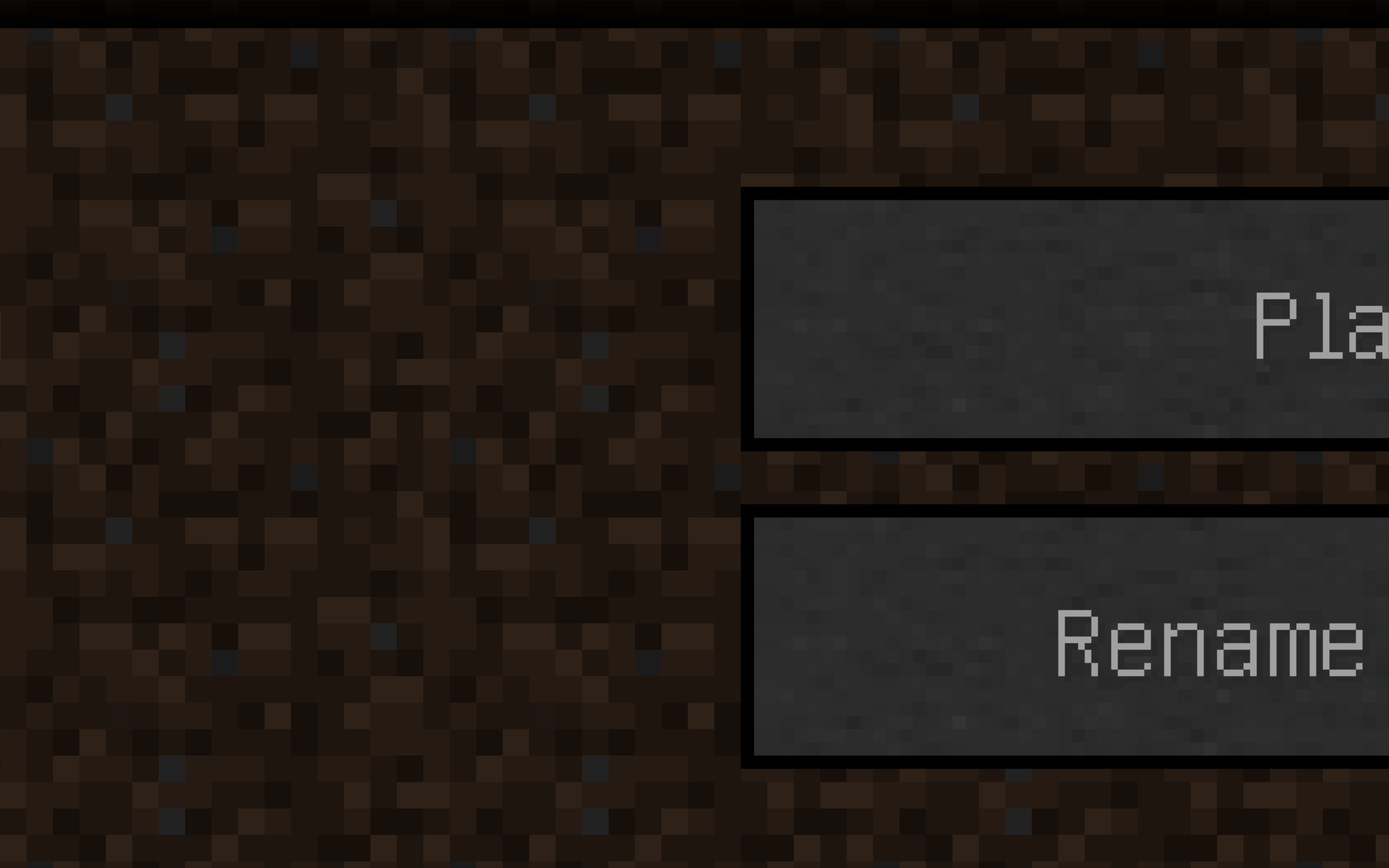
If I try to set the resolution manually in the Profile Editor, I can see buttons, but just barely. Screenshots attached.
Can the title be changed? Something like: OS X: fullscreen on Retina display zooms to bottom left 1/16th. More descriptive and captures the absolute brokenness better. Right now it looks like a minor bug that affects 8 people. But it's totally broken for us, and if it's released in this state the floodgates will open.
[Mod] Ezekiel (ezfe): You can't decide for others what looks best. I even have a hard time deciding for myself. F11 interpolates pixels, ⤢ just doubles them and kills a few pixels in the corners. Both have pros and cons. But for the time being, definitely use the one that isn't broken.
Mason Glaves: Performance is the same for me.
I was thinking it might either be because I run my laptop in "scaled" mode (Retina screens can do this on OSX), or because I had connected it previously to an AirPlay TV, but after much testing, neither seems to be the case.
I'll try locking the resolution in the profile editor and see if that makes a difference.
Edit: Nope, I just tested by locking the resolution in my profile to 640x480 via the Profile Editor, and it had no impact. Actually, It did have a small impact, as now I can see the edge of a button. Still zoomed in to a huge degree, but the edge is partially visible.
This is the options screen after I set the resolution in the Profile Editor to 640 x 480
This is when I set the resolution to 64x48, just as a test.
I did try that, and it changed the size slightly, though not to the expected size. See the new screen shots to see the result.
Just reporting the same issue, also on a retina screen, on 14w29b
That's not a good long-term solution as it really ruins overall performance.