 gwin7ok
- gwin7ok
- JIRAUSER519207
- Europe/Stockholm
- Yes
- No
 MCD-3958
 MCL-21733


Changed Description:
Minecraft.exe is started with a path name that cannot be set in Windows Defender Firewall, so you will not be able to start a client from the launcher or log in to the multiplayer server unless you allow all the sends in the firewall settings.
Correction: The client can start, but the button is displayed as "Play Offline" instead of "Play".
Added Attachments:
Changed Environment:
Windows 10 Pro 21H2 19044.1706
Windows 10 Pro 21H2 19044.1706
release 1.18.2-forge-40.1.20
Java EXECTUTABLE <Use bundled Java runtime>
Added Attachments:
ss001 - NoTitle.jpg
Removed Attachments:

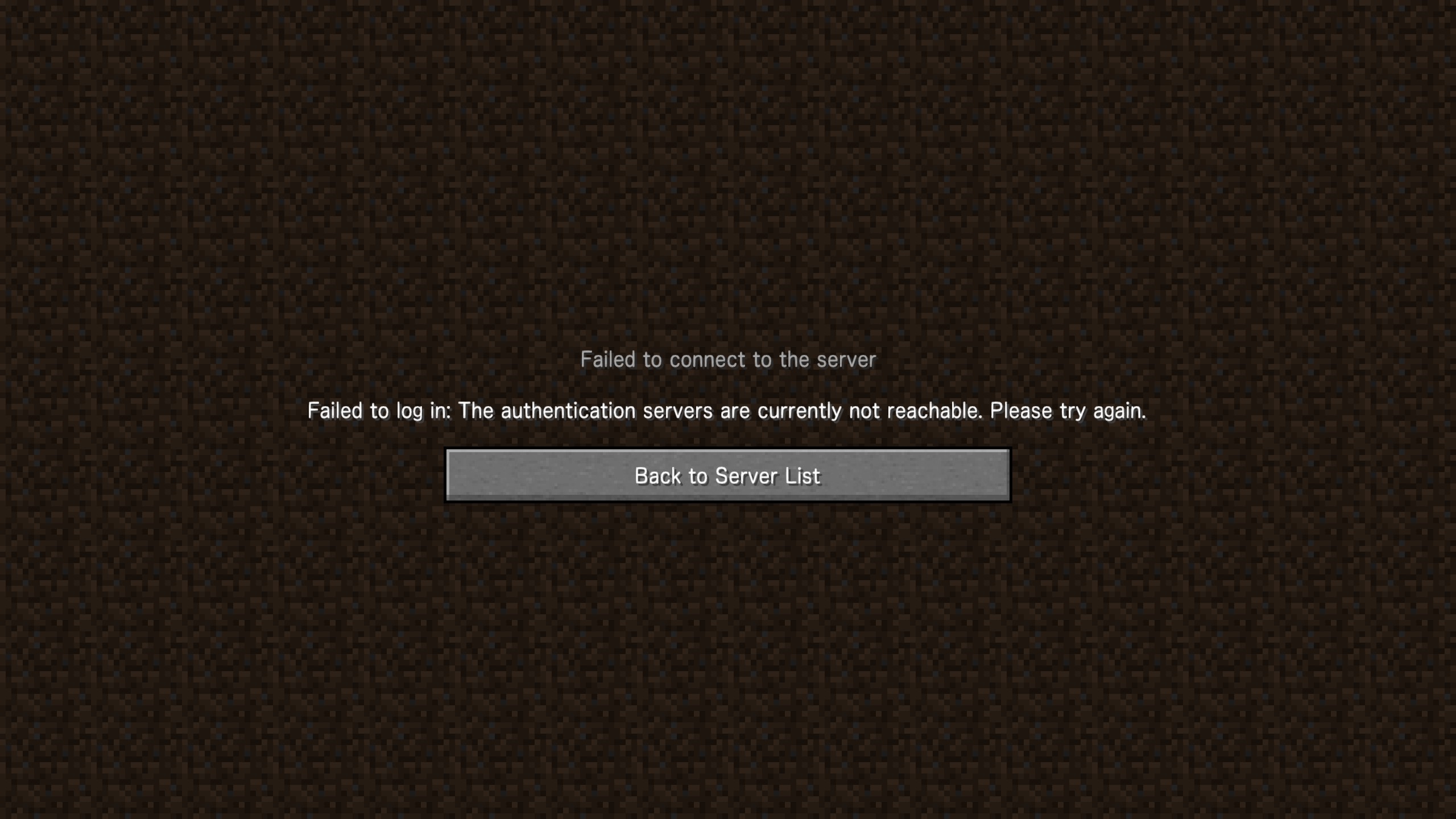
Even if the transmission of "java.exe" or "javaw.exe" is allowed, if the transmission of minecraft.exe is not allowed, the authentication fails to log in to the multiplayer server.
Minecraft.exe is started with a path name that cannot be set in Windows Defender Firewall
Minecraft.exe is started with a path name that cannot be set in Windows Defender Firewall
Minecraft.exe is started with a path name that cannot be set in Windows Defender Firewall, so you will not be able to bring the launcher online or log in to the multiplayer server unless you allow all the sends in the firewall settings.
If you set the defender firewall to "Ountbound connections that do not match a rule are blocked" and start launcher, it will be "offline".
Set the defender firewall to "Ountbound connections that do not match a rule are allowed", start the launcher, and check the network connection status with CurrPorts.exe. minecraft.exe is started with a path name that cannot be set in Windows Defender Firewall.
I want to use a Windows PC with the firewall setting "Ountbound connections that do not match a rule are blocked", so please start the launcher with a path name that can be added to the firewall rule.
Launcher for Windows
Windows 10.0 2.3.280
Friday, July 1, 2022, 5:21:44 AM
420153dd4d97cde894c594c99c4dbaaee5da3470
[Mojang] Donuts1000 san. thank you for your reply.
The result of testing in my environment.
Even if I log in with my Microsoft account on the Xbox Console Companion and Xbox App, if I set the firewall to "Ountbound connections that do not match a rule are blocked", the minecraft launcher goes offline.
Even if I don't log in with my Microsoft account on the Xbox Console Companion and Xbox App, if I set the firewall to "Ount bound connections that do not match a rule are allowed", the minecraft launcher will be online.
So, in order to use minecraft launcher with the firewall set to "Ountbound connections that do not match a rule are blocked", I need to add minecraft launcher to the firewall's Outbound Rules, but now It cannot be added with the path name running in the version of.
After reinstalling Gaming Services according to the procedure on this page,
Diagnosing and troubleshooting Gaming Services dependencies
after reinstalling minecraft launcher, the launcher was installed in a different location and can be registered in the firewall, so the problem Has been resolved.
Thank you