 JGames71
- JGames71
- JIRAUSER639868
- Europe/Stockholm
- Yes
- No
 MCPE-129922


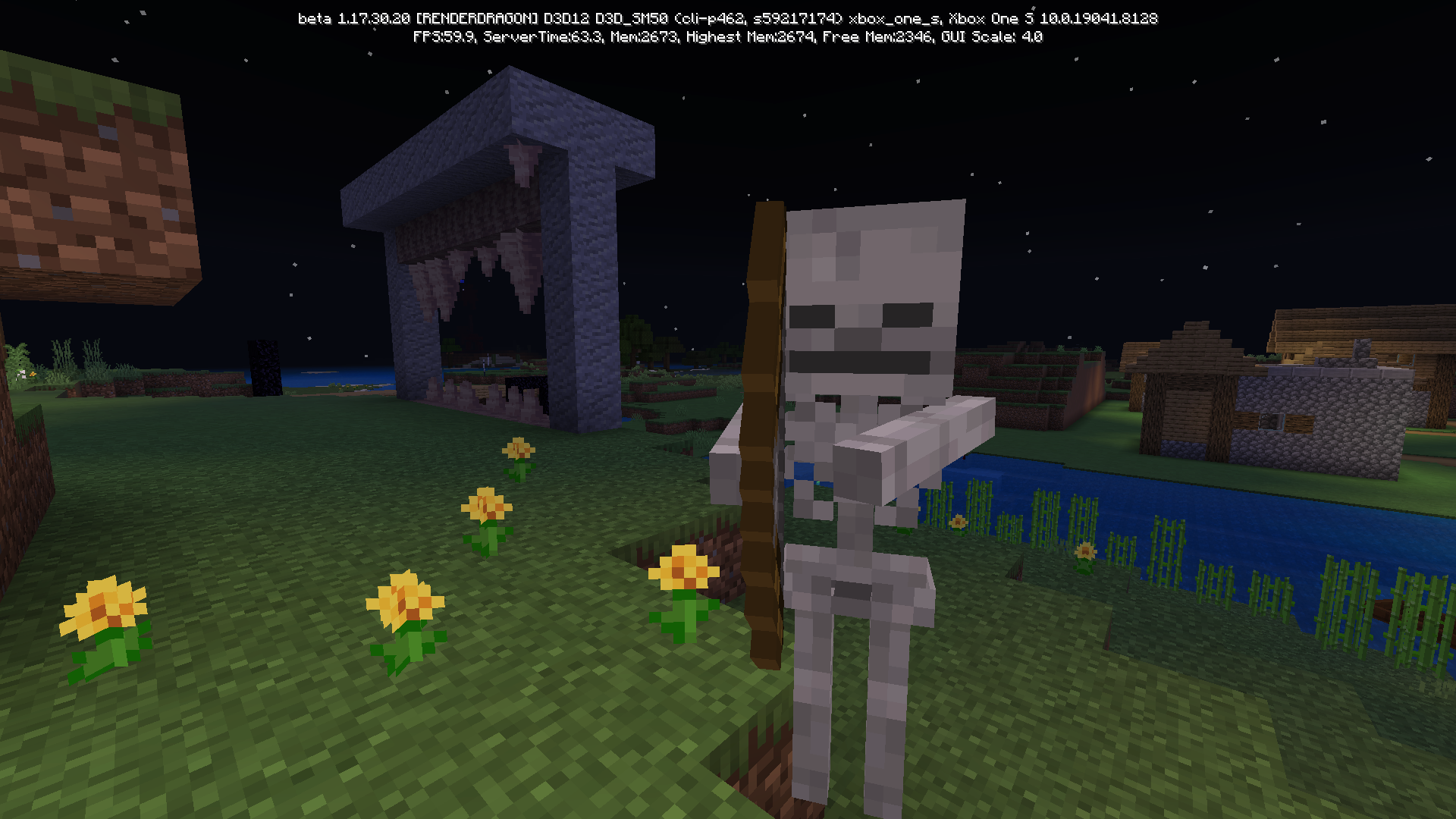

When you go under y = 0 lush caves stop generating. I think this has something to do with the deepslate not generating under y = 0 as well. Also vines generate on the surface on the lush caves which makes them quicker to find. I’m not complaining
No lush caves under y = 0 and vines on the surface
When you go under y = 0 lush caves stop generating. I think this has something to do with the deepslate not generating under y = 0 as well.
Alsovines generate on the surface on the lush caves which makes them quicker to find. I’m not complaining
No lush caves under y = 0and vines on the surface
Sorry lol
When you go under y = 0 lush caves stop generating. I think this has something to do with the deepslate not generating under y = 0 as well.
When you go under y = 0 lush caves stop generating.
No lush caves undery = 0No lush caves under - layer
In bedrock Minecraft it rains often... Too often
In bedrock Minecraft it rains often... Too often. On bedrock it rains about every 4 in game days where on java it rains about every 10-20 in game days. Those are just predictions
In the menu with a gui scale of -1 pressing down cycles between play settings marketplace and profile but with a gui scale of 0 it cycles between play settings and marketplace ONLY
how to do it:
1 change your gui scale modifier to -1
2 go to menu and hold the dpad down button
3 it should go between play settings marketplace and profile
4then t
In the menu with a gui scale of -1 pressing down cycles between play settings marketplace and profile but with a gui scale of 0 it cycles between play settings and marketplace ONLY
how to do it:
1 change your gui scale modifier to -1
2 go to menu and hold the dpad down button
3 it should go between play settings marketplace and profile
4then t
In the menu with a gui scale of -1 pressing down cycles between play settings marketplace and profile but with a gui scale of 0 it cycles between play settings and marketplace ONLY
how to do it:
1 change your gui scale modifier to -1
2 go to menu and press and hold the dpad down button
3 it should go between play settings marketplace and profile
4 then change the gui scale modifier to 0 and go to menu
5 press and hold the dpad down button and it should only go between play settings and marketplace. NOT PROFILE!
When turning view bobbing on the hand lowers slightly
to having view bobbing off.When turning view bobbing on the hand lowers slightly when using a character creator skin that is tall
When turning view bobbing on the hand lowers slightly when using a character creator skin that is tall
Steps:
1: open a world
2: switch to a character created skin
3: set the skin to the tallest option
4: check hands with view bobbing on and off
Expected results: hand is in a same height with view bobbing on and off
Observed results: hand is higher up when view bobbing is off
Cookies are not renamed with UktranslationCookies are not renamed with UK translation
The chat saying how to open chat says "xbox_dpad_right".
fixed in 1.17.20.20
In the coral reefs and lukewarm ocean biome, the water is a lot darker than on java edition. Mostly when the ocean is deep
When seeing coral reefs in bedrock edition, I noticed something was fishy, (pun intended). I soon realised that it’s way to much darker and less clear than java edition!
Water in coral reef biomes is too dark and less clear
When seeing coral reefs in bedrock edition, I noticed something was fishy, (pun intended). I soon realised that
it’sway to much darker and less clear than java edition!When seeing coral reefs in bedrock edition, I noticed something was fishy, (pun intended). I soon realised that the water way to much darker and less clear than compared to java edition!
When seeing coral reefs in bedrock edition, I noticed something was fishy, (pun intended). I soon realised that the water was way too much darker and less clear than compared to java edition!
When seeing coral reefs in bedrock edition, I noticed something was fishy, (pun intended). I soon realised that the water was way too much darker and less clear
than compared to java edition!When seeing coral reefs in bedrock edition, I noticed something was fishy, (pun intended). I soon realised that the water was way too much darker and less clear when compared to java edition!
No it is when you hover over the edge of a chest interface with the cursor you can press X to drop 1 item out but not in your inventory or a crafting table
Maybe add a third option to only have craftable items
Yes
Me too
Me too
My game crashed when I tried to break a block on Xbox so I think they are linked to the same bug
Dunno had to uninstall the game because of the crashes
Affects 1.17.10.22
Fixed in beta 1.17.20.20
I saw this bug as well. They can’t do massive jumps like in java edition
Fixed in 1.17 beta actually
Affects 1.17.20.20
Pretty sure this was fixed in the beta and release now
KirbyCloud9 no it isn’t
Affects beta 1.17.20.21
Affects 1.17.10
this is normal for new mountain generation
Were you using them alot? Because they break after using them too many times
This bug sadly happened to me too but I believe it was fixed in one of the recent betas!
Apparently fixed in 1.17.30 beta
Affects 1.17.30.20 beta
Affects 1.17.10 release
Well boys, we did it
Fixed in beta 1.17.40.20 but still no tuff blobs
This happened to me too but I realised that it doesn’t happen when you load the game and wait on the menu without pressing anything and then wait for it to say loading resources then your skin should load
Fixed in beta 1.17.40.20
this affects sculk sensors too
fixed in beta & preview 1.18.30.20/21
affects 1.18.30.21
I found that just sneaking then shooting the projectile stops the warden from noticing you