 Jonas Gierer
- jgierer12
- jgierer12
- Europe/Berlin
- Yes
- No
 MC-53322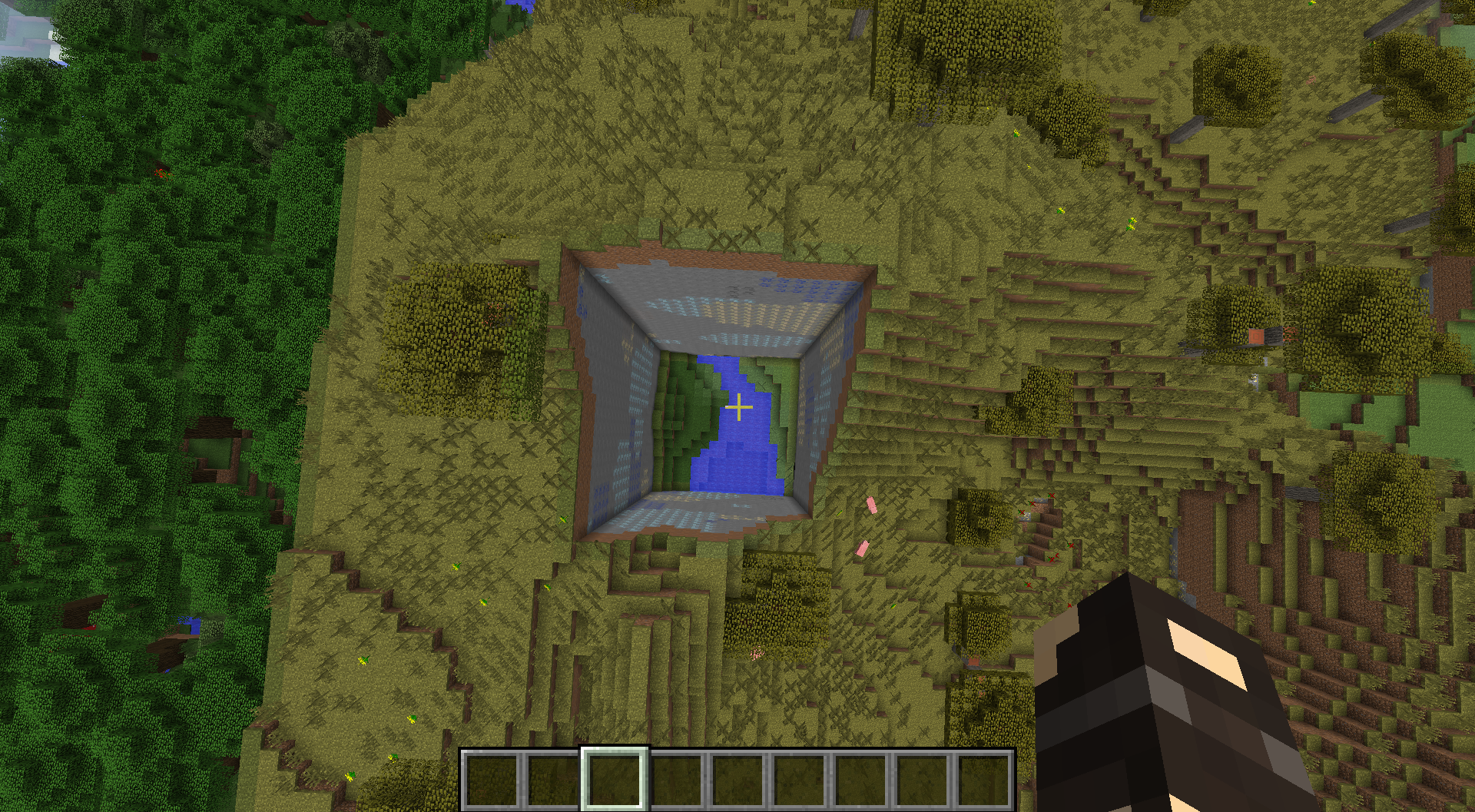
Some commands like /particle and the /execute command itself aren't executed at the specified position (x, y and z parameters):
/execute @p ~ ~2 ~ /particle barrier ~ ~ ~ 0 0 0 0 for example shows the particle below the Player's feet, however they should be displayed above his head (at least by the description on the Minecraft Wiki: execute <player|entity> <x> <y> <z> <command>: Runs command as though it was executed by player|entity, and as though player|entity was located at x, y, z [...])
Other commands (e.g. /setblock and /fill) do work as described above.
Some commands like /particle and the /execute command itself aren't executed at the specified position (x, y and z parameters):
/execute @p ~ ~2 ~ /particle barrier ~ ~ ~ 0 0 0 0 for example shows the particle below the Player's feet, however they should be displayed above his head (at least by the description on the Minecraft Wiki: execute <player|entity> <x> <y> <z> <command>: Runs command as though it was executed by player|entity, and as though player|entity was located at x, y, z [...])
Other commands (e.g. /setblock and /fill) do work asdescribed above.Some commands like /particle and the /execute command itself aren't executed at the specified position (x, y and z parameters):
/execute @p ~ ~2 ~ /particle barrier ~ ~ ~ 0 0 0 0 for example shows the particle below the Player's feet, however they should be displayed above his head (at least by the description on the Minecraft Wiki: execute <player|entity> <x> <y> <z> <command>: Runs command as though it was executed by player|entity, and as though player|entity was located at x, y, z [...])
Other commands (e.g. /setblock and /fill) do work as intended.
When using /entitydata with an entity selector that contains dx, dy and/or dz, it seems to only change the data of one random entity in the specified range.
Example: Running
/entitydata @e\[0,11,0,dx=49,dy=0,dz=0] {Item:{id:"minecraft:stone"}}on a row of 50 wood items results in this:
For the items that weren't changed, it outputs "The data tag did not change: [...] id:"minecraft:stone" [...]", even though they're still displayed and handled as wood items.
When using /entitydata with an entity selector that contains dx, dy and/or dz, it seems to only change the data of one random entity in the specified range.
Example: Running
/entitydata @e\[0,11,0,dx=49,dy=0,dz=0] {Item:{id:"minecraft:stone"}}on a row of 50 wood items results in this:
When using /entitydata with an entity selector that contains dx, dy and/or dz, it seems to only change the data of one random entity in the specified range.
Example: Running
/entitydata @e\[0,11,0,dx=49,dy=0,dz=0] {Item:{id:"minecraft:stone"}}on a row of 50 wood items results in this:
For the items that weren't changed, it outputs "The data tag did not change: [...] id:"minecraft:stone" [...]", even though they're still displayed and handled as wood items.When using /entitydata with an entity selector that contains dx, dy and/or dz, it seems to only change the data of one random entity in the specified range.
Example: Running
/entitydata @e\[0,11,0,dx=49,dy=0,dz=0] {Item:{id:"minecraft:stone"}}on a row of 50 wood items results in this:
For the items that weren't changed, it outputs "The data tag did not change: [...] id:"minecraft:stone" [...]", even though they're still displayed and handled as wood items.
When using /entitydata with an entity selector that contains dx, dy and/or dz, it seems to only change the data of one random entity in the specified range.
Example: Running
/entitydata @e\[0,11,0,dx=49,dy=0,dz=0] {Item:{id:"minecraft:stone"}}on a row of 50 wood items results in this:
For the items that weren't changed, it outputs "The data tag did not change: [...] id:"minecraft:stone" [...]", even though they're still displayed and handled as wood items.When using /entitydata with an entity selector that contains dx, dy and/or dz, it seems to only change the data of one random entity in the specified range.
Example: Running
/entitydata @e\[0,11,0,dx=49,dy=0,dz=0] {Item:{id:"minecraft:stone"}}on a row of 50 wood items results in this:
For the items that weren't changed, it outputs "The data tag did not change: [...] id:"minecraft:stone" [...]", even though they're still displayed and handled as wood items.
When using /entitydata with an entity selector that contains dx, dy and/or dz, it seems to only change the data of one random entity in the specified range.
Example: Running
/entitydata @e\[0,11,0,dx=49,dy=0,dz=0] {Item:{id:"minecraft:stone"}}on a row of 50 wood items results in this:
For the items that weren't changed, it outputs "The data tag did not change: [...] id:"minecraft:stone" [...]", even though they're still displayed and handled as wood items.
When using /entitydata with an entity selector that contains dx, dy and/or dz, it seems to only change the data of one random entity in the specified range.
Example: Running
/entitydata @e[0,11,0,dx=49,dy=0,dz=0] {Item:{id:"minecraft:stone"}}on a row of 50 wood items results in this:
(This is the only item that was changed to stone). For the items that weren't changed, it outputs "The data tag did not change: [...] id:"minecraft:stone" [...]", even though they're still displayed and handled as wood items.
Weird /entitydata behaviour when used with dx, dy, dz
When
using/entitydata with an entity selector that contains dx, dy and/or dz, it seems to only change the data of one random entity in the specified range.Example: Running
/entitydata @e[0,11,0,dx=49,dy=0,dz=0] {Item:{id:"minecraft:stone"}}on a row of 50 wood items results in this:
(This is the only item that was changed to stone). For the items that weren't changed, it outputs "The data tag did not change: [...] id:"minecraft:stone" [...]", even though they're still displayed and handled as wood items.When /entitydata is used with an entity selector that contains dx, dy and/or dz, it seems to only change the data of one random entity in the specified range.
Example: Running
/entitydata @e[0,11,0,dx=49,dy=0,dz=0] {Item:{id:"minecraft:stone"}}on a row of 50 wood items results in this:
(This is the only item that was changed to stone). For the items that weren't changed, it outputs "The data tag did not change: [...] id:"minecraft:stone" [...]", even though they're still displayed and handled as wood items.
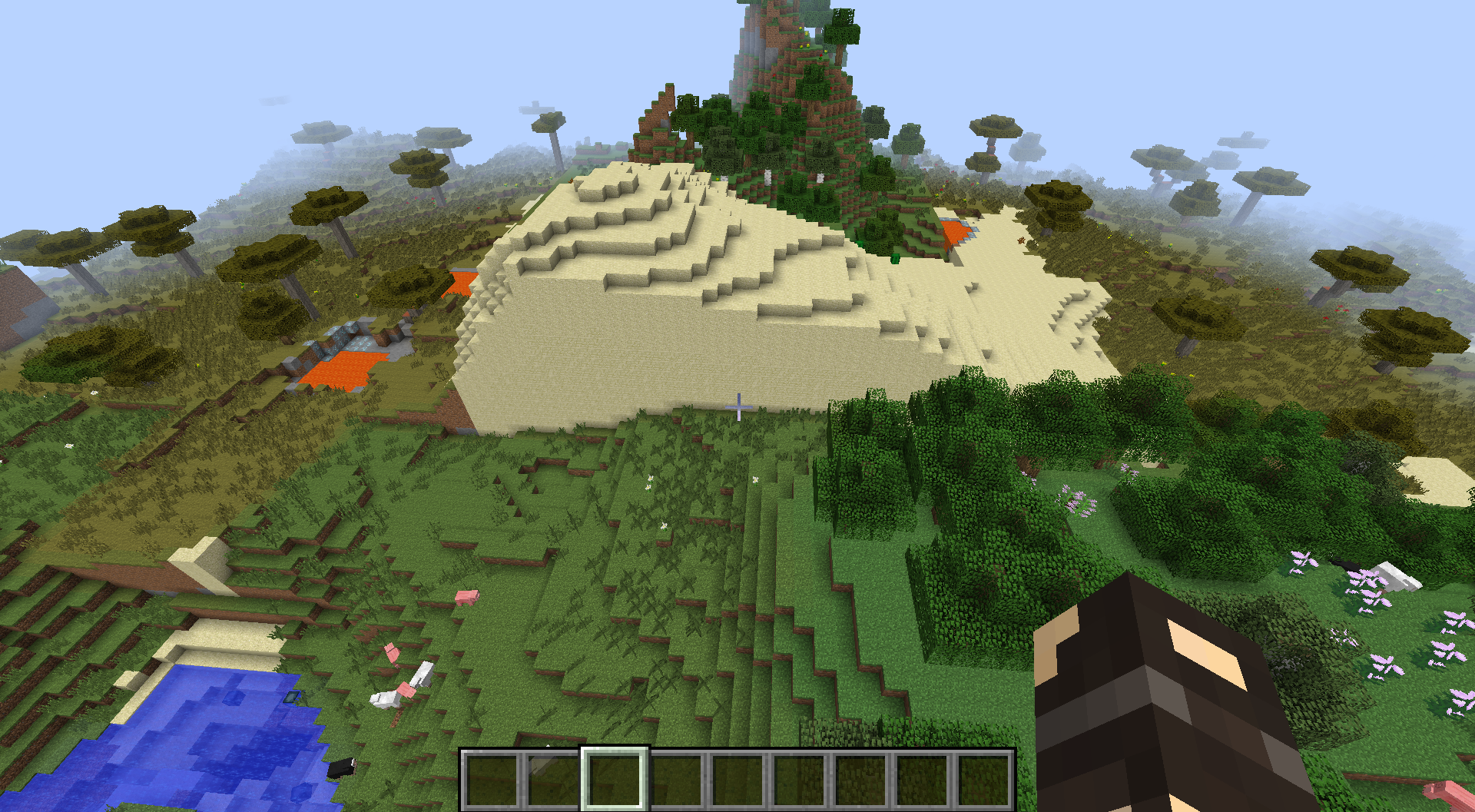
Creating a world with the seed -630666582824199719 results in huge world generation gli
tches.First, I created a new world and only changed the default gamemode to Creative and the world name. I didn't even touch the advanced settings! Then I noticed there are world generation gli
tches everywhere. A few examples:
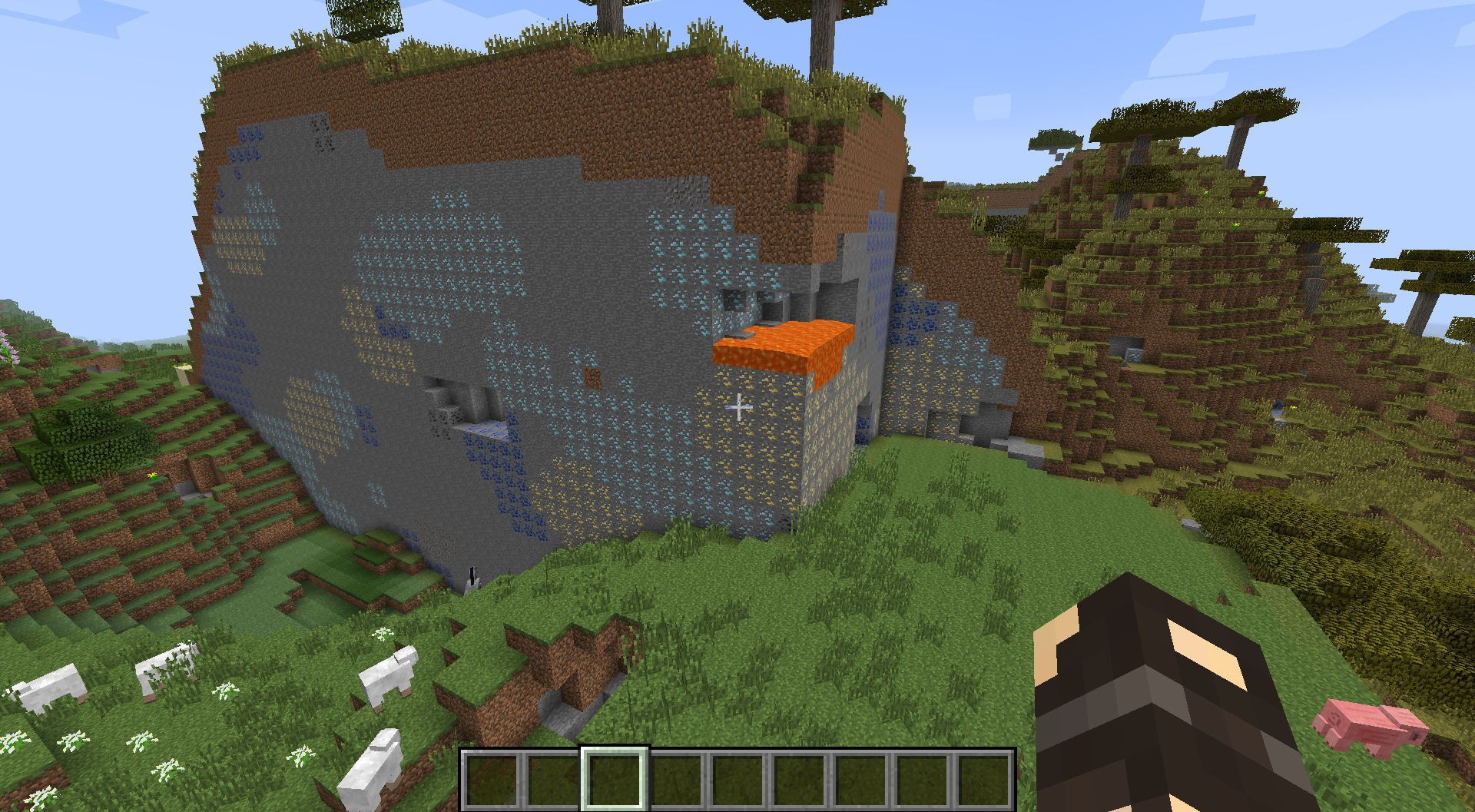
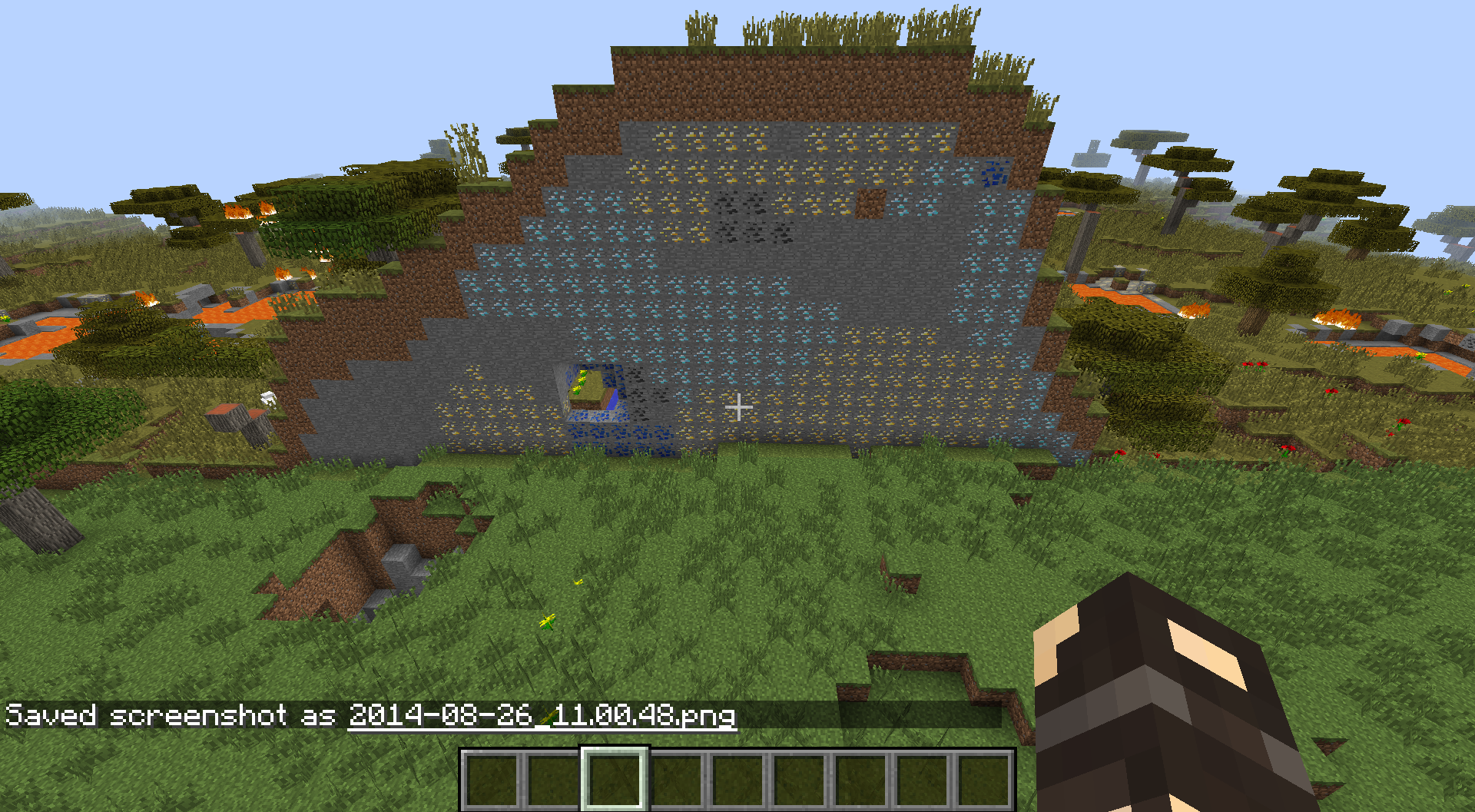

Then I made another world, this time I manually changed the seed to the same one as the world before (-630666582824199719). The terrain was completely different (I also checked the spawn coordinates, they were the same), but there were some gli
tches as well, for example:
I also generated some other worlds with random seeds, and they all generated normally so it must be an issue with the seed.
Huge World Generation Glitches with seed -630666582824199719
Try this:
/execute @e[type=WitherSkull] ~ ~ ~ summon PrimedTnt ~ ~ ~ {Fuse:0}
Sometimes if you change the entity selector to something else and then change it back it works for a short time, but then it randomly stops working again.
As far as I know this is intended now because it doesn't only change your FOV but also your actual speed.
Confirmed (On a German keyboard layout as well)
Confirmed.
For me it works as intended:

Confirmed
Normally, that area should be light blue (fog):

What happens if you set your Render Distance down?
Duplicate of
MC-92I thinkThe german keyboard layout is QWERTZ
@galaxy_2alex
That can't be the issue since I never used that world name before.
I changed my keyboard layout to en_us and it did not take a screenshot. (It's the backward slash \ by the way)
Confirmed
Okay, that actually did fix it. I'm sorry, I must have used the same name when testing out 1.8's new Custom World Generation :/
That's what I meant:
Again, I'm very sorry but I didn't remember naming my Custom World Gen test world the same