 Gamebuster
- Kyiiel
- kyiiel
- America/New_York
- Yes
- No
 MC-54971
![[Mojang] Nathan Adams](../../../data/assets/gravatar/dinnerbone.png)
 MCL-2969
 Normal
 MCPE-36197









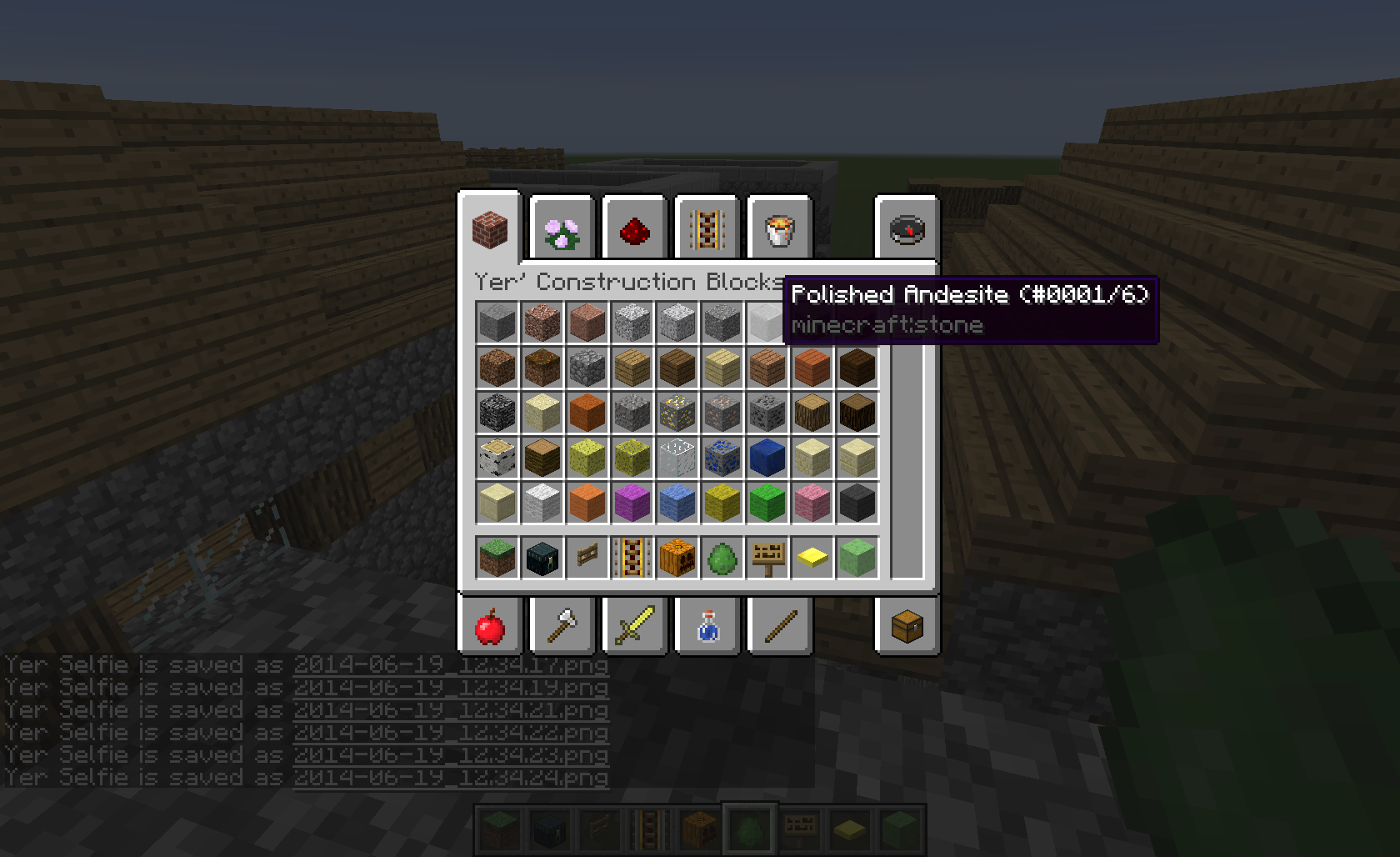





DOES NOT HAPPEN IN 1.7.X
THIS IS NOT A DUPLICATE OF
MC-7900.When a creeper falls, it turns white and attempts to arm, even if there is NO PLAYER AROUND. It does not matter if the creeper takes damage from the fall. This also happens after falling from a 2 block drop.
ALSO: Note in the video that the difficulty is not set to HARD, so creepers should not be kamikazing anyway.
Video HERE: https://www.youtube.com/watch?v=k5n8Ea_E1-E
DOES NOT HAPPEN IN 1.7.X
THIS IS NOT A DUPLICATE OF
MC-7900.When a creeper falls, it turns white and attempts to arm, even if there is NO PLAYER AROUND. It does not matter if the creeper takes damage from the fall. This also happens after falling from a 2 block drop.
ALSO: Note in the video that the difficulty is not set to HARD, so creepers should not be kamikazing anyway.
Video HERE: https://www.youtube.com/watch?v=k5n8Ea_E1-E
In previous versions of minecraft, all you had to do was stand in the center of where you want to place the portal blocks, and make the square, and it would work if you put the eyes in.
Now you have to create it from the outside the center in order for it to work, when before, you created it from inside.
This issue is related to
MC-56951
In previous versions of minecraft, all you had to do was stand in the center of where you want to place the portal blocks, and make the square, and it would work if you put the eyes in.
Now you have to create it from the
outsidethe center in order for it to work, when before, you created it from inside.This issue is related to
MC-56951
In previous versions of minecraft, all you had to do was stand in the center of where you want to place the portal blocks, and make the square, and it would work if you put the eyes in.
Now you have to create it from the the
centerin order for it to work, when before, you created it from inside.This issue is related to
MC-56951In previous versions of minecraft, all you had to do was stand in the center of where you want to place the portal blocks, and make the square, and it would work if you put the eyes in.
Now you have to create it from the the outside in order for it to work, when before, you created it from inside.
This issue is related to
MC-56951
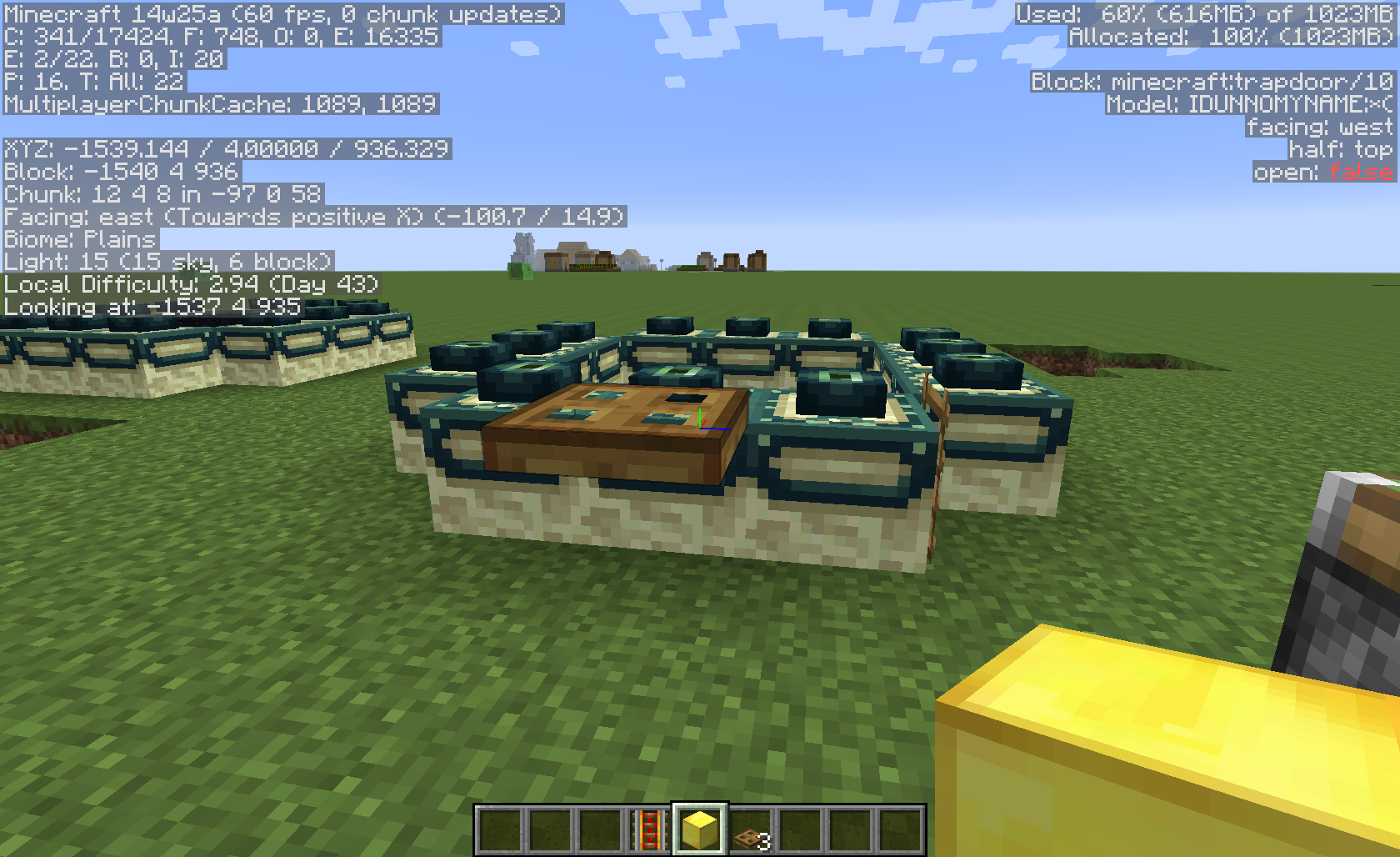
If you place a trapdoo
r on an end portal frame, and then you update a block beside it, the trapdoor will pop off.If you place a trapdooe, and then you update a block beside it, the trapdoor will pop off. It should not pop off.
Placing trapdoors on end portal frames causes themto pop offon block update.Block updates beside trapdoors causes the trapdoor to pop off.
If you place a trapdoo
e, and then you update a block beside it, the trapdoor will pop off. It should not pop off.If you place a trapdoor, and then you update a block beside it, the trapdoor will pop off. It should not pop off.
2014-06-18_15.27.34.png
Operating System: Windows 7 Enterprise 64-bit (6.1, Build 7601)
Java version: Version 7 Update 45 (build 1.7.0_45-b18)
Updatenotes onlyshows minecraft.net homepage.Update page sometimes shows minecraft.net homepage.
When starting up the launcher, in the update notes section, sometimes it only shows minecraft.net, and not the update notes.
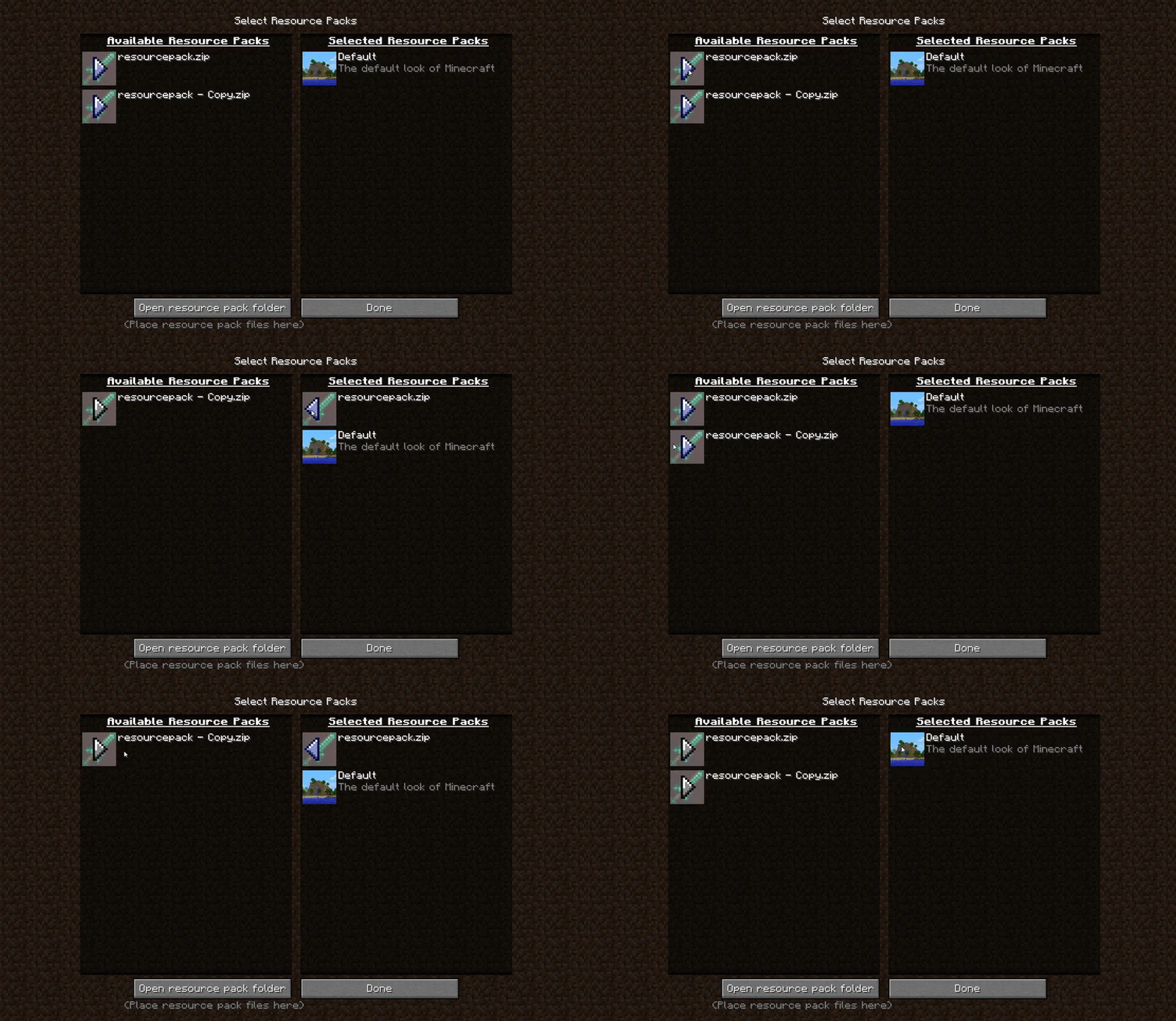
When in the level selection, if your mouse cursor is on the arrows or to the left of the arrows, all of them will be shown as selected. Only one at a time should look selected.
See attatched GIF
When in the level selection, if your mouse cursor is on the arrows or to the left of the arrows, all of them will be shown as selected. Only one at a time should look selected.
See attatched GIFS
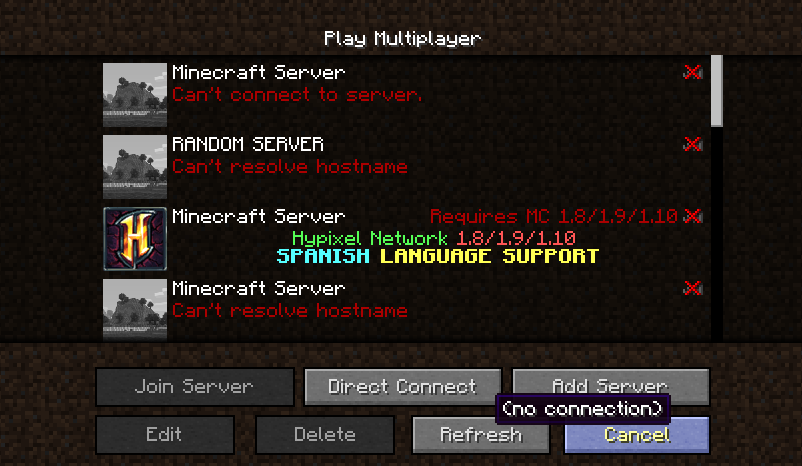
Server and World Selection Graphical Glitch
Server and WorldSelection Graphical GlitchSelection Menu Graphical Glitch
Updated graphics driver to to version 365.19 and restarted PC, the issue still persists.
The bug
When in the world, or resource-pack selection, if your mouse cursor is on the arrows or to the left of the arrows, all of them will be shown as selected. Only one at a time should look selected.
Code analysis by sjx233 in this comment
Basic Issue Description
Some buttons in guis can be pressed with any mouse button, not just the left mouse button. Buttons should only be pressable with the left mouse button.
Detailed Description
Note: For the purposes of this ticket I will be using the community made mappings for the names of classes, fields, and methods.
An IGuiListEntry is an element on the screen that is scrolled when a scrollbar is moved.
Some (but not all) subclasses of IGuiListEntry do not implement the mousePressed method correctly. This allows them to be interacted with using any mouse button, including any extra mouse buttons a user's mouse may have, such as the scroll wheel button, MB4, MB5, etc.
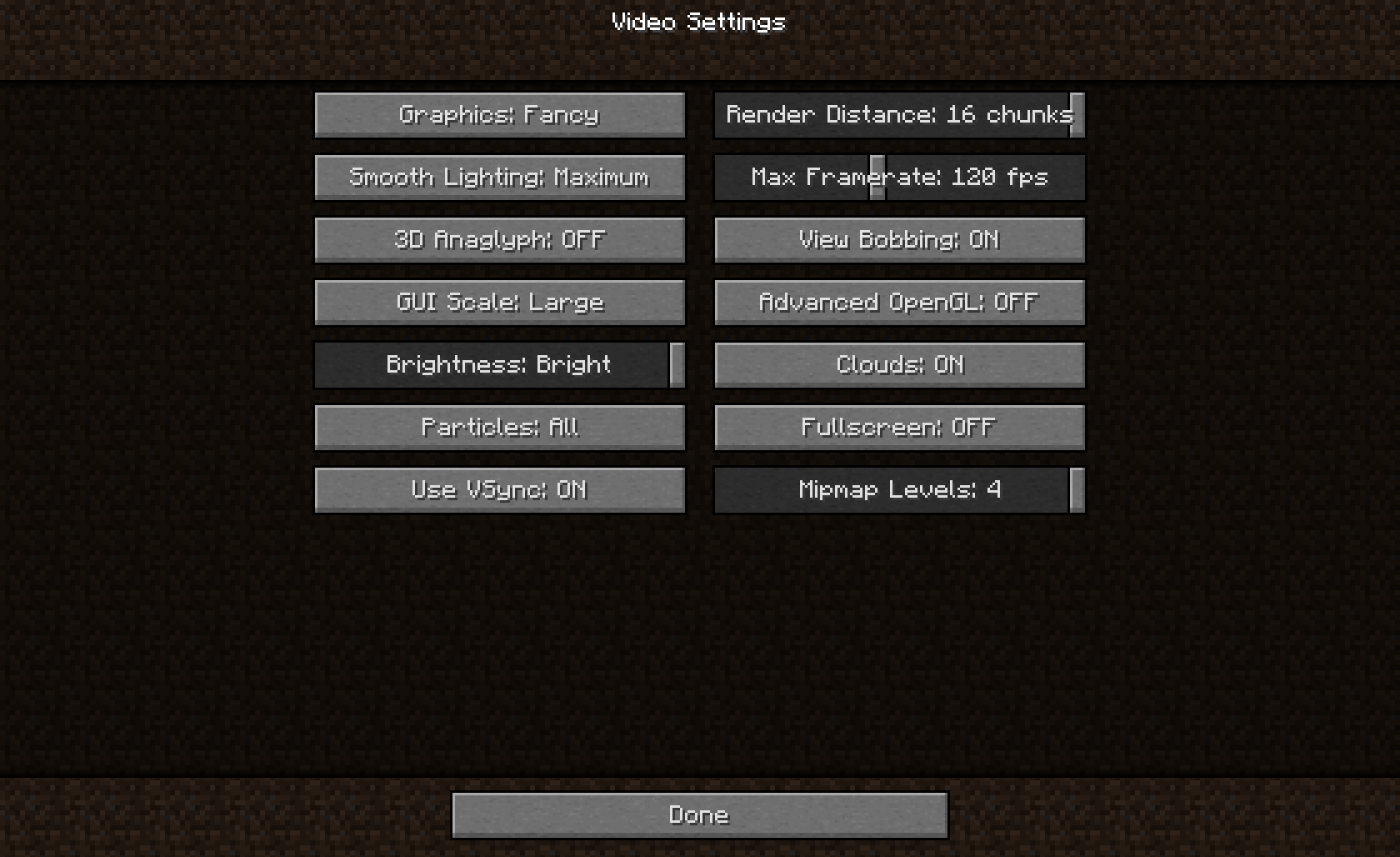
A few good examples of this are in the world selection gui and the video settings gui.
Notice that if you click a world in the world selection screen or any button/horizontal scrollbar in the video settings screen with any button other than the left mouse button, it still presses the button.
Some instances of IGuiListEntry are implemented correctly. Notice that clicking any mouse button other than the left mouse button in the Language Selection screen, Controls screen, or the resource pack selection screen does not cause the button(s) to be pressed.
Code Analysis & Patches
Notice that the code below (from GuiListWorldSelectionEntry) never checks which mouse button is pressed.
/** * Called when the mouse is clicked within this entry. Returning true means that something within this entry was * clicked and the list should not be dragged. */ public boolean mousePressed(int slotIndex, int mouseX, int mouseY, int mouseEvent, int relativeX, int relativeY) { this.containingListSel.selectWorld(slotIndex); if (relativeX <= 32 && relativeX < 32) { this.joinWorld(); return true; } else if (Minecraft.getSystemTime() - this.lastClickTime < 250L) { this.joinWorld(); return true; } else { this.lastClickTime = Minecraft.getSystemTime(); return false; } }A simple one patch would fix this issue in this case:
    public boolean mousePressed(int slotIndex, int mouseX, int mouseY, int mouseEvent, int relativeX, int relativeY)
    {
        return mouseEvent != 0;
        this.containingListSel.selectWorld(slotIndex);

        if (relativeX <= 32 && relativeX < 32)
        {
            this.joinWorld();
            return true;
        }
        else if (Minecraft.getSystemTime() - this.lastClickTime < 250L)
        {
            this.joinWorld();
            return true;
        }
        else
        {
            this.lastClickTime = Minecraft.getSystemTime();
            return false;
        }
    }
Basic Issue Description
Some buttons in guis can be pressed with any mouse button, not just the left mouse button. Buttons should only be pressable with the left mouse button.
Detailed Description
Note: For the purposes of this ticket I will be using the community made mappings for the names of classes, fields, and methods.
An IGuiListEntry is an element on the screen that is scrolled when a scrollbar is moved.
Some (but not all) subclasses of IGuiListEntry do not implement the mousePressed method correctly. This allows them to be interacted with using any mouse button, including any extra mouse buttons a user's mouse may have, such as the scroll wheel button, MB4, MB5, etc.
A few good examples of this are in the world selection gui and the video settings gui.
Notice that if you click a world in the world selection screen or any button/horizontal scrollbar in the video settings screen with any button other than the left mouse button, it still presses the button.
Some instances of IGuiListEntry are implemented correctly. Notice that clicking any mouse button other than the left mouse button in the Language Selection screen, Controls screen, or the resource pack selection screen does not cause the button(s) to be pressed.
Code Analysis & Patches
Notice that the code below (from GuiListWorldSelectionEntry) never checks which mouse button is pressed.
/** * Called when the mouse is clicked within this entry. Returning true means that something within this entry was * clicked and the list should not be dragged. */ public boolean mousePressed(int slotIndex, int mouseX, int mouseY, int mouseEvent, int relativeX, int relativeY) { this.containingListSel.selectWorld(slotIndex); if (relativeX <= 32 && relativeX < 32) { this.joinWorld(); return true; } else if (Minecraft.getSystemTime() - this.lastClickTime < 250L) { this.joinWorld(); return true; } else { this.lastClickTime = Minecraft.getSystemTime(); return false; } }A simple one patch would fix this issue in this case:
public boolean mousePressed(int slotIndex, int mouseX, int mouseY, int mouseEvent, int relativeX, int relativeY) {returnmouseEvent != 0;this.containingListSel.selectWorld(slotIndex);if (relativeX <= 32 && relativeX < 32) { this.joinWorld(); return true; } else if (Minecraft.getSystemTime() - this.lastClickTime < 250L) { this.joinWorld(); return true; } else { this.lastClickTime = Minecraft.getSystemTime(); return false; } }Basic Issue Description
Some buttons in guis can be pressed with any mouse button, not just the left mouse button. Buttons should only be pressable with the left mouse button.
Detailed Description
Note: For the purposes of this ticket I will be using the community made mappings for the names of classes, fields, and methods.
An IGuiListEntry is an element on the screen that is scrolled when a scrollbar is moved.
Some (but not all) subclasses of IGuiListEntry do not implement the mousePressed method correctly. This allows them to be interacted with using any mouse button, including any extra mouse buttons a user's mouse may have, such as the scroll wheel button, MB4, MB5, etc.
A few good examples of this are in the world selection gui and the video settings gui.
Notice that if you click a world in the world selection screen or any button/horizontal scrollbar in the video settings screen with any button other than the left mouse button, it still presses the button.
Some instances of IGuiListEntry are implemented correctly. Notice that clicking any mouse button other than the left mouse button in the Language Selection screen, Controls screen, or the resource pack selection screen does not cause the button(s) to be pressed.
Code Analysis & Patches
Notice that the code below (from GuiListWorldSelectionEntry) never checks which mouse button is pressed.
/** * Called when the mouse is clicked within this entry. Returning true means that something within this entry was * clicked and the list should not be dragged. */ public boolean mousePressed(int slotIndex, int mouseX, int mouseY, int mouseEvent, int relativeX, int relativeY) { this.containingListSel.selectWorld(slotIndex); if (relativeX <= 32 && relativeX < 32) { this.joinWorld(); return true; } else if (Minecraft.getSystemTime() - this.lastClickTime < 250L) { this.joinWorld(); return true; } else { this.lastClickTime = Minecraft.getSystemTime(); return false; } }A simple one patch would fix this issue in this case:
    public boolean mousePressed(int slotIndex, int mouseX, int mouseY, int mouseEvent, int relativeX, int relativeY)
    {
        if(mouseEvent != 0){
            return true;
        }
        this.containingListSel.selectWorld(slotIndex);

        if (relativeX <= 32 && relativeX < 32)
        {
            this.joinWorld();
            return true;
        }
        else if (Minecraft.getSystemTime() - this.lastClickTime < 250L)
        {
            this.joinWorld();
            return true;
        }
        else
        {
            this.lastClickTime = Minecraft.getSystemTime();
            return false;
        }
    }
Basic Issue Description
Some buttons in guis can be pressed with any mouse button, not just the left mouse button. Buttons should only be pressable with the left mouse button.
Detailed Description
Note: For the purposes of this ticket I will be using the community made mappings for the names of classes, fields, and methods.
An IGuiListEntry is an element on the screen that is scrolled when a scrollbar is moved.
Some (but not all) subclasses of IGuiListEntry do not implement the mousePressed method correctly. This allows them to be interacted with using any mouse button, including any extra mouse buttons a user's mouse may have, such as the scroll wheel button, MB4, MB5, etc.
A few good examples of this are in the world selection gui and the video settings gui.
Notice that if you click a world in the world selection screen or any button/horizontal scrollbar in the video settings screen with any button other than the left mouse button, it still presses the button.
Some instances of IGuiListEntry are implemented correctly. Notice that clicking any mouse button other than the left mouse button in the Language Selection screen, Controls screen, or the resource pack selection screen does not cause the button(s) to be pressed.
Code Analysis & Patches
Notice that the code below (from GuiListWorldSelectionEntry) never checks which mouse button is pressed.
/** * Called when the mouse is clicked within this entry. Returning true means that something within this entry was * clicked and the list should not be dragged. */ public boolean mousePressed(int slotIndex, int mouseX, int mouseY, int mouseEvent, int relativeX, int relativeY) { this.containingListSel.selectWorld(slotIndex); if (relativeX <= 32 && relativeX < 32) { this.joinWorld(); return true; } else if (Minecraft.getSystemTime() - this.lastClickTime < 250L) { this.joinWorld(); return true; } else { this.lastClickTime = Minecraft.getSystemTime(); return false; } }A simple one patch would fix this issue in this case:
public boolean mousePressed(int slotIndex, int mouseX, int mouseY, int mouseEvent, int relativeX, int relativeY) { if(mouseEvent != 0){ returntrue; } this.containingListSel.selectWorld(slotIndex); if (relativeX <= 32 && relativeX < 32) { this.joinWorld(); return true; } else if (Minecraft.getSystemTime() - this.lastClickTime < 250L) { this.joinWorld(); return true; } else { this.lastClickTime = Minecraft.getSystemTime(); return false; } }Basic Issue Description
Some buttons in guis can be pressed with any mouse button, not just the left mouse button. Buttons should only be pressable with the left mouse button.
Detailed Description
Note: For the purposes of this ticket I will be using the community made mappings for the names of classes, fields, and methods.
An IGuiListEntry is an element on the screen that is scrolled when a scrollbar is moved.
Some (but not all) subclasses of IGuiListEntry do not implement the mousePressed method correctly. This allows them to be interacted with using any mouse button, including any extra mouse buttons a user's mouse may have, such as the scroll wheel button, MB4, MB5, etc.
A few good examples of this are in the world selection gui and the video settings gui.
Notice that if you click a world in the world selection screen or any button/horizontal scrollbar in the video settings screen with any button other than the left mouse button, it still presses the button.
Some instances of IGuiListEntry are implemented correctly. Notice that clicking any mouse button other than the left mouse button in the Language Selection screen, Controls screen, or the resource pack selection screen does not cause the button(s) to be pressed.
Code Analysis & Patches
Notice that the code below (from GuiListWorldSelectionEntry) never checks which mouse button is pressed.
/** * Called when the mouse is clicked within this entry. Returning true means that something within this entry was * clicked and the list should not be dragged. */ public boolean mousePressed(int slotIndex, int mouseX, int mouseY, int mouseEvent, int relativeX, int relativeY) { this.containingListSel.selectWorld(slotIndex); if (relativeX <= 32 && relativeX < 32) { this.joinWorld(); return true; } else if (Minecraft.getSystemTime() - this.lastClickTime < 250L) { this.joinWorld(); return true; } else { this.lastClickTime = Minecraft.getSystemTime(); return false; } }A simple one patch would fix this issue in this case:
    public boolean mousePressed(int slotIndex, int mouseX, int mouseY, int mouseEvent, int relativeX, int relativeY)
    {
        if(mouseEvent != 0){
            return false;
        }
        this.containingListSel.selectWorld(slotIndex);

        if (relativeX <= 32 && relativeX < 32)
        {
            this.joinWorld();
            return true;
        }
        else if (Minecraft.getSystemTime() - this.lastClickTime < 250L)
        {
            this.joinWorld();
            return true;
        }
        else
        {
            this.lastClickTime = Minecraft.getSystemTime();
            return false;
        }
    }
This issue directly affects my mod. See https://github.com/Gamebuster19901/InventoryDecrapifier/issues/8
If the console is connected to the internet, but if there are Xbox Live service issues, or if the console is otherwise unable to connect to Xbox Live, the game will hang on a white screen indefinitely upon launch.
A workaround is to go to your Xbox Settings -> Network -> Network Settings -> Disconnect Wireless. You will then be able to play offline.
Confirmed for 14w19a
Please update that is also happens when being pulled by a slime block.
This is not a duplicate. The other bugs require a player, this one does not. It happens every time a creeper falls, including from a 2 block drop. This also doesn't happen in 1.7.x
I believe this is an issue with the UUID system, the cat is checking for a player, but is seeing a UUID instead, and since a player's name can't be ~20 characters long, it voids it, so it technically has no owner.
That report is incorrect, it says the bug requires a slime block, it doesn't.
Duplicate of
MC-50754Though
MC-50754is resolved as "duplicate", when it clearly is not.It does not partially require a slime block, You can push a creeper off a 2 high ledge, and it will turn white.
Watch the video, or don't comment. I have already stated it is not a duplicate of
MC-7900, and it also does not happen in 1.7.X versions.please add that this happens every time a creeper lands from a fall greater than 1 block. Even if it doesn't take damage, and only fall damage burns the fuse.
It appears to have been fixed in 14w25b.
Confirmed for 14w25b
Please update affected versions.
This is still an issue with 14w33a.
I am not allowed to update the affected versions, can a mod please do that.
I added a picture also.
That doesn't mean it isn't a bug either.
I have noticed this also. I was able to reproduce it a few times in a row (which is why I reported it), but now I can no longer reproduce. Maybe it happens while the update/versions page is down?
@qmagnet
If you were using command blocks, you would know that you can check if there is a dragon within a radius, and if there is, the command block will do something, you can even make it destroy itself with a setblock command.
This is still an issue in version 1.8.1 PRE 3.
Yes it is.
This issue exists again in 1.8.1.
Still not fixed in 1.9.2, please update affected versions.
@FVbico why not the top of it then, since that is where entities will stand? /sarcasm
But seriously, it's executing the command based on the center of the block, as it is intended to do so. Otherwise it would be subject to people making Fence-Post errors https://en.wikipedia.org/wiki/Off-by-one_error#Fencepost_error
Can only use debug crash while a world is loaded, not in the main menu. I added a debug crash anyway though.
The issue still persists, Would you like me to add another crash log without the resource pack enabled?
Yes.
Changed title to reflect that all menus with multiple selection seem to have this issue.
Added servers.dat
@Kumasasa Sorry, I updated my graphics drivers first because I didn't see your post, and restarted my PC. The issue still persists. I then uploaded options.txt.
Resizing the window and changing the size of the window (even through F11) does not resolve the issue.
Confirmed for 1.11 Pre-Release 1, I have updated the affected versions.
I'm able to reproduce this on 1.11 Pre-Release 1.
@Michael Wobst This is still an issue in 1.11.2. But I no longer sure this is a bug. Touchscreen mode was not designed for a mouse (obviously) and I don't have a touchscreen to test it with. If someone can confirm that this does not happen with touchscreens, then this should be closed as invalid. If it does happen with touchscreens, then it's still a bug.
Also, can a mod remove Untitled.png, as it doesn't relate to the bug.
Might want to put that this issue relates to MC-46421, because if that is fixed, then it will be affected by this bug.
Sorry, this appears to be a duplicate of
MC-127004This isn't a bug. You can see the waterlogged texture from all other sides, so why should the bottom be any different? The Z-fighting issue is
MC-127004.This is caused because the water texture is placed too closely to the edge of the block, causing it to render improperly when viewed from a distance. This image shows how close the water texture is to the block texture:
Note that this also occurs on the bottom face of most waterlogged blocks also.
FVbico, the reason why the z-fighting occurs on the bottom face is the same as
MC-127004, the model of the water block is incorrectly placed/sized. There is more precision in the front of the depth buffer, I.E. things closer to you are rendered more accurately than things that are rendered further away. When you go far enough away, the water model and the block model begin to occupy the same space. Two primitives occupying the same space cause z-fighting, It doesn't matter if it happens far away or close up.This ticket is not about z-fighting, it says:
"Bottom of waterlogged blocks shows water texture"
This is intended, if we didn't see the water texture on the bottom of the sign for example, then we would see the sky (or the top face of the water block).
Hmm, I think it might be possible to be fixed by having a different model for the water depending the block's blockstate, or distance from the player.
Lighting not lightning.
This issue has directly affected my mod, see https://github.com/Gamebuster19901/InventoryDecrapifier/issues/8
How can
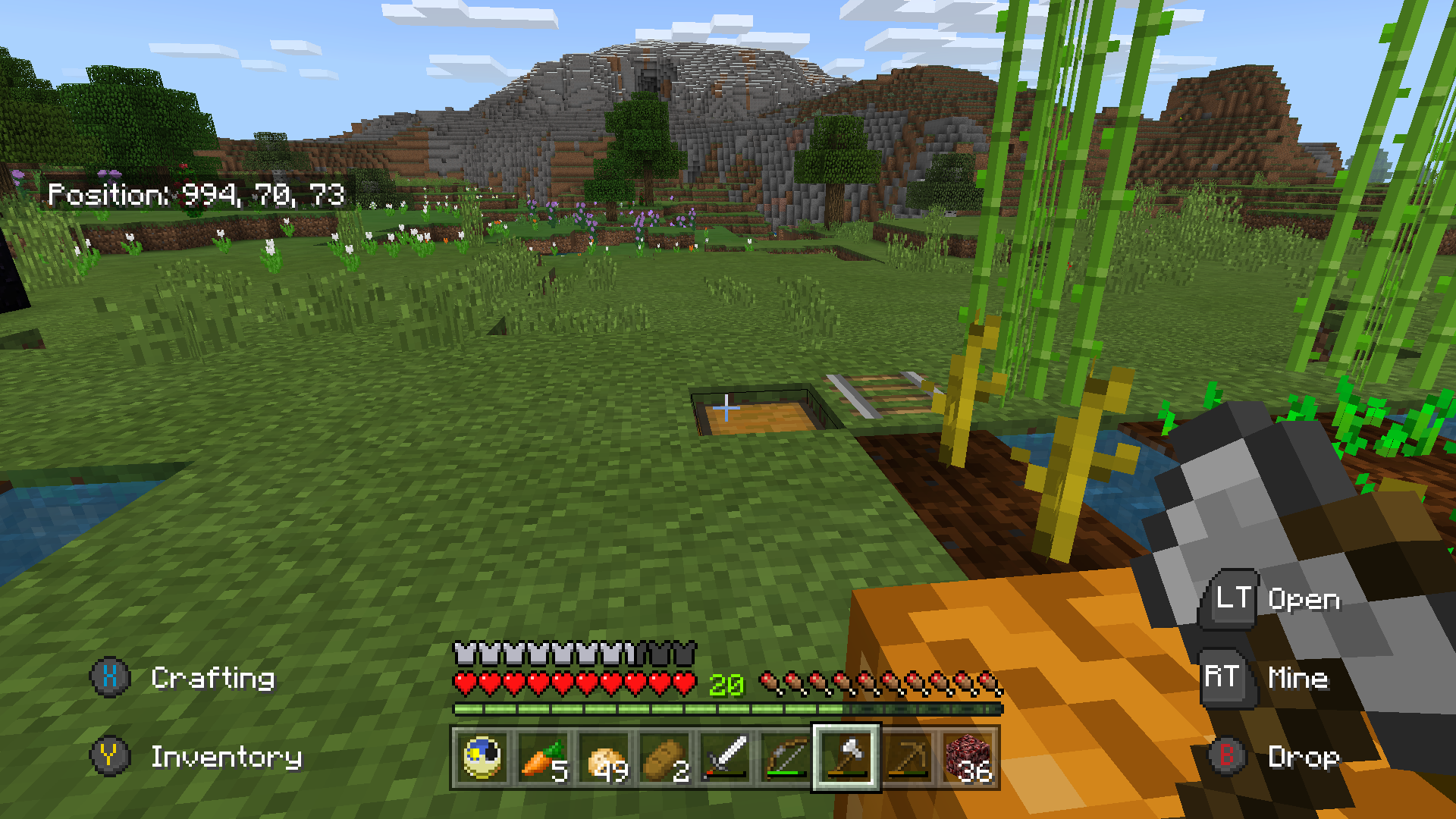
MC-133260and this both be considered bugs? It has to be one or the other... Unless I'm reading this wrong.The crouch button does not control dismounting, it is the jump button. The jump button is mapped to 'A'.
fix mistake in code correction
This also affects the beach biome