 Lew Hitching
- lewis2470
- lewis2470
- Europe/London
- Yes
- No
 MC-82773
 MCPE-26441
![[Mojang] Bartosz Bok](../../../data/avatars/users/10122.svg)
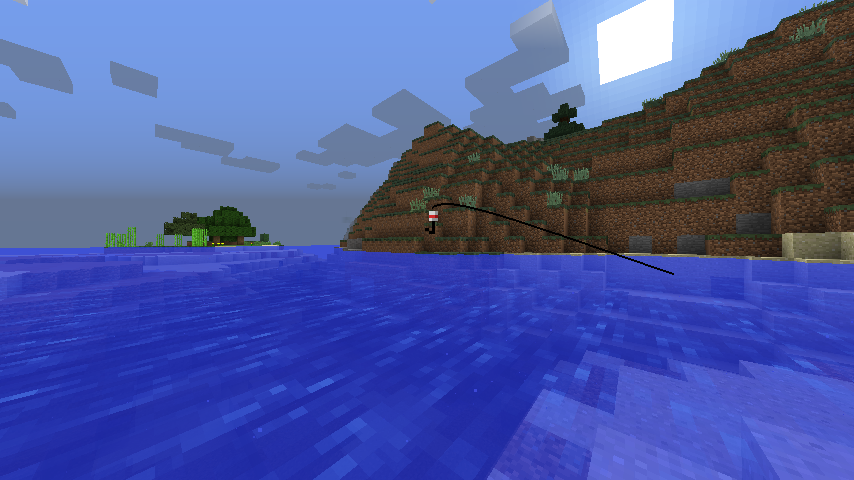
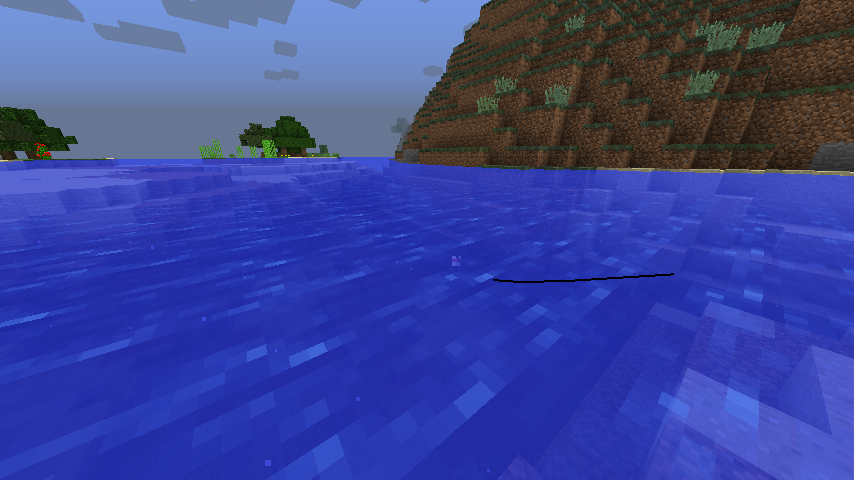


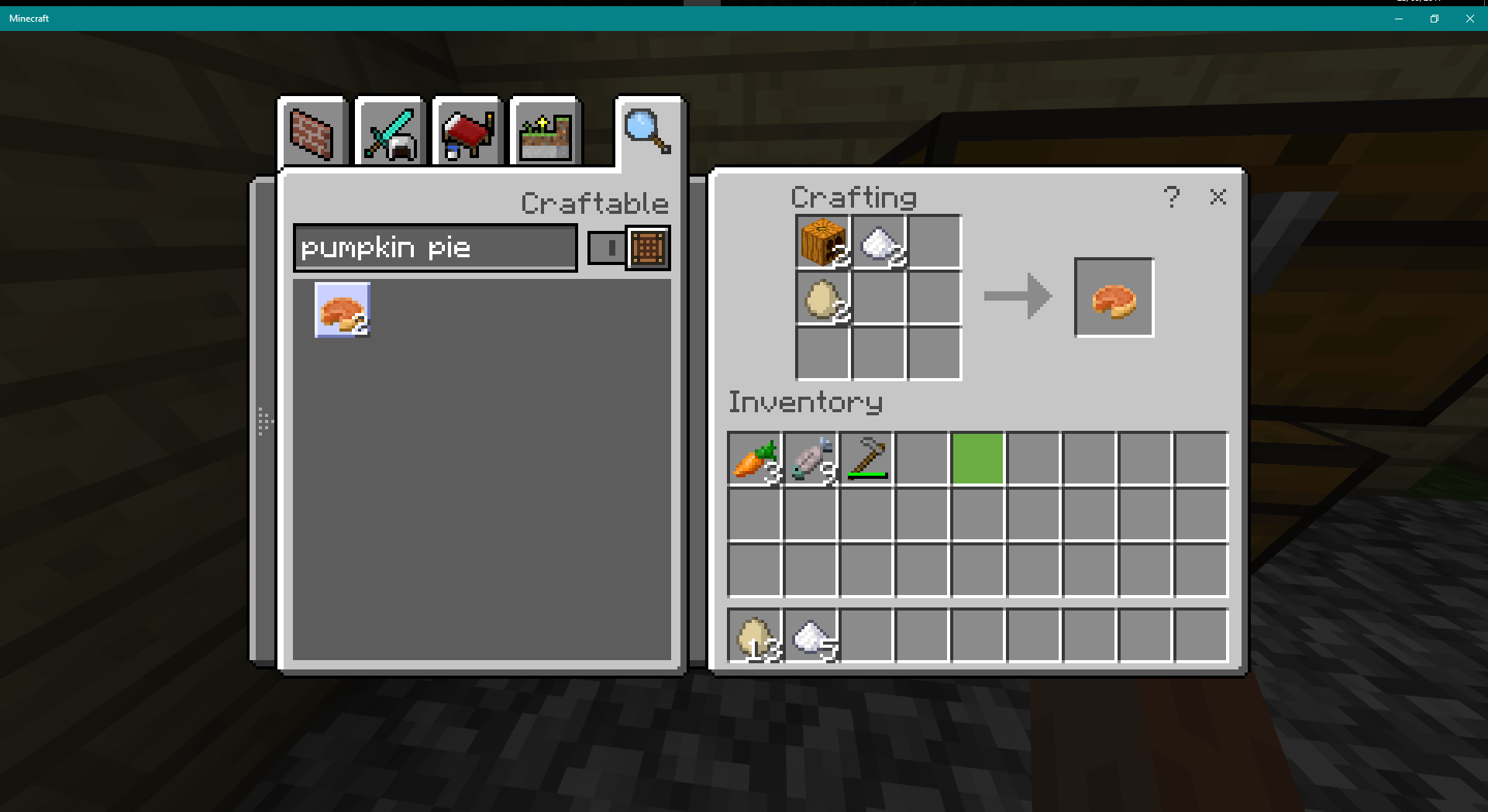
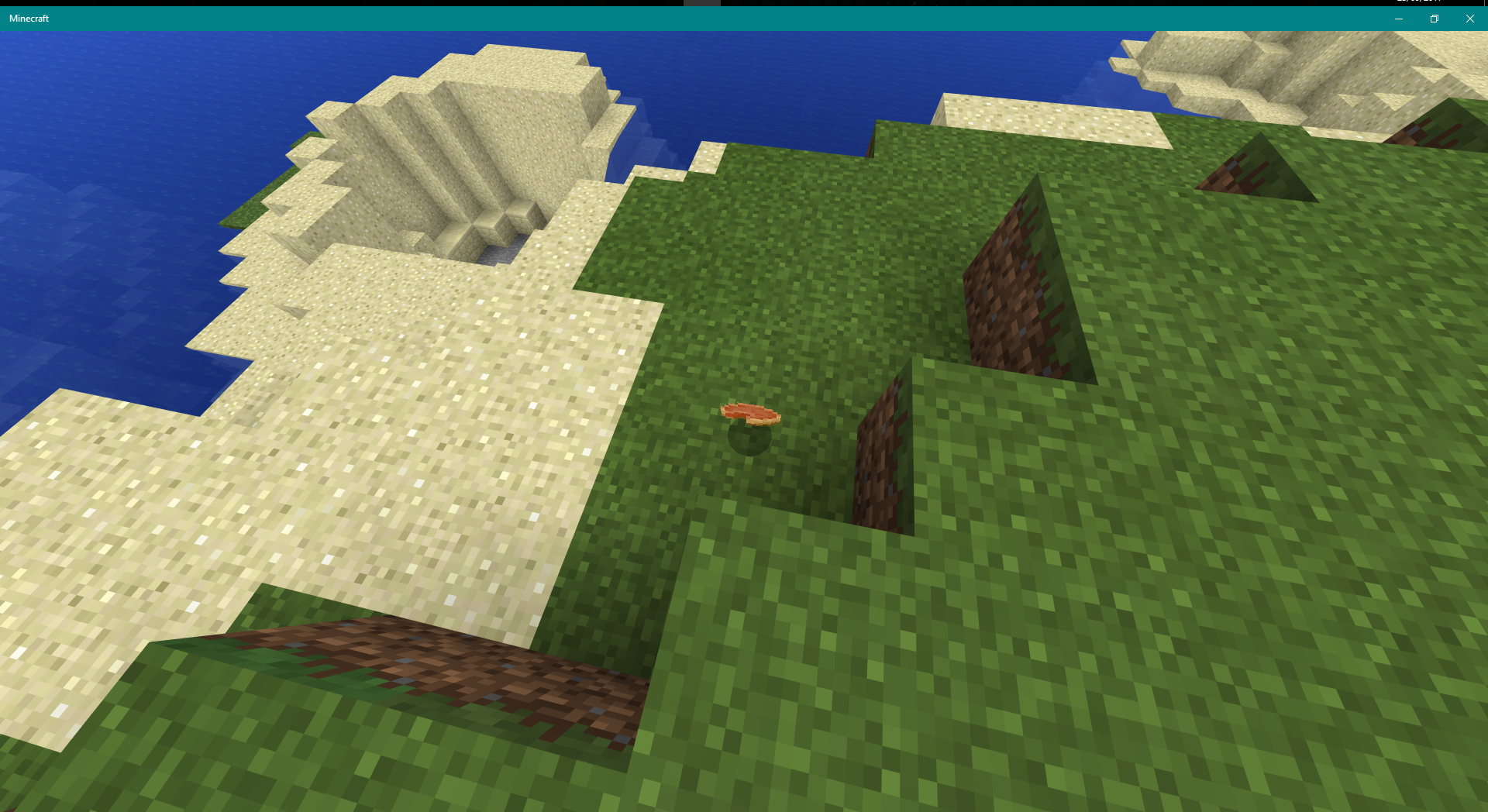
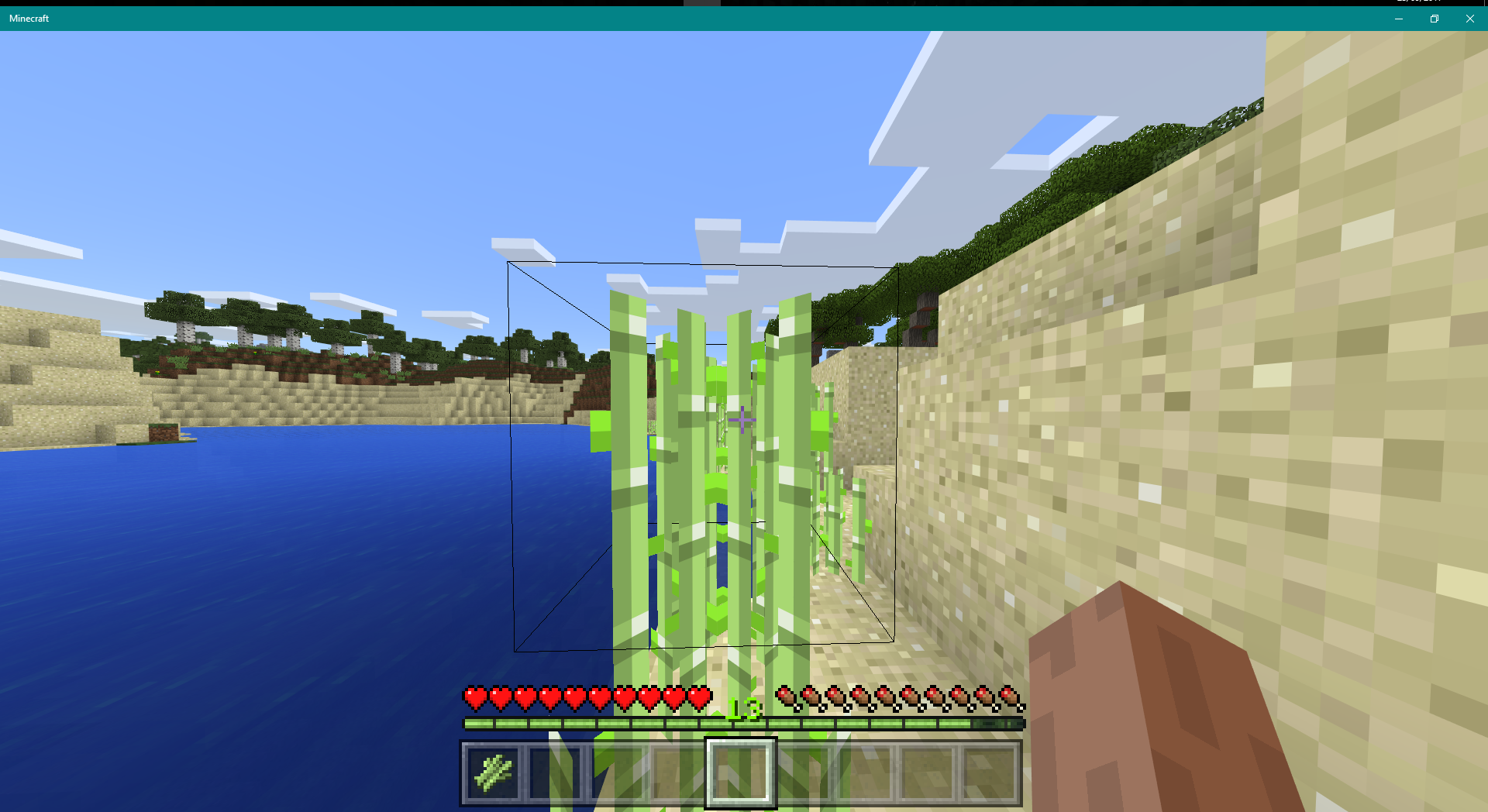
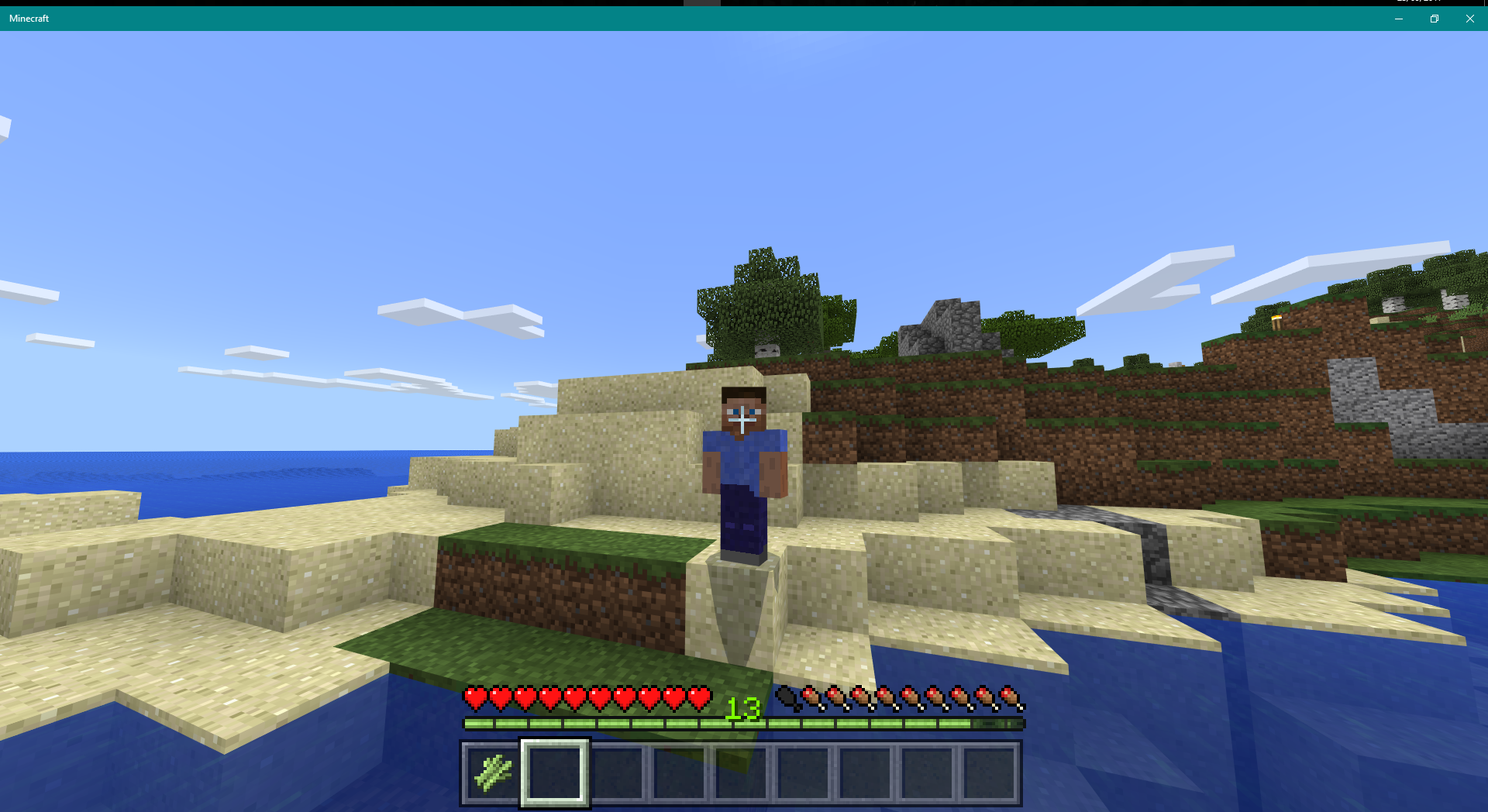
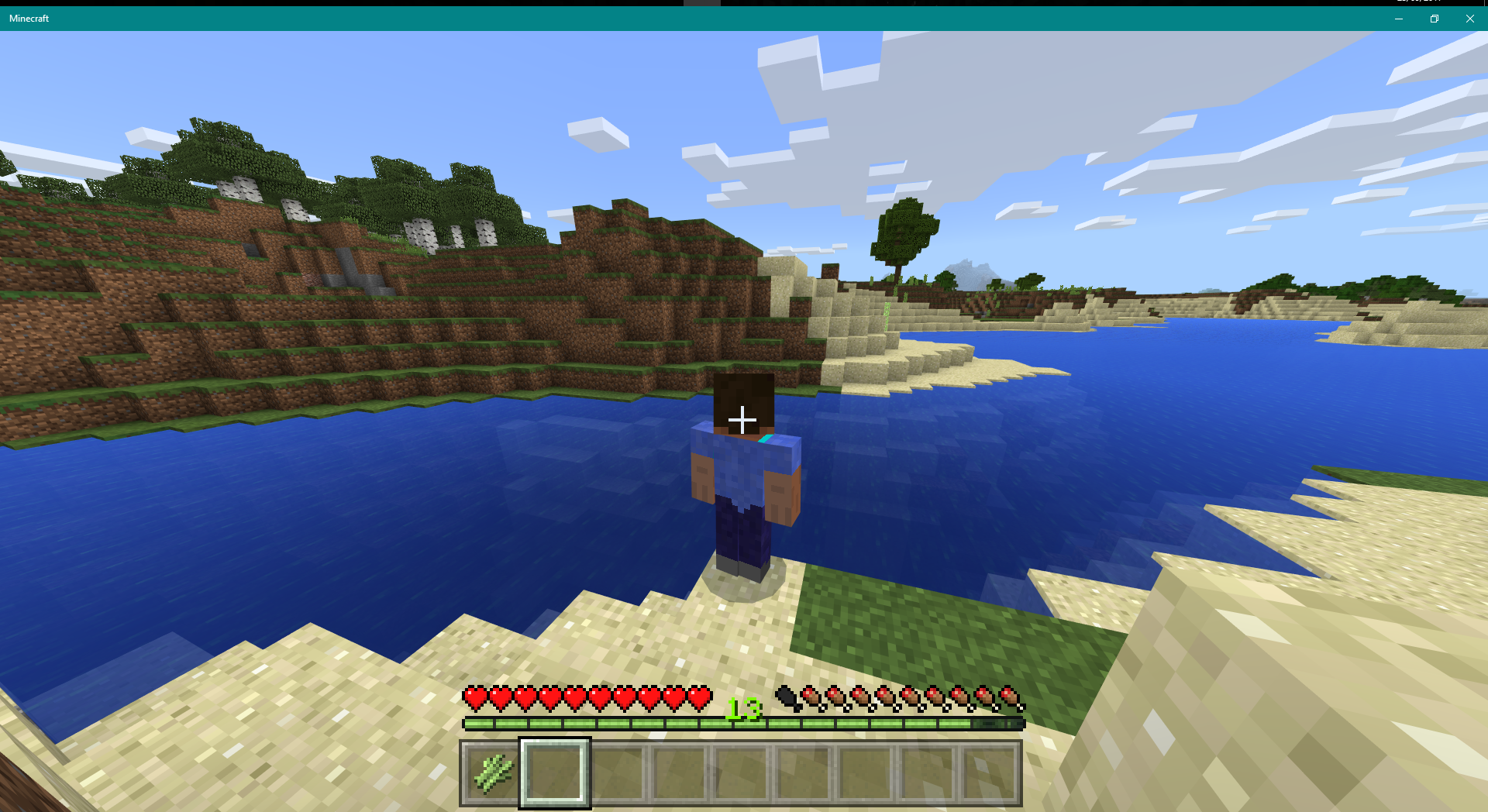


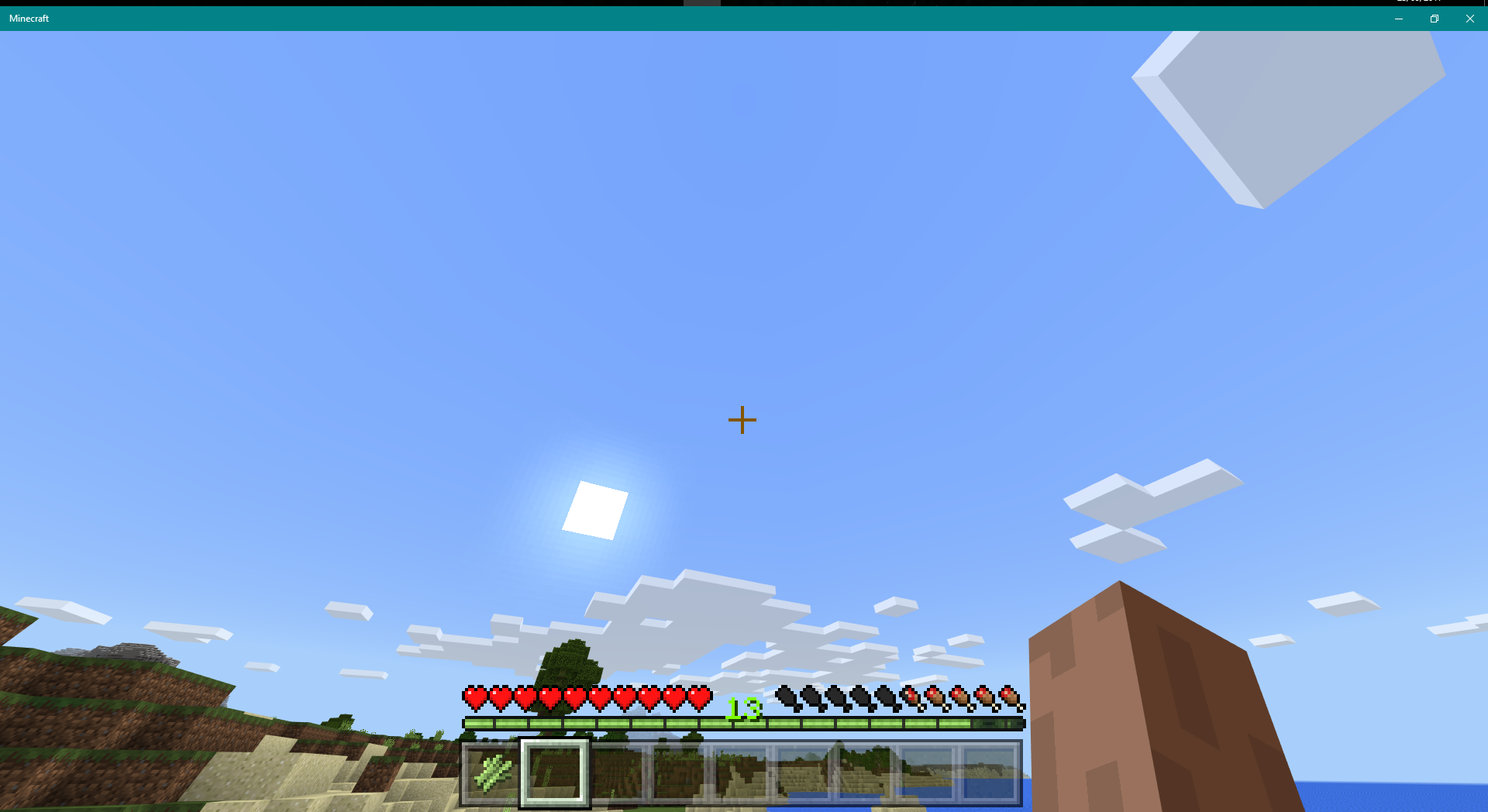
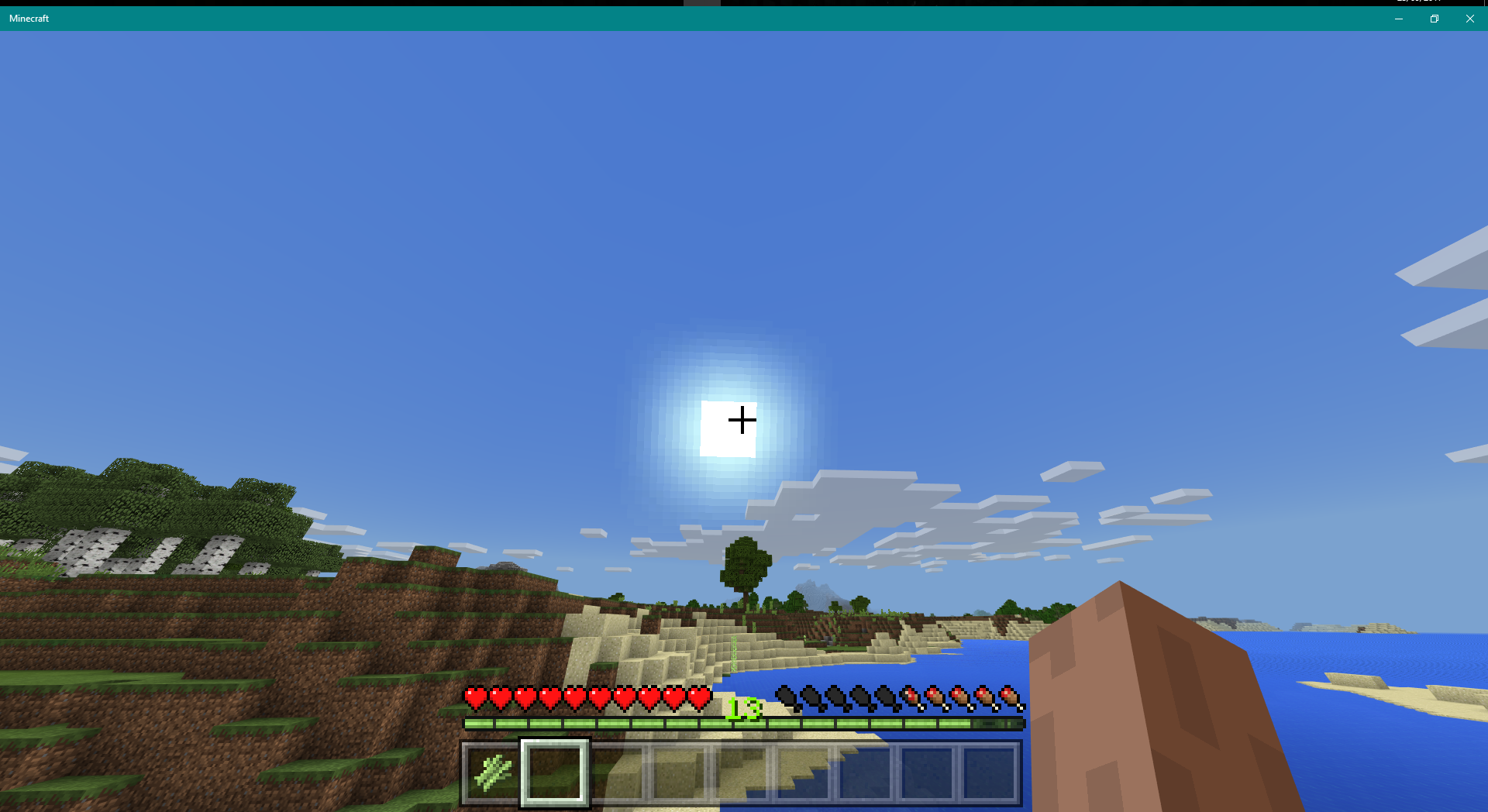
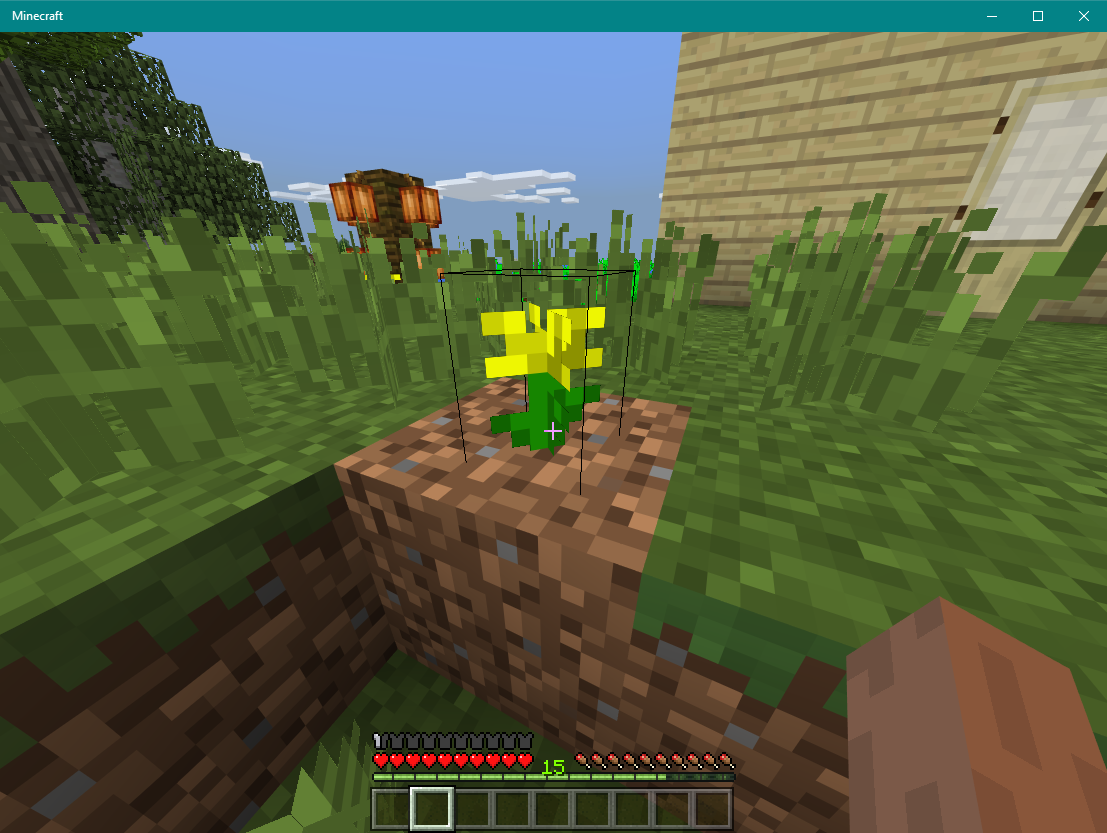


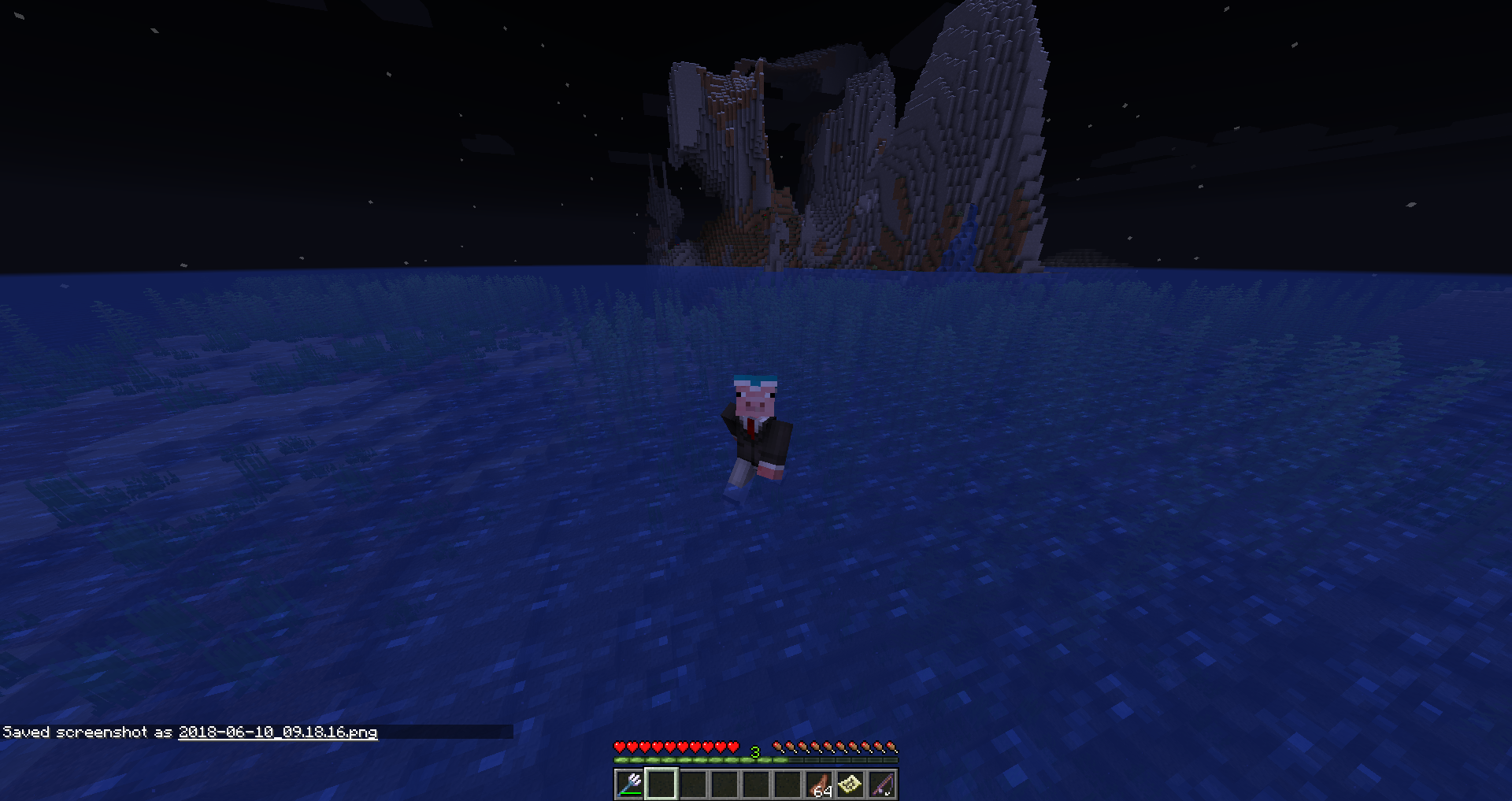

Misplaced fishing rod tip (underwater and above water)Incorrectly placed fishing rod tip (underwater and above water)
When I activate the fishing rod line and point down into the water, it comes back up and floats above the water not in place. The opposite of this happens when I throw the fishing rod into the air above the water, causing it to sink down into the water and stay there. This happens on singleplayer AND multiplayer servers.
launcher_log pre5.txt
When a user looks around while on a horse, it takes more time for the horse to turn than the player,
creating slower turns.The video shows evidence of this
,and it can be easily reproduced. Just tame a horse and use a saddle with it.When a user looks around while on a horse, it takes more time for the horse to turn than the player, resulting in slower turns.
The video shows evidence of this and it can be easily reproduced. Just tame a horse and use a saddle with it.

This seems to be before / whilst OpenGL init:
OpenGL: NO CONTEXT
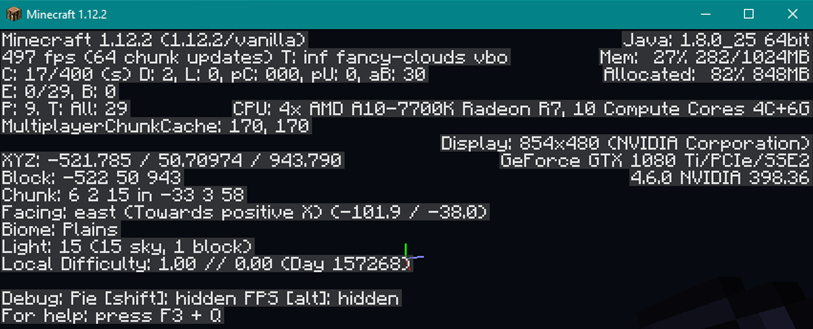
Lew Hitching, what graphics card/chip driver version do you have? (you may attach a screenshot of 1.12.2 with debug screen (F3) enabled)
Cannot confirm with same nvidia driver

Lew Hitching, please try to start 1.13-pre1, 1.13-pre2, 1.13-pre3 and the last snapshot before pre1 and attach the launcher logs here. I'd like to see the used LWJGL versions, suspecting something there.
Lew Hitching: Sorry for the edit spam...
Use the attachments to help fix the problem
I also experience this issue if I'm flying through chunks fast on an elytra, the chunks all don't load correctly and you get a mess of a world
What version are you using? (PC, Console etc) I've tried this and all the tools work with all different types of wood. It might be a bug on your side only.
I had a low resolution at the time, so that might have caused it
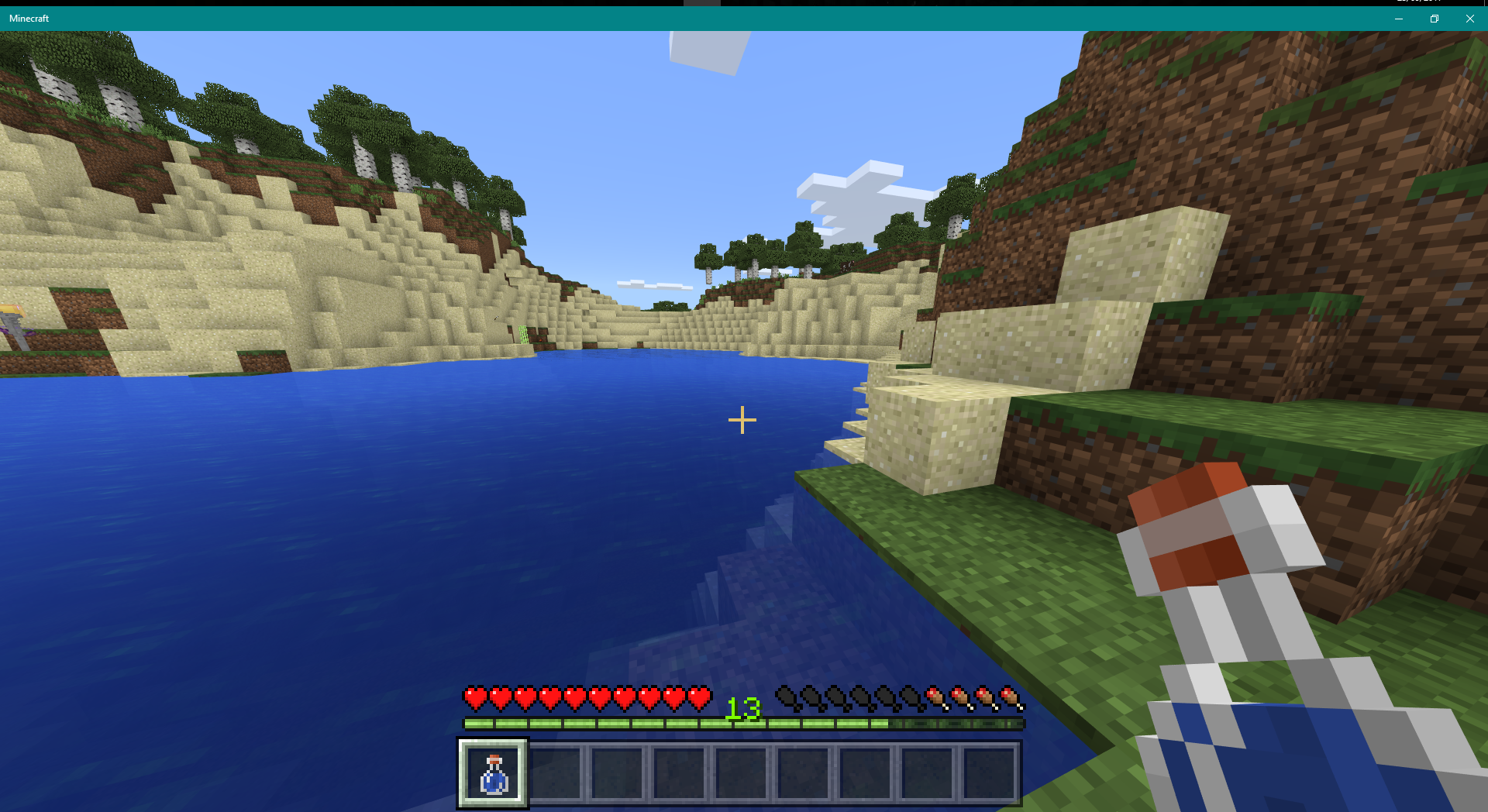
In the Java edition of minecraft, the potion glass stays in the same slot.
launcher_log pre2.txt launcher_log pre3.txt
 launcher_log pre4.txt
 launcher_log pre1.txt
Newest files are launcher logs for each version, since today I have been able to successfully launch pre versions 1-3 with the same crash occuring on the pre4 version.
I only use a mouse and keyboard on my PC although I have a USB device that allows me to wirelessly connect Xbox 360 controllers (during testing no controllers were connected but the device was connected)
Upon attempting to open pre5, this error is given
The game crashed whilst initializing game
The game crashed whilst initializing game
Error: java.lang.IllegalStateException: GLFW error: [0x10004]Invalid button in gamepad mapping 03000000ffff00000000000000000000 (GameStop Gamepad)
My launcher log from this attempt is now in attachments
After some searching on my PC I think I have fixed the issue.
I failed to mention that I also have a bluetooth USB adapter, I also had many paired inactive devices, some of which were controllers (Xbox One Wireless Controller) and wireless headsets, speakers and media devices.
I removed all of the bluetooth paired devices and attempted to open pre4 and pre5 once again, where they successfully opened. I'm unsure exactly what happened but have suspicions with the drivers installed from the bluetooth devices I paired.
Further testing by me has revealed that the USB Bluetooth adapter has a driver installed called "CSR8510 A10", when this driver is installed on my PC, the same crash occurs. When I either unplug the adapter or uninstall the driver for it, the crash will NOT occur.
In summary, I think the crashes have something to do with the bluetooth USB adapter and/or driver for it.
@leo190 - This bug was originally reported on bedrock edition. there is no history of java edition tags in here, at least from what I changed about the bug.
@GoldenHelmet from my testing in that version, with a full inventory, glass bottles/mushroom stew will stay in the inventory when consumed, so that particular issue is fixed
however, if an empty slot is available it will change still slots so I don't think this one is fixed