 Leximon
- Lex305
- lex305
- Europe/Stockholm
- Yes
- No
 MC-122396
![[Mojang] Cory Scheviak](../../../data/avatars/users/92893.png)
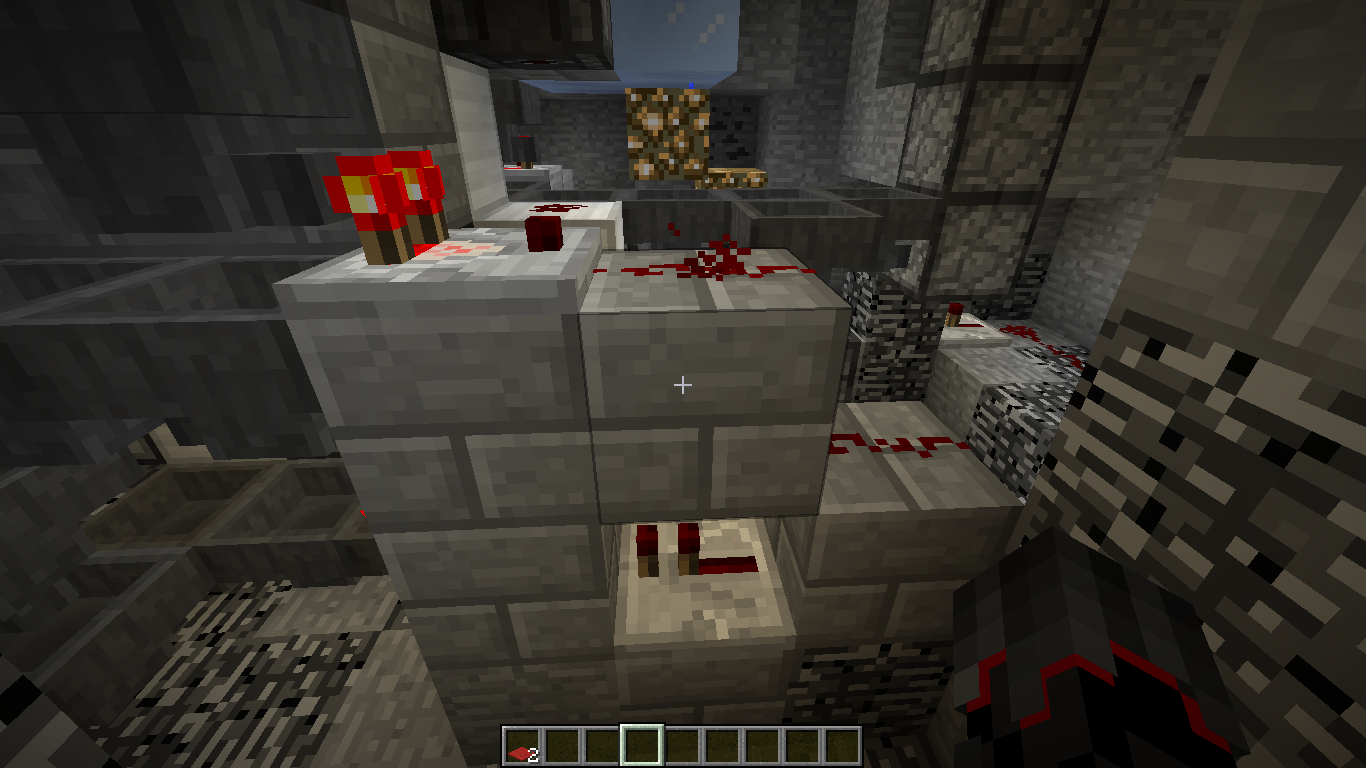
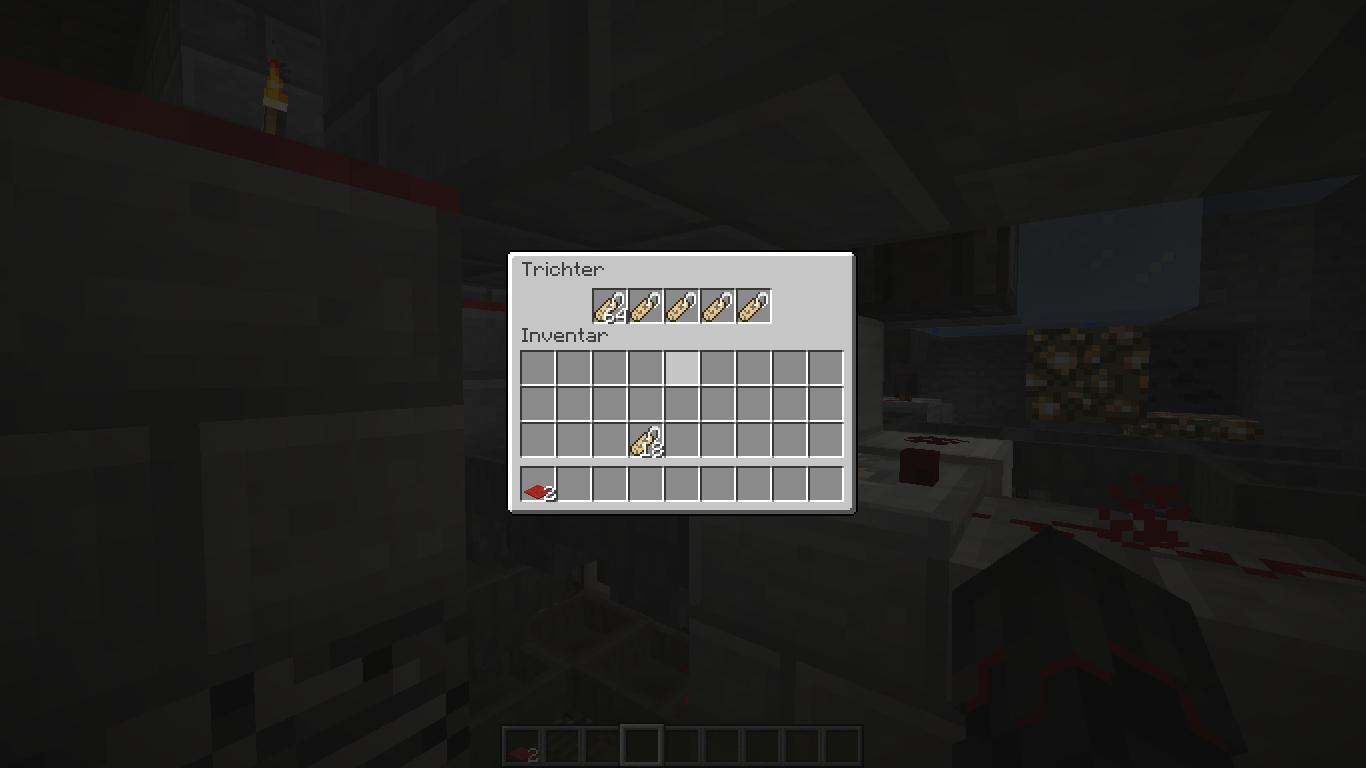
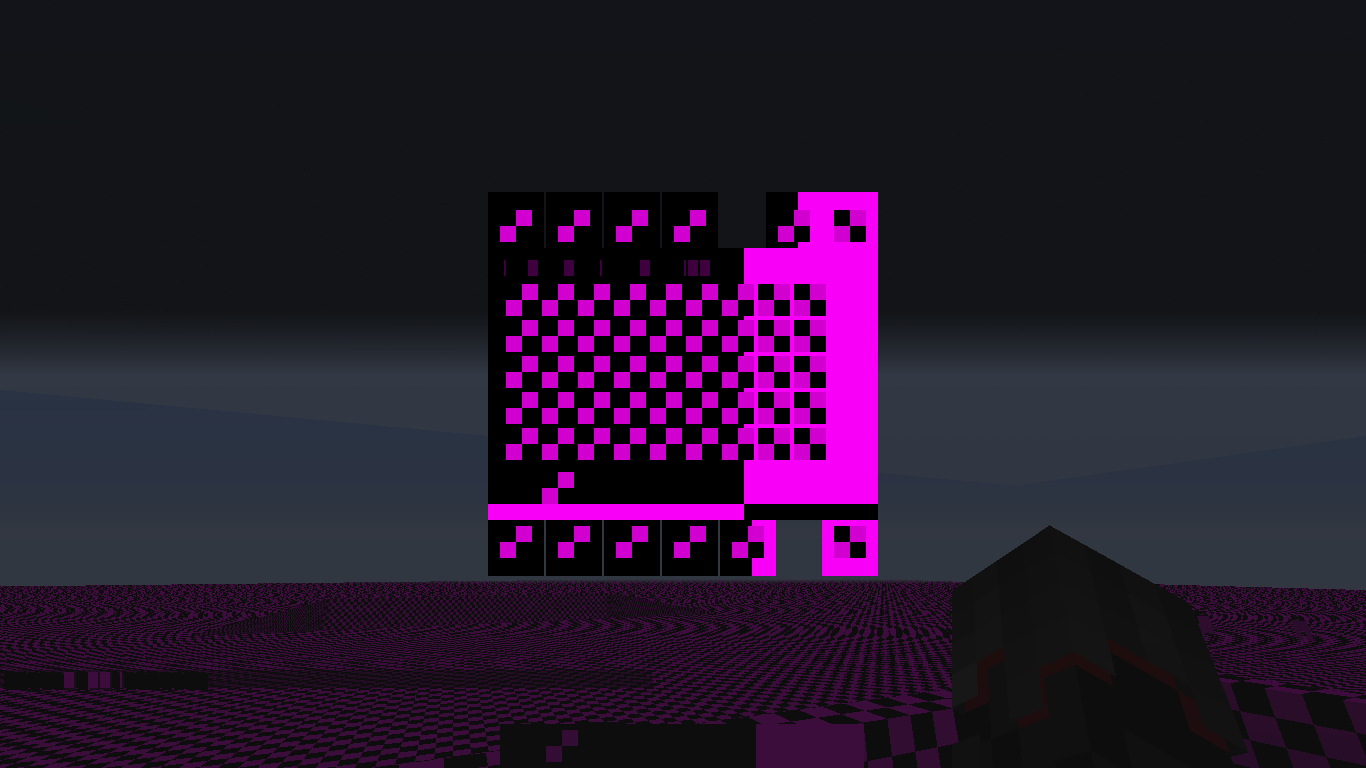
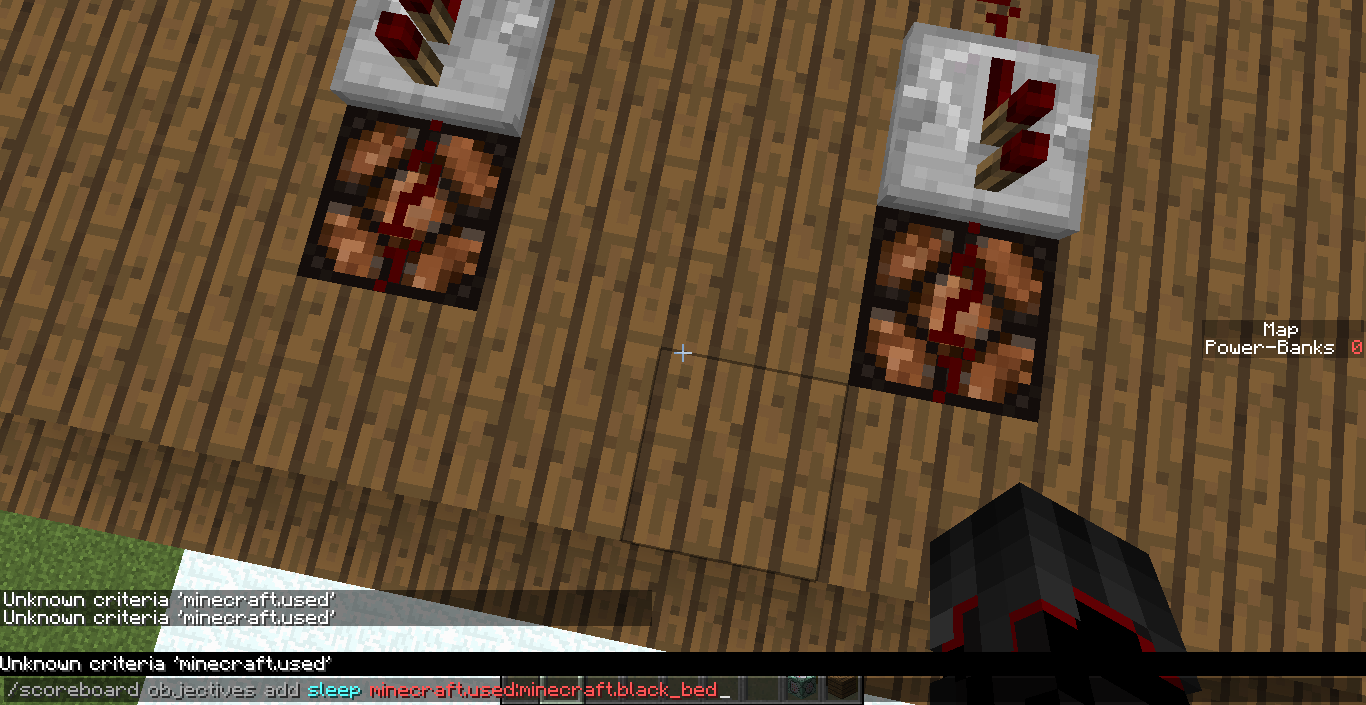


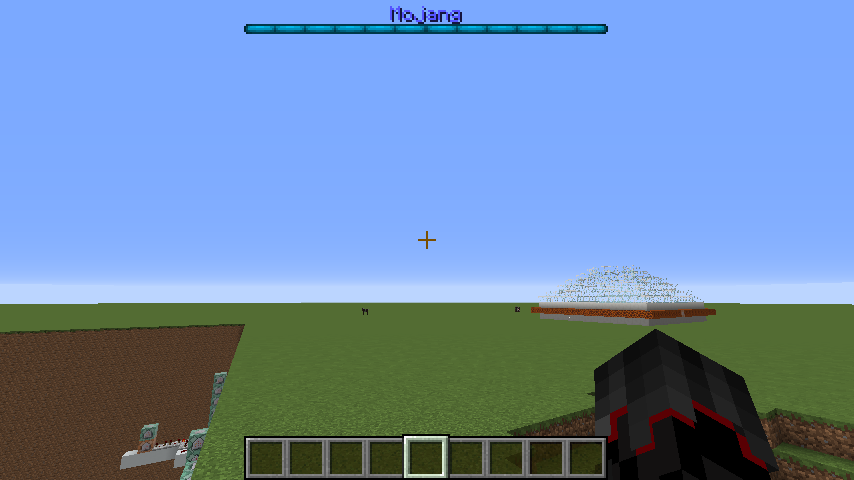
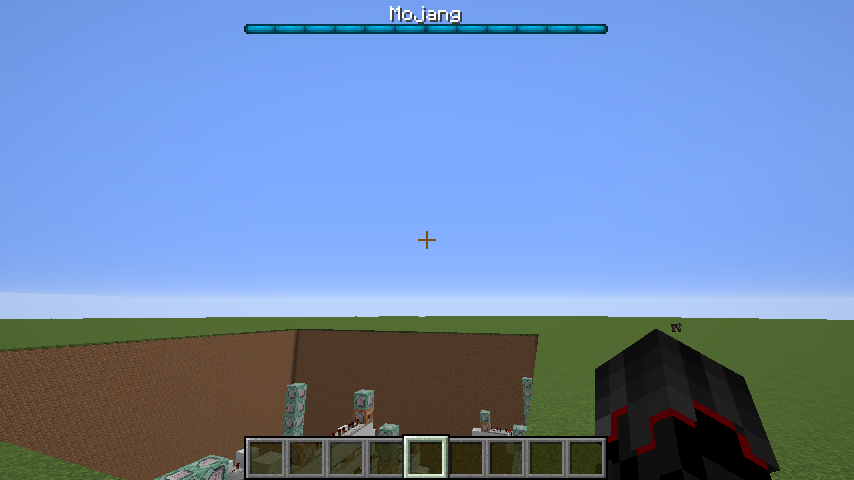

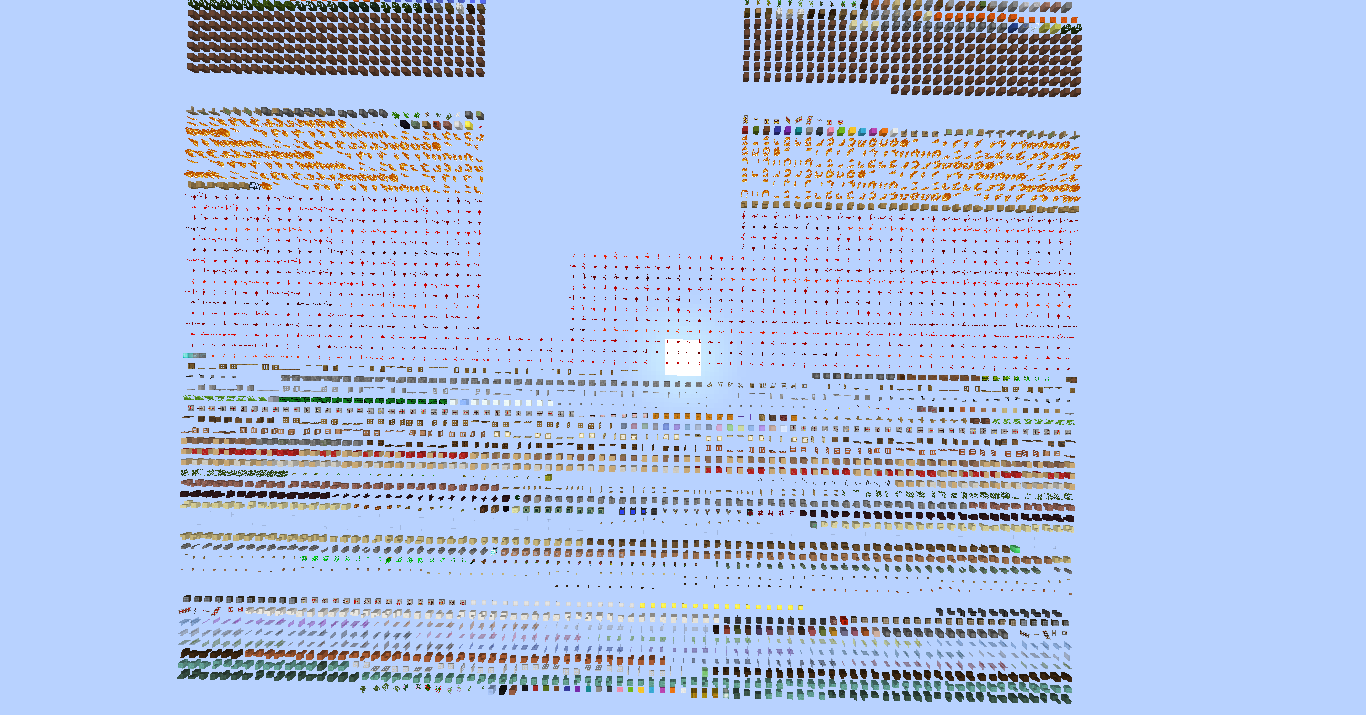


Wenn man den Models Ordner Löscht in ein Texturepackdann sindalleMinecraft texturenbuggy.If you delete the Models folder in a texture pack then all Minecraft textures are buggy.
If you delete the Models folder in a texture pack then all Minecraft textures are buggy. And my texturepack is apparently not inside :/
If you delete the Models folder in a texture pack then all Minecraft textures are buggy. And my texturepack is apparently not inside :/
If you delete the Models folder in a texture pack then all Minecraft textures are buggy. And my texturepack is apparently not inside :/
So a texture pack without the models folder
If you delete the Models folder in a texture pack then all Minecraft textures are buggy. And my texturepack is apparently not inside :/
So a texture pack without the models folderIf you delete the Models folder in a texture pack then all Minecraft textures are buggy. And my texturepack is apparently not inside :/
And if you reload the texture pack again then everything is back to normal and there is a debug message
If you run this command "/
effect give @a minecraft:slow_falling" on a server as a player. Then you are kicked from the Server: "Do not know how to turn {} into a Component"
If a player is riding a strider
in lava, other players can not see the animation of the strider.
Creating or canceling the world creation would delete the temporary directory but if you close the game the directory will still exist including the data
packs.
Temporary datapack directories aren't deleted after closing the game
2021-03-10_18.19.18.png
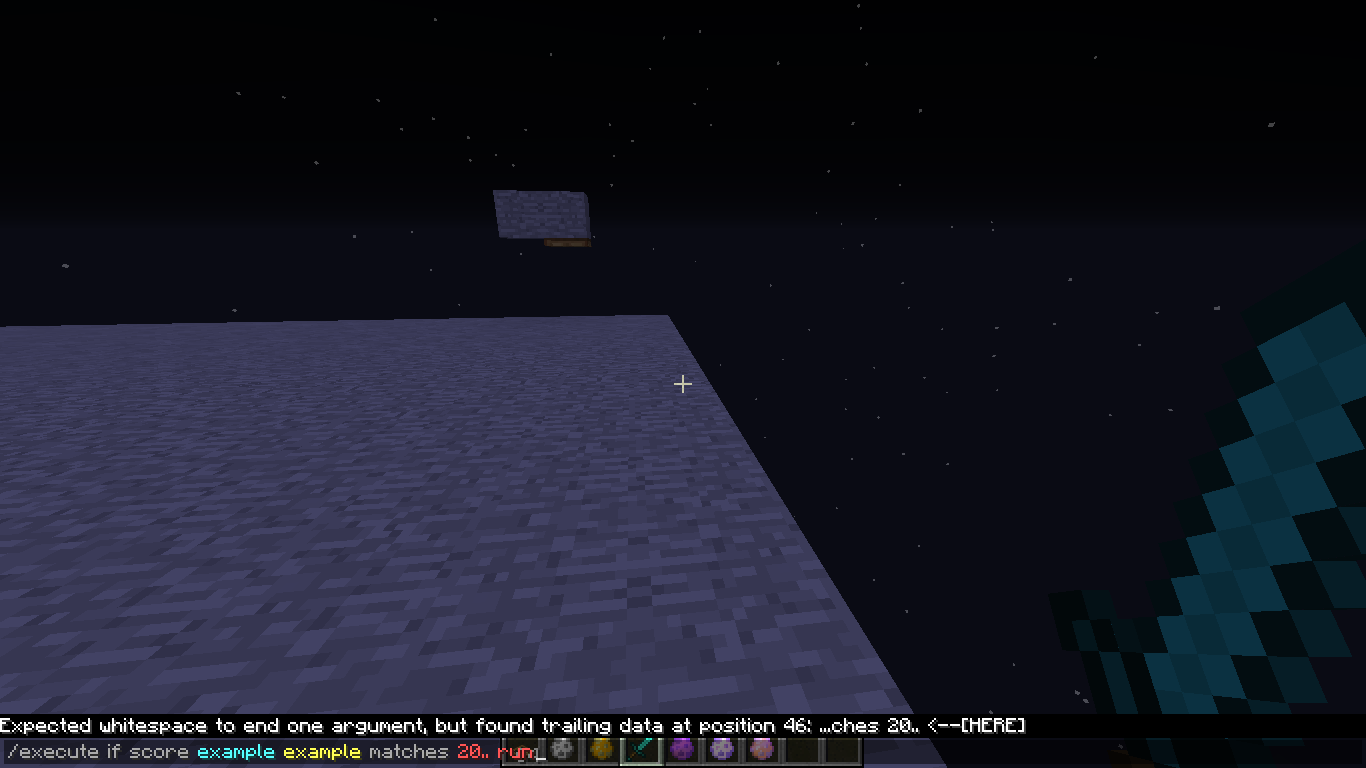
Clearing a large area with air using the /fill command so that the void is exposed causes continuous lag spikes when moving above it.
Refilling that area so the void isn't exposed anymore will fix this issue.
I have recorded a video demonstrating this issue: https://youtu.be/rmMFCxF4y_s
How to reproduce:
- Increase the commandModificationBlockLimit to a very large number:
/gamerule commandModificationBlockLimit 1000000000
- Clear a large area:
/fill ~ ~64 ~ ~200 -64 ~200 airThis will take a while to complete and cause an expected and strong lag spike.
- Fly above the void
Observed result: Continuous and strong lag spikes when moving above the cleared area.
Expected result: A strong lag spike once the clearing task has been completed and no further lag spikes when moving above the cleared area.
Clearing a large area with air using the /fill command so that the void is exposed causes continuous lag spikes when moving above it.
Refilling that area so the void isn't exposed anymore will fix this issue.
I have recorded a video demonstrating this issue: https://youtu.be/rmMFCxF4y_s
How to reproduce:
1. Increase the commandModificationBlockLimit to a very large number:
/gamerule commandModificationBlockLimit 10000000002. Clear a large area:
/fill ~ ~64 ~ ~200 -64 ~200 airThis will take a while to complete and cause an expected and strong lag spike.
3. Move above the void
Observed result: Continuous and strong lag spikes when moving above the cleared area.
Expected result: A strong lag spike once the clearing task has been completed and no further lag spikes when moving above the cleared area.
Clearing a large area with air using the /fill command so that the void is exposed causes continuous lag spikes when moving above it.
Refillingthat area so the void isn't exposed anymorewill fix this issue.
I have recorded a video demonstrating this issue: https://youtu.be/rmMFCxF4y_s
How to reproduce:
1. Increase the commandModificationBlockLimit to a very large number:
/gamerule commandModificationBlockLimit 10000000002. Clear a large area:
/fill ~ ~64 ~ ~200 -64 ~200 airThis will take a while to complete and cause an expected and strong lag spike.
3. Move above the void
Observed result: Continuous and strong lag spikes when moving above the cleared area.
Expected result: A strong lag spike once the clearing task has been completed and no further lag spikes when moving above the cleared area.
Clearing a large area with air using the /fill command so that the void is exposed causes continuous lag spikes when moving above it.
Filling a thin layer of solid blocks right above the void will fix this issue.
I have recorded a video demonstrating this issue: https://youtu.be/rmMFCxF4y_s
How to reproduce:
1. Increase the commandModificationBlockLimit to a very large number:
/gamerule commandModificationBlockLimit 10000000002. Clear a large area:
/fill ~ ~64 ~ ~200 -64 ~200 airThis will take a while to complete and cause an expected and strong lag spike.
3. Move above the void
Observed result: Continuous and strong lag spikes when moving above the cleared area.
Expected result: A strong lag spike once the clearing task has been completed and no further lag spikes when moving above the cleared area.
I know now what the problem is. I entered the coordinates with the help of the tab two times.
thx
okay
I have already tried it. It's not working! And I also vouch for some blocks
20w18a
20w19a
that's true
they can generate in caves too
Seed: 7885023187930547064
Coordinates: -2801 16 -554