 Lizter Zapanta
- LizterZapZap
- JIRAUSER533860
- Asia/Manila
- Yes
- No
 MCD-4484
 MCPE-106755
 MC-224402
 MCL-18649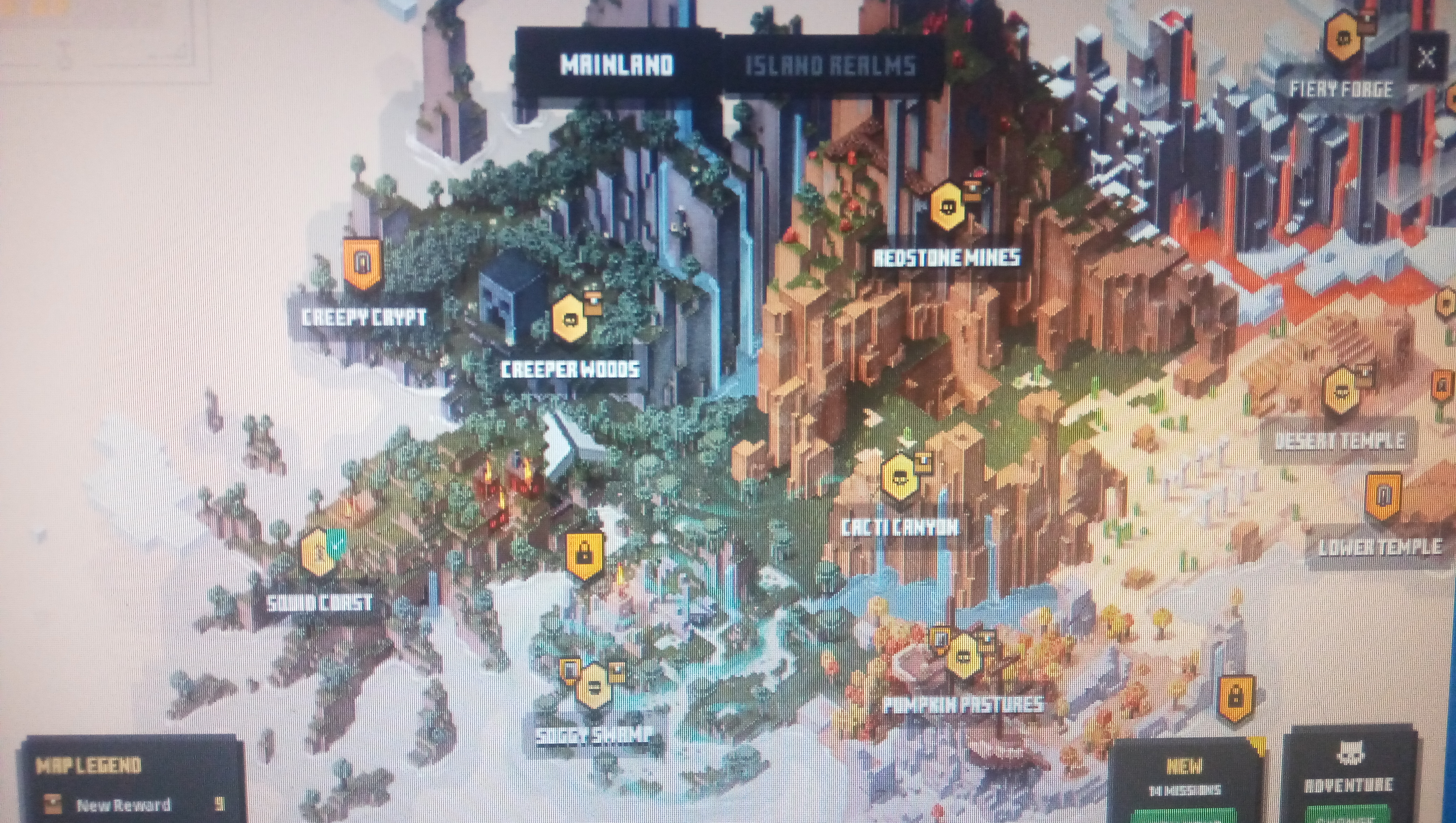










The second requirement is bugged. The "secret location" in Creepy Woods IS IN Creeper Woods, but then you may be asking "Where is it?". Well, The secret location is actually you grabbing the map to unlock Creeper Woods. But since each character can only grab the map once, it is basically impossible to get it if you have already got it in the previous updates, until the developers finally patch it in the next update.
You can try it out yourself. Create a brand new character, go through Creeper Woods and grab the map. You can see that you have finished "Find secret location in Creepy Woods".
The summary already explains it all. The title bar stays coloured white even in Dark Mode.
The summary already explains it all. The title bar stays coloured white even in Dark Mode.

Title bar stays white even in Dark Mode.
One problem I face with porting my resource packs to Bedrock is having to rename a majority of the texture files in order for them to appear. The texture files sitll use the same file names during 1.12 Java Edition.
By fixing this, this would probably be the start of cross-port support for resource packs.
Here are some examples of the texture file names in comparison to Java and Bedrock:
1) Acacia Door (bottom): it still uses the old <object>_<type> format.
Java: acacia_door_bottom.png
Bedrock: door_acacia_lower.png
2) Dark Oak Log (side): some Dark Oak texture files are still named "big oak".
Java: dark_oak_log.png
Bedrock: log_big_oak.png
3) Oak Leaves: it still uses the old <object>_<type> format.{}
Java: oak_leaves.png
Bedrock: leaves_oak.png
4) Potato Crops (stage 1): has an underline between stage and 1, which applies to all crop textures in Bedrock Edition.{}
Java: potatoes_stage1.png
Bedrock: potatoes_stage_1.png
5) Peony (top): all double plant textures still have "double_plant" in their texture file names. Also, peony is spelt differently in Bedrock Edition's files.{}
Java: peony_top.png
Bedrock: double_plant_paeonia_top.png
6) Damaged Anvil (top): uses the crop file name format preset.{}
Java: damaged_anvil_top.png
Bedrock: anvil_top_damage_2.png
7) Music Disc (Cat - C418): the ** texture file name is still called "record" instead of "music_disc"{}
Java: music_disc_cat.png
Bedrock: record_cat.png
8) Golden Chestplate (item): the texture file name uses "gold" instead of "golden".{}
Java: golden_chestplate.png
Bedrock: gold_chestplate.png
You all get my point. The file names are messed up, they're unorganized, they're outdated, it's really difficult to port resource packs from Java.
How to replicate the bug:
1) Go to the Camp
2) Make sure the Mystery Merchant is at the max level. (Or at least when the soul ball is there)
3) Open the menu
4) The soul inside should stop moving after a couple of seconds
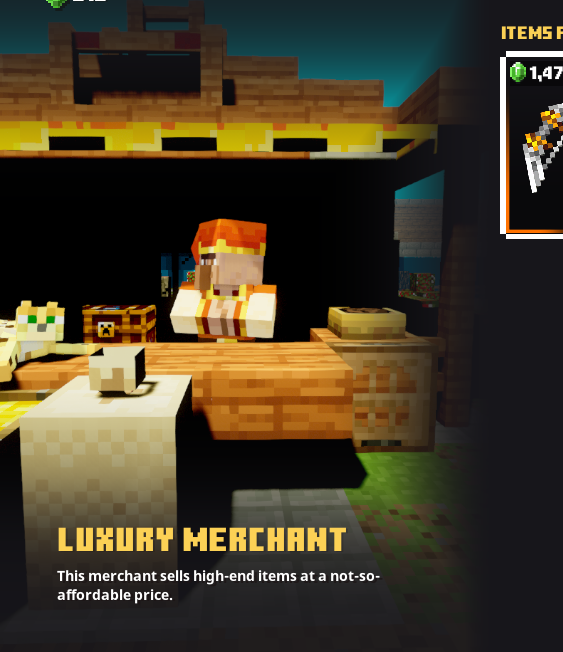
I noticed a small bug when opening multiple of the merchants in the camp. Some objects like particles just stop moving after a second of opening the menu. The soul in the soul ball from the Mystery Merchant stops moving the next second I opened the menu, and same thing goes for the dust particles from the other merchants.
Soul ball found in MysteryMerchant's menustops movingafter a couple secondsSome objects in Merchants' menus freeze after a couple seconds
![[Mod] markderickson](../../../data/avatars/users/18946.svg)
Hi Lizter Zapanta, thanks for reporting this issue! I've found that this report seems to describe the same issue as MCL-16270. That report has been resolved as Working as Intended, but you can see an explanation in Ined's comment there. 
I have an Intel Core i5, with an AMD Radeon HD 8570, 8GB of RAM, 300GB of total free space from 3 drives, and using build 20H2 of Windows 10 64-bit.
@Dylan Stal No, I went to another world and it had the exact same thing.
Sorry for the late reply but yes, this is still happening in the latest version.
However, when opening the Storage Chests, it seems to be in around 15 which is better but yeah, opening anything else still gives me 8fps.
Also, whenever I open my inventory, or open any of the merchants, their backgrounds are pitch black or have no lighting. Don't know if that's relevant.
I think the best way to fix this is to make lower-resolution assets because I feel like the inventory assets are incredibly high-res. Maybe add an option for it.
It hasn't been fixed yet.
I am on Steam PC running on the highest settings. I have a GTX 960, 12GB DDR3, installed on an SSD.