![[Mod] markderickson](../../../data/avatars/users/18946.svg) [Mod] markderickson
[Mod] markderickson
- markderickson
- JIRAUSER506241
- America/New_York
- Yes
- No
![[Mojang] Ulraf](../../../data/avatars/users/43122.png)
 WEB-2561
![[Mojang] Web Team](../../../data/avatars/users/10122.svg)
 MCL-14467
 Low
Low MC-192697













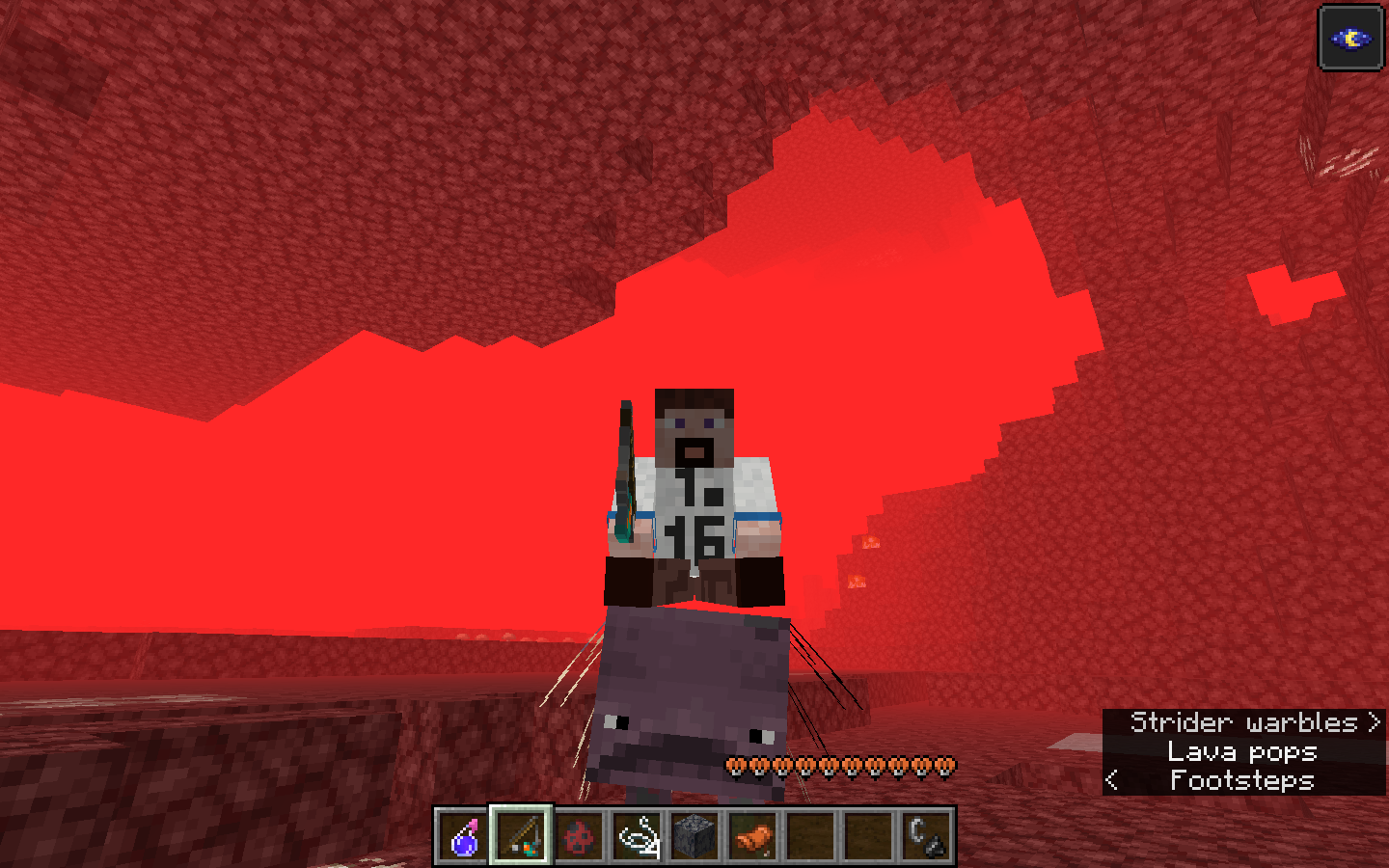



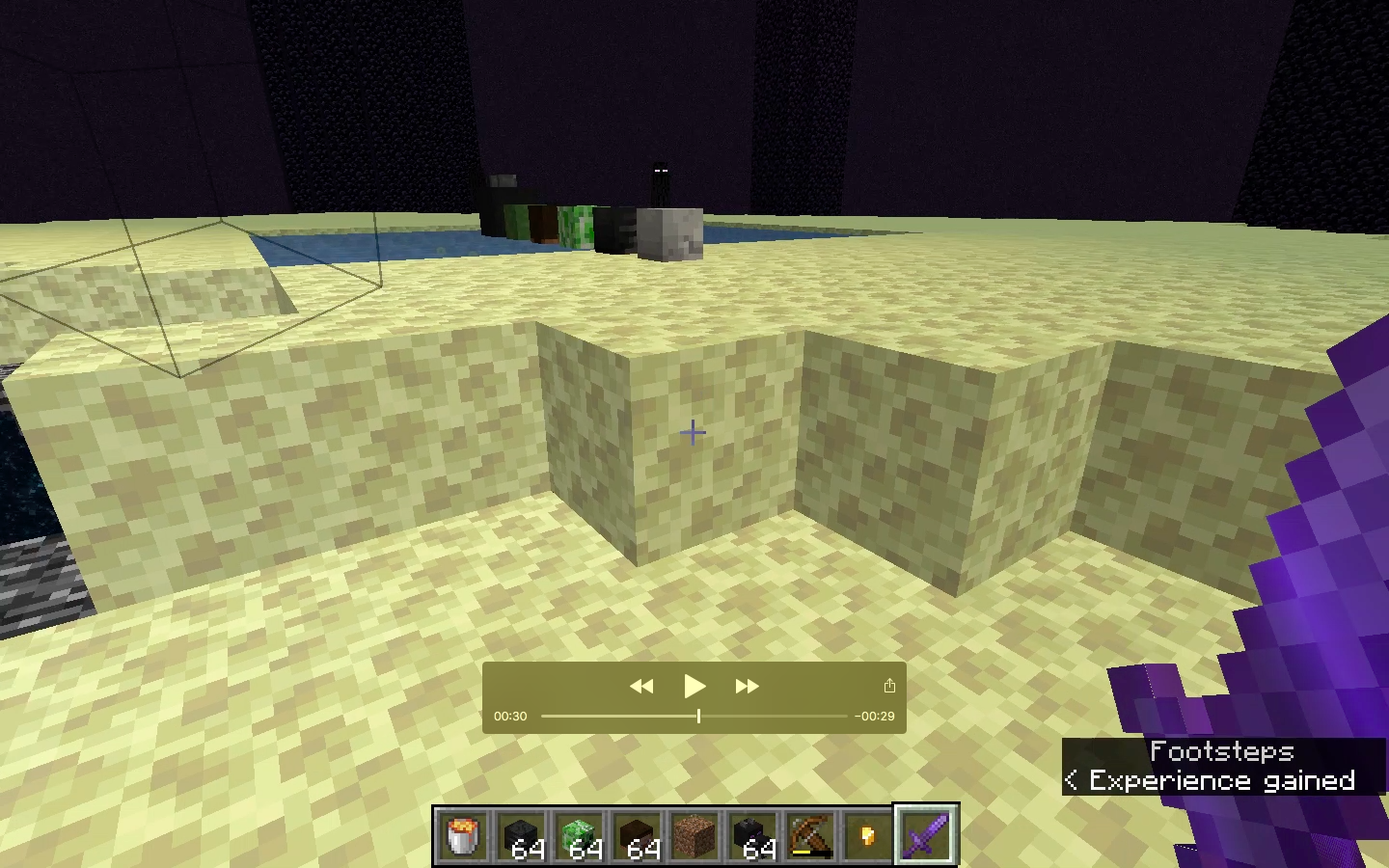
Fungi growsthrough fire
Fungi can grow through fire
The bug
When the /locate biome command is used on a biome like the modified jungle edge (in my world with seed -2212060853571448367, for example, but for most other seeds as well) where that biome is nonexistent for at least many thousands of blocks, the command will cause significant amounts of server lag.
To reproduce
- Create a world with seed -2212060853571448367
- /locate biome minecraft:mushroom_fields
→Notice that blocks don't drop and the game doesn't react
Video
https://drive.google.com/file/d/1MBQv7JSWE0l5HpxFoTCe55TXL0E6ZoYl/view
/locate biome can cause large amounts of server lag if the specified biome is very rare or non-existant
Hey there!
I found that this exploit also works with command signs; should I make a new report? Or is there already a report for that bug?
The Bug
Opped players on vanilla servers can access commands longer than the chat character limit when command blocks are disabled using custom signs. This can be used to give illegal items, kill all players, or long commands that can't normally be executed without the use of command blocks.
How to reproduce
- Open a creative world where you have operator permissions (it could be a brand new single player world, it doesn't matter)
- Use a command block to give yourself a sign that is linked to a special command when clicked. It's better to use this with commands longer than the chat can support, because otherwise, there's no point in using this
- Save your command sign in a toolbar
- Go on a vanilla server where you have operator permissions (for me, I play on RaysWorks' testing server [peepcraft.asquared31415.com], but you need 10 hours of watch time for op on the server].
- Load in the saved toolbar.
- Place the sign down. It should have the same text as was programmed before.
- Click the sign, and the command should execute.
PLEASE NOTE:
I think this should be seen as a separate bug from MC-114692, as MC-114692 only allows players to bring special items across worlds.
Toolbars allows players toget illegal items using custom signsToolbars allows players to execute commands using custom signs
Toolbars allows players to execute commands using custom signsand booksCommands that exceed chat length limit can still be executed in servers that have disabled command blocks
The Bug
Opped players on vanilla servers can access commands longer than the chat character limitwhen command blocks are disabledusing custom signs. This can be used togive illegal items, kill all players, orlong commands that can't normally be executed without the use of command blocks.How to reproduce
- Open a creative world where you have operator permissions (it could be a brand new single player world, it doesn't matter)
- Use a command block to give yourself a sign that is linked to a special command when clicked.
It's better to use this with commands longer than the chat can support, because otherwise, there's no point in using this- Save
your command sign in atoolbar- Go on a vanilla server where you have operator permissions (for me, I play on RaysWorks' testing server [peepcraft.asquared31415.com], but you need 10 hours of watch time for op on the server].
- Load in the saved toolbar.
- Place the sign down. It should have the same text as was programmed before.
- Click the sign, and the command should execute.
(This can also be replicated using books in a lectern)
PLEASE NOTE:
I think this should be seen as a separate bug from MC-114692, as MC-114692 only allows players to bring special items across worlds.
The Bug
Players can access commands longer than the chat character limit using custom signs. This can be used to execute long commands that can't normally be executed without the use of command blocks.
How to reproduce
- Open a creative world where you have operator permissions (it could be a brand new single player world, it doesn't matter).
- Use a command block to give yourself a sign that is linked to a special command when clicked. To properly reproduce this bug, make sure that the command stored in the sign is Examples are included at the bottom of this report.
- Save this pre-filled sign in a slot in one of your toolbars.
- Join a server where you have operator permissions.
- Load in the saved toolbar.
- Place the sign down. It should have the same text as was programmed before.
- Click the sign, and the command should execute.
The Bug
Players can access commands longer than the chat character limit using custom signs. This can be used to execute long commands that can't normally be executed without the use of command blocks.
How to reproduce
- Open a creative world where you have operator permissions (it could be a brand new single player world, it doesn't matter).
- Use a command block to give yourself a sign that is linked to a special command when clicked. To properly reproduce this bug, make sure that the command stored in the sign is Examples are included at the bottom of this report.
- Save this pre-filled sign in a slot in one of your toolbars.
- Join a server
whereyou have operator permissions.- Load in the saved toolbar.
- Place the sign down.
Itshould have the same text as was programmed before.Click the sign, and the command should execute.The Bug
Players can access commands longer than the chat character limit using custom signs. This can be used to execute long commands that can't normally be executed without the use of command blocks.
How to reproduce
- Open a creative world where you have operator permissions (it could be a brand new single player world, it doesn't matter).
- Use a command block to give yourself a sign that is linked to a special command when clicked. To properly reproduce this bug, make sure that the command stored in the sign is Examples are included at the bottom of this report.
- Save this pre-filled sign in a slot in one of your toolbars.
- Join a server in which you have operator permissions and are in creative mode.
- Load in the saved toolbar.
- Place the sign(s) down. They should have the same text as was programmed before.
- Right click the sign.
Notice how the command that usually would not be accessible on a server with command blocks disabled could execute properly here.
Example commands
(in progress)
The Bug
Players can access commands longer than the chat character limit using custom signs. This can be used to execute long commands that can't normally be executed without the use of command blocks.
How to reproduce
- Open a creative world where you have operator permissions (it could be a brand new single player world, it doesn't matter).
- Use a command block to give yourself a sign that is linked to a special command when clicked. To properly reproduce this bug, make sure that the command stored in the sign is Examples are included at the bottom of this report.
- Save this pre-filled sign in a slot in one of your toolbars.
- Join a server in which you have operator permissions and are in creative mode.
- Load in the saved toolbar.
- Place the sign(s) down. They should have the same text as was programmed before.
- Right click the sign.
Notice how the command that usually would not be accessible on a server with command blocks disabled could execute properly here.
Example commands
(in progress)
The Bug
Players can access commands longer than the chat character limit using custom signs. This can be used to execute long commands that can't normally be executed without the use of command blocks.
How to reproduce
- Open a creative world where you have operator permissions (it could be a brand new single player world, it doesn't matter).
- Use a command block to give yourself a sign that is linked to a special command when clicked. To properly reproduce this bug, make sure that the command stored in the sign is Examples are included at the bottom of this report.
- Save this pre-filled sign in a slot in one of your toolbars.
- Join a server in which you have operator permissions and are in creative mode.
- Load in the saved toolbar.
- Place the sign(s) down. They should have the same text as was programmed before.
- Right click the sign.
Notice how the command that usually would not be accessible on a server with command blocks disabled could execute properly here.
Example commands
Example 1:
(in progress)
The Bug
Players can access commands longer than the chat character limit using custom signs. This can be used to execute long commands that can't normally be executed without the use of command blocks.
How to reproduce
- Open a creative world where you have operator permissions (it could be a brand new single player world, it doesn't matter).
- Use a command block to give yourself a sign that is linked to a special command when clicked. To properly reproduce this bug, make sure that the command stored in the sign is Examples are included at the bottom of this report.
- Save this pre-filled sign in a slot in one of your toolbars.
- Join a server in which you have operator permissions and are in creative mode.
- Load in the saved toolbar.
- Place the sign(s) down. They should have the same text as was programmed before.
- Right click the sign.
Notice how the command that usually would not be accessible on a server with command blocks disabled could execute properly here.
Example commands
Example
1:
(in progress)The Bug
Players can access commands longer than the chat character limit using custom signs. This can be used to execute long commands that can't normally be executed without the use of command blocks.
How to reproduce
- Open a creative world where you have operator permissions (it could be a brand new single player world, it doesn't matter).
- Use a command block to give yourself a sign that is linked to a special command when clicked. To properly reproduce this bug, make sure that the command stored in the sign is Examples are included at the bottom of this report.
- Save this pre-filled sign in a slot in one of your toolbars.
- Join a server in which you have operator permissions and are in creative mode.
- Load in the saved toolbar.
- Place the sign(s) down. They should have the same text as was programmed before.
- Right click the sign.
Notice how the command that usually would not be accessible on a server with command blocks disabled could execute properly here.
Example commands
Example 1: Give yourself a custom player head (561 characters)
/give @p minecraft:oak_sign{BlockEntityTag:{Text1:'{"text":"Custom Head!","clickEvent":{"action":"run_command","value":"give @p minecraft:player_head{display:{Name:\\"{\\\\\\"text\\\\\\":\\\\\\"Exhausted Bee\\\\\\"}\\"},SkullOwner:{Id:\\"54087a9e-d70d-4fb4-9fe1-042ae7449847\\",Properties:{textures:[{Value:\\"eyJ0ZXh0dXJlcyI6eyJTS0lOIjp7InVybCI6Imh0dHA6Ly90ZXh0dXJlcy5taW5lY3JhZnQubmV0L3RleHR1cmUvNmNjOTM2Yjk0MTgwODcyNzY3MDA4ZTNjNDI3NTRjN2FjN2FjMzQ4ZDRlMjJlOTI0ODI3MzQ0ZWMyYTY2ZjJiNCJ9fX0=\\"}]}}} 1"},"italic":true}'},display:{Name:'{"text":"Custom Head!"}'}}Example 2:
(in progress)
The Bug
Players can access commands longer than the chat character limit using custom signs. This can be used to execute long commands that can't normally be executed without the use of command blocks.
How to reproduce
- Open a creative world where you have operator permissions (it could be a brand new single player world, it doesn't matter).
- Use a command block to give yourself a sign that is linked to a special command when clicked. To properly reproduce this bug, make sure that the command stored in the sign is Examples are included at the bottom of this report.
- Save this pre-filled sign in a slot in one of your toolbars.
- Join a server in which you have operator permissions and are in creative mode.
- Load in the saved toolbar.
- Place the sign(s) down. They should have the same text as was programmed before.
- Right click the sign.
Notice how the command that usually would not be accessible on a server with command blocks disabled could execute properly here.
Example commands
Example 1: Give yourself a custom player head (561 characters)
/give @p minecraft:oak_sign{BlockEntityTag:{Text1:'{"text":"Custom Head!","clickEvent":{"action":"run_command","value":"give @p minecraft:player_head{display:{Name:\\"{\\\\\\"text\\\\\\":\\\\\\"Exhausted Bee\\\\\\"}\\"},SkullOwner:{Id:\\"54087a9e-d70d-4fb4-9fe1-042ae7449847\\",Properties:{textures:[{Value:\\"eyJ0ZXh0dXJlcyI6eyJTS0lOIjp7InVybCI6Imh0dHA6Ly90ZXh0dXJlcy5taW5lY3JhZnQubmV0L3RleHR1cmUvNmNjOTM2Yjk0MTgwODcyNzY3MDA4ZTNjNDI3NTRjN2FjN2FjMzQ4ZDRlMjJlOTI0ODI3MzQ0ZWMyYTY2ZjJiNCJ9fX0=\\"}]}}} 1"},"italic":true}'},display:{Name:'{"text":"Custom Head!"}'}}Example 2:
(in progress)The Bug
Players can access commands longer than the chat character limit using custom signs. This can be used to execute long commands that can't normally be executed without the use of command blocks.
How to reproduce
- Open a creative world where you have operator permissions (it could be a brand new single player world, it doesn't matter).
- Use a command block to give yourself a sign that is linked to a special command when clicked. To properly reproduce this bug, make sure that the command stored in the sign is Examples are included at the bottom of this report.
- Save this pre-filled sign in a slot in one of your toolbars.
- Join a server in which you have operator permissions and are in creative mode.
- Load in the saved toolbar.
- Place the sign(s) down. They should have the same text as was programmed before.
- Right click the sign.
Notice how the command that usually would not be accessible on a server with command blocks disabled could execute properly here.
Example commands
Example 1: Give yourself a custom player head (561 characters)
/give @p minecraft:oak_sign{BlockEntityTag:{Text1:'{"text":"Custom Head!","clickEvent":{"action":"run_command","value":"give @p minecraft:player_head{display:{Name:\\"{\\\\\\"text\\\\\\":\\\\\\"Exhausted Bee\\\\\\"}\\"},SkullOwner:{Id:\\"54087a9e-d70d-4fb4-9fe1-042ae7449847\\",Properties:{textures:[{Value:\\"eyJ0ZXh0dXJlcyI6eyJTS0lOIjp7InVybCI6Imh0dHA6Ly90ZXh0dXJlcy5taW5lY3JhZnQubmV0L3RleHR1cmUvNmNjOTM2Yjk0MTgwODcyNzY3MDA4ZTNjNDI3NTRjN2FjN2FjMzQ4ZDRlMjJlOTI0ODI3MzQ0ZWMyYTY2ZjJiNCJ9fX0=\\"}]}}} 1"},"italic":true}'},display:{Name:'{"text":"Custom Head!"}'}}Example 2: Give yourself a sword with powerful enchantments (421 characters)
/give @p minecraft:oak_sign{BlockEntityTag:{Text1:'{"text":"Custom Sword!","clickEvent":{"action":"run_command","value":"give @s diamond_sword{Enchantments:[{id:sharpness,lvl:32767},{id:unbreaking,lvl:32767},{id:knockback,lvl:10},{id:fire_aspect,lvl:32767},{id:looting,lvl:10},{id:sweeping_edge,lvl:10},{id:mending,lvl:1},{id:bane_of_arthropods,lvl:32767}]} 1"},"italic":true}'},display:{Name:'{"text":"Custom Sword!"}'}}Example 3 is in progress.
The Bug
Players can access commands longer than the chat character limit using custom signs. This can be used to execute long commands that can't normally be executed without the use of command blocks.
How to reproduce
- Open a creative world where you have operator permissions (it could be a brand new single player world, it doesn't matter).
- Use a command block to give yourself a sign that is linked to a special command when clicked. To properly reproduce this bug, make sure that the command stored in the sign is Examples are included at the bottom of this report.
- Save this pre-filled sign in a slot in one of your toolbars.
- Join a server in which you have operator permissions and are in creative mode.
- Load in the saved toolbar.
- Place the sign(s) down. They should have the same text as was programmed before.
- Right click the sign.
Notice how the command that usually would not be accessible on a server with command blocks disabled could execute properly here.
Example commands
Example 1: Give yourself a custom player head (561 characters)
/give @p minecraft:oak_sign{BlockEntityTag:{Text1:'{"text":"Custom Head!","clickEvent":{"action":"run_command","value":"give @p minecraft:player_head{display:{Name:\\"{\\\\\\"text\\\\\\":\\\\\\"Exhausted Bee\\\\\\"}\\"},SkullOwner:{Id:\\"54087a9e-d70d-4fb4-9fe1-042ae7449847\\",Properties:{textures:[{Value:\\"eyJ0ZXh0dXJlcyI6eyJTS0lOIjp7InVybCI6Imh0dHA6Ly90ZXh0dXJlcy5taW5lY3JhZnQubmV0L3RleHR1cmUvNmNjOTM2Yjk0MTgwODcyNzY3MDA4ZTNjNDI3NTRjN2FjN2FjMzQ4ZDRlMjJlOTI0ODI3MzQ0ZWMyYTY2ZjJiNCJ9fX0=\\"}]}}} 1"},"italic":true}'},display:{Name:'{"text":"Custom Head!"}'}}Example 2: Give yourself a sword with powerful enchantments (421 characters)
/give @p minecraft:oak_sign{BlockEntityTag:{Text1:'{"text":"Custom Sword!","clickEvent":{"action":"run_command","value":"give @s diamond_sword{Enchantments:[{id:sharpness,lvl:32767},{id:unbreaking,lvl:32767},{id:knockback,lvl:10},{id:fire_aspect,lvl:32767},{id:looting,lvl:10},{id:sweeping_edge,lvl:10},{id:mending,lvl:1},{id:bane_of_arthropods,lvl:32767}]} 1"},"italic":true}'},display:{Name:'{"text":"Custom Sword!"}'}}Example 3 is in progress.
The Bug
Players can access commands longer than the chat character limit using custom signs. This can be used to execute long commands that can't normally be executed without the use of command blocks.
How to reproduce
- Open a creative world where you have operator permissions (it could be a brand new single player world, it doesn't matter).
- Use a command block to give yourself a sign that is linked to a special command when clicked. To properly reproduce this bug, make sure that the command stored in the sign is Examples are included at the bottom of this report.
- Save this pre-filled sign in a slot in one of your toolbars.
- Join a server in which you have operator permissions and are in creative mode.
- Load in the saved toolbar.
- Place the sign(s) down. They should have the same text as was programmed before.
- Right click the sign.
Notice how the command that usually would not be accessible on a server with command blocks disabled could execute properly here.
Example commands
Example 1: Give yourself a custom player head (561 characters)
/give @p minecraft:oak_sign{BlockEntityTag:{Text1:'{"text":"Custom Head!","clickEvent":{"action":"run_command","value":"give @p minecraft:player_head{display:{Name:\\"{\\\\\\"text\\\\\\":\\\\\\"Exhausted Bee\\\\\\"}\\"},SkullOwner:{Id:\\"54087a9e-d70d-4fb4-9fe1-042ae7449847\\",Properties:{textures:[{Value:\\"eyJ0ZXh0dXJlcyI6eyJTS0lOIjp7InVybCI6Imh0dHA6Ly90ZXh0dXJlcy5taW5lY3JhZnQubmV0L3RleHR1cmUvNmNjOTM2Yjk0MTgwODcyNzY3MDA4ZTNjNDI3NTRjN2FjN2FjMzQ4ZDRlMjJlOTI0ODI3MzQ0ZWMyYTY2ZjJiNCJ9fX0=\\"}]}}} 1"},"italic":true}'},display:{Name:'{"text":"Custom Head!"}'}}Example 2: Give yourself a sword with powerful enchantments (421 characters)
/give @p minecraft:oak_sign{BlockEntityTag:{Text1:'{"text":"Custom Sword!","clickEvent":{"action":"run_command","value":"give @s diamond_sword{Enchantments:[{id:sharpness,lvl:32767},{id:unbreaking,lvl:32767},{id:knockback,lvl:10},{id:fire_aspect,lvl:32767},{id:looting,lvl:10},{id:sweeping_edge,lvl:10},{id:mending,lvl:1},{id:bane_of_arthropods,lvl:32767}]} 1"},"italic":true}'},display:{Name:'{"text":"Custom Sword!"}'}}Example 3: Spam chat with big bold underlined italicized red text (4050 characters)
/give @p minecraft:oak_sign{BlockEntityTag:{Text1:'{"text":"Tellraw @a!","clickEvent":{"action":"run_command","value":"tellraw @a {\\"text\\":\\"MOJIRA!MC-190478!MOJIRA!MC-190478!MOJIRA!MC-190478!MOJIRA!MC-190478!MOJIRA!MC-190478!MOJIRA!MC-190478!MOJIRA!MC-190478!MOJIRA!MC-190478!MOJIRA!MC-190478!MOJIRA!MC-190478!MOJIRA!MC-190478!MOJIRA!MC-190478!MOJIRA!MC-190478!MOJIRA!MC-190478!MOJIRA!MC-190478!MOJIRA!MC-190478!MOJIRA!MC-190478!MOJIRA!MC-190478!MOJIRA!MC-190478!MOJIRA!MC-190478!MOJIRA!MC-190478!MOJIRA!MC-190478!MOJIRA!MC-190478!MOJIRA!MC-190478!MOJIRA!MC-190478!MOJIRA!MC-190478!MOJIRA!MC-190478!MOJIRA!MC-190478!MOJIRA!MC-190478!MOJIRA!MC-190478!MOJIRA!MC-190478!MOJIRA!MC-190478!MOJIRA!MC-190478!MOJIRA!MC-190478!MOJIRA!MC-190478!MOJIRA!MC-190478!MOJIRA!MC-190478!MOJIRA!MC-190478!MOJIRA!MC-190478!MOJIRA!MC-190478!MOJIRA!MC-190478!MOJIRA!MC-190478!MOJIRA!MC-190478!MOJIRA!MC-190478!MOJIRA!MC-190478!MOJIRA!MC-190478!MOJIRA!MC-190478!MOJIRA!MC-190478!MOJIRA!MC-190478!MOJIRA!MC-190478!MOJIRA!MC-190478!MOJIRA!MC-190478!MOJIRA!MC-190478!MOJIRA!MC-190478!MOJIRA!MC-190478!MOJIRA!MC-190478!MOJIRA!MC-190478!MOJIRA!MC-190478!MOJIRA!MC-190478!MOJIRA!MC-190478!MOJIRA!MC-190478!MOJIRA!MC-190478!MOJIRA!MC-190478!MOJIRA!MC-190478!MOJIRA!MC-190478!MOJIRA!MC-190478!MOJIRA!MC-190478!MOJIRA!MC-190478!MOJIRA!MC-190478!MOJIRA!MC-190478!MOJIRA!MC-190478!MOJIRA!MC-190478!MOJIRA!MC-190478!MOJIRA!MC-190478!MOJIRA!MC-190478!MOJIRA!MC-190478!MOJIRA!MC-190478!MOJIRA!MC-190478!MOJIRA!MC-190478!MOJIRA!MC-190478!MOJIRA!MC-190478!MOJIRA!MC-190478!MOJIRA!MC-190478!MOJIRA!MC-190478!MOJIRA!MC-190478!MOJIRA!MC-190478!MOJIRA!MC-190478!MOJIRA!MC-190478!MOJIRA!MC-190478!MOJIRA!MC-190478!MOJIRA!MC-190478!MOJIRA!MC-190478!MOJIRA!MC-190478!MOJIRA!MC-190478!MOJIRA!MC-190478!MOJIRA!MC-190478!MOJIRA!MC-190478!MOJIRA!MC-190478!MOJIRA!MC-190478!MOJIRA!MC-190478!MOJIRA!MC-190478!MOJIRA!MC-190478!MOJIRA!MC-190478!MOJIRA!MC-190478!MOJIRA!MC-190478!MOJIRA!MC-190478!MOJIRA!MC-190478!MOJIRA!MC-190478!MOJIRA!MC-190478!MOJIRA!MC-190478!MOJIRA!MC-190478!MOJIRA!MC-190478!MOJIRA!MC-190478!MOJIRA!MC-190478!MOJIRA!MC-190478!MOJIRA!MC-190478!MOJIRA!MC-190478!MOJIRA!MC-190478!MOJIRA!MC-190478!MOJIRA!MC-190478!MOJIRA!MC-190478!MOJIRA!MC-190478!MOJIRA!MC-190478!MOJIRA!MC-190478!MOJIRA!MC-190478!MOJIRA!MC-190478!MOJIRA!MC-190478!MOJIRA!MC-190478!MOJIRA!MC-190478!MOJIRA!MC-190478!MOJIRA!MC-190478!MOJIRA!MC-190478!MOJIRA!MC-190478!MOJIRA!MC-190478!MOJIRA!MC-190478!MOJIRA!MC-190478!MOJIRA!MC-190478!MOJIRA!MC-190478!MOJIRA!MC-190478!MOJIRA!MC-190478!MOJIRA!MC-190478!MOJIRA!MC-190478!MOJIRA!MC-190478!MOJIRA!MC-190478!MOJIRA!MC-190478!MOJIRA!MC-190478!MOJIRA!MC-190478!MOJIRA!MC-190478!MOJIRA!MC-190478!MOJIRA!MC-190478!MOJIRA!MC-190478!MOJIRA!MC-190478!MOJIRA!MC-190478!MOJIRA!MC-190478!MOJIRA!MC-190478!MOJIRA!MC-190478!MOJIRA!MC-190478!MOJIRA!MC-190478!MOJIRA!MC-190478!MOJIRA!MC-190478!MOJIRA!MC-190478!MOJIRA!MC-190478!MOJIRA!MC-190478!MOJIRA!MC-190478!MOJIRA!MC-190478!MOJIRA!MC-190478!MOJIRA!MC-190478!MOJIRA!MC-190478!MOJIRA!MC-190478!MOJIRA!MC-190478!MOJIRA!MC-190478!MOJIRA!MC-190478!MOJIRA!MC-190478!MOJIRA!MC-190478!MOJIRA!MC-190478!MOJIRA!MC-190478!MOJIRA!MC-190478!MOJIRA!MC-190478!MOJIRA!MC-190478!MOJIRA!MC-190478!MOJIRA!MC-190478!MOJIRA!MC-190478!MOJIRA!MC-190478!MOJIRA!MC-190478!MOJIRA!MC-190478!MOJIRA!MC-190478!MOJIRA!MC-190478!MOJIRA!MC-190478!MOJIRA!MC-190478!MOJIRA!MC-190478!MOJIRA!MC-190478!MOJIRA!MC-190478!MOJIRA!MC-190478!MOJIRA!MC-190478!MOJIRA!MC-190478!MOJIRA!MC-190478!MOJIRA!MC-190478!MOJIRA!MC-190478!MOJIRA!MC-190478!MOJIRA!MC-190478!MOJIRA!MC-190478!MOJIRA!MC-190478!MOJIRA!MC-190478!MOJIRA!MC-190478!MOJIRA!MC-190478!MOJIRA!MC-190478!MOJIRA!MC-190478!MOJIRA!MC-190478!MOJIRA!MC-190478!MOJIRA!MC-190478!MOJIRA!MC-190478!MOJIRA!MC-190478!MOJIRA!MC-190478!MOJIRA!MC-190478!MOJIRA!MC-190478!MOJIRA!MC-190478!\\",\\"bold\\":true,\\"italic\\":true,\\"underlined\\":true,\\"color\\":\\"red\\",\\"clickEvent\\":{\\"action\\":\\"open_url\\",\\"value\\":\\"https://bugs.mojang.com/browse/MC-190478\\"}}"}}'},display:{Name:'{"text":"Tellraw @a"}'}}
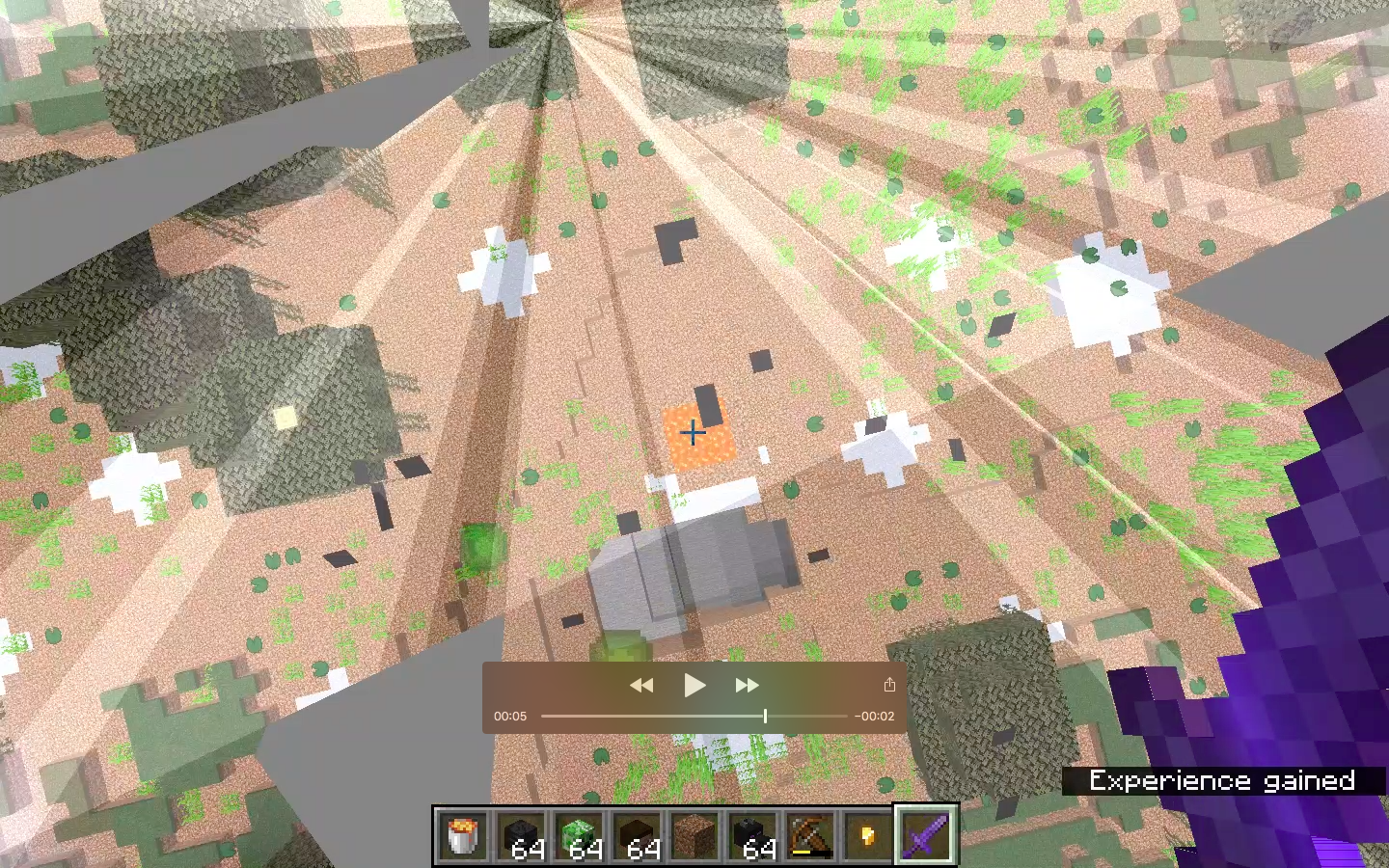
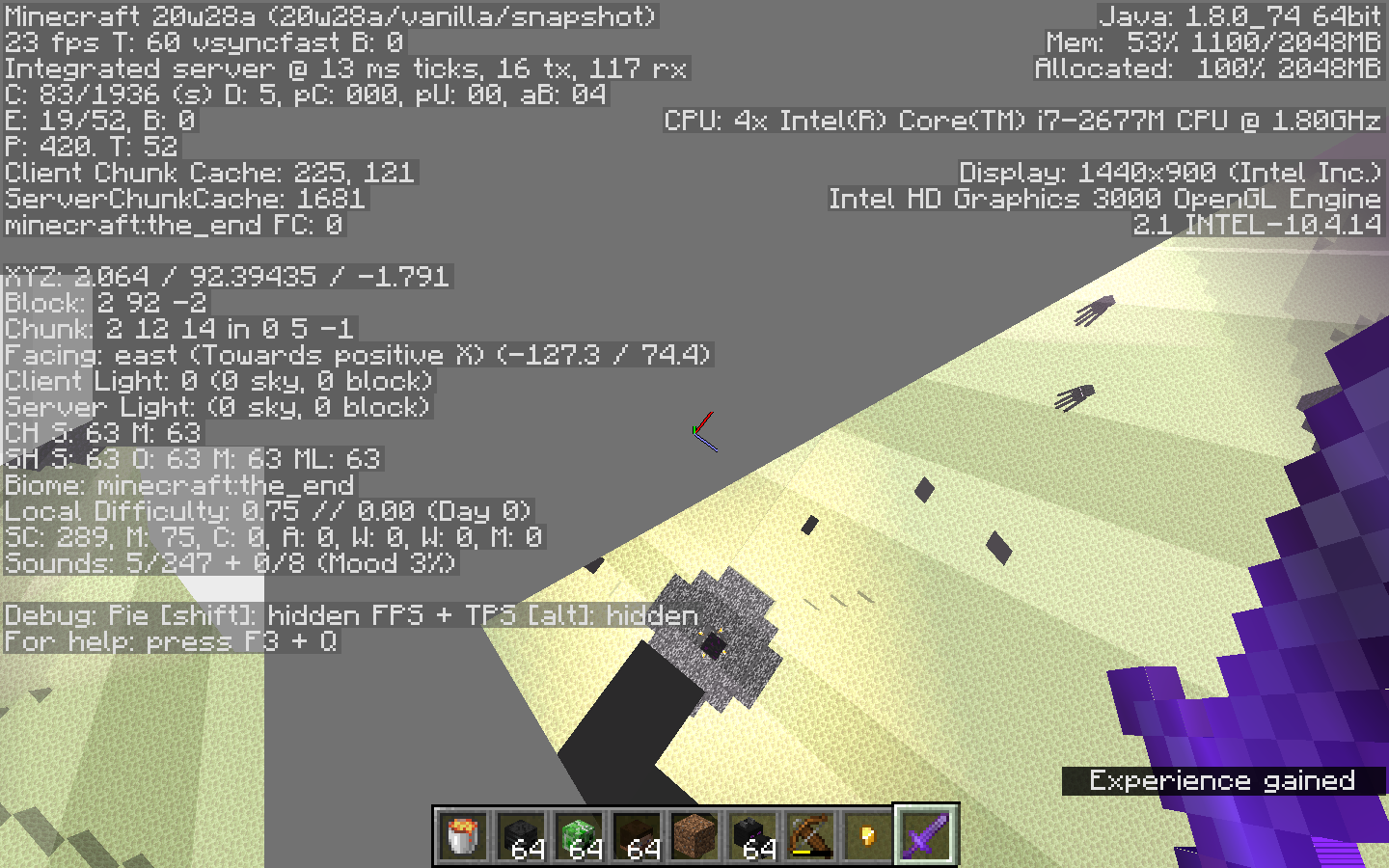
MojiraArrow1.mov
Command block minecarts can be blown up by creepers or TNT. This means that without actually punching/killing the minecart intentionally, a creeper that is aggroed can still blow it up, or a TNT unintentionally too close to the minecart can blow it up. This can break essential commands used in worlds or any machines that rely on these command blocks, especially in a survival world setting.
How to reproduce:
- Place a rail down
- Summon a command block minecart using the command /summon command_block_minecart
- Summon a creeper
- Ignite the creeper, or go in survival and make it blow up
- Observe that the command block minecart is no longer there (it drops a minecart)
Note that this is not
MC-54899. I am not reporting an issue with the drops, I am reporting an issue about the fact that these minecarts can be deleted by being blown up (while standard command blocks are unbreakable and blast-resistant).The bug
Command block minecarts can be blown up by creepers or TNT. This means that without actually punching/killing the minecart intentionally, a creeper that is aggroed can still blow it up, or a TNT unintentionally too close to the minecart can blow it up. This can break essential commands used in worlds or any machines that rely on these command blocks, especially in a survival world setting.
How to reproduce
- Place a rail down
- Summon a command block minecart using the command /summon command_block_minecart
- Summon a creeper
- Ignite the creeper, or go in survival and make it blow up
- Observe that the command block minecart is no longer there (it drops a minecart)
Note that this is not
MC-54899. I am not reporting an issue with the drops, I am reporting an issue about the fact that these minecarts can be deleted by being blown up (while standard command blocks are unbreakable and blast-resistant).
Command Block Minecart can be Blown Up by CreeperorTNTCommand Block Minecart can be Blown Up by Creeper, End Crystal, and TNT
The bug
Command block minecarts can be blown up by creepers
orTNT. This means that without actually punching/killing the minecart intentionally, a creeper that is aggroed can still blow it up, or a TNT unintentionally too close to the minecart can blow it up. This can break essential commands used in worlds or any machines that rely on these command blocks, especially in a survival world setting.How to reproduce
- Place a rail down
- Summon a command block minecart using the command /summon command_block_minecart
- Summon a creeper
- Ignite the creeper, or go in survival and make it blow up
- Observe that the command block minecart is no longer there (it drops a minecart)
Note that this is not
MC-54899. I am not reporting an issue with the drops, I am reporting an issue about the fact that these minecarts can be deleted by being blown up (while standard command blocks are unbreakable and blast-resistant).The bug
Command block minecarts can be blown up by creepers, TNT, and end crystal. This can break essential commands used in worlds or any machines that rely on these command blocks, especially in a survival world setting.
How to reproduce
- Place a rail down
- Summon a command block minecart using the command /summon command_block_minecart
- Summon a creeper
- Ignite the creeper, or go in survival and make it blow up
- Observe that the command block minecart is no longer there (it drops a minecart)
Note that this is not
MC-54899. I am not reporting an issue with the drops, I am reporting an issue about the fact that these minecarts can be deleted by being blown up (while standard command blocks are unbreakable and blast-resistant).
Furnace Minecart containsareas of Z-fighting around corners of furnaceFurnace Minecart, Chest Minecart, Command Block Minecart, Spawner Minecart, TNT Minecart contain areas of Z-fighting around corners of furnace
Around the corners of the f
urnace of thefurnace minecart, there are areas of Z-fighting. I'll attach a screenshot.Around the corners of the of furnace minecart, there are areas of Z-fighting. I'll attach a screenshot.
Furnace Minecart, Chest Minecart, Command Block Minecart, Spawner Minecart, TNT Minecart contain areas of Z-fighting around cornersof furnace
Around the corners of the of furnace minecart, spawner minecart, TNT minecart, command block minecart, and chest minecart, there are areas of Z-fighting. I'll attach a screenshot.
Also affects hopper minecarts but that is
MC-192678.
The bug
Around the corners of the of furnace minecart, spawner minecart, TNT minecart,
command block minecart,and chest minecart, there are areas of Z-fighting.Also affects hopper minecarts but that is
MC-192678.
Furnace Minecart, Chest Minecart,Command Block Minecart,Spawner Minecart, TNT Minecart contain areas of Z-fighting around corners
Structures containing item frames with maps transferred between worlds leaves seemingly blank but enlarged item framesMaps created
o967cty
1991C5l
1991c5l
tMC4Up3
iq1807j
vd4J133
jsCVXY3
zhU6GV5
uKksRTx
Zp8ZxcL
LB6iTM8
2x5bpUy
3Z807R8
xRzPtCM
w42yVUu
a3D7004
jpb34eZ
mviFn74
765W1fd
XzU5NqA
B87Cg1G
Hi there!
Ah- got it. I'll modify my report to include a different scenario with the same results.
Hello again!
The new bug that I have thought of doesn't make much sense (I realized it was more of a feature request than an actual bug). Please resolve this report. Thanks!
6B6kvUX
0T2zvA2
HyWGPT2
The comments below do not relate to the ticket; I am testing Jira API. They will be deleted after testing. Thank you!
HyWGPT2
HyWGPT2
HyWGPT1
p77981Q
m4gG1od
uWRETmj
Maps createdA testing report that has a very long name, that is so long that MojiraBot may not even load it into an embed in #bot-commands.
A testing report that has a very long name, that is so long that MojiraBot may not even load it into an embed in #bot-commands. Will it load? Let's find out. I am going to trigger the bot now.
A testing report that has a very long name, that is so long that MojiraBot may not even load it into an embed in #bot-commands. Will it load? Let's find out. I am going to trigger the bot now. Edit: I have added this sentence to make the summary longer.
A testing report that has a very long name, that is so long that MojiraBot may not even load it into an embed in #bot-commands. Will it load? Let's find out. I am going to trigger the bot now. Edit: I have added this sentence to make the summarylonger.A testing report that has a very long name, that is so long that MojiraBot may not even load it into an embed in #bot-commands. Will it load? Let's find out. I am going to trigger the bot now. Edit: I have added this sentence to make this longer.
A testing report that has a very long name, that is so long that MojiraBot may not even load it into an embed in #bot-commands. Will it load? Let's find out. I am going to trigger the bot now. Edit: I have added this sentence to makethislonger.A testing report that has a very long name, that is so long that MojiraBot may not even load it into an embed in #bot-commands. Will it load? Let's find out. I am going to trigger the bot now. Edit: I have added this sentence to make me longer.
A testing report that has a very long name, that is so long that MojiraBot may not even load it into an embed in #bot-commands. Will it load? Let's find out. I am going to trigger the bot now. Edit: I have added this sentence to makemelonger.A testing report that has a very long name, that is so long that MojiraBot may not even load it into an embed in #bot-commands. Will it load? Let's find out. I am going to trigger the bot now. Edit: I have added this sentence to make this longer
A testing report that has a very long name, that is so long that MojiraBot may not even load it into an embed in #bot-commands. Will it load? Let's find out. I am going to trigger the bot now. Edit: I have added this sentence to make thislongerA testing report that has a very long name, that is so long that MojiraBot may not even load it into an embed in #bot-commands. Will it load? Let's find out. I am going to trigger the bot now. Edit: I have added this sentence to make the summary longer.
A testing report that has a very long name, that is so long that MojiraBot may not even load it into an embed in #bot-commands. Will it load? Let's find out. I am going to trigger the bot now. Edit: I have added this sentence to make the summary longer..
A testing report that has a very long name, that is so long that MojiraBot may not even load it into an embed in #bot-commands. Will it load? Let's find out. I am going to trigger the bot now. Edit: I have added this sentence to make the summary longer...
A testing report that has a very long name, that is so long that MojiraBot may not even load it into an embed in #bot-commands. Will it load? Let's find out. I am going to trigger the bot now. Edit: I have added this sentence to make the summary longer...:
:A testing report that has a very long name, that is so long that MojiraBot may not even load it into an embed in #bot-commands. Will it load? Let's find out. I am going to trigger the bot now. Edit: I have added this sentence to make the summary longer...
A testing report that has a very long name, that is so long that MojiraBot may not even load it into an embed in #bot-commands. Will it load? Let's find out. I am going to trigger the bot now. Edit: I have added this sentence to make the summary longer...
A testing report that has a very long name, that is so long that MojiraBot may not even load it into an embed in #bot-commands. Will it load? Let's find out. I am going to trigger the bot now. Edit: I have added this sentence to make the summary longer..
A testing report that has a very long name, that is so long that MojiraBot may not even load it into an embed in #bot-commands. Will it load? Let's find out. I am going to trigger the bot now. Edit: I have added this sentence to make the summary longer.
A testing report that has a very long name, that is so long that MojiraBot may not even load it into an embed in #bot-commands. Will it load? Let's find out. I am going to trigger the bot now. Edit: I have added this sentence to make the summary longer...
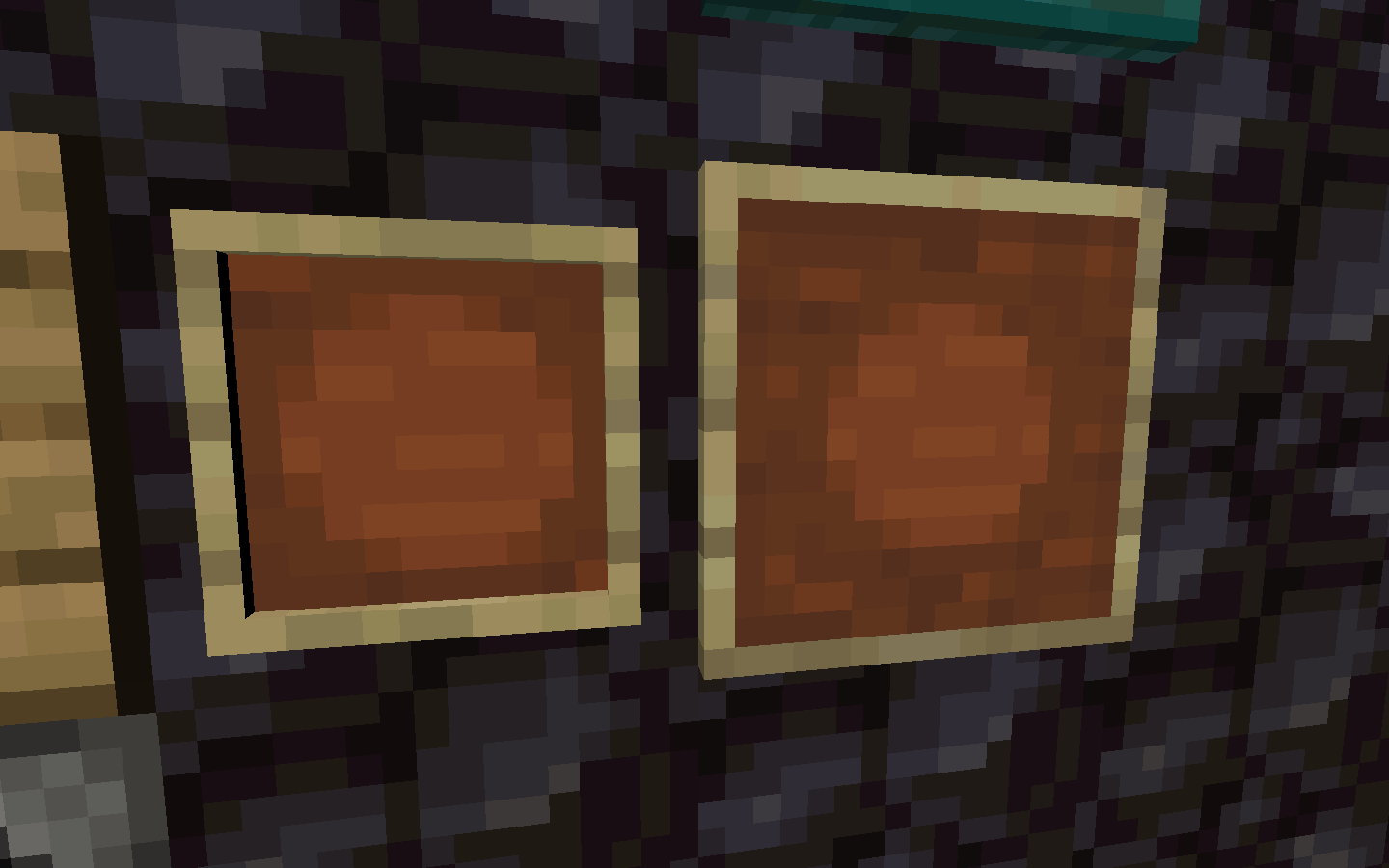
Using structure blocks, structures can be transferred from world to world by copying the nbt file created between the world folders. However, item frames with maps do not usually copy correctly into a world. I'm attaching a screenshot with this bug. You can see the normal item frame on the left as well as the enlarged item frame on the right. When the large item frame is pick-blocked, a map of that area is given to the player, which updates the map on the item frame.
How to reproduce:
- Create a new world
- Create a map, load it, and put it into an item frame
- Create a structure file containing the item frame, with Include entities set to ON
- Create a second new world
- Copy the "generated" folder from the first world to the second world
- Use a structure block to load in the item frame
- Notice that it is an empty item frame but it is enlarged as if it contains a map.
Summary
This is a testing report that I (infrequently) use to test issues with MojiraBot (from the Mojira Discord).
I apologize for any notifications you receive for this ticket being updated, or any times this ticket interrupts your work on the bug tracker.Original Description (of the invalid report):
Using structure blocks, structures can be transferred from world to world by copying the nbt file created between the world folders. However, item frames with maps do not usually copy correctly into a world. I'm attaching a screenshot with this bug. You can see the normal item frame on the left as well as the enlarged item frame on the right. When the large item frame is pick-blocked, a map of that area is given to the player, which updates the map on the item frame.
How to reproduce:
- Create a new world
- Create a map, load it, and put it into an item frame
- Create a structure file containing the item frame, with Include entities set to ON
- Create a second new world
- Copy the "generated" folder from the first world to the second world
- Use a structure block to load in the item frame
- Notice that it is an empty item frame but it is enlarged as if it contains a map.
A testing report that has a very long name, that is so long that MojiraBot may not even load it into an embed in #bot-commands. Will it load? Let's find out. I am going to trigger the bot now. Edit: I have added this sentence to make thesummary longer...A testing report that has a very long name, that is so long that MojiraBot may not even load it into an embed in #bot-commands. Will it load? Let's find out. I am going to trigger the bot now. Edit: I have added this sentence to make this summary longer..
Summary
This is a testing report that I (infrequently) use to test issues with MojiraBot (from the Mojira Discord).
I apologize for any notifications you receive for this ticket being updated, or any times this ticket interrupts your work on the bug tracker.Original Description (of the invalid report):
Using structure blocks, structures can be transferred from world to world by copying the nbt file created between the world folders. However, item frames with maps do not usually copy correctly into a world. I'm attaching a screenshot with this bug. You can see the normal item frame on the left as well as the enlarged item frame on the right. When the large item frame is pick-blocked, a map of that area is given to the player, which updates the map on the item frame.
How to reproduce:
- Create a new world
- Create a map, load it, and put it into an item frame
- Create a structure file containing the item frame, with Include entities set to ON
- Create a second new world
- Copy the "generated" folder from the first world to the second world
- Use a structure block to load in the item frame
- Notice that it is an empty item frame but it is enlarged as if it contains a map.
Summary
This is a testing report that I (infrequently) use to test issues with MojiraBot (from the Mojira Discord).
I apologize for any notifications you receive for this ticket being updated, or any times this ticket interrupts your work on the bug tracker.Original Description (of the invalid report):
Using structure blocks, structures can be transferred from world to world by copying the nbt file created between the world folders. However, item frames with maps do not usually copy correctly into a world. I'm attaching a screenshot with this bug. You can see the normal item frame on the left as well as the enlarged item frame on the right. When the large item frame is pick-blocked, a map of that area is given to the player, which updates the map on the item frame.
How to reproduce:
- Create a new world
- Create a map, load it, and put it into an item frame
- Create a structure file containing the item frame, with Include entities set to ON
- Create a second new world
- Copy the "generated" folder from the first world to the second world
- Use a structure block to load in the item frame
- Notice that it is an empty item frame but it is enlarged as if it contains a map.
A testing report that has a very long name, that is so long that MojiraBot may not even load it into an embed in #bot-commands. Will it load? Let's find out. I am going to trigger the bot now. Edit: I have added this sentence to make this summary longer..A testing report.
MacOS 10.13.6 High Sierra
Java 8 251 (I think?)MacOS 10.13.6 High Sierra
MacOS 10.15.4 Catalina
MacOS 10.13.6 High Sierra
MacOS 10.15.4 CatalinaOS X 10.10.5 Yosemite
MacOS 10.13.6 High Sierra
MacOS 10.15.4 Catalina
OS X 10.10.5 Yosemite
MacOS 10.13.6High Sierra
MacOS 10.15.4 CatalinaOS X 10.10.5 Yosemite
OS X 10.11.6 EL Capitan
MacOS 10.13.6 High Sierra
MacOS 10.15.4 Catalina
OS X 10.10.5 Yosemite
OS X 10.11.6 ELCapitan
MacOS 10.13.6 High Sierra
MacOS 10.15.4 CatalinaOS X 10.10.5 Yosemite
OS X 10.11.6 El Capitan
MacOS 10.13.6 High Sierra
MacOS 10.15.4 Catalina
OS X 10.10.5 Yosemite
OS X 10.11.6 El Capitan
MacOS 10.13.6 High Sierra
MacOS 10.15.4 Catalina
MacOS 10.15.6 Catalina
If holding down swap hands key over output of furnace, item occasionally is invisible until updated
If holding down your swap hands key (
usually"f") over output slot of furnace, when the furnace finishes cooking whatever it was cooking, occasionally, no item will show up in the offhand, and the number of items in the top slot of the furnace will remain unchanged. This is not actually true, because if you click on the items in the top half of the furnace, the number will change to what it really is. Also,if you click the swap hands key again over an empty slot in your inventoryand then click, the item from your offhand will show itself.NOTE: this only happens on occasion (for me, average every 3 items smelted)
How to reproduce:
- Put fuel and item in furnace
- As the item is getting closer to being smelted, hold in swap hands key over output of furnace
- Occasionally, notice that no item shows in offhand and items being smelted remains unchanged.
I'll attach a screen recording of this.
Note #2: I didn't have much time to check if this is duplicating anything. If it is, I'm sorry about that
The bug
If holding down your swap hands key (default "f") over the output slot of a furnace, when the furnace finishes cooking whatever it was cooking, occasionally, no item will show up in the offhand. This is not actually true, because if you click the swap hands key again over an empty slot in your inventory, the item from your offhand will show itself.
How to reproduce
- Put fuel and a smeltable item in a furnace
- As the item is getting closer to being smelted, hold in swap hands key over output of furnace


The bug
When a hoglin/zoglin has the glowing effect, black dots appear and will sometimes disappear and reappear.
How to reproduce
- Obtain the following mobs:
/summon minecraft:hoglin ~ ~ ~ {Glowing:1b} /summon minecraft:zoglin ~ ~ ~ {Glowing:1b} - Observe their textures
Not sure if this caused by my graphics card drivers whether its outdated or not (See Environment above), but this does not happen in 20w13b. The glowing effect outline renders fine to all other entities but for hoglins/zoglins.
Video of the bug by [Mod] markderickson here
![[Mod] violine1101](../../../data/avatars/users/92858.png)
Reporter changed to [Mod] markderickson upon request since original reporter no longer seems to be active since over 3 years.

Arrabbani Maybe due to fix of MC-58985, this bugpost here is a dupe of MC-69876, as [Mod] markderickson found out; a potential fix is also mentioned in said bugpost.
![[Mod] Les3awe](../../../data/avatars/users/79847.png)
@[Mod] markderickson, is not.
The Bug:
Fall damage is reset when an entity converts to another entity.
See this comment by [Mod] markderickson for more information.
To Reproduce
- Summon a piglin that converts to a zombified piglin right before it hits the ground by using the command provided below.
/summon minecraft:piglin ~ ~31 ~ {TimeInOverworld:270} - Notice that after the piglin converts to a zombified piglin (while falling) and does not die when hitting the ground.

The ownership of the ticket was given to [Mod] markderickson because of the ticket creator's inactivity
The ownership of the ticket was given to [Mod] markderickson because of the ticket creator's inactivity
You've been inactive since January 2019 and so [Mod] markderickson requested ownership so he could continue to update it. If you would like to request an ownership transfer back go here
Tinay currently an effort is being made by the community over on the Mojira Discord attempting to figure out how to reproduce this from 1.16.2+ [Mod] markderickson just found that the reproduction steps stopped working in that version. If you would like to continue the discussion on how to reproduce this I recommend going to the discord or subreddit since this site isn't a forum for discussion
![[Mod] Sonicwave](../../../data/avatars/users/94627.png)
Reporter changed to [Mod] markderickson upon request in Discord, since the original reporter has been inactive.
Reporter changed to [Mod] markderickson as he requested ownership in Discord.

[Mod] markderickson thank you for taking the time to report this bug. We have now fixed the window title as well as removed the default white background color which was shown in the split second on the launcher loading.
The fix should be visible by updating to the latest version if you've opted in to be a beta user of the launcher. Thanks for making Minecraft better on Mac!
Changed the reporter to [Mod] markderickson, as they have requested it in Discord and the original reporter has been inactive.
Thank You [Mod] markderickson

Thanks, you are now the reporter [Mod] markderickson.
![[Mojang] Mikael Malmqvist](../../../data/avatars/users/18949.svg)
[Mod] markderickson Thanks for bringing this to light. We've fixed this now and there should soon be a "the" in the bottom disclaimer 
@[Mod] markderickson, do you know how to reproduce it? Or when did the error appear for you?
[Mod] markderickson, that looks like a separate issue worth a separate bug report in that axolotls always start spinning when they cannot pathfind. This bug report is more about the fact that they try to pathfind towards water through walls / obstructions. I think it's probably best to separate these two issues.
![[Mod] SPGoding](../../../data/avatars/users/44622.png)
I think MC-200056 is describing the same bug as here but with a slightly misleading summary. [Mod] markderickson has updated that ticket to make it a bit clearer.

are you a mojang helper too? just wondering...
[Mod] markderickson Could you please give more detailed reproduction steps? Which type of Superflat, what were your world specs, maybe also video settings or the likes?
![[Mod] Chandler](../../../data/assets/gravatar/triwonder81.png)
@[Mod] markderickson This is for 1.16.4 


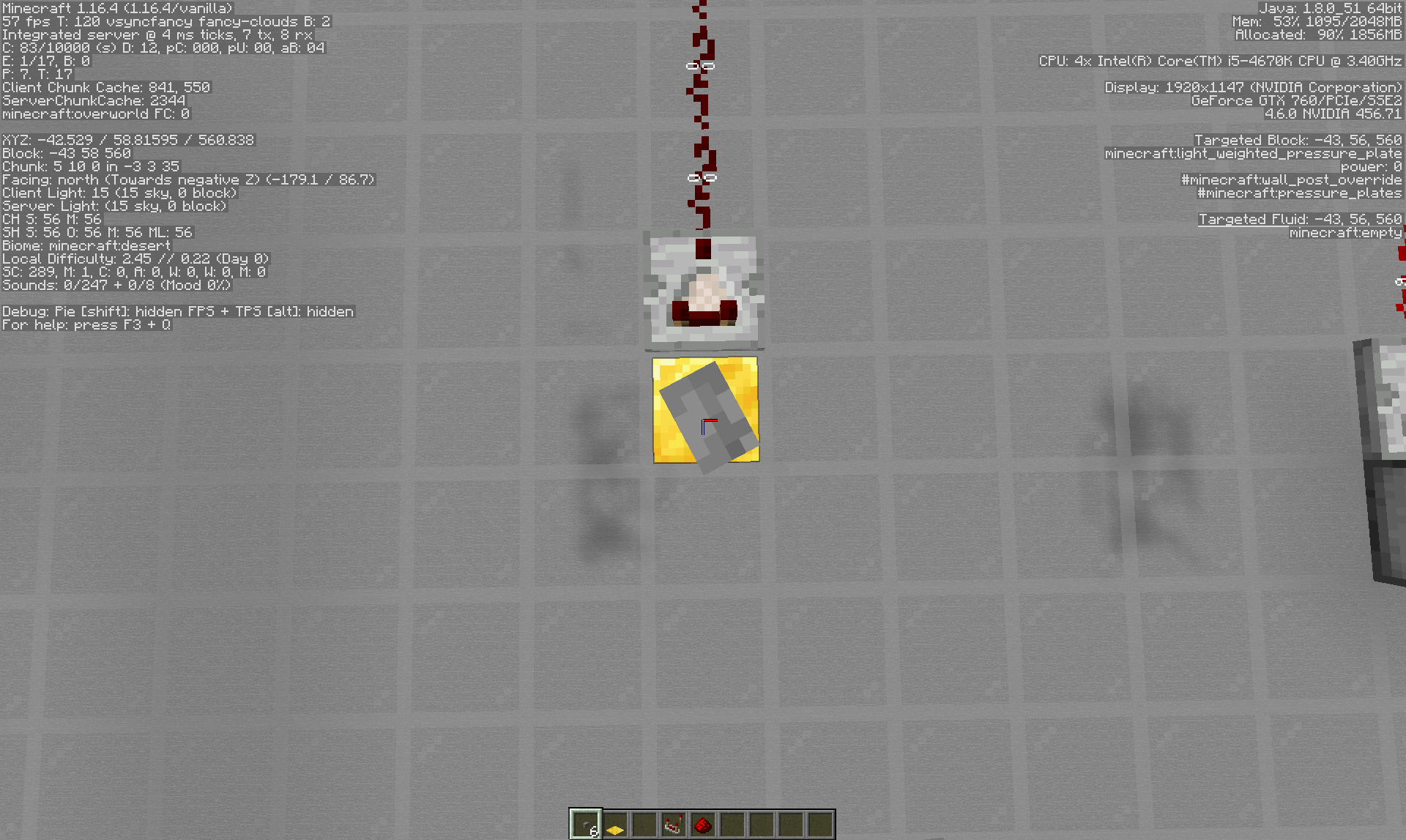
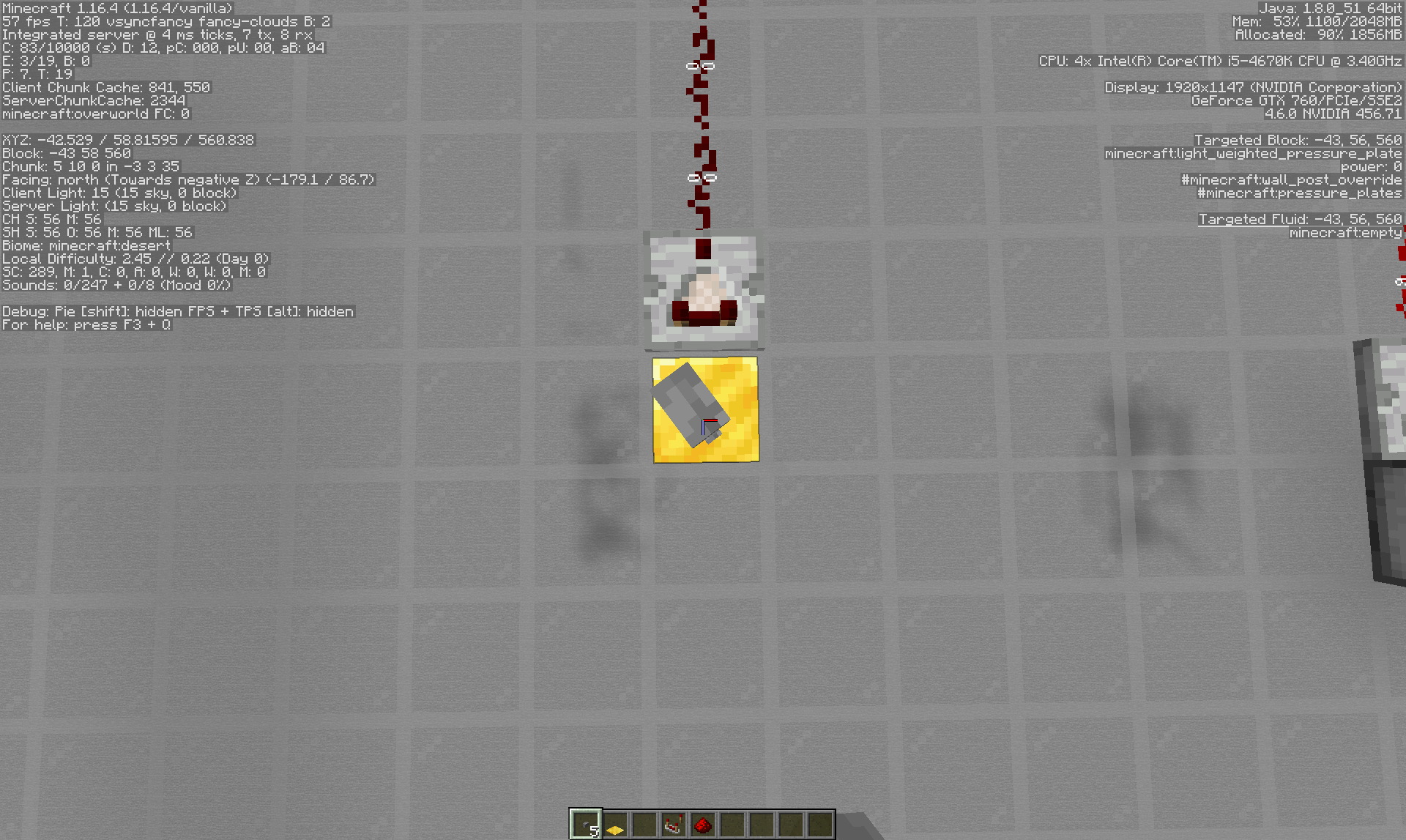

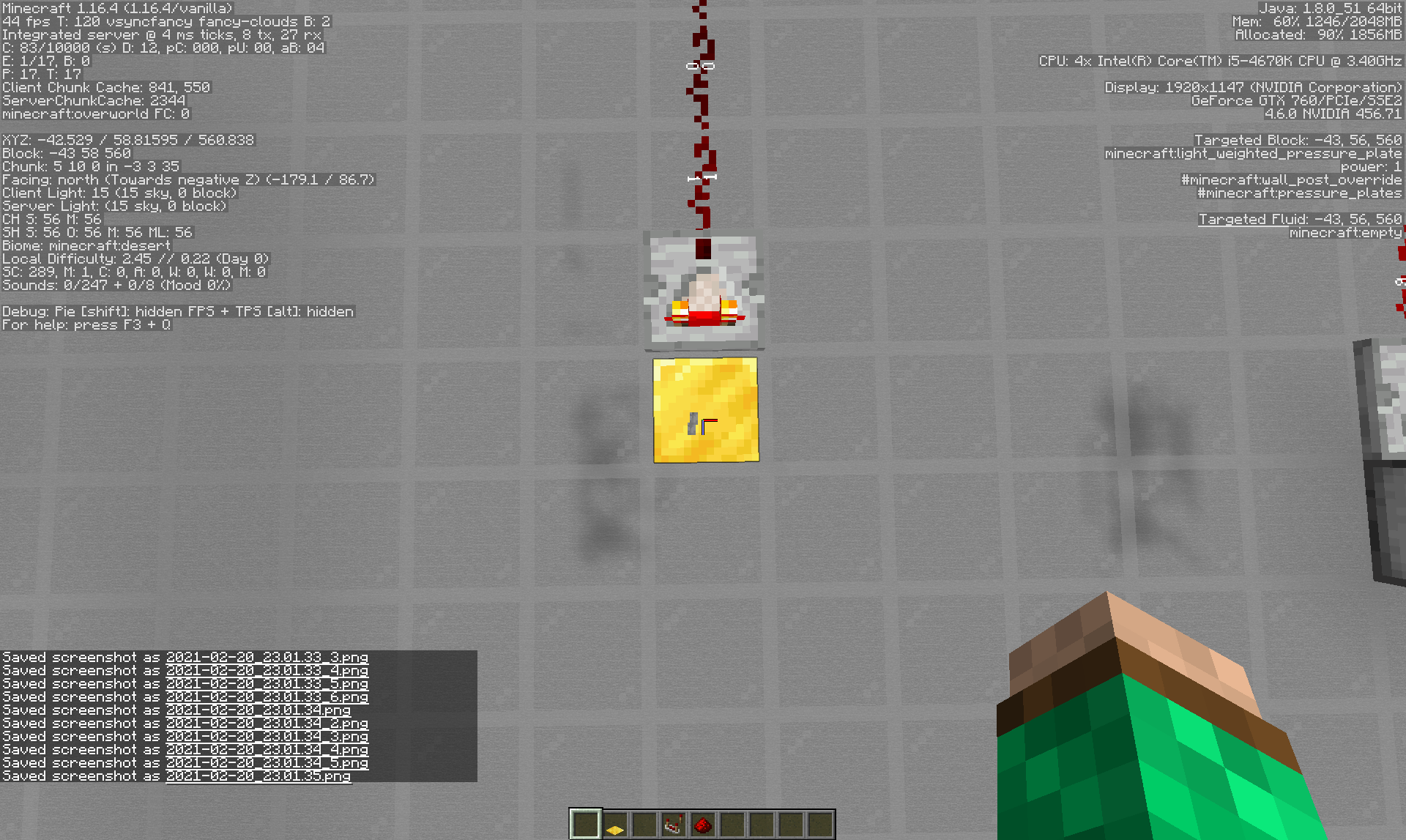
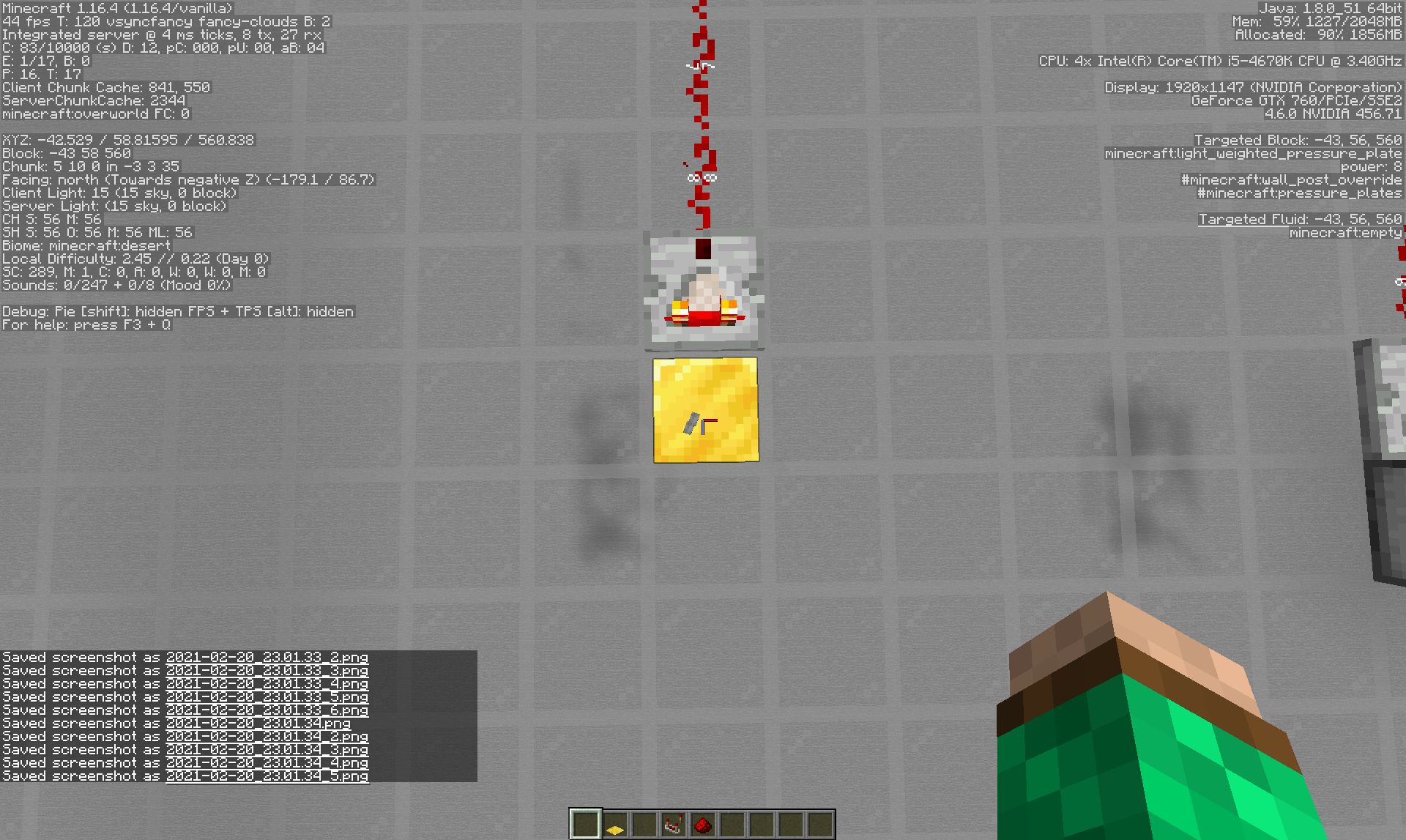
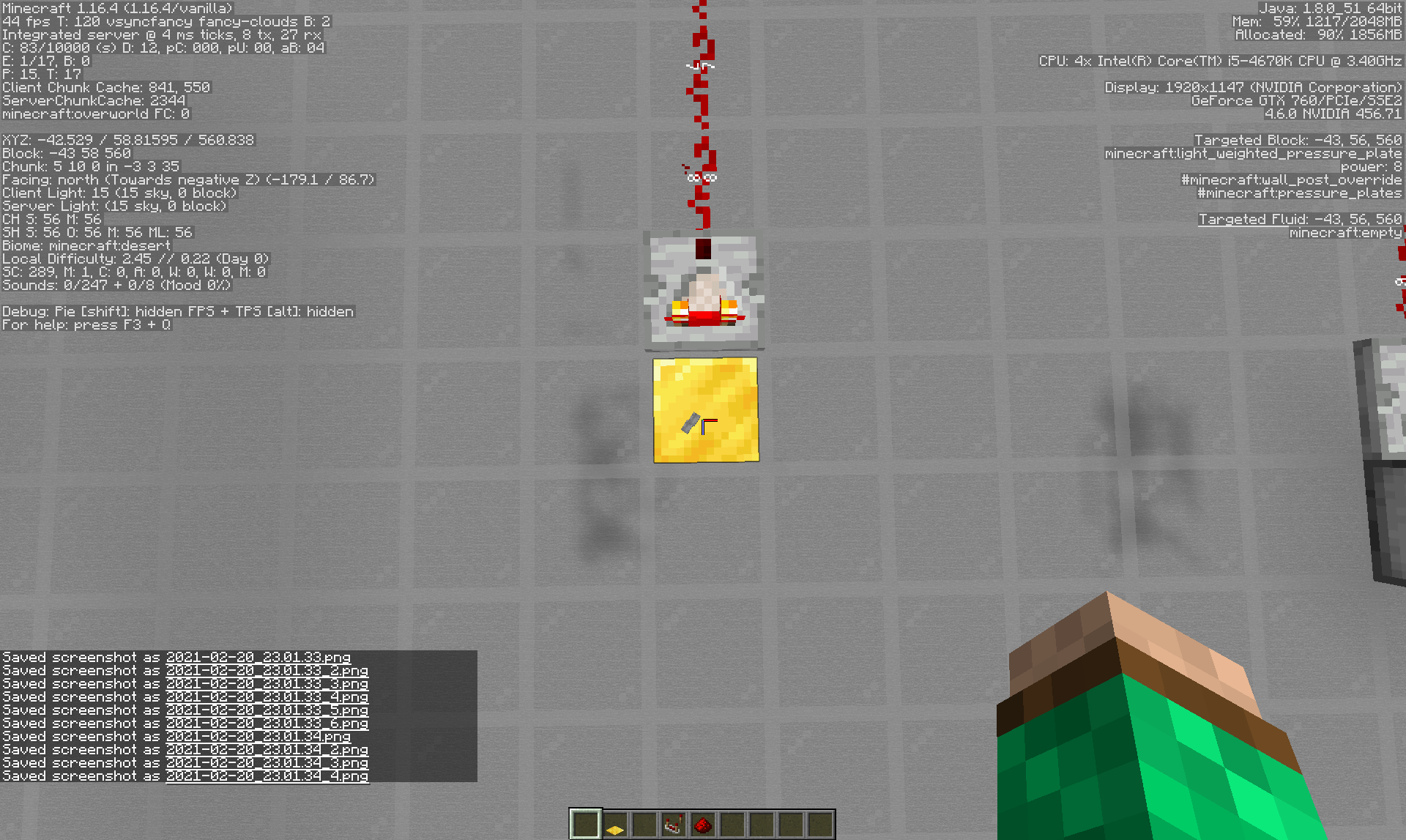
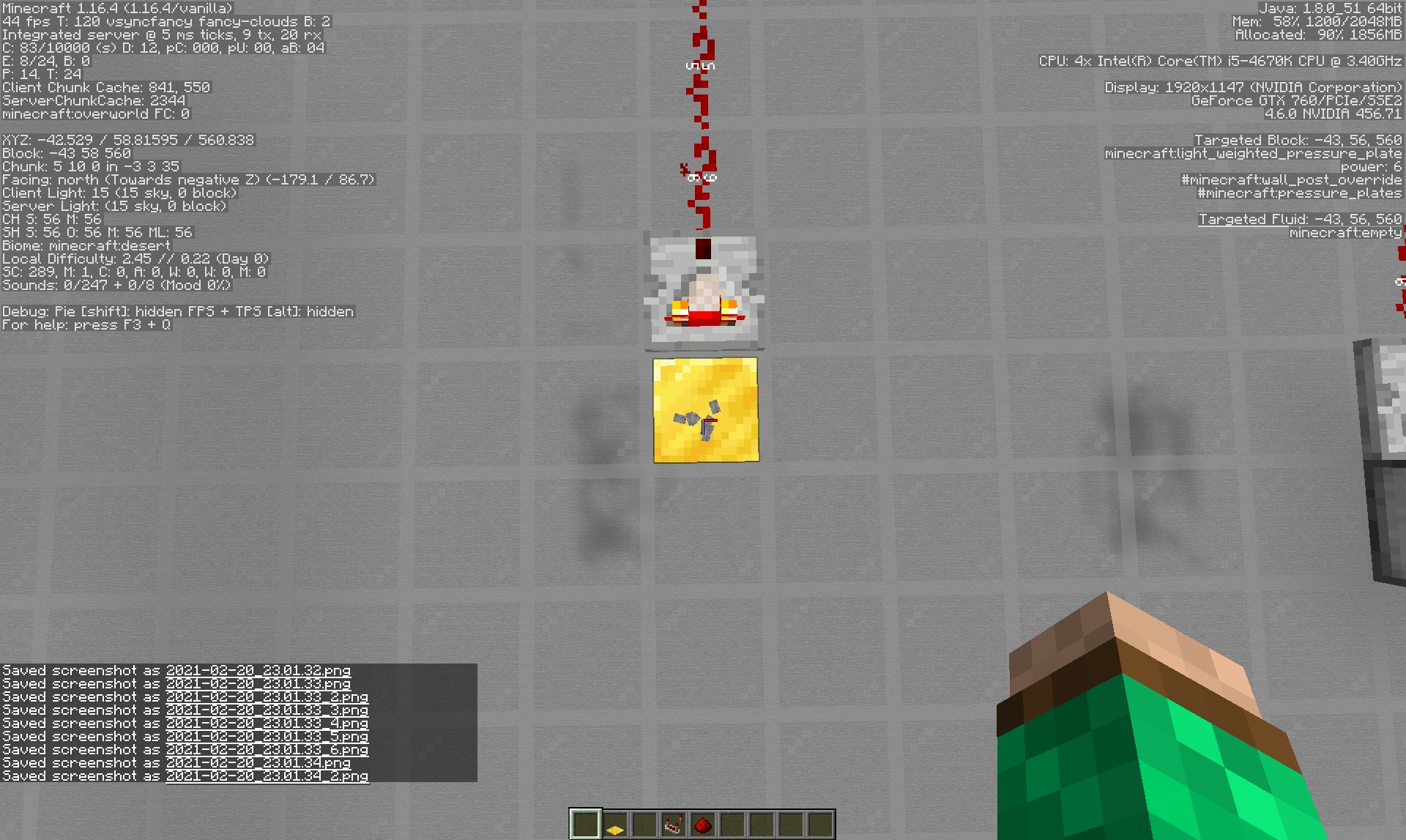
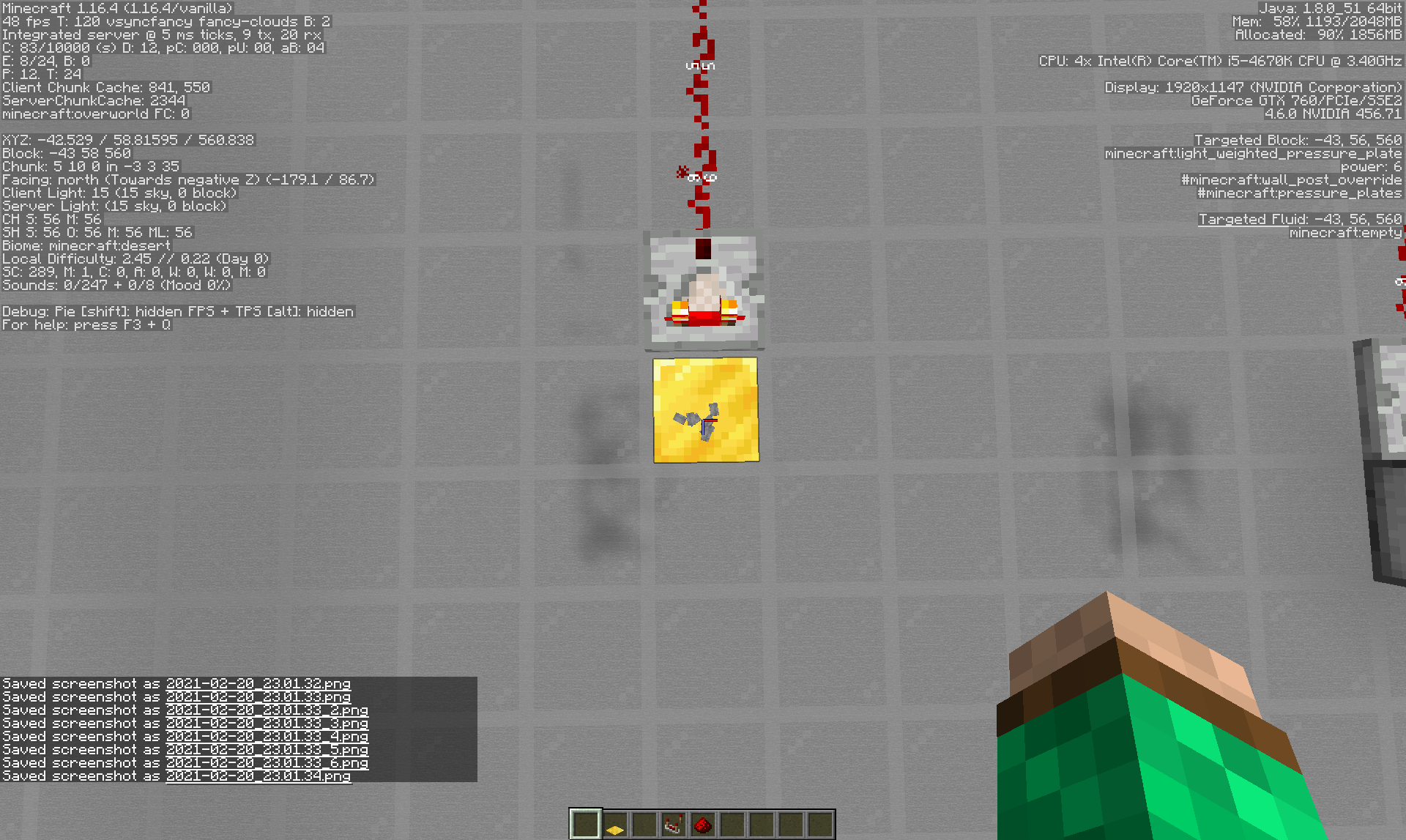
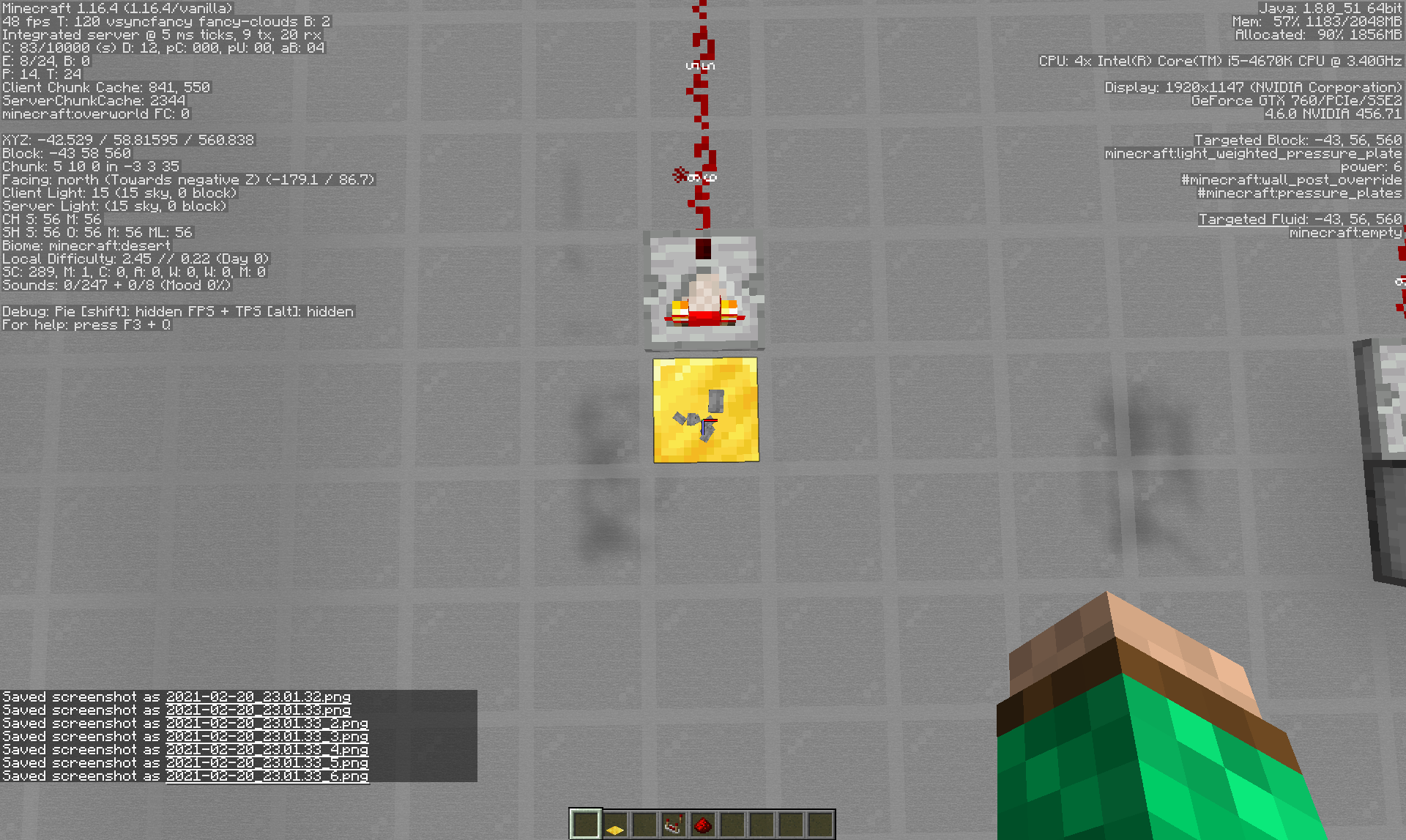
Glow Lichen has different placement rules then vines for example Glow Lichen can be placed on the tops of blocks while vines can't. I recommend making a new report for glow lichen [Mod] markderickson

[Mod] markderickson 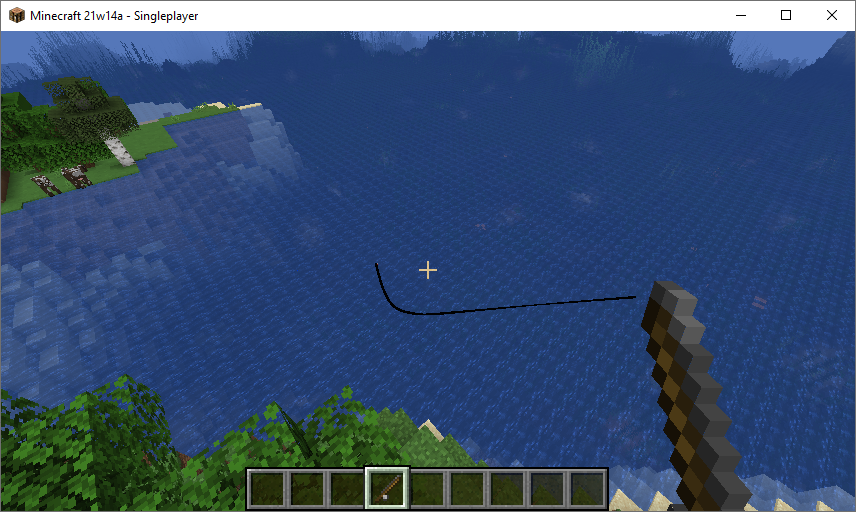 This is how it looks for me in 21w14a, so this is a CNR for me.

Thanks [Mod] markderickson: Summary is correct on the issue ticket - we edited it on the description field.
![[Helper] pine1needle](../../../data/avatars/users/41329.png)
This issue does not occur for me on a Mac with an Intel processor running macOS Catalina. However, it seems very plausible that this issue might affect all M1 Macs in 1.17 prerelease 1. Also, this might be related to MC-226576 because MC-226576 was also reported in 1.17 prerelease 1 and both MC-226576 and this issue mention the OSHI library in their error messages.
[Mod] markderickson, does the debug screen display your CPU info properly in 1.17 prerelease 1?
![[Mod] Avoma](../../../data/avatars/users/86198.png)
Yes, sorry, my apologies. I forgot to mention in my comment above that due to MC-240271, this may be difficult to reproduce as a result of the inconsistent dripstone cave decoration placement, as [Mod] markderickson already stated. Nonetheless, I can assure you that the issue is still present but may take multiple attempts of creating the world and entering the appropriate information. Sorry for the inconvenience!

As [Mod] markderickson said, if you can recreate the issue in a vanilla enviroment, create a new report with the necessary information
[Mod] markderickson messaged me on the Mojira Discord saying that he was able to reproduce this in 22w16a. I checked my log when downloading 22w16a and I also had an error printed in it.
Download from https://launchermeta.mojang.com/v1/packages/13dd8d9c2b9e49437718d9151754cf764febac62/1.19.json had invalid checksum! Expected: 13dd8d9c2b9e49437718d9151754cf764febac62 got: 8aba36a8541cf5218315ed6adfa678faabd07aa5
I'm not sure why it was printing warnings before and is now printing errors again.
![[Mod] Asteraoth](../../../data/avatars/users/92886.png)
Resolved as fixed as per [Mod] markderickson's and Ralf Raab's comments.
![[Mojang] Mega_Spud (Jay Wells)](../../../data/avatars/users/92696.png)
Queries that use custom fields will often need to be defined in the advanced search (JQL) function such as:
project = MC AND resolution = Unresolved AND "Confirmation Status" in (Unconfirmed)
Or you can use the workaround as mentioned by [Mod] markderickson above.
Duplicate of MC-164 which was later resolved as "Works As Intended".
EDIT: mark beat me to it 
![[Mod] turbo](../../../data/avatars/users/92867.png)
Hi, as [Mod] markderickson said, please report issues like this on Crowdin.
In this case, however, the translation wasn't approved, so it wouldn't be a valid issue anyway. You can suggest a better translation yourself and downvote the wrong one. Exceptionally, I have now done this for you.
Durability loss using unbreaking is random; I've tested this for quite a few minutes and have found that a helmet loses durability randomly. It could've been random that your armor lost durability so quickly; if you tested this for a longer period of time, please let us know.
I can confirm this in 1.16 prerelease 5. Unlike trees, which can only grow if a block above them is wood, fungi seem to grow through any block above it, including structure voids, barriers, and even bedrock (although, note: the fungi does not replace the other blocks; rather, it just skips those areas and grows above them).
Duplicate of
MC-188987.The issue here isn't due to world generation; it only occurs when a player follows the steps above during gameplay.
Snow golems never have dropped their pumpkins upon death; only 0-15 snowballs. To get the pumpkin, you must first shear the snow golem (and then kill it, if you want).
Hey there! Same results here. When looking at the standard nether fog, the RGB color is 56 0 4, but this darkened fog is RGB 15 1 2. The numbers may not be so different, but the color sure is much darker. I'm attaching the crash report for when I crashed the game while in the nether. To be honest, I never would've seen this bug without reading the bug report! crash-2020-06-15_11.24.49-client.txt
Just tested this; same result for me.
Hey pine1needle! I think that in this case, it should be considered a bug, because when the fire eventually burns down the wood that it was placed on (or goes out by itself), it will just be an air block. I think that the fungi shouldn't check for solid blocks, like wood, fungi, or bedrock, above it, but it shouldn't grow if there's something like fire or soul fire (blocks, but not really blocks) directly above it.
Hey there! This page is exclusively for bugs. If you want to share something like this, r/minecraft on reddit would be a good place to go. It seems like what you're describing is just a zombie villager, which naturally spawn in caves and can be cured (if you want) with a weakness potion and a golden apple.
Please try to keep this website only for bugs; it will really help out all the moderators and people testing out bugs to help out Mojang to improve for the next update.
Hey there!
Do you have a world seed and coordinates of where the screenshots were taken? That will really help me (and other bug testers) out in fixing the bug (if there is one).
Hey there!
This seems to be a duplicate of
MC-63714.Hey there!
Based on what you've described, it's hard to tell what you really mean. If possible, please attach a few screenshots or a video so other bug testers and I can take a closer look at this. Based on what you have now, I can't understand what may exist on the island besides the few things you've listed, so a screenshot would be really helpful.
Hey there!
This seems to be a bug already reported in MC-175232. If you haven't checked that out yet, the developers have said that this feature works as intended.
Hey there!
Although 1.16 may be coming out soon, please only include released versions in your bug reports. If you're not sure about if an issue is patched in a future version, please don't report that version in the affected versions field, only include versions that you're sure have the bug.
Hey there!
I don't think this is a bug, I think this works as intended.
Hey there!
Yep, same for farmland. You would have to lower the hoppers down one block and place signs in that area, as Sacred Redstone said.
Hey there!
Which enchantments are you using, and on what material and type of armor/tools? Based on what you said, I tested the bug, but couldn't confirm it. A screenshot or video would be helpful as well.
Hey there!
Please don't make multiple reports about a bug to get more attention. One of them will always be ignored. Mojang always reviews every single bug report, and so making multiple reports doesn't change the likelihood that the bug (if it is a bug) will be patched.
Hey there!
Same results here.
Hey there!
Based on the information you've given, it's hard to know what you did in order to get this outcome. You didn't write anything in the description or the steps to reproduce area, so the people who actually look at the bugs and try to fix them won't be able to tell what they need to do to fix it.
You may need to edit your report to allow people to understand the bug.
Hey there!
This seems to be a duplicate of
MC-170828. Make sure to do a good search before posting a bug, as that would make the jobs of the moderators much, much easier.Hey there!
This seems to be a duplicate of
MC-170828. Make sure to do a good search before posting a bug, as that would make the jobs of the moderators much, much easier.Hey there!
This seems like a suggestion. Post those on feedback.minecraft.net. This page (bugs.mojang.com) is for fixing problems already in the game, not for adding new features.
Hey there!
Same issue here. Mine is on seed -8848525310690941322, and the command to get to the correct location is /tp @s -351 70 -125. Hope this gives any bug testers another example of this bug.
Hey there (again)!
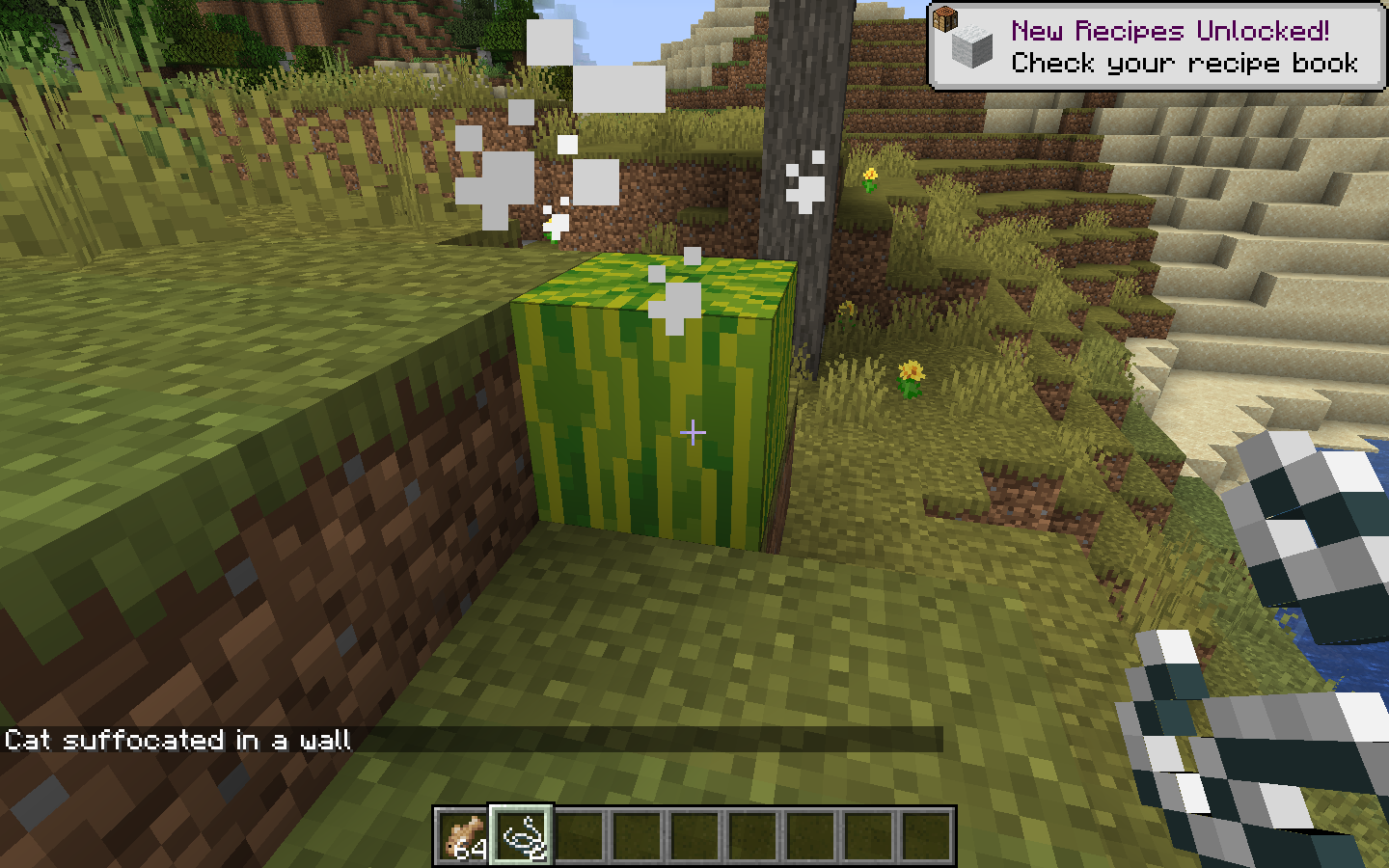
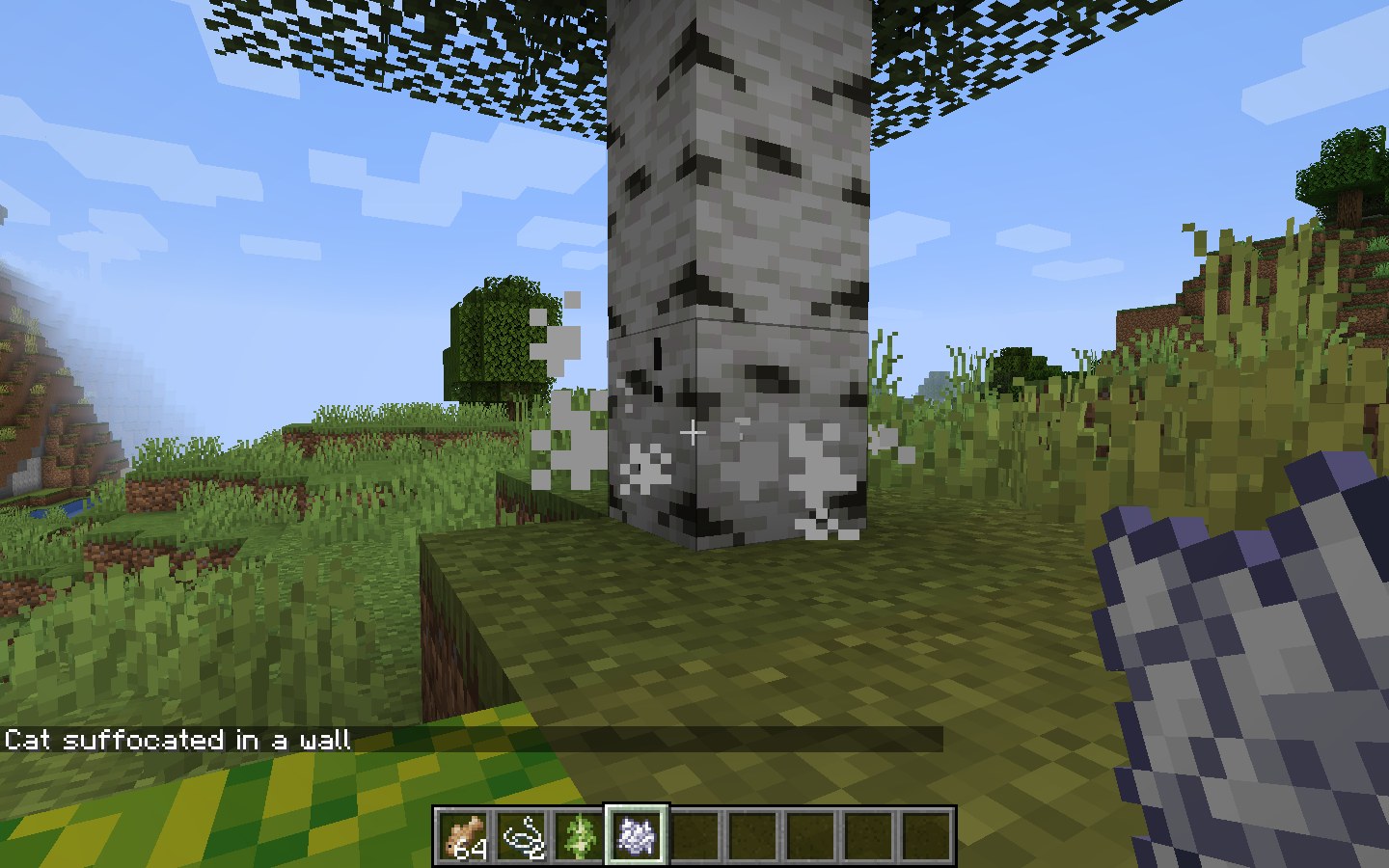
Based on your screenshots, this isn't a bug. I have a few theories for what this could be, but the first two that came to mind were the pumpkins and melons. When pumpkins and melons grow, cats take damage and sometimes cannot escape the melon in time (especially if seated). Another way where the cats can suffocate in walls is if they are standing in a sapling when it grows. I saw a sapling in one of your photos, so this might've been an issue. When the sapling becomes replaced with a full block of wood, just like melons, the cats sometimes can't escape in time. I've attached a few screenshots including the death messages of when I tried it out.
But no, I am pretty sure this isn't a bug.
Hey there!
To take a closer look at this, do you have the world seed? (If you don't know how to find it, do /seed).
Thank you!
Hey there!
I am pretty sure that this bug report is invalid. This website is for reporting issues with the content of the game, while this bug report is a user-specific problem. You should get in touch with a Mojang technical support person to help you out with your account's name being switched.
Hey there!
This seems to be a duplicate of bug report
REALMS-4137. Make sure you search for your issue for at least a few minutes before posting it, as this would make it easier for the people who deal with these issues to know what they need to do first. Upvoting other bug reports is a great way to bring attention to the problem.Also, you've posted this report in the Minecraft Java Edition category. For Realms, make sure to post it in the Realms category.
Thanks! I couldn't find that one.
What is invalid about it?
Hi there!
Using command signs is different from MC-114692 because it actually allows players to access longer commands in servers that have command blocks disabled. This is because the chat command line has a limit to the characters, but command block limits are much longer, and the signs can contain commands that allow players who usually can't access these longer commands to do so.
MC-114692 only allows players to access specific items while this bug allows players to access commands that they usually wouldn't have access to.
Hey there!
I just tested this in my world. I got the same results; however, when making a new banner in 1.16, it stacks with the banner created by pick-blocking the original banner. This also means that any banner created in 1.15 will not stack with any banners from 1.16, even if it has the same design.
This probably should be fixed soon (if possible).
Hey there!
Make sure you have enough disk space. I did a quick search, and that seems to be the most common cause of this problem.
Hey there!
If you're holding shift but not clicking on the side of the chest that you want to merge the second chest with, it creates a single chest. Not sure if that's the issue.
Hey there!
Do you mind attaching a picture of the redstone slightly above the top of that screenshot? There might be an issue with the redstone up there. A screen recording of you breaking an active redstone dust would also be helpful.
Thanks.
Hello again!
To be a bit more specific, do you mind finding how much space you have left on your hard drive? To do this (if you don't know), here are some instructions:
Mac:
Windows:
Thanks!
Hi there!
This is an older version of the example commands. Please see the description for newer commands.
I have a few examples for this. The first example is more of a way that players can use to access different gamemodes in servers that aren't necessarily theirs. The second example is a give command, allowing players who don't have access to long commands to access them here. Example 2 relates more to MC-114692, but also allows for obtaining these special items even if the player is deopped at a later time.
Example 1:
Example 2:
**EDIT: Apparently, the way that Jira formatted the commands made them not work anymore. I've replaced the broken commands with working commands.
Command 1:
/give @p minecraft:oak_sign{BlockEntityTag:{Text1:'{"text":"Creative","clickEvent":{"action":"run_command","value":"gamemode creative"},"italic":true}'},display:{Name:'{"text":"Creative Mode"}'}}Command 2:
/give @p minecraft:oak_sign{BlockEntityTag:{Text1:'{"text":"Custom Head!","clickEvent":{"action":"run_command","value":"give @p minecraft:player_head{display:{Name:\\"{\\\\\\"text\\\\\\":\\\\\\"Exhausted Bee\\\\\\"}\\"},SkullOwner:{Id:\\"54087a9e-d70d-4fb4-9fe1-042ae7449847\\",Properties:{textures:[{Value:\\"eyJ0ZXh0dXJlcyI6eyJTS0lOIjp7InVybCI6Imh0dHA6Ly90ZXh0dXJlcy5taW5lY3JhZnQubmV0L3RleHR1cmUvNmNjOTM2Yjk0MTgwODcyNzY3MDA4ZTNjNDI3NTRjN2FjN2FjMzQ4ZDRlMjJlOTI0ODI3MzQ0ZWMyYTY2ZjJiNCJ9fX0=\\"}]}}} 1"},"italic":true}'},display:{Name:'{"text":"Custom Head!"}'}}Command 3:
/give @p minecraft:oak_sign{BlockEntityTag:{Text1:'{"text":"Custom Sword!","clickEvent":{"action":"run_command","value":"give @s diamond_sword{Enchantments:[{id:sharpness,lvl:32767},{id:unbreaking,lvl:32767},{id:knockback,lvl:10},{id:fire_aspect,lvl:32767},{id:looting,lvl:10},{id:sweeping_edge,lvl:10},{id:mending,lvl:1},{id:bane_of_arthropods,lvl:32767}]} 1"},"italic":true}'},display:{Name:'{"text":"Custom Sword!"}'}}If any of these commands don't work for you, simply add a comment saying so and I'll do my best to fix it.
Thanks!
Hi there!
This is a realms issue, I believe; it is an issue specifically for Minecraft Realms. Categorize it under the Minecraft Realms category if this is the case.
I don't personally use Realms, but give the /difficulty command a try; that might work?
Hi there!
This is a duplicate of
MC-174490, and it works as intended. According to the code of the game (you can see in the comments of the linked bug), weeping and twisting vines only drop 33 percent of the time.Hi there!
Zero tick farms are being patched in 1.16; Mojang will not update 1.15 at all while 1.16 is being released tomorrow, and it removes this feature in its entirety.
Hi there!
I'm not sure if you noticed this, but the repeater is constantly powering itself. You can see this in picture 2020-06-22_21.21.23.png, as the redstone from the front of the repeater is powering the redstone in the back of the repeater. This then powers the repeater again, and what you get is an infinite power.
To fix this, just break the redstone connecting from both sides of the repeater. That should fix it.
Tell me if this fixes it.
Thanks!
Okay. I'll comment on that issue. Thanks!
Hi there!
Also happens when the vines are broken at the same time as a dispenser bonemeals it.
On
MC-191129I attached a video demonstrating this.Hi there!
Glad you fixed it. Sometimes, it just takes a bit of troubleshooting to fix the problem in redstone. Redstone is a really confusing topic with so many unusual features that it's hard to understand them all and exactly what each feature does.
I think the fix for this bug is to add a line to the server.properties file that either allows or denies access to these command signs. Normally, I think it should be set to off, but if server owners would like to enable them, they could do so.
It should be a separate server.properties line than allowing command blocks.
Hi there!
This is specifically for bugs to do with the game, not user-specific issues. I would advise you to get in touch with Minecraft technical support to fix this issue, as this bug tracker is mostly run by volunteers who can't actually do anything with your account.
You can try contacting them at https://help.minecraft.net/hc/en-us/requests/new, but they're quite busy right now so it might take a few days.
Also, make sure you don't have any typos in the email; an i instead of an L or something like that that may look really similar.
Hi there!
The bug tracker only deals with information directly linked to the game... I don't believe that this is something that should be here. Have you tried without OBS? Does it still crash?
Hi there!
I think this is a duplicate of
MC-125483. If you don't think it is, please provide the world seed and coordinates of this so that others can take a look at this. If you don't know how to do this, it's /seed.Hi there!
Snapshots are not designed for actual gameplay, just testing. Because of this, Mojang advises players not to create worlds and play worlds in snapshots because snapshots are filled with bugs and Mojang cannot guarantee that they are bug-free. Unfortunately, I don't think this bug will be fixed because it does not affect official releases.
Hi there!
This is a duplicate of
MC-170828. Make sure to search for same issues and upvote/comment on them. That is the best way to make sure that the bug is fixed faster.Hi there!
This seems like the server host doesn't have enough memory to successfully run your server. Please attach a crash report, as this will tell us exactly what the problem is.
Hi there!
This looks like a duplicate of
MC-70850. Make sure to look at other bug reports, vote for them, follow them, and comment on them. This is the best way to get the report prioritized by Mojang.Hi there!
This is a duplicate of
MC-170828. Make sure to do a quick search before posting a bug and then vote for, follow, and comment on the bug if you find it; it's the best way to get it noticed by Mojang.Hi there!
Your environment says you are using Apple iOS. Are you on an iPhone, or a Mac?
Hi there!
This is a duplicate of
MC-187357. Make sure to do a quick search and if you find your same issue, vote for it, follow it, and comment on it. This is the best way to get your issue prioritized by Mojang.Hi there!
This is a duplicate of
MC-124320. Make sure to search for your issue, and if you find it, vote for it, follow it, and comment on it. This is the best way to get the bug prioritized by Mojang.Hi there!
I can't reproduce this. It works perfectly fine for me.
Attach a video or screenshot if you can, that will make it easier to see what's going on.
Hi there!
This is a bug for the Bedrock edition, this project is for the Java edition. Make a new bug and categorize it under the Bedrock edition so it is noticed by the right people.
Hi there!
This is a duplicate of MC-116875. Make sure to search for your issue, and if you find it, vote for it, follow it, and comment on it. This is the best way for your issue to be prioritized by Mojang.
Hi there!
Bugs only here, sorry. Give feedback here: https://feedback.minecraft.net/hc/en-us
Hi there!
This is a duplicate of
MC-49640. Make sure to vote for, comment on, and follow other posts of the same bug; it's the best way for your bug to be noticed by Mojang.Hi there!
The marketplace is only for Bedrock edition, and you posted this for the Java edition. Make a new bug for this under the Bedrock project so it will be noticed by the right people.
Hi there!
Please post this bug report in the Realms project, so it is seen by the right people. Even if you are using the Java edition, the Realms category has people looking through it who know a lot more about Realms.
Hi there!
Please post this bug in the Bedrock category; this here is for Java edition only. Doing this will allow it to be seen by the people who know more about the Bedrock edition.
Hi there!
I think this is correct - quartz needs quartz blocks, so you get two pillars. Purpur needs purpur slabs, which are half of blocks, so two of them only make one pillar.
Hi there!
I can't reproduce this. Please see the attached video if you would like proof.MojiraEndTNT2.mov
Hi there!
This is a duplicate of
MC-184625. It works as intended.Hi there!
If you would like to give feedback/suggestions, do that here: https://feedback.minecraft.net/hc/en-us
Hi there!
This is a duplicate of
MC-8409. Just a quick search is all it takes to find a bug just like yours. Make sure to do this, then vote for, comment on, and follow the bug if it matches yours. It is the best way to save the moderators some time, and the best way for the bug to be prioritized by Mojang.Unfortunately, however, this feature works as intended; it is not a bug.
Hi there!
No, soul soil isn't supposed to slow the player down.
Hi there!
This bug tracker only allows English at the moment. Please edit your report or it will be resolved as Invalid.
Hi there!
It looks like you're using an anvil. To turn a diamond sword into a netherite sword, you need a smithing table. In the smithing table, put the sword into the first slot and the netherite into the second, and then you will get a netherite sword.
Let me know if you have any more issues with this.
Thanks
Hi there!
This is more of a user-specific bug, which isn't something that should go on this bug tracker. You can try to get in touch with Mojang technical support, but please note that it may take a while to hear back because of the high number of people contacting them right now. Here's the contact link: https://help.minecraft.net/hc/en-us/requests/new
Hi there!
It doesn't look like you're using 1.16. If this issue persists in 1.16, add a comment. In 1.16, the advancement is for a netherite hoe, not a diamond hoe.
Bugs in older versions and snapshots are not going to be fixed, unfortunately.
Hi there!
Make sure your particles are turned on. To do this, go to the video settings menu and then change particles from "Decreased" or "Minimal" to "All". This should fix it.
Hi there!
Same results here, but this is a duplicate of MC-120986. Make sure to do a quick search for your bug before posting it, and then vote for it, comment on it, and follow it. This is the best way for it to be prioritized by Mojang. Making a duplicate post means more work for the volunteers who help out to moderate and clean things up for the developers to look at and fix what needs to be fixed.
Hi there!
This is a duplicate of MC-86135. Make sure to do a quick search for your bug before posting it, and then vote for it, comment on it, and follow it. This is the best way for it to be prioritized by Mojang. Making a duplicate post means more work for the volunteers who help out to moderate and clean things up for the developers to look at and fix what needs to be fixed.
Hi there!
The PS4 doesn't support the Java edition of the game, only Bedrock. Please create a new bug report in the Bedrock project so that it can be seen by the people who know the most about that version of the game.
Hi there!
This is caused by the iron golem trying to pathfind to the zombie. Try hiding the zombie from the angle of view of the iron golem; that may fix the problem. The iron golem may no longer want to pathfind towards the zombie, and then do nothing and just fall into the lava.
Hi there!
This looks like a duplicate of
MC-126611. This is an intentional feature, and you shouldn't expect it to be patched as a bug. You can suggest a change to this on the feedback website at https://feedback.minecraft.net/hc/en-us.Hi there!
Netherite items can only be obtained using a smithing table, not a crafting table. In the smithing table, put the item on the left and the netherite in the middle and you will get your netherite item on the right.
At first, your method was correct, but it has since changed.
Hope this works for you
Hi there!
I just took a look into the game's code and confirmed that this is not possible... are you sure it was pigstep, and if it was pigstep, are you sure you didn't already have it in your inventory and confused the disc for the one that the creeper dropped?
I'm attaching two of the JSON files from the game's code with the loot tables of creeper drops.
Hi there!
This is more of a user-specific issue; it isn't happening to me and probably isn't happening to most other people. This bug website is run mostly by volunteers who don't actually work for Mojang, so we don't have access to anything about your account. I would suggest that you create a customer support ticket directly with Mojang, but I know that they are having tons and tons of support requests so it might take a few days. Here is the link where you can contact them: https://help.minecraft.net/hc/en-us/requests/new
I hope you can get back into your account
Hi there!
This looks like a duplicate of
MC-156663and MC-160582. Make sure to do a quick search for your bug before posting it, and then vote for it, comment on it, and follow it. This is the best way for it to be prioritized by Mojang. Making a duplicate post means more work for the volunteers who help out to moderate and clean things up for the developers to look at and fix what needs to be fixed.Hi there!
This looks like a duplicate of
MC-162253. Make sure to do a quick search for your bug before posting it, and then vote for it, comment on it, and follow it. This is the best way for it to be prioritized by Mojang. Making a duplicate post means more work for the volunteers who help out to moderate and clean things up for the developers to look at and fix what needs to be fixed.Hi there!
This seems to be a duplicate of
MC-163575orMC-179845, andMC-32554. Make sure to do a quick search for your bug before posting it, and then vote for it, comment on it, and follow it. This is the best way for it to be prioritized by Mojang. Making a duplicate post means more work for the volunteers who help out to moderate and clean things up for the developers to look at and fix what needs to be fixed.Looking at your post a bit more, it seems as if
MC-163575is not present at all; instead, it is onlyMC-179845andMC-32554.MC-179845gives instructions on how to fix it; click its link to see the instructions (it should be a big yellow box).MC-32554is actually an intentional feature, and you shouldn't expect it to be patched as a bug. You can suggest a change to this on the feedback website at https://feedback.minecraft.net/hc/en-us.Also, if you are reporting multiple bugs, please make multiple bug posts in the future, as this will make it easier for the developers to manage which bugs they are assigned to fix and which ones they want other developers to fix.
Sorry for the long list of comments.
Hi there!
This is an issue with Forge, not with Minecraft. Thus, it does not belong on this bug tracker. If you'd like, you can report the bug directly to Forge, but this report, unfortunately, is invalid here.
Hi there!
I tested this, and cannot confirm this. Do you mind attaching a screenshot or screen recording so I can see what's going on here? Also, a datapack that you're using (if you're using a datapack) may be causing the issue.
Thanks
Can confirm for 1.16.1.
Hi there!
This looks like a duplicate of MC-156980, although from the quality of the video provided, it's hard to tell that this is definitely the case. Make sure to do a quick search for your bug before posting it, and then vote for it, comment on it, and follow it. This is the best way for it to be prioritized by Mojang. Making a duplicate post means more work for the volunteers who help out to moderate and clean things up for the developers to look at and fix what needs to be fixed.
Hi there!
I can confirm this. To reproduce, summon a librarian villager, and then hover your mouse over the book trade (no clicking necessary). You will notice that the box shown is opaque. Now hold your mouse over a regular item in your inventory. You will notice that the box shown is semi-transparent. Note that this bug is specific to enchanted items only. This also works for other villagers, like toolsmiths, that sell enchanted items.
Hi there!
This is more of a user-specific issue; it isn't happening to me and probably isn't happening to most other people. This bug website is run mostly by volunteers who don't actually work for Mojang, so we don't have access to anything about your account. I would suggest that you create a customer support ticket directly with Mojang, but I know that they are having tons and tons of support requests so it might take a few days. Here is the link where you can contact them: https://help.minecraft.net/hc/en-us/requests/new
Hi there!
It's possible that the pickaxe could've despawned. Do you think that you might've spent at least 5 minutes trying to recover the item before you finally got there and found it was missing?
Hi there!
This looks like a duplicate of
MC-177082. Make sure to do a quick search for your bug before posting it, and then vote for it, comment on it, and follow it. This is the best way for it to be prioritized by Mojang. Making a duplicate post means more work for the volunteers who help out to moderate and clean things up for the developers to look at and fix what needs to be fixed.Hi there!
This looks like a Realms-specific issue. For better results and for people who understand Realms better to see your issue, please repost this bug in the Realms project.
Thanks!
Hi there!
This looks like a duplicate of
MC-177904. This is an intentional feature, and you shouldn't expect it to be patched as a bug. You can suggest a change to this on the feedback website at https://feedback.minecraft.net/hc/en-us.Hi there!
If you've hurt the villager or its friends, it raises its trade prices. This is possibly the cause for this issue.
Hi there!
Yes, I understand that, but I can't tell what the issue is because of the recording quality. Is the issue that you are shaking when on the boat?
Hi there!
This looks like a Realms-specific issue. For better results and for people who understand Realms better to see your issue, please repost this bug in the Realms project.
Hi there!
Okay, thanks. I wasn't sure if this should be categorized as the same bug because this one is about explosions while that one is about breaking it. I'll comment on that one.
Thanks again
Actually, now that I look at it a bit more, the bug
MC-97563is about damage dealt by players, so I think that this should be related to it, not a duplicate of it.Hi there!
This looks like a duplicate of
MC-138801. Make sure to do a quick search for your bug before posting it, and then vote for it, comment on it, and follow it. This is the best way for it to be prioritized by Mojang. Making a duplicate post means more work for the volunteers who help out to moderate and clean things up for the developers to look at and fix what needs to be fixed.Hi there!
Do you mind attaching a screenshot or screen recording so we can see exactly what the issue is? Based on the specificity of your report, it's difficult to tell what exactly the issue is caused by.
Hi there!
This looks like a duplicate of MC-156980. Make sure to do a quick search for your bug before posting it, and then vote for it, comment on it, and follow it. This is the best way for it to be prioritized by Mojang. Making a duplicate post means more work for the volunteers who help out to moderate and clean things up for the developers to look at and fix what needs to be fixed.
Hi there!
This looks like a duplicate of
MC-130355, because if you were to dig down one or two blocks below the dirt at the bottom of that pocket, you will see that it is actually part of a mineshaft.Make sure to do a quick search for your bug before posting it, and then vote for it, comment on it, and follow it. This is the best way for it to be prioritized by Mojang. Making a duplicate post means more work for the volunteers who help out to moderate and clean things up for the developers to look at and fix what needs to be fixed.
Hi there!
Given the information you have provided, anyone who reads this will not be able to understand what the bug is caused by, what exactly the bug is, and/or how to reproduce the bug. If you give more information (or attach videos or screenshots), people will possibly be able to understand what is going on here. However, unfortunately, that currently is not the case.
Hi there!
A few things to consider:
Given these few details, we should be able to resolve what's going on here.
Thanks!
Hi there!
Realms seems to be having tons and tons of issues after 1.16 has released. However, this bug has been around for nearly three years already, and this seems to be a duplicate of
REALMS-401.Make sure to do a quick search for your bug before posting it, and then vote for it, comment on it, and follow it. This is the best way for it to be prioritized by Mojang. Making a duplicate post means more work for the volunteers who help out to moderate and clean things up for the developers to look at and fix what needs to be fixed.
Also, this is a Realms-specific issue. For better results and for people who understand Realms better to see your issue, in the future, please post bugs specifically for Realms in the Realms project.
Hi there!
Realms seems to be having tons and tons of issues after 1.16 has released. However, this seems to be a duplicate of
REALMS-2146.Make sure to do a quick search for your bug before posting it, and then vote for it, comment on it, and follow it. This is the best way for it to be prioritized by Mojang. Making a duplicate post means more work for the volunteers who help out to moderate and clean things up for the developers to look at and fix what needs to be fixed.
Also, this is a Realms-specific issue. For better results and for people who understand Realms better to see your issue, in the future, please post bugs specifically for Realms in the Realms project.
Hi there!
If you look a bit closer into
REALMS-401, you'll notice that it has been marked as an issue in 1.10, 1.15, and 1.16. It seems that it is just an issue with the software and hardware that Mojang uses to control Realms, and a few lines of code modified every so often can cause these issues. There have been multiple bug reports very similar to yours that have been created very recently (1.16, within the last week) that have been marked as duplicates ofREALMS-401, so this is what has led me to believe that it is a duplicate.Although this report may seem irrelevant due to its age, there are still many bugs this old that are still in the game today. Take MC-4, for example. It was created in October of 2012, and still exists in the game today.
Hi there!
Given the information you have provided, anyone who reads this will not be able to understand what the bug is caused by, what exactly the bug is, and/or how to reproduce the bug. If you give more information (or attach videos or screenshots), people will possibly be able to understand what is going on here. However, unfortunately, that currently is not the case.
Hi there!
Realms seems to be having tons and tons of issues after 1.16 has released. However, this bug has been around for nearly three years already, and this seems to be a duplicate of
REALMS-401.Make sure to do a quick search for your bug before posting it, and then vote for it, comment on it, and follow it. This is the best way for it to be prioritized by Mojang. Making a duplicate post means more work for the volunteers who help out to moderate and clean things up for the developers to look at and fix what needs to be fixed.
Also, this is a Realms-specific issue. For better results and for people who understand Realms better to see your issue, in the future, please post bugs specifically for Realms in the Realms project.
Hi there!
This is more of a user-specific issue; it isn't happening to me and probably isn't happening to most other people. This bug website is run mostly by volunteers who don't actually work for Mojang, so we don't have access to anything about your account. I would suggest that you create a customer support ticket directly with Mojang, but I know that they are having tons and tons of support requests so it might take a few days.
Here is the link where you can contact them: https://help.minecraft.net/hc/en-us/requests/newHi there!
Given the information you have provided, anyone who reads this will likely not be able to understand what the bug is caused by, what exactly the bug is, and/or how to reproduce the bug. If you give more information (or attach videos or screenshots), people will possibly be able to understand what is going on here. However, unfortunately, that currently is not the case.
Hi there!
Given the information you have provided, readers of your report will not be able to understand what the bug is caused by, what exactly the bug is, and/or how to reproduce the bug. If you give more information (or attach videos or screenshots), people will possibly be able to understand what is going on here. However, unfortunately, that currently is not the case.
Still present in 1.16.1.
Hi there!
This looks like a duplicate of MC-11165. Make sure to do a quick search for your bug before posting it, and then vote for it, comment on it, and follow it. This is the best way for it to be prioritized by Mojang. Making a duplicate post means more work for the volunteers who help out to moderate and clean things up for the developers to look at and fix what needs to be fixed.
Hi there!
This is still present in 1.16.1.
Hi there!
I think this should be an added line in the server.properties file, allowing server owners to control whether or not toolbars should be allowed.
Hi there!
Do you think this is a duplicate of
MC-179858? This is exclusive to worlds opened in snapshot 20w17a. Have you opened your world in this version?Thanks
Hi there!
This looks like a duplicate of
MC-27077. This is an intentional feature, and you shouldn't expect it to be patched as a bug. You can suggest a change to this on the feedback website at https://feedback.minecraft.net/hc/en-us.(Note that
MC-27077has been marked as duplicated by reports for other blast-resistant blocks, not exclusively bedrock)Hi there!
This looks like a duplicate of
MC-150784and relates toMC-74408. Make sure to do a quick search for your bug before posting it, and then vote for it, comment on it, and follow it. This is the best way for it to be prioritized by Mojang. Making a duplicate post means more work for the volunteers who help out to moderate and clean things up for the developers to look at and fix what needs to be fixed.Hi there!
Without the name of the texture pack that you are having issues with, I cannot reach a conclusion as to what is causing the issue. Do you know the name of the texture pack? Is it directly from Minecraft, or is it a third-party texture pack?
Hi there!
I tested this in my own world, and can't reproduce this. It looks like you're using some datapacks. If you are using any datapacks or resource packs, try removing them, and see if the issue persists.
Also, have you opened this world in any snapshots? There were lots of issues with maps during the snapshots. If you have, which snapshots were they?
I'm attaching a screenshot showing my results when testing this bug.
Hi there!
Have you tried restarting Minecraft, like it says?
Hi there!
Were you trading with a cartographer villager? If so, this is a duplicate of
MC-130449.Hi there!
This looks like a duplicate of
MC-153230. Make sure to do a quick search for your bug before posting it, and then vote for it, comment on it, and follow it. This is the best way for it to be prioritized by Mojang. Making a duplicate post means more work for the volunteers who help out to moderate and clean things up for the developers to look at and fix what needs to be fixed.Hi there!
Do you have any of these softwares installed? If so, these may be causing the issue. List of incompatible software
Hi there!
Hmmm... Check your software installed on your computer. Do you have something called "PremierOpinion" installed?
Hi there!
What are you using to try to combine the netherite with the diamond items?
Hi there!
Is this a world you found on the internet, or a world directly from Minecraft Realms?
@[Mod] Galaxy_2Alex Got it. I'll fix that in the future. Thanks!
Hi there!
Do you have any datapacks installed?
Is this a vanilla world?
Hi there!
@Henry Cruz try following the rest of the comments in
MC-170387. That may help you. If not, like Galaxy_2Alex said, get technical support or community support from people who know about that same issue and/or have experienced it.Hi there!
This looks like a duplicate of
MC-150224(MC-157927, like @Lauri Kunstmann said, is a duplicate of it). Make sure to do a quick search for your bug before posting it, and then vote for it, comment on it, and follow it. This is the best way for it to be prioritized by Mojang. Making a duplicate post means more work for the volunteers who help out to moderate and clean things up for the developers to look at and fix what needs to be fixed.Hi there!
Have you opened this world in any of the 1.16 snapshots? If so, which ones?
Hi there!
Have you opened this world in any 1.16 snapshots? If so, which ones?
Hi there!
I just tested this in my world, and can only confirm part of this. I couldn't actually see the all black screen when looking through the perspective of the mobs. However, I could see the part about the bossbar being white. Are you using any resource packs or datapacks that might cause the black screen? If not, try loading this up in another world and see if the issue persists.
Hi there!
Your wording is hard to understand. Also, you haven't given enough details. In addition, this is a user-specific issue which doesn't belong on the bug tracker. This isn't happening to me and probably most other people. This bug website is run mostly by volunteers who don't actually work for Mojang, so we don't have access to anything about your account. I would suggest that you get help on the community support Discord: https://discord.com/invite/58Sxm23
Hi there!
You may know this, but this is a result of
MC-184482. Any world opened in 20w20b or 20w21a has this bug. This is not just an issue with the end dimension folder or the optimization. You will need to manually modify your level.dat file to fix this bug. You can look on that bug report for more information on how to fix your end gateway spawning.Hi there!
When was this world started? Was it started in 1.16, or earlier? If earlier, which version?
Hi there!
What is your gamerule doTileDrops set to? If you don't know how to check this, do /gamerule doTileDrops. If it is set to false, run the command /gamerule doTileDrops true and then blocks should drop themselves.
Hi there!
Given the information you have provided, anyone who reads this will not be able to understand what the bug is caused by, what exactly the bug is, and/or how to reproduce the bug. If you give more information (or attach videos or screenshots), people will possibly be able to understand what is going on here. However, unfortunately, that currently is not the case.
Also, this is more of a user-specific issue; it isn't happening to me and probably isn't happening to most other people. This bug website is run mostly by volunteers who don't actually work for Mojang, so we don't have access to anything about your account. I would suggest that you get help on the community support Discord: https://discord.com/invite/58Sxm23
Hi there!
By default, doTileDrops is set to true. You might've changed up some of the gamerules by accident (or not realizing what it would do) when creating the world, and that might've caused the error.
Hi there!
I'm attaching a screen recording of my results.
Also, I've done some more research. Please force a crash by pressing F3 + C for 10 seconds while in-game and attach the crash report (minecraft/crash-reports/crash-<DATE>-client.txt) to this bug report. This will tell a lot more information about your system.
Thanks!
MojiraSpectend1.mov
Hi there!
I can't reproduce this. Please attach some form of evidence (screenshot, screen recording) so that we can see what's going on here.
Thanks!
If you need any help feel free to reach out to me.
Hi there!
This looks like a duplicate of
MC-107748.Hi there!
Can confirm. I'll attach a video so it's a bit easier to see, but as you can see in my video and the screenshots, it's not specific for netherrack; any block is off center.
MojiraFox.mov
Hi there!
Can confirm. I'm attaching a screen recording of my test (with command blocks). I've had to lower the quality of the video due to limitations with Jira, but you should see what's going on here.
EDIT: I tested it with the same command you used after recording this clip; same results.
MojiraFishing4.mp4
Hi there!
A few things to consider:
Hi there!
This looks like a duplicate of
REALMS-401/REALMS-4218. Make sure to do a quick search for your bug before posting it, and then vote for it, comment on it, and follow it. This is the best way for it to be prioritized by Mojang. Making a duplicate post means more work for the volunteers who help out to moderate and clean things up for the developers to look at and fix what needs to be fixed.Also, this looks like a Realms-specific issue. For better results and for people who understand Realms better to see your issue, in the future, please post Realms bugs in the Realms project.
Hi there!
I ran the same test in 1.15.2 and did receive treasure loot. Your speculation is likely correct.
Hi there!
This may be a duplicate/relative of
MC-72858.Hi there!
I couldn't reproduce this either. I'm attaching a screen recording of my results.
MojiraSTPiglin.mov
Hi there!
Is the difficulty set to peaceful?
Hi there!
Can confirm in 1.16.1.
Hi there!
Got it. Thanks!
Hi there!
This looks like a duplicate of
MC-174574/MC-182442. Make sure to do a quick search for your bug before posting it, and then vote for it, comment on it, and follow it. This is the best way for it to be prioritized by Mojang. Making a duplicate post means more work for the volunteers who help out to moderate and clean things up for the developers to look at and fix what needs to be fixed.Hi there!
This looks like a duplicate of
MC-191994, which is an invalid report. You likely have a datapack installed that interferes with the normal music disc drops of a creeper.Hi there!
I can confirm this; I also can confirm it with walls and glass panes. You can still modify each individual fence/wall/glass pane by using a debug stick, but it's way more time-consuming and I think that this should really be patched soon (if it's a bug).
Hi there!
I can confirm this. I tested it with randomTickSpeed 10000 and could only see any change in the block under the water source.
Hi there!
I can confirm this.
Hi there!
I can confirm this.
Hi there!
This looks like a duplicate of
MC-190067. If you're still experiencing this issue, please take a screenshot of this with your F3 menu open and attach it to that bug report.Thanks!
Hi there!
Cannot confirm, unfortunately. I'm attaching a structure file of the setup I used to disprove this. I ran tests 10 times for each method (method 1 was mining a quartz brick then two cobblestone, method 2 was mining a cobblestone and then two more cobblestone) and could confirm that this is not true. Actually, the average for the quartz brick mining speed was 14.6 ticks, and for the cobblestone, it was 14.4.
miningspeed.nbt
Hi there!
Can confirm in 1.16.1.
Hi there!
This project is for Java edition only; you're playing in Bedrock edition. Please repost this bug for the Bedrock project so it can be seen by the right people (it is currently invalid).
Hi there!
This relates to MC-179316, MC-176860, MC-176865, MC-11992, MC-171534, MC-175179,
MC-190222. I can confirm though.Hi there!
I can confirm for 1.16.1.
Hi there!
This relates to MC-179316, MC-176860, MC-176865, MC-11992, MC-171534, MC-175179,
MC-190222, MC-192719. I can confirm though.Hi there!
This is a duplicate of
MC-174836. This is an intentional feature, and you shouldn't expect it to be patched as a bug. You can suggest a change to this on the feedback website at https://feedback.minecraft.net/hc/en-us.This is also a duplicate of
MC-189485. Make sure to do a quick search for your bug before posting it, and if you find it, vote for it, comment on it, and follow it. This is the best way for it to be prioritized by Mojang. Making a duplicate post means more work for the volunteers who help out to moderate and clean things up for the developers to look at and fix what needs to be fixed.Hello again!
This relates to MC-192722.
Hi there!
@Jonathan Moore - please don't spam bug reports. If the developers say it's not a bug, it's not a bug. They are open to suggestions, however - you can give your feedback at https://feedback.minecraft.net/hc/en-us. The bug tracker is run mainly by volunteers; you don't need to waste your time and everyone else's for something that you will not get here.
The developers do not look for suggestions on this bug tracker; it will be marked as Invalid by the moderators.
Hi there!
This is a duplicate of
MC-189485. Make sure to do a quick search for your bug before posting it, and if you find it, vote for it, comment on it, and follow it. This is the best way for it to be prioritized by Mojang. Making a duplicate post means more work for the volunteers who help out to moderate and clean things up for the developers to look at and fix what needs to be fixed.Hi there!
This may be a duplicate of MC-1794.
Hi there!
If you followed along with any of the snapshots/read the changelog for 1.16, you would see that this was an addition to the game: "Piglins are suspicious of strangers. If they see you opening a chest or other container, they will assume that you're stealing and will treat you accordingly". Because of the fact that this is in the official release changelog, it is not a bug.
It only takes 6 hoppers (30 iron, 6 chests) to empty the entire contents of a shulker box.
Also, I fixed the link to the feedback page - the period I put at the end of the sentence was added to the link, sorry about that.
Hi there!
Was this world opened during snapshots? If so, was it opened between 20w13a and 20w17a?
Hi there!
This looks like a duplicate of
MC-74984. Make sure to do a quick search for your bug before posting it, and if you find it, vote for it, comment on it, and follow it. This is the best way for it to be prioritized by Mojang. Making a duplicate post means more work for the volunteers who help out to moderate and clean things up for the developers to look at and fix what needs to be fixed.Hi there!
According to
MC-174836, this works as intended. Only moderators and developers can resolve reports, so this should be correct.Like Galaxy_2Alex said, piglins are not very smart. If you're wearing gold, they don't mind you because they like gold. But when they catch you opening a container, they assume that you're stealing from them and come to attack you. A hopper to them is just like a normal block and they don't know if you are accessing your/their items.
Again, this is something for the feedback website, not the bug tracker: https://feedback.minecraft.net/hc/en-us
Hi there!
Where exactly should I be looking in the pictures for the issue?
Hi there!
This affects 1.16.1.
Hi there!
Can confirm for 1.16.1.
Hi there!
Can confirm for 1.16.1.
Hi there!
Can confirm for 1.16.1.
Hi there!
This looks like a duplicate of
MC-176032. This is a strider that was spawned between 20w13a and 20w17a and hasn't died/despawned since then. Make sure to do a quick search for your bug before posting it, and if you find it, vote for it, comment on it, and follow it. This is the best way for it to be prioritized by Mojang. Making a duplicate post means more work for the volunteers who help out to moderate and clean things up for the developers to look at and fix what needs to be fixed.Hi there!
This looks like a duplicate of
MC-610. Make sure to do a quick search for your bug before posting it, and if you find it, vote for it, comment on it, and follow it. This is the best way for it to be prioritized by Mojang. Making a duplicate post means more work for the volunteers who help out to moderate and clean things up for the developers to look at and fix what needs to be fixed.Hi there!
Please attach a crash report to this bug report (otherwise we don't have enough information to see what's going on). You can find that in your minecraft folder under crash-reports. Then, find the date/time when this crash occured, and that's the one you're looking for. Upload that .txt file here.
Hi there!
This isn't a duplicate of
MC-148613, but it is a duplicate ofMC-186096/MC-184740. This is a snapshot-related bug; it was caused due to changes made in between stable versions. There are some comments in that report that may help you fix your farms, but it isn't guaranteed.In the future, please be more cautious about playing in snapshots.
Hi there!
Realms seems to be having tons and tons of issues after 1.16 has released. However, this bug has been around for nearly three years already, and this seems to be a duplicate of
REALMS-401/REALMS-4218.Make sure to do a quick search for your bug before posting it, and then vote for it, comment on it, and follow it. This is the best way for it to be prioritized by Mojang. Making a duplicate post means more work for the volunteers who help out to moderate and clean things up for the developers to look at and fix what needs to be fixed.
Also, this is a Realms-specific issue. For better results and for people who understand Realms better to see your issue, in the future, please post bugs specifically for Realms in the Realms project.
Hi there!
This looks like a duplicate of
MC-7335. This is an intentional feature, and you shouldn't expect it to be patched as a bug. You can suggest a change to this on the feedback website at https://feedback.minecraft.net/hc/en-us.Hi there!
This website is for bug reporting only (problems with the game as it is), not suggestions or feedback about the game. However, there is a great place you can do that! You can suggest a change or addition to the game on the feedback website at https://feedback.minecraft.net/hc/en-us.
Hi there!
Given the information you have provided, anyone who reads this will not be able to understand what the bug is caused by, what exactly the bug is, and/or how to reproduce the bug. If you give more information (or attach videos or screenshots), people will possibly be able to understand what is going on here. However, unfortunately, that currently is not the case.
Hi there!
I can't reproduce this. It is likely that the command you used was incorrect. As @FVbico said, we can't see what the problem is without knowing what commands you used.
Hi there!
This is more of a user-specific issue; it isn't happening to me and probably isn't happening to most other people. This bug website is run mostly by volunteers who don't actually work for Mojang, so we don't have access to anything about your account. I would suggest that you get help on the community support Discord: https://discord.com/invite/58Sxm23
Hi there!
This is a duplicate of
MC-108. This is an intentional feature, and you shouldn't expect it to be patched as a bug. You can suggest a change to this on the feedback website at https://feedback.minecraft.net/hc/en-us.Hi there!
This may be a duplicate of
MC-133868(it may be possible that you have a mistake in your code).Hi there!
Confirmed for 1.16.1. Also occurs when crimson or warped signs are stacked like this.