 Mikkel Hansen
- Mikkel136
- mikkel136
- Europe/Copenhagen
- Yes
- No
 MC-28014


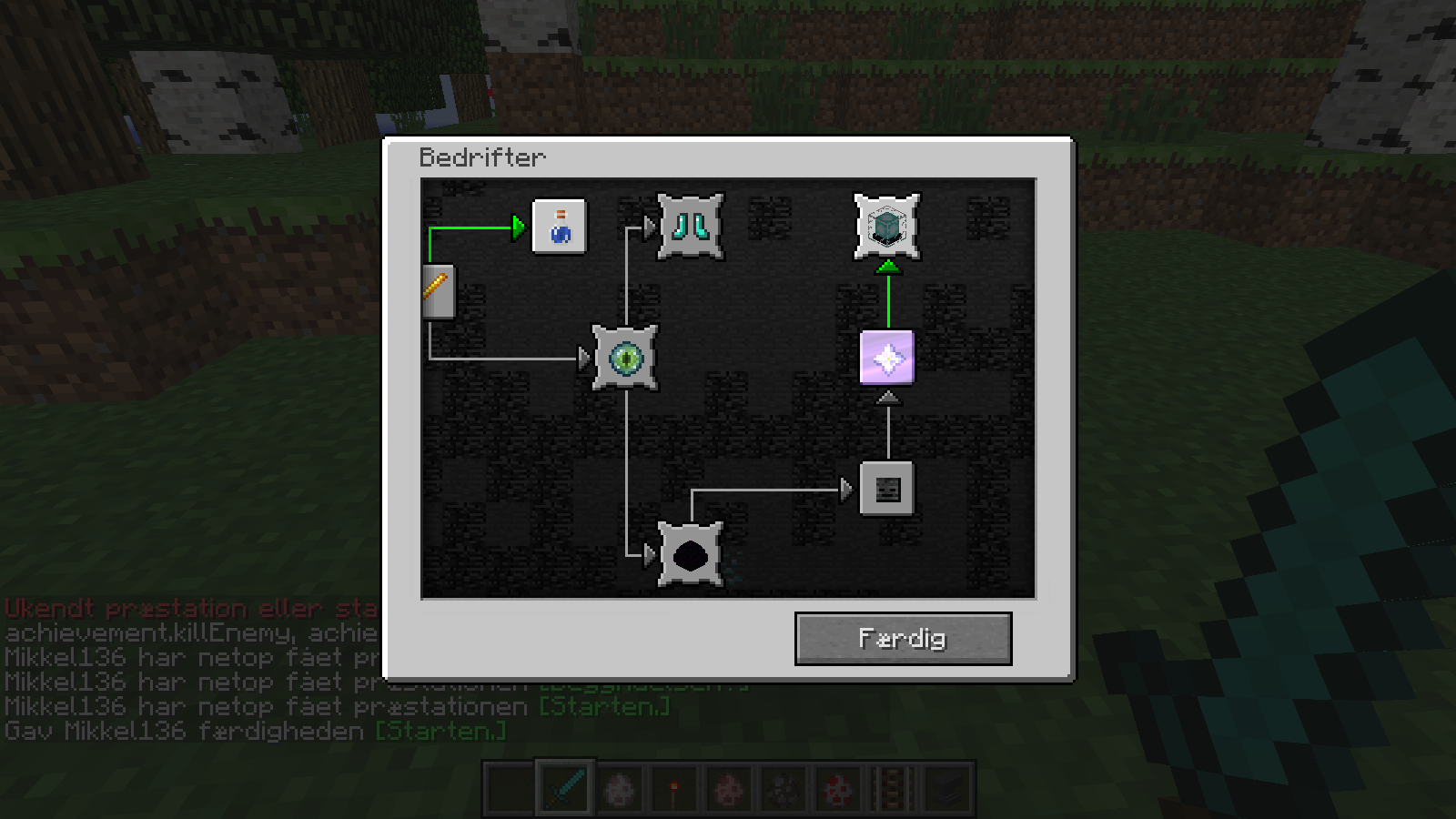





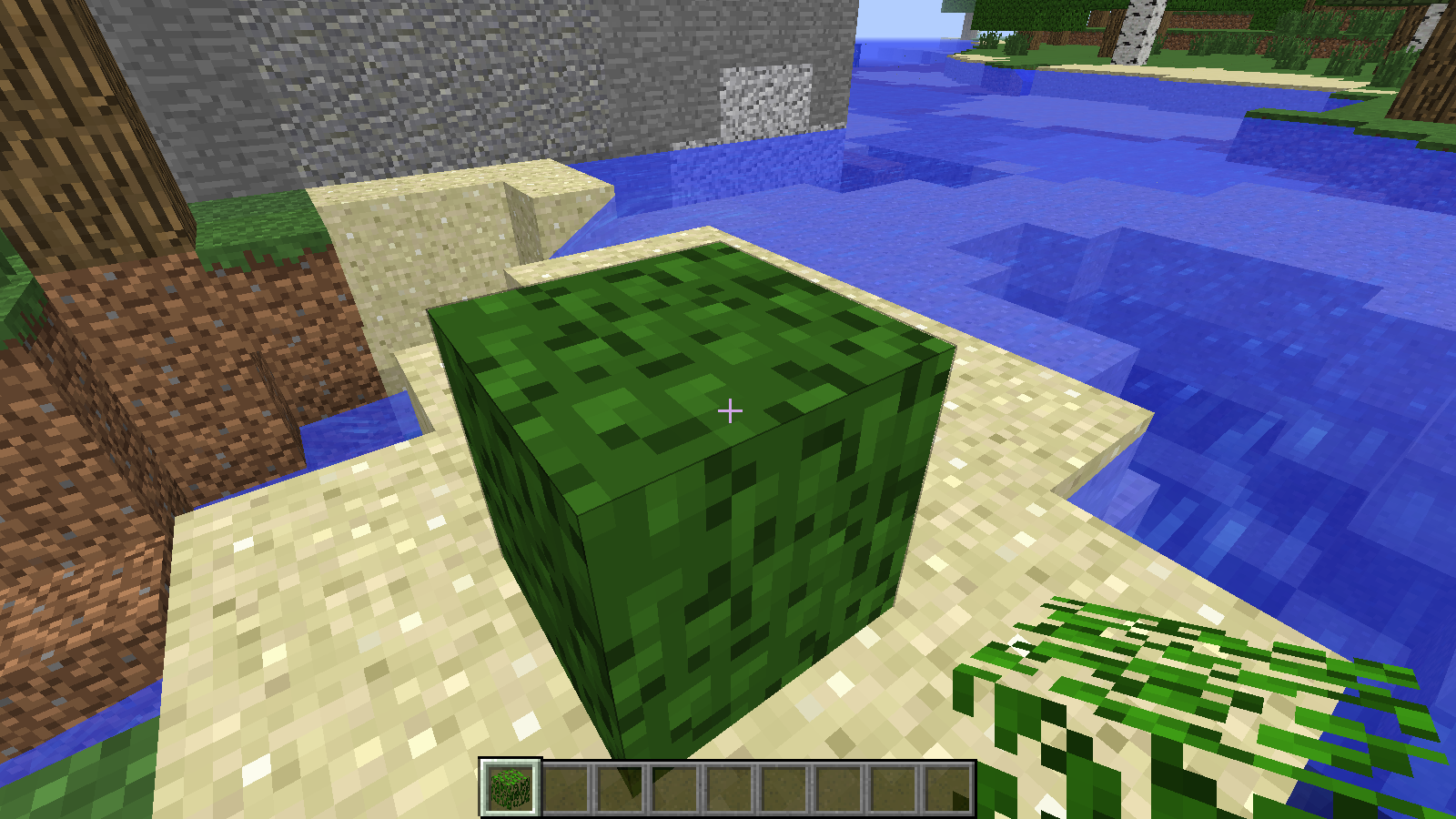


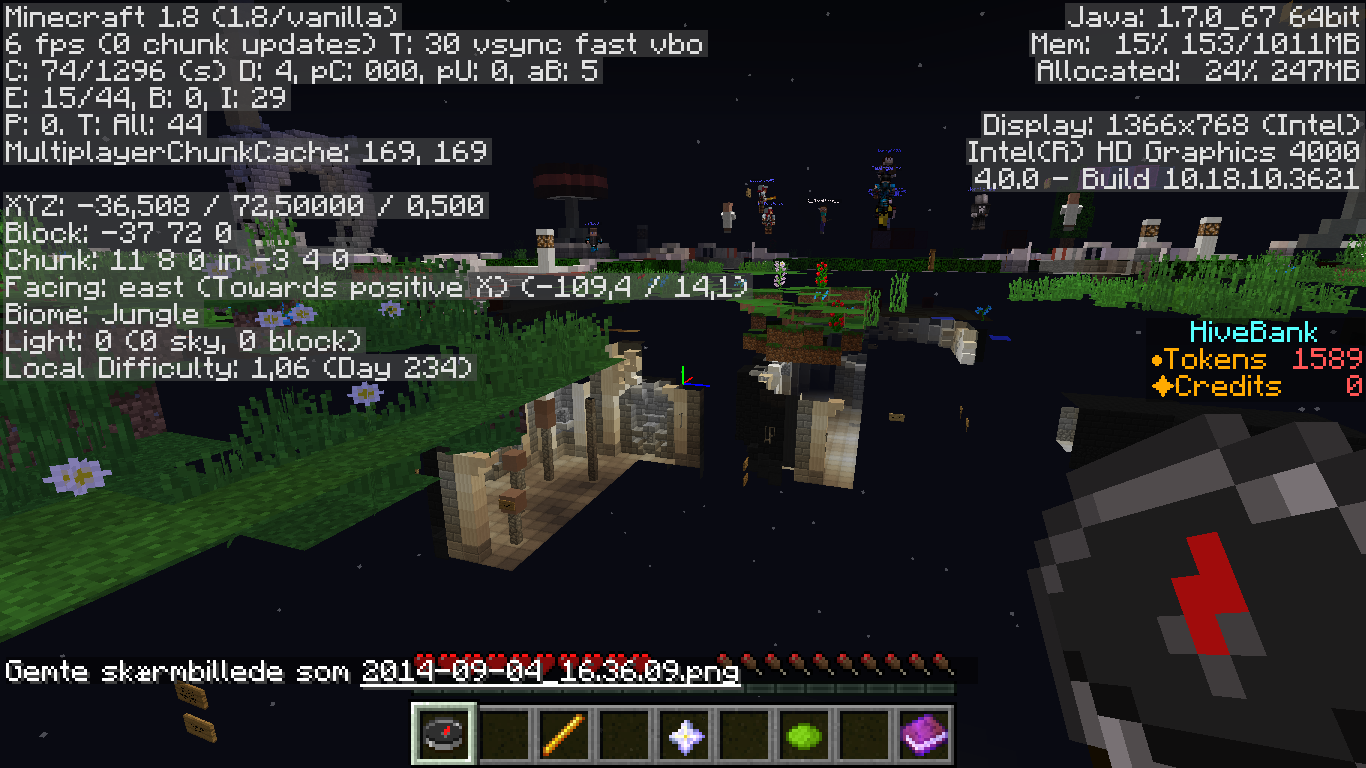

OS: Windows 7 Sp1 version 6.1
Java version: 1.7.0_17 (64 bit)
Minecraft Launcher: 1.3.8
Time: Jan 23, 2014 8:13:02 PM
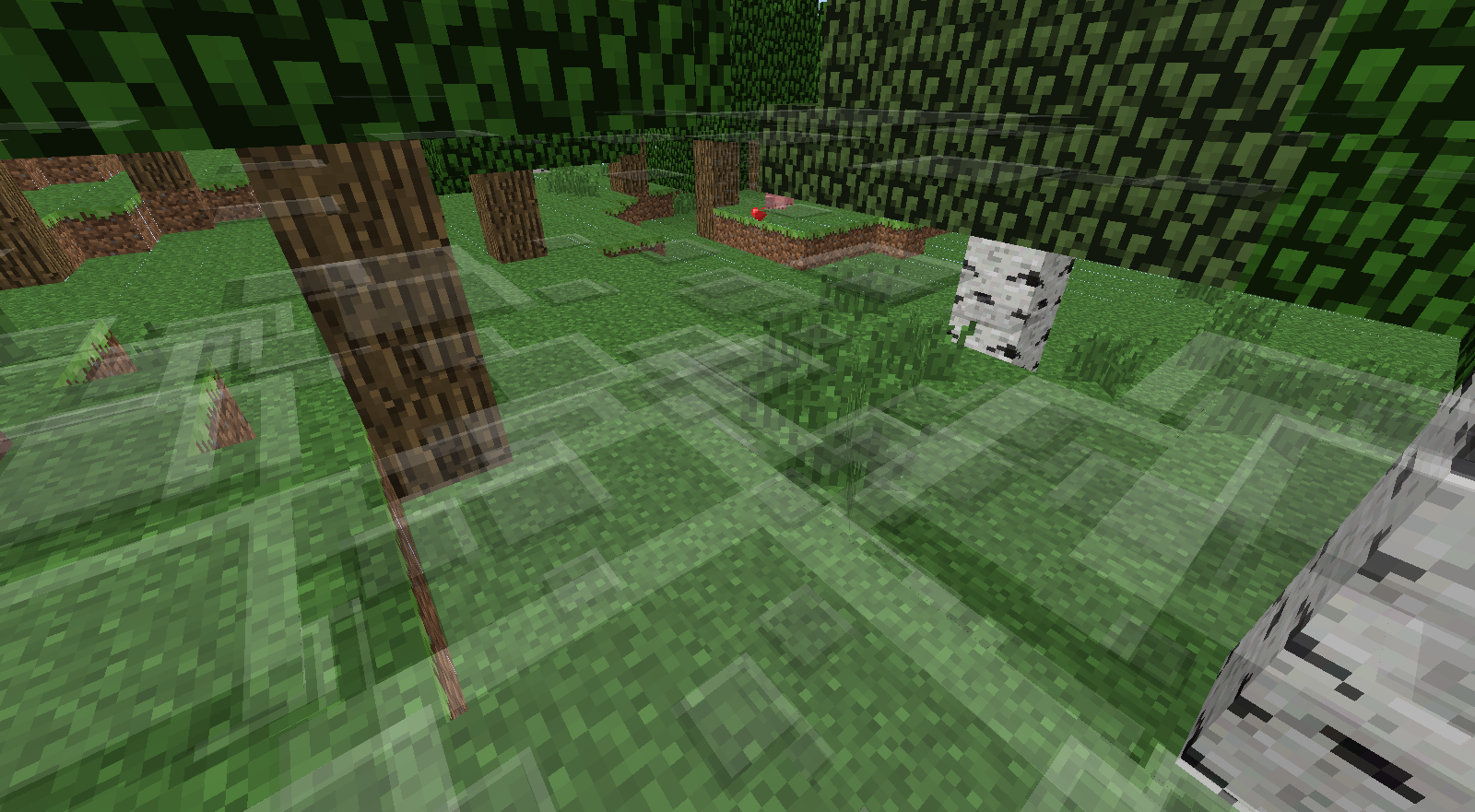
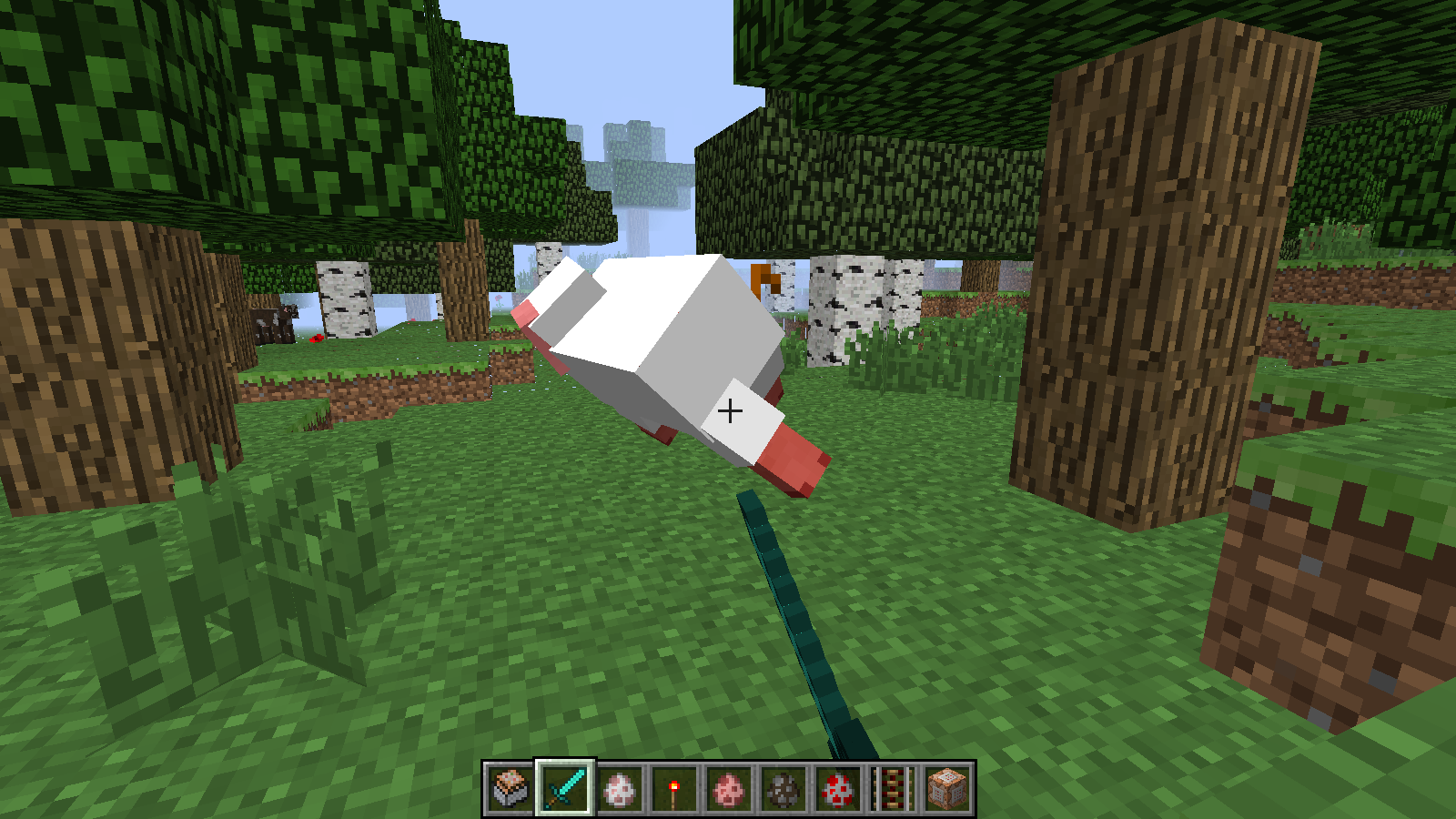
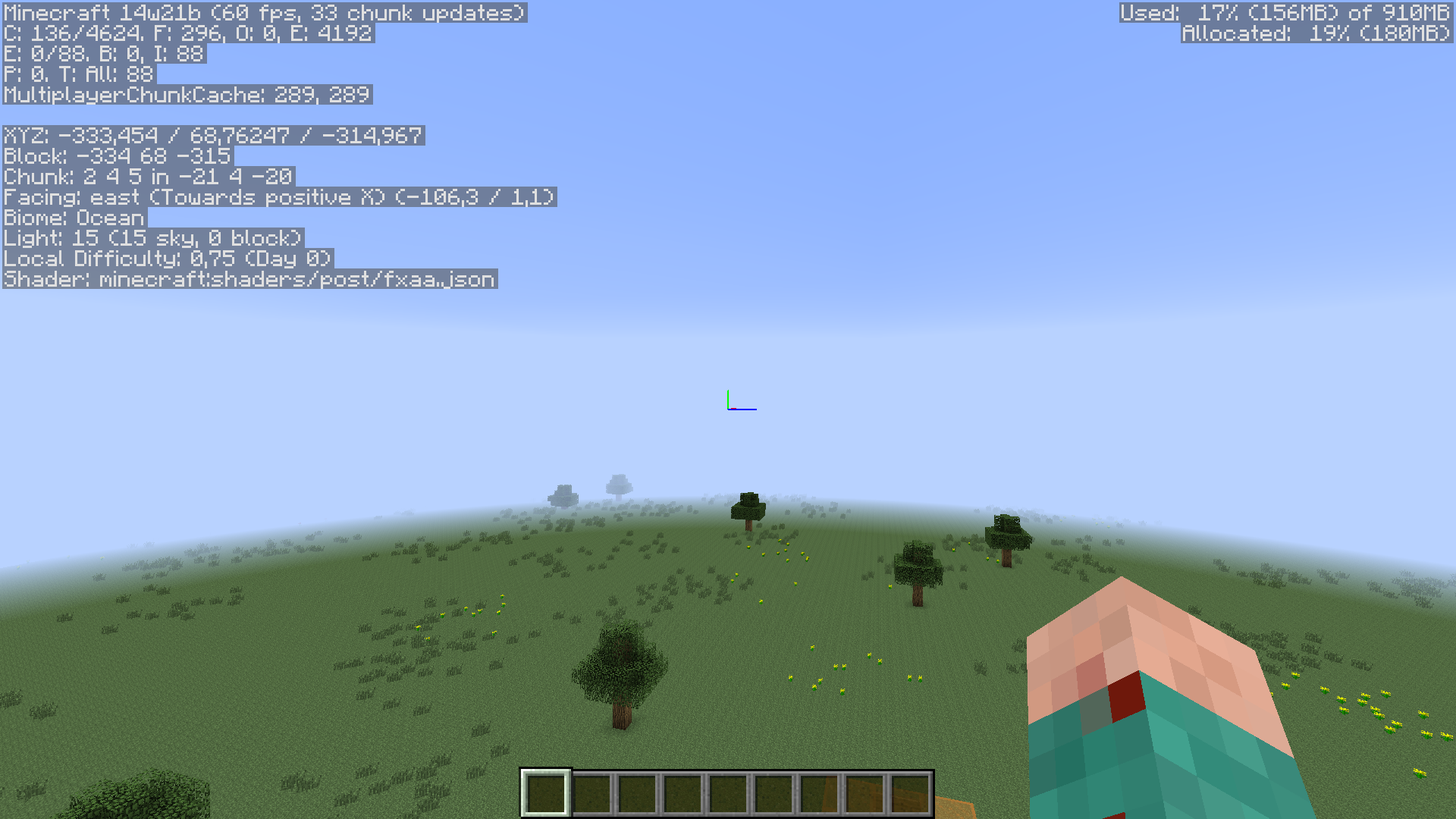
Some of the sky dissappers "Super secret settings",that changes renderingSome of the sky dissappers because of "Super secret settings" that changes rendering
Computer: Acer Aspire 7750g - About 2 years old
Windows 7 (x64) (Sp1)
Java 1.7.0_17 (x64)
Minecraft Launcher 1.3.11
RAM: 4 GB (3,85 GB can be used)
Processor: Intel core i3 - 2.30 GHz
Graphic card: AMD Radeon HD 7670M, 1 GB VRAMComputer: Acer Aspire 7750g - About 2 years old
Windows 7 (x64) (Sp1)
Java 1.7.0_17 (x64)
Minecraft Launcher 1.4.4
RAM: 4 GB (3,85 GB can be used)
Processor: Intel core i3 - 2.30 GHz
Graphic card: AMD Radeon HD 7670M, 1 GB VRAM
[UPDATE] This issue has been fixed
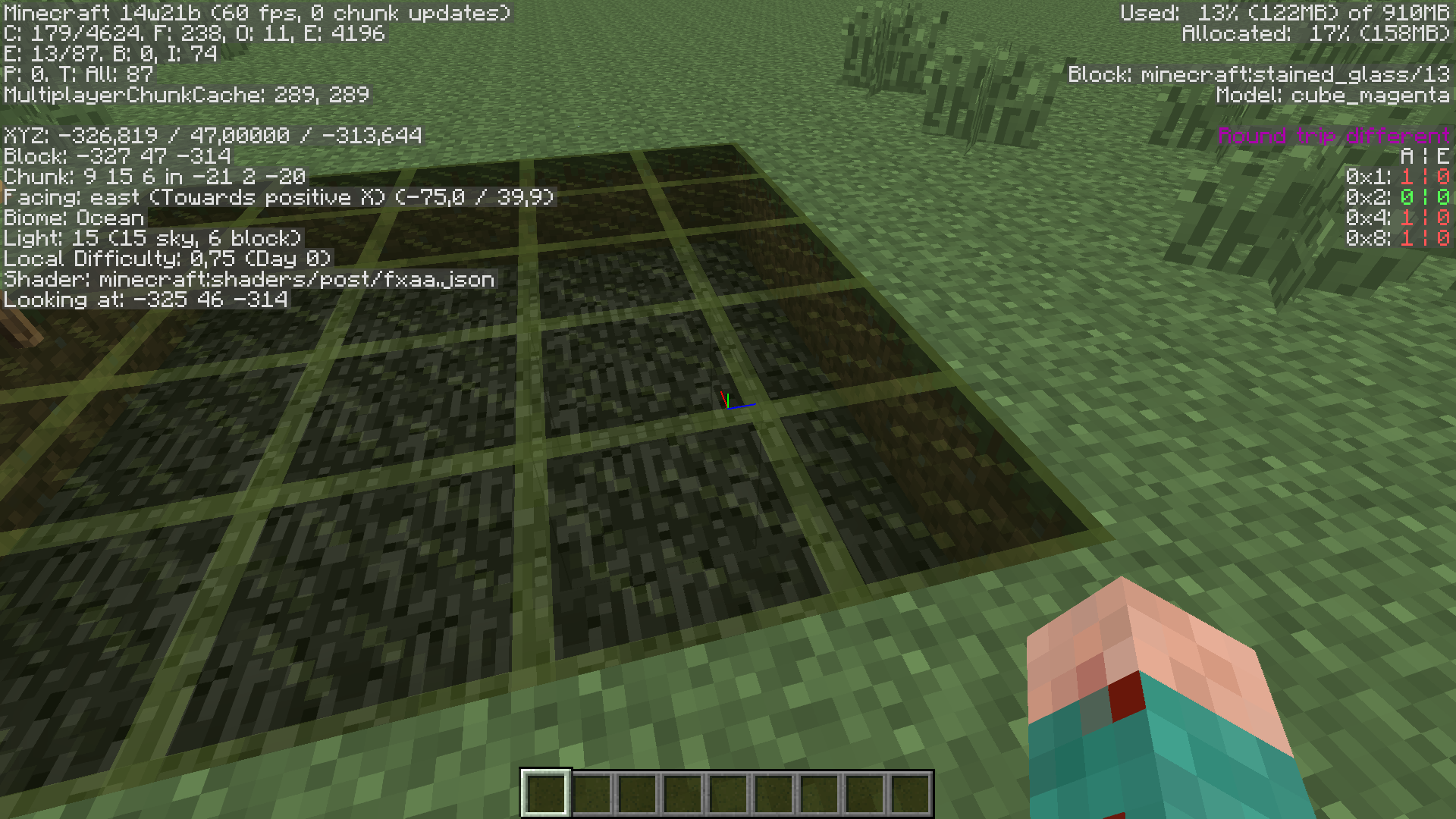
A shader that changes the way the game is rendering itself makes dark shadows in Stained glass
CPU: Intel core i3 @ 1.90 GHz SSD - 2 cores
RAM: 4069 MB (4 GB)
GPU: Intel(R) HD Graphics 4000 (1792 MB memory)
OS: Windows 8.1 64-bit
Java: Java 7 update 64(64 and 32-bit)CPU: Intel core i3 @ 1.90 GHz SSD - 2 cores
RAM: 4069 MB (4 GB)
GPU: Intel(R) HD Graphics 4000 (1792 MB memory)
OS: Windows 8.1 64-bit
Java: Java 7 update 67 (64 and 32-bit)
Thats what happend to me.
This may happen if you edit the 'lang' files on your resource pack. A few bugs and issues has been found on the new system. I got 3 bugs (with this)
I just got that bug
Yea i just relized that. But it is still weired i get an exit code 0. A "lag crash" always get -1 or 1. I need to do somemore testing...
It might be a glitch on your processor. Try something like "Max Perormance" not "Best Look" makes Minecraft mutch better on my PC. The minimum requirements is getting bigger every update. It can be that.
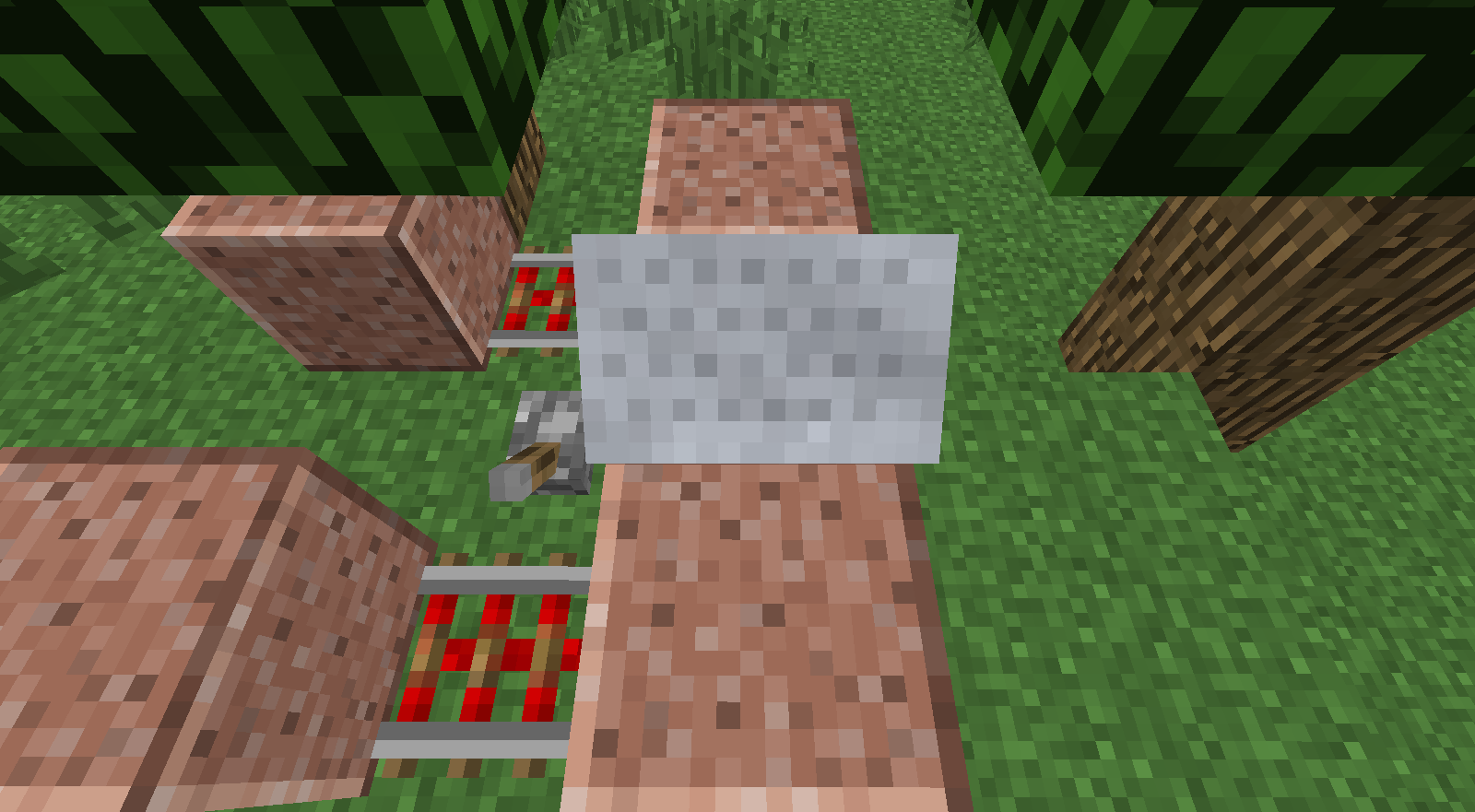
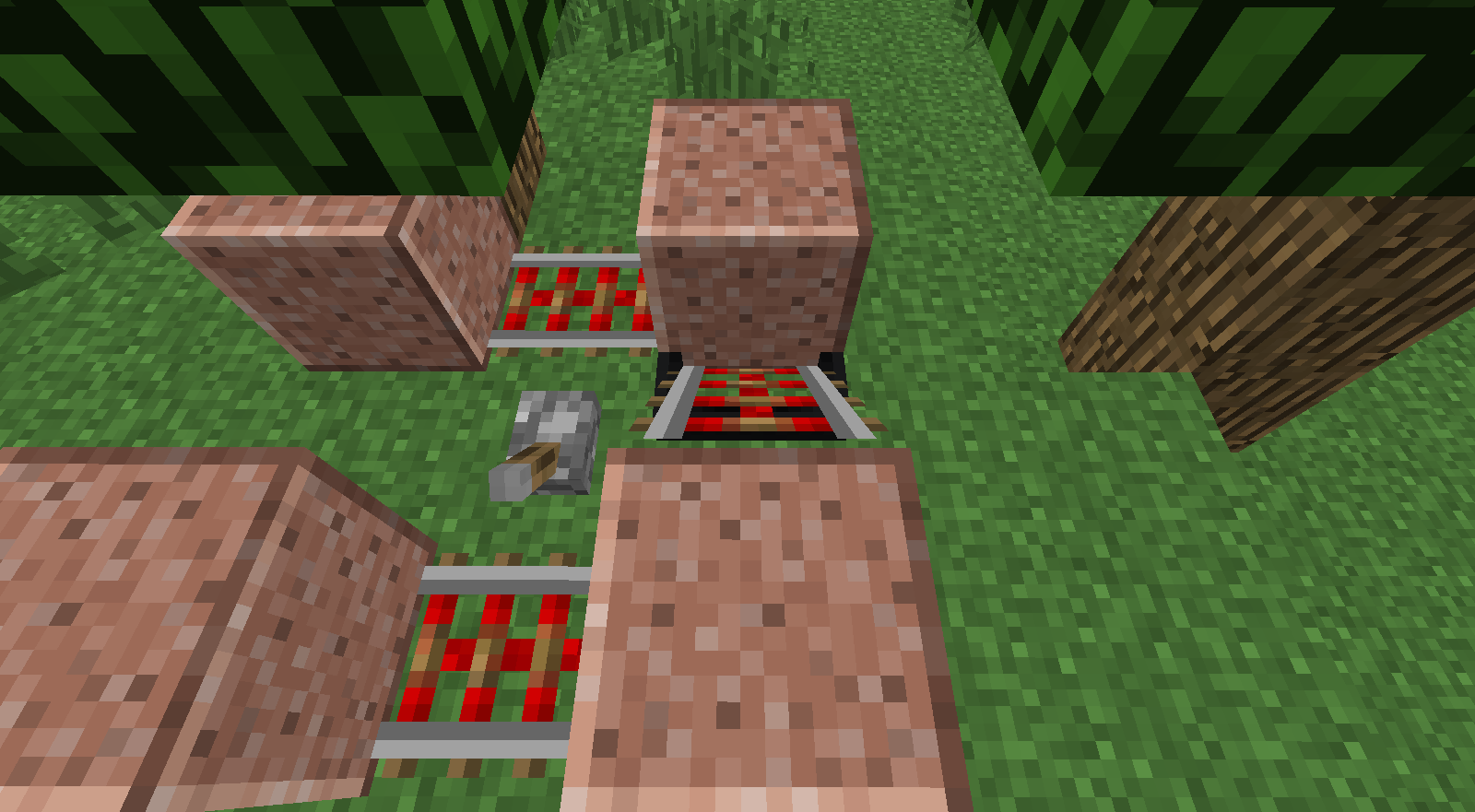
Sorry for the Note particle at the first picture. Just played with /particle
It is a small amount of lag caused when sending data to the player. It is sometimes too slow so it glitches you inside the block. To prevent it dedicate more RAM. The most stable piston elevators uses the new slime blocks.
Almost forgot provements (attachment)
Why is this not marked as Fixed yet?
That must be some kind of AI conflict. Since they changed some AI data.
What is your CPU? If it is slower that 1.5 Ghz HDD drive it makes sence performance is so little
Do you have VBOs on or off? If you have a decent GPU turn VBOs on. It loads chunks with a little help by the GPU, if the CPU can't keep up.
Vsync may also cause a limit of 10 FPS. On my computer it limits it about 30-60 FPS even though i can get 400+ FPS
Hope you find this usefull and good luck playing Minecraft stable!.
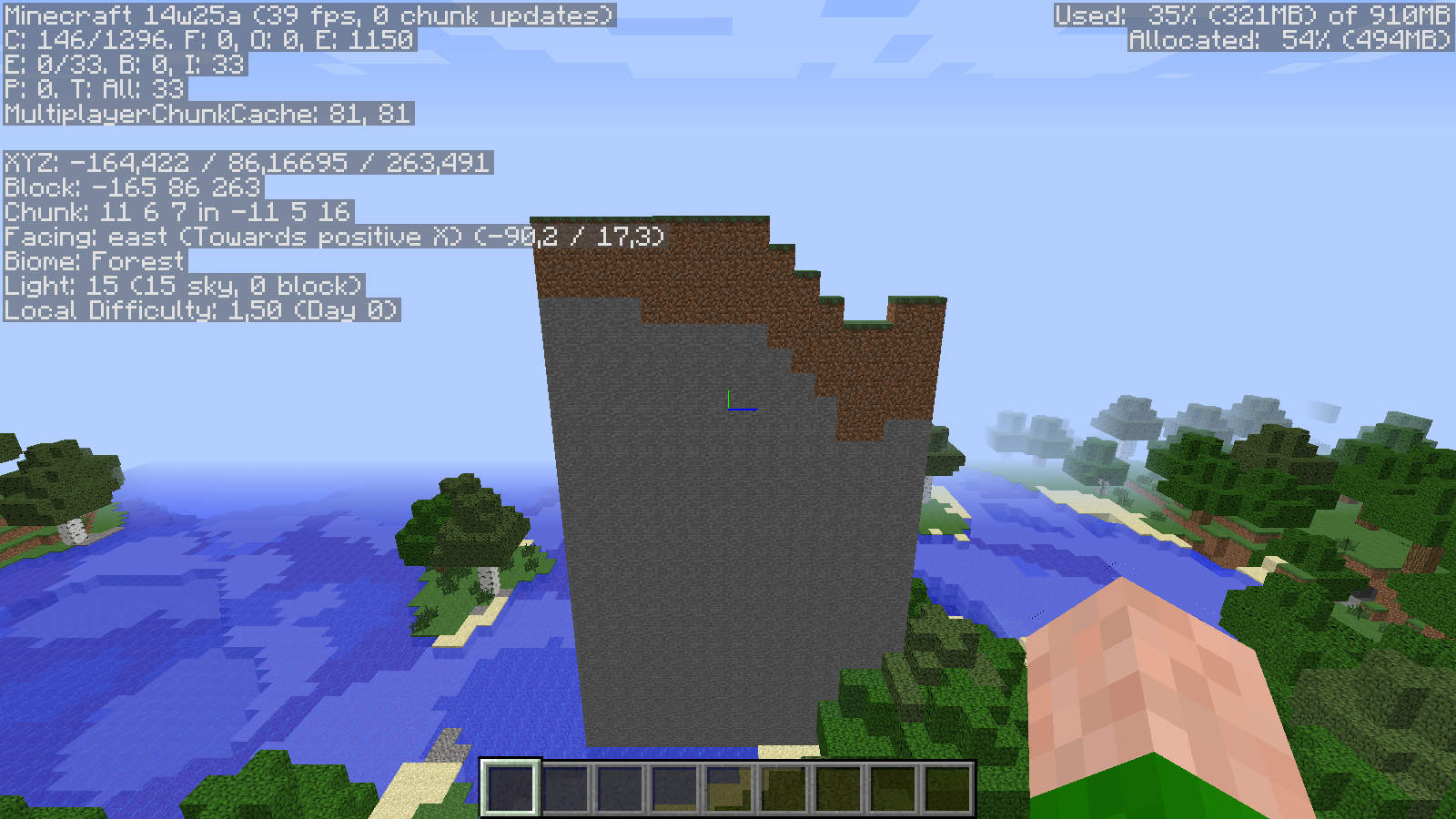
I can deffentley confirm. ALL rivers I have explored in the latest 1.8 snapshots had no water in it.
It may cause they are generating at too high levels. Since it looks like normal landscabe on a normal world/server.
I can confirm. I have a decent processor on my newest computer. There is a huge diffrence when loading chuncks with render distance 9 and 10. In 1.7.2+ there is still a diffrence. But it is mutch smaller and still stable.
If you have OpenGL on it may cause it too (it slows down chunck loading a lot for me)
VBOs is still broken with the current Pre-release. I still don't know what is causing it.
Just limiting the framerate to 10 FPS slows the game down a lot. It seems like Chink Loading depends of framerate. They load instantley with 700-800 FPS. But they are quite slower with 60 FPS what surprices me.
Computer specs: (if you are wondering about the framerate)
Remember to add 1.8.3 as an affected version. Hopefully this is fixed before the 1.9 release.
Remember to keep the affected vertions up to date! They can accedentley skip it, if they look trough bugs with the newest affected version.
Even though this is a small and annoying bug, it's there! Horses should work like boats, witch they're on fixing at the moment.
(Yes, confirmed for 1.8.3)
Confirmed for 1.8.6
Can confirm for 1.20.4
Cannot confirm; this has been fixed prior to 1.20.4 and 1.20.5
Can this be reproduced in 1.20.5?
This is not a valid bug report; I suggest filing a bug report at the source of the third-party recovery tool in question.
Nevertheless, with no names, logs, context or steps to reproduce, it's not possible for us, as a community, to help you in your unfortunate situation.