 rodny545
- rodny545
- rodny545
- America/Los_Angeles
- Yes
- No
 MCL-61
![[Mojang] Grum (Erik Broes)](../../../data/assets/gravatar/grum.png)
 MC-33159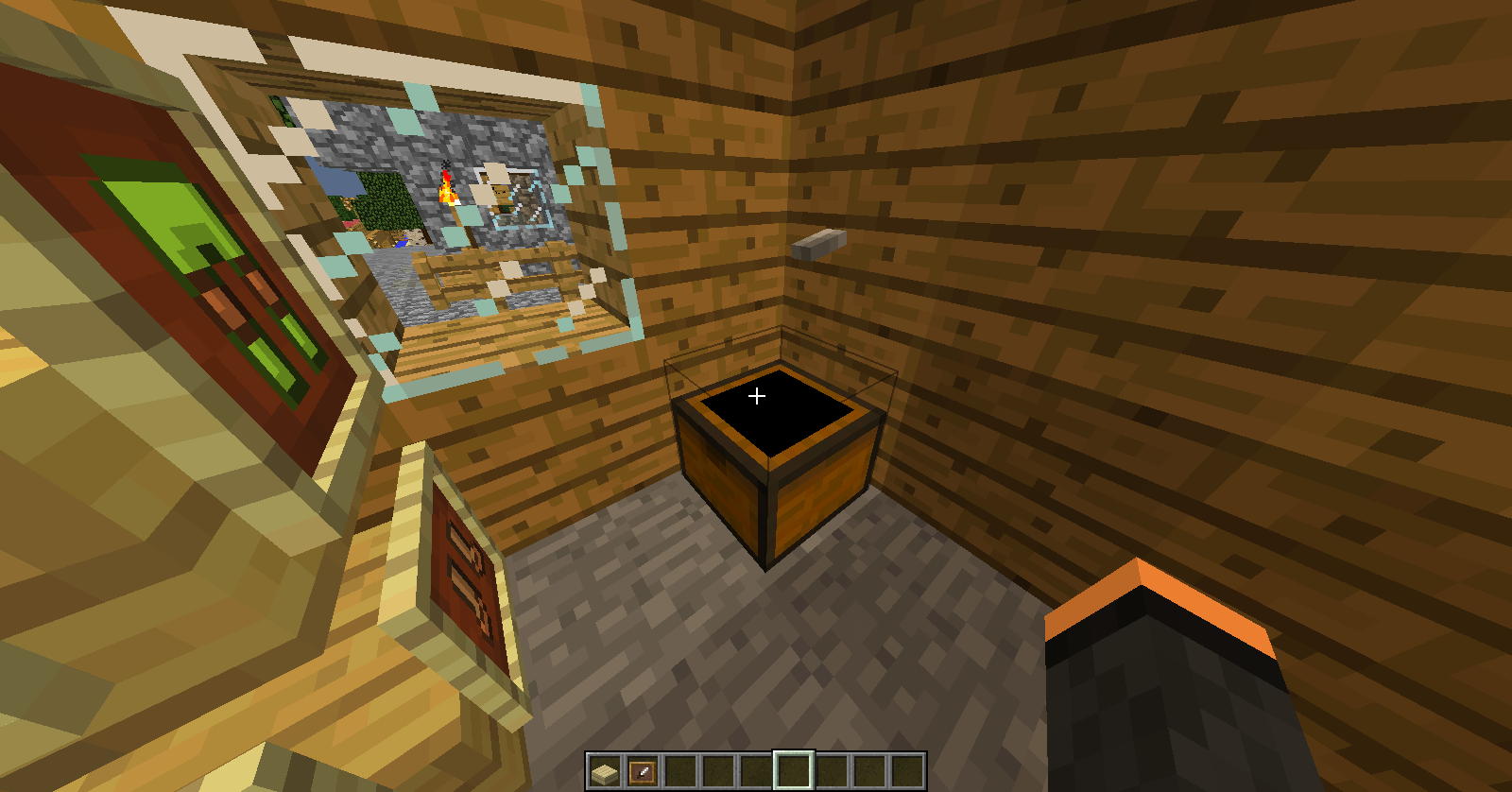
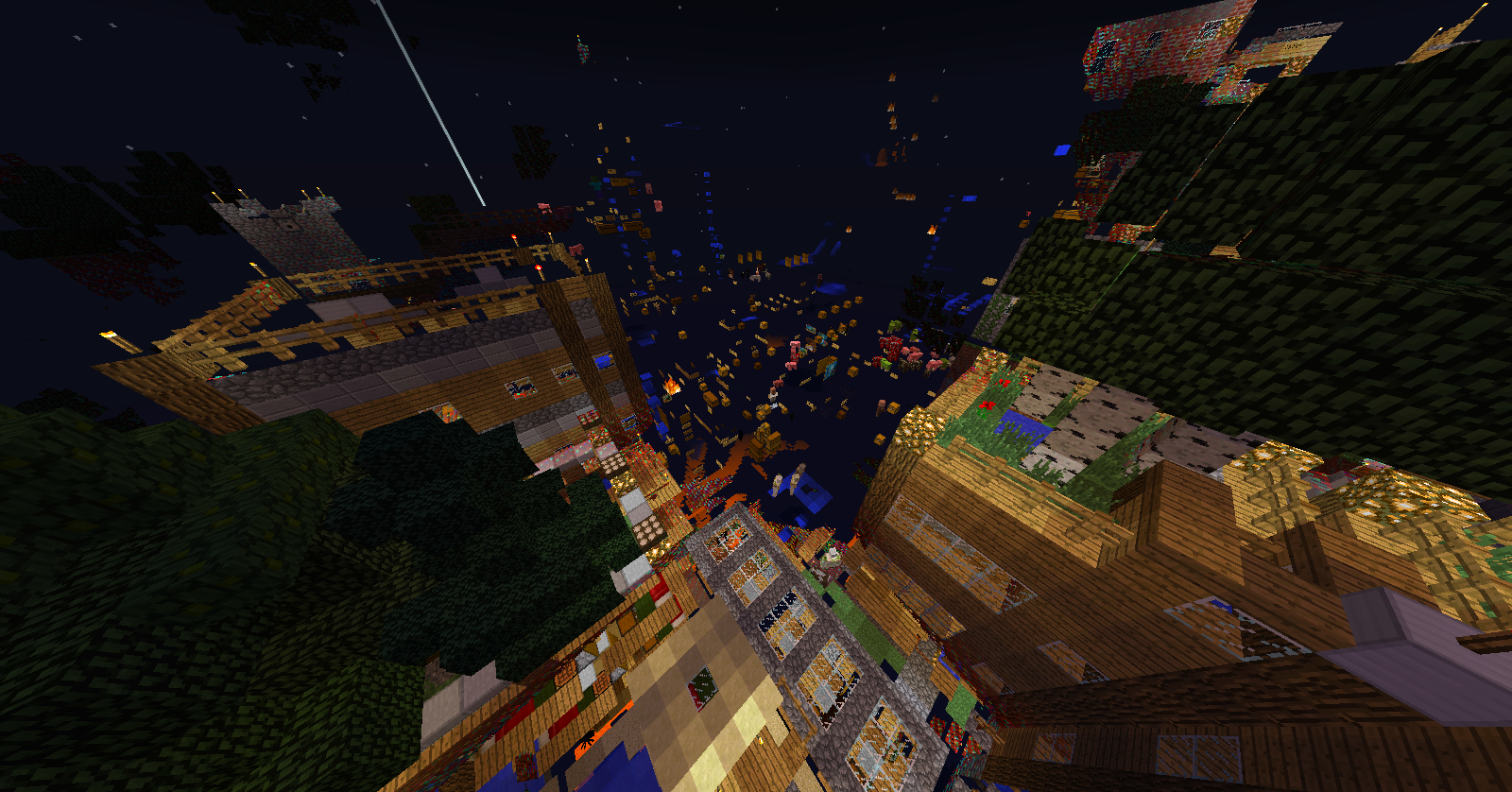
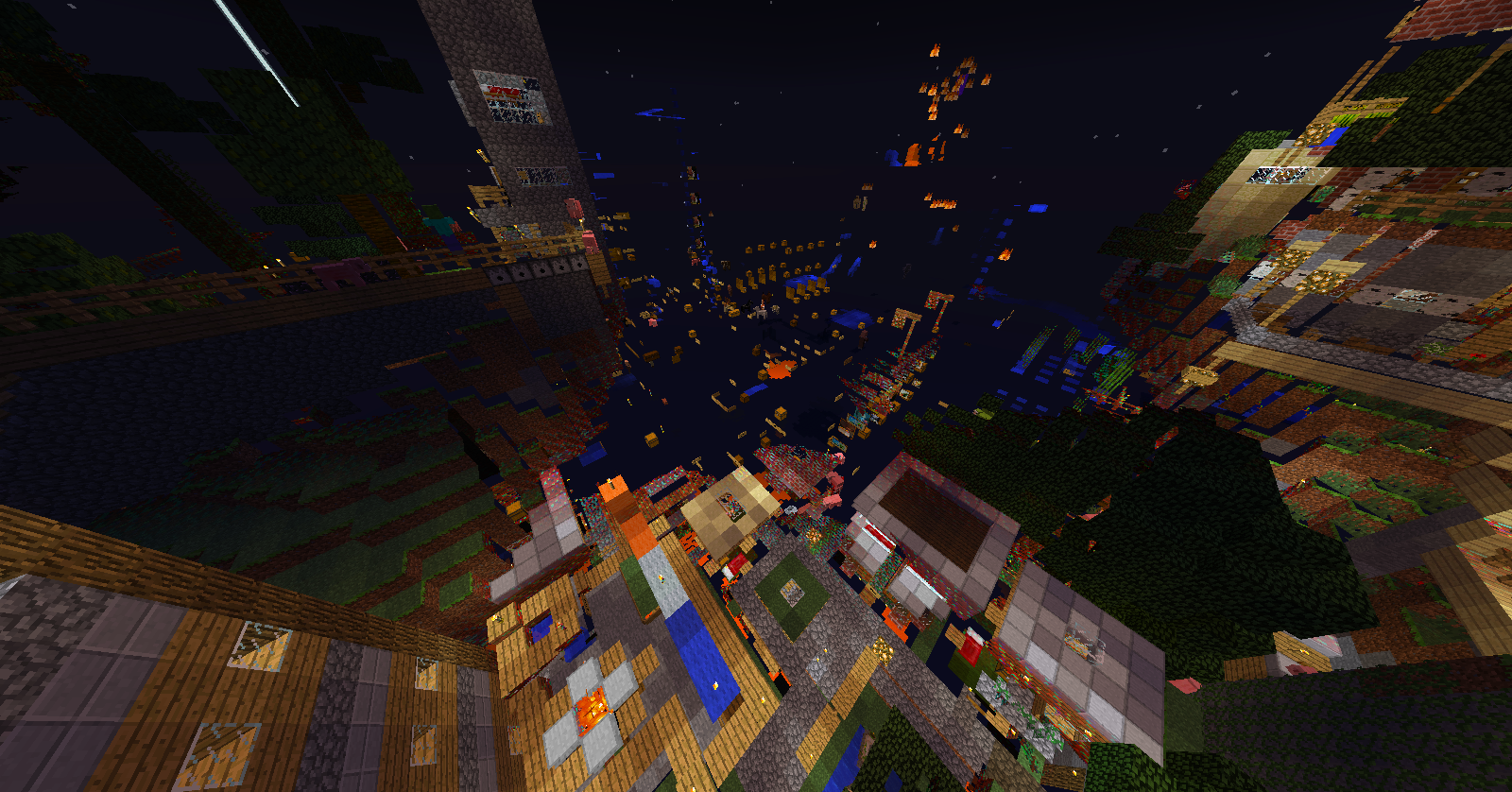


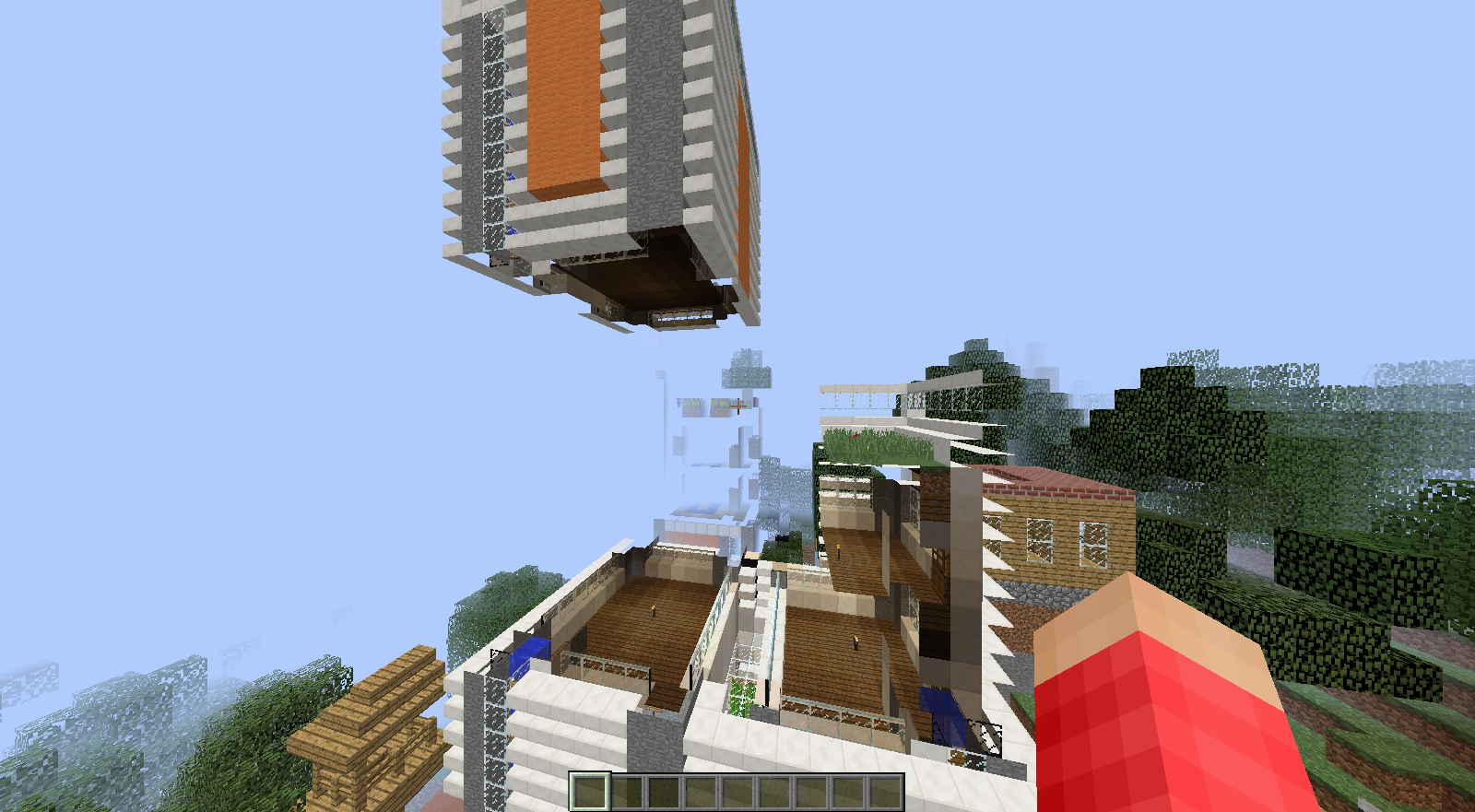

I am using the new snapshot 13w16a and launcher. I have some weird "Can't build areas" in my world. While building in one of those areas and my game crashed. I started the launcher and it said "User"\AppData\Roaming\.minecraft\versions\13w16a\13w16a-natives\OpenAL64.dll. I can still use the old launcher but not the new one. I'm disappointed now because my horses are now gone ;(
I am using the new snapshot 13w16a and launcher. I have some weird "Can't build areas" in my world. While building in one of those areas and my game crashed. I started the launcher and it said Launcher started...
Getting syncinfo for selected version
Queueing downloads
Launching game
Couldn't unpack natives!
java.io.FileNotFoundException: C:\Users\Noah "User"\AppData\Roaming\.minecraft\versions\13w16a\13w16a-natives\OpenAL64.dll (The process cannot access the file because it is being used by another process)
I can still use the old launcher but not the new one. I'm disappointed now because my horses are now gone ;(
"User"\AppData\Roaming\.minecraft\versions\13w16a\13w16a-natives\OpenAL64.dll
Windows 7 Home Premium 64-bit, latest Java
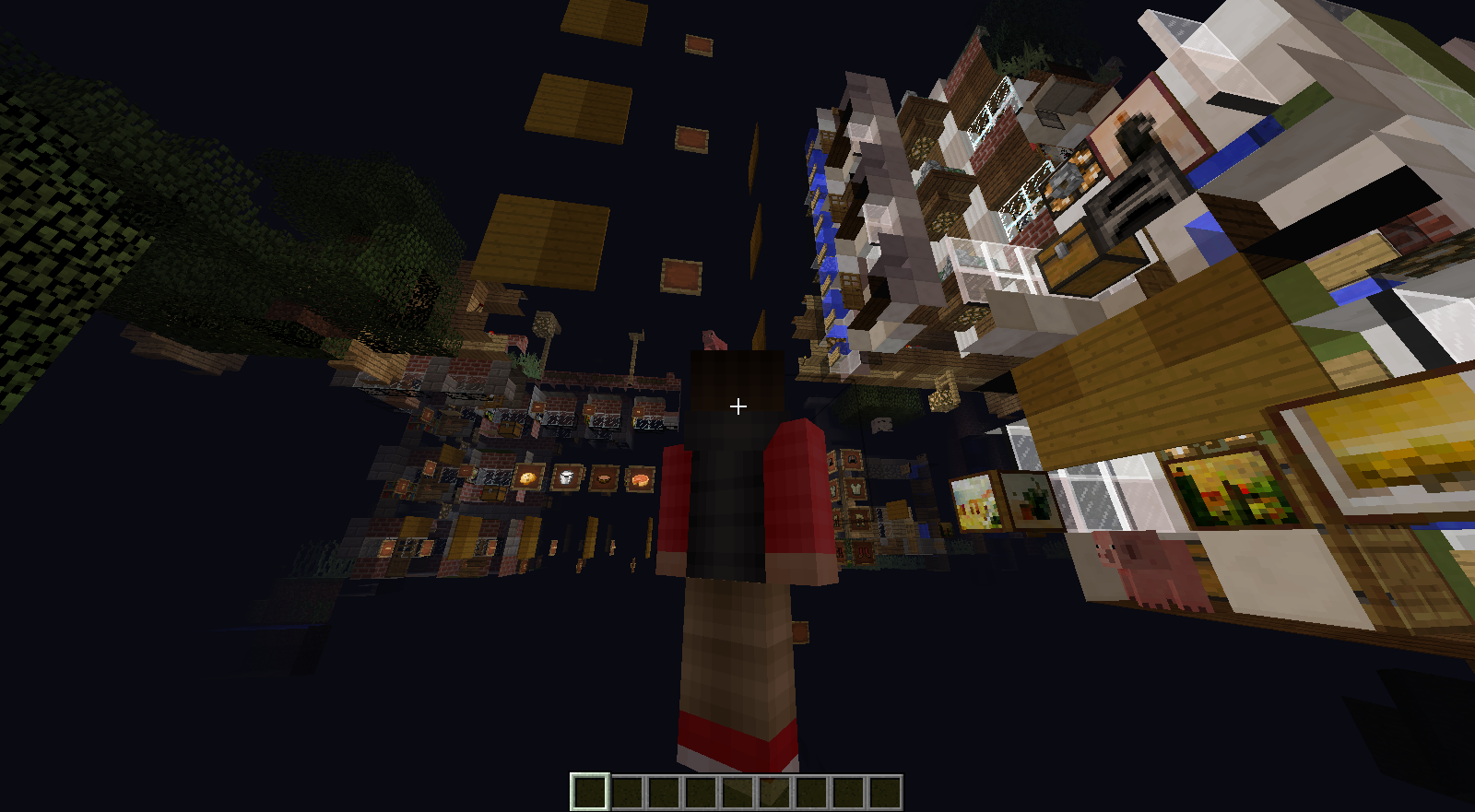
Char doesn't render correctly in inventory pic. The head is backwards and transparent. I do not have invisibility potion on. I also cant take a pic when inside my inv. UPDATE: Also happens with the chest icon using Color_Convolve!
Char doesn't render correctly in inventory pic/cannot take a pic while inside inv using color_convolve
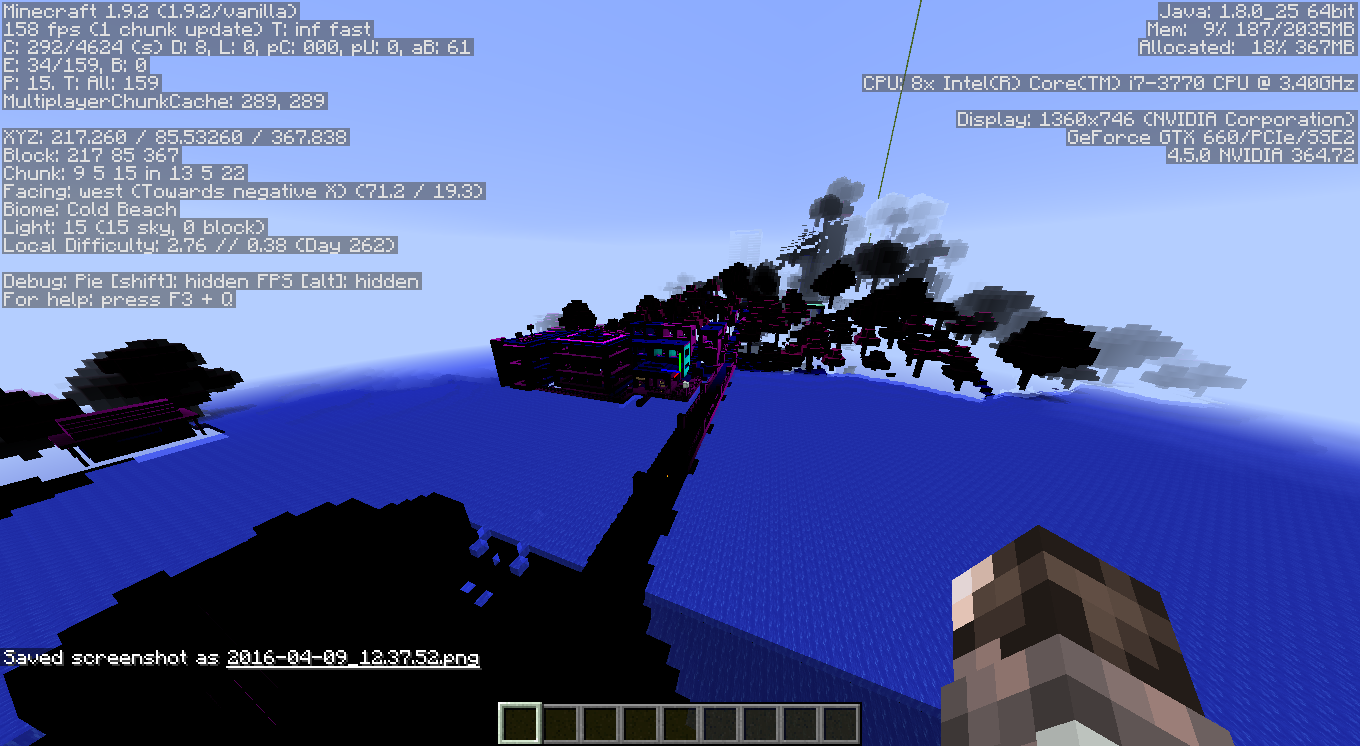
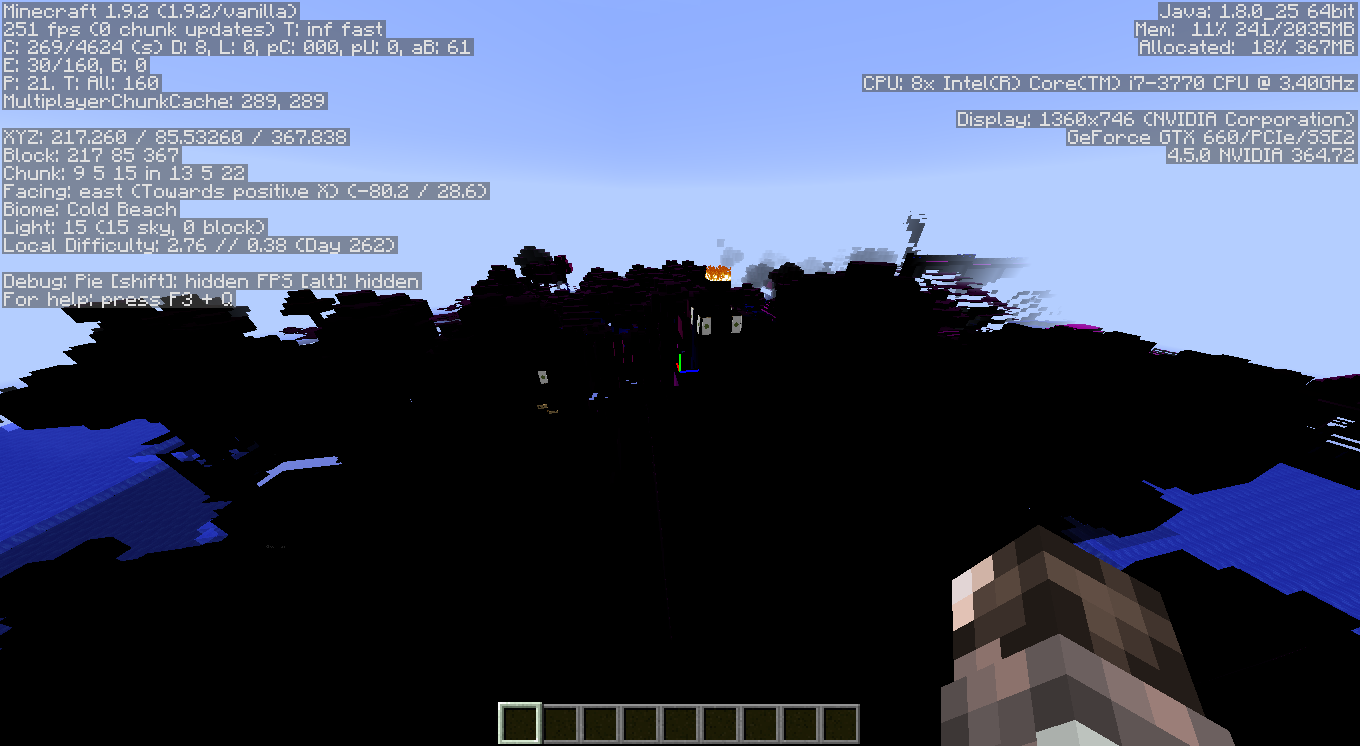
While playing on my world in LAN with my brother, all of the sudden the world turns into a black, purple, and invisible mess. I was in creative, while he was in survival but not affected (LAN world set to adventure mode). Opening inv, all the blocks and tabs had no images, just the inv template grey. Water was one of the only textures/blocks visible and unaffected. My display driver crashed once, and I had a memory leak I believe too once also.
Thanks for the help!
level.dat
Never mind. I just loaded the new snapshot and the chest textures have been restored. Ill post the pics anyways
Its fixed
Try turning off Advanced OpenGL if its on. I tried this and it fixed it for the area that wasn't loading. Haven't checked all of my world though yet. Is the ground like invisible but still interactable though?
Windows 7, 64-bit, NVIDIA 240m, with advanced openGL on in MC. 14w27b
My level file
@FVbico My drivers are updated but I'll run a check update after the forced crash.
I thought it might help haha. I've been playing the same exact situation and nothing has happened so I believe its just a display and graphics driver problem. It happens once in a while after start up and stops after a few crashes/restarts. Just never seen this happen with minecraft before.