 Zairker
- Samsete
- samsete
- Europe/Rome
- Yes
- No
 MCL-9752
 MC-158129
![[Mojang] Felix Jones](../../../data/avatars/users/40484.png)




Arch Linux (using XFCE)
Linux kernel version 5.2.3-arch1-1-ARCH
HP EliteBook 2570p (Intel i3-3100M, 4GB RAM, Intel HD Graphics 4000)
Java 8
2020-03-18_19.34.45.png
When I go to the Skins tab in the launcher, I get a message saying "WebGL support needed" (screenshot below). It used to work in a specific Launcher version, but I can't remember what version. However, when I check dmesg, I see the following message:
minecraft-launc[383]: segfault at 7fbb62233c15 ip 00007fbb62233c15 sp 00007fbb5cf916e0 error 14 in libgpg-error.so.0.27.0[7fbb6228d000+4000]
Which makes me think it's not directly related to WebGL.When I go to the Skins tab in the launcher, I get a message saying "WebGL support needed" (screenshot below). It used to work in a specific Launcher version, but I can't remember what version. However, when I check dmesg, I see the following message:
minecraft-launc[383]: segfault at 7fbb62233c15 ip 00007fbb62233c15 sp 00007fbb5cf916e0 error 14 in libgpg-error.so.0.27.0[7fbb6228d000+4000]
Which makes me think it's not directly related to WebGL.
A quick fix could be doing "killall launcher" in the terminal. No sudo required! Then you can open the launcher once again. I did this when it happened and unchecked "Open output log when game starts".
Happens on Arch Linux with XFCE too.
There are no blocks around the anchor.
Apparently the issue was that there were no blocks around the block under the anchor. When I place the anchor directly on the ground, the issue doesn't persist. If I place a block on the ground, and the anchor on it, the issue persists.
Yes, the 3rd screenshot is what I was doing in the first place.
Thanks for pointing that out.
Je crois que c'est un probleme du serveur, pas de Minecraft.
I have the same issue, both on Xubuntu 19.10 and Manjaro.
This is a game mechanic, not a bug.
I mean, if the point is obstructed and you unobstruct it, it's obvious you'll have to set the spawn point again in order for it to work.
Same here!
CPU: AMD Ryzen 5 2600
GPU: AMD Radeon RX 570
OS: Xubuntu 20.04 and Solus Budgie 4.1
Minecraft running on Java 8 (OpenJDK version 1.8.0_252 on Xubuntu, 1.8.0_232-solus on Solus)
This happens with rain as well.
@Marc
Obviously the hardware info was to diagnose if the issue was just for certain users, e.g. only Linux users, only Intel users, etc.
I wouldn't consider an RX 570 old hardware, yet I'm still having the same problem.
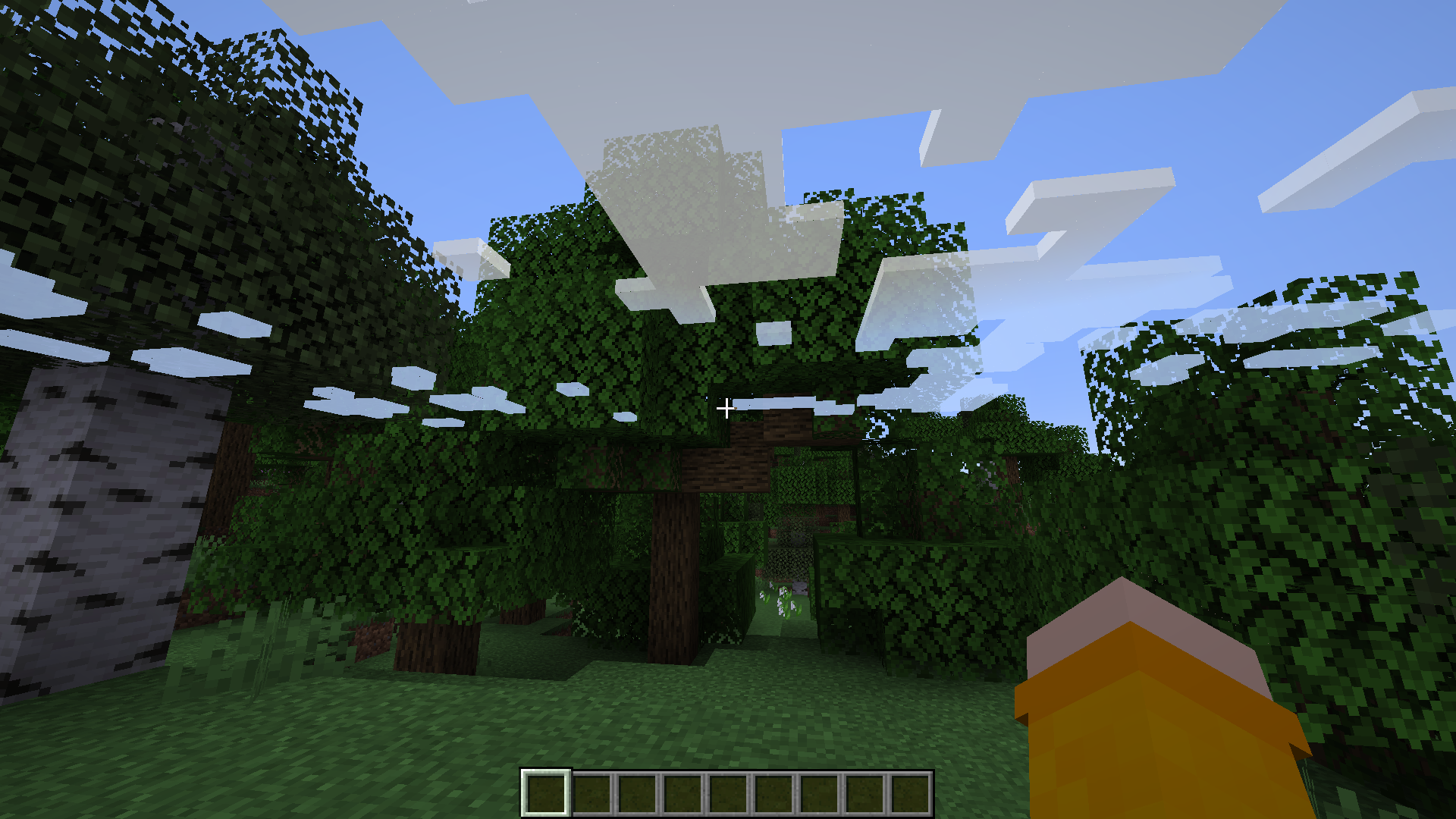
You can fix the clouds by turning clouds back on, looking straight down and disabling them again.
You're getting mad for absolutely no reason here.
If you don't like that snapshots are buggy then follow Galaxy's advice and play on 1.15.2, because even if it's a tad older, it's still a stable release.
And no one is forcing you to make "the kid" play on 1.15.2 again, since the clouds can easily be fixed. Perhaps you shouldn't have played snapshots in the first place if you don't like them being buggy.
And there is nothing wrong with releasing a snapshot Friday. Not all snapshots have been released on a Wednesday.
Can confirm, issue is gone on Fancy graphics but it's still present with Graphics set to Fabulous.
This happens to me as well.
CPU: AMD Ryzen 5 2600
GPU: AMD Radeon RX 570
OS: Solus Budgie 4.1
Minecraft running on Java 8 (OpenJDK version 1.8.0_232-solus)
@Galaxy_2Alex @test226 I have opened a ticket for 1.16-pre3 running on Java 8:
MC-188519Sure, I'll do it now! Here's the ticket
@Dylan Price No, I have an AMD Radeon RX 570 and an AMD Ryzen 5 2600 and I have this issue.
I have no idea on what context this bug affects users but it's very confusing.
Minecraft running on Java 8 (1.8.0_232-solus-ga), running on Solus 4.1
Happens to me as well but even when the player isn't on a boat.
The person I was spectating was flying in creative mode.
A few months ago I used the workaround of downloading the precompiled swiftshaders and putting them in the launcher folder to have the Skins page working, and it did, the only thing that wasn't working was adding skins to the library and setting the skin from the launcher. I have updated the launcher to version 2.1.17417 the library works too, I'm going to ask my friend (who didn't download swiftshaders manually) to see if it's fixed for her, too.
Happens on Linux as well.
Still happens on Linux too-- I'd say it's safe to assume that it won't get fixed on either platform until it gets fixed on one of them.