 Samuel Kyletoft
- SKyletoft
- skyletoft
- Europe/Stockholm
- Yes
- No
 MC-56792
 MCPE-10579


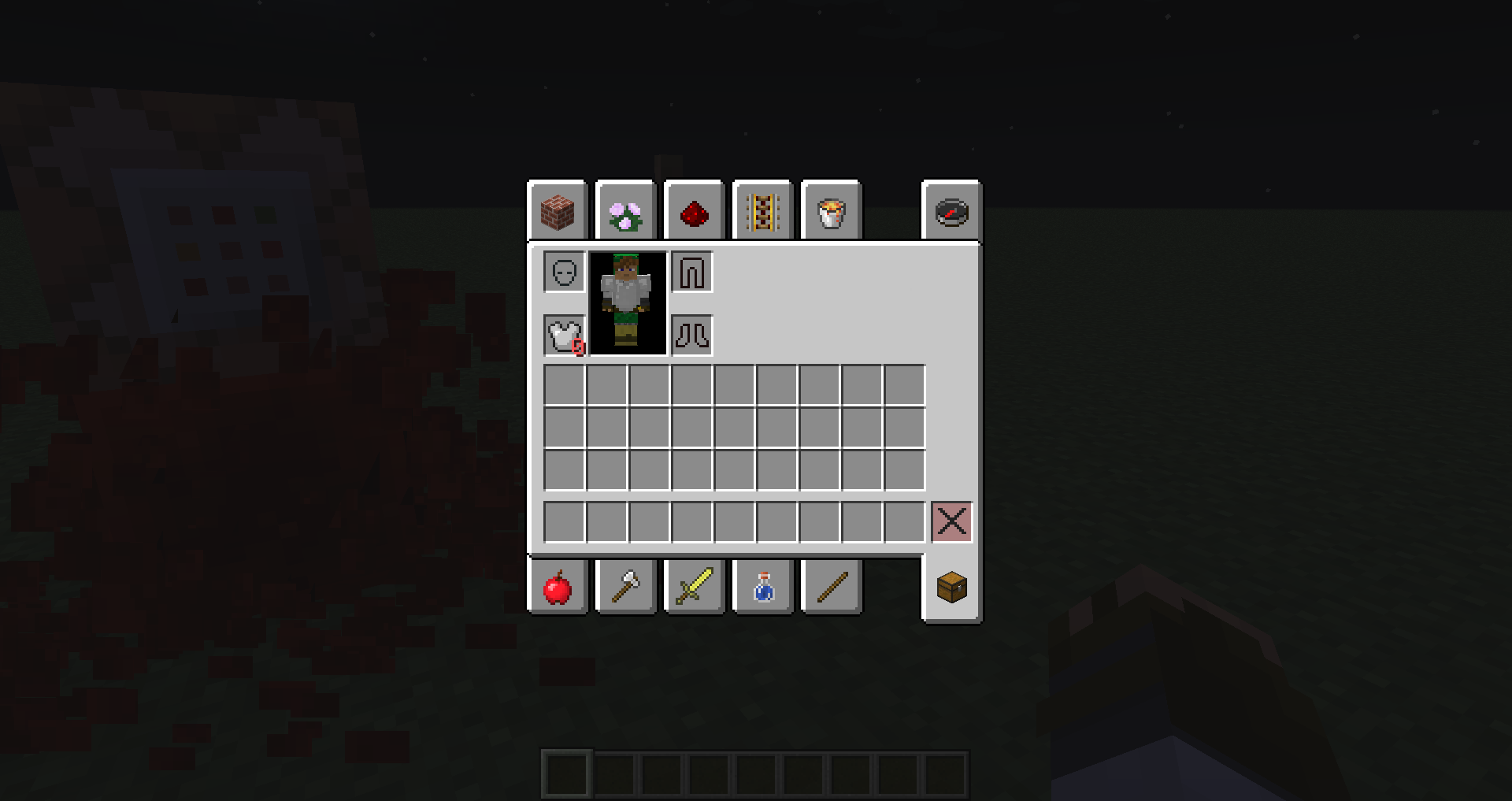
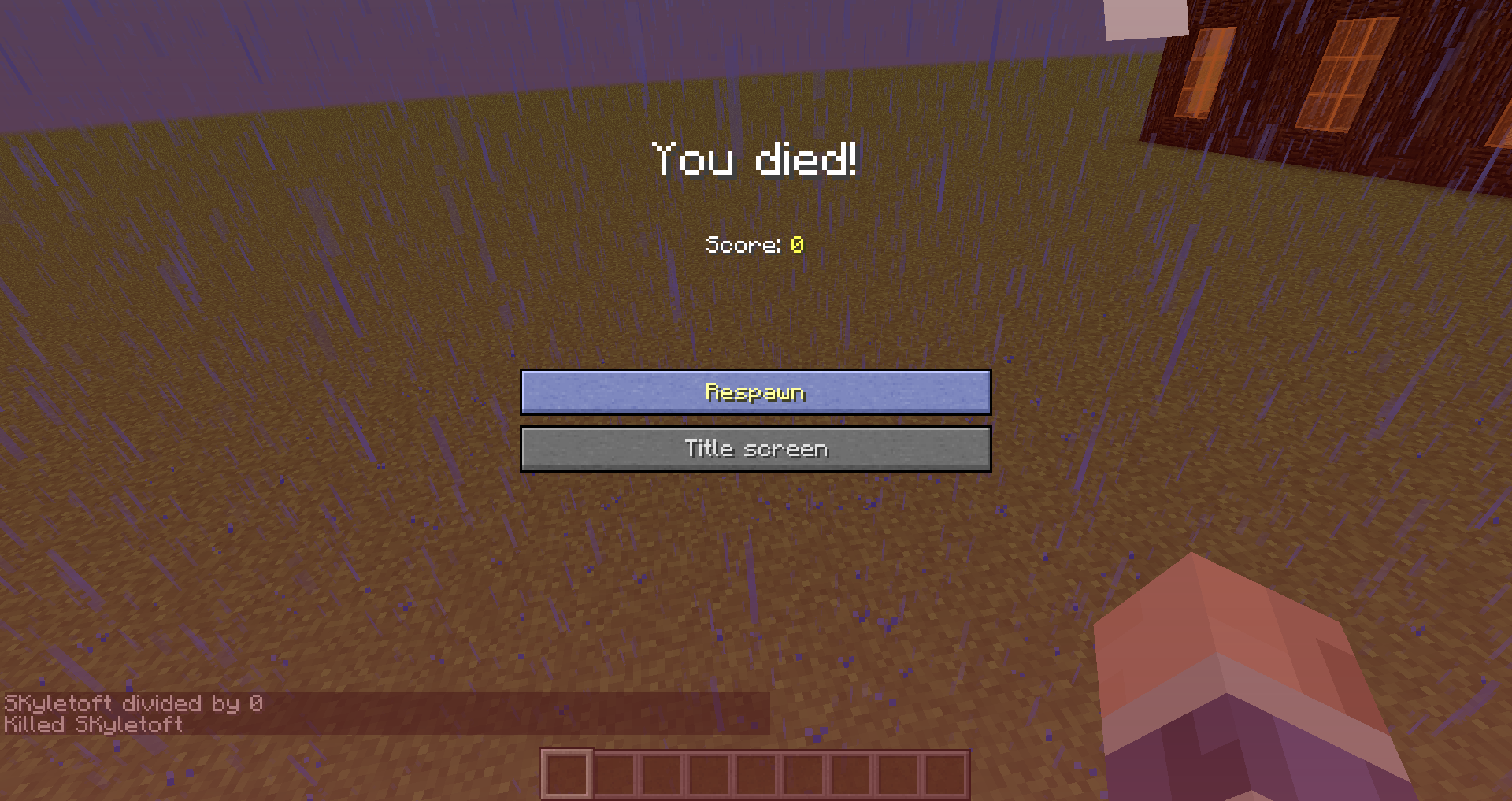



Windows 8.1 64bit Intel core i3 64-bit java. Java 7 update 60
Windows 8.1 64bit Intel core i3 64-bit java. Java 7 update 60
Windows 8.1 64 bit Intel core i7 32-bit Java Java 7 update 60
The 3D anaglyph is nearly flat and the block under the player is in front of the screen.
The first picture is from 1.7.10 and the second in 14w3
3c.
More info about my PC is in the debug screen in the second pictureThe 3D anaglyph is nearly flat and the block under the player is in front of the screen.
The first picture is from 1.7.10 and the second in 14w32d.
More info about my PC is in the debug screen in the second picture.
The same effect is in 33cFIXED IN 34A
Microsoft Windows 8.1 64 Bit 1
6GB RAMMicrosoft Windows 8.1 64 Bit 12 GB RAM
When using the /fill command with data values the data value will always be 0
The exact command used is in the photoPlease remove this, i forgot the stained_ part of the item id
When you respawn the ender dragon with the new ender crystal items and then kill them when they are doing the actual respawning you don't get a new dragon or a complete portal back, only two portal blocks
Yes, I did search but someone probably made a report faster than me
To reproduce:
Kill the dragon
Start the respawning process
kill the crystals before all of them have spawned (with commands?)
Partially-made-portal when stopping ender dragon spawn in the middle of it
The pause button is bound to the
physical escape key, meaning the location,and not thelayout'sescape key. This means that pause is bound to caps lock on the typical vim optimised layout. This probably affects wayland systems as well, as java still runs as an xwayland program, but reproduction steps are much more environment specific there.
To reproduce:
Install Minecraft on a *nix machine running X (and not wayland)
Run the following command to set the option to swap caps and escape:
$ setxkbmap -option caps:swapescape
Launch Minecraft
The game will now still pause when you hit the key labelled escape rather than the key that the rest of the system treats as escape. It will also toggle caps lock.
The pause button is bound to the wrong key. It is bound to the physical escape key and not the escape key set in the keyboard layout. This is not possible on Windows, but is on Linux and *BSD. This is on X11 as (AFAIK) Java still does not support wayland and runs through xwayland.
Demonstration:
To reproduce:
Install Minecraft on a *nix machine running X (and not wayland)
Run the following command to set the option to swap caps and escape:
$ setxkbmap -option caps:swapescape
Launch Minecraft
The game will now still pause when you hit the key labelled escape rather than the key that the rest of the system treats as escape. It will also toggle caps lock.
There you found Another problem, it occurs every once in a while but never when I want it to.
But if it occurs with the default resource pack I'll screenshot it but it was the first time when using a resource pack
Dosn't anyone read comments, it dosn't always happen and I can't controll it. That was yesterday and It isn't Active now but I'll do that next time it happens.
On the server or just anytime in a Singleplayer World?
Confirmed With windows 8.1 32bit java 64bit PC
Also, the blacksmith has a double slab with damage 8 not 0, the slabs on the roof are top and not bottom slabs
still in 1.7.10
still active as of 1.7.10, it is probably some thing that they thought didn't matter when they added thick snow
So then its a MCPE bug that you can walk through it
Happened again without a resourcepack seems to only happen when I close minecraft re-login inthe launcher and get totally white player skulls in the realms menu. Happens in both vanilla and Optifine but more commonly there.
New crash report if that helps:
I can confirm it! It crashes without a crash report like forge does. I have the same graphics card.
14w29b
You will take damage if you land on the block next to it.
This works even if it air. What i Mean is if you sneak as far as you can of a hovering block your co-ords will change to the block next to it but you hitbox is still over the over block so you don't fall down. When you are in this area you will take falldamage.
So it's working as intended.
Still in 32d
The problem is that the 3D has been greatly reduced to nearly flat. And yes the photo is 32d, but i got the same effect in 33c
Can't any of you see the poor level of 3D in the second image?
I'm quite sure this is not a bug, just a side effect of that in 1.8 skins will (guesswork) be saved as http://s3.amazonaws.com/MinecraftSkins/UUID.png and not http://s3.amazonaws.com/MinecraftSkins/Username.png
Not a bug, They removed this because there are no data values on blocks anymore as they have been replaced by blockstates. You'll just have to experiment as we did in 1.7.
Screenshots or videos?
They are not small, they're just inside your skull.
Confirmed in 1.8-pre1 and pre2, and also 1.7.10
Confirmed in 1.8-pre2
Take a resourcepack and change the text string then! The rest of us don't care if it only says player!
You have activaded spawnprotection, turn it off in Minrecraft Realms -> Configure -> Settings -> More Options -> Spawn protection
Only OPs can build / edit spawnprotected terrain
INVALID
You need the rotation value in the command
INVALID
This is exactly what happened to me before.
When i got my new PC it downloaded and installed Java and Minecraft.
After a week windows got updated and that happened. So i reset my PC to factory settings and windows verision and it was fine again. What I'm saying is not reset the PC, just wait for a windows update.
EDIT: It was in 1.7.10
I'm not using a resource pack,
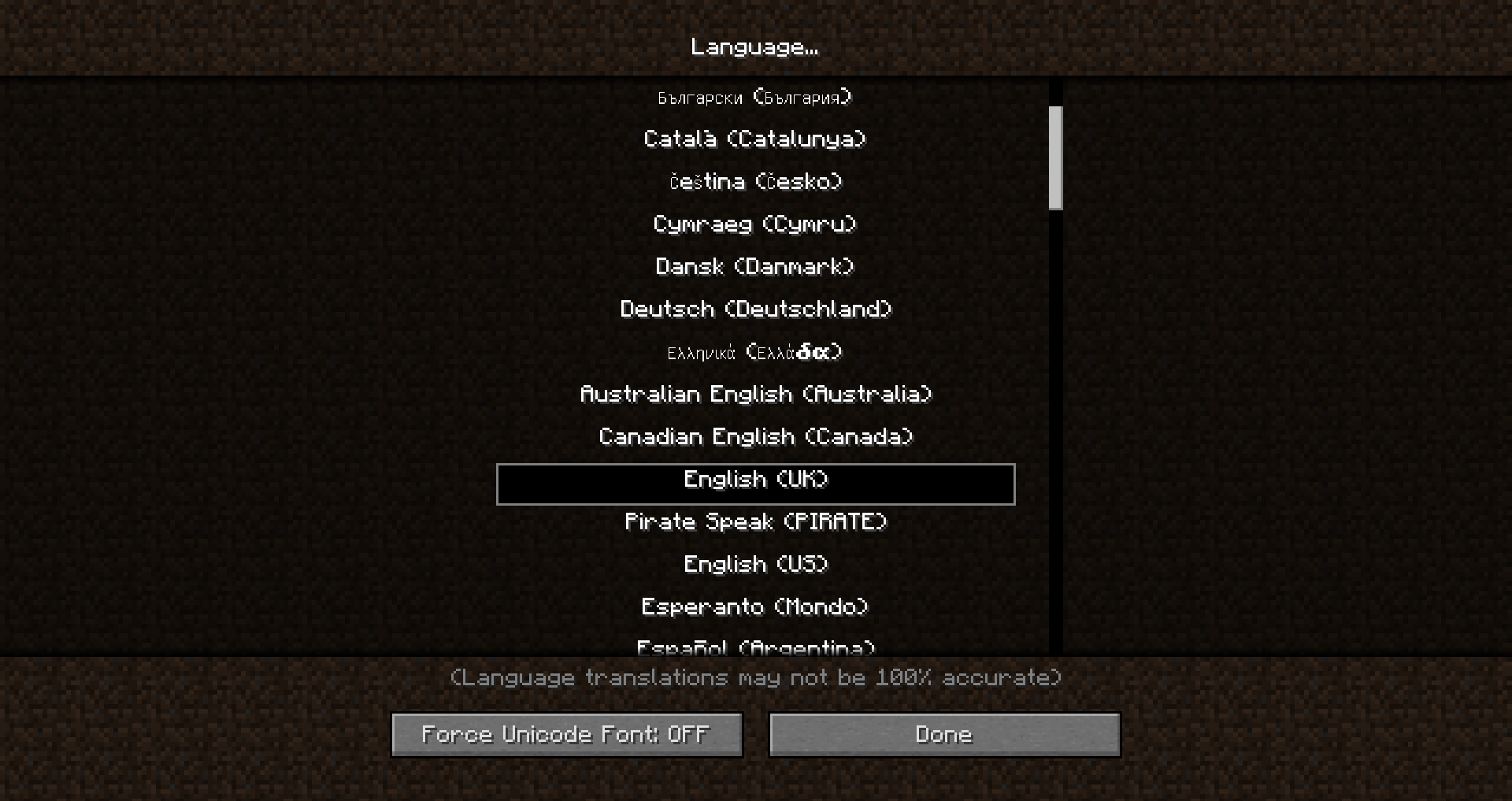
but yes it is invalid as when i switched to US english it didn't happen
English (UK)
Yes it is resolved!
As a duplicate, not as non existant or works as intended
Because of the same reason entire villages can spawn underwater
What is the bug?
Confirmed in 1.8.7
(on realms, if that affects it)
EDIT: Singleplayer too
Confirmed
This isn't a bug, it's a feature request.
Can't check as muliplayer is completely broken in the last snapshot I tried (15w47a)
I couldn't join, I found the problem, not a bug, my fault.
No, the issue isn't still in 15w47c
Confirmed on 0.14.0 (actual release, not the beta) Win10
This has been an issue since 0.12.1 I think
Uploading Comparison Video now
https://youtu.be/KbHtIqwDHq0
Still rendering the HD though, should be in 360p for now
No, that is only the case for the cow
Zombies move to fast if they are after someone/somthing
Pigs always move to fast
It's different for each mob
Works in Creative when flying close to the ground but before you land.
BOTH Java 1.10 and PE/WIN10 0.15
Technically it is
The problem is when the game decides to render the sprint particles. The issue is that it renders sprinting when the player is sprinting at a set difference in height from the ground.
In gm3 you are always flying so it is an issue, call it a problem or not in gm1 but it is still the same code
Updated to Win10 anniversary edition (Win10, 64bit, build 14393) and the game now crashes when running on my nvidia gpu (840M) but not on the integrated intel card
MCPE 0.15.6
Doesn't crash in windowed mode (if you're stuck on constant crashes, top right corner, windowed mode button)