 Philipp Hoehn
- ST0RMPEGASIS
- st0rmpegasis
- Europe/Stockholm
- Yes
- No

 MC-203946
 Low
Low






2018-04-14_15.51.16.png
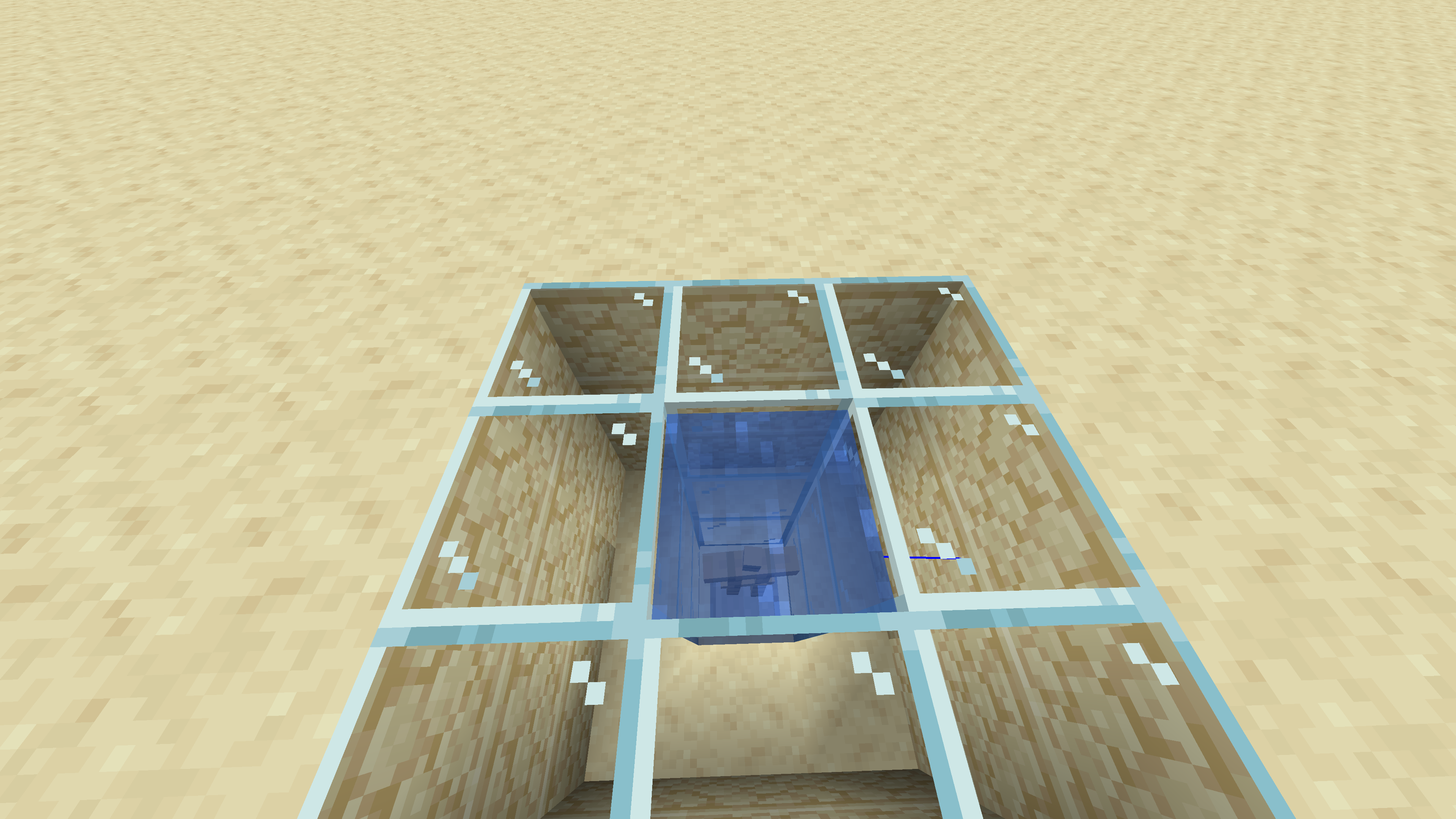
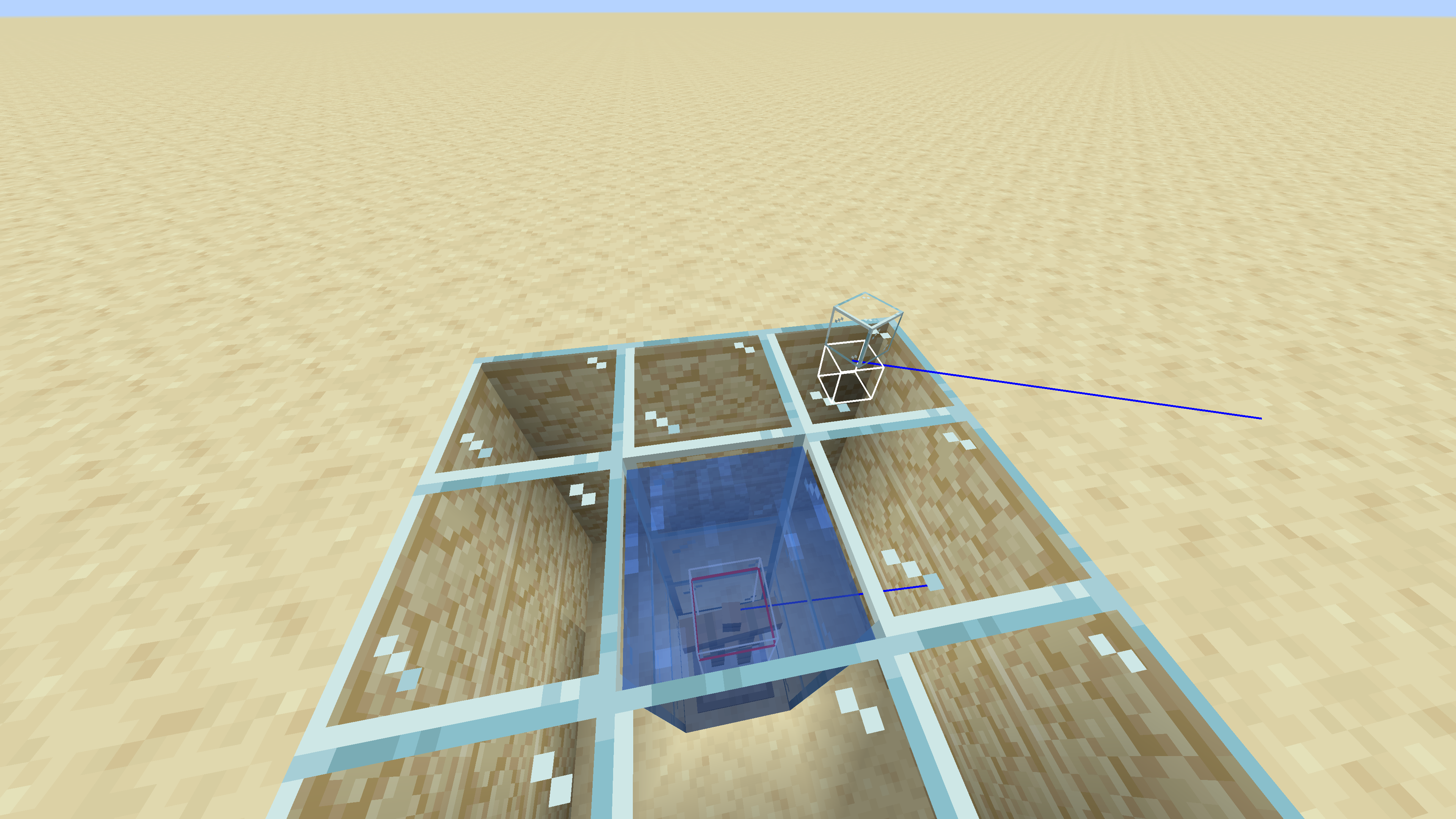
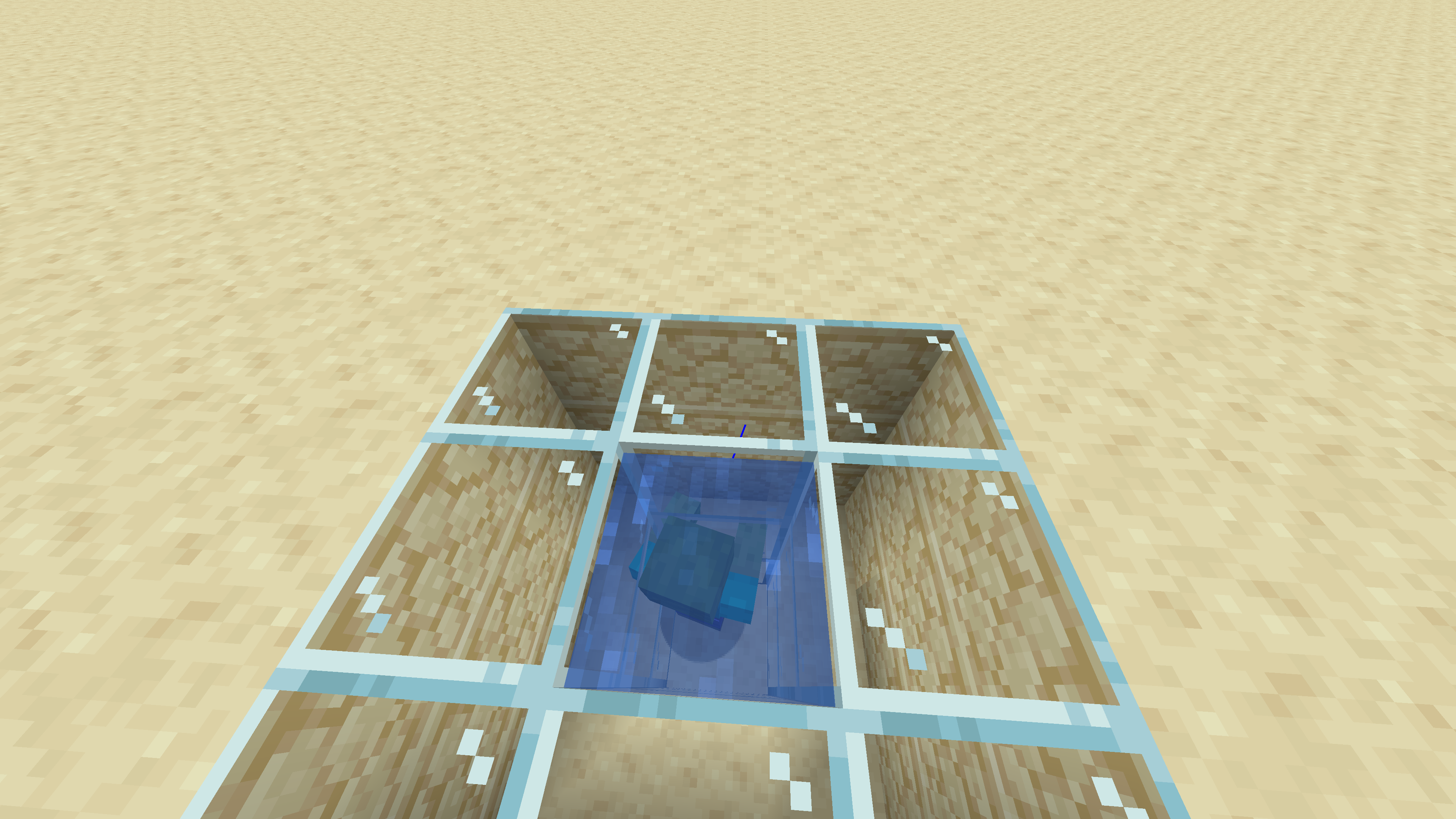
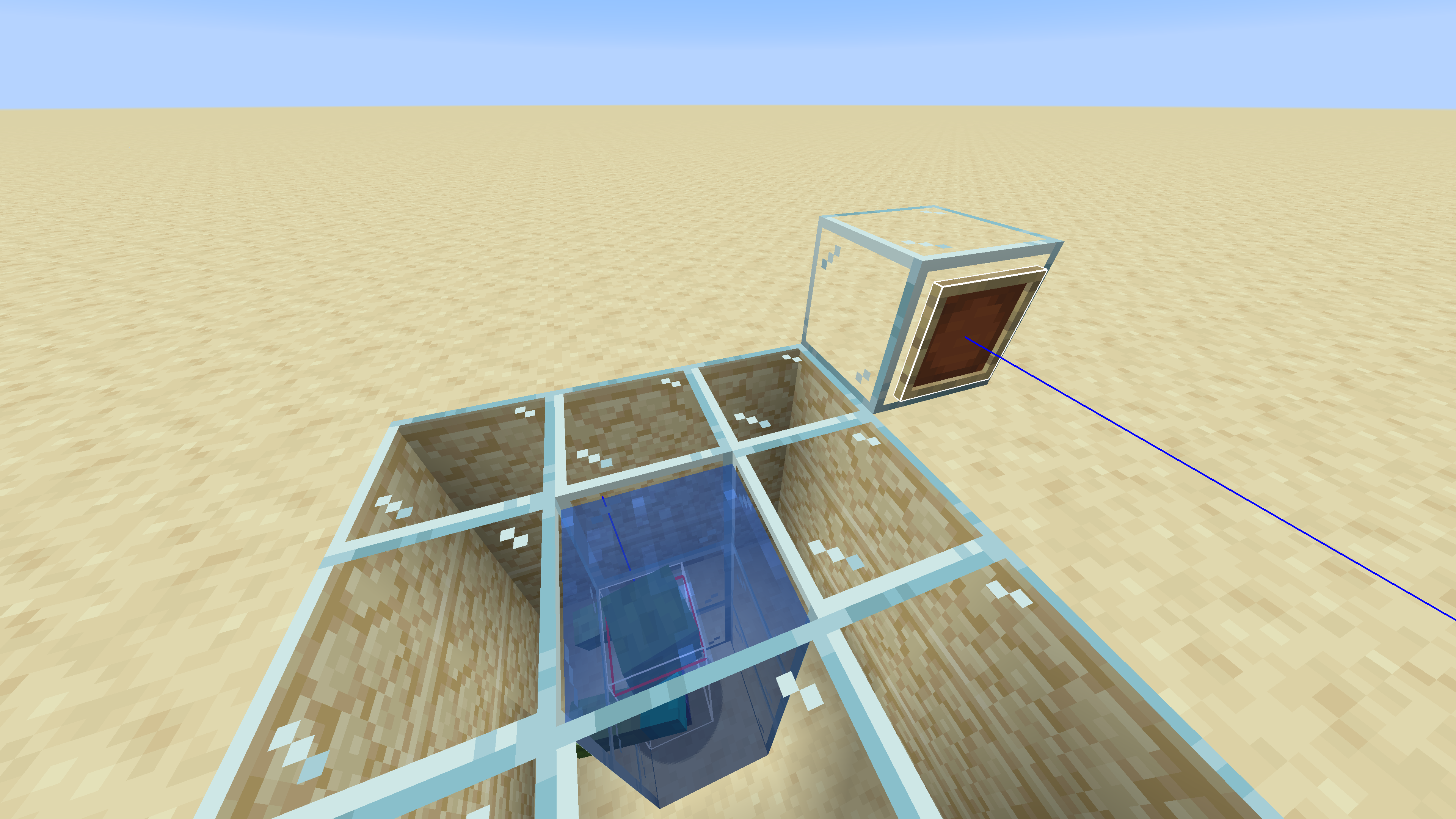
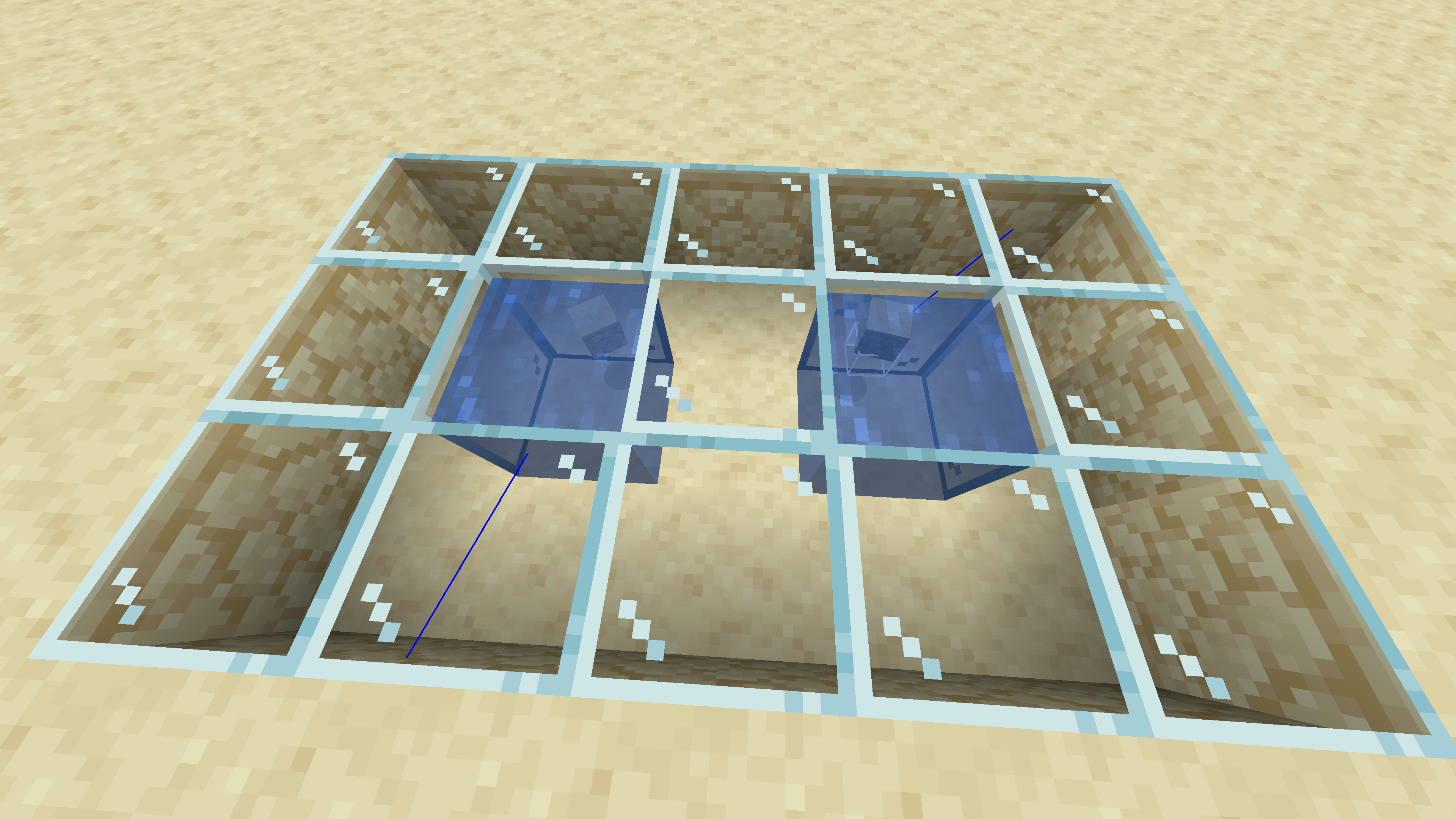
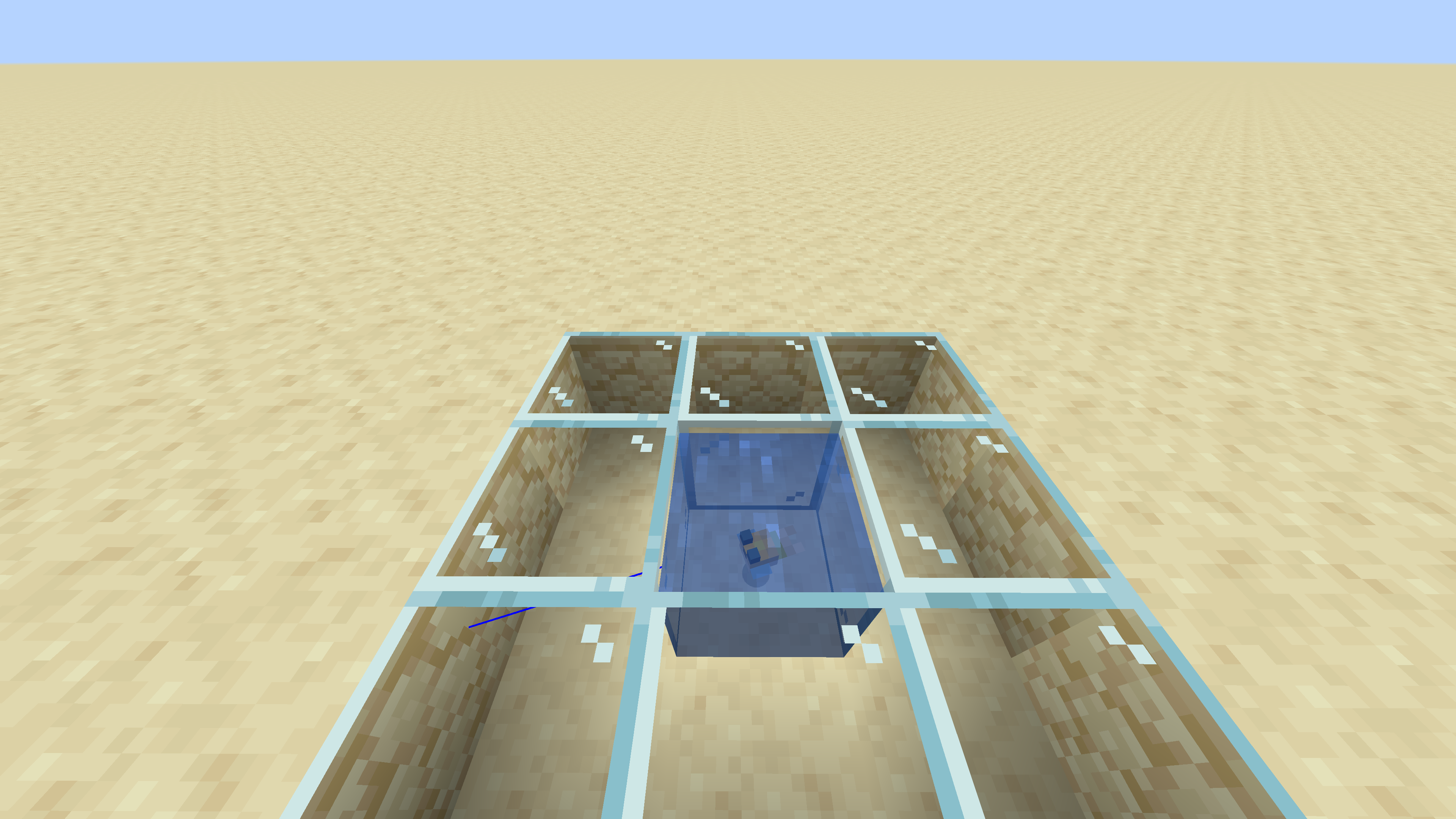
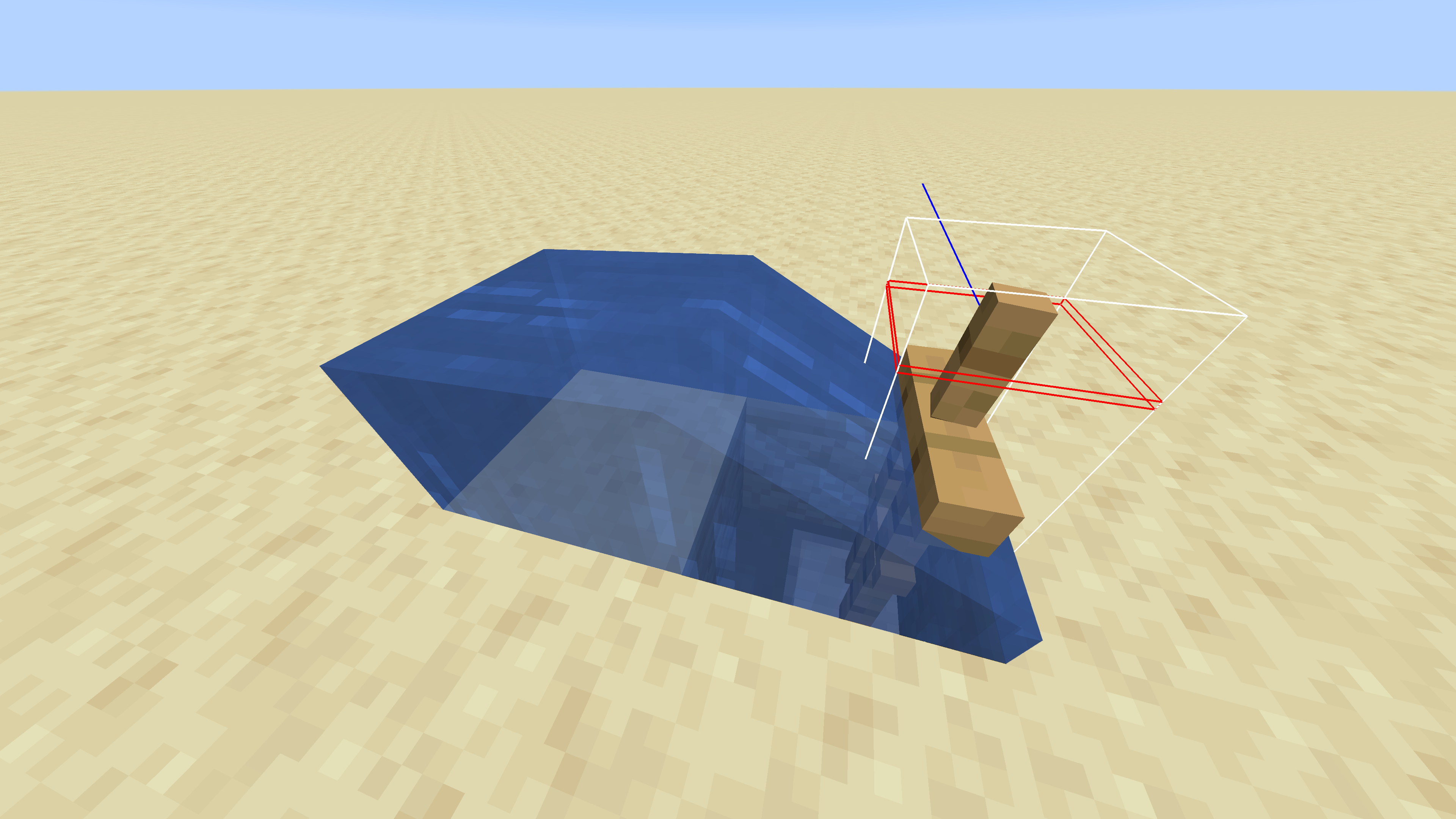
When hitboxes are shown (f3+b), completely submerged entities will not appear to have a hitbox when no other entities are on screen. If another entity such as a creeper, an item, a projectile, or even another submerged entity is shown on screen, then the entity's hitbox will show (this doesn't apply to yourself in third person in singleplayer).
Make sure your graphics are set to fast or fancy. ** This bug seems to be fixed for fabulous graphics settings.
Steps to reproduce:
- Set your graphics video settings to fast or fancy
- Show hitboxes (f3+b)
- Clear the surrounding area of any entities
- Place down water: enough to completely submerge the entity
- Spawn your entity in the water (if it floats you may have to fix it with commands or blocks)
Make sure you are out of water. If the entity is completely underwater, its hitbox will not show. Now summon another entity (place an armor stand for instance). The hitbox becomes completely visible.
For partially submerged entities, only certain parts of the hitbox will render.
If you are underwater, the behavior is reversed and entities out of water will have missing hitboxes.
When hitboxes are shown (f3+b), completely submerged entities will not appear to have a hitbox when no other entities are on screen. If another entity such as a creeper, an item, a projectile, or even another submerged entity is shown on screen, then the entity's hitbox will show (this doesn't apply to yourself in third person in singleplayer).
Make sure your graphics are set to fast or fancy. ** This bug seems to be fixed for fabulous graphics settings.
Steps to reproduce:
- Set your graphics video settings to fast or fancy
- Show hitboxes (f3+b)
- Clear the surrounding area of any entities
- Place down water: enough to completely submerge the entity
- Spawn your entity in the water (if it floats you may have to fix it with commands or blocks)
Make sure you are out of water. If the entity is completely underwater, its hitbox will not show. Now summon another entity (place an armor stand for instance). The hitbox becomes completely visible.
For partially submerged entities, only certain parts of the hitbox will render.
If you are underwater, the behavior is reversed and entities out of water will have missing hitboxes.
When hitboxes are shown (f3+b), completely submerged entities will not appear to have a hitbox when no other entities are on screen. If another entity such as a creeper, an item, a projectile, or even another submerged entity is shown on screen, then the entity's hitbox will show (this doesn't apply to yourself in third person in singleplayer).
Make sure your graphics are set to fast or fancy. ** This bug seems to be fixed for fabulous graphics settings.
Steps to reproduce:
- Set your graphics video settings to fast or fancy
- Show hitboxes (f3+b)
- Clear the surrounding area of any entities
- Place down water: enough to completely submerge the entity
- Spawn your entity in the water (if it floats you may have to fix it with commands or blocks)
Make sure you are out of water. If the entity is completely underwater, its hitbox will not show. Now summon another entity (place an armor stand for instance). The hitbox becomes completely visible.
Having certain block entities nearby (not necessarily in view) like shulker boxes, chests, enchantment tables, and moving pistons will also allow the hitbox to be rendered.
For partially submerged entities, only certain parts of the hitbox will render.
If you are underwater, the behavior is reversed and entities out of water will have missing hitboxes.
When hitboxes are shown (f3+b), completely submerged entities will not appear to have a hitbox when no other entities are on screen. If another entity such as a creeper, an item, a projectile, or even another submerged entity is shown on screen, then the entity's hitbox will show (this doesn't apply to yourself in third person in singleplayer).
Make sure your graphics are set to fast or fancy. ** This bug seems to be fixed for fabulous graphics settings.
Steps to reproduce:
- Set your graphics video settings to fast or fancy
- Show hitboxes (f3+b)
- Clear the surrounding area of any entities
- Place down water: enough to completely submerge the entity
- Spawn your entity in the water (if it floats you may have to fix it with commands or blocks)
Make sure you are out of water. If the entity is completely underwater, its hitbox will not show. Now summon another entity (place an armor stand for instance). The hitbox becomes completely visible.
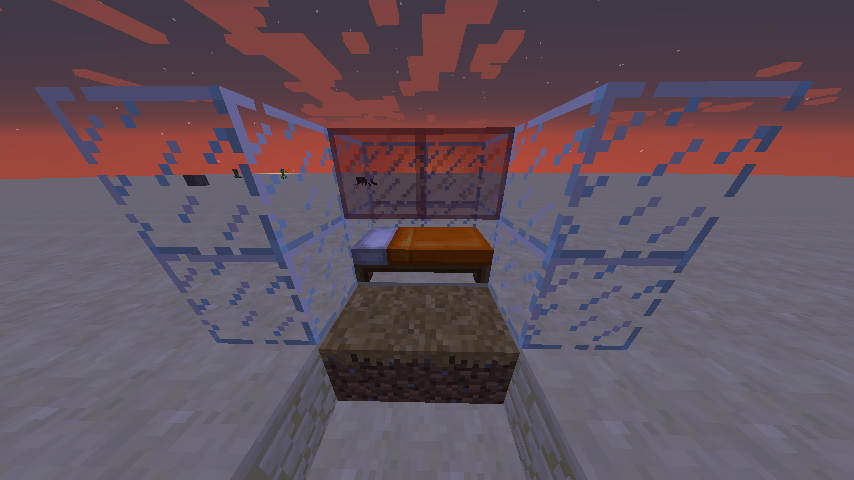
Having certain block entities nearby (not necessarily in view) like shulker boxes, chests, enchantment tables, beds, and moving pistons will also allow the hitbox to be rendered.
For partially submerged entities, only certain parts of the hitbox will render.
If you are underwater, the behavior is reversed and entities out of water will have missing hitboxes.
This glitch also can be replicated by placing a boat on the three sea pickles, mounting the boat, and adding another sea pickle while in the boat.
I don't see how this is a bug.
Duplicate of
MC-128260Try turning off your texture pack
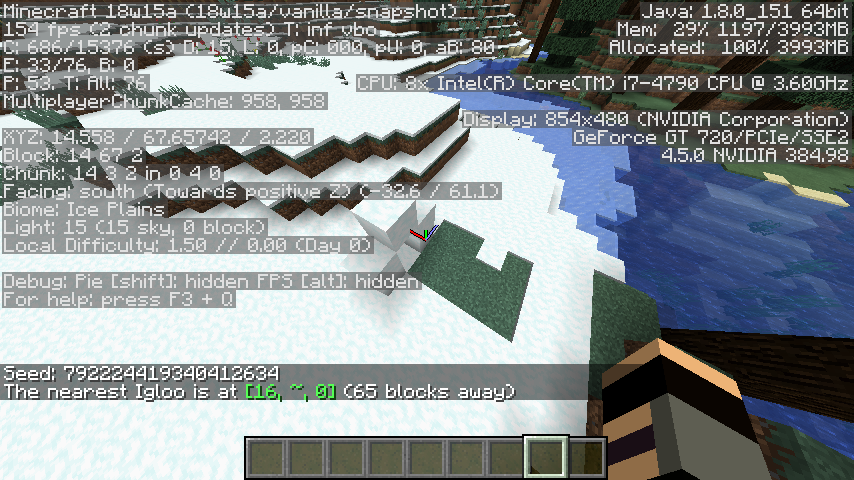
I also realized the locate command's distance was way off. This is because it calculates the distance from y level 0. I'm not sure if it would be easily implementable and wouldn't make the locate command take too long but I would like to see the distance calculated from the y level of the structure.
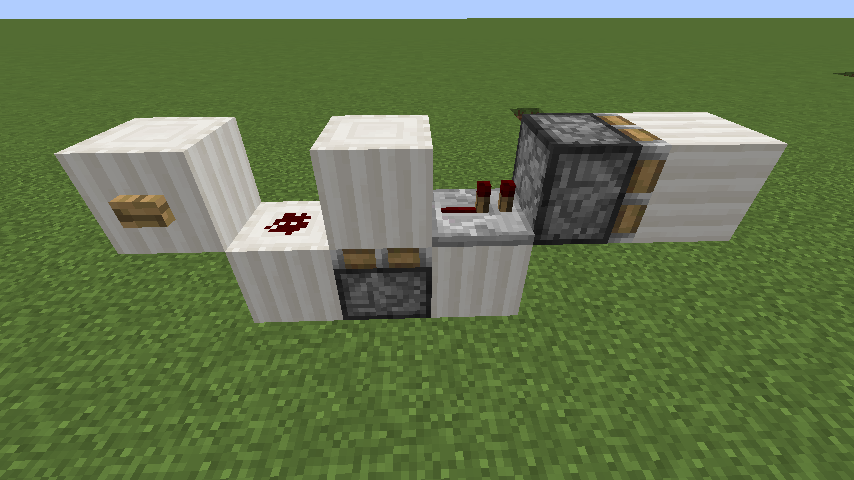
I just tested in version 1.12.2 and noticed the same behavior. It works when the when the output of the monostable circuit goes through a repeater before it activates the piston that should drop the block.
What was the last thing you did in your world?
Duplicate of
MC-133337The same thing happens to snowballs, enderpearls, and throwable potions. I think arrows are the only projectiles which ignite their target when on fire.
Same thing applies to pressure plates on solid blocks, tilted soil / farmland, non-upside down stairs, top-block trapdoors, lily pads, banners on solid blocks, and most (or all) transparent blocks. I tested it out with a set-up like this:
Affects 1.13-pre8
The sound could be from sheep eating grass
This also happens in 1.12.2
Duplicate of MC-128337