 Super Cat Gaming
- SuperCatGaming
- supercatgaming
- America/Chicago
- Yes
- No
 MCPE-10246
 MC-119309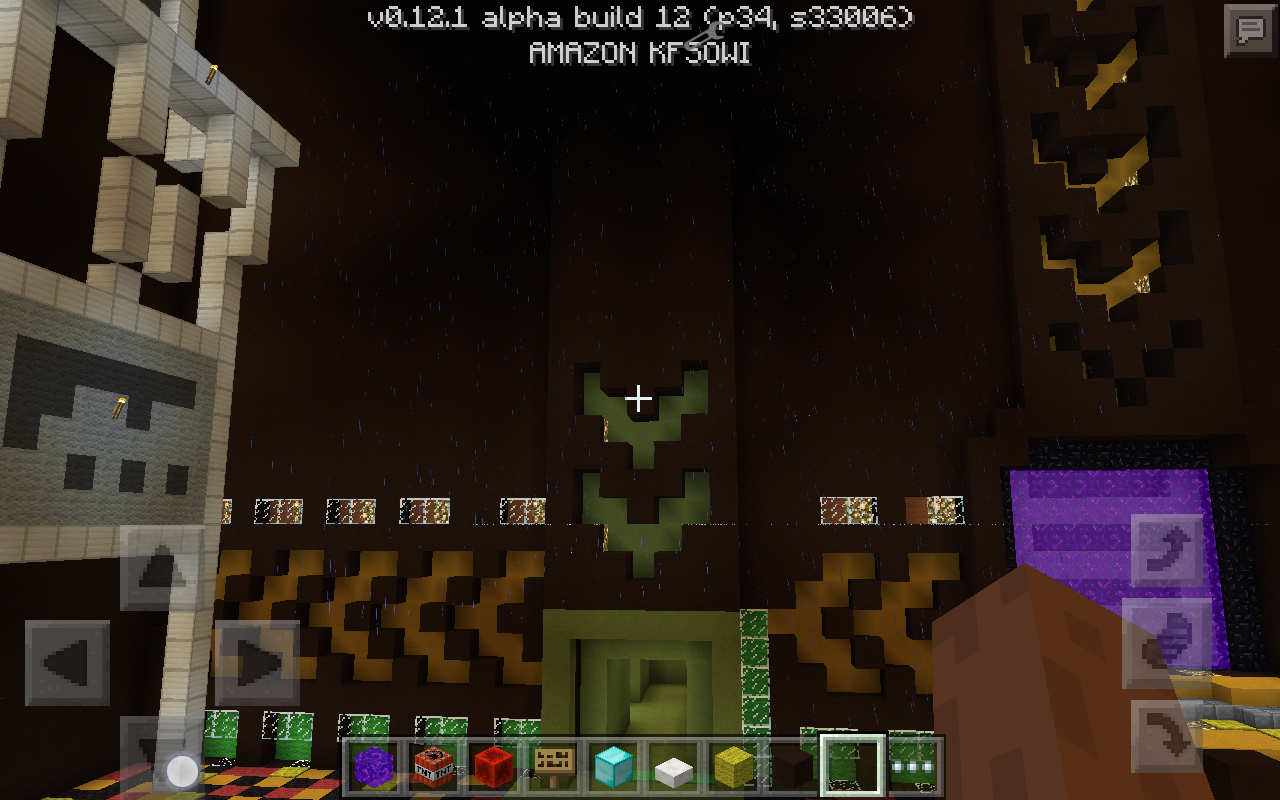
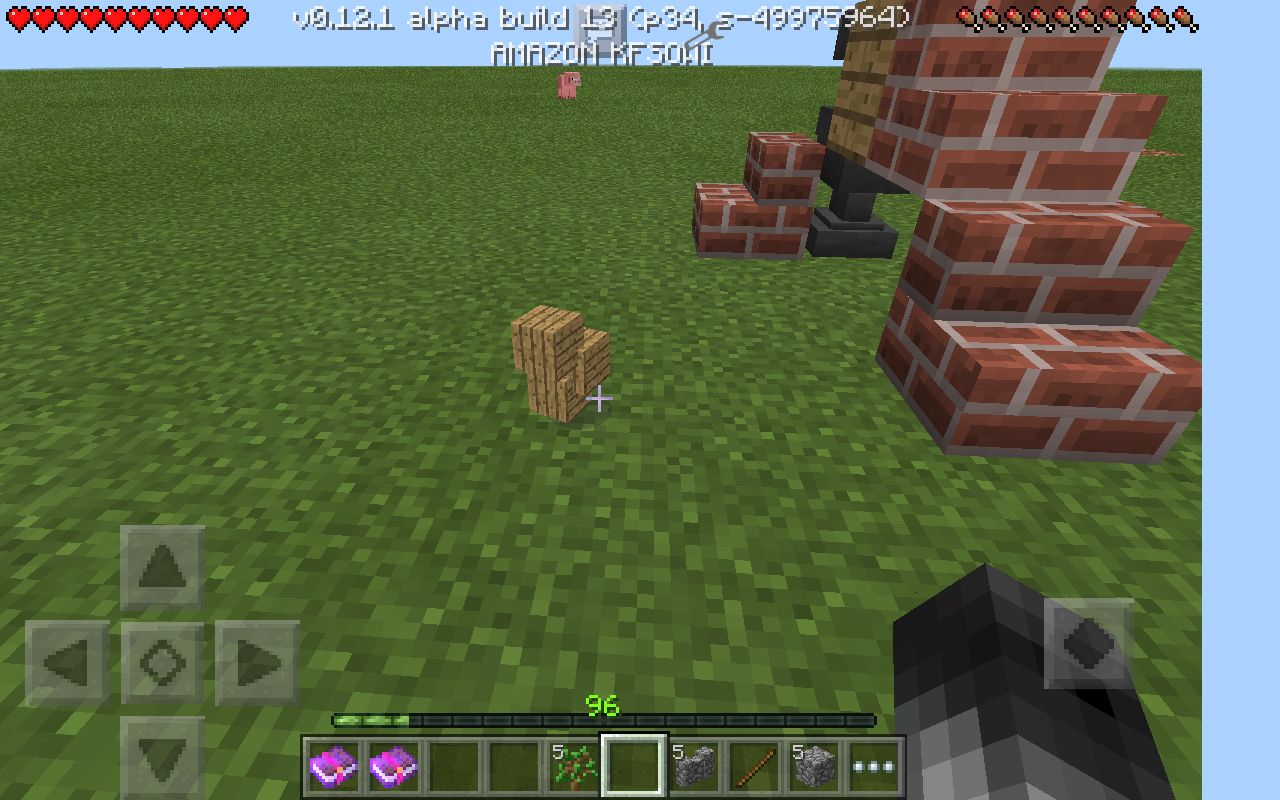



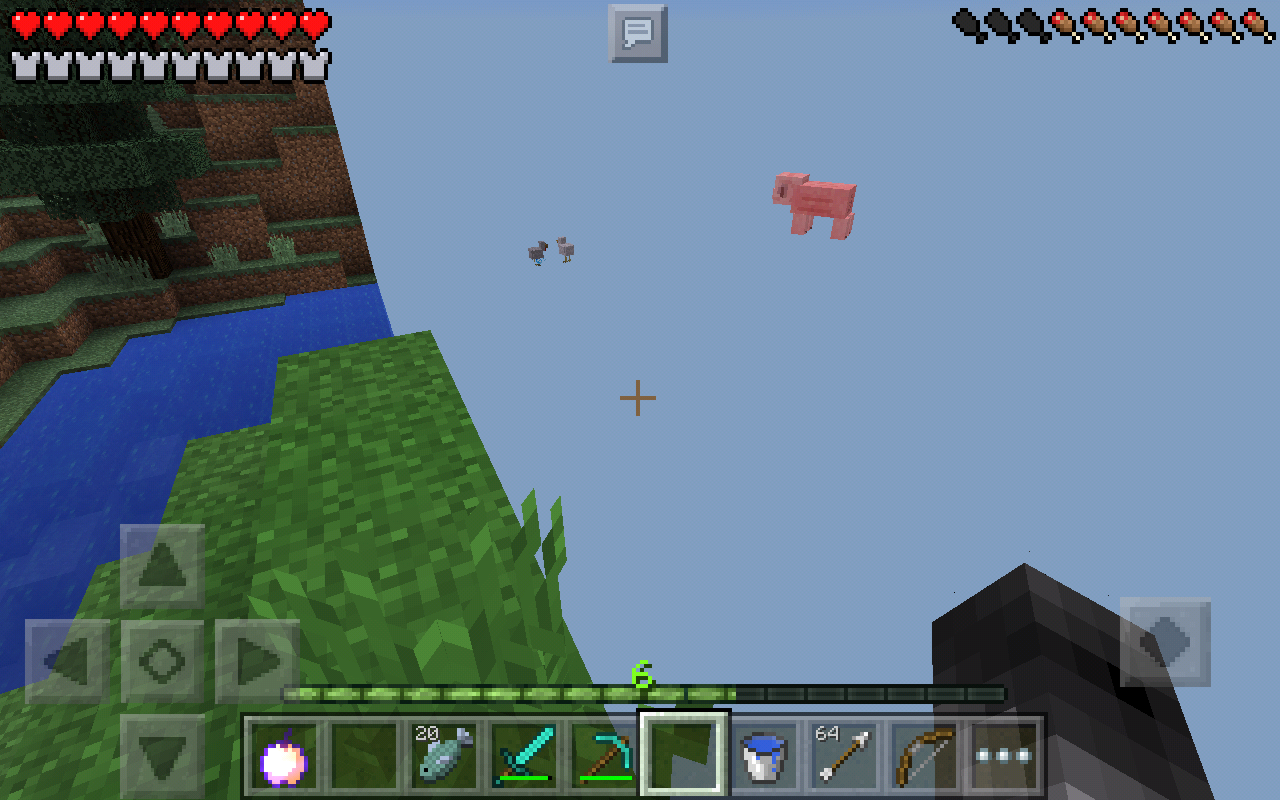
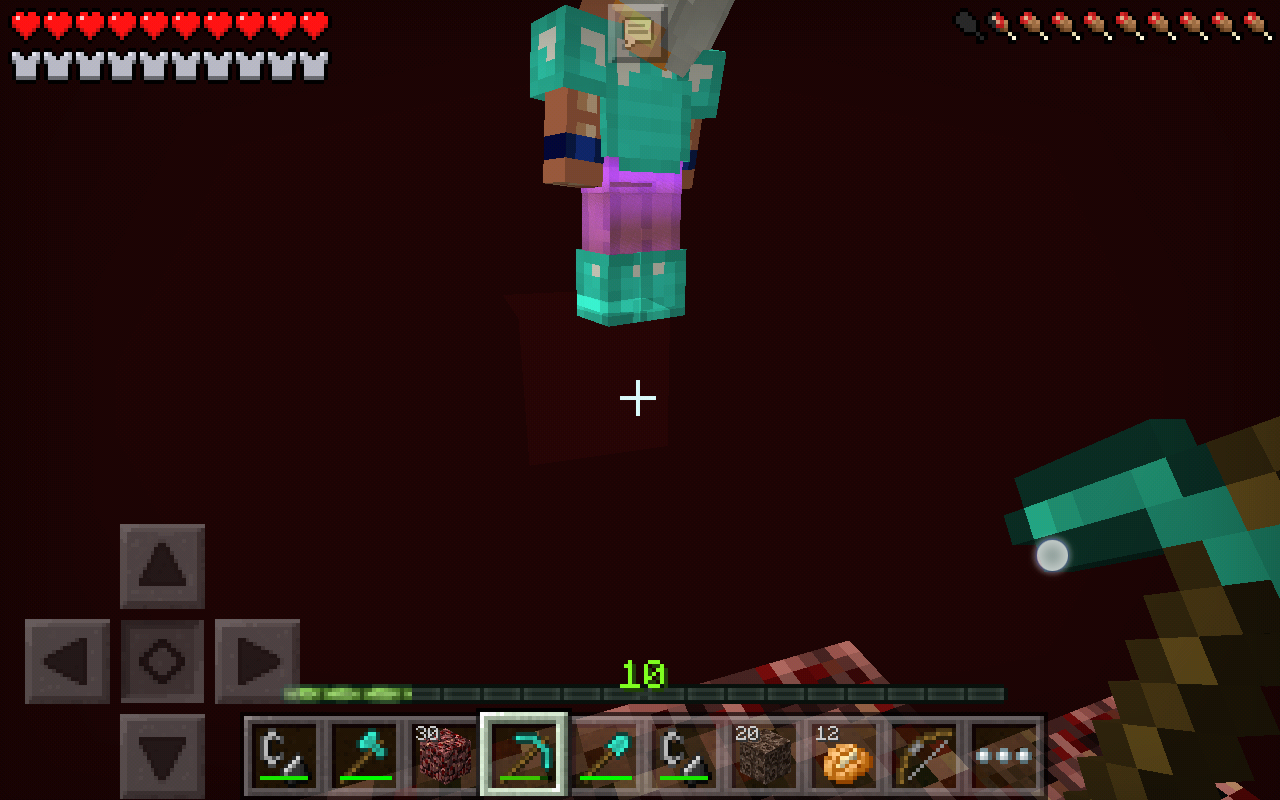




When you put an enchanted item in an anvil (lets say a book with power I) and the last item held was a book with power II. The power II book will change to a power I book.
(Or vise versa, i cant remember. Ill comment the actual results.
The way I said was correct. (The power II book becomes power I)
When you put an enchanted item in an anvil (lets say a book with power I) and the last item held was a book with power II. The power II book will change to a power I book. You have to rename the item or combine it with something for it to do this. (Otherwise I failed and put in the power II book instead of the power I.)
You have to rename the item or combine it with something for it to do this. (Otherwise I failed and put in the power II book instead of the power I.)
When you put an enchanted item in an anvil (lets say a book with power I) and the last item held was a book with power II. The power II book will change to a power I book. You have to rename the item or combine it with something for it to do this.
(Otherwise I failed and put in the power II book instead of the power I.)
Also for version 0.12.1 build 13...
"I belive it happens when the host is in the nether while 2nd player joins." Also if host is in overworld while 2nd player is in nether (although thats not what happened the first time I experienced this.
I went
throughnether portal (as 2nd player, not host) from the nether,it din't teleport me because of lag. I stoodin the portal for 30 seconds, walked out and back in, then it started building terrain. On host's screen i was back in overworld, but it was still on building terrain. It finally teleported me (note i had full heath and full iron armor) andidied of fall damage.I went in the nether portal (as 2nd player, not host) from the nether, the building terrain screen poped up, but it did not load for a few seconds. On host's screen i was back in overworld, but it was still on building terrain. It finally teleported me (note i had full heath and full iron armor) and I instantly died of fall damage.
I went in the nether portal (as 2nd player, not host) from the nether
, the building terrain screen poped up, but it did not load for a few seconds. On host's screen i was back in overworld, but it was still on building terrain. It finally teleported me (note i had full heath and full iron armor) and I instantly died of fall damage.I went in the nether portal (as 2nd player, not host) from the nether. The building terrain screen popped up, but it did not load for a few seconds. On host's screen i was back in overworld, but it was still on building terrain. It finally teleported me (note i had full heath and full iron armor) and I instantly died of fall damage.
I went in the nether portal (as 2nd player, not host) from the nether. The building terrain screen popped up, but it did not load for a few seconds. On host's screen i was back in overworld, but it was still on building terrain. It finally teleported me (note i had full heath and full iron armor) and I instantly died of fall damage. I belive it happens when the host is in the nether or overworld while 2nd player joins, though thats not what happened the first time. The second time, I joined the game while host was in the nether, went to the nether portal, entered, and it did not load for 4-6 seconds, and when it did, I took 2 hearts of damage at a time until I died. Full iron armor, enchanted helmet (protection 1), full health.
Deleted message
If you throw a splash poition (even when it lands in your face) does not give the full duration listed when you tap on it in you inventory. While throwing a 8:00 potion at you face, you only get 6:00, when you throw it at feet, you get 3:45, and at a wall you get 5:45. Fixed in build 13 (if so, will delete momentarialy)
If you throw a splash poition (even when it lands in your face) does not give the full duration listed when you tap on it in you inventory. While throwing a 8:00 potion at you face, you only get 6:00, when you throw it at feet, you get 3:45, and at a wall you get 5:45. Fixed in build 13 (if so, will delete momentarialy)
When you climb up ladders, they no longer make noises.
Splash poitons dont give full durationLadder no longer make noises when climbing them
Ladder no longer make noises when climbing themLadder Noises
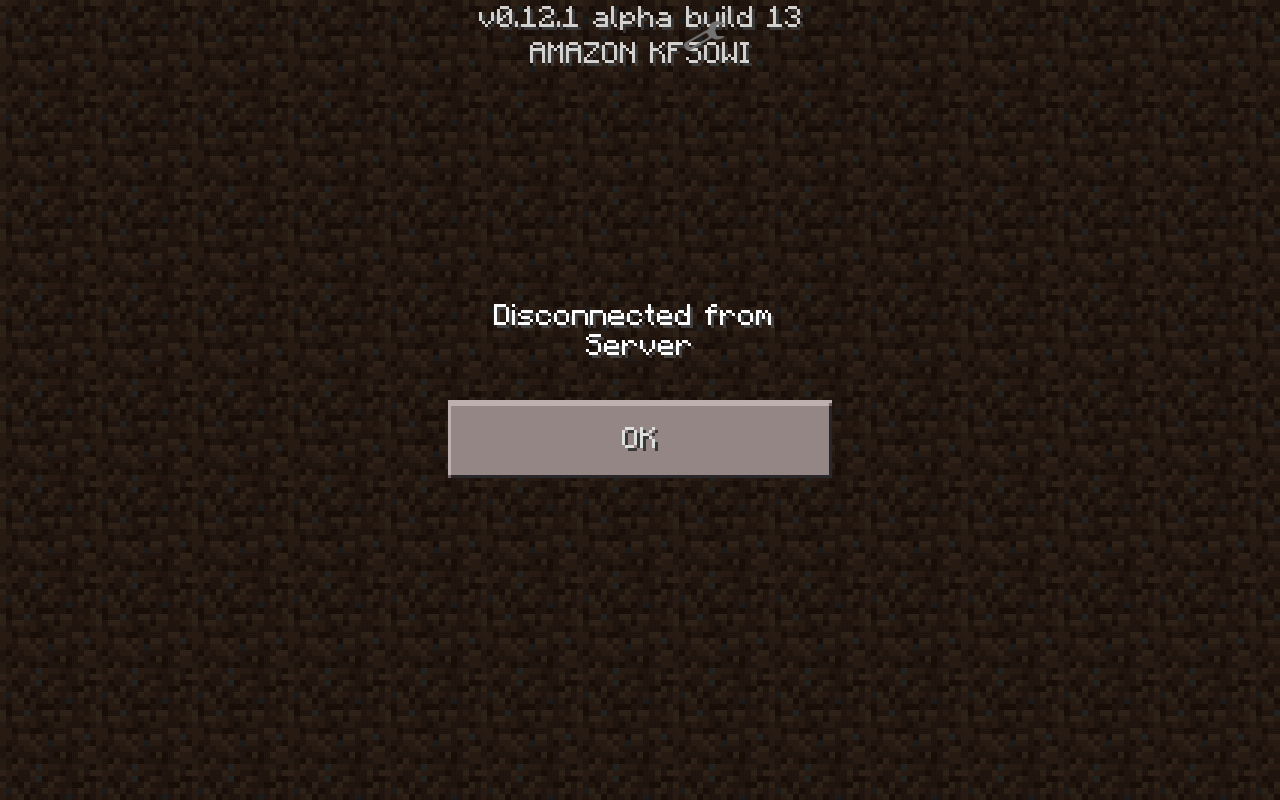
When you join and quit the game right away on a server and then hit the "Play" button, a screen pops up saying "Disconnected From Server"
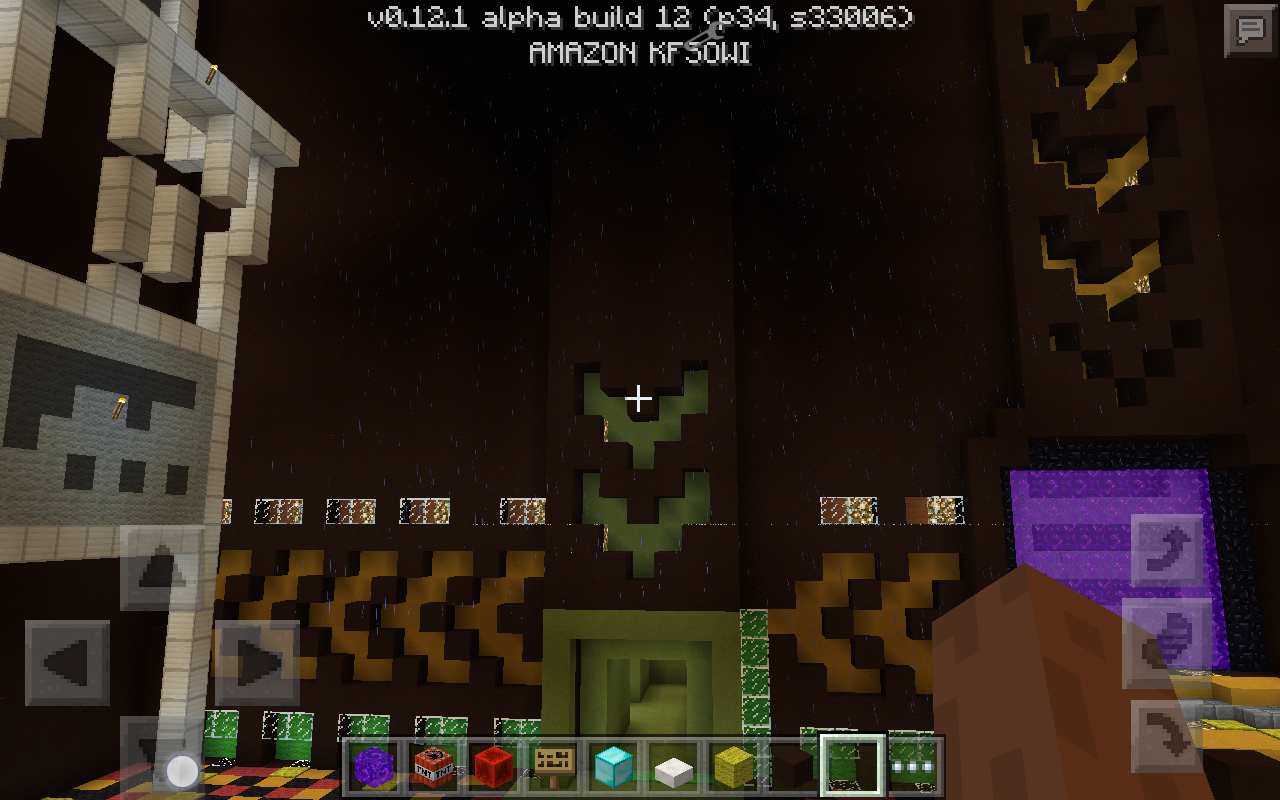
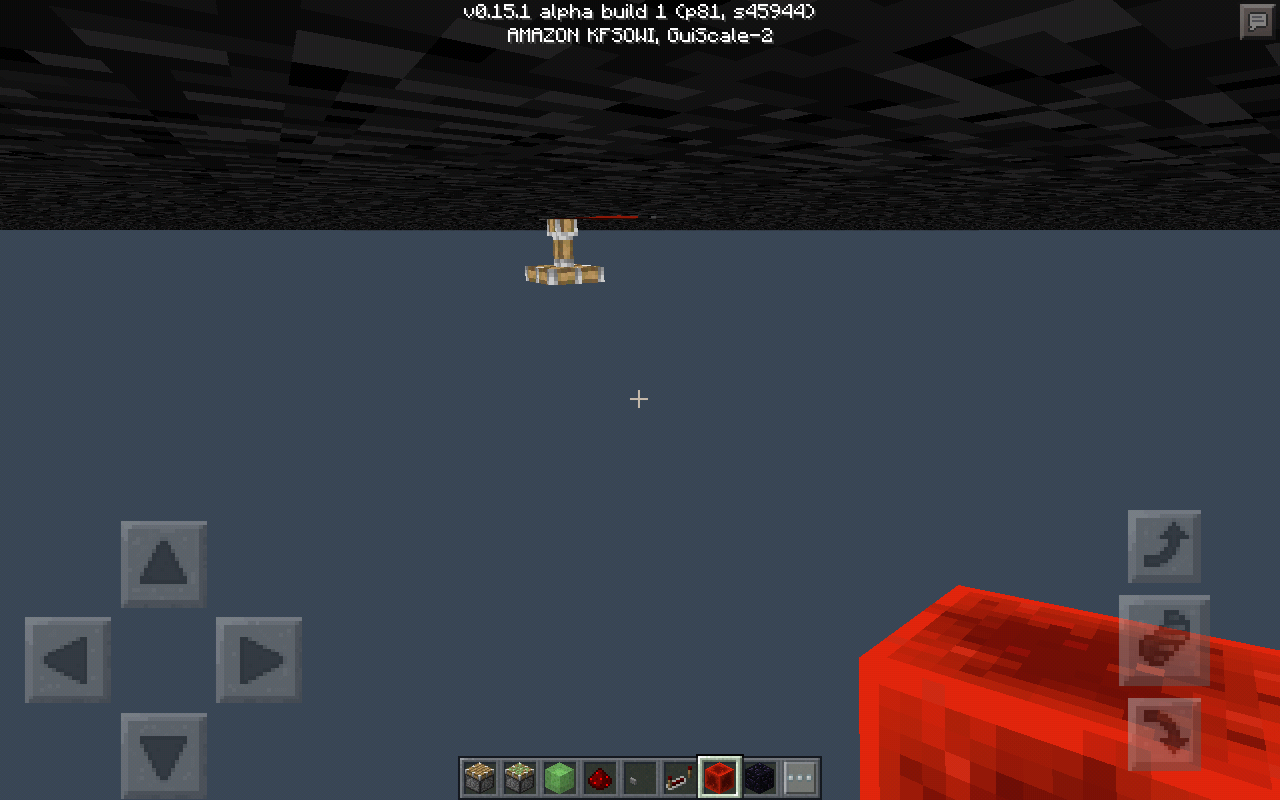
While moving backwards while raining, in a structure with a roof, you can see the rain right through it.
(Not a great screenshot, sorry.)
When you join a multiplayer Wi-Fi server, the terrain does not load properly 10
/9of the time. It lags the host and it happens when you travel a little way from where you joined. This is annoying because you have to "relog" to load the terrain.This also happens in the nether.When you join a multiplayer Wi-Fi server, the terrain does not load properly 9/10 of the time. It lags the host and it happens when you travel a little way from where you joined. This is annoying because you have to "relog" to load the terrain. This also happens in the nether. I think it is the host, because I traveled far from where I joined, reloging to do so, and when I went to make my way back to my house, where the host was, terrain was loading. Not necessarily smoothy like it should, but it was loading. That was until I got close to where the host was again.
When you have an item to put in the furnace, it does not show up in the menu, no matter what it is. This is only for the top spot of the menu, as it let me put wood and coal in the bottom half.
Steps to reproduce:
1. Get a smeltable item in your inventory.
2. Place a furnace and open the menu.
3. Notice, you can't put anything in the top slot.Please fix this bug.
When you have an item to put in the furnace, it does not show up in the menu, no matter what it is. This is only for the top spot of the menu, as it let me put wood and coal in the bottom half.
Steps to reproduce:
1. Get a smeltable item in your inventory.
2. Place a furnace and open the menu.
3. Notice, you can't put anything in the top slot.Edit: this is a multiplayer bug, but it happens to both the host and the 2nd player. My friend was in a world with me and could not smelt anything, and nor could I, but once I left, he could.
When you have an item to put in the furnace, it does not show up in the menu, no matter what it is. This is only for the top spot of the menu, as it let me put wood and coal in the bottom half.
Steps to reproduce:
1. Get a smeltable item in your inventory.
2. Place a furnace and open the menu.
3. Notice, you can't put anything in the top slot.Edit: this is a multiplayer bug, but it happens to both the host and the 2nd player. My friend was in a world with me and could not smelt anything, and nor could I, but once I left, he could. Also, make sure the 2nd player is in the game before the him/herself or tue host opens the furnace, or the bug is not there.
When you have an item to put in the furnace, it does not show up in the menu, no matter what it is. This is only for the top spot of the menu, as it let me put wood and coal in the bottom half.
Steps to reproduce:
1. Get a smeltable item in your inventory.
2. Place a furnace and open the menu.
3. Notice, you can't put anything in the top slot.Edit: this is a multiplayer bug, but it happens to both the host and the 2nd player. My friend was in a world with me and could not smelt anything, and nor could I, but once I left, he could. Also, make sure the 2nd player is in the game before the him/herself or t
ue host opens the furnace, or the bug is not there.When you have an item to put in the furnace, it does not show up in the menu, no matter what it is. This is only for the top spot of the menu, as it let me put wood and coal in the bottom half.
Steps to reproduce:
1. Get a smeltable item in your inventory.
2. Place a furnace and open the menu.
3. Notice, you can't put anything in the top slot.Edit: this is a multiplayer bug, but it happens to both the host and the 2nd player. My friend was in a world with me and could not smelt anything, and nor could I, but once I left, he could. Also, make sure the 2nd player is in the game before the him/herself or the host opens the furnace, or the bug is not there.
This may be considered as an invalid issue, but the game is broken and unfun to play. Here are some problems:
1. You just randomly decided you would make redstone hook up to pistons without directing it, which broke all my creations, thanks.
2. Pistons just don't work; they are inconsistent: sometimes they work, sometimes they don't.
3. My brother apparently is having mobs teleport (mostly sheep.) They're in their pen when he's in, but when he quits and rejoins, they've somehow teleported out of their pen AND out of the building they were in.
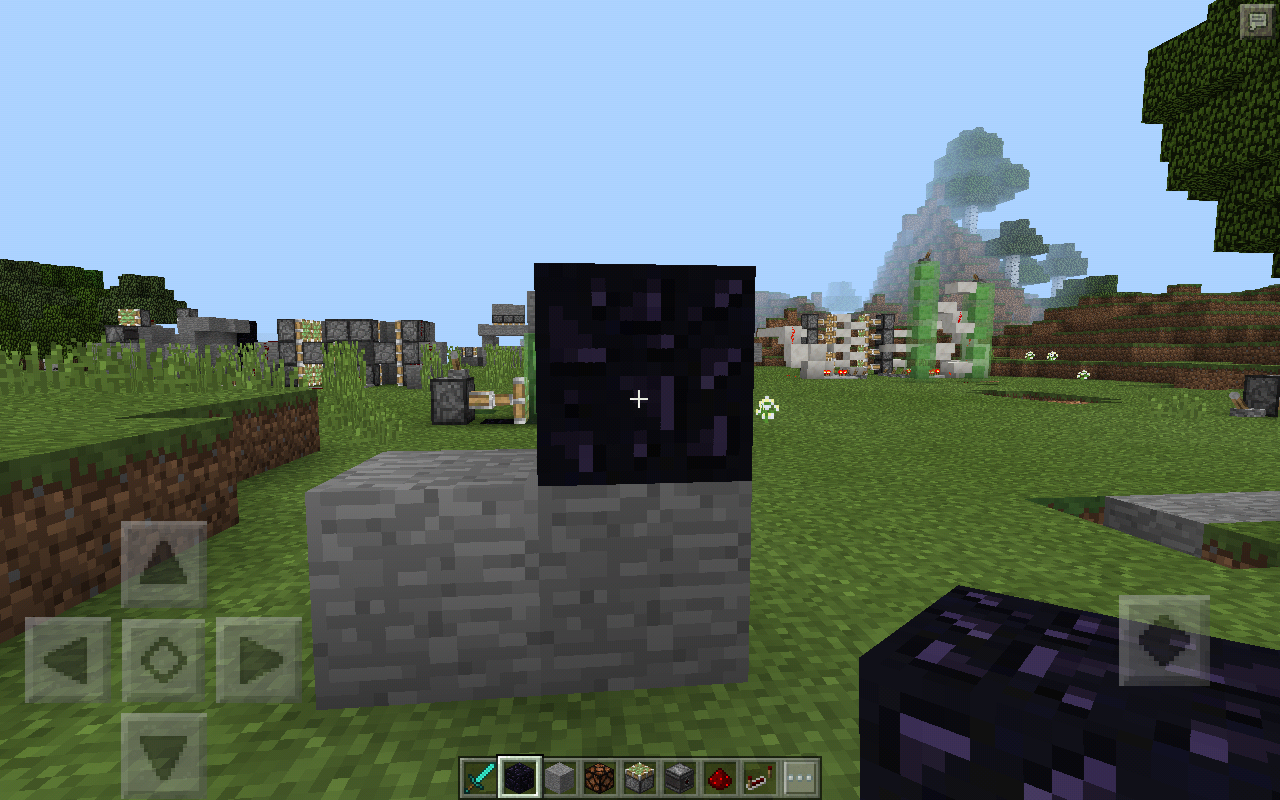
4. Obsidian makes block below have a dark shade.
And many more that I can't remember right now.
So here is what I request of you:
1. Worry about the quality of your product, not the quantity of updates/stuff in the updates.
2.make one huge bugfix update (0.17 maybe)
3. When you're adding anything, test to make sure it works instead of leaving it.
5. Slow way down as I stated in 1.
This is in no shape or form meant to be rude or disrespectful, but I do believe you can do better. The game is getting out of hand, and the bugs are taking over. Please fix this. I love Minecraft, but it's too buggy for me to even do what I want. Also one more thing... Too laggy.
And many more that I can't quite remember right now. So here is what I request of you:
1. Worry about the quality of your product,
I was playing in my survival world, and I knew where a Jungle was, and I wanted to find a Temple, so I went to the Jungle, which to mention is not that far from spawn. After spending some time in the Jungle, I noticed I was experiencing rubber-banding. At the time, I was recording, so I will upload that to YouTube. Mining Iron was a problem, but Stone wasn't. I found a cave, and decided I would go in it, only to find that there were 100 km/h baby zombies. They were coming at me before they were rendered coming at me, so they seemed to teleport. Hitting them was a pain, so I had to run away. They followed me up some trees, still rubber-banding. Hitting them accented that point. The sun was also messed up.
The video will explain it better:
*strong text*Soon

Super Cat Gaming, 1.10.2 is already in the list of affected versions
It's because when you tap the 'ride' button, it also thinks you want to punch the cart, thus destroying it. So for now, the only way to ride a minecart in creative is to tap and hold on it.
Not be rude, but this is not a duplicate. If you look on the other one, it says fix version is beta 10 (though this is obviously not true, as mine says affect versions beta 12 + 13) So this I not a duplicate, and mine is explained a bit better (no offense to Axel Daniel Montero Mujica)
Comfirmed in builds 12+13
In this screenshot, I turned up the sharpness a lot, so the rain is easily seen
Yup, that's what happened to me. It's really annoying.
This bug is still in the full release of 0.12.1
I got a screenshot, and it turns out, it's flickering green!
That's what I basically said. It thinks the button is not there, so when you tap and hold the button, it basically thinks your just tapping and holding the screen like the button is not there, which what I previously mentioned, is the only way to get in a minecart. Tapping a holding the screen does the alternate action (getting in a minecart instead of punching it, shearing seep instead of punching it, ect.)
Oh my gosh. Hahahaha. I just realised that I put 10/9 instead of 9/10. Huge fail lol.fixed itNo, it does not. It has been fixed. 😊
Yes, it has been in the game since the full release of 0.11.0 if that helps.
I don't know. But I think it might have been fixed. It rarely happened. I'm almost positive it was when the host lost wifi and gained it back, hence why I had said that it didn't teleport me the first time. I deleted it because I thought it wasn't important. I will reply once I try something. Sorry for taking forever to reply. Didn't see the email somehow.
I will test, but I am on 0.12.3Ok so, if I did it right, it has been fixed. 😺Fixed (I'm on 0.12.3, but I think it was fixed in 12.2)
I think I figured out what happened. So I tested it with my friend by having him put his device on airplane mode. I stood in the portal and had him put airplane mode on, I stood in the portal and had him turn airplane mode off and got out and back in the portal, and I lost half health. I think the longer you stand in the portal when the host or you have lost Wi-Fi the more damage you take. It might be suffocation damage, either from the obsidian, or it is thinking the portal is a full block.
It seems to be fixed in 0.13.1 for Amazon Kindle Fire HD.
No, it has been fixed.
Affects 0.14.0 b5
Last screen shot was fixed I believe, but still. How did that happen.
Confirmed for 1.10.2
Also affects slabs.
If this is necessary to know, Fire OS 4.4.5.2
https://youtu.be/KyYBGfb8aHA
This is a video I made to show the bug. Maybe it could help?
Still not fixed in 1.1.1... I saw a YouTube video that showed an Android device using it, but they connected while they were in the game. On a kindle, you cannot do that because it puts the game in the background whenever you want to mess around with Bluetooth (which includes connecting to the controller) so it can't recognize it. I'll suggest a better way to handle the game knowing if a controller is connected or not: check when the game is started. Seemed obvious enough to me. Actually, I would think that that would've been how you did it in the first place.
Still affecting the newest version: 1.1.3
I think it is something to do with Fire OS's inability to multitask. When you have an app open, it freezes all other apps, but keeps them open. Minecraft might not recognize the controller due to the bluetooth device handler being frozen. I know that the kindle definitely has background tasks, but only with important apps, such as the system, or keyboard. Furthermore, I have tried to turn off the controller and turning it back on again, to see if it would connect, and allow Minecraft to recognize it. It wouldn't connect, most likely because the bluetooth device handler is frozen.
(I will mention, I have no idea if bluetooth has a device handler, but that seems like the only way a bluetooth device wouldn't be able to unconnect and reconnect, but is still usable).