 D Morrison
- the_evidence
- the_evidence
- America/Halifax
- Yes
- No
 MC-8679

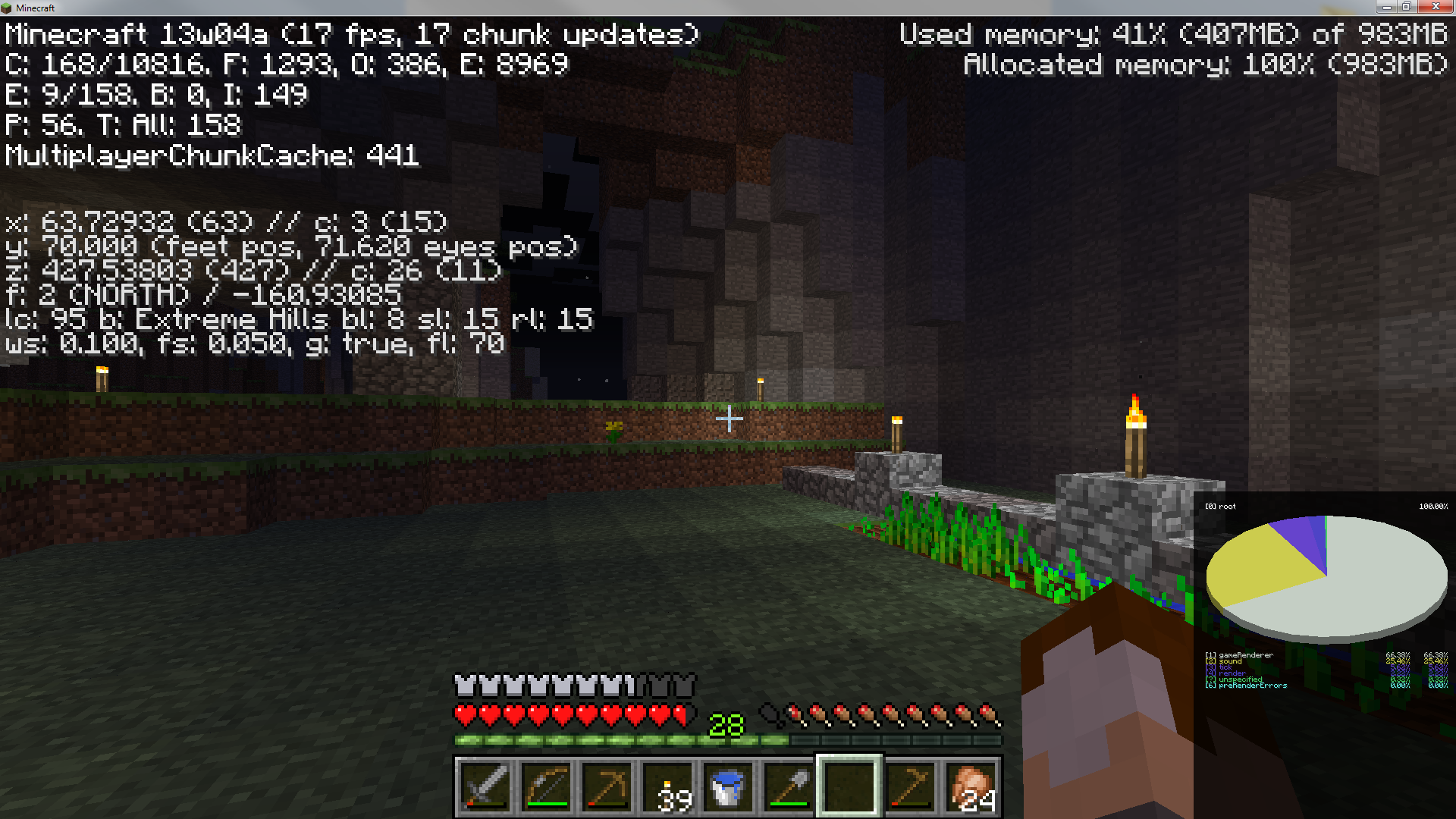


Not sure if this is a bug/working as intended/not yet implemented. Please clarify if possible.
While 2x2 spruce trees spawn naturally in
Covered Forestbiomes, it doesn't seem possible to grow them either naturally or with bone meal.I followed the same rules that are used to grow 2x2 jungle trees:
-Four saplings in a square
-No blocks in the 12 blocks around them
-Tried using natural growth (a 1x1 tree spawns)
-Tried using bonemeal (a 1x1 tree spawns)Not sure if this is a bug/working as intended/not yet implemented. Please clarify if possible.
While 2x2 spruce trees spawn naturally in Mega Taiga biomes, it doesn't seem possible to grow them either naturally or with bone meal.
I followed the same rules that are used to grow 2x2 jungle trees:
-Four saplings in a square
-No blocks in the 12 blocks around them
-Tried using natural growth (a 1x1 tree spawns)
-Tried using bonemeal (a 1x1 tree spawns)
-Tried growing on both dirt and podzol.

The 2x2 Spruce that spawn in Covered Forest biomes use Oak leaves instead of Spruce leaves.
ie.
They look like Oak leaves.
Pick block gives Oak leaves.
They drop Oak saplings and Apples.Regular spruce are fine, afaik.
Appears to be fixed as of 13w43a, with the introduction of the Roofed Oak species!
The 2x2 Spruce that spawn in Covered Forest biomes use Oak leaves instead of Spruce leaves.
ie.
They look like Oak leaves.
Pick block gives Oak leaves.
They drop Oak saplings and Apples.Regular spruce are fine, afaik.

Appears to be fixed as of 13w43a, with the introduction of the Roofed Oak species!
The 2x2 Spruce that spawn in Covered Forest biomes use Oak leaves instead of Spruce leaves.
ie.
They look like Oak leaves.
Pick block gives Oak leaves.
They drop Oak saplings and Apples.Regular spruce are fine, afaik.
Appears to be fixed as of 13w43a, with the introduction of the Roofed Oak species!
Original report follows:
Old bug reportThe 2x2 Spruce that spawn in Covered Forest biomes use Oak leaves instead of Spruce leaves.
ie.
They look like Oak leaves.
Pick block gives Oak leaves.
They drop Oak saplings and Apples.Regular spruce are fine, afaik.
Appears to be fixed as of 13w43a, with the introduction of the Roofed Oak species!
Original report follows:
Old bug reportThe 2x2 Spruce that spawn in Covered Forest biomes use Oak leaves instead of Spruce leaves.
ie.
They look like Oak leaves.
Pick block gives Oak leaves.
They drop Oak saplings and Apples.Regular spruce are fine, afaik.
Is this any different than putting out the fire with any item? Can't honestly tell from the description. All I could get when I tried to replicated was the intended fire extinguishing behaviour.
EDIT: Oh shoot, this is a duplicate of
MC-3416. I combed through ~250 map bug reports to make sure this wasn't a duplicate, and somehow didn't see it. How embarrassing. ;_As several map markers are added (by hanging map copies), some of the markers get lost. I've seen it happen with as few as three markers.
Marker icons can still be partially seen from some angles, but from most angles they are invisible. In the attached screenshots the marker in the four o'clock position is bugging out. It appears the same effect happens on maps in hand, but they just disappear.
It might be some kind of z-fighting given that it is extremely sensitive to position and angle of view.
EDIT: Oh shoot, this is a duplicate of
MC-3416. I combed through ~250 map bug reports to make sure this wasn't a duplicate, and somehow didn't see it. How embarrassing. ;_As several map markers are added (by hanging map copies), some of the markers get lost. I've seen it happen with as few as three markers.
Marker icons can still be partially seen from some angles, but from most angles they are invisible. In the attached screenshots the marker in the four o'clock position is bugging out. It appears the same effect happens on maps in hand, but they just disappear.
It might be some kind of z-fighting given that it is extremely sensitive to position and angle of view.
EDIT: Oh shoot, this is a duplicate of
MC-3416. I combed through ~250 map bug reports to make sure this wasn't a duplicate, and somehow didn't see it. How embarrassing. ;- _ -As several map markers are added (by hanging map copies), some of the markers get lost. I've seen it happen with as few as three markers.
Marker icons can still be partially seen from some angles, but from most angles they are invisible. In the attached screenshots the marker in the four o'clock position is bugging out. It appears the same effect happens on maps in hand, but they just disappear.
It might be some kind of z-fighting given that it is extremely sensitive to position and angle of view.
EDIT: Oh shoot, this is a duplicate of
MC-3416. I combed through ~250 map bug reports to make sure this wasn't a duplicate, and somehow didn't see it. How embarrassing.;- _ -As several map markers are added (by hanging map copies), some of the markers get lost. I've seen it happen with as few as three markers.
Marker icons can still be partially seen from some angles, but from most angles they are invisible. In the attached screenshots the marker in the four o'clock position is bugging out. It appears the same effect happens on maps in hand, but they just disappear.
It might be some kind of z-fighting given that it is extremely sensitive to position and angle of view.
EDIT: Oh shoot, this is a duplicate of
MC-3416. I combed through ~250 map bug reports to make sure this wasn't a duplicate, and somehow didn't see it. How embarrassing.;-_-As several map markers are added (by hanging map copies), some of the markers get lost. I've seen it happen with as few as three markers.
Marker icons can still be partially seen from some angles, but from most angles they are invisible. In the attached screenshots the marker in the four o'clock position is bugging out. It appears the same effect happens on maps in hand, but they just disappear.
It might be some kind of z-fighting given that it is extremely sensitive to position and angle of view.
EDIT: Oh shoot, this is a duplicate of
MC-3416. I combed through ~250 map bug reports to make sure this wasn't a duplicate, and somehow didn't see it. How embarrassing.;-_-As several map markers are added (by hanging map copies), some of the markers get lost. I've seen it happen with as few as three markers.
Marker icons can still be partially seen from some angles, but from most angles they are invisible. In the attached screenshots the marker in the four o'clock position is bugging out. It appears the same effect happens on maps in hand, but they just disappear.
It might be some kind of z-fighting given that it is extremely sensitive to position and angle of view.
EDIT: Oh shoot, this is a duplicate of
MC-3416. I combed through ~250 map bug reports to make sure this wasn't a duplicate, and somehow didn't see it. How embarrassing. ;- _ -As several map markers are added (by hanging map copies), some of the markers get lost. I've seen it happen with as few as three markers.
Marker icons can still be partially seen from some angles, but from most angles they are invisible. In the attached screenshots the marker in the four o'clock position is bugging out. It appears the same effect happens on maps in hand, but they just disappear.
It might be some kind of z-fighting given that it is extremely sensitive to position and angle of view.
Update: Replicated in 13w07a.
Update: Replicated in 13w06a.
Yep, still there, CPU spike has settled back in the sound thread (was 13w05b an anomaly?)
Update: Replicated in 13w05b.
In this release I noticed a slight change to where the CPU activity is going. The world Tick thread is now spiking alongside the Sound thread. I've attached screenshots in
MC-8679.Update: Replicated in 13w05a.
Update: Replicated in 1.4.6
Update: I can now replicate the issue in arbitrary worlds in 13w04a.
STEPS TO REPLICATE:
1) Add a number of mobs (three or four works for me, but more make the issue more obvious) to an area with water. The mobs must be in the water.
1a) After more checking it doesn't trigger on squid. Don't use squid.
2) Walk/fly away from the chunk containing the mobs.
3) By the time you've traveled a few chunks, you should notice a huge set of frame drops and the sound thread spiking in activity.
Since my own report was linked to this one, I'll be adding my comments here.
This bug seems to be the result of a highly specific set of circumstances. With the world I first noticed it in, I can trigger it reliably by walking close to and then away from my farm.
However, I haven't yet been able to replicate the issue in other worlds on the same system. So far I've only used creative worlds, and no matter how large I make the farm (using chickens as in the first farm) I can't cause the issue.
Things I'm going to try next are:
-Re-creating from the same seed as the problem world and trying to replicate in the same location (Done)
-Trying to replicated in other locations in the problem world (Done)
-Sending the problem world to some friends and having them try to replicate on their own systems. (Done)
I can confirm this is an issue for solid enclosures as well as fenced enclosures as of 13w07a.
I created a 2-block high glass enclosure at my farm for my chickens, since they kept getting stuck inside fence blocks (
MC-4661), and kept killing themselves when I didn't use transparent blocks (MC-9568).On reloading the chunks chickens were still able to escape, even though they had to displace themselves by a full terrain block from their former positions.
I'd just like to add that while in this state the player cannot interact with the mob, at least when stuck in the "corner" of a fenced area.
eg. If you try to feed a "stuck" chicken, you can't, and if you try to attack it, you will hit the wall instead of the mob.
It really seems like the mob is stuck inside the wall block from more than just a pathing perspective.
Reproduced in 1.5 pre. It seems to be less common but it still happens.
Ok, I have some new (and strange!) information regarding this issue.
If the NEW launcher runs 1.5.2 there is no problem. If I run 1.5.2 with the old launcher, the problem is still there.
I discovered this when I got around to checking if the issue was still present in 1.5.2. I ran 1.5.2 using the Windows binary, threw some animals in water, and I get the usual problem.
Then I tried out the latest snapshot using the new launcher, and the issue disappeared. Great, it's fixed, I thought! I started with 13w19a and started going back through snapshots to find out which version had fixed it, and I got to the 1.5.2 release and couldn't replicate the issue.
So back to the old launcher, 1.5.2, same world... the issue is there.
New launcher, 1.5.2, no issue.
I can even run them side-by-side, and the strangeness persists!
So, if you've had this issue, please try to replicate my observations. If this is a consistent behavior, we just need to nail down what's different between the cases and we can kiss this issue goodbye.
I've also seen this happen when pulling items up while fishing.
I think I replicated this. If you get the timing right you can spawn a lava source directly above the TNT just before it goes off, and poof, no more lava. It even works if you spawn the lava in the same spot as the TNT.
So it is. Deleted.
Is this any different than putting out the fire with any item? Can't honestly tell from the description. All I could get when I tried to replicated was the intended fire extinguishing behaviour.
Looks to be resolved in 13w43a.
Yay, fixed!
Just ran into this issue myself.
Ran a few tests in creative by giving myself a bunch of tools and some armor. Can't repair anything. Assuming this is a bug since it wasn't mentioned in the snapshot notes.
Getting this as well. We're getting closer to repair working properly again though! _
Do you mean a 2x2 tree? I've never seen a 4x4 before.
Yay hotfix.
This is what happens when you upgrade Steve's hand. Instead of breaking blocks he can break worlds. XD
I can confirm this, with more details.
If the player is perfectly still, breath is consumed as normal.
BUT if the player is in motion for any reason (sinking straight down or swimming) then the breath meter flickers constantly and gets reset to maximum.
It looks like what would happen if player position updates reset the breath state to "open air" before the next check for still being underwater happens.
Spider webs have done this since at least 1.6, probably earlier (couldn't be bothered to test further back). They behave exactly the same in 1.7.4 as in 14w07a.
I'm pretty sure this is a feature, not a bug. Spider webs have the same effect as plant leaves on lighting.
I could replicate the issue in the Nether (for both 1.7.4 and 14w07a), but not the end.
Interestingly, if you START your game in the Nether with smooth lighting off, it seems to be ok.
I made a few testing chambers that make it easier to fix your vertical position with your head (or whole body) in water. It looks each water block has a "breathable zone" running from ~.0 to ~.45. It seems to get overridden by another water block's non-breathable zone if the player's head is in both, so for a water column it's more like ~0.2 to ~.45.
Woo, fixed!
Still present in 14w26c
As the world generator was changed, I had to find a new seed/coordinate set.
Seed: 2315802128743922343
Coordinates: 200 73 -254
Still present in 14w25b
I get this too.
I spawned a hostile mob just to make sure it wasn't just looking off to the side, and when engaging the mob the head texture was still off.
Couldn't get this to happen on a new world that was 100% swamp. What seed & coordinates were you using?
I couldn't replicate this. Any more details?
I got plenty of hills when I created a world that was all Extreme Hills.
I get this too.
I created a new world and teleported around a dozen or so times, I couldn't get this to happen. F3+A (which I didn't know about before, so thanks for that!) seems to work just fine for me.
I get this with the default resource pack.
Still present in 14w28b.
The mistake I made was using /tp instead of running. I don't know why they persist longer if you teleport out.
Can't seem to replicate in 14w28b! Can anyone else still replicate?
Still present in 14w28a.
Wolves an ocelots seem to hang on a little bit longer than before (could just be my imagination) but they still despawn.
Still present in 14w27b.
With the introduction of bunnies, the old seed/co-ordinate set has been outdated again.
Seed: 305903275254912669
Coordinates: 3062 78 2992
I haven't been able to replicate in 14w28b either.
Possibly fixed!
------
Still present in 14w28a.
------
I can replicate this, but not reliably. I haven't been able to nail down the specific circumstances that cause it beyond "punch grass".
I submitted the crash report from the game, the short summary looks like this:
Still present in 1.8.1-pre2
Related to https://bugs.mojang.com/browse/MC-9553 ?
I can't replicate freezing. I can get chickens to swim painfully slowly, but they definitely swim.
I couldn't replicate this. Any more details about how you made this happen?
SR - I don't know if it's hard to fix or not, but given it's not a "showstopper" bug my guess is that it's hard to prioritize fixing this particular bug over something else.
This bug did actually get an assignee though, which is a good sign. Plus, I'll be sure to keep updating the affected version until it finally makes it's way to the top of the pile!
Still present in 1.8.1.
Seems to be fixed now. As soon as you touch the ground your wolves should teleport to you. If you're running a separate server be sure to update it as well, it seems to matter.
The most exciting part for me is that wolves now properly teleport to you when you're on horseback. It's time to go hunting!
Still present in 1.8.2-pre6.
Still present in 15w31c.
Confirmed for 16w02a.
@Lee Just tested in 1.9.3-pre3 and ocelots still despawn.
Just fired up the new snapshot, haven't been able to replicate the issue in it.
Nice work Jeb!