 TormentedWill
- TormentedWill
- tormentedwill
- America/Chicago
- Yes
- No
 MCPE-109795
 MC-151806



FB_IMG_1563121771630.jpg
First off not sure what version this actually started on
I was on beta prior to 1.16 update to check out new features, I thought I left the beta update when 1.16 released, because when I went to leave the beta to play with friends
it, it shown the join beta button, instead of leave beta option.Ok, cool I forgot I left, or there was an issue with insiders hub.
It was fine till the previous update before 11/14/2020 (or when the new beta became available)
I hopped on to play with friends, and the game loaded just fine with no issues, but it was in beta, so I go to insiders hub to leave beta, and the button just says join, not sure how I was in a beta release when I was no longer enrolled in the beta program.
I then joined, waited to choose leave beta, waited for confirmation, uninstalled Minecraft, loaded the store up redownloaded the game, checked to make sure I wasn't in beta again, booted game up, the Mojang logo ran its visuals then black screened, I left it up for about 45 mins when it crashed and closed the window, with no error code, not sure if there is a log I can find.
I spent time reading up on others issues, I have tried steps that have been mentioned on another bug report, and a list of things to try that Spud mentioned, I have done everything I can to try to fix this issue, I posted in reddit a week ago (with less detail as I've been spending time this week thinking about what I did to get to my issue).
After several processes of uninstall/install, and several other steps the only change is a flicker of the red Mojang load screen then crash and closes window
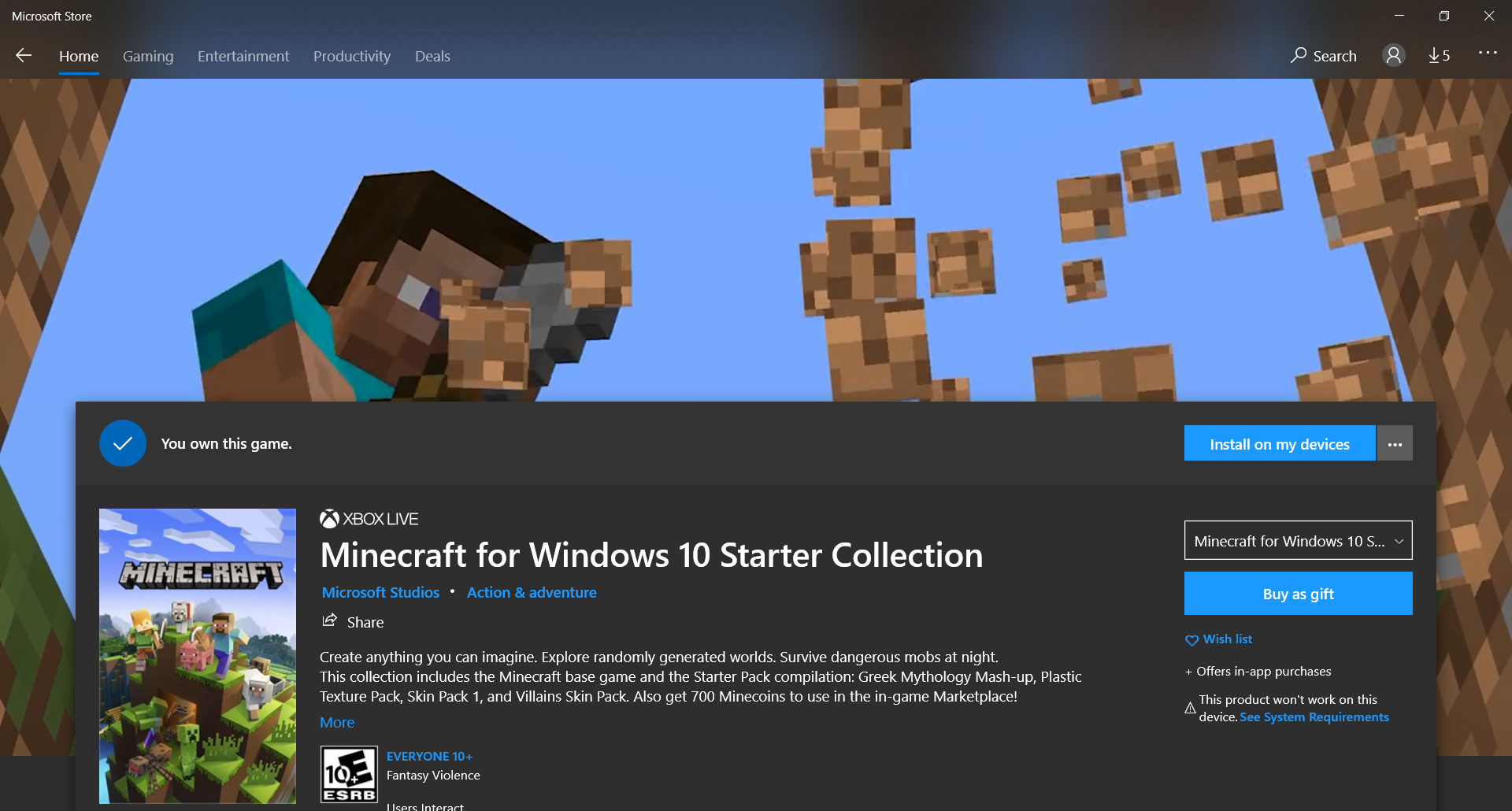
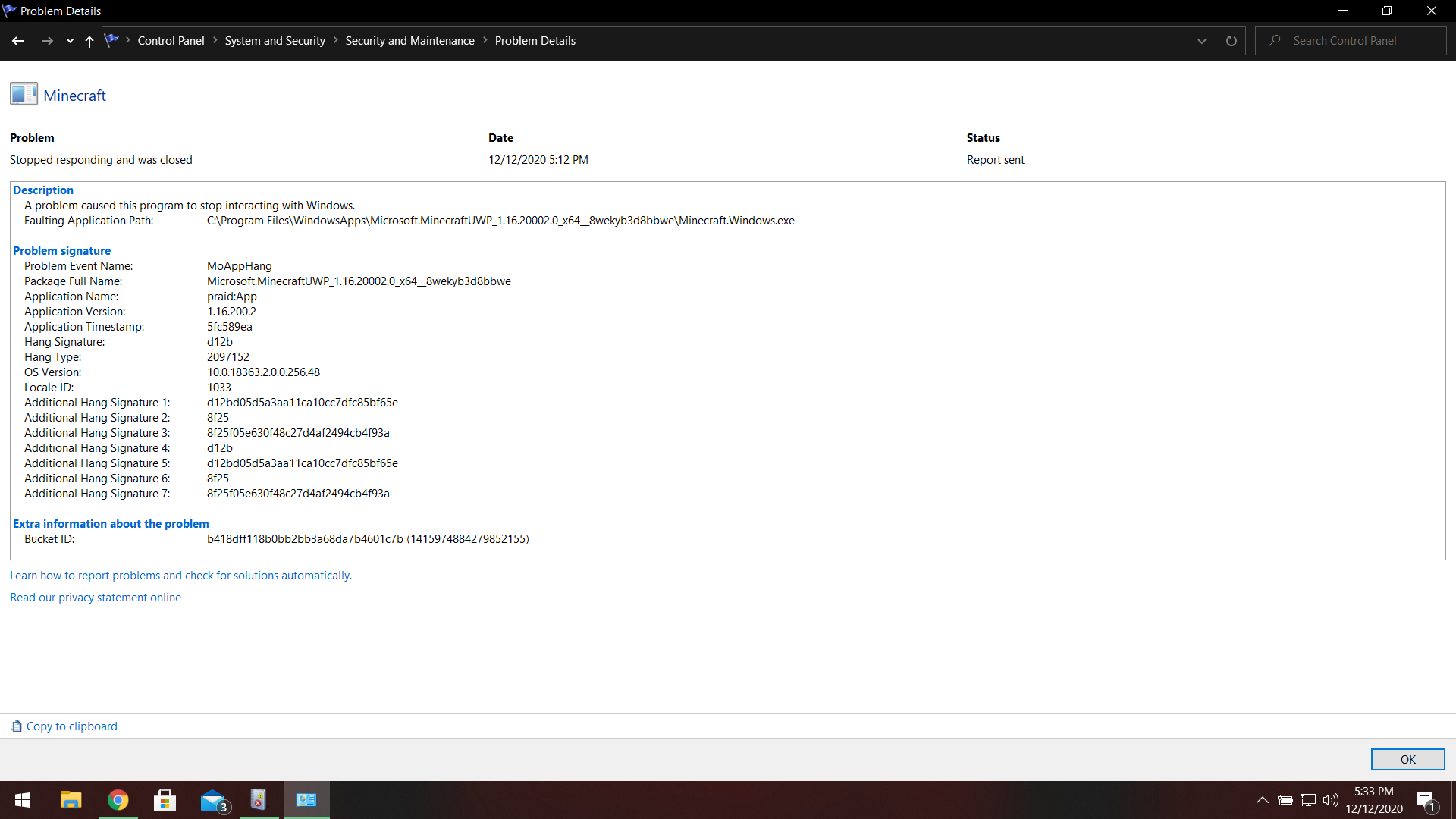
I'm including screenshots of something odd in the windows store (maybe I'm missing something that's different between the two), and my original screenshot of the first time i had this issue.
If anyone at all has any other methods to try I'm all ears.
First off not sure what version this actually started on
I was on beta prior to 1.16 update to check out new features, I thought I left the beta update when 1.16 released, because when I went to leave the beta to play with friends, it shown the join beta button, instead of leave beta option.
Ok, cool I forgot I left, or there was an issue with insiders hub.
It was fine till the previous update before 11/14/2020 (or when the new beta became available)
I hopped on to play with friends, and the game loaded just fine with no issues, but it was in beta, so I go to insiders hub to leave beta, and the button just says join, not sure how I was in a beta release when I was no longer enrolled in the beta program.
I then joined, waited to choose leave beta, waited for confirmation, uninstalled Minecraft, loaded the store up redownloaded the game, checked to make sure I wasn't in beta again, booted game up, the Mojang logo ran its visuals then black screened, I left it up for about 45 mins when it crashed and closed the window, with no error code, not sure if there is a log I can find.
I spent time reading up on others issues, I have tried steps that have been mentioned on another bug report, and a list of things to try that Spud mentioned, I have done everything I can to try to fix this issue, I posted in reddit a week ago (with less detail as I've been spending time this week thinking about what I did to get to my issue).
After several processes of uninstall/install, and several other steps the only change is a flicker of the red Mojang load screen then crash and closes window
I'm including screenshots of something odd in the windows store (maybe I'm missing something that's different between the two), and my original screenshot of the first time i had this issue.
If anyone at all has any other methods to try I'm all ears.
Edit: word
Please redirect if brought foward already( I did not find one).
I left the game to view a game capture on the Xbox, came back to a normal start splash screen, then the syncing popup window, after that the menu screen with no main menu, or the
minecrafyheader text/splash text.I screen capped 10 minutes of the event, I couldn't use buttons in case of transparency issue, no screen/ui change, and in the hour I left it up it never shown up.
Video to large to post YouTube link to screen cap is YouTube Link
Please redirect if brought foward already( I did not find one).
I left the game to view a game capture on the Xbox, came back to a normal start splash screen, then the syncing popup window, after that the menu screen with no main menu, or the Minecraft header text/splash text.
I screen capped 10 minutes of the event, I couldn't use buttons in case of transparency issue, no screen/ui change, and in the hour I left it up it never shown up.
Video to large to post YouTube link to screen cap is YouTube Link
Edit: word
Take away the wheat and they can't make bread, I learned in my village I made for the villagers I brought back by boat, the only time they breed is when I toss bread to them, and I'm sure they can make bread if they have a wheat farm nearby, I don't have any issues with them getting out of hand due to I bring them the food to share.
Are they both the same version?
Example: win10: mc vers. 1.11.0
Xbox: mc vers. 1.11.4
These need to be the same if you are wanting to play with another OS running bedrockmc
I have the same issue, mine was smelted[^save_6.mp4]
I had this issue also, but instead my snow golem I have here is confined, if I make a roaming golden it will put snow layers down more than it does not.
I have seen this with a Redstone clock after a period of time my loop that is on a short pulse getss powered all the way around
This is not on beta this is 1.12.0
Update on the situation, I just kept rebuilding the beacon until I received the achievements, but i did get them both about a week later.
I don't believe they have ever worked in the off hand on Bedrock Edition, It would be nice but that is a feature on java only.
1.13.1
I'm testing designs for villager carrot farms and this is the issue I'm having they are switching work stations and cannot get to another one, then they stop working, and it gets worse the bigger my test farms get.
Do you have anymore info or a screen shot I could see as an example to what you mean?
This could be a communication issues between devices, have you tried to use the controller for other games?
I don't think bonemeal works on kelp.
Do you have a clip of this working?
I think I'm missing something here in either video they both looked the same and you have a odd point of view.
Villager skin types are biome dependent, moving them to another biome will result in getting that biomes set skin for the baby villagers.
Any mods available to answer why are versions getting added to this as they belong to a newer version of the game, it doesn't necessarily match the issue that I had in the my posted version, but resembles the same bug, and most likely a different coding issue?
My recent recording of loading Minecraft Bedrock located on [Youtube| https://youtu.be/uSSkfjijkr4|https://youtu.be/uSSkfjijkr4].]
I was enrolled in the 1.16 nether update beta program before this issue, and did not have any issues prior to this version, when 1.16 released I did not have any issues either.
The thing that was odd is, I was no longer enrolled in beta when I went to leave the Beta program, and when I launched Minecraft I did not have the beta splash/menu screen, it was the vanilla (not beta) menu screen.
I put Minecraft aside for for a little while, and during that time the game must have updated to 1.16.40, ( pulled up web page and was checking version dates) this is the only release from the time I stopped playing, and picked back up on 11/14/20.
Went to play with friends on their world, launched Minecraft just fine no issues, but it was the Minecraft Beta splash/Menu screen, so then I:
1. Checked Beta enrollment status, I was not joined, so I joined the non RTX beta again ( Figured this would help resolve my issue), I then selected to leave beta, and waited for confirmation that I left.
2. Uninstall then reinstalled Minecraft from the Microsoft Store App
no change,
Search web and bug tracker, come across this report
MCPE-33270Ok this seems like what could be my issue, but not seeing much about a blacked out screen, I go ahead and try all the suggested things that could fix the issue, Mega_Spud made a comment on them Here.
I then got a flicker launching the game, red and black and then crash quickly,
I even have gone through and made sure to remove friends account (he set the laptop up), then that put me back to square one, as the Mojang Logo runs it's course, the black screens until I close the game from the task bar, opening Task Manager and close it, or I let it run it's course to see if it'll load eventually and not crash.
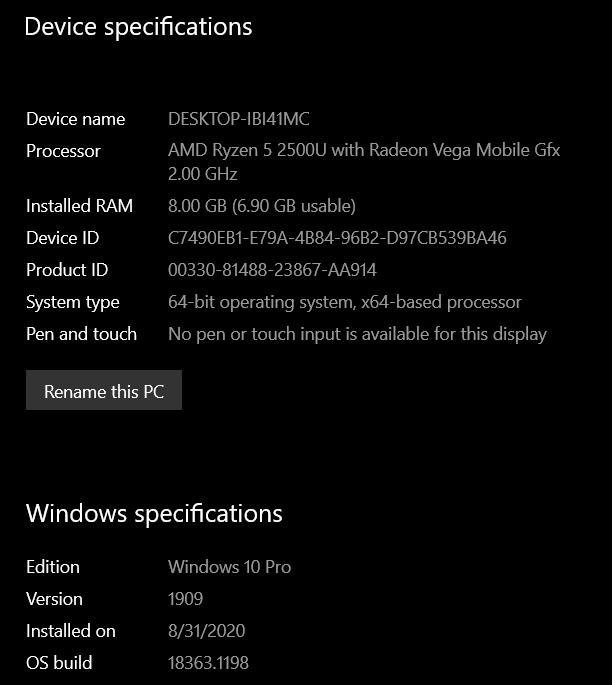
This was then marked as a duplicate report, but apparently because I have a laptop with an AMD cpu my issue doesn't match this Report, Because I don't have an Intel cpu.
p.s. I would really love to play Bedrock on the laptop again guys, I know you guys are doing your best, and I can't thank you enough for doing what you do. <3
This also affects portal lighting with lava and trap doors, happened to find this out working a design for my survival world.
Video I uploaded
I was informed by a reddit user this is known, and came to add to it.
ETA: Added my video as attachment as well.
Ocelot I relogged this last time and it showed up, but prior I never recovered my other shulkers