 MC-32314
The Mojang logo is blurry
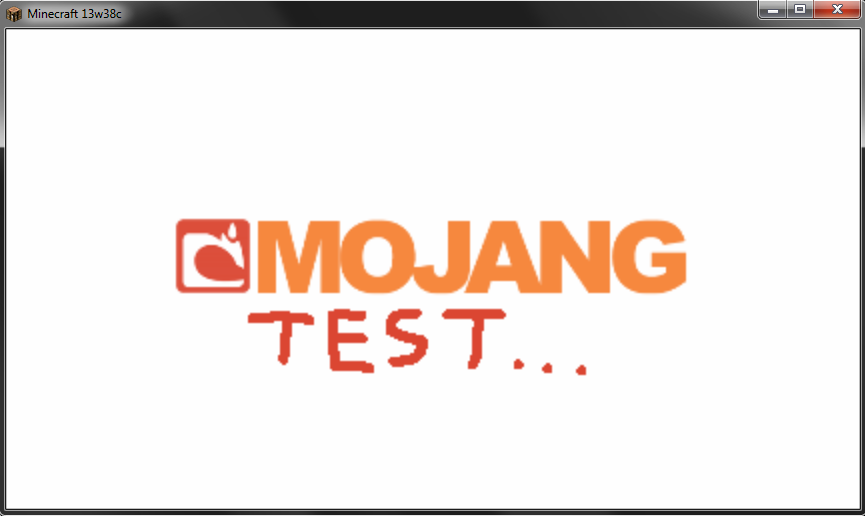
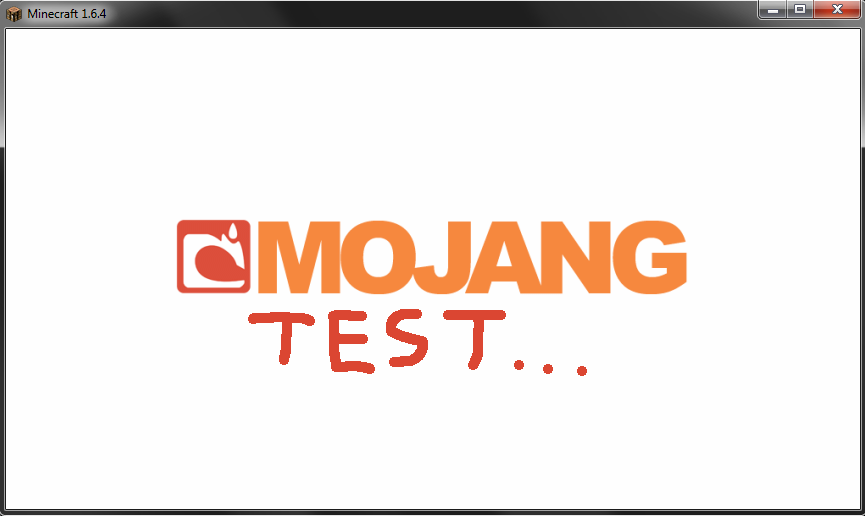
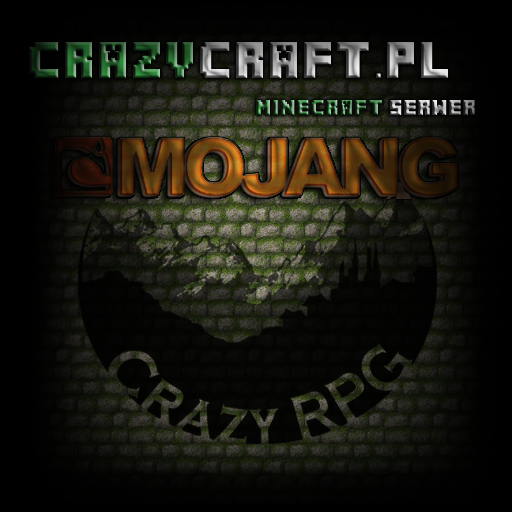
The Mojang logo seen when starting the game is blurry, see screenshots. Tested with my "Better than Default" texturepack, which uses a Mojang logo in 2x resolution compared to default (see "mojang.png" attached below).
Turning off Mipmaps didn't fix it, Anisotropic Filtering was turned off in both cases.
Environment
Windows 7 Ultimate (64-bit)
Java 7u40 (64-bit)
CPU: Intel Core i7-2600K (4x 3,40GHz)
Graphics: Gainward GeForce GTX 570 Phantom (Driver: NVIDIA 314.07)
Attachments11







Created Issue:
The Mojang logo is blurry
The Mojang logo seen when starting the game is blurry, see screenshots. Tested with my "Better than Default" texturepack, which uses a Mojang logo in 2x resolution compared to default (see "mojang.png" attached below).
Turning off Mipmaps didn't fix it, Anisotropic Filtering was turned off in both cases.
Attachments4

1.6.4.png
Windows 7 Ultimate (64-bit)
Java 7u40 (64-bit)
CPU: Intel Core i7-2600K (4x 3,40GHz)
Graphics: Gainward GeForce GTX 570 Phantom (Driver: NVIDIA 314.07)
![[Mojang] Nathan Adams](../../../data/assets/gravatar/dinnerbone.png) [Mojang] Nathan Adams
[Mojang] Nathan Adams
Confirmed
Its even more noticable if your using a resourse pack that adds more to the mojang screen (like sphax)
Good to hear it's not just me.
yup, definitely happened to me too
Fixed for me... don't know if you guys are still seeing it
@Th3F4114n0n3:
Not fixed, logo textures with higher resolutions than vanilla still appear blurry.
Must be for over 512x512 then on the mojang screen. I'm using 512x512 and its no longer blurry. defualt texture for mojang logo is 256x256.
@Th3F4114n0n3:
I'm using the 512x512 "mojang.png" texture posted here, there's no difference to previous snapshots. If you say your 512x512 texture works fine, please upload it so we can test it too.
Also fixed for me, I've attached my 512 file
@ShadedPL:
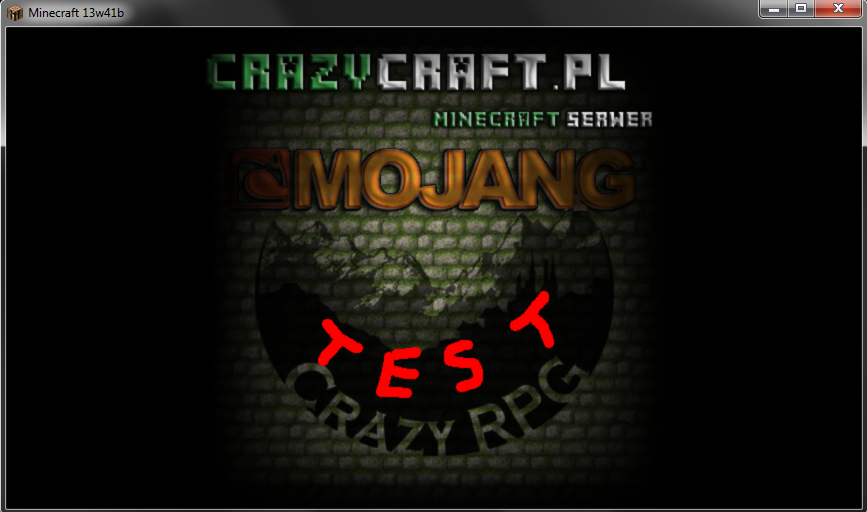
Not fixed. I just tested it with your file (added some sharp red text to make the difference between 13w41b and 1.6.4 better visible). As I said before, there's no difference to previous snapshots.
So it has to be environment dependent because mine is not so blurry as yours, I double checked in photoshop and both original and screenshot are the same. Did you try on the newest java?
Tested with Java 7u40, turning off Mipmapping and Anistr. Filt. doesn't fix it. I'll add some environment data to this ticket, everyone having or not having this bug please leave a comment with your system details (OS, Java version, CPU, graphic card, drivers, etc.). Let's see if we find anything common here
Java 7 update 40, Windows 7, I'm on a laptop, my CPU is a i5 M520 2,4GHz, 4 Gigs of ram, Nvidia NVS 5100M.
Attached mine as well.. sorry for the late response.. was at a concert this weekend. I'll post my full specs when I get back to my home computer
Thanks for fixing that, Dinnerbone
Not properly fixed in 13w42a, but I found out it happens because I was forcing AA to the game using my NVIDIA drivers. Turning that off fixes the blurry Mojang logo, interestingly nowhere else in-game forcing AA has any effect as of 13w38a (see
MC-32275). As long as we get proper AA (as Dinnerbone mentioned inMC-32275), forcing it in the drivers should no longer be needed, so I see no reason to reopen this.This needs to be reopened the logo in 13w49a is very pixelated right now despite the fact that we can't use our own.. But that's another issue.
@ShadedPL:
It's not a bug, it's because they changed the logo from 512x512 resolution back to 256x256 (see
MC-41526) because someone said the logo is "not pixelated enough and it doesn't fit the Minecraft style" or something like this :-PI think it looked pretty good in 13w38a/b, but with the new, lower resolution, I'm glad I only see it for 2-3 seconds when starting the game.
If they had to make it pixelated, they should not use antialiasing, that makes things look very horrible at low resolutions and 'doesn't fit the Minecraft style.'
I understand but on other Resource Packs like Sphax the 'Minecraft style' is slightly different. It's OK that they make the logo pixelated for the default RP but they really should not disallow custom Mojang logos. Like what's the argument about this? They let Resource Pack makers change the whole credits, minecraft logo or whatever we want but suddenly we may not change the loading screen? I know it's just a second we see it but still I don't get it.