 Th3F4114n0n3
- Jeepguy42
- jeepguy42
- America/New_York
- Yes
- No
 MC-17869
![[Mojang] Grum (Erik Broes)](../../../data/assets/gravatar/grum.png)
![[Mojang] Nathan Adams](../../../data/assets/gravatar/dinnerbone.png)


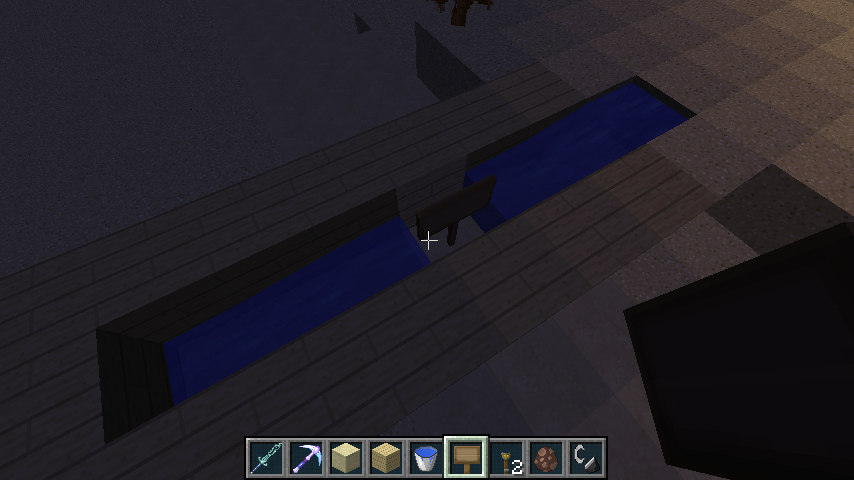
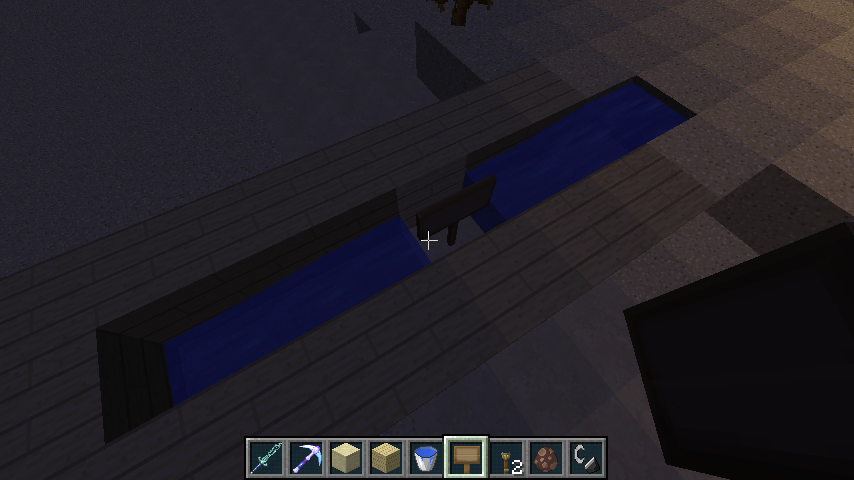


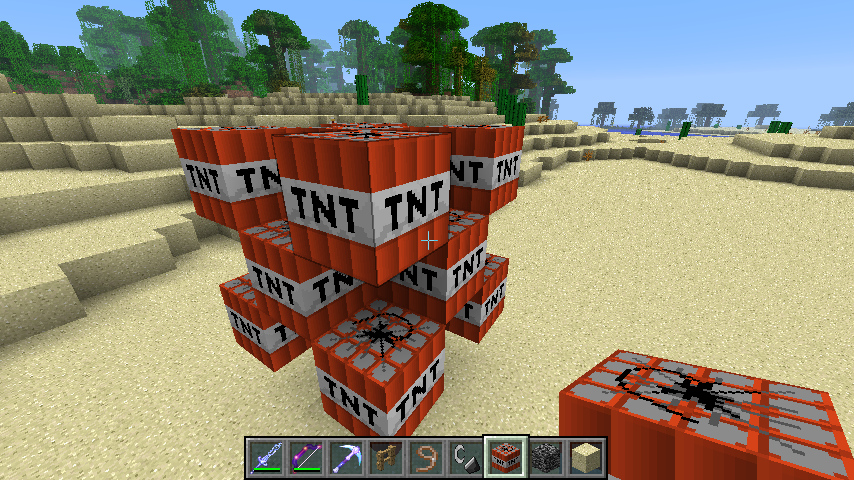


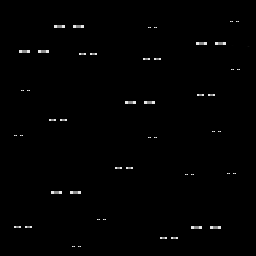
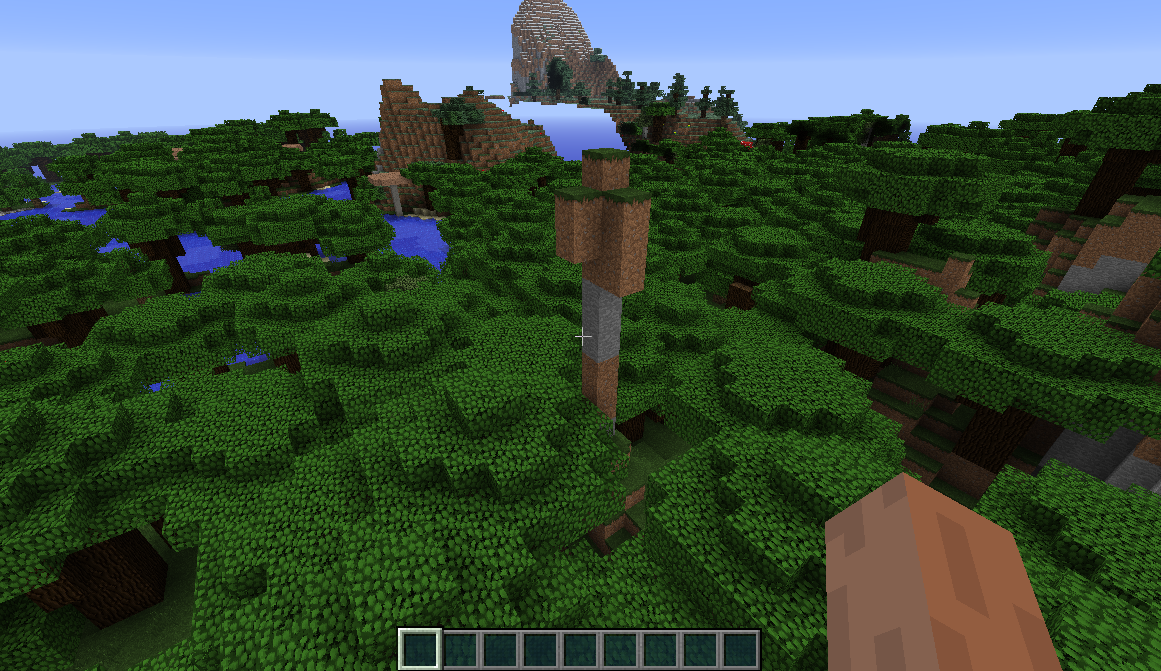




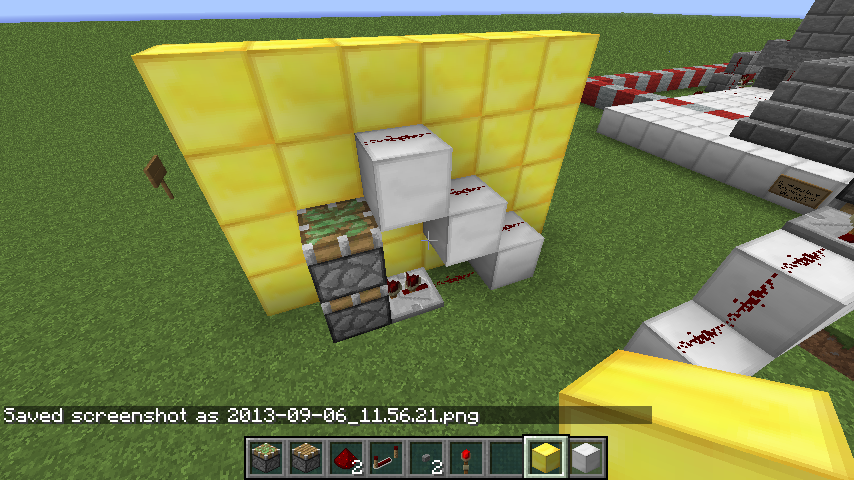


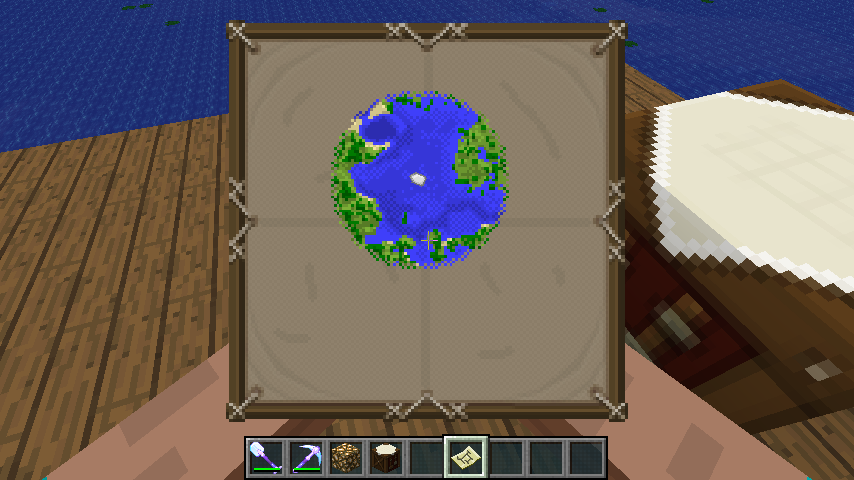
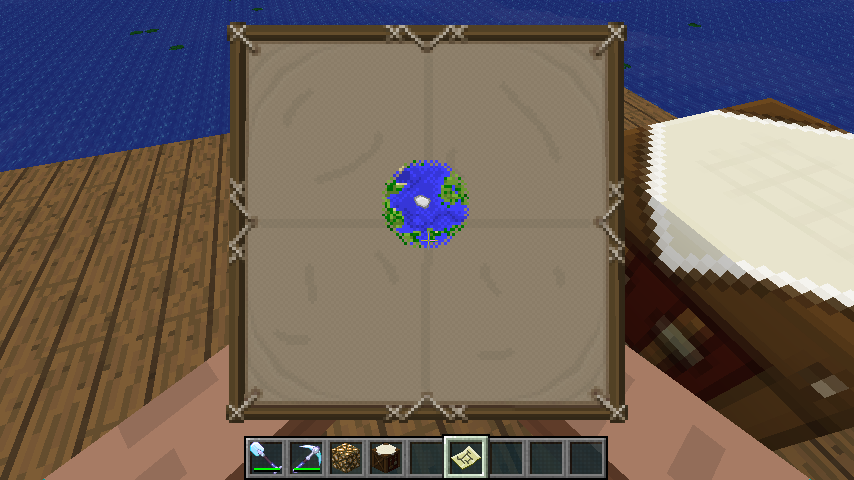

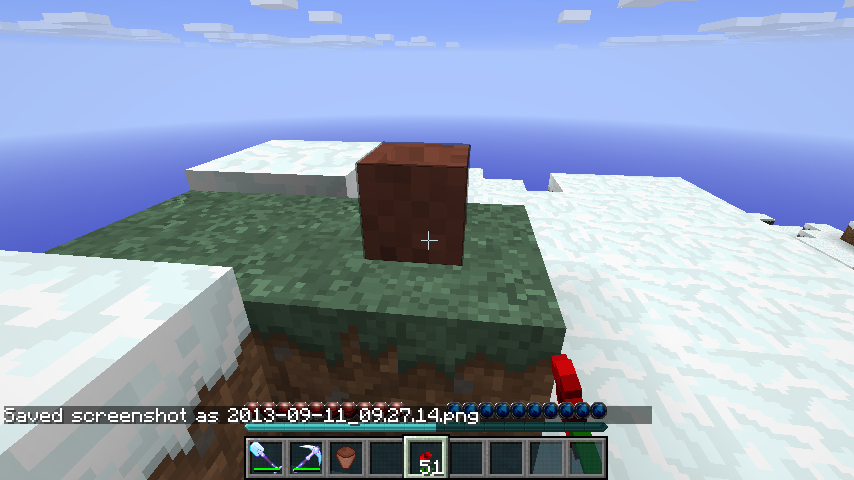


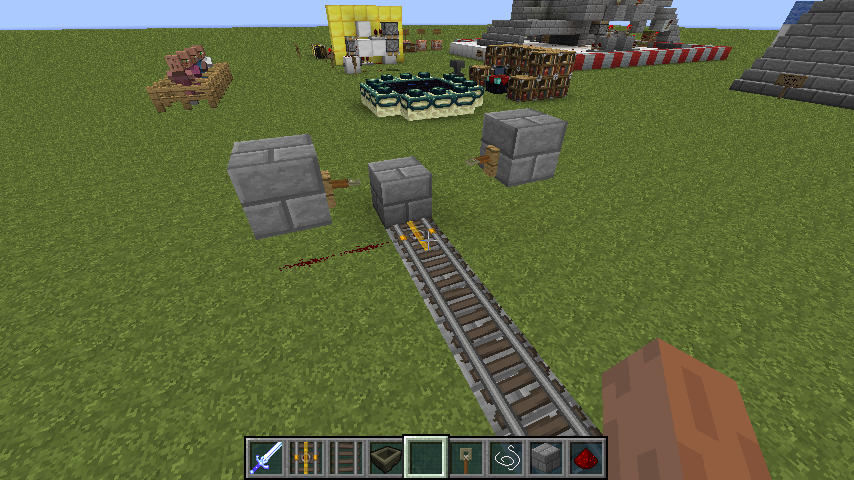

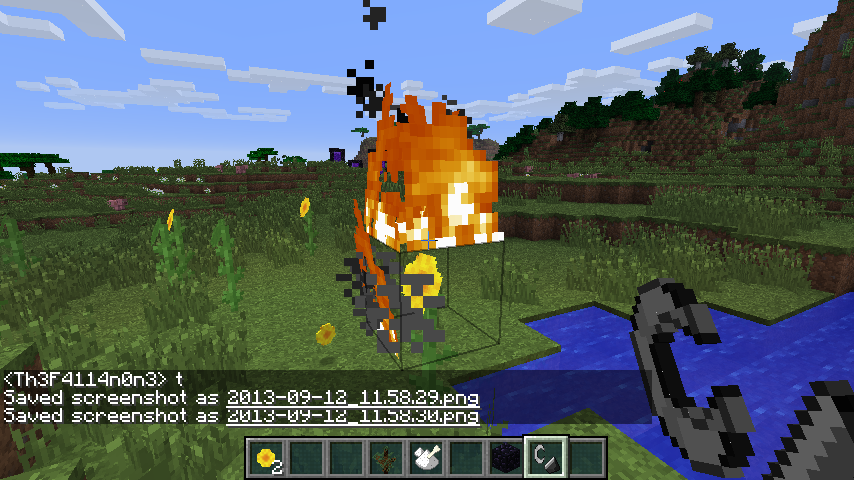
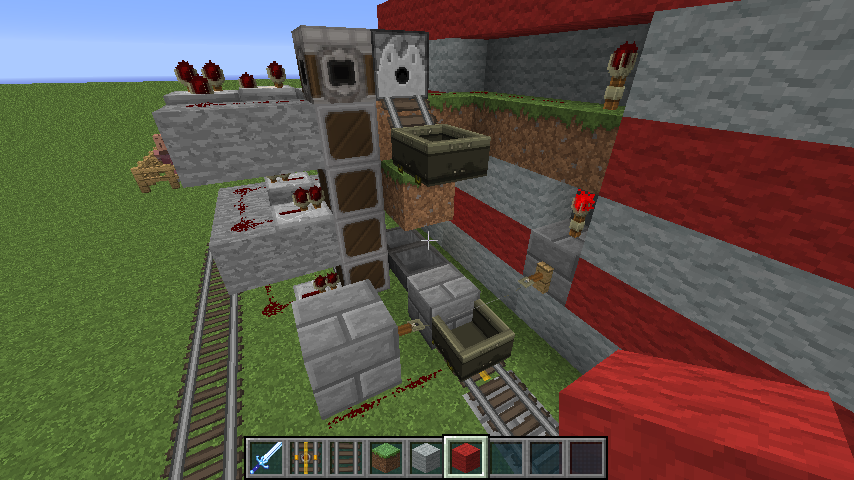
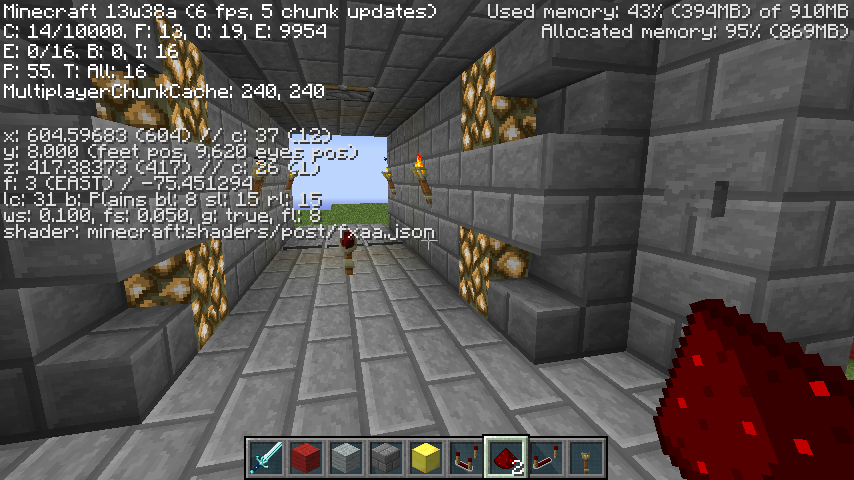






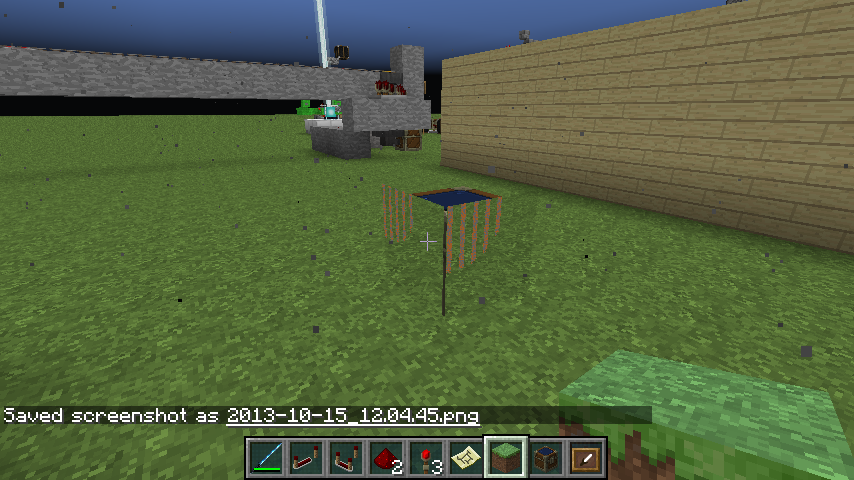

Animations dont seem to follow the same time frames they did in 1.5.2. I did use the TextureEnder.jar to get my 1.5.2 custom texture pack to work with 1.6 snapshots. It created .mcmdata extensions in place of the .txt files but it also seemed to have changed the timing between the animation frames.
i.e. I animated tall grass to "sway" in the wind using 3 frames, each frame was about a second apart going from left, to middle, to right, to middle, to left and now it follows that same pattern but its like theres an extra frame beteen the final frame and the repeat of the loop. this is consistant on all custom animated textures. original animations dont seem to have this issue.
Animations dont seem to follow the same time frames they did in 1.5.2. I did use the TextureEnder.jar to get my 1.5.2 custom texture pack to work with 1.6 snapshots. It created .mcm
data extensions in place of the .txt files but it also seemed to have changed the timing between the animation frames.i.e. I animated tall grass to "sway" in the wind using 3 frames, each frame was about a second apart going from left, to middle, to right, to middle, to left and now it follows that same pattern but its like theres an extra frame beteen the final frame and the repeat of the loop. this is consistant on all custom animated textures. original animations dont seem to have this issue.
Animations dont seem to follow the same time frames they did in 1.5.2. I did use the TextureEnder.jar to get my 1.5.2 custom texture pack to work with 1.6 snapshots. It created .mcmeta extensions in place of the .txt files but it also seemed to have changed the timing between the animation frames.
i.e. I animated tall grass to "sway" in the wind using 3 frames, each frame was about a second apart going from left, to middle, to right, to middle, to left and now it follows that same pattern but its like theres an extra frame beteen the final frame and the repeat of the loop. this is consistant on all custom animated textures. original animations dont seem to have this issue.
Probsbly wouldnt be a big deal if I new how to fix these animations now that the file type has changed from the simple .txt file to these .mcmeta files (ive tried changing them to txt to edit but even the simple 0*4,1*4,2*4,1*4,0 is now:
{
{ "index": 0, "time": 1 }
"animation": {
"frametime": 6,
"frames": [
,
{ "index": 0, "time": 1 }
1,
,
{ "index": 0, "time": 1 }
2,]
}
Animations dont seem to follow the same time frames they did in 1.5.2. I did use the TextureEnder.jar to get my 1.5.2 custom texture pack to work with 1.6 snapshots. It created .mcmeta extensions in place of the .txt files but it also seemed to have changed the timing between the animation frames.
i.e. I animated tall grass to "sway" in the wind using 3 frames, each frame was about a second apart going from left, to middle, to right, to middle, to left and now it follows that same pattern but its like theres an extra frame beteen the final frame and the repeat of the loop. this is consistant on all custom animated textures. original animations dont seem to have this issue.
Probsbly wouldnt be a big deal if I new how to fix these animations now that the file type has changed from the simple .txt file to these .mcmeta files (ive tried changing them to txt to edit but even the simple 0*4,1*4,2*4,1*4,0 is now:
{
{ "index": 0, "time": 1 }
"animation": {
"frametime": 6,
"frames": [
,
{ "index": 0, "time": 1 }
1,
,
{ "index": 0, "time": 1 }
2,]
}which to me should just loop but it looks like it took out one of my frames and when I put it back in there is still a delay on the repeat of the loop
Animations dont seem to follow the same time frames they did in 1.5.2. I did use the TextureEnder.jar to get my 1.5.2 custom texture pack to work with 1.6 snapshots. It created .mcmeta extensions in place of the .txt files but it also seemed to have changed the timing between the animation frames.
i.e. I animated tall grass to "sway" in the wind using 3 frames, each frame was about a second apart going from left, to middle, to right, to middle, to left and now it follows that same pattern but its like theres an extra frame beteen the final frame and the repeat of the loop. this is consistant on all custom animated textures. original animations dont seem to have this issue.
Probsbly wouldnt be a big deal if I new how to fix these animations now that the file type has changed from the simple .txt file to these .mcmeta files (ive tried changing them to txt to edit but even the simple 0*
4,1*4,2*4,1*4,0is now:{
{ "index": 0, "time": 1 }
"animation": {
"frametime": 6,
"frames": [
,
{ "index": 0, "time": 1 }
1,
,
{ "index": 0, "time": 1 }
2,]
}which to me should just loop but it looks like it took out one of my frames and when I put it back in there is still a delay on the repeat of the loop
Animations dont seem to follow the same time frames they did in 1.5.2. I did use the TextureEnder.jar to get my 1.5.2 custom texture pack to work with 1.6 snapshots. It created .mcmeta extensions in place of the .txt files but it also seemed to have changed the timing between the animation frames.
i.e. I animated tall grass to "sway" in the wind using 3 frames, each frame was about a second apart going from left, to middle, to right, to middle, to left and now it follows that same pattern but its like theres an extra frame beteen the final frame and the repeat of the loop. this is consistant on all custom animated textures. original animations dont seem to have this issue.
Probsbly wouldnt be a big deal if I new how to fix these animations now that the file type has changed from the simple .txt file to these .mcmeta files (ive tried changing them to txt to edit but even the simple 0*5,1*6,0*4,2*6,0 whiere 0 is the regular position, 1 is the left posistion, and 2 is the right posistion, is now:
{
{ "index": 0, "time": 1 }
"animation": {
"frametime": 6,
"frames": [
,
{ "index": 0, "time": 1 }
1,
,
{ "index": 0, "time": 1 }
2,]
}which to me should just loop but it looks like it took out one of my frames and when I put it back in there is still a delay on the repeat of the loop
Animations dont seem to follow the same time frames they did in 1.5.2. I did use the TextureEnder.jar to get my 1.5.2 custom texture pack to work with 1.6 snapshots. It created .mcmeta extensions in place of the .txt files but it also seemed to have changed the timing between the animation frames.
i.e. I animated tall grass to "sway" in the wind using 3 frames, each frame was about a second apart going from left, to middle, to right, to middle, to left and now it follows that same pattern but its like theres an extra frame beteen the final frame and the repeat of the loop. this is consistant on all custom animated textures. original animations dont seem to have this issue.
Prob
sbly wouldnt be a big deal if I new how to fix these animations now that the file type has changed from the simple .txt file to these .mcmeta files (ive tried changing them to txt to edit but even the simple 0*5,1*6,0*4,2*6,0 whiere 0 is the regular position, 1 is the left posistion, and 2 is the right posistion, is now:{
{ "index": 0, "time": 1 }
"animation": {
"frametime": 6,
"frames": [
,
{ "index": 0, "time": 1 }
1,
,
{ "index": 0, "time": 1 }
2,]
}which to me should just loop but it looks like it took out one of my frames and when I put it back in there is still a delay on the repeat of the loop
Animations dont seem to follow the same time frames they did in 1.5.2. I did use the TextureEnder.jar to get my 1.5.2 custom texture pack to work with 1.6 snapshots. It created .mcmeta extensions in place of the .txt files but it also seemed to have changed the timing between the animation frames.
i.e. I animated tall grass to "sway" in the wind using 3 frames, each frame was about a second apart going from left, to middle, to right, to middle, to left and now it follows that same pattern but its like theres an extra frame beteen the final frame and the repeat of the loop. this is consistant on all custom animated textures. original animations dont seem to have this issue.
Probably wouldnt be a big deal if I new how to fix these animations now that the file type has changed from the simple .txt file to these .mcmeta files (ive tried changing them to txt to edit but even the simple 0*5,1*6,0*4,2*6,0 whiere 0 is the regular position, 1 is the left posistion, and 2 is the right posistion, is now:
{
{ "index": 0, "time": 1 }
"animation": {
"frametime": 6,
"frames": [
,
{ "index": 0, "time": 1 }
1,
,
{ "index": 0, "time": 1 }
2,]
}which to me should just loop but it looks like it took out one of my frames and when I put it back in there is still a delay on the repeat of the loop
Animations dont seem to follow the same time frames they did in 1.5.2. I did use the TextureEnder.jar to get my 1.5.2 custom texture pack to work with 1.6 snapshots. It created .mcmeta extensions in place of the .txt files but it also seemed to have changed the timing between the animation frames.
i.e. I animated tall grass to "sway" in the wind using 3 frames, each frame was about a second apart going from left, to middle, to right, to middle, to left and now it follows that same pattern but its like theres an extra frame beteen the final frame and the repeat of the loop. this is consistant on all custom animated textures. original animations dont seem to have this issue.
Probably wouldnt be a big deal if I new how to fix these animations now that the file type has changed from the simple .txt file to these .mcmeta files (ive tried changing them to txt to edit but even the simple 0*5,1*6,0*4,2*6,0 whiere 0 is the regular position, 1 is the left posistion, and 2 is the right posistion, is now:
{
{ "index": 0, "time": 1 }
"animation": {
"frametime": 6,
"frames": [
,
{ "index": 0, "time": 1 }
1,
,
{ "index": 0, "time": 1 }
2,]
}which to me should
just loop but it looks like it took out one of myframes and when I put it back in there is still a delay on the repeat of the loopAnimations dont seem to follow the same time frames they did in 1.5.2. I did use the TextureEnder.jar to get my 1.5.2 custom texture pack to work with 1.6 snapshots. It created .mcmeta extensions in place of the .txt files but it also seemed to have changed the timing between the animation frames.
i.e. I animated tall grass to "sway" in the wind using 3 frames, each frame was about a second apart going from left, to middle, to right, to middle, to left and now it follows that same pattern but its like theres an extra frame beteen the final frame and the repeat of the loop. this is consistant on all custom animated textures. original animations dont seem to have this issue.
Probably wouldnt be a big deal if I new how to fix these animations now that the file type has changed from the simple .txt file to these .mcmeta files (ive tried changing them to txt to edit but even the simple 0*5,1*6,0*4,2*6,0 whiere 0 is the regular position, 1 is the left posistion, and 2 is the right posistion, is now:
{
{ "index": 0, "time": 1 }
"animation": {
"frametime": 6,
"frames": [
,
{ "index": 0, "time": 1 }
1,
,
{ "index": 0, "time": 1 }
2,]
}which to me should is missing frames. as my original had 5 instances and this clearly is only 3. And when I add a line to try and fix it the problem gets aplified (i.e. it leave a 2 second gap in the animation).
SMP,
PossiblySSP
2013-07-25_12.19.49.png
blast radius start
If you animate the rose to say (flicker in the wind) it acts correctly in both planted and sprite f
rom in the players hand.When an Iron golem holds the rose out to the villiagers it seams like the animation time frames are ignored and it moves at a very fast speed. The sprite also doesn't apear to look like the planted rose or the sprite rose the player holds. This may be related to the same issue.
Steps to replicate:
1.) animate rose texture
2.) find planted rose and observe
3.) hold rose in hand and observe (2 and 3 should look the same)
4.) finsandIron golem and wait for him/her to hold the rose out to the villiagers and observe.I attached my animated rose for comparison
If you animate the rose to say (flicker in the wind) it acts correctly in both planted and sprite form in the players hand.
When an Iron golem holds the rose out to the villiagers it seams like the animation time frames are ignored and it moves at a very fast speed. The sprite also doesn't apear to look like the planted rose or the sprite rose the player holds. This may be related to the same issue.
Steps to replicate:
1.) animate rose texture
2.) find planted rose and observe
3.) hold rose in hand and observe (2 and 3 should look the same)
4.) find an Iron golem and wait for him/her to hold the rose out to the villiagers and observe.I attached my animated rose for comparison
If you animate the rose to say (flicker in the wind) it acts correctly in both planted and sprite form in the players hand.
When an Iron golem holds the rose out to the villiagers it seams like the animation time frames are ignored and it moves at a very fast speed. The sprite also doesn't apear to look like the planted rose or the sprite rose the player holds. This may be related to the same issue.
Steps to replicate:
1.) animate rose texture
2.) find planted rose and observe
3.) hold rose in hand and observe (2 and 3 should look relatively the same)
4.) find an Iron golem and wait for him/her to hold the rose out to the villiagers and observe.I attached my animated rose for comparison
is cloned by
MC-29263
Transparent in mine. May be something else. Check to see if fast textures wasn't turned on, or do you use fast normally and now water isn't transparent on fast.
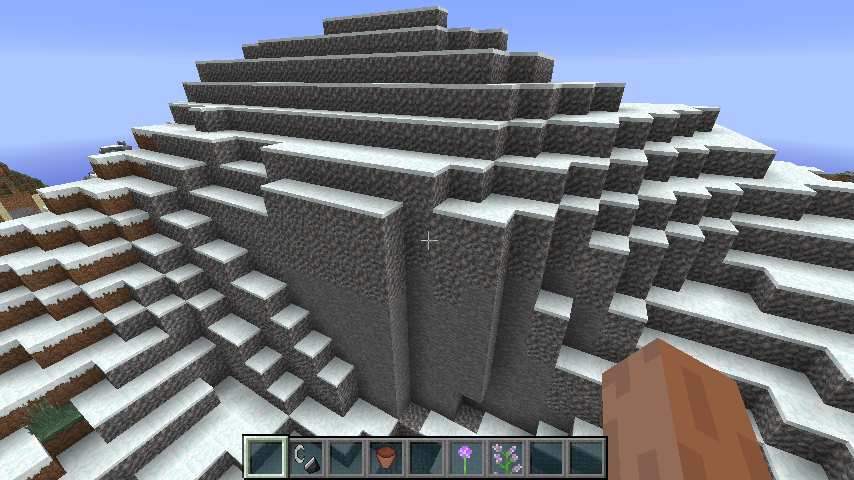
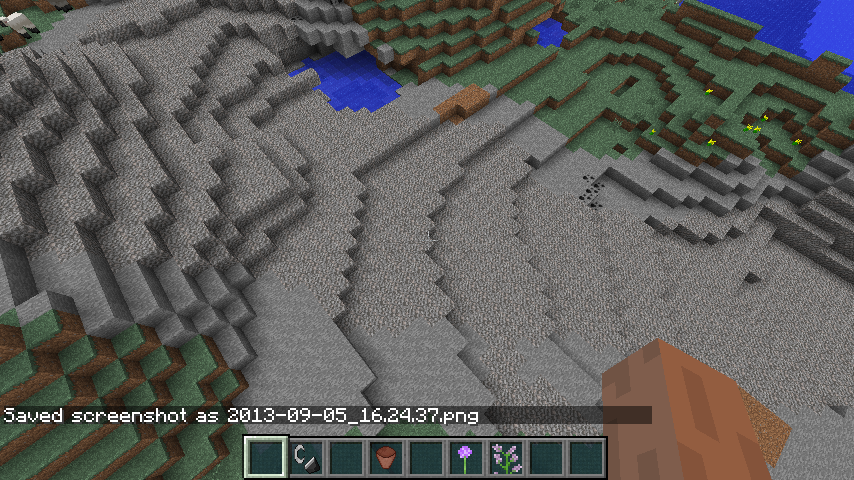
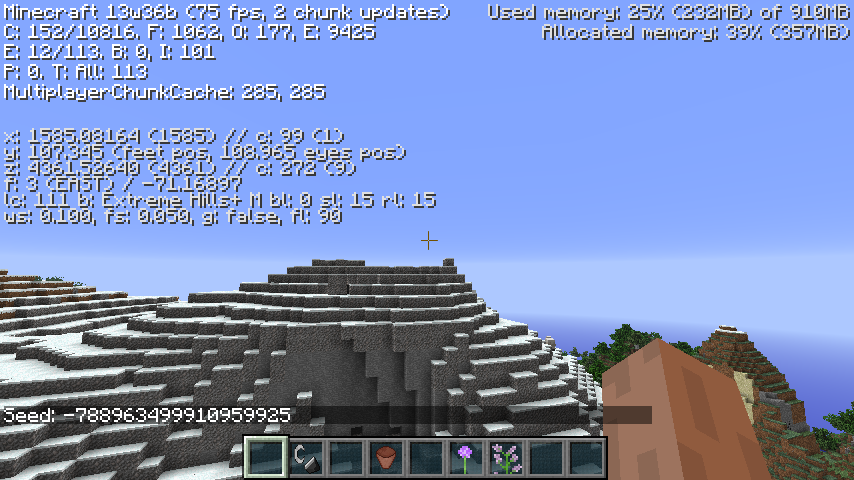
An exessive amount of gravel seems to be being placed on Extreme Hills+ bioms at the top of Mountian peaks... May just be random, but theres easily over 2000 blocks of gravel here.
The screen shots are all at the the same Coordinate (360 degree screen shot chain)
This achievement is given when you pick up leather. Doesn't matter the source. It should be when you kill a cow not when you aquire its leather but thats up to mojang to determine.
Oh, and this is a duplicate of another bug, I just can't seem to find the right MC number.
Can not reproduce... see attached screen shots
note, the level won't change until you actually look at it but it does zoom (for me atleast)
(btw... Thats just a texture change for the map texture, no mods)
Massive FPS drop due to new graphics engine (assuming new since it now has antialiasing).
See attached Screen Shots. FPS goes from 6
6in 13w37b to5in 13w38a.Unfortunately turning Antialiasing, Mipmaping, and Post Processing off, does not fix this issue
NOTE: I'm sure this is a duplicate by now of something but due to it being the new engine I figured it may stay on its own.
Massive FPS drop due to new graphics engine (assuming new since it now has antialiasing).
See attached Screen Shots. FPS goes from 67 in 13w37b to 6 in 13w38a. And actually make my client unplayable... Will revert back to 13w37b until I can get to my good PC and see if the issue is still present.
Unfortunately turning Antialiasing, Mipmaping, and Post Processing off, does not fix this issue
NOTE: I'm sure this is a duplicate by now of something but due to it being the new engine I figured it may stay on its own.
Opened my redstone testing world which is set to superflat. The
bottom of world fog and particles now apear. they weren't there in 13w41a.Started a new world and the same affect is happening.
Opened my redstone testing world which is set to superflat. The Void fog and particles now apear. they weren't there in 13w41a.
Started a new world and the same affect is happening.
Opened my redstone testing world which is set to superflat (default presets). The Void fog and particles now apear. they weren't there in 13w41a.
Started a new world (again using the default superflat presests)and the same affect is happening.
might be benifical to know at what Y you are building at to determine if you are actually at the world height... if your no where near the world height then its something, if you are then I direct you to zombie hunters post
When in creative and theres an effect applied to the pla
ter (screen shot affect is by beacon). The status goes blank when nothing is selected (see screen shots)When in creative or survival and theres an effect applied to the player (screen shot affect is by beacon). The status goes blank when nothing is selected (see screen shots).
Note I did a search and the only thing that comes close is the text color changing when an enchanted item is selected bug.
When in creative or survival and theres an effect applied to the player (screen shot affect is by beacon). The status goes blank when nothing is selected (see screen shots).
Note I did a search and the only thing that comes close is the text color changing when an enchanted item is selected bug.
When in creative or survival and theres an effect applied to the player (screen shot affect is by beacon). The status goes blank when nothing is selected (see screen shots). Note with multiple affects (such as eating the golen apple) the bug seems to go away. Will update when the apple affects wear off
Note I did a search and the only thing that comes close is the text color changing when an enchanted item is selected bug.
Your sound.json seems to small. Mine is 33.4KB... and I have no issues with my new viliager sound files.
Menu Color greadient on buttons


When I use your code, the minecart falls through my world and the fireball is floating where it should. I can't do anything but punch the fireball so I can't test your issue

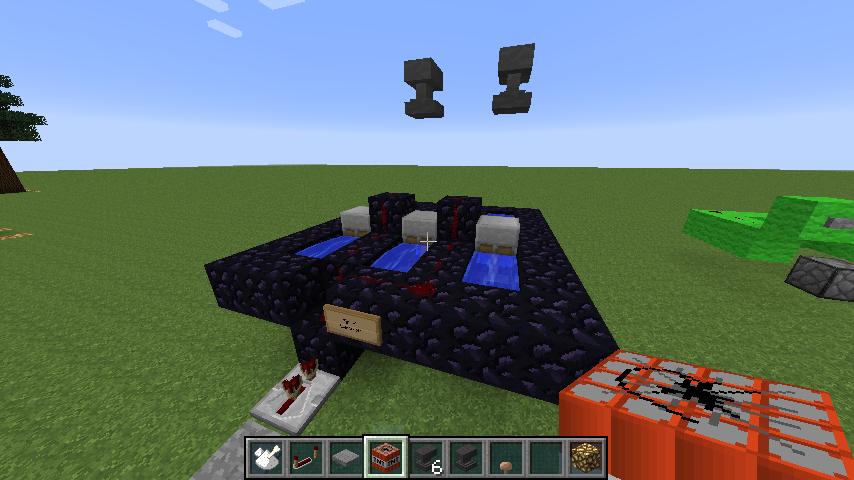
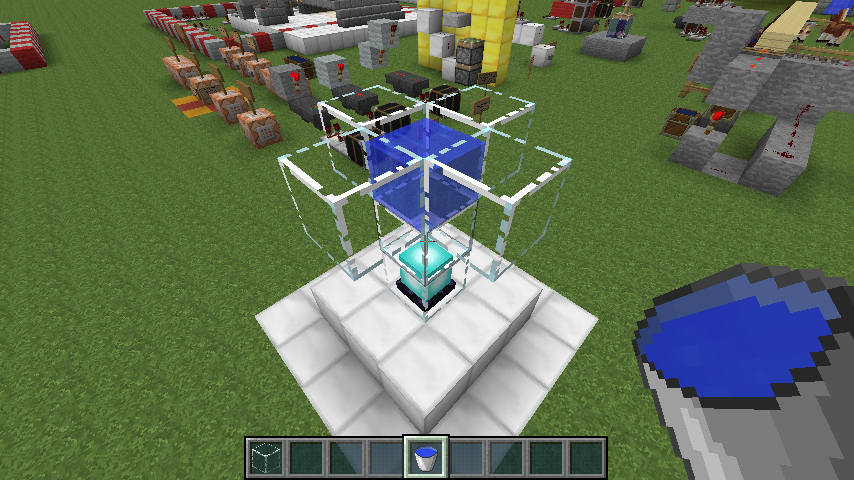
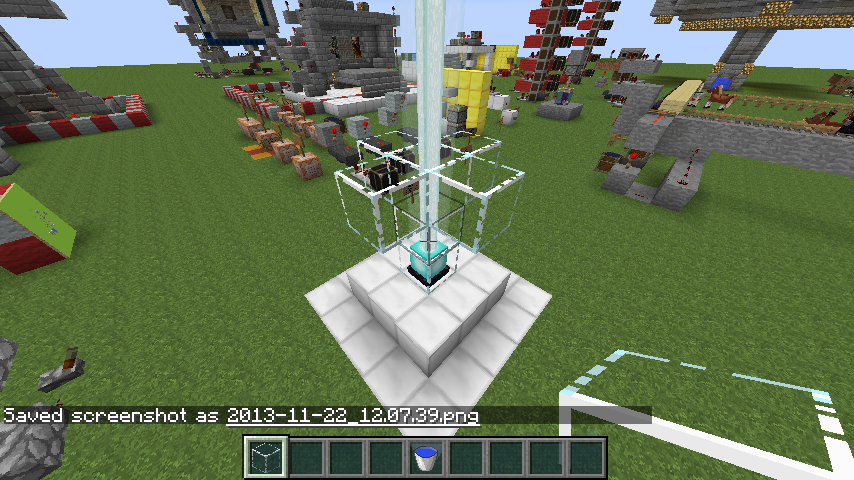
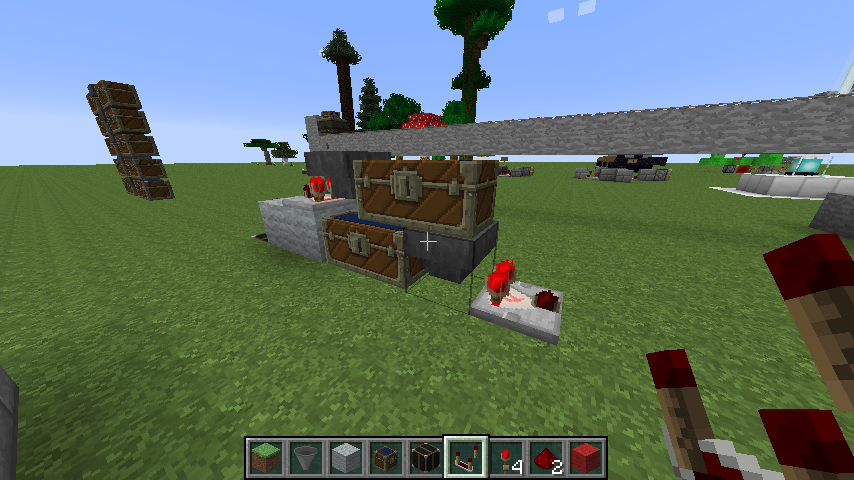
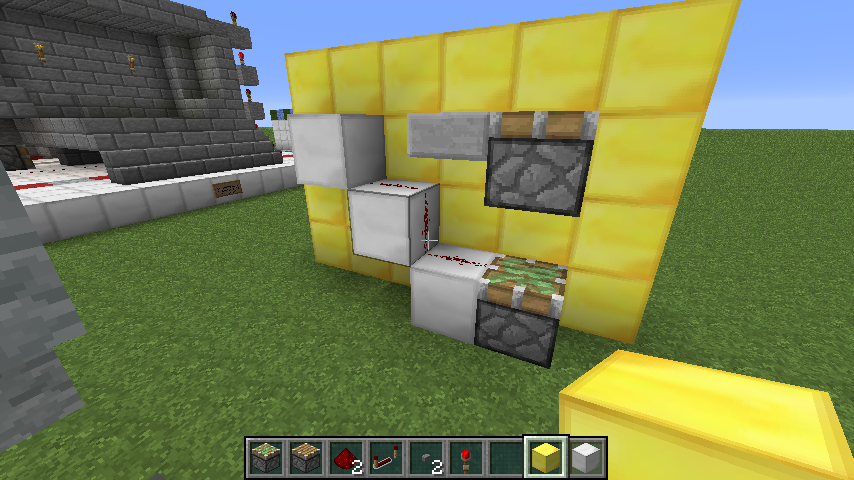
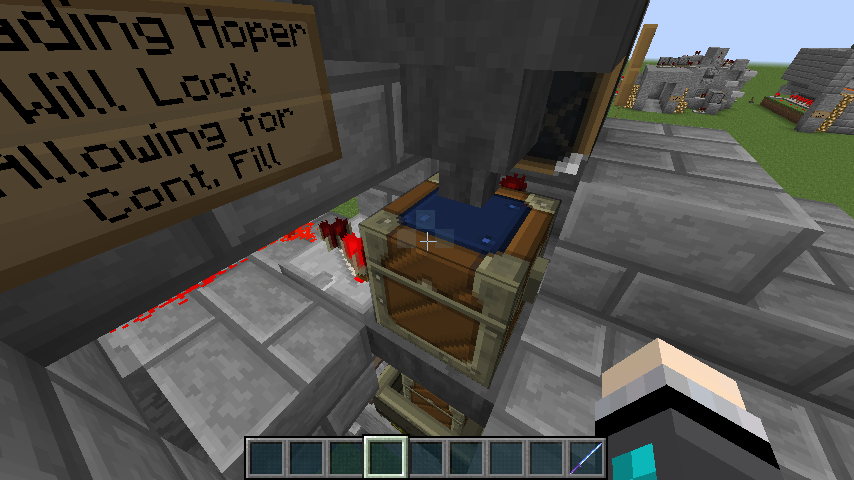
See my screen shot. The comparitor needs to beon the second Hopper
The random splash text also has a chance of saying "You should play our other game Minceraft". Its for fun
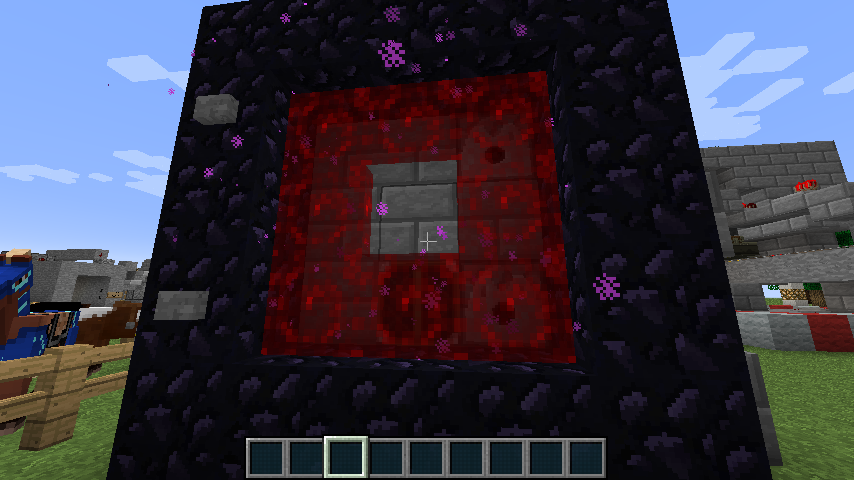
I had logged out before updating after I started some pork cooking. When I logged in after updating. the pork was still in the furnaces but wasn't cooking. The coal was being used but not cooked porkchops were being made. I took the pork out and put it back in and it began cooking again.
I then tested to see if it would do this when I go to the nether and come back
and it does. Wasted about 5 coal before I noticed the bug.I had logged out before updating after I started some pork cooking. When I logged in after updating. the pork was still in the furnaces but wasn't cooking. The coal was being used but not cooked porkchops were being made. I took the pork out and put it back in and it began cooking again.
I then tested to see if it would do this when I go to the nether and come back. The bug comes back when comeing to and from the nether. Wasted about 5 coal before I noticed the bug.
Did a search and clostest thing was the items walking through walls but with this they aren't walking through wall it is more to do when just picking items up off the grond. They seam to sink into it when you pick them up instead of going up towards the players view. They are getting picked up just going the wrong direction. May be related to hovering above beds when you sleep in them but not sure.
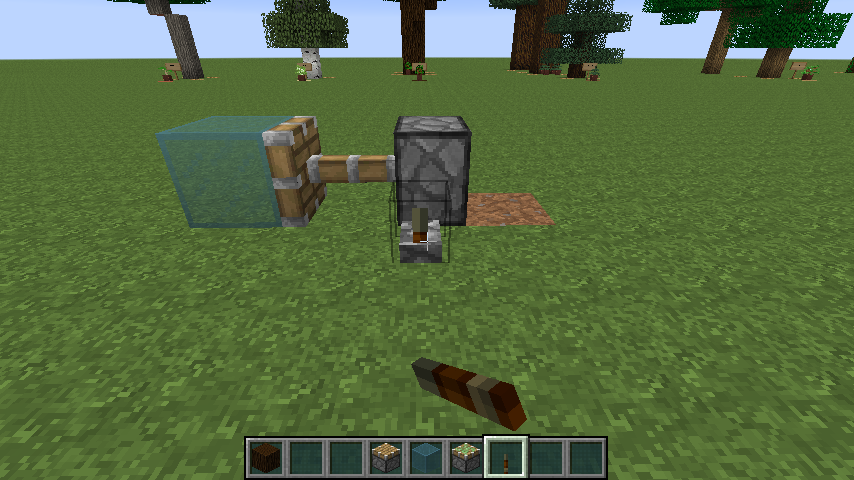
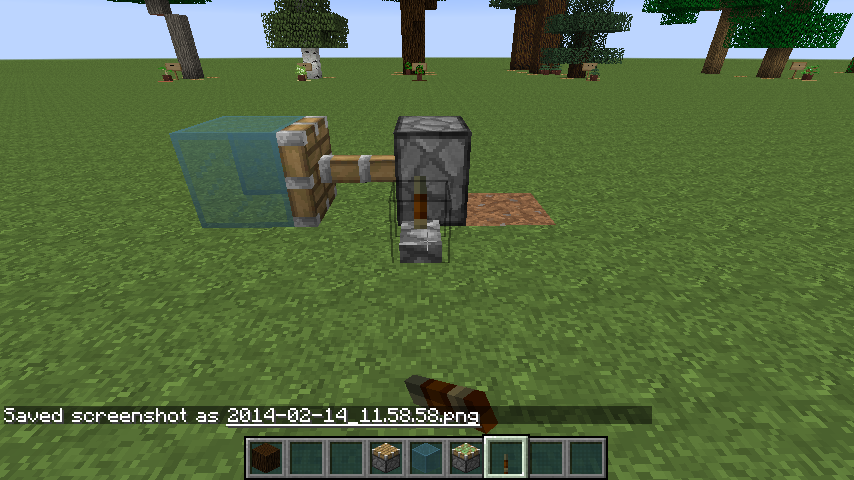

Enderman Appear to be attacking at a higher rate of speed. Almost like they are sprinting (about 1.5x faster than they were previously)
![[Mod] Torabi](../../../data/assets/gravatar/torabi.png)
Duplicate of MC-16466. The UUIDs must be different for them to stack.
Th3F4114n0n3, that's MC-19275, or MC-37516. They're both the same, but the first one was closed as fixed in 1.6.1.
Dont think so... I remove this supposed Superfluous trailing comma and it breaks the texture all together (i.e. purple boxes instead of texture). I put the comma back and the texture fixes, but it comes back with the same issue of having an extra frame in the loop making it freeze for a second before continuing the loop. Looking at another one I was able to kind of fix through trial and error of what the numbers mean but still running into the issue of extra frames.
this is a simple 14 frame animation that goes 8 frames forward then reverse back those frames and repeats:
{
{ "index": 0, "time": 3 }"animation": {
"frametime": 8,
"frames": [
,
{ "index": 1, "time": 3 },
{ "index": 2, "time": 3 },
{ "index": 3, "time": 3 },
{ "index": 5, "time": 3 },
{ "index": 6, "time": 3 },
{ "index": 7, "time": 3 },
{ "index": 5, "time": 3 },
{ "index": 4, "time": 3 },
{ "index": 3, "time": 3 },
{ "index": 1, "time": 3 },
{ "index": 0, "time": 1 }]
}
}
When I slow it down I count 15 frames. When trying to trouble shoot this I dont know why its writen the way it is to see where the extra frame comes into place. it shoud go 0,1,2,3,4,5,6,7,6,5,4,3,2,1 and then repeat. the indexes arent in order in the file but the texture plays through correctly (minus the extra frame) so I have no idea what or where I would need to edit to remoe this extra frame.
Never mind on this issue... Close it and reference it if you must. Re-wrote the animation using one of the Dinnerbone gist posts I found. the above texure animation now reads
{
{"index": 0, "time": 4}"animation": {
"frametime": 6,
"frames": [
,
{"index": 1, "time": 4},
{"index": 2, "time": 4},
{"index": 3, "time": 4},
{"index": 4, "time": 4},
{"index": 5, "time": 4},
{"index": 6, "time": 4},
{"index": 7, "time": 4},
{"index": 6, "time": 4},
{"index": 5, "time": 4},
{"index": 4, "time": 4},
{"index": 3, "time": 4},
{"index": 2, "time": 4},
{"index": 1, "time": 4},
]
}
}
No extra frame, and now I just need to tweak the speed. Might want to note that using notepad++ makes seeing this much easier as the texture packs are using html-like formating.
also that Comma after the frametime (it must be there as its an html seperator. without it the animation gets lost and the texture will fail).
Are you trying to select the resourse pack while a level is loaded or at start screen? I had this issued while in a world. Dropped to title screen, went to resoursce packs in options and double clicked my resourse pack and it loaded (took it a minute to do so).
Either way..... it should give you a .jar file... open in a Java launcher and it should run (basically a dialog box will pop up that askes you for the texturepacks zip).
Had this issue when I was modifying my animated texture files mcmeta files after using the converter.
If you remove the comma after the "Frametime" number, it will resort the texture to purple and black squares instead of to the default texture. Just make sure it reads something like what I have bellow. this is an animation I made for Tall grass to "sway" in the "wind"
{
{"index": 0, "time": 5}"animation": {
"frametime": 21,
"frames": [
,
{"index": 1, "time": 6},
{"index": 0, "time": 4},
{"index": 2, "time": 6}]
}
}
If you go into your Resourse Pack folder is there a pack.mcmeta file? Without this file it wont load.
Confirmed.
It is very apparent when trying to switch while in a world. When I want to switch back to default or switch to a different resourse pack, I have to return to title first then double click a new or the default resourse pack and give it a minute. then I can load my world back up and the resourse pack will have changed. If I try in the world it either does nothing or certain items textures become a seriese of lines (looks like the certain levels of the textures, like the 5, 8 and 12 pixel row stretched to a full block width).
I keep seeing the "stray comma" as a reason for the error. The mcmeta file is an html type format in the code within the file. the comma has to be there as it is a line seperator used by the program to understand a variable. If it isn't there the texture can break an either become non-animated or a series of purple and black squares.
I've noticed this same issue when I converted my texturepacks and removing this "," from the frametime variable breaks the texture. The TextureEnder.jar, just doesnt know how to handle long time frames. Pretty much any time that was over 10 seemed to convert to a 1.
This is as intended. The point being that ender particles (which is what the portal is producing) are "teleport" particle and do not care wheter there is a solid block near them as they can pass through objects. Basically like when you throw an ender pearl over a hill... you pass through the hill when you teleport.
Doesnt really sound like a bug... seems like this should happen. as long as the mob that was killed isnt stuck on his side still tied to the post till you break it, and then disaapears.
Confirmed... Server I play on has tons of sitting growling dogs for no reason. Server is on 1.5.2
When you TP more than a chunk or two away the original chucnk can instantly unload, if no player is still there so your wolf wont TP cause he is now unloaded. With boats its the same way. You can out run your wolf ability to TP thus putting him into a chunk that unloads. Of coarse hiting land wont make him TP as he's unloaded. This issue has actually been around since 1.4.7 (maybe even a version before that). And wolves submerging and surfacing in water can actually freeze there ability to TP as they need a solid block withing a 1x3 area under them to TP properly (Enderman Syndrom).
If you watch the UHC Minecrack Guys it becomes aparent in the Season 10 Teams battle when Vintage Beef and his group were trying to move about 15 wolfs across an ocean. Someone had to keep chunks loaded for them to TP. They run Server 1.4.7 for there UHC do to a few bugs still being worked out such as minecraft consuming two food at once and counting as only one consumed, when lag hits which is bad as the only way to get health back in UHC is with golden apples (also they are scared of overpowered skeletons killing them off early)
I thought dinnerbone or Jeb said this was intended
Still a Bug in 1.5.2
The renaming horse thing... its already on the wiki as you have to be on the horse to rename it. As for the rest... can confirm with saddled pig (sitting on or not).
I searched to see if this was already posted and did not see anything. Sorry if its a duplicate issue.
Confirmed
**FIX**
the issue is that the converter doesnt create some estentail files.
Open up the 13w25b.jar file from within the versions folder.
Navigate to:
assets\minecraft\textures\misc\
there is a few mcmeta files that I can almost garuntee are missing from your resourse pack.
enchanted_item_glint.png.mcmeta
pumpkinblur.png.mcmeta
shadow.png.mcmeta
vignette.png.mcmeta
I placed these items into my corresponding folder within my resourse pack and the issue was resolved.
Have you tried re-compiling the Texturepack with the Textureender.jar? Making sure nothing is running but the jar file? Also make sure your Java is up to date before you run it. May be java making the application fail somewhere with no real warning that it has.
BTW - I will atempt to down load the zip file you attached later tonight to see if I have the same issue.
Check the Minecraft Authentication Server(s) status before posting this... this isnt a bug or an issue... One of the Mojang guys just tweeted that the Authentication servers are down so that is your issue.
re-read this after I sent it... didnt mean for it to sound so blunt.
Also sorry for psuedo-moderating.
Sorry for this blunt post but this is neither a bug nor an issue to be posted. The Authentication servers are down (per a tweet by one of the Mojang guys). Please check their status before you post a bug/issue on the Minecraftforums
Again - sorry for psuedo-moderating
Is this a recent thing or has it been going on since the release of the the snapshot? I only ask cause the Minecraft Authentication servers have gone down and if you had logged in just before they crashed it'll time out before you can join.
Maybe my issue was a one off thing if it cant be confirmed
Wasn't able to download your attachment... Drop box was having issues last night and I couldn't get it to start or complete the download. I'll try again tonight as I'm not on my computer.
I think it might be a general thing. I've broken Zombie spawners before and not gotten XP. The the next one will. Im guessing random XP generation is still in place like when mining ores its just a higher chance rate so its still possible to not get any.
that is also a server rule in some cases. If you want non-ops to be able to use it, it has to be setup server side. and the reason is /kill can/use to be able to kill entities as well as the player and in some case still does if the server is set up to. That is how it can be used negativly (i.e. killing another players farm animals)
I run windows 8 and on servers with no issue. the problem may be ISP related, not Java or you'd have java connection errors... if thats the case manually uninstall your java and reinstall 32bit (and 64 bit) java in that order. If you still have an issue, I can say its not java issue its ISP (either at or between you and the servers).
It has to do with the formula they use to determine how much the tools durability goes up due to the enchantment level.. it can result that when the tool breaks the enchanment deletes first by mistake and then you get a negative durability... because negative durability cant exist is change the negative number into a positive (i.e. -15 becomes 15) making it restore in your inventory.
This has been an issue since 1.4.7, maybe earlier. Can be seen if you watch the UHC Minecrack Youtube channels. They play on a 1.4.7 server durning the UHC sessions. Several times a player will have 2 golden apples, they will eat one, as soon as they finish 1 apple a louder "munch" sound can be heard Immediately after and both apples are eaten (the louder munch sound is like 2 instances on top of each other). they have had to resort to keeping the apple they are going to eat seperate from the stack of apples just to make sure they don't waste food.
Correct. I'm sorry... I completely forgot the rules are on Mod (Bukkit). could have sworn there was a White list file and Server file that you could set the game rules for your basic Vanilla Server.
I downloaded the file and open with MinecraftDev current snap shot.. when I double click on the resourse pack it loads. I did have more in this post but when I shut down minecraft with your resourse pack loaded and restarted it all the textures were there so it apears to be working fine.
So when you start on the default resourse pack and you double click on yours it doesnt work? I have no clue since it apears to be working on my end.
Hints to why if you read surviving your first night, it say get torches.
Gonna have to say this is intended as armor when a player is invisible stays visible and the wool is techinically sheep armor.
Also if they wanted to make this that realistic... you'd have to craft oars with your boat. Open the boat "inventory" while on it and place the oars in. Then radnomly while your going an oar would fall off and float mear inches from your reach making you pull out a stick and hit the water until it miraculously came back to you. All the while zombies and skeletons would spawn on shoar laughing at you because of your perdiciment.
Granted I'm not thrilled with the mechanics either but like Tails said... you should post this on the sugestion forums.
I posted the fix for the shadow issue with resourse packs on that very post you referensed. is this possibly the same issue?
commented on a duplicate of this
MC-18274. Issue was that he could pick his. Although when I download his file, as long as I double click the resourse pack it loads just fine. At first it didnt and stayed with the default minecraft textures but as of today all his custom items seem to work. Even his Mcpatched textures (custom_Lava_Flow) pulls up correctly. So I don't know if this may be bad minecraft download or something thats java or non-minecraft relatedWill do Grum
25c is what I've been opening in it today/ when I first opened it i was in 25b so if the fix is in c then I'm proof it worked
also... why kill the babies.... seems like an odd thing to do
I think this may actually be an unintentional, intended feature. Basically the game continues to try and move time but the false just tells it from when you set it keep it there plus or minus a tick, making it twitch slightly. Its kind of like when a bukkit server is set to keep the daylight constant as it used to/still does the same thing.
Not as Far as I can tell.. I can now switch between resourse packs while in levels. Don't know about the topic originator
yeah, its to match the horse controls.
Not the best method but it is intentional
Please do searches on this before you post a bug... this is a duplicate of about 50 bugs reported just in the past 3 days
From another Post:
[Mod] Tails added a comment
Duplicate of
MC-18365, please use the search function to see if your bug has already been submitted. Currently over 57% of tickets are being closed as duplicate.Please do searches on this before you post a bug... this is a duplicate of about 50 bugs reported just in the past 3 days
From another Post:
[Mod] Tails added a comment
Duplicate of
MC-18365, please use the search function to see if your bug has already been submitted. Currently over 57% of tickets are being closed as duplicate.Please do searches on this before you post a bug... this is a duplicate of about 50 bugs reported just in the past 3 days
From another Post:
[Mod] Tails added a comment
Duplicate of
MC-18365, please use the search function to see if your bug has already been submitted. Currently over 57% of tickets are being closed as duplicate.Please do searches on this before you post a bug... this is a duplicate of about 50 bugs reported just in the past 3 days
From another Post:
[Mod] Tails added a comment
Duplicate of
MC-18365, please use the search function to see if your bug has already been submitted. Currently over 57% of tickets are being closed as duplicate.seems like the original radom status effect on the horse might be overriding it when the player is on the horse as its trying to read both player and mob entitiy at the same time (i.e. different code or additional code)
yeah you can't get experence for not personally collecting an item... also where would the orbs randomly go if it could... You may not be near it when it runs
Thats intended... Item frams and paintings are not blocks... they are entities. The sword thing in creative it blocks only
Works fine in my resourse pack... where is your bow texture saved to and what name?
Should be in"
assets\minecraft\textures\items
And the file names should be:
bow_pulling_0.png
bow_pulling_1.png
bow_pulling_2.png
bow_standby.png
this is different from what they used to be
They're AI is very basic... Aimless Walk, Night time get in house, Run from danger, and thats it
Even when running from danger they don't avoid other dangers. They will run straight into Lava to escape a zombie. this is definietly something they need to improve
This is a block up bug as it can happen anywhere. Its imidiately after generation of the chunk the blocks don't update... just like the lighting update bug
He's just a very talented horse
Shows up on the ground for me
umm... thats the default resource pack... it's supposed to be there... no matter what
It doesn't look for player proximity... only that the player is in the chunk. I've had skeletons and Creepers spawn directly infront of me in caves dating back to minecraft v 1.4.5 or 6... the rule they do follow related to proximity is that they can't spawn on a block the player is ocupying... but the adjacent block(s) is fair game.
anything but swords. Swords are not block breakers in creative mode anymore and was changed that way by mojang
Read the Wiki guys... This is an intended feature. Thats why you get two when you craft them.
http://www.minecraftwiki.net/wiki/Lead#Usage_and_behavior
Oh... thought it was noted on the very first snap shot... please disregaurd my previous comment.
That is intended... as their is no Horse egg in 1.5.2 so its just going to be a generic spawn egg.
This is a duplicate of about 50 other post... search before you post things.
Also this is and intended feature
This is a duplicate of about 50 other post... search before you post things.
Also this is and intended feature
I would think as an adveture map, you wouldn't want beds to break... If there's a need for a set spawn point you should be using command blocks for this or another bed during your adventure map design.
Cause the minecart is protecting it?
I'm going to go with, the code was giving them problem, or to force the player to use the activator rails... also, I'm sure they were thinking if a player wanted to light it with flint they'd just use regular tnt, and not to many people were going to try and hit it with and arrow (fire).
I thought this was a question brought up at one of the minecon confrences and it was said this was an unintentional but fortunate item as it keeps people from being killed by other players on SMP servers (griefed) and thats why they never addressed it. I could be wrong and be thinking of a different conference (which the mojang guys may not have attended).
its like Excel when you have a calculated value that outputs a higher value than the cell can display... you just get the #####.
Go to the linked ticket and you'll see this is an intended feature
I beleive this may be a duplicate post of
MC-13632Confirmed on 1.6 pre-release. screen shot attached
Duplicate post and intended feature
Duplicate of
MC-18365, please use the search function to see if your bug has already been submitted. Currently over 57% of tickets are being closed as duplicate.Love how Mojang was the 2nd comment on this saying its a feature and yet everyone keeps commenting on it saying its a bug
I think he means that the chunk is completely unloading and then reloading all the blocks (even ones hes mined in) returning all the minede blocks back to when the chunk was first loaded.
We had this issue on the server I play on... a few random chunks around the server unloaded and reloaded "new". Buildings we built were untouched but any original blocks came back... good example was a whole Jungle biome we had cleared and built buildings on reloaded and we spent the better part of 5 hours cutting the trees out of our buildings.
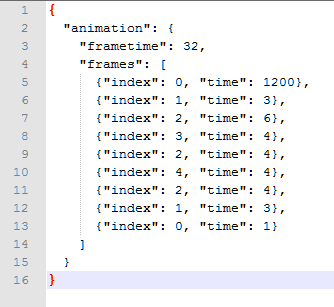
If you have a the mcmeta files make sure the animation is in the attached screen shots (animation.png) format or you will get the same issue:
Yes this is html format so missing any bracket or even a comma can result in the textures doing this
Confirmed on 1.6 pre-release. screen shot attached
intended feature
this is a duplicate bug of
MC-13645which it was stated as works as intended by Jeb
works as intended
works as intended
Basic law of thermodynamics which minecraft is apparently exploiting
j/k... I can't reproduce
confirmed here as well... really odd bug
Its cause mobs still see it as taking damage due to they're AI. It may also have to do with Enderman's AI telling it to avoid liquid (i.e. lava is a "liquid block")
You didnt tell us what the issue is.... "its a error" is not enough information
and its working as intended
and its working as intended
a.) Duplicate of
MC-18368, please use the search function to see if your bug has already been submitted. Currently over 54% of tickets are being closed as duplicate.b.) this is an intended feature and thus is working properly
They did change Golden apples regen rate to match the UHC mode but am not sure if this translated into a change to the Notch Golden Apple (8 golden blocks and an Apple).
thats because this is the snapshot of version 1.6. The full version won't be released until July 1st.
It should say Version 1.6 pre-release but in truth they both mean the same thing
C:/Users/(your name)/AppData/Roaming/.minecraft/bin
With the new launcher it'll be in a versions folder
This is a Duplicate of
MC-14640Please run a search before you postits the intended feature of boats now
I believe this is intended for glass and glass panes.. not sure on slabs or leaf blocks
46th Duplicate of
MC-18365, please use the search function to see if your bug has already been submitted. Currently over 57% of tickets are being closed as duplicate.my apologies.. didnt see it was MCPE
I can confirm this for the current version and 1.5.2
It is random... probably certain items have had the random percentage chances increased but they are still random.
note this is an intended feature
or else snow golems would be so much more useful
Was this issue apparent immidiatly after you converted your resource pack or did it just show up? You may have to recomplile your Resourse pack if it was immidiate.
To Sum up what Castiel is trying to say... It doesn't matter how you got the spawn eggs (whether it be horse or not). If you bring it into a world, then change your game back to a version where that spawn egg doesn't exsist (i.e. 1.6 horses in 1.5.2 where no horses exsist), its going to revert to a generic "Spawn" egg.
This is because its still a beta program (technically). Its going to have bugs... when I ran texturender.jar it named mine correctly... Make sure when you run it you don't have any other java enabled program running (i.e. a webpage) as java can cross talk when being used the way the texturender is being used with java. also make sure your java is completely up to date
works as intended.
Heads are programed with a generic ID. which head you see is based on the sub code given to it. In order to make it so you get different firework animation they would have to code heads differently and they wanted to make it easier on the program as well as the user.
A.) this is because I beleive they changed it to the amount of the "block" that is filled with lava (anything below 75% of a block won't turn). don't know if this was intended or not as I don't see anything in the previous change logs.
B.) as for your name... go to your profile settings, edit your profile, and change your Fullname field. Mine was shown until I did this as I assumed when setting up the account there would be a Nickname field that would display instead of the Name field or the Username would display instead of the Full Name fields.
don't know if this is really "works as intended" but his wording is confusing... sound more like (fisrt half) couldn't slow down and it broke his boat do to the new boat controls (which is working as intended) but reading on (second half) he retried it barely moving and just nudged his dock and his boat broke. If thats the case its not working as intended.
On the same note, I can't reproduce barely moving and boat breaking. So if he's experiencing boats breaking at minimal speeds then it might be an isolated incident
your going to need to attach your crash report for anyone to be able to help
%/AppData/Roaming/.minecraft/crash-report/
one would think that but Spawn eggs are and item kind of like firework stars... they have a base (the spawn egg) and then the color, id, and information is attached to it on the back end. I think it was done for this exact purpose. To make it easier to add new mobs to the list of spawn eggs without coding another egg with the mob
@Madison Borzan
Your first post... "what is immidiatly,immidiate and recomplile".... immidiatly and immidiate as in directly after, recompile is a term for unpacking and re-packaging the files components. (be aware I am not an english teacher and I may have completely butchered the actual spelling of those words).
Your second post... if you recompiled it and it did this then something went wrong with your running the Texturender.jar either the first time or the second. You'll definitely have to re-run it.
your third post... if you can attach it to this bug report, I'll see what I can do
@Neospector
First question, the "Frametime: 32," in my image, I have yet to find a use as I've set this arbritraily and it doesn't seem to affect anything, although if I remove it, the animation fails and I either get a static texture or the purple and black box textures issue.
Second Question, It checks your smallest factor in the image for the resolution (i.e. 32x160 will make your frames 32x32 each) and in this it doesn't care if your frames are scewed... it'll still attempt to render the animation, even if it means that your image throughout the animation seems cut cut or lop sided
At the same time... looking at the image you attached... if thats supposed to be mcmeta file, it is not writen correctly so your animation will fail
you must have "frametime" in it or it'll becomes purple and black textures (see above post inresponse to Neospector)
(tallgrass.zip attached file)
This is a proper animated texture format (both image and mcmeta).
Use Notepad++ to edit or view the mcmeta as it'll look nicer to the eye.
If any information is missing from your mcmeta file thats in mine, then your related animated texture will turn purple and black
just make it the total amount of time your animation needs to complete... I stated before though that it doesn't seem to really affect much either way and can be tweaked a needed.
I have an animation that ocurrs once every 5 minutes and lasts 3 seconds. Whether I set it to 32 or 10000 it doesn't seem to make a difference
Basically just cut and paste the text from my mcmeta file in the zip folder and past it into yours, then adjust how many frames and there time to what you need/have in your texture.
{"index": x, "time": y}adding:
,
where x is the frame you need (starting with 0) and y is its time
If you can get it so I can download the texture pack I'll dowload it and run it and see if I have any issue.
Also put your animated textures and there mcmeta files into a zip file and attached it to this report... let me take a look at them and see if I see something.
I can't tell... Looking at the gold block it worked fine and there doesn't seem to be a real difference between it and iron other than the order of its animation... the best I can tell is that there is a timing issue off or theres a space or something in the wrong place that can't easily be seen.
Even replacing it with a code I know works is having issues... it possible that there is something wrong with the conversion all together or theres something interfereing with this... I can't help but notice the Golden Furnaces and am wondering if this texture pack was setup with a mod in mind and something in the way the original files were set up for 1.5.2 is messing with its conversion.
Duplicate of
MC-17851, please use the search function to see if your bug has already been submitted. Currently over 57% of tickets are being closed as duplicatetechnially that is still a block. This probably can also be considered a duplicate to
MC-17851Seems more like one of your guy's chunk just didnt load properly
@Francis
I think he's trying to say that with a command block setup (in creative) to change a survival player to creative isn't working... He states on #2 that the command block says gamemode @p 1 isn't working, which it wont only because he wrote the code wrong.
@Drone36
Fix your command block to read
gamemode 1 @p
I have tested this, and it works perfectly fine for me.
you may be right on that, seem to rememebr this issue somewhere else though... maybe with signs on a block being moved by a piston. Either way it is doing something that it probably shouldnt be.
Unfortunatley you cannot quote a wiki as it is not held protected or monitored by mojang. Anyone can post... and if thats the case the 2 creepers that spawned withing 30 seconds of eachother, 5 blocks in front of me with no spawners around will say otherwise to the above
Its because its at a height that doesn't techniclly exist so the game thinks your doing something that shouldn't work... I'd be surprised though if the game let you back in as your player will enter at that same location
I love the technicality Tails
Um.... thats cause there is no bottom texture to pumpkins... This is how pumpkins have always been since implemeted.
Pretty Sure it was intended to make it easier
You can't break blocks in creative with a sword anyway. It was an implemented feature back in a previous update
Ever since pumpkins came out they have always showed the stem on the bottom as well as the top... I've been working on textures packs for my own use since forever and there has never been a bottom texture for the pumpkin. it even states on the wiki:
■The bottom of a pumpkin has a stem as well as the top. This is likely a bug
Which even though its noted that its likely a bug, its been like that since the insception of the Pumpklin (note the attached image of the 1.3 terrain.png which isn't far off from when pumpkins were introduced). there is no bottom texture.
Works as Intended. This was in the 1.6 update. Chaged Boat controls to match horse controls. controled with mouse
there should be a tool tip that comes up when you enter the boat that says
"Press Shift to leave"
i.e. press the shift button to get off the boat.
Duplicate Bug... Use the search feature before posting.
All though this is a supposed fixed item (per the release notes), if its still occuring then it is a continued bug from the snap shot
congratulations you've posted the 102nd Duplicate of
MC-18368, please use the search function to see if your bug has already been submitted. Currently over 58% of tickets are being closed as duplicate.Unfortunatly you don't win anything but its an accomplishment I guess
this is an intended feature
Incomplete bug... whats the issue?
Just noting:
I'm still seeing this issue in the offical release (1.6.1) but its not just placing a sourse block into a source block. I actualy placed water into flowing water (no source) and I still got the broken water particles and the stone sound playing.
this is a Duplicate of
MC-18368and your like the 101st person to post it. But this is an intended feature in the PC version. No Sword should be able to break blocks in creative (allows you to kill any mobs without risking breaking your work).Please use the search to find bugs before posting as currently over 50% of the bugs posted are duplicates.
works as intended. This is because the Wool is considered armor for the sheep (with 0 defense added)
This is also a duplicate bug (number I'm not sure on). Please use the search to find these bugs before posting as their are over 50% of the bugs posted are duplicates.
this is a Duplicate of MC 18365. Please use the search feature before posting.
Thats because a slab basically tells minecraft that its a oak_plank block (showing only top or bottom half). when you place the second one it keeps them as 2 slabs but technically is a full wood plank block texture being put on the entire block. the code is making the entire block your placing into the planks_oak.png texture and turning off/on the top or bottom half (since its getting its texture only from the planks_oak.png texture file.) this means that you can't have two different slabs occupying the same space as the entire block is set as one or the other on initial placement.
this is more of a suggestion to the way Slabs should be coded and not really a bug as this was original implementation.
Thats because the Old Launcher has been removed and the new launcher is the permanent launcher (for now). It is required to play 1.6
Hope it wasn't to confusing an explanation as it's kinda hard to explain without visuals
OMG it happend!?
be nice if you explained what "it" is.
Duplicate bug, and works as intended.
This is a suggestion and belongs on the suggestion side of the minecraft forums.
I beleive this is a duplicate bug and I think its the new version not the launcher. some graphical items change (powerPC users and such) and I think some integrated graphics cards use this PowerPC drivers
Duplicate of
MC-18530. Use the search feature before posting bugs. Currently over 50% of the bugs posted are duplicates.Also Works as Intended
Duplicate of
MC-18365. Please use the search feature as over 50% of the posted bugs are duplicates.I'm going to say it cause its probably closer to what its actually doing. Its probably acting like an Operating system. where your telling it 1GB for all of minecraft so it allocates (lets say) 44MB for Minecraft and 980MB for everything else. Its only going to show you what your allowed to play with as the 44MB is set in stone strictly for the game to run its basic processes.
I'm guessing this is on a server? and furthure more, I'm guessing your near the spawn of said server, so I'm going to veture out and say they have moded the server to allow for a spawn point to be protect to a certain radius.
Go out 500 blocks in a general direction and see if the problem still exists.
Thats fine... but if you do see one and its a different version. Post on it so that any Moderators can see that the issue is still affective (and state your version number) that way they can re-open the issue and update it to current release/snapshot. That way Mojang knows the issue is still apparent from an older release.
Its not the correct place.
But your Not supposed to unzip the textureEnder.jar
Your supposed to run it through java (i use portablejava).
I normally see the back of my eyelids....
screenshot would be helpful
Duplicate of
MC-19223, please use the search function to see if your bug has already been submitted. Currently over 58% of tickets are being closed as duplicate.Since this is a continuing thing on both Grum and Dinnerbone, I would wonder if possibly this was an "easter egg" more than a bug. Or one of the programmers thought it was hillarious and put it in the code.
I'm reading an OpenGL error which I believe might make this a Duplicate of
MC-998but also just wondering (not a Mac user) is your Java up to date as I know PC java is at 7 while your report says 1.6 (again maybe Mac Java is at 1.6).The one I use comes from PortablApps.com. There might be easier ones out there but this one stays on a USB stick and doesn't put crap on your computer. Once its run from the installer, you launch it from the PortableApps menu on the USB drive and it should come up and ask for the .jar file to run. when you select it, it'll run the TextureEnder.jar and ask for the Zip file for your 1.5 texturepack.
Link to portable Java launcher
http://portableapps.com/apps/utilities/java_portable_launcher
1.) Duplicate of
MC-18365, please use the search function to see if your bug has already been submitted. Currently over 58% of tickets are being closed as duplicate.2.) That could be to many things to count as a bug as it could be ISP connectivity, User to Serve Connectivity, Server to User Connectivity.
3.) Duplicate of
MC-16143, please use the search function to see if your bug has already been submitted. Currently over 58% of tickets are being closed as duplicate.Also Please Do Not list more than one bug per ticket. Every bug must be on its own ticket
Have you purchased Minecraft? If not then your out of luck until you do (as per GrygrFlzr)
Duplicate of
MC-14640, please use the search function to see if your bug has already been submitted. Currently over 58% of tickets are being closed as duplicate.Duplicate of
MC-14680, please use the search function to see if your bug has already been submitted. Currently over 58% of tickets are being closed as duplicate.A.) are these tamed horses or wild ones as wild ones can despawn naturally while tamed ones would make this a bug.
B.) Do you have multiple horses/mobs leashed to the same location. they have the possibility ofd pushing eachother far enough to break the leads (leads don't have infinite strength) thus your leashed horse is now wandering elsewhere.
Not enough information (invalid post)
Duplicate of
MC-5770, please use the search function to see if your bug has already been submitted. Currently over 58% of tickets are being closed as duplicate.Duplicate of
MC-19082, please use the search function to see if your bug has already been submitted. Currently over 58% of tickets are being closed as duplicate.Duplicate of
MC-13632, please use the search function to see if your bug has already been submitted. Currently over 58% of tickets are being closed as duplicate.sounds like you may have hit the F8 by accident. Try pressing it in game and seeing if that fixes the issue
Not seeing a texture called "horse_plainbuckskin.png" what exactly are you looking for? the closest you should be able to come across is Horse_creamy.png where the horse_markings aren't on.
It has always been this way (as of at least 1.4.7).
Definitely a bug... I can't confirm yet as my horse and donkey are tied on oposite ends of my pen and I'm working fairly close to them so I haven't seen this issue.
Duplicate of
MC-13695, please use the search function to see if your bug has already been submitted. Currently over 57% of tickets are being closed as duplicate.Please also take a look at Bug MC-21359 as there is an indepth reason as to why it isn't working as well as a possible fix in the comming update 1.6.2
Duplicate of
MC-16143, please use the search function to see if your bug has already been submitted. Currently over 58% of tickets are being closed as duplicate.Confirmed
Probably has to do with the launcher as its doing it while im running 1.5.2 and 1.6.1 through my profiles as I help out a friend on an unmodded, vanilla minecraft server using 1.5.2 and it will randomly drop out of full screen to windowed when the launcher is left open.
Did you install the PortableApps launcher before trying to install Jportable? You'll need that installed first. Then once it's installed, open up the Portable apps Launcher and go to Apps>Install a App, and browse to the javaportablelauncher_3.0.paf.exe file and let it install in the default directory. Then try and run it through the Portable apps launcher. that should work. If the error is still happening then it may have been just a bad download.
If thats really complicated I may have a very quick answer if you have the latest version of Java installed:
Right click the TextureEnder.jar and select open with. Then select Java(TM) Platform SE Binary from the list and it should prompt you directly to select your 1.5 texture pack zip.
Also @Kusasasa I know this is kind of a duplicate. but it wasn't really him complaining it was a zip file, as much as it being just how to actually run a .jar file on its own, since minecraft basically is its own java launcher utility while the TextureEnder isn't and requires a secondary program to run.
Pandacraft... if its a modded server then this site can not help you as this site if for standard, un-modded minecraft bugs
Duplicate of
MC-929. Please use the search feature before posting bugs as over 58% of bugs are duplacates which are constantly having to be maintained and closed.this is not minecraft but mostlikely your graphics card settings.Taken from the minecraft formums:
http://www.minecraftforum.net/topic/94179-lines-between-blocks-random-graphics-glitch/
"problem is caused by antialiasing, in my case, NVIDIA's. You have to change antialising settings to "application-controlled". "
I don't think this is actually a bug. Its was something that I beleive was implimented by Mojang to reduce the block load time back in 1.4 (i believe).
Basically it gives all blocks in the chunk its correct ID, but anything within stone will render as stone until it becomes visible to the player in which it will then pull the proper texture. it can be seen when you mine ore deposits and there's even a slight bit of lag as its only a split second that minecraft needs to pull the proper texture.
Yeah... the water thing is just supposed to reduce/remove the random small bodies of water, not the rivers
Can confirm that the leashes them selves can break during teleporting even when there's no player interaction with the leash itself (i.e. the horse is already leashed to a fence post). This issue is apparent not just to horses. Iron Golems leashed to fence posts also had there leashs break on me during TP.
world: Unmodded minecraft in 1.6.1 SSP (with cheats enabled).
What? This is either an incomplete report, or something broken when posting. Clarify what your looking for.
I've probably said this before but I'm kinda glad that they don't drop off fence posts when the mob they are attached to is killed. Kinda suck if the mob was killed and you didnt notice and now your out a lead and mob cause the lead despawned.
Now for the leash on an animal your holding... that should definielty drop when the mob is killed (or at least go imidiately back to your inventory.
Still.. Confirmed in 1.6.2
@Lars Kikkert - while this may be a "misunderstanding" it can easily be assumed that the (quoting you) "place holder" that is present when the piston extends should be there when it retracks. No extra time delay would be needed, just the code telling the blocks that there is a place holder for the carpet block to still be attached to on piston retrack.
@ Lars Kikkert & @why do you need this? - Calm down guys... we can all agree that this is an apparent bug of some sort whether it be because of programing or just simple user expectations. Let us stop this "discussion" and allow the Mojang guys determine whether or not this gets updated/fixed and to how long it takes them to do so.
Attach the crash report from the crash logs folder in you minecraft directory
That may be intended as I bleive they made certain blocks breakable in adventure mode only when using a tool. Fire is technically a block so it would fall under this rule.
Thats cause farm land is considered to be not a full block so the torch can't even atempt to place. (like trying to put a torch on a half slab in the lower position.
Probably best though to add this as a suggestion to Mojang though to make what your expecting happen on the minecraftforums.
Server side
This bug relates to modded servers and thus can't be help'd. this is for vanilla only Single and Multiplayer bugs
see if there is a crash report and attach it. May be simple as needing updated graphics drivers or Java
Need more information on this... crash report... description of bug
attach the crash report
need more info to help..
attach the error report or describe better
your just really lucky.....
probably just a random occurance. If you go 100 blocks away and come back do they all return
Needs more information... or a crash report
confirmed... have had this issue in 1.5 with texture packs. Air bubbles also seem to overlap even though the texutres are within the pictures original bounding box.
crash report?
Attach the crash report
attach the crash report
Silverfish are able to destroy blocks... that why they're annoying
don't know if this is technically a bug as its just how heads work. They are placed on the Hat layer as they are a helmet when worn by mobs. the head doesn't have the hat layer cause its just the head.
This may be better placed as a suggested change to Minecraft and thus belongs on the minecraftforums.
probably has to do with the stained clays colors since block ID 159 is the Stained clay block
Cause block 95 is a "Locked chest" which doesn't actually exsist in minecraft. It was only in place for one of the Seecret Friday updates or the april Fools update and since then as been removed.
per the wiki:
Beta
1.4 Added locked chests.
1.4_01 Locked chests are destroyable with one hit. If not destroyed, they despawn, like leaves.
Official release
1.3.1 12w21a The original Chest texture was removed, causing the Locked Chest's texture to change from to
1.3.1 12w22a Texture changed from to with the addition of the Block of Emerald.
1.5 13w01a Texture changed from to with the addition of the Block of Redstone.
1.5 13w02a When the textures were put into individual files the locked chest had nothing to use, causing the game to crash if a world containing one was loaded.
1.5 13w03a The crash above was fixed; texture changed from to .
1.6 13w18a The locked chest texture was changed from to .
Looking at 1.5 13w02a there was an issue with the texture after 1.5 causing a crash... this is probably what your experiencing as I'm sure there is still a residual error with the "missing texture" texture
going to assume the server is modded so we can't help you
see if there's a crash report and post it... It may be as simple as updating your java and graphics drivers (manually)
pretty positive maps generate not based on location (i.e. center of map) but in relation to the chunks your in. Your map is generating 16 (guessing on number) chunks and your location in relation to those 16 chuncks is based off 0,0,0 so its possible to be in the upper or lower portion of a map now.
Either that or your moving away from where you crafted the map as it used to be where you craft the map is 0,0 and if you move from that point and then open your map you'll show moved from 0,0
I've noticed this since they made it possible to zoom maps out with the crafting recipie. probably has to do with the zooming variable when crafting
Its not a bug because that is how heads were intended to work.. the "hat layer" or second layer on a player skin is not tecnhically the head layer. It is separate (even though its on the players head) and thus not part of the mob head when placed as a head block. you actually said it your self with the zombie pigman reference. the Zombie "Head" is the skull, the rotting pig face is the "Hat layer" or 2nd layer. This is how the game was intended to work as of now, so this is a Feature Suggestion as it isn't how the feature works now when working correctly
and to your BTW... bugs and suggestions are not the same thing. We aren't suggesting they fix it, we are making them aware of an issue that they can choose to fix at there leisure. a suggestion, in this instance, is where you want them to specifically add/remove something that isn't currently in game as a designated feature.
Duplicate of
MC-108, please use the search function to see if your bug has already been submitted. Currently over 58% of tickets are being closed as duplicate.cause its still trying to load your versions... give it a minute and see if it clears up... if not try logging out and back in manually instead of letting it pull your information in (retype your username and password).
you'll have to push them back through... its cause when you sleep, minecraft still generates "time" passing for mob movement, so if they were eventually going to path into the portal, they will when sleeping. Thats one reason to never put your home/bed near your nether portal... the other being the noise and zombie pigman coming through.
I think the majority of players use the "hat layer" for hair or un-important items so it doesn't affect probably 60% of player models... but for the 40% that use it for a decent amount of there skin it is a little inconvenient... I would highly suggest you post this on the Suggestion side of the Minecraft forums (posted above by MOD) and see if it can be implemented to either use both layers, or combine the layers when on a Head Block.
On the same note, they added the heads for decoration purposes and technically only left a place holder for changing the heads to match players skins as an after thought. I don't think they fully intended to have player heads as a fully implemented feature quite yet. Just the Mob side.
Ok... tested in SSP and had kinda of the same reation as in SMP. the horse did seem to ignore the leash while in between young and Adult forms. But also seemed to have a kind of slip and slide reaction when touched. During the Middle forms of groth touching the horse with any force (even minor) seemd to make the horse slide around and then get yanked back to the fence post as if it was on ice. Don't know if the lgnoring the leash thing its doing may be causing or caused by this slip and slide thing thats going on.
This site is for bug reports only. For feature suggestions/changes please use the Minecraft Forums: Suggestions.