 MC-38817
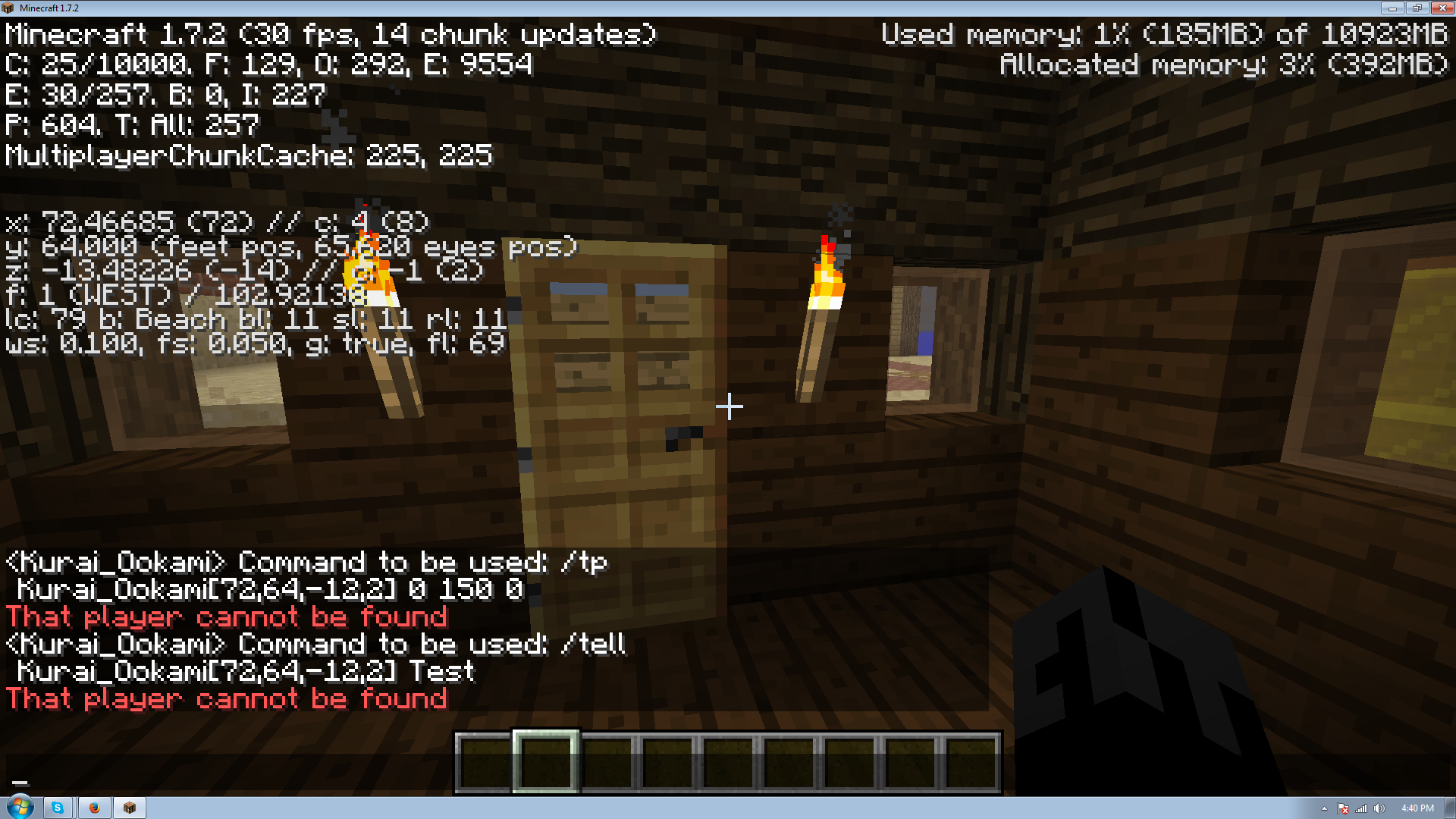
/tell, /tellraw, /tp and /testfor don't work when using coordinate arguments.
Simply put coordinate arguments are not working with these commands.
to reproduce attempt to use one of the commands with a coordinate argument while standing at the targeted coordinates.
This is NOT a duplicate of MC-12239, please do not redirect to that issue.
Environment
windows 7, java 7 update 45, 12 gigs of ram allocated to minecraft.




Created Issue:
/tell, /tellraw, /tp and /testfor don't work when using coordinate arguments.
Simply put coordinate arguments are not working with these commands.
to reproduce attempt to use one of the commands with a coordinate argument while standing at the targeted coordinates.
This is NOT a duplicate of
MC-12239, please do not redirect to that issue.Environment
windows 7, java 7 update 45, 12 gigs of ram allocated to minecraft.
Attachments1
mine was forced onto this and marked as resolved >_> so I'll probably just make a new one
Edit: new ticket MC-38817
The command is wrong. You can either put specific players or you can put arguments (@p, @a, @r), only arguments work with coordinates. So you can have either:
or:
But not:
Try:
Me using Kurai_Ookami was supposed to be as an example, that and I've previously used my own tag in this exact format to trigger things only when I arrived. If that changed somewhere along the lines, that's my fault for not keeping up. But I had originally used @a and that didn't work either and I'll post a video of that not working as well.
http://www.youtube.com/watch?v=4BhCdNgsG4s&feature=youtu.be
A link to the video of the arguments not working even using @a instead of Kurai_Ookami
http://www.youtube.com/watch?v=4BhCdNgsG4s&feature=youtu.be
here be some confirmation for this one
Cannot confirm. Works as expected.
did you do the exact same thing as was shown in the video where the command block is outside the targeted area and uses a location argument? because for some reason if the command block is inside the targeted area it does still work
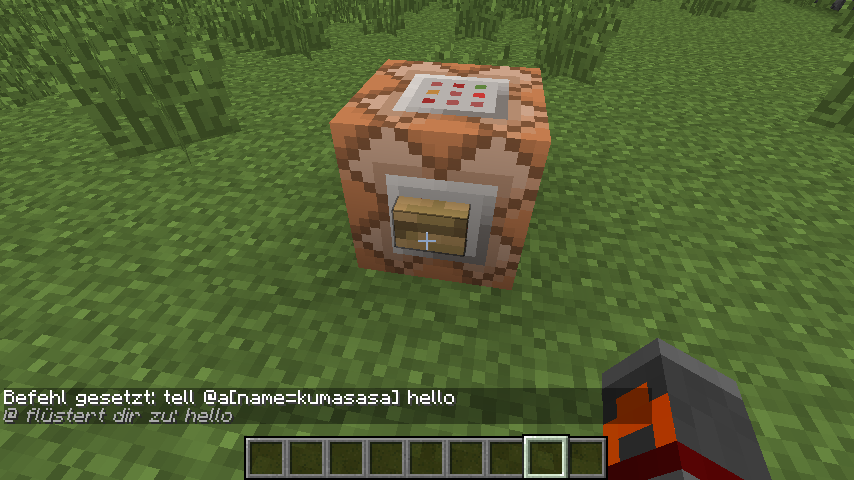
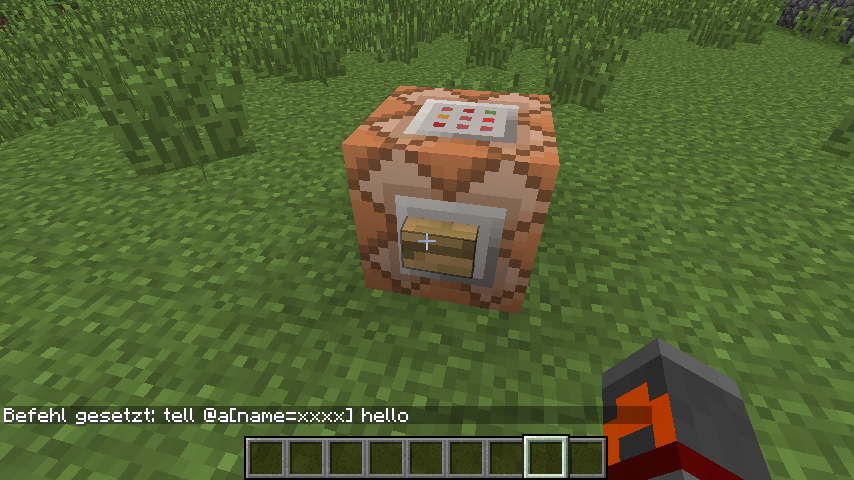
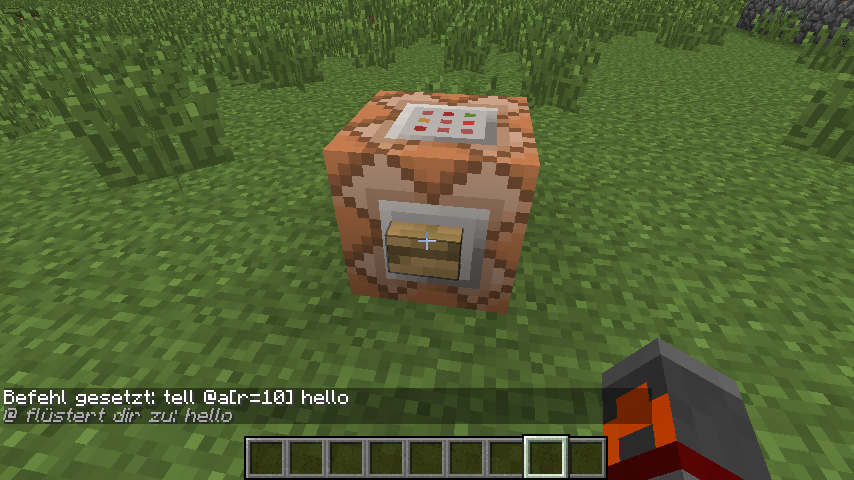
also you never used a location argument only a radius argument, if those are your screenshots that is, which was the problem.
Edit: okay just noticed you can see the person who posted the screen shots. So yeah the problem is location arguments, so if you do something similar to the YouTube video I linked where the command block is targeting an area it's not in, but you are in the area being affected when it goes off, it won't find you.
I tested myself, though I don't have sceenshots.
Using
The command block outputted a response while I was in the area X,Y,Z and no where else. When I changed the command to
it did not output a response even when I was in the area X,Y,Z.
Either way, your original command,
is incorrect. Does
work?
again using my name was an example,watch the video in the comments above. (Edit: or in this post, same link)
I'm only using @a and a location argument, not looking for myself but all players in the area and it is not working.
leave out the Name= tags, I'm not looking for a way for that to work I'm looking to fix the problem of location arguments not working. the fact that you have to have a name for it to work completely ruins the need for @a, @r and @p unless your searching an area the command block is in.
so again
http://www.youtube.com/watch?v=4BhCdNgsG4s&feature=youtu.be
this is a video of the location arguments, in proper format, not working. If you can do exactly as I have in that video and and it works, I can assume something is wrong with my version. But as I stated the command is only working when the block executing the command is in the area being searched, not when it is outside the area being searched. like I said I know there are work arounds for very specific situations, I am trying to address the non-functioning portion.
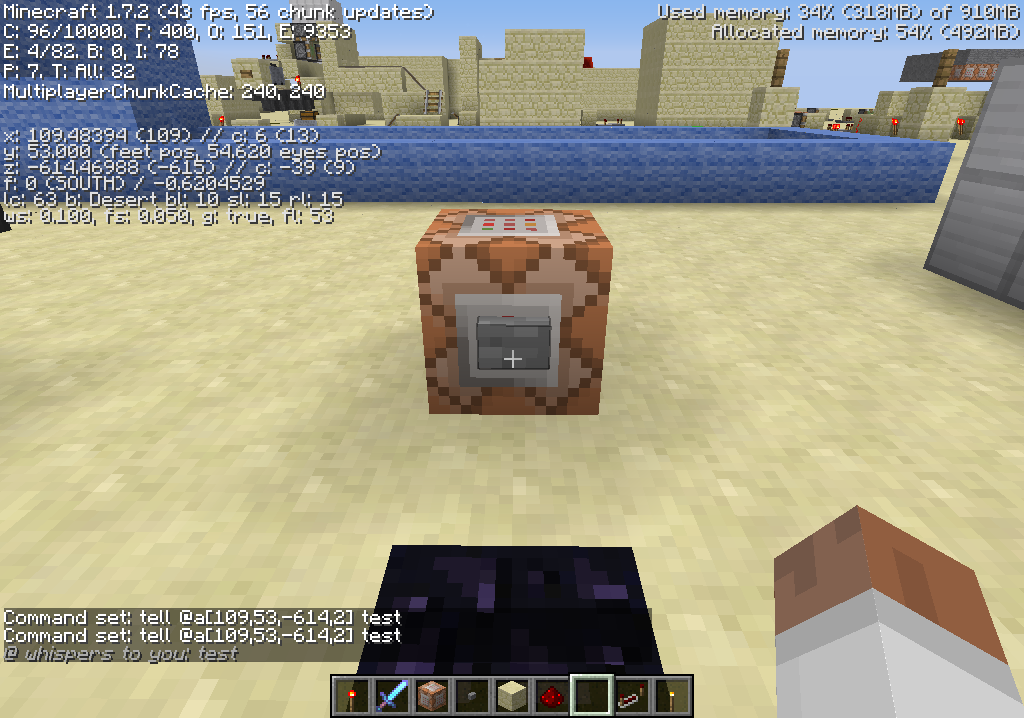
Attached as Command1 and Command2.
it's hard to tell, what's the location of the command block in those posts?
3 blocks over on the Z axis, so -611 about.
I was able to reproduce from farther away as well.
I have no idea what's going on then, as you can see it's not working for me and it seems with at least the ones in the video it's in the appropriate format.... any ideas?
only other thing I can think of is if it has something to do with the world spawn area, which is where mine was built. I don't know ._.
I couldn't say, sorry.
I figured it out! it was a couple things working together that was giving me the problems.
1: Radius does not work the way the wiki describes it >_>. On the wiki a radius of 1 is described as being a 3x3 block area with the target being the middle block, in actuality it's more of a +. and 2 being a 5x5 and instead being a slightly more swollen +.
2:There has to be a radius now? as far as I can tell if you only add coordinates (giving no definition to radius) or set the radius to 0 it does not actually target one block but instead always outputs true and will target you no matter where you are.
3: The block you set as your target is not where the block checks, it is actually checking one block South-East. Making it so the edges of that nice + shape were just missing my targets.
So all of this being said I now know the problem and how to work around it, though I think I'll be submitting a ticket for the target being off. Thanks for your repeated feedback through this.