 MC-39620
World stops loading while using a GUI
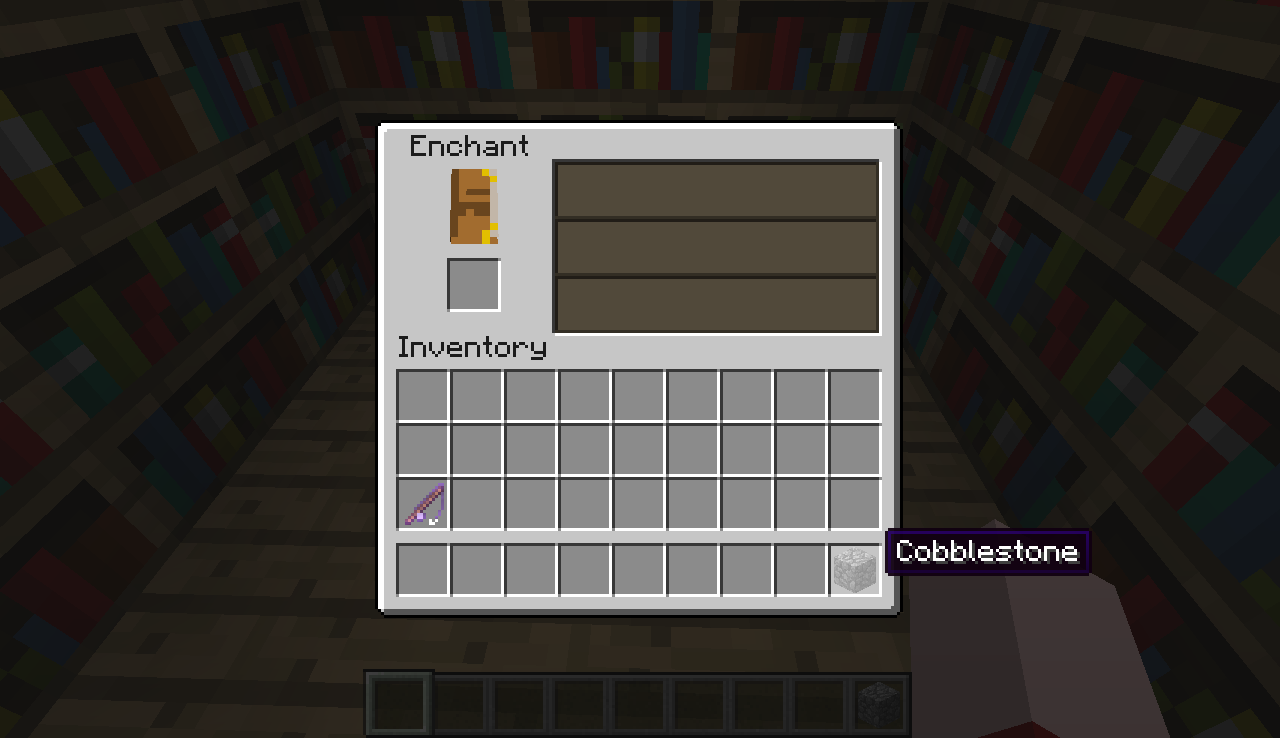
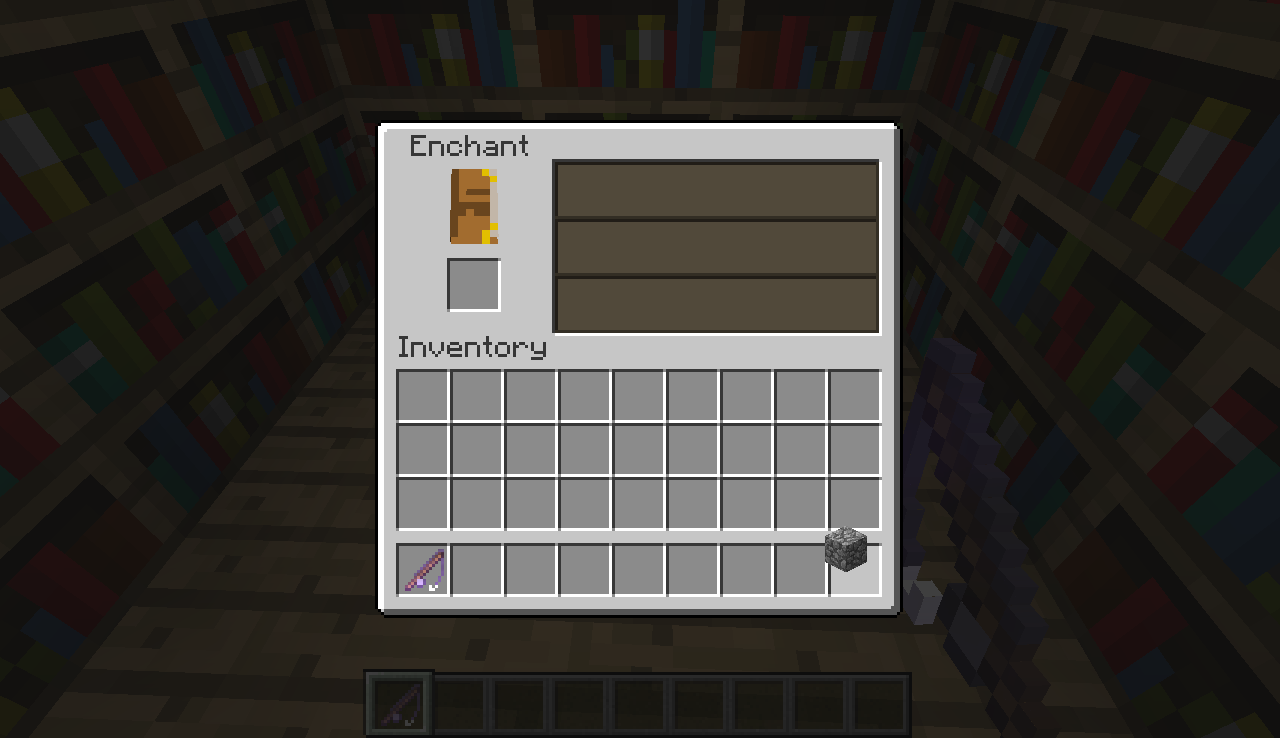
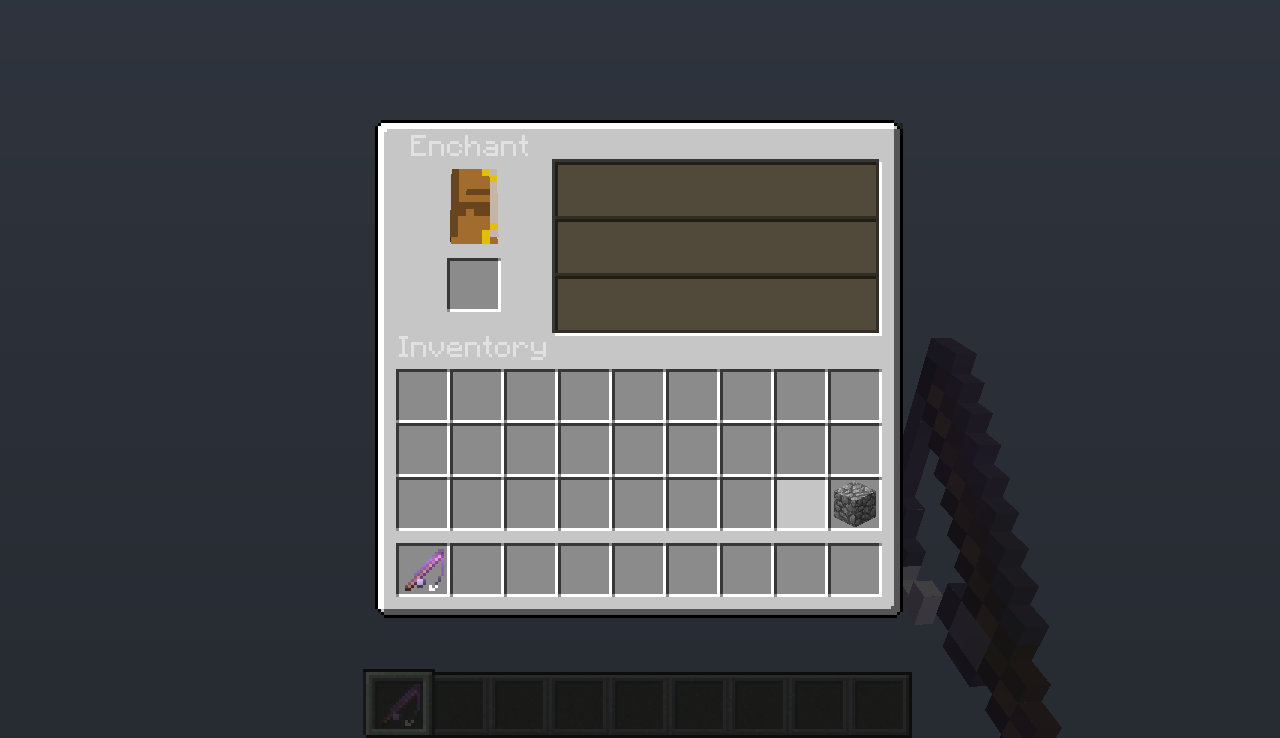
When I'm using a GUI (eg. Enchant, Crafting, Furnace, etc.), the world in background stop to render and all gets like when you are flying high: without any blocks visible. Sometimes, the world in background "flashes", appearing and disappearing. Another thing I related is that only the water is rendered, and all other blocks disappear. And sometimes, nothing happens, and all is normal.
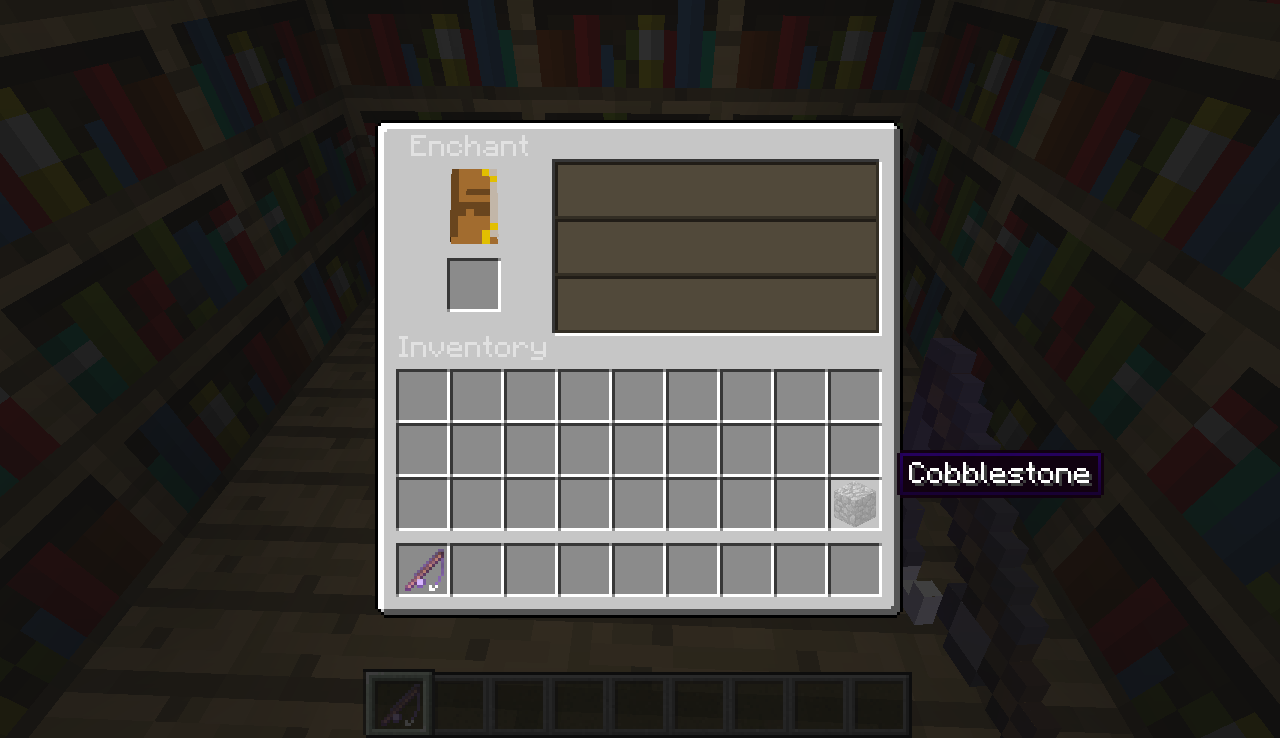
Testing it one more time, I related that sometimes it can happens when I'm with an enchanted item in the mouse pointer. When the item is not enchanted this not happens, but the GUI name letters get white. When I pass the item from hotbar to inventory, it becomes white. When I pass from inventory to hotbar, it becomes black again. And when I PLACE the item in a INVENTORY slot, it becames gray.
Another thing that also happens: when I put the mouse pointer on an item that not enchanted, the world appear. When I take the mouse pointer, the world disappear again.
Environment
Windows 7 Starter 32 bits
Java 7 Update 45
Linked Issues





Created Issue:
World stops loading while using a GUI
When I'm using a GUI (eg. Enchant, Crafting, Furnace, etc.), the world in background stop to render and all gets like when you are flying high: without any blocks visible. Sometimes, the world in background "flashes", appearing and disappearing. Another thing I related is that only the water is rendered, and all other blocks disappear. And sometimes, nothing happens, and all is normal.
Testing it one more time, I related that sometimes it can happens when I'm with an enchanted item in the mouse pointer. When the item is not enchanted this not happens, but the GUI name letters get white. When I pass the item from hotbar to inventory, it becomes white. When I pass from inventory to hotbar, it becomes black again. And when I PLACE the item in a INVENTORY slot, it becames gray.
Another thing that also happens: when I put the mouse pointer on an item that not enchanted, the world appear. When I take the mouse pointer, the world disappear again.
Environment
Windows 7 Starter 32 bits
Java 7 Update 45
Attachments8


Please force a crash by pressing F3 + C for 10 seconds while in-game and attach the crash report (minecraft/crash-reports/crash-<DATE>-client.txt) here.
Here is the crash report, and three more images, showing that the water don't disappear.