Invalid token on launcher start
Each time I start the launcher, it will get an "Invalid Token" error and I have to re-type my full username and password, incredibly annoying, the launcher should at least hold the email in there so I only need to type the password if it fails to login.
edit; current likely cause is due to 3rd party launchers being used at times, or multiple computers being used, likely causing the servers to renew the token and make the official launcher's one invalid. still yet to be confirmed however.
Occurs with the vanilla launcher, old and new. Note that some platforms do not have the new launcher either, as it's an exclusive executable to windows...
Environment
Windows 7, Windows 8, Windows 8.1, Java 1.6 i586, Java 1.6 x64, Java 1.7 i586, Java 1.7 x64,
Windows 10 pro, Java 1.8 x64
Linked Issues
is duplicated by8
 MCL-1532Password not properly storedDuplicateMCL-1663problem logining inDuplicateMCL-1671Login Failing When I Open The LauncherDuplicateMCL-1700Launcher Invalid tokenDuplicateMCL-2145invalad tokenDuplicateMCL-2278Invalid tokenDuplicateMCL-3200Invalid Token... this time is seriousDuplicateMCL-3210invalid tokenDuplicate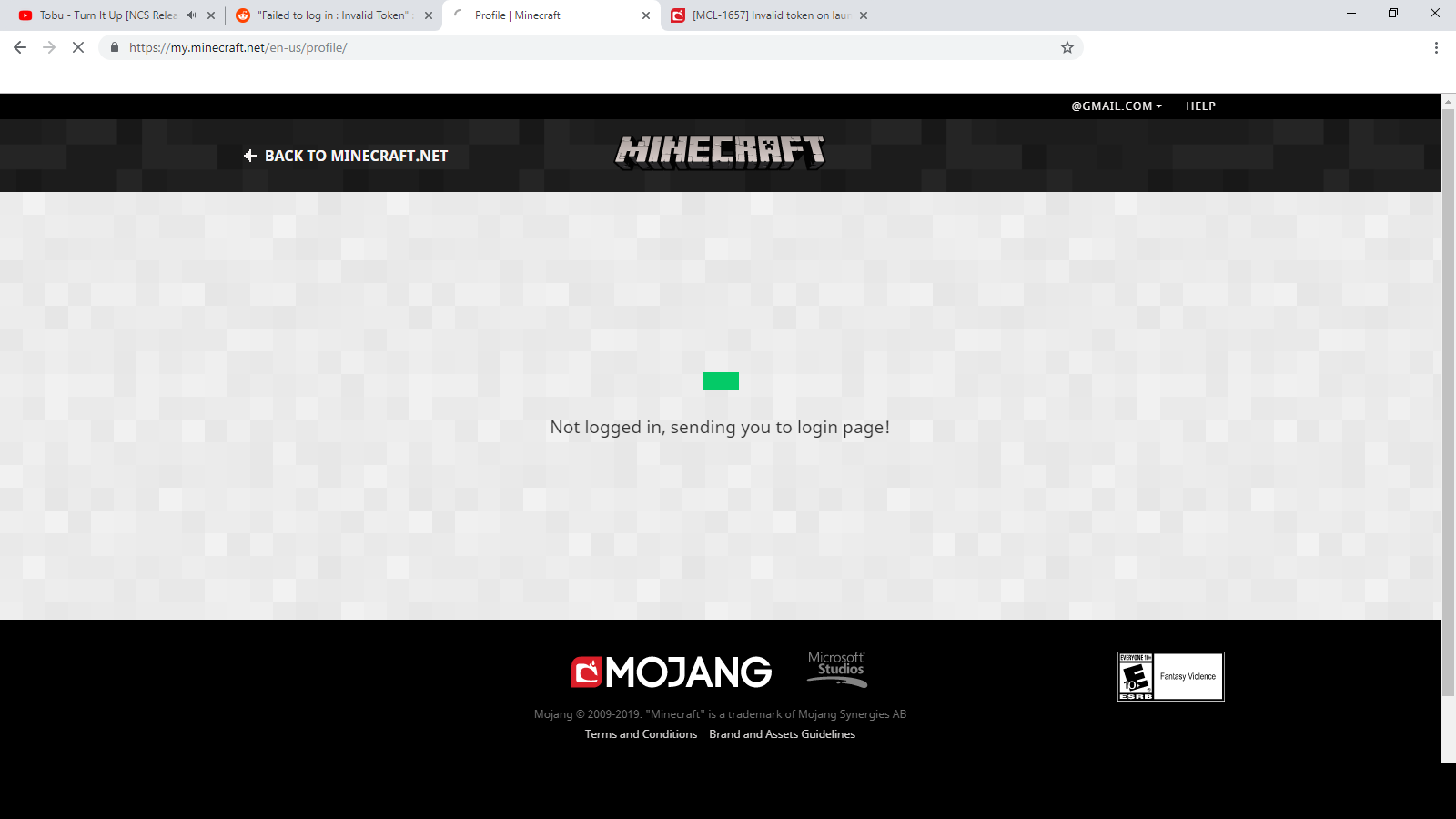


Created Issue:
Invalid token on launcher start
Each time I start the launcher, it will get an "Invalid Token" error and I have to re-type my full username and password, incredibly annoying, the launcher should at least hold the email in there so I only need to type the password if it fails to login.
Environment
Windows 8, Java 1.7_u25x64
Linked Issues
is duplicated by1
TRASH-6968

is duplicated by
relates to

is duplicated by
is duplicated by
relates to
is duplicated by
Windows 8, Java 1.7_u25x64
Windows 7, Windows 8, Windows 8.1, Java 1.6 i586, Java 1.6 x64, Java 1.7 i586, Java 1.7 x64,
Each time I start the launcher, it will get an "Invalid Token" error and I have to re-type my full username and password, incredibly annoying, the launcher should at least hold the email in there so I only need to type the password if it fails to login.
edit; current likely cause is due to 3rd party launchers being used at times, or multiple computers being used, likely causing the servers to renew the token and make the official launcher's one invalid. still yet to be confirmed however.
is duplicated by
is duplicated by
is duplicated by
![[Mojang] Nathan Adams](../../../data/assets/gravatar/dinnerbone.png)
is duplicated by
![[Mod] Ezekiel (ezfe)](../../../data/assets/gravatar/ezekielelin.jpeg)
Windows 7, Windows 8, Windows 8.1, Java 1.6 i586, Java 1.6 x64, Java 1.7 i586, Java 1.7 x64,
Windows 7, Windows 8, Windows 8.1, Java 1.6 i586, Java 1.6 x64, Java 1.7 i586, Java 1.7 x64,
Windows 10 pro, Java 1.8 x64
So this launcher is intentionally inferior to other launchers.... Good job developers!

Each time I start the launcher, it will get an "Invalid Token" error and I have to re-type my full username and password, incredibly annoying, the launcher should at least hold the email in there so I only need to type the password if it fails to login.
edit; current likely cause is due to 3rd party launchers being used at times, or multiple computers being used, likely causing the servers to renew the token and make the official launcher's one invalid. still yet to be confirmed however.
Each time I start the launcher, it will get an "Invalid Token" error and I have to re-type my full username and password, incredibly annoying, the launcher should at least hold the email in there so I only need to type the password if it fails to login.
edit; current likely cause is due to 3rd party launchers being used at times, or multiple computers being used, likely causing the servers to renew the token and make the official launcher's one invalid. still yet to be confirmed however.Occurs with the vanilla launcher, old and new. Note that some platforms do not have the new launcher either, as it's an exclusive executable to windows...
Same here. Problem has appeared for me again too. Real bummer.
Please attach the complete output of the "Development console" tab of the launcher.
oh oops, forgot to attach the log...
here's the error, cropped the log just before the download section so its not a wall of eventless library checks;
And if you close the launcher at this point without starting the game and restart the launcher it will ask again for your e-mail / password ?
I have the launcher set to stay open, but I'm pretty sure if I close it before launching and re-open it doesn't hit the error, though being a student in game programming and doing an end-of-year project I haven't mad much time to really mess with it lately...
ok, re-opening multiple times after logging in has no effect, launching the game and closing also has no effect, it only occurs after a long period of time, the next morning for example.
this is both a account server issue and a major flaw in the launcher...
even in the case of a failure, it should remember your email so you don't have to re-type it every time, and what happened to the secure thing of entering your password at launcher open? that should already be in there by default...
I am getting this exact problem, it started happening after the authentication server crashed/broke a few weeks ago, since then each time I open the launcher when it has been closed for a few hours i get this error and I have to relogin.
still occurring, it will fail with invalid token at launch but log in instantly perfectly fine after re-entering the email and pass, very annoying...
same here! in fact if you look at the
login.
Issue Links
is duplicated by
Bug - A problem which impairs or prevents the functions of the product.
MCL-1663problem logining in *this is mine!*yes, and all 3 above relations were falsely resolved... I don't even see a comment confirming any fixes...
Please explain, what is falsely resolved ?
MCL-1663problem logining inMCL-1671Login Failing When I Open The LauncherMCL-1700Launcher Invalid tokenthese 3 are marked duplicates of this, but are marked as resolved?
Those tickets are "resolved as duplicate".
hey. new launcher. 1.2.8. lets see if this bug is fixed or not...
@jimbo1258 : And ?
I have the same issue with launcher 1.2.8
i was just saying that maybe they fixed this bug in 1.2.8. and its kinda hard to instantly know if its still there.. (as it only does it at random)
ok it seems like its fixed for me, but I also added a profile for the 1.7PR, not sure if that may have fixed it or not...
@Mike try making another profile for something, see if it stops the problem happening (for all profiles).
well you never really know if its fixed or not... you only hope its fixed.. but.. it hasnt happened yet soo..
@Paul My profile is new as I deleted it and re-downloaded and re-installed 1.7.2.
Same thing. Every time I run the launcher having been logged in elsewhere. I now have only one profile on this PC, and yet it still happens every time I first run the launcher from logging into Windows. Really hard to be sure what is actually causing it.
Is this still a concern in the current version Launcher 1.3.1 ? If so, please update the affected versions in order to best aid Mojang ensuring bugs are still valid in the latest releases/pre-releases.
it seems to have been fixed after I made another profile in 1.2.8, seems like a file or cache thing,
anyone else here have the problem still? if yes you should probably try renaming your .minecraft folder and start fresh, try putting stuff back in one at a time and see if and/or when it breaks again...
Ok, please leave a comment, if that issue reoccurs.
ok, bug is indeed back again after adding another profile, launcher 1.3.7, new profile was one for vanilla 1.7, nothing else changed and the bug is exactly the same as it were last time, I am unsure if this could be related to using (legacy) minecraft 1.5 versions inbetween, (but not at the same time of course), these 1.5 clients are also done via a different launcher so I expect there could be a fatal flaw in the token system...
Reopened.
I am on the latest launcher. I seem to get this when I log in from 2 different PCs.
I play at home and am able to log in as normal, and then play at work and it states that the token is invalid.
I log in then, and when I go home, I receive the same message again. It seems pretty consistent in that scenario.
my current understanding of how the system works, seems like it uses the last token to login to the servers, and it then updates this token, but if another token from another launcher was updated beforehand it would fail as the current would be invalid, allowing only the one launcher to exist, which of course becomes a major function flop for people using multiple PCs and launchers like FTB and Technic, both said launchers use the original login system.
I think really what should be done to the launcher is to bring back the old session system, where I just enter my password at the start of the launcher or when launching a game, the fact that I have to keep re-entering my 30 character email each time is massively annoying to say the least...
side note, wheres the "delete profile" button? I have some 20 profiles I want to flush out but prefer not to meddle with the database files manually...
Profile Editor tab -> Right click -> Delete
somebody tell me how to fix this
there isn't a fix for this unfortunately, you just have to wait for [Mojang] to refactor the token system to not be so aggressive or to bring back the classic enter-password-at-launch (of the launcher, the launcher then contains a session token), the latter I personally desire the most simply as it also stops unauthorized access to my account, as well as removing this kind of problem entirely.
added 1.3.8 to the list and added a "cause note" to the description, might be helpful, though the current launcher version, 1.3.9, isn't in the version list and needs to be added (yes this version has the problem too, the version list doesn't accept manual entry).
@eddie do you use any other launchers and/or multiple computers? (eg; technic, FTB,)
1 computer i play ftb and i use magic launcher. and no im not going to stop using magic launcher. the only reason i use regular launcher is to download new releases and snapshots thats it
I still stand that the ultimate solution would be to retire the token system, its just not worth it in this current design, I mean if everything else still uses the classic user-and-pass system without flaws then why use pure token-only...?
really, bring back login on launcher start via password and (remembered) email/s, give users back the ability to save their password, and the launcher can then grab a session token that will allow the game to be launched provided said token is still valid, this will allow mixes of launchers and computers while still adding a layer of piracy protection.
This is caused entirely by third party launchers using our tokens and then not saving the new ones to us. We cannot fix it, it is an issue with them not us.
Unfortunately it is not "entirely" caused by third party launchers. I was using that standard Mojang launcher the entire time. It was just on 2 different machines.
I will retest with the latest version (1.3.10)
3rd party launchers don't use tokens entirely, so as Ive been saying, a better system with legacy support would be required UNLESS you forced every 3rd party launcher to use the token system and keep in-sync with each other...
there's also still possibility of handshake failure, its a law, so as I have also said; the launcher NEEDS to remember the EMAIL so users only have to type their password if it fails.
oh yea, and lack of sync already throws multi-PC support completely out the window.
I can give you a UML of a better authentication process if you want? its not like I don't know how these systems work.
You likely copied your launcher_profiles.json from one computer to another. Both of your launchers will be competing for the same tokens because they don't know they're running separately (you in essence copied their identities and they keep thinking someone is fighting with them).
Delete one of the launcher_profiles and you won't have any more issues.
My friend has the exact problem But Her launcher AND ALL the MINECRAFT files are gone!?!?!?
Its closing each time to
This has now returned again as of the latest launcher releases (2.0.1049), if you install the launcher to multiple computers, each time you open the launcher on a different computer the token will be invalidated...
This is not a bug, it's intentionally made this way.Edit: Sorry, that was a misinformation.
Please read the dev's comments:
https://bugs.mojang.com/browse/MCL-1657?focusedCommentId=146377&page=com.atlassian.jira.plugin.system.issuetabpanels%3Acomment-tabpanel#comment-146377
https://bugs.mojang.com/browse/MCL-1657?focusedCommentId=146385&page=com.atlassian.jira.plugin.system.issuetabpanels%3Acomment-tabpanel#comment-146385
Yea, those comments were irrelevant from the beginning, and especially now where I'm using the vanilla launcher on each computer, this only popped back up as a regression very recently.
Notice the amount of duplicates, with a new one recently created but not yet linked;
MCL-9399eddie was wrong though, the new token system was a disaster from the beginning, and for who knows what reason the devs didn't accept this as being a bug until after it was marked 'invalid' (they finally admitted on twitter). But now because of it being ignored and subsequently forgotten, they've undone their 2013-14 fix and now the bug has returned yet again almost 5 years later...
btw, even though these are with clean launcher installs, keeping client ID's in a local file is how you create a backdoor...
Use the hardware ID instead, or TPM if available (and up-to-date).
This needs to be re-opened so mojang can actually fix it properly, and permanently this time...
I have this one too but mine's worse
I can't even log in minecraft.net because maybe my token is invalid then i was redirected to the login page with my account still showing i'm logged on
I'm having the same issue, I cannot connect to the website, and whenever I try to play the game, I get this error. I'd like to know if there is a temporary solution that would work, because I cannot play the game at all.