 Aether Sword
- AetherSword
- JIRAUSER655603
- Europe/Stockholm
- Yes
- No
 MC-251053
![[Mojang] Gegy](../../../data/avatars/users/10122.svg)
 Important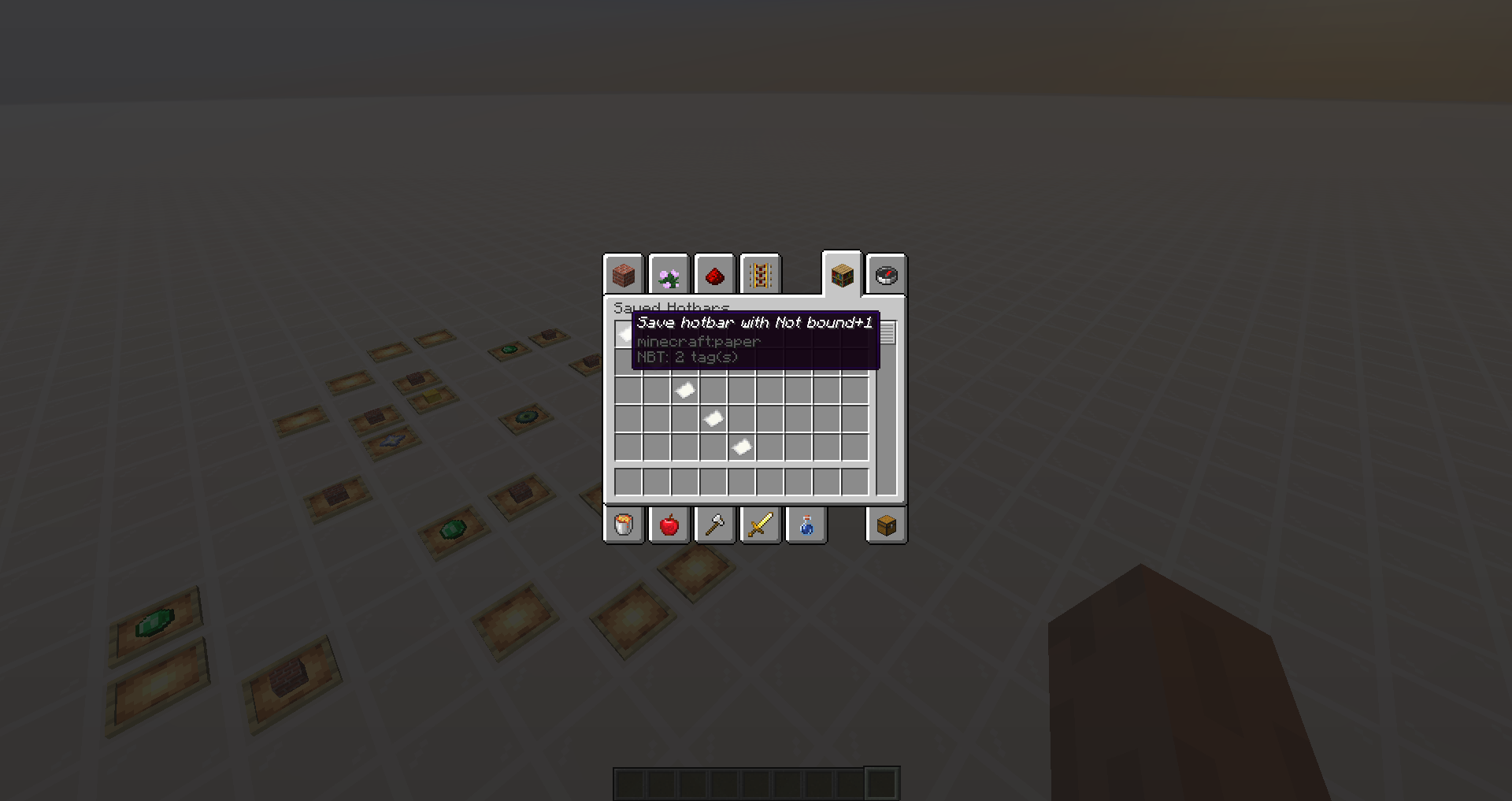
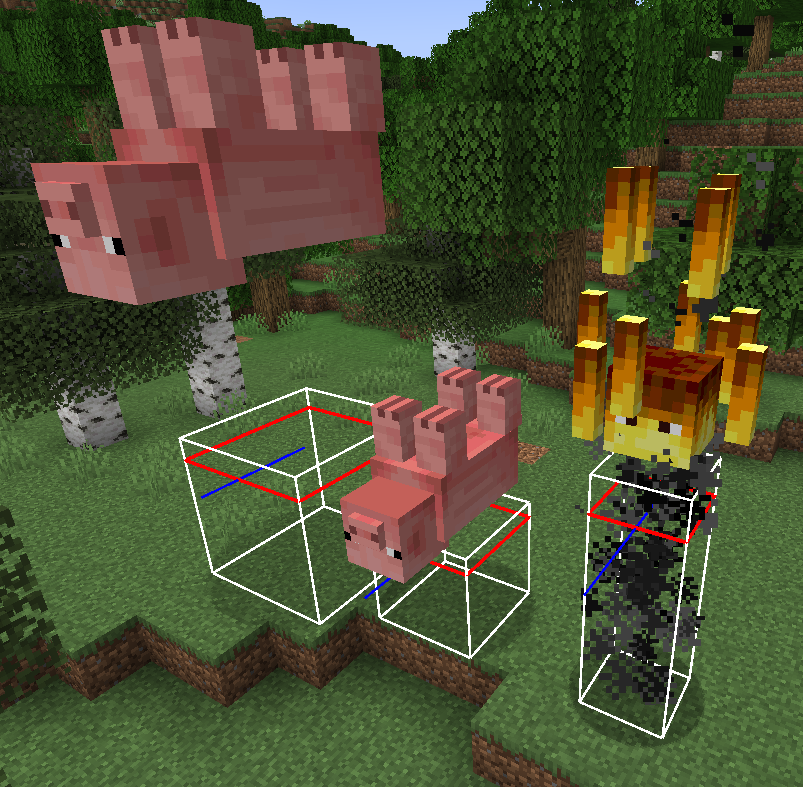


Upside-down mobs with big scale attribute are displayed overhitboxUpside-down mobs with big scale attribute are displayed above hitbox
The models of upside-down mobs go (Dinnerbone/Grumm) upwards for each bigger generic.scale attribute value.
Pig 1: scale 3.0
Pig 2: scale 2.0
Blaze: scale 2.0 (smokes remain inside hitbox)
The models of upside-down mobs
go(Dinnerbone/Grumm) upwards for each bigger generic.scale attribute value.
Pig 1: scale 3.0
Pig 2: scale 2.0
Blaze: scale 2.0 (smokes remain inside hitbox)
The models of upside-down mobs (Dinnerbone/Grumm) go upwards for each bigger generic.scale attribute value.
Pig 1: scale 3.0
Pig 2: scale 2.0
Blaze: scale 2.0 (smokes remain inside hitbox)
Removing "Bundle Contents" from a bundle removes the GUI from the item's lore, however after a short amount of time, the GUI returns.
Steps:
- Make a world with bundles and commands enabled
- Make a datapack with item modifier that removes bundle contents
{
    "function": "set_components",
    "components": {
        "!minecraft:bundle_contents": {}
    }
}
- Get a bundle and use the item modifier on it (State: GUI is gone)
Wait aminute or two(State: GUI is back)Removing "Bundle Contents" from a bundle removes the GUI from the item's lore, however after a short amount of time, the GUI returns.
Steps:
- Make a world with bundles and commands enabled
- Make a datapack with item modifier that removes bundle contents
{
    "function": "set_components",
    "components": {
        "!minecraft:bundle_contents": {}
    }
}
- Get a bundle and use the item modifier on it (State: GUI is gone)
- Do other stuff around the creative menu until it reverts back (State: GUI is back)
Bundles with "Bundle Contents" component removedreturn after a short whileBundles with "Bundle Contents" component removed after right clicking
Removing "Bundle Contents" from a bundle removes the GUI from the item's lore, however after a short amount of time, the GUI returns.
Steps:
- Make a world with bundles and commands enabled
- Make a datapack with item modifier that removes bundle contents
{
    "function": "set_components",
    "components": {
        "!minecraft:bundle_contents": {}
    }
}
- Get a bundle and use the item modifier on it (State:
GUI is gone)Do other stuff around the creative menu until it reverts back (State: GUIis back)Removing "Bundle Contents" from a bundle removes the GUI from the item's lore, however after a short amount of time, the GUI returns (the component itself).
Steps:
- Make a world with bundles and commands enabled
- Make a datapack with item modifier that removes bundle contents
{
    "function": "set_components",
    "components": {
        "!minecraft:bundle_contents": {}
    }
}
- Get a bundle and use the item modifier on it (State: component is removed)
- Right click with the bundle(State: component is back)
Bundles with "Bundle Contents" component removed return after right clicking
Removing "Bundle Contents" from a bundle removes the GUI from the item's lore, however after a short amount of time, the GUI returns (the component itself).
Steps:
- Make a world with bundles and commands enabled
- Make a datapack with item modifier that removes bundle contents
{
    "function": "set_components",
    "components": {
        "!minecraft:bundle_contents": {}
    }
}
- Get a bundle and use the item modifier on it (State: component is removed)
- Right click with the bundle(State: component is back)
Removing "Bundle Contents" from a bundle removes the GUI from the item's lore, however after a short amount of time, the GUI returns (the component itself).
Steps:
- Make a world with bundles and commands enabled
- Make a datapack with item modifier that removes bundle contents (seen below)
- Get a bundle and use the item modifier on it (State: component is removed)
- Right click with the bundle(State: component is back)
{
    "function": "set_components",
    "components": {
        "!minecraft:bundle_contents": {}
    }
}
Removing "Bundle Contents" from a bundle removes the GUI from the item's lore, however after a short amount of time, the GUI returns (the component itself).
Steps:
- Make a world with bundles and commands enabled
Make adatapack with item modifier that removes bundlecontents(seen below)Get a bundle and use the item modifier on it(State: component is removed)- Right click with the bundle(State: component is back)
{ "function": "set_components", "components": { "!minecraft:bundle_contents": {} } }Removing "Bundle Contents" from a bundle removes the GUI from the item's lore, however after a short amount of time, the GUI returns (the component itself).
Steps:
- Make a world with bundles and commands enabled
- Download the datapack with the item modifier that removes bundle_contents and add it to your world (don't forget to reload the world)
- Run the following command with bundle in hand "/item modify entity @s weapon.mainhand test:empty_bundle" (State: component is removed)
- Right click with the bundle(State: component is back)
{
    "function": "set_components",
    "components": {
        "!minecraft:bundle_contents": {}
    }
}
Holding
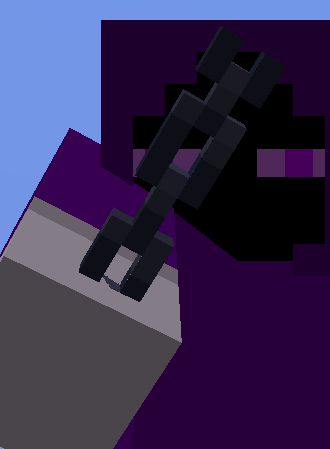
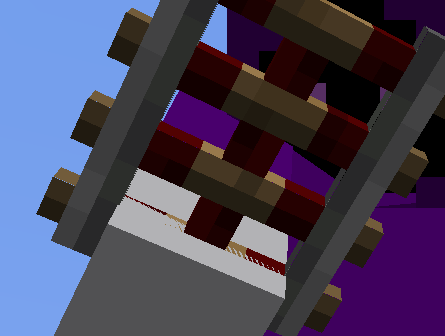
a ChaincausesZ-fighting to occur with the player's handHolding some items items may cause Z-fighting to occur with the player's hand
List of items:
- Activator Rail
- Armor Stand
- Azure Bluet
- Barrier
- Birch Sapling
- Brain Coral
- Bubble Coral Fan
- Chain
- Cherry Sapling
- Cobweb
- Cornflower
- Crimson Roots
- Dandelion
- Dead Brain Coral
- Dead Bubble Coral Fan
- Dead Bush
- Dead Fire Coral
- Dead Fire Coral Fan
- Dead Horn Coral
- Dead Horn Coral Fan
- Dead Tube Coral Fan
- Detector Rail
- Fire Coral
- Fire Coral Fan
- Firework Rocket
- Frogspawn
- Glow Lichen
- Horn Coral
- Horn Coral Fan
- Jungle Sapling
- Ladder
- Lead
- Lilac
- Oxeye Daisy
- Poppy
- Powered Rail
- Rail
- Rose Bush
- Seagrass
- Shears
- Spruce Sapling
- String
- Structure Void
- Torchflower
- Tube Coral Fan
- Twisting Vines
- Warped Roots
ChainhasZ-fighting with player's hand when heldSome items have Z-fighting with the player's hand when held

Aether Sword Since you are the reporter, you can add the version to the Affected Versions list yourself.
Still happening to me too, Mojang should really focus on real issues like this than reverting changes people like, like fireflies and 1 tick copper bulb
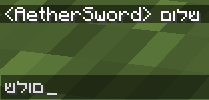
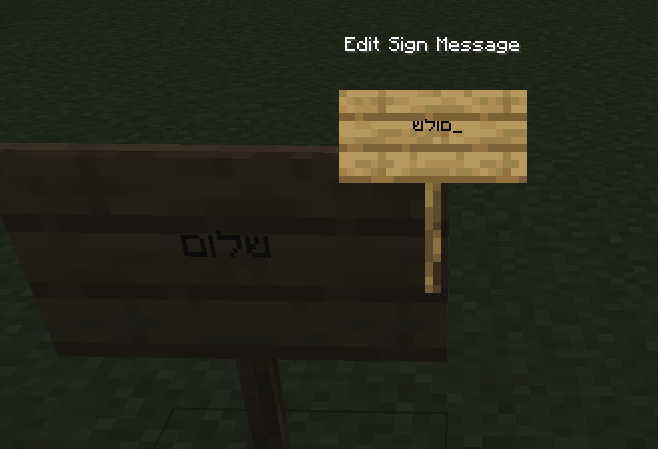
Some languages are written from right to left instead of left to right, when submitting the input, it is displayed normally such as in the examples, but for as long as you type in the input box, they're typed from left to right instead.
There's no "reply" option, or not one that i can find, so i sent a comment before that was apparently ignored?
ohhh my bad, i now understand the question, i didn't notice the "does" before the other issue, and that made me gloss over the entire question, no, it is similar, but it isn't the issue, my issue is during the typing of said input, not after submitting it.
It's strangely inconsistent, as it doesn't appear to happen to me much now, better keep on the radar how the issue is caused
found the issue, i'm going to update it
I have added the datapack and the command in the steps.
This includes when in 1st person view when holding it in the off hand
can confirm in 24w12a, also replace reproduction method with this as it has been changed
/give @s chest[minecraft:enchantment_glint_override=true]been a while i completely forgot i made this bug report, oopsies
The reason you probably could not replicate my bug is because you probably had sleeves off your skin, you need the outer layer on
I encountered the bug again and wanted to report it, just to realize i reported it in the past, so here i am to revive it, and provide another screenshot of another item
updated issue to include a lot more items
I think the fix should be applied to Echo Shard as well, since it also works on bamboo
still a bug in 1.21
Can confirm
Can confirm