 ajarmand57
- ajarmand
- ajarmand
- Europe/Stockholm
- Yes
- No
 MC-147899
 MCPE-90018MCPE-158099MCPE-171424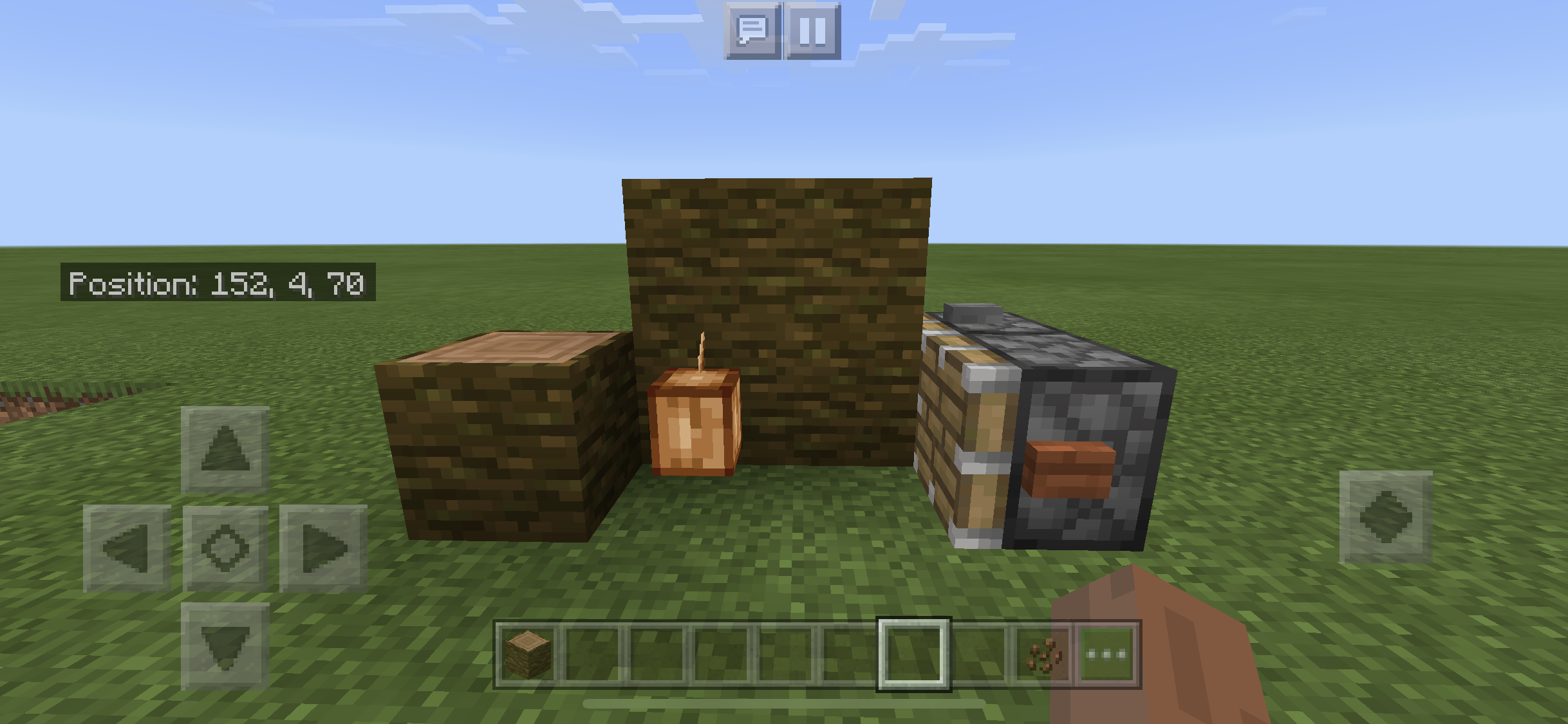


C6918A72-BD49-402D-A8E2-8B61327D497B.png
The item text labels in item frames are not appearing when hovering over it.
The item text labels in item frames are not appearing when hovering over it.
Procedure:
1. Go to settings and select Touch
2. Select new touch control mode and use “Joystick & Tap to Interact” schemeExpected results:
Item labels in item frames should appear when hovered over in “Joystick/Tap” modeCurrent results:
Item labels appears only when directly interacted with, not when hovered over as it does in the original “D-Pad/Tap” mode.
The item text labels in item frames are not appearing when hovering over it
.
Procedure:
1. Go to settings and select Touch
2. Select new touch control mode and use “Joystick & Tap to Interact” schemeExpected results:
Item labels in item frames should appear when hovered over in “Joystick/Tap” modeCurrent results:
Item labels appears only when directly interacted with, not when hovered over as it does in the original “D-Pad/Tap” mode.The touch focus circle is absent therefore the item text labels in item frames are not appearing when hovering over it
Procedure:
1. Go to settings and select Touch
2. Select new touch control mode and use “Joystick & Tap to Interact” schemeExpected results:
Item labels in item frames should appear when hovered over in “Joystick/Tap” mode using the touch focus circleCurrent results:
The touch focus circle is absent making Item labels appears only when directly interacted with, not when hovered over as it does in the original “D-Pad/Tap” mode.
Item labels not appearing when hovering over item framesTouch focus circle is absent when using Joystick in the new touch control setting
Touch focus circle is absent when using Joystick in the new touch control settingTouch focus circle is absent when using Joystick/interact mode in the new touch control scheme
The touch focus circle is absent therefore the item text labels in item frames are not appearing when hovering over it
Procedure:
1. Go to settings and select Touch
2. Select new touch control mode and use “Joystick & Tap to Interact” schemeExpected results:
Item labels in item frames should appear when hovered over in “Joystick/Tap” mode using the touch focus circleCurrent results:
The touch focus circle is absent making Item labels appearsonly when directly interacted with, not when hovered over as it does in the original “D-Pad/Tap” mode.
Touch focus circle is absent when using Joystick/interactmode in the new touch control schemeTouch focus circle is absent when using Joystick/Tap mode in the new touch control scheme
Nether portals oftentimes not working properly when a parrot is on player’s shoulder
Steps to reproduce:
1. Enter Nether portal frame w/ parrot on shoulderExpected results: Nether portal will take you to the Nether and vice versa
Current results: Screen will swirl but nothing happens. This will also happen when you are already in the Nether trying to go back to the Overworld
Workaround:
1. Stay inside nether portal frame
2. Close & save game
3. Load game again
4. Nether portal will start taking you to the Nether or Overworld
You can hear armor equip sound being played when taking armor damage while being attacked by a hostile mob.
I can confirm this myself.
Tried to scoop fishes in the water with both empty and filled water bucket but just hits them like a melee weapon.
I played the game using IOS mobile IPhone 6
I can confirm that it happens on ios phones as well. Happened to me multiple times already and wastes my XPs ☹️
This seems similar to what I observed. When villagers try to find and sleep in their beds they get stuck at a corner outside the house
I previously created my own village (in 1.10) with villagers having assigned professions. After converting to 1.11, all the villagers became unemployed but their level badges still reflect the level their previously assigned profession gained.
Trying to give them their previously assigned profession by putting job site blocks near them will not work consistently as it may claim by a different villager (with a previously assigned profession that's different) in another part of the village. This is true as well when trying to get the villagers to claim a nearby bed.
Also, even if you happen to convert the villager to its previously assigned profession, its trades will not be the same as it had prior to 1.11. For example, I had a librarian who had a mending book in 1.10. He became unemployed after the 1.11 conversion. So when I tried converting him to his old profession (which took multiple tries as it keeps being claimed by a faraway villager who even had a different profession before), he didn't have the mending book anymore even though he still retained his master level badge from the prior version.
Keep in mind that I removed any other beds, job site blocks as well as villagers within the radius of the village.
I can confirm this too. I have created my own village with a complete set of villager professions; and whenever I am not in the vicinity for awhile, villagers would despawn. I know that mobs tend to despawn along chunk borders when a game crashes but these didnt happen during a crash. At first, 1-2 villagers disappeared, but recently, out of the 15 villagers I had, 10 had completely disappeared all at once after not being in the area for just 1 day! Name tagging them does nothing to prevent this and they all have high XP level badges. So frustrating! Im playing on IOS.
It has happened to me too with my cow and sheep farms
This is also happening to me since I upgraded my iphone to 13.1.1. My previously purchased texture packs cant update since it just freezes once it starts downloading. My iphone is now on 13.1.3 and it still freezes.
Just updated to Minecraft PE 1.13 and the issue still exists; my previously purchased texture packs that needed upgrading just freezes when trying to download the update
This is happening to me on MCPE 1.13 on my IOS (13.1.3)
This is also happening to me on IOS 13.1.3. Villagers with established profession also unable to link to its job site block if you remove it and replace it back.
Posted some pics. The first would be the one where the cocoa bean and adjacent jungle wood block is closer to the piston. Last pic would be where both the cocoa bean and jungle wood was pushed out after triggering the piston.
There are times a stronghold will fail to generate an end portal room if the stronghold itself generates within other structures such as cave systems, abandoned mine shafts, ravines, etc. Try digging into all the walls of the stronghold as it might just be buried somewhere nearby and there's no direct access to it. If it does fail to actually generate one then you might have to find another stronghold somewhere else that will properly generate an end portal room. I found 2 strongholds that failed to generate a portal room in my world and had to search for a third stronghold before I found one.
yes they are not suppose to drown, most undead mobs like skeletons will sink down the bottom and will try to swim up if it detects a player nearby. Zombies will turn into the "Drowned" variant after being underwater for a long time. Spiders usually just swim and float on the surface.
This bug is now fixed since 1.16.10 (at least on IOS where I play it).
I also confirm that this bug is present in 1.16.210 release on IOS mobile. The main problem is that offhand items move around even when view bobbing is turned off. Items in the main hand is not affected though. Very annoying.
Still present in latest Preview 1.19.10.24
No, it’s turned on. The text label only appears if you interact with the item in the item frame, not when you are hovering over it like its supposed to.
As of 1.19.2 , this bug still exists and now includes dead coral fans as unplaceable on waterlogged blocks
Steps to reproduce:
1. Make a hole in the ground with a water source.
2. Place any upper half slab in the hole with the water source to waterlog it.
3. Place any coral fan on waterlogged upper half slab.
Observed results:
Regular and dead coral fans break
Expected results:
Coral fans shouldn’t break when placed on waterlogged upper half slabs.
This is still happening as of Preview 1.19.40.22 specifically when using the new touch controls setting
confirmed for IOS as well. the "charging progress bar" for the dash does not seem to appear on my Iphone as well.
Video taken from latest preview 1.19.50.21
Touch focus circle still absent as of 1.19.60.23 preview
Finally fixed in 1.19.60.25 Preview version
In 1.20.10.21, horses, mules & donkeys are tempted by golden carrots & golden apples (+enchanted) but also hay bales which should’t be. Llamas are not tempted by hay bales
For added info, my world file is about 700+ MB. Tried using a nether portal in a test flat world and a newly created standard world- it seems to work fine in both survival & creative modes.
I just realized that the reason for nether portal not working is a parrot was stuck on my shoulder. There are several reported bugs about parrots not being dismounted from player’s shoulder just by jumping or they get stuck in flight mode.
I am not sure if having a parrot on your shoulder that prevents you from going through a nether portal should be a reported bug as well.
I have updated title & description to include the parrot for this bug to happen.
this bug is still present as of Preview 1.21.0.24
This parity only works on newly created worlds. The 100% drop rate from TNT explosions does not apply on older worlds.
Correction: for older worlds, execute command: /gamerule tntExplosionDropDecay false in chat. This will enable TNT 100% drops without disabling achievements.