 David Wheatley
- davwheat
- davwheat
- Europe/Stockholm
- Yes
- No
 MC-3188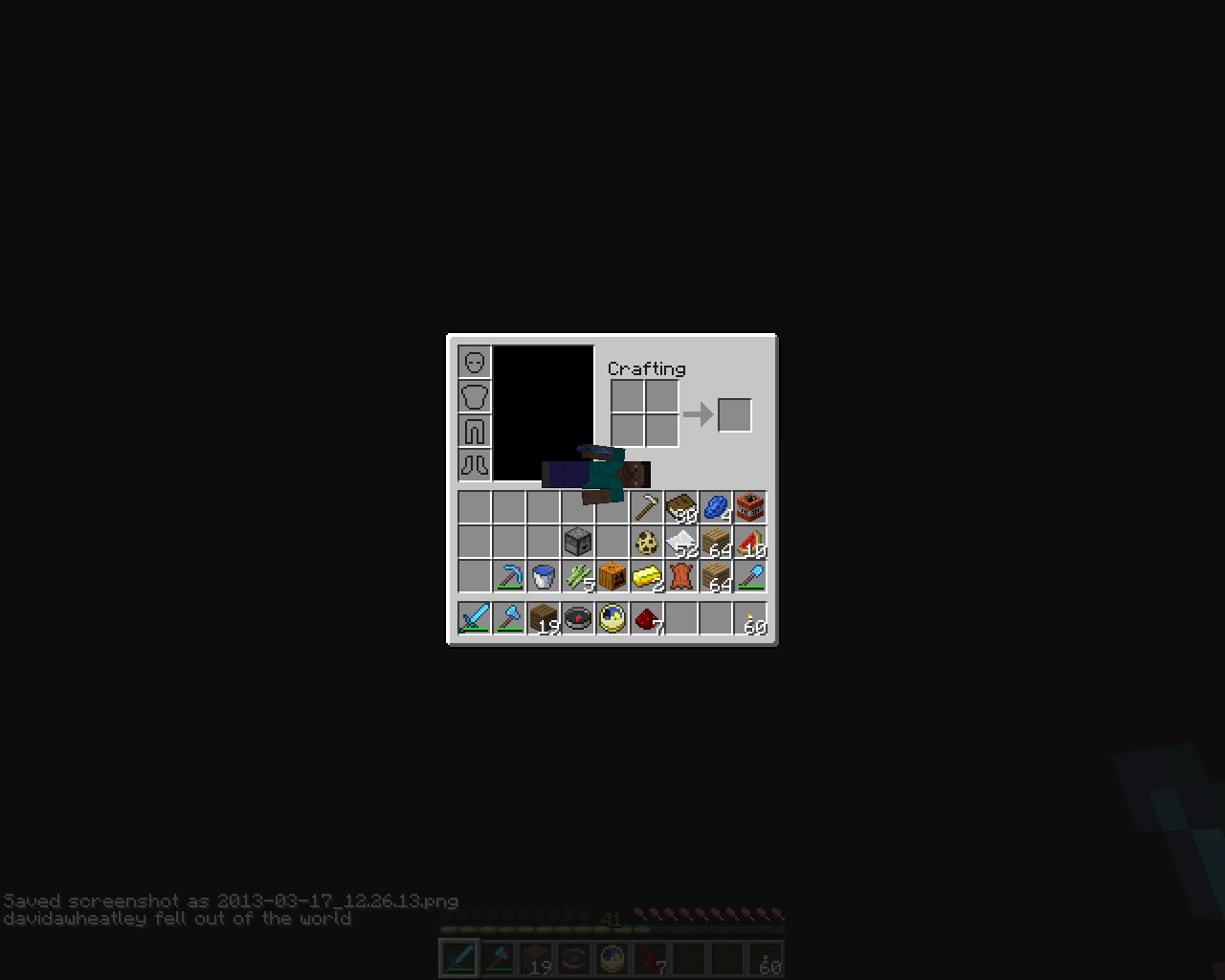
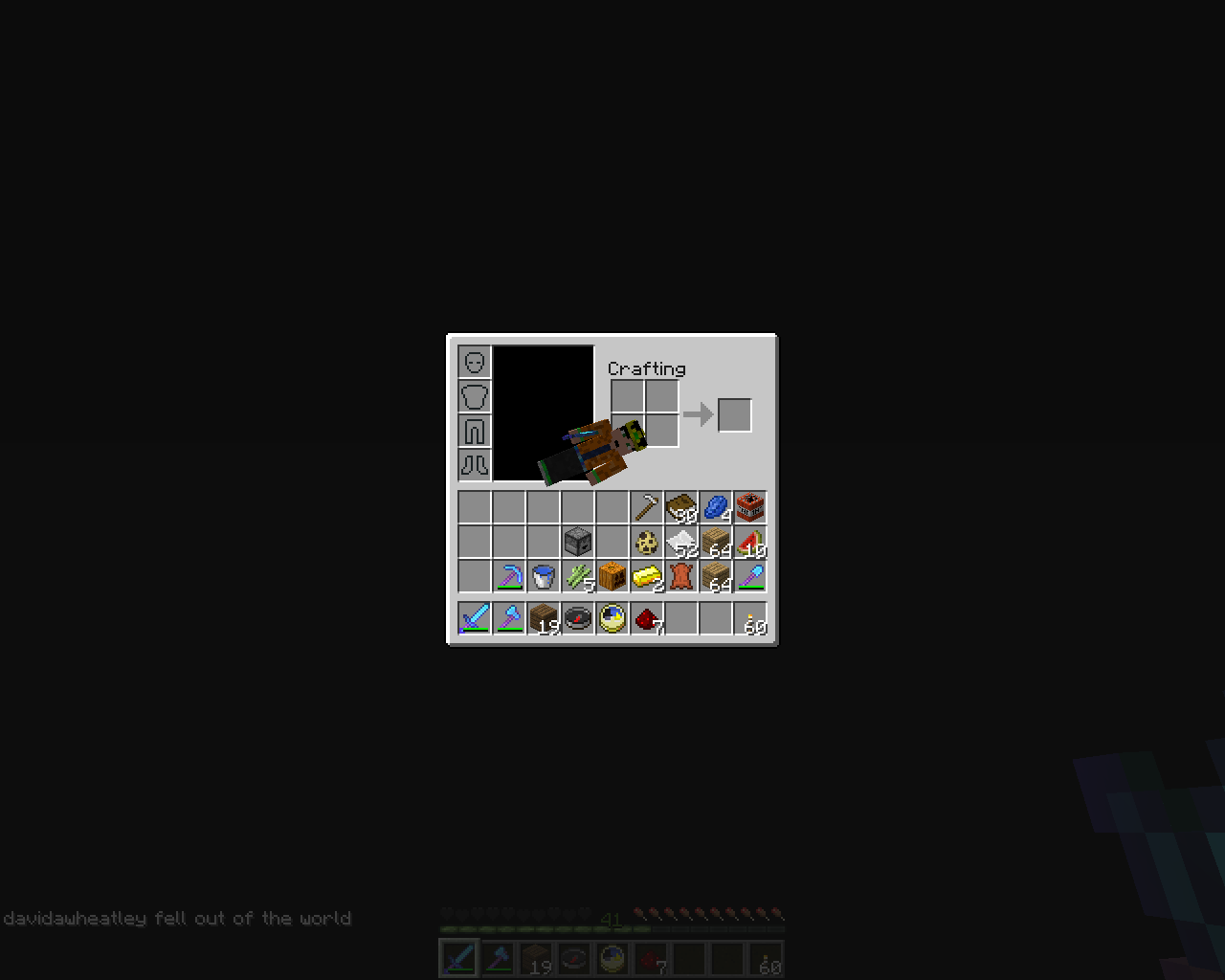
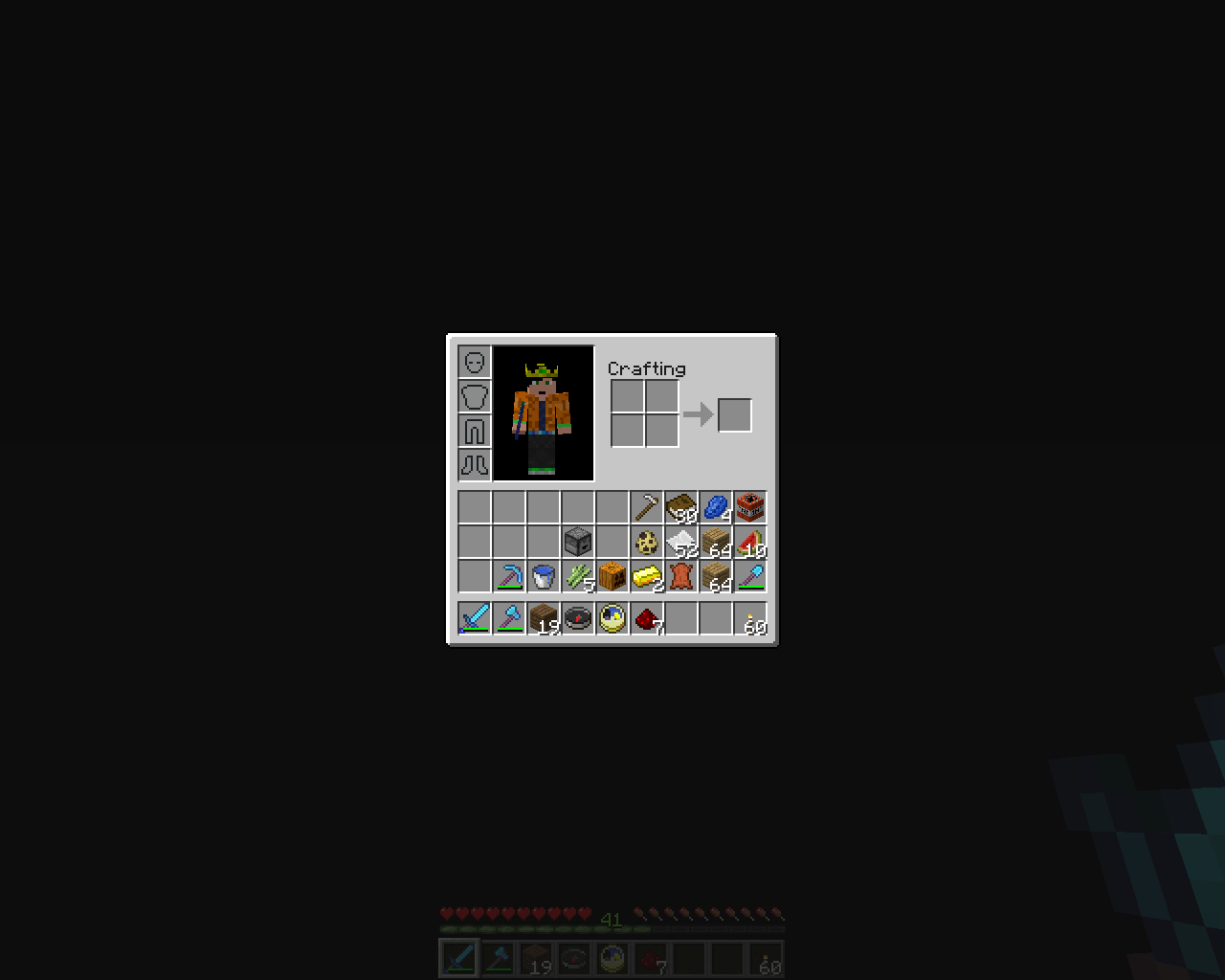
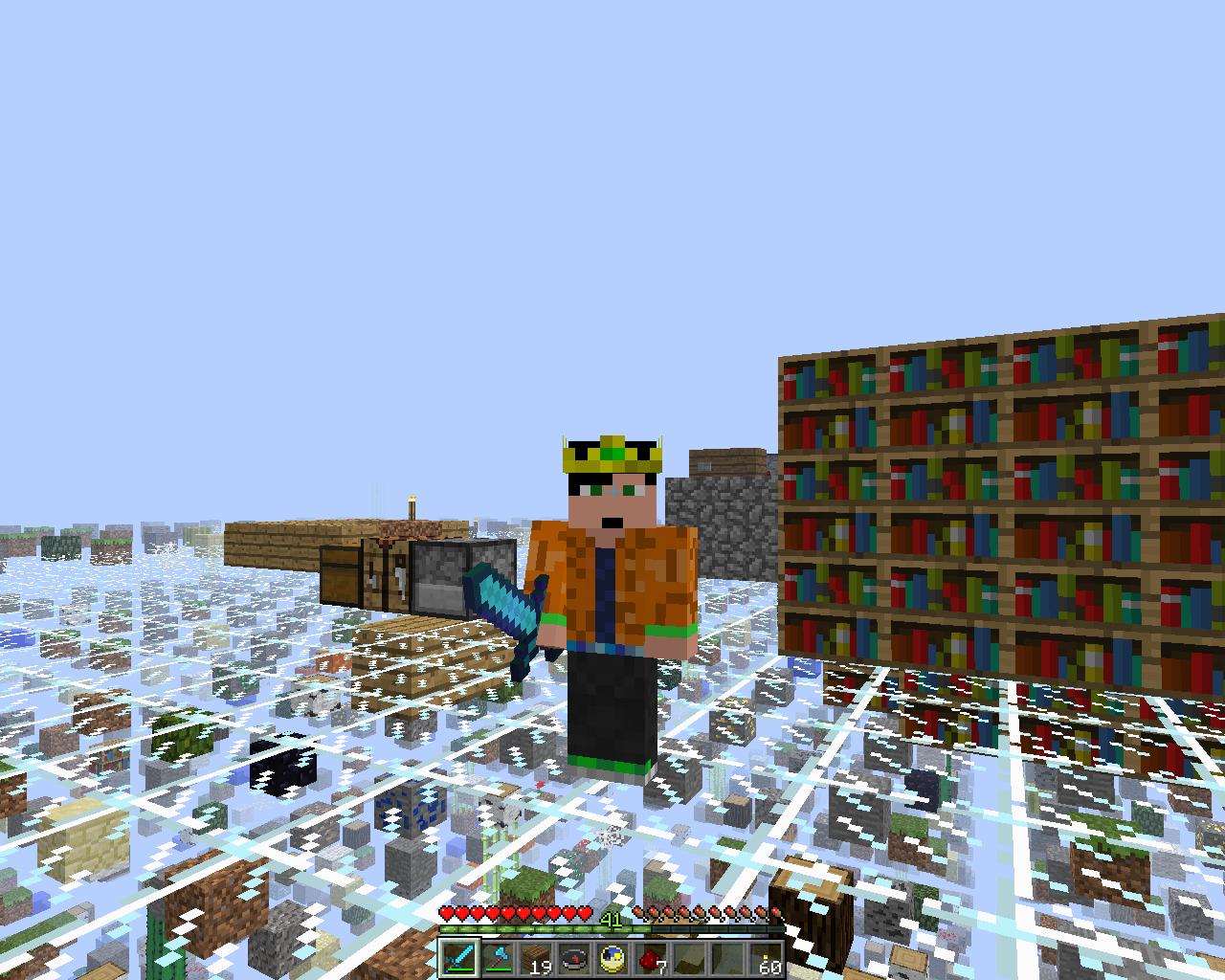





NOTE:~ I am playing a custom map, Sky Grid, by SethBling.
What I expected to happen was...:
In your inventory when you're dead, it should show your characters skin. Not the default. But it didn'tWhat actually happened was...:
In my inventory it showed my skin for a few seconds, but then changed to the default, Steve.Steps to Reproduce:
1. I did it THIS way. I fell into the void (by accident) then I opened my inventory to see what I had, but then I died.
2. My character fell down red (Red_Fall_Down picture) But then changed to default. (Default_Red_Fall_Down picture)
3. But I closed my inventory and hit respawn (I want to metion, about 13 deaths later, the 'Respawn' and 'Title Menu' buttons wouldn't let me respawn.)NOTE:~ I am playing a custom map, Sky Grid, by SethBling.
What I expected to happen was...:
In your inventory when you're dead, it should show your characters skin. Not the default. But it didn'tWhat actually happened was...:
In my inventory it showed my skin for a few seconds, but then changed to the default, Steve.Steps to Reproduce:
1. I did it THIS way. I fell into the void (by accident) then I opened my inventory to see what I had, but then I died.
2. My character fell down red (Red_Fall_Down picture) But then changed to default. (Default_Red_Fall_Down picture)
3. But I closed my inventory and hit respawn (I want to mention, about 13 deaths later, the 'Respawn' and 'Title Menu' buttons wouldn't let me respawn.)
Items fall through pressure plate!? (Incorrect bug) (No fix needed)
Items fall through pressure plate!? (Incorrect bug) (No fix needed).
Shall I edit this bug report and paste there?
Done
(BTW it's now under "More Actions" XD It's got it's own space)
crash-2013-04-04_13.43.48-client.txt
... I'm on my tablet... I'll do it soon
Minecraft freezes!
I'm serious... =3
Adding screenshots...
These show the above explained bug.
Put the summary of the bug you're having here:
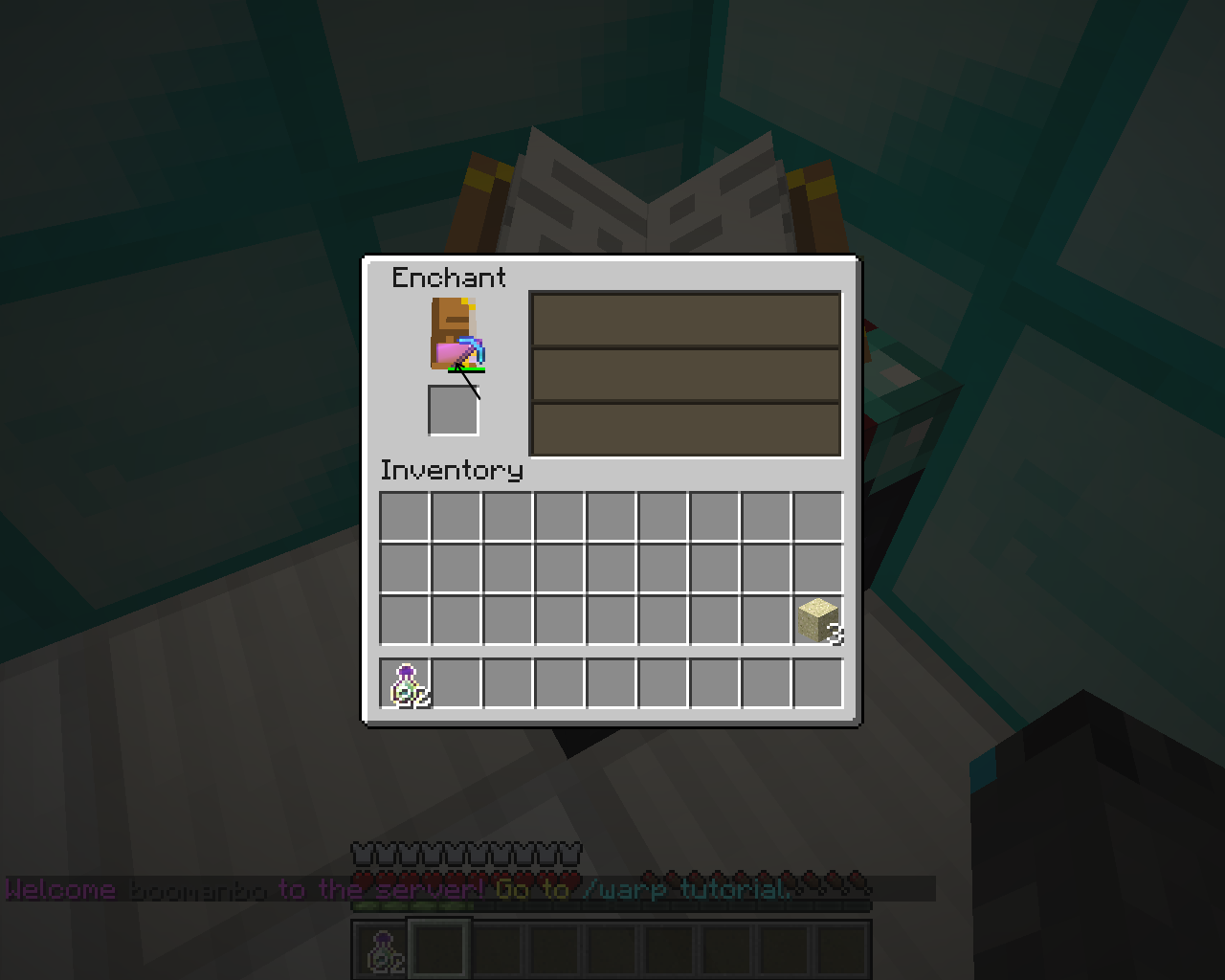
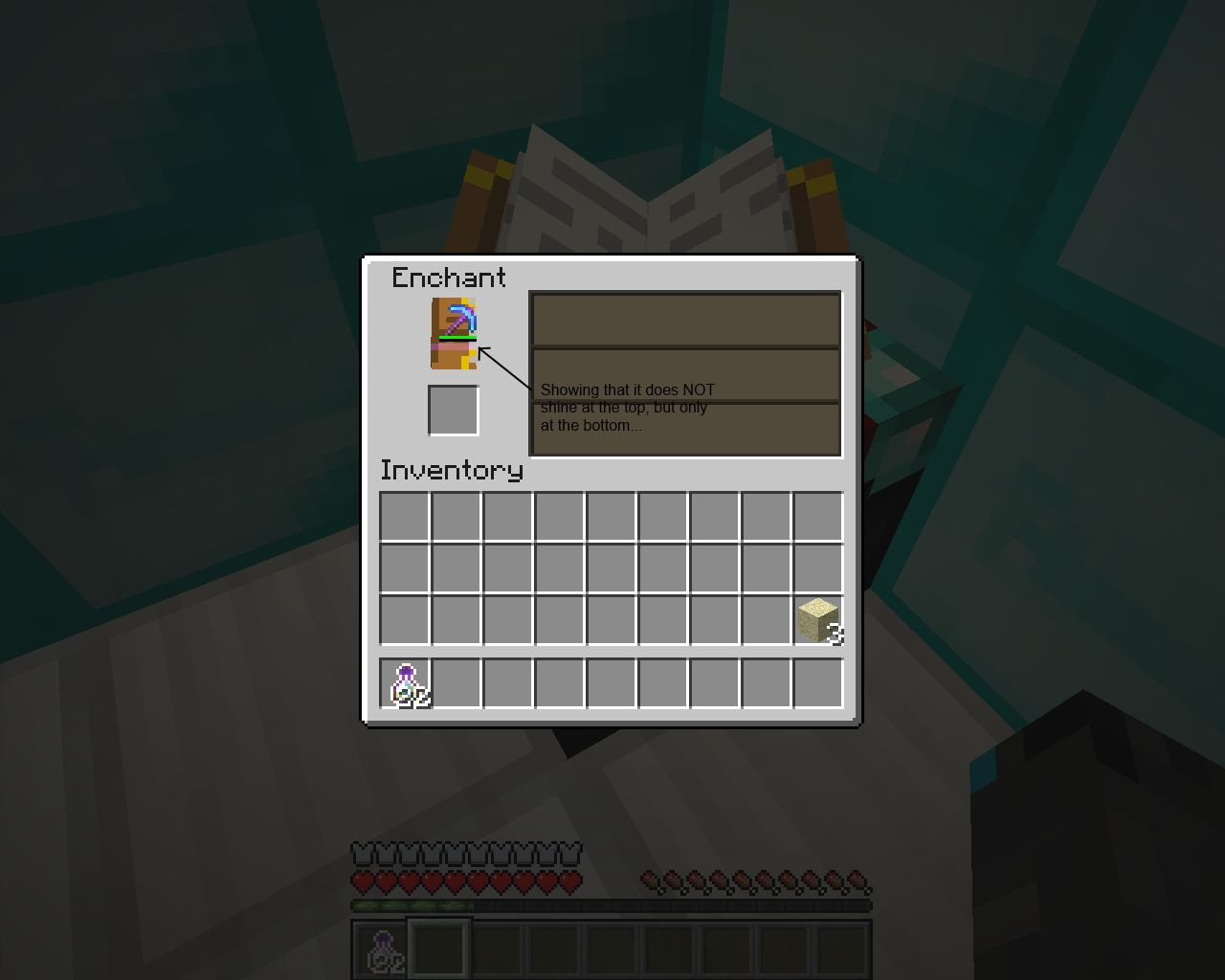
In the enchantment table, if you hover an enchanted item over the bottom half of the book you will see the glistening of the tool/item.What I expected to happen was...:
For it to act like normal, no glistening, except the tool itself.What actually happened was...:
I could see the entire 16x16px item glistening.Steps to Reproduce:
1. Place an enchantment table and open it
2. Enchant an item of your choice (specifically a Diamond Pickaxe)
3. Hover that item over the bottom of the book in the enchanting table
Put the summary of the bug you're having here:
In the enchantment table, if you hover an enchanted item over the bottom half of the book you will see the glistening of the tool/item.What I expected to happen was
...:
For it to act like normal, no glistening, except the tool itself.What actually happened was
...:
I could see the entire 16x16px item glistening.Steps to Reproduce:
1. Place an enchantment table and open it
2. Enchant an item of your choice (specifically a Diamond Pickaxe)
3. Hover that item over the bottom of the book in the enchanting table
Windows 8;
Windows 8;
Multiplayer
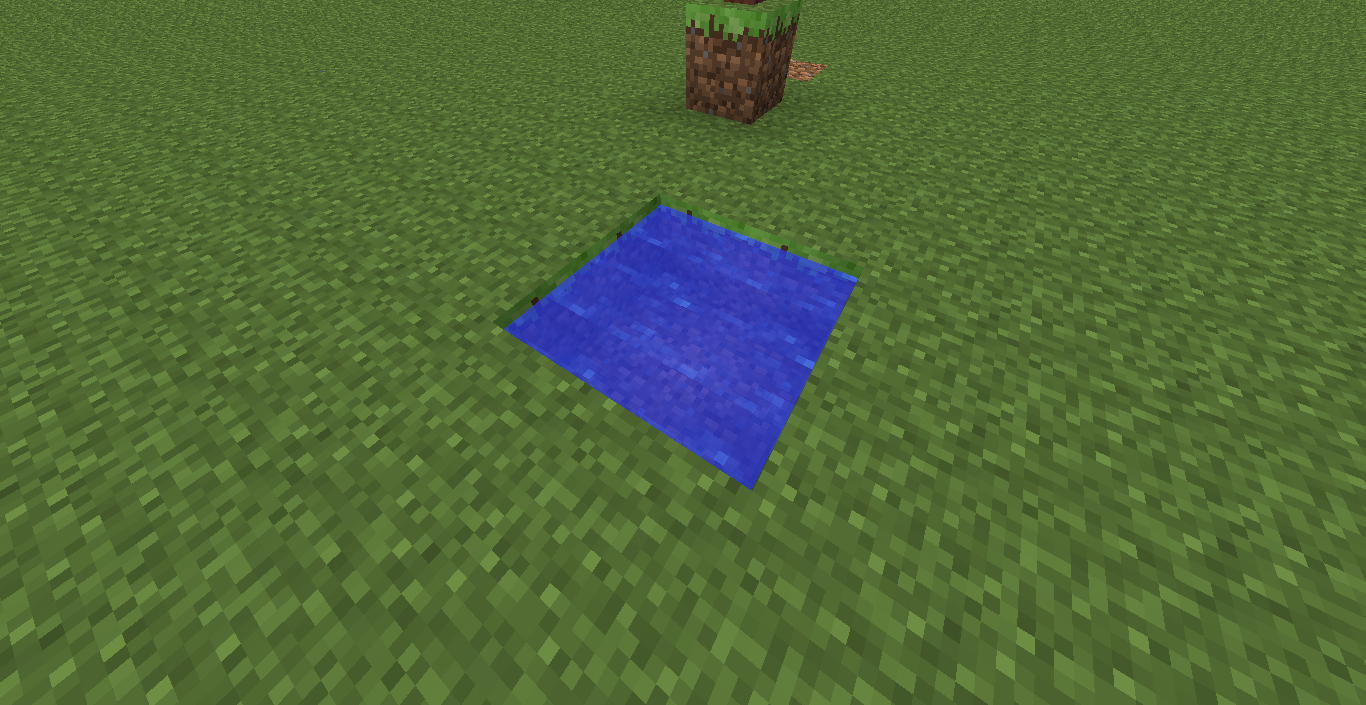
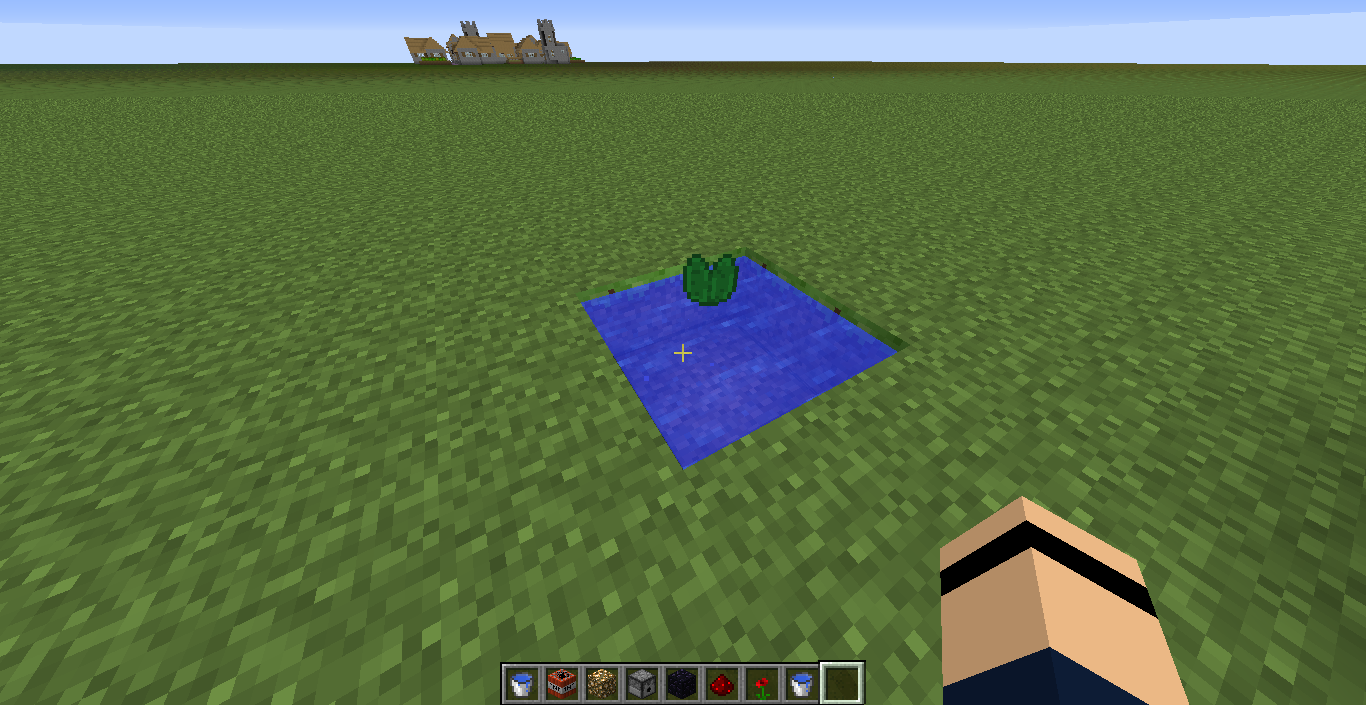
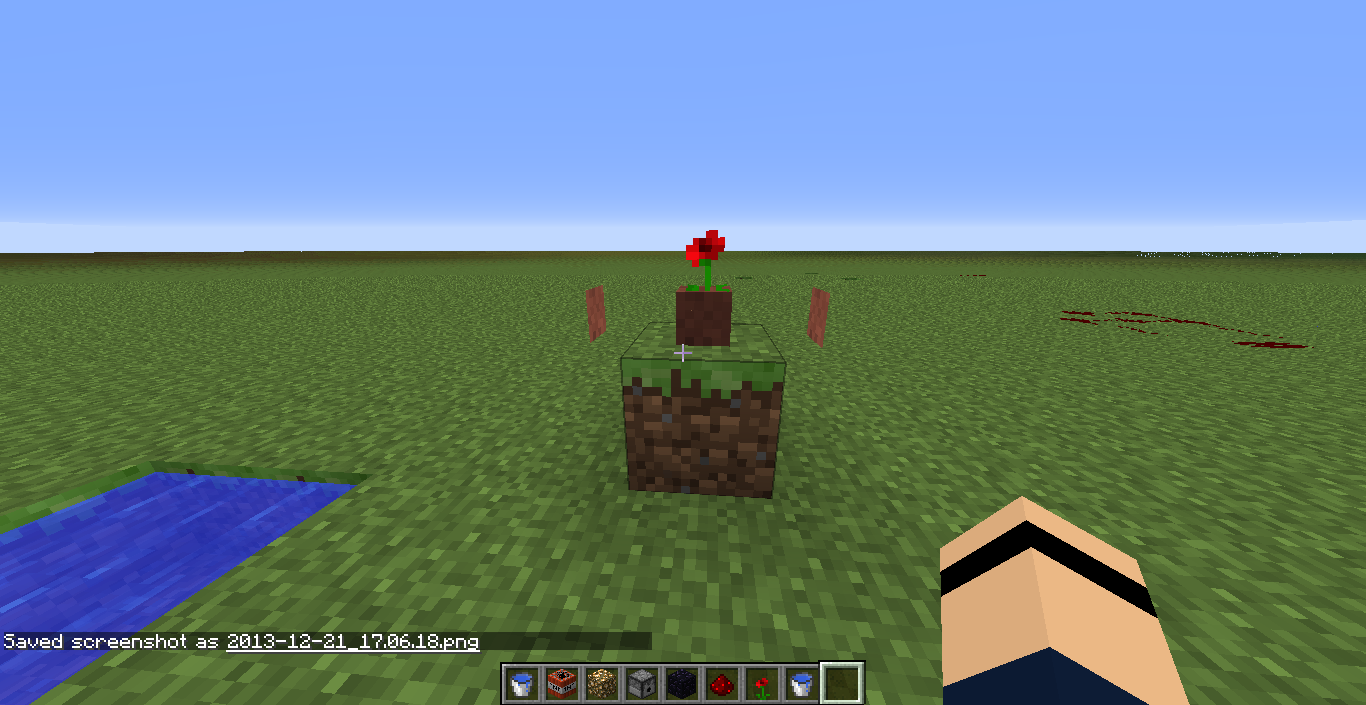
When I made a Creative world for me and my friends to make a TNT cannon on, I placed a piece of redstone and it appeared 'Stretched'. Also a Flower Pot appeared to have 'Floating sides' and Lily Pads appeared 'invisible' (except the hitbox).
Redstone texture bugTexture bug
Windows 8
;
MultiplayerOS: Windows 8 (ver 6.2, arch amd64)
Java: 1.7.0_45 (by Oracle Corporation)
Launcher: Minecraft Launcher 1.3.7 (bootstrap 5)
Minecraft: 1.7.4 (updated Mon Dec 16 14:44:19 GMT 2013)
I have a black skin on purpose.
Using 14w31a, with VBOs and VSync enabled, I get a weird glitch where water flashes rapidly when moving the crosshair around.
Adding video footage in a little
Using 14w31a, with VBOs and VSync enabled, I get a weird glitch where water flashes rapidly when moving the crosshair around.
Video Footage: http://youtu.be/wMiBssWqk3U (When it's done uploading)
Using 14w31a, with VBOs and VSync enabled, I get a weird glitch where water flashes rapidly when moving the crosshair around.
Video Footage: http://youtu.be/wMiBssWqk3U (When it's done uploading)
Edit: Seems it only happens when looking at it from the west
Using 14w31a, with VBOs and VSync enabled, I get a weird glitch where water flashes rapidly when moving the crosshair around.
Video Footage: http://youtu.be/wMiBssWqk3U (When it's done uploading)
Edit: Seems it only happens when looking at it from the west
DUPLICATE OF
MC-64409

@David Wheatley: It's slightly different, because the crash report of the OP was in 14w27a. From version to version the line numbers (may) change.
If you compare your crash report to e.g. MC-65270, you'll see those are identical because both in 14w31a.
Help me please...
Oh yeah, I know this now, never mind. I was a lot younger them =) Good times! I'll delete it
Hi, thanks for commenting so fast. Do you think this can be fixed? It's not important, I'm not that bothered, but at least i's right.
I noticed this in Minecraft 1.5 (Official Release) so I created a ticket unknowningly. FOR SCREENSHOTS SEE
MC-12207I did, did but couldn't find it! Sorry
Just to add to this, I drunk a potion of Invisibility (8:00). And when I drunk it again, my potion stayed still, same with milk. NO ANIMATION.
EDIT: Also, my skin was "blank" so I was completely black. Then I drunk a potion, and my skin turned grey. JUST GREY
Ok, bear with me, take a long time to load......
I'll get a new jar....
test it there
and re-crash it
Done, and with a new .jar!
And it's the same, and I re-crashed it and added it
Newly created
Super flat
Should you change the status to Open or not?
Ill try it...
lol! XD my computers worse,
0 FPS!
(if i'm lucky 3 =S)
Intel 'Extreme' Graphics
=D He did go to school, right?
Just kidding!
Added a FORCE CRASH report.
This is not a duplicate, the "duplicate" relates to a modded jar. My minecraft is not modded
Screenshots added
Environment updated and force crash log added.
Confirmed for 1.7.6, 1.7.7 and 1.7.8 with Java 7 as well.
Still in 14w27c snapshot!
Confirmed: 14w27c
Oh yea lol
Doesn't happen anymore. Can a mod please close this
Cannot reproduce
Screenshot of my Video Settings
Yep. This is annoying...
Still happens in 14w31a, but the likelyhood has been reduced.
I got a slightly different crash message:
It's the same when you are holding the bone meal in your hand and use it
Confirmed 14w31a
Cannot reproduce
Hold F3 and C for 10 seconds and attach your crash-report.
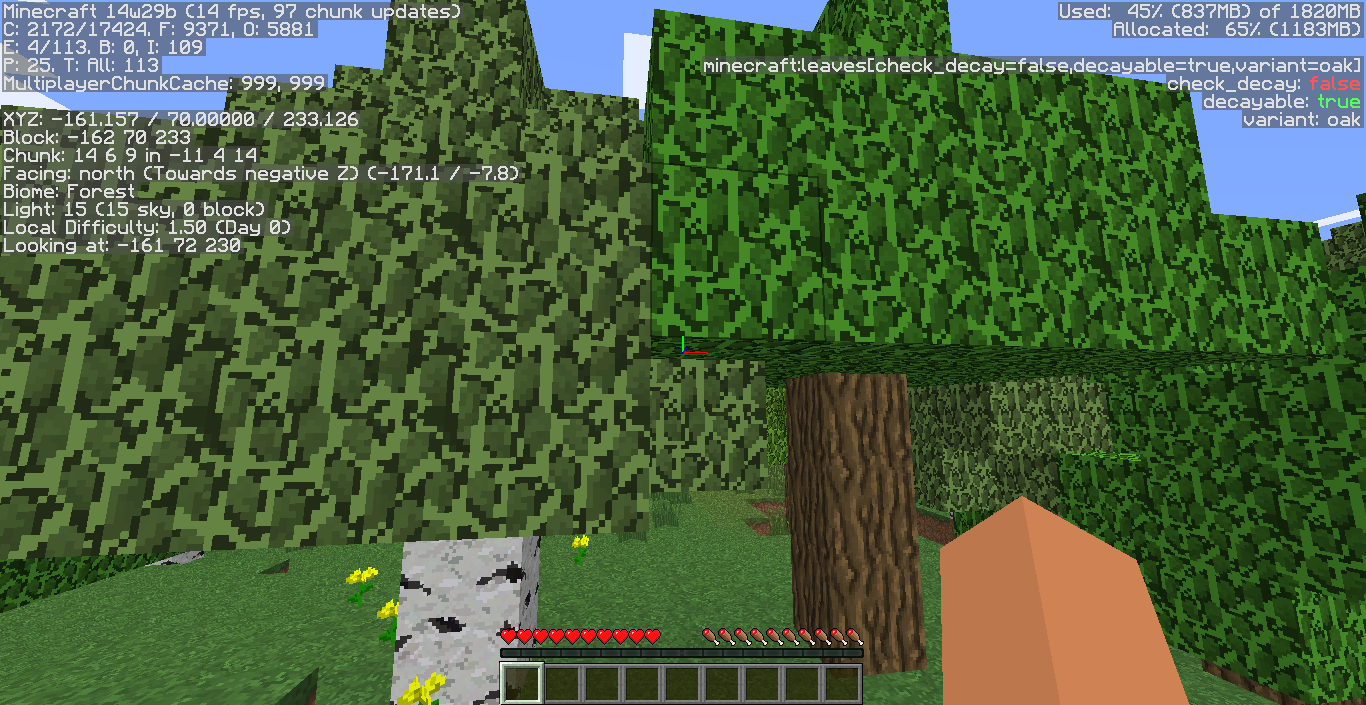
Press F3 and then F2 so it will take a screenshot of the debug menu. Upload that screenshot here please.
Works as Intended: Press F4 to disable the shader, but be aware that if you press F4 again, it will re-enable this.
You probably accidently pressed: 'Super Secret Settings...'
Confirmed
http://minecraft.gamepedia.com/Button#Crafting
Wooden Button is called Wooden Button there
and
Stone Button is called Button there
Not sure if this is intended or not..
Confirmed: 14w32a
Confirmed for 14w32a
Whoopsies
When loading a world and joining a server, this happens. F3 + A fixes this temporarily, however, when you join a server and load a world this happens again.
Confirmed for 14w31a and 14w32a and 14w32b
This happens when you place a slab on the bottom row of pixels on a upside down slab
Still in 14w32a/b
Cannot reproduce: 14w33a
These sounds aren't implemented yet (AFAIK), so they don't have a need for them to have subtitles. It still would be nice though!