 Error .
- ERROR2401
- error2401
- Europe/Stockholm
- Yes
- No
 MCPE-66025MCPE-74493MCPE-144465






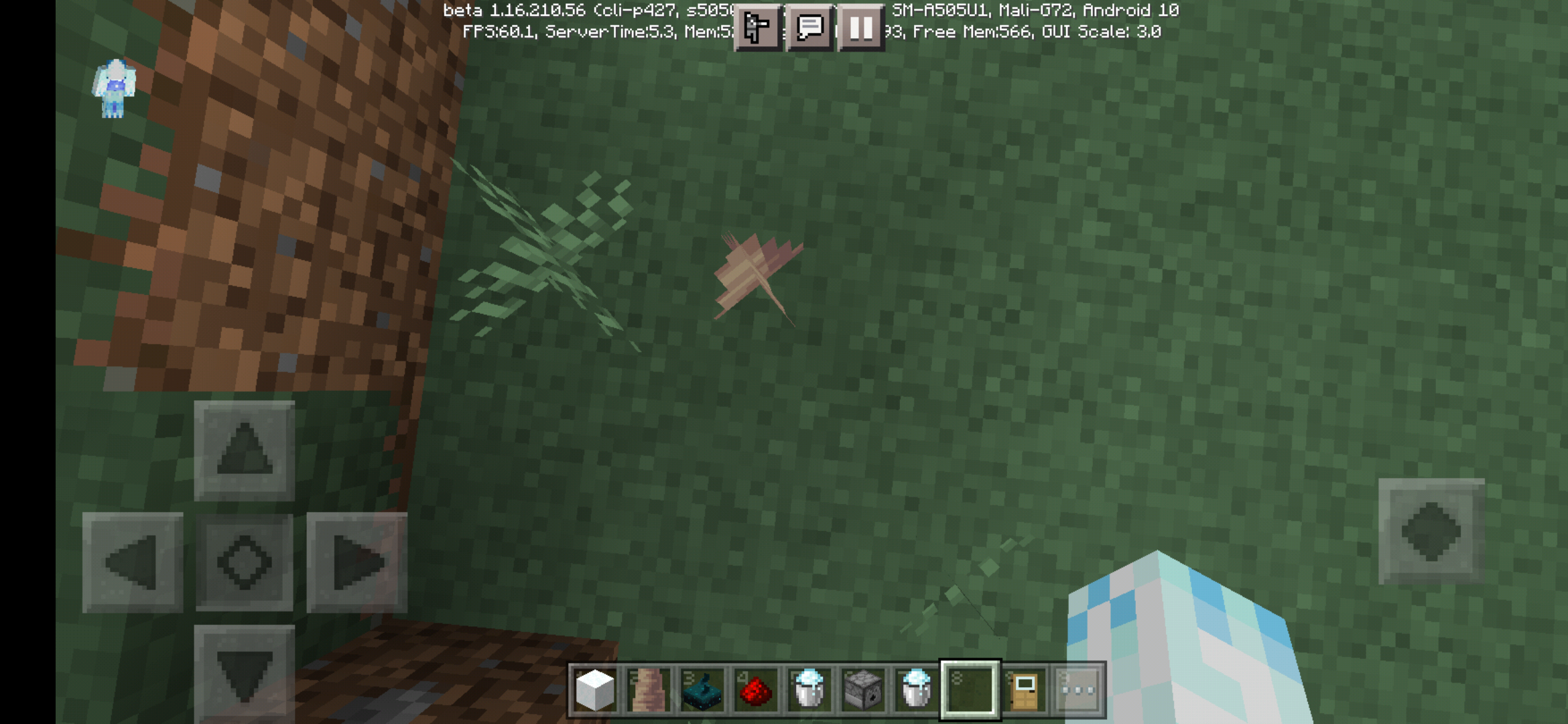


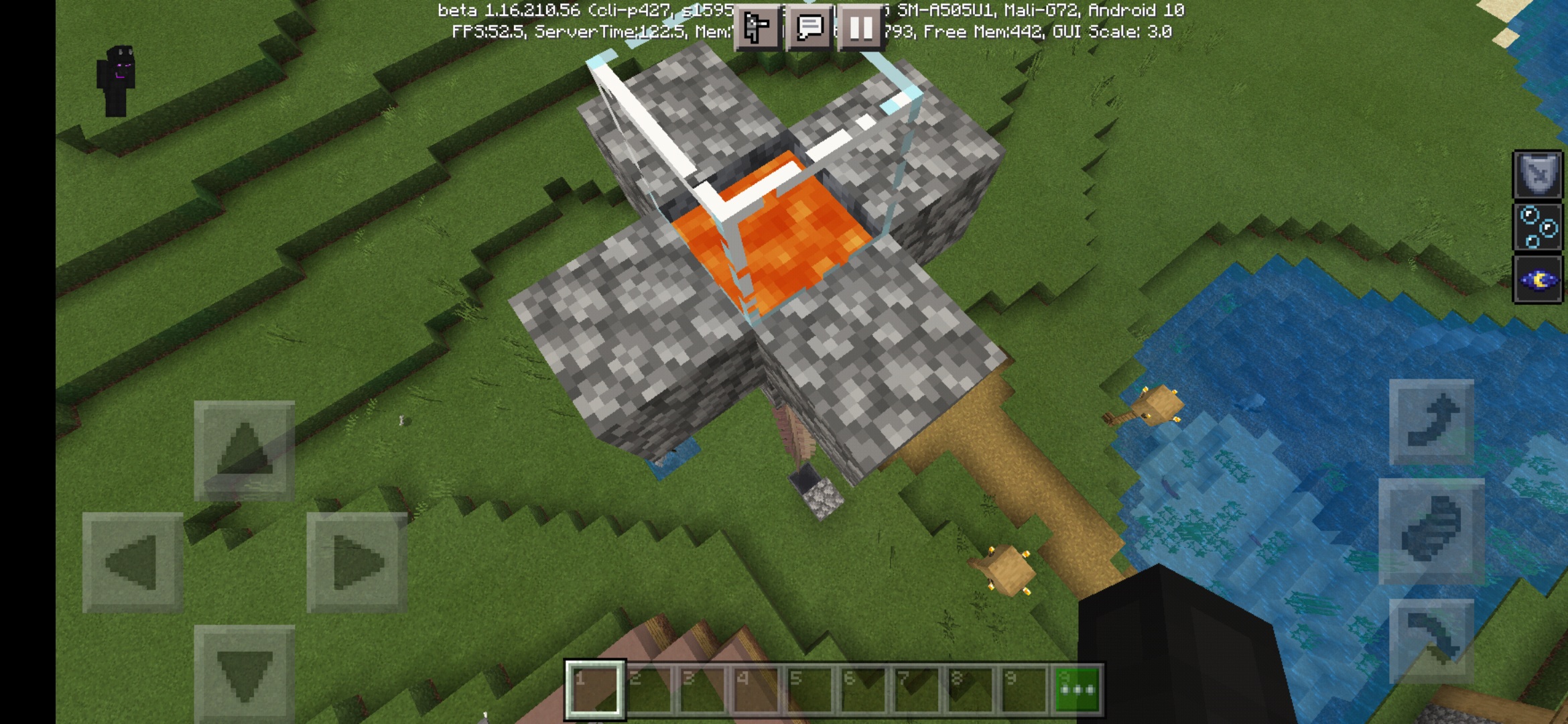

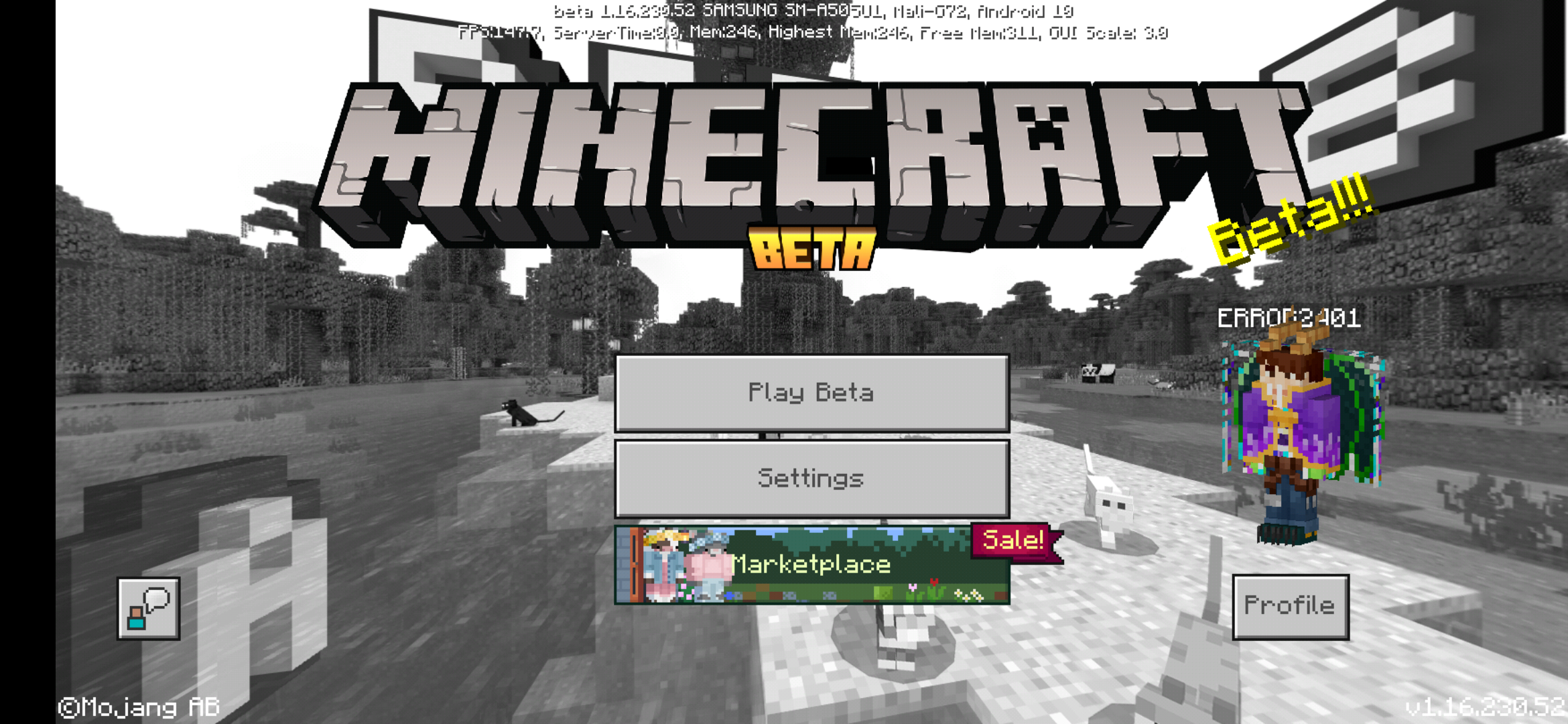


when I try to select a custom skin, i cannot select confirm, and a message pops up above it that says "limited usage," and when i tap it, it says "only available on specific platforms," despite me being able to use skins made with the same program and the same source before the current update from the play store. (1.11.1.2) I'm thinking it may be because it has "jacket layer" and "pant layer" pixels, as well has "hat layer" pixels.
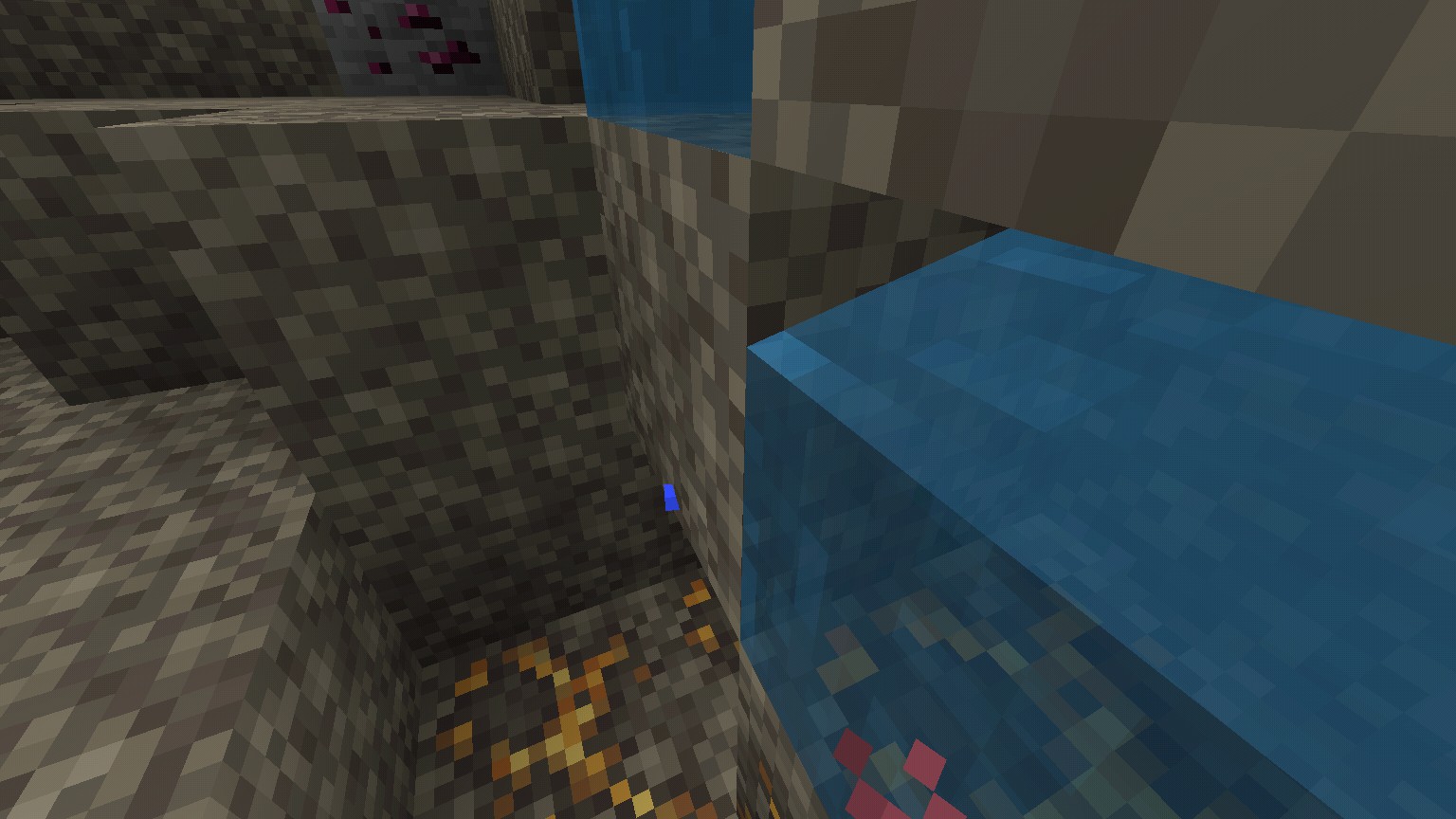
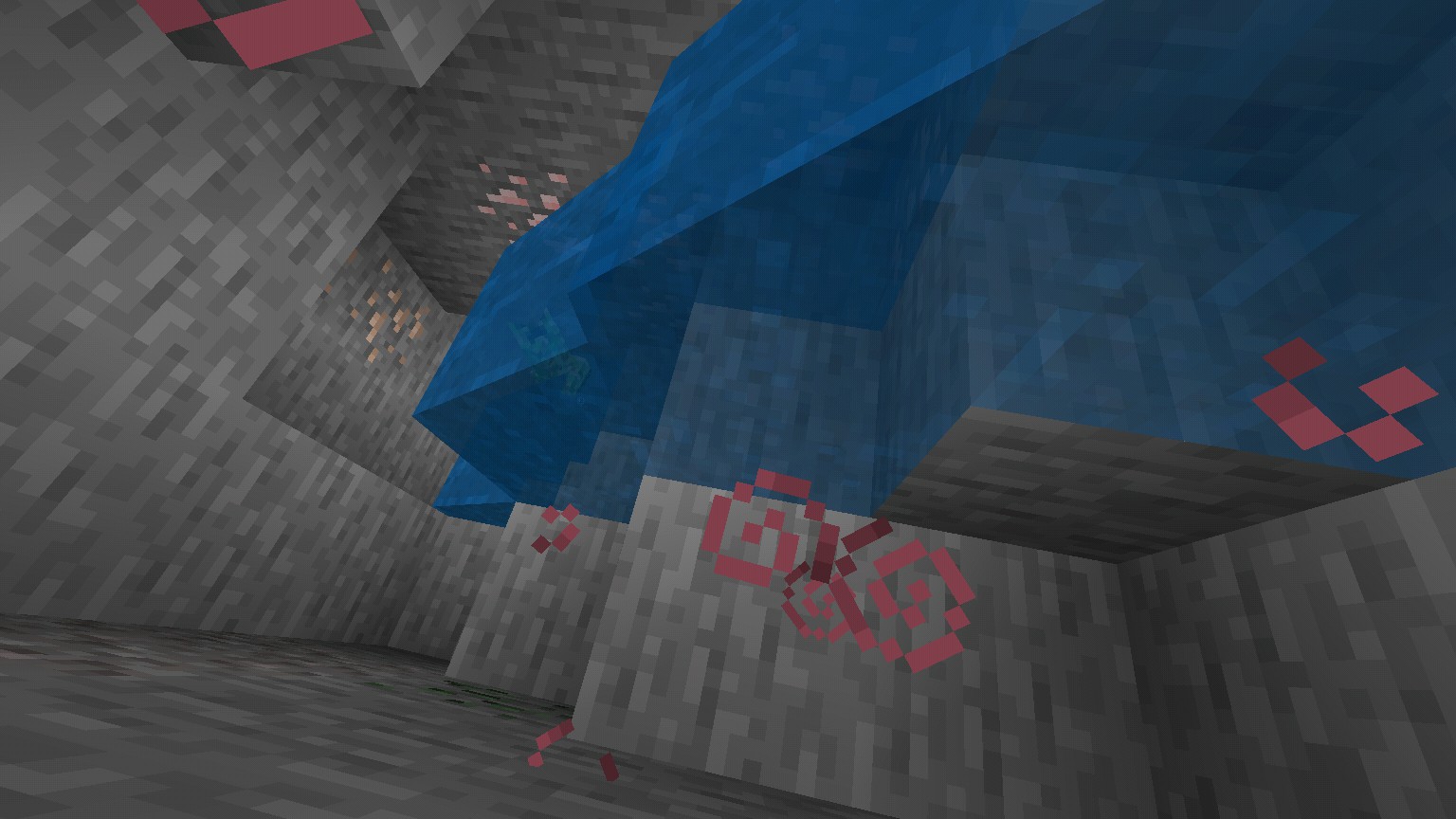
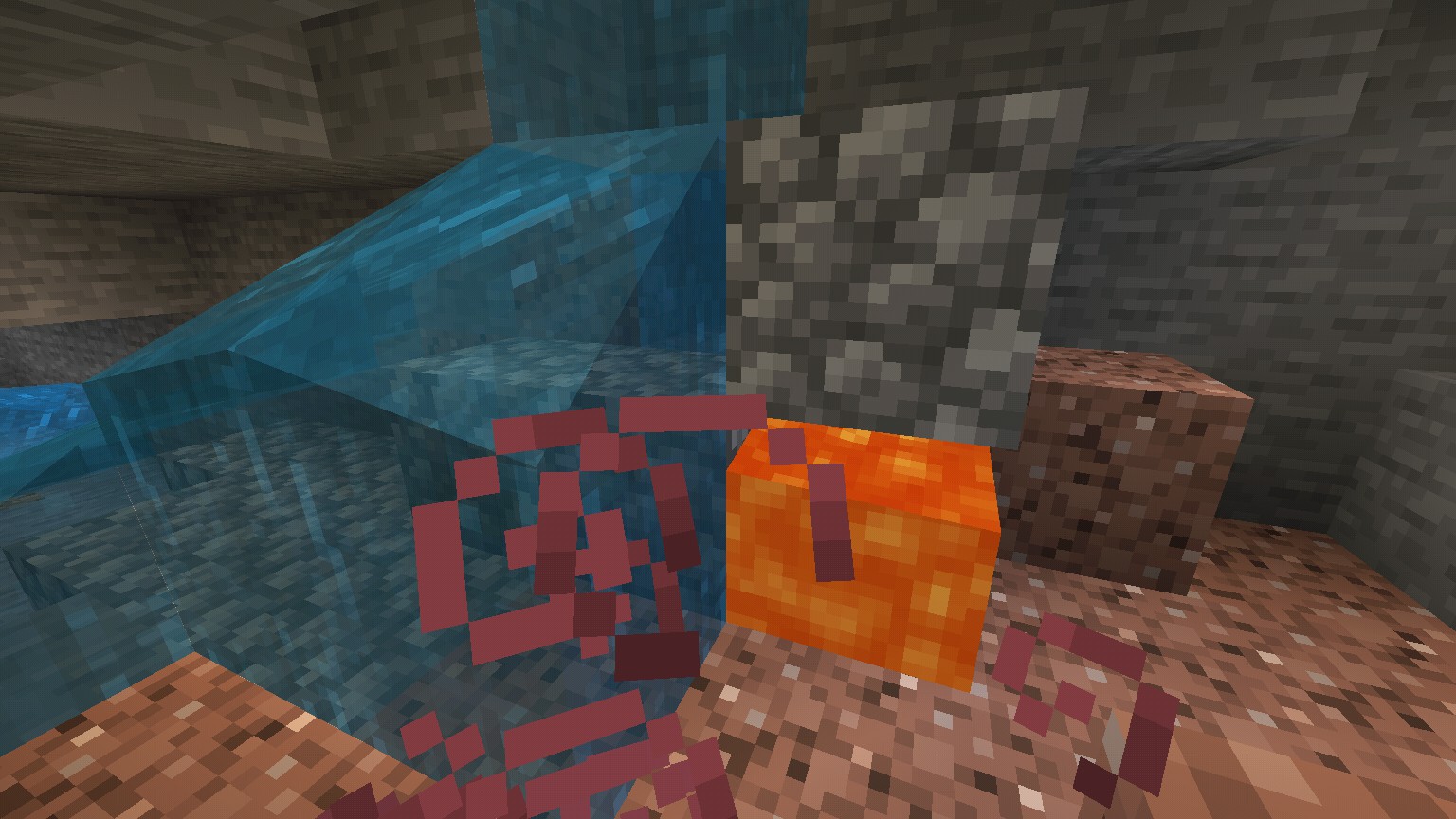
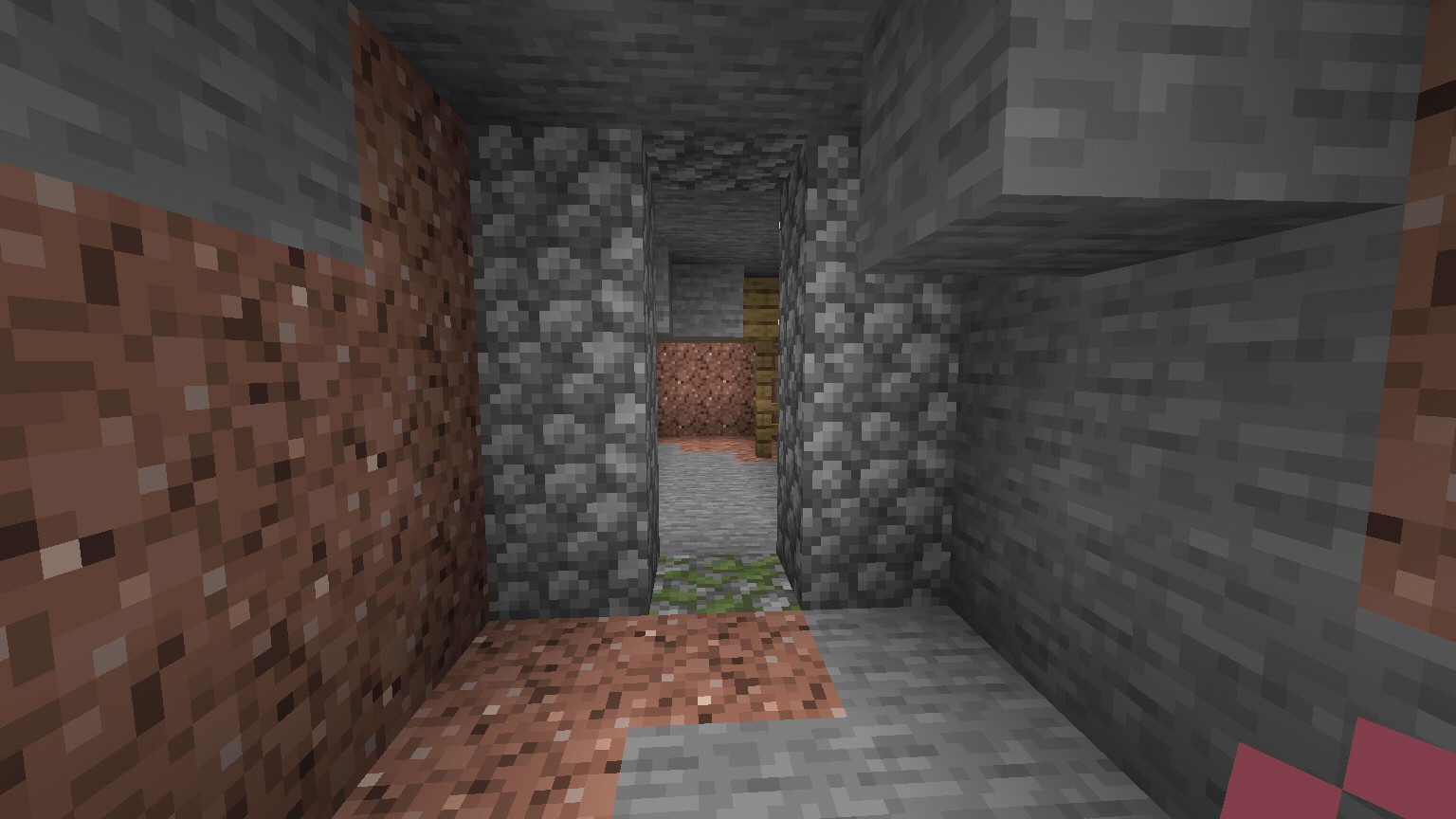
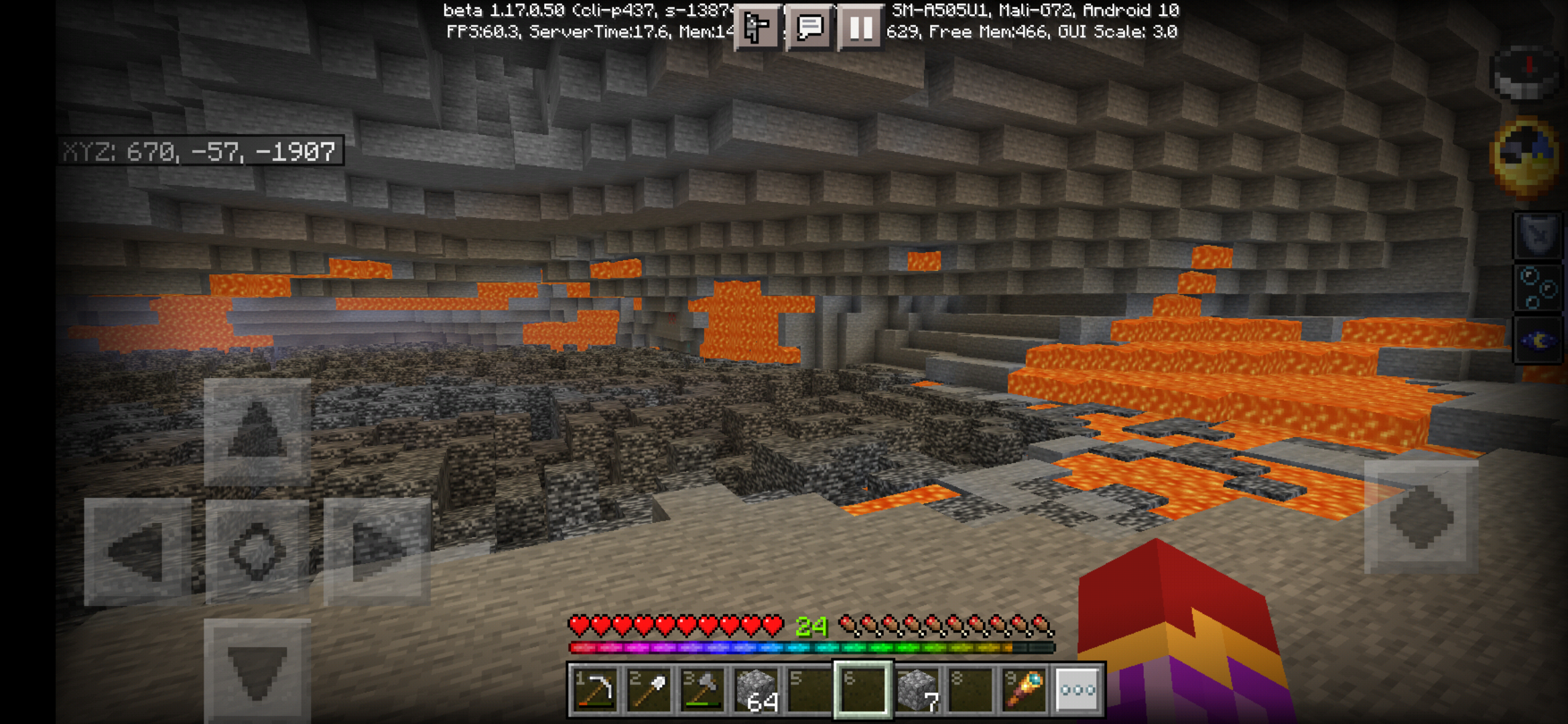
- When standing near water that is flowing downwards, which I usually get it with bugged water that isn't flowing properly, my view height goes up, above two blocks in height, like the opposite affect to crouching, but not as instant.
Steps to reproduce
- Locate some kind of flowing water, not all downwards flowing water works, but flowing water that is connected to more flowing water that is bugged in some way seems to be more consistent
- Walk, sneak, or fly up to the side of the water, not in it.
- Just watch, your vision will always move to the same height, if it works.
- When standing near water that is flowing downwards, which I usually get it with bugged water that isn't flowing properly, my view height goes up, above two blocks in height, like the opposite affect to crouching, but not as instant. this also works with lava, but be careful while in survival!
Steps to reproduce
- Locate some kind of flowing water, not all downwards flowing water works, but flowing water that is connected to more flowing water that is bugged in some way seems to be more consistent
- Walk, sneak, or fly up to the side of the water, not in it.
- Just watch, your vision will always move to the same height, if it works.
Water/lava affects view height
Updated it
- When standing near water that is flowing downwards, which I usually get it with bugged water that isn't flowing properly, my view height goes up, above two blocks in height, like the opposite affect to crouching, but not as instant. this also works with lava, but be careful while in survival!
Steps to reproduce
- Locate some kind of flowing water/lava, not all downwards flowing water/lava works, but flowing water/lava that is connected to more flowing water/lava that is bugged in some way seems to be more consistent
- Walk, sneak, or fly up to the side of the water/lava, not in it.
- Just watch, your vision will always move to the same height, if it works.
Player model arms (at least of the Steve model) on all visuals except pause screen permanently have their arms as if they were drawing a bow, no matter the held item, or if the hand is empty.
Edit: seems to happen when addons are added to a world...
Player model arms (at least of the Steve model) on all visuals except pause screen permanently have their arms as if they were drawing a bow, no matter the held item, or if the hand is empty.
Edit: seems to happen when addons are added to a world...
When turning, at times, the camera will stutter, with no pattern to when it foes or doesn't stutter
(Had to use a different entry's slot, as it was not a bug with the game that would be found in normal gameplay, and so an image remains, as I cannot find a way to get rid of it.)
Arm behaviour on player bugCamera stutter
When turning, at times, the camera will stutter, with no pattern to when it
foes or doesn't stutter
(Had to use a different entry's slot, as it was not a bug with the game that would be found in normal gameplay, and so an image remains, as I cannot find a way to get rid of it.)
When turning, at times, the camera will stutter, with no pattern to when it does or doesn't stutter.
(Had to use a different entry's slot, as it was not a bug with the game that would be found in normal gameplay, and so an image remains, as I cannot find a way to get rid of it.)
Edit: I tried to see if it would fix upon turning camera stutter settings related to VR mode off, and it did not fix it.
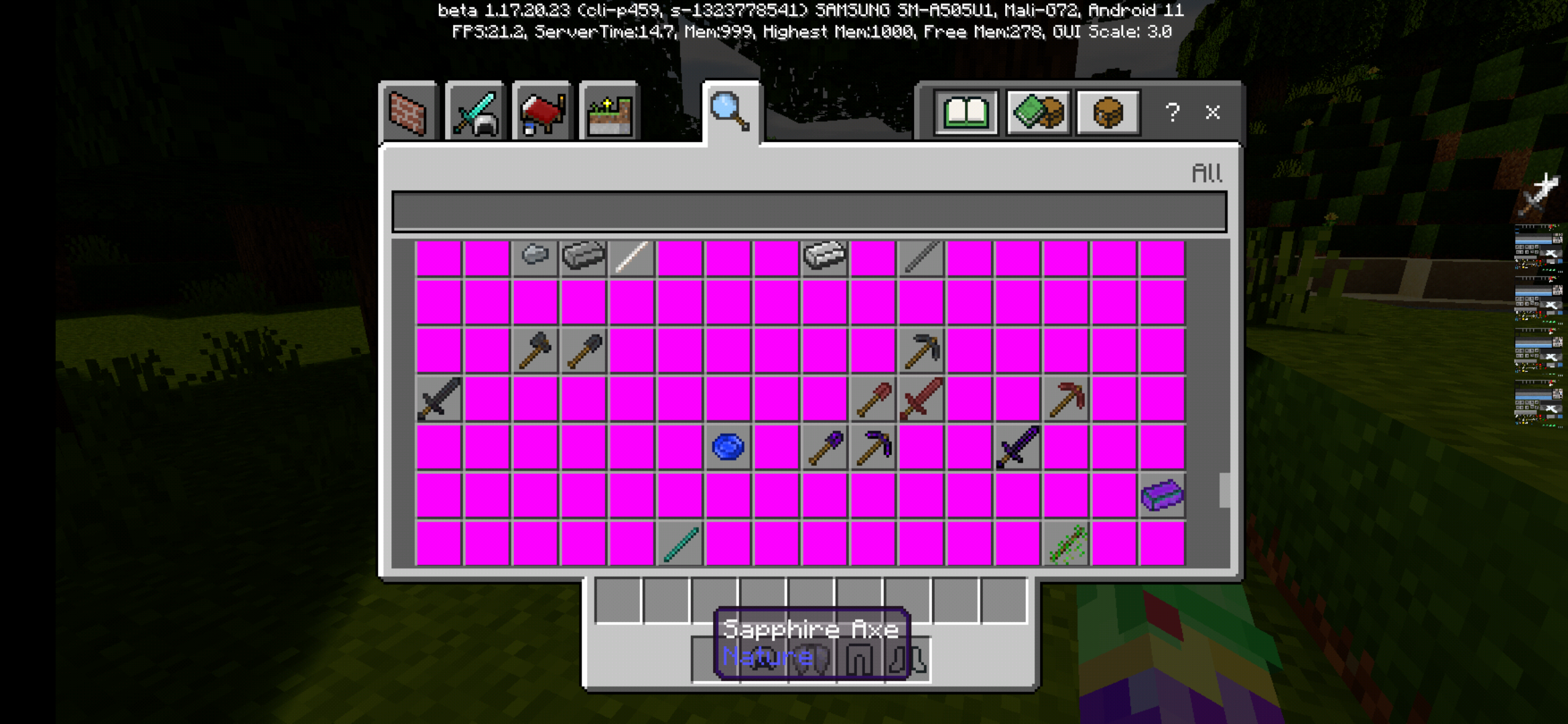
For a while now, I keep seeing multiple inventory item icons being messed up. For example, all glass looks like unstained glass, beds' textures are missing, etc.
The potions' colors are completely mixed up, as ashown in the screenshot, as well as the missing textures of the beds.
Steps to reproduce
- Open a world (can even affect servers on non-beta for me...)
- If in creative, open creative menu, and scroll to mentioned items, or in other modes, obtain an affected item
- Item icon is glitched
Expected results
Textures are correct, beds have their icons, potions arent muxed around, stained glass panes have their colored look
Observed results
Textures are glitched. Beds have missing textures, all glass and glass panes look like the default colorless glass (panes), potion colors/textures are swapped around.
Additionally, somehow, this bug seemed to somehow be fixed when I was using lots of behavior/resource packs, although that fact would be expected be reversed, instead of little to no packs having messed up textures.
I can confirm that this happens to me in singleplayer, in every survival world I've done. Every time, I had to /summon the entire village population back, because of this.
This happens for me, at least on the beta.
Menu/update changes does not leadMenu/update changes does not load
![[Mod] Anthony Cicinelli](../../../data/avatars/users/10122.svg)
Error .: The game stores your skin in your Xbox Live account, it doesn't load it from your files. Storing skins on the network lets you keep the same skin when you change platforms, and also makes it faster to copy your skin to other players in a multiplayer game. Your skin files and skin packs are only used when you use the Character Creator to load a new skin.
In your case, you may have set up Minecraft so that it doesn't log in to the network at all because you only play single-player mode and don't need or specifically don't want to use the network for some reason. In that case, there might be a way to work around your problem, perhaps by logging in temporarily when loading the app, then logging out before loading your world. If you'd like to pursue that possibility, I'd suggest asking at Community Support. (We shouldn't discuss it here because I don't know anything about using Minecraft on Android, and besides that's what Community Support is for.)
However, I'm only guessing. If my thoughts aren't relevant in your case, feel free to ignore them. This ticket is still open and I assume Mojang is still trying to find additional solutions to this problem.
Error .: Featured servers run their own custom versions of the game. Issues that occur only in featured servers must be reported to the server provider.
Error .: Do you think you can get it to happen at will? We've never had a good set of steps for reproducing this problem, and that's the biggest obstacle to fixing it. If you could tell us one repeatable way to make it happen on any system that might be the key Mojang needs.
update: it happens with lava too, and it is noted
When playing the beta myself, I noticed it seems that the cave sounds play at set or conastant intervals as well.
Extra info: I was in single player, as I was in the beta, as well, but had the option "open to LAN players" enabled.
So it CAN happen without dying... Apparently it can also happen with or without having custom items, like sword-type ones, as well. Also, on PE, it can be fixed, at least in my case by unfocusing the game, like going into another app, without closing it, and coming back to it, still without closing the app
confirmed for 1.16 beta on Bedrock.
Some more info: it seems to try to change your view to be a bit above a certain block, usually closest to where the camera is, if one flies in creative and goes down, sometimes the camera will go down in the glitch. The extra height effect seems to go away if the player stands in a two-block-high space.
It seems the texture is also glitched, it's much larger than spawn eggs usually are.
Additional info: it may be caused by optimization of keyframe animation playback, mentioned in the Official Minecraft Wiki in the version's bug fixes
Also, added pack that I used and noticed the bug with.
Sometimes it will be drastic and keep resetting your view angle repeatedly to the same point and only gradually move it no matter how fast you try to look.
Tested it again with the new update as usual, and despite it not being said on the full change log, the bug has been, very thankfully, fixed.
can confirm Android 10 having ESTN shaders, which previously worked, now crashes.
Because of this, I cannot play survival worlds properly.
Expansion of
MCPE-103265And any issues it may be a copy of.
Update: it happens now with classic skins only, it seems.
Update: this seems to happen to character creator skins, while they may still show the intended animations and model that would be applied to steve, but classic skins now have the broken animations but don't revert to steve
Update: the previous beta from now had the broken animations on classic skins, and the character creator skins had working animations, but reverted to steve. Now character creator skins revert to steve, AND have the classic skin's broken animations. Plus, it seems that another animation changing resource pack, which also changed the player model simply crashes moments after the player loads.
I can confirm, I fully experience this, too, on my Samsung A50, but I didn't know it was due to texture/resource packs.
It seems to be a wireframe for everything, which I think is pretty strange... I wonder if the wireframes could be a clue to what's wrong.
Update:
Following the instructions on Mega_Spud's post, I've found that...
1: the texture bugs are NOT caused, or really affected by the packs that were used during the screenshot, as I've seen without any packs (minus the base game ones, of course).
2: uninstalling and reinstalling the game didn't seem to affect it either...
(Off-topic, but I found some other interesting things exploring after testing this, such as a dungeon flush, but visible with the side of a mountain.)
Can confirm as well. I would have added images, but I unfortunately don't know how to, yet. If I try to, the images are incredibly large, and wouldn't be right.
Can confirm, entities of any kind getting in between you and your target block, whether it be mobs, falling block entities, etc, will also cancel mining.
Can confirm this also happens in Bedrock beta, for me.
Seems like a slightly similar bug in the past where many shaders would just crash the game when a world with them was attempted to be entered.
I can confirm this on android.
I seem to have a related bug with bows on Android, where the bow is held far too high, and when drawing it, I see that the bow is, in fact, being held upside down, and the start of drawing it causes it to play an animation similar to placing something, then goes to the drawing animation.
Seems like at least on the public, non-beta version, at least one pack in the category now seems to crash the game when a world with the pack applied and nothing else, other than the mandatory base game packs, are applied. I'll add the pack mentioned.
I would say that somehow your coordinates got multiplied by 8, instead of divided by 8 when going to the nether, but while your destination coordinates are close, to what they would be if that was correct, they are still off by a little over 100 blocks on the X axis, and just under 100 on the Z axis.
GlitchDestroyer, I actually got the addons from a website that has new addons and updates for the every day, and even has addons exclusive to it. I actually didn't ever download addons from the official website you mentioned, however.
Also, one of the resource packs listed, DetailedAnimations, is affected in a way that causes legs to now move in any way related to... anything except for jumping, causing some silly effects. After finding the creator doesn't mind if the code is reused, I attempted to find a possibility as to why the legs won't move, thinking that it had to do with there being no legs movement-related flag for walking, or sprinting, I added them, to any animations that would normally have the legs move. However, when starting up a world with the resource pack, I find what I did affected nothing.
The other animation resource pack, NPA, simply crashes every time I attempt to load a world with the pack applied.
Also occurs in the 1.16.220.50 beta, or rather the latest one as of this edit.
If I recall correctly, when sculk sensors were added, the update notes at aka.ms/minecraftbeta for the update noted that the wool occlusion has not been added yet.
Seems to affect the latest beta, in my case never even generating caves at all, and I only ever saw a water lake underground once, as essentially the only generated thing underground, other than ores, stone variations, gravel and dirt. I also never turn on custom biome generation.
It also seems to affect other items, like back items and parts of outerwear
Possibly relates to
MCPE-74493I've encountered this every time I start the game on Android. It never loads the classic skin I had before, despite it still being in the proper place in the files, instead opting for the character creator skin, and forcing me to reselect the classic skin from my files if I want to use it.
Astro, the link seems to not work. It just connects to the homepage of the website itself.
I've uninstalled and re-installed Minecraft multiple times, when switching between the beta and non-beta versions, and it doesn't affect anything. However, it seems the resource packs I use sometimes FIXES it, somehow.
I never seem to get any error on startup, at all. I've even deleted large worlds a few times, and that doesn't seem to affect anything.
I've noticed this quite a bit, especially in a cave that would have kept going down, had there not been a bedrock floor at y=-64. Despite there being obvious resource packs, I have neither added generation-affecting addons, nor turned on Creation of Custom Biomes.
Affects 1.17.0.50.
Also occurs in 1.17.0.50 beta
The reason the case for lava is so deadly, is because the "layers" actually render at to very top, or slightly below, the very top of the block below where the actual liquid is. Furthermore, I found that even flowing water will render completely horizontal, and at the same place a non-flowing water block will, but with the flowing water animation/texture.
Affects latest non-beta, which I believe is 1.16.221.01, looking at its page currently.
occurs in 1.17.0.52 beta.
It does, in fact, occur on the latest beta, as well.
Side note, on the bug tracker, for some reason new comments on the issues I report won't show, requiring me to look at my emails about the new changes/comments to see them.
From what I've experienced, sometimes the crash from breaking blocks can happen before you even fully break the block. I also wonder if block updates to tall grass blocks on abnormal blocks (ones tall grass can't normally appear/be placed on) receiving updates, and breaking automatically can cause a crash as well.
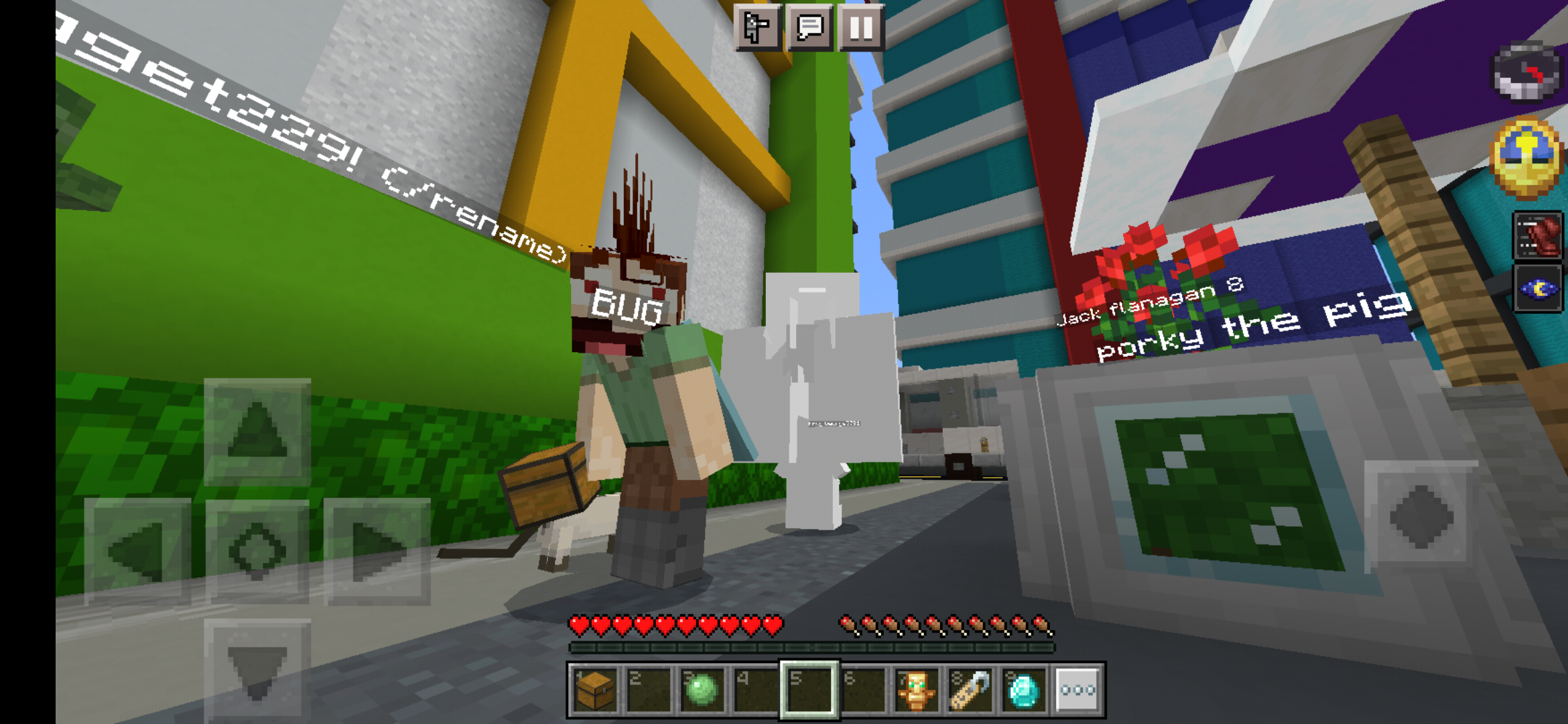
When I was playing on the Mineplex Featured Server, I saw a player with a skin that could only be made in the Character Creator. Although, when I attempted to use a Character Creator skin on the same server, it appeared as if it was textureless, with every surface being completely white and featureless, and only following the shape of the model itself, not the outlines of the intended textures. However, I have seen a few people with Classic skins, especially on other servers, with Classic skins working fine.
I have attached the screenshot I took, which demonstrates both the featureless skin of mine, and the other playee with a character creator skin.
It seems like now, skins and such show properly... only before changing areas, like in a server, when entering a minigame lobby. After the first area change, all skins, and actually also anything with custom models, such as coins in The Hive, the mob settings (like the villager for boosting a game) in Mineplex, etc all turn to steve, all with the player model... which makes many minigames more confusing, and prop-type entities are also steve, which kind of defeats their purpose as extra objects for scenery. I hope this gets fixed soon!
It still happens, even in the latest beta.
Somehow, at one point, I got the skins to work properly on a single server, throughout areas and such... I don't know how, but it stopped after minecraft had to restart, going back to steves on everything after the first area change
I was wrong about the server itself having a fix, apparently somehow, changing active global resource pack order, or removing/adding any can cause a temporary fix for me seeing any custom models, or other players and such all as steve after transitioning areas on servers... It also works on other servers than the one I was talking about before I edited my previous comment... I don't know how changing the active global resource fixes the everything-is-steve problem, but it goes away if the game restarts, i.e. the load that starts with the red mojang screen, or a blank grey screen that displays for a few seconds, but doing the thing again fixes that thing again.
I unfortunately only have access to the pocket edition version of bedrock. But it seems to always work when I do the previously mentioned method, and on most, if not all servers.
The "all custom models and players are steve" happens on its own if I don't do the method I do, but only after the first transition of areas, like as I said, between lobbies. Although I've noticed there are some times where the "fix" stops, like exiting a minigame lobby back to the main lobby after playing, say, the dragons minigame... and yet I've, at times, seen character creator skins working... at least before the first area transition. However, again, in Mineplex, the character creator skins I made are buggy-looking, like in the screenshot I added, of the main lobby in mineplex, and my buggy skin and another player's working skin.
I've noticed something about the Sonic DLC skins, too. In the Mineplex featured server, at least the chaos 0 skin appears as if it had it's textures applied to a steve model... and that's on my screen, when I use it. I always have Only Allow Trusted Skins turned off, myself.
It is not an issue anymore, thanks for checking!
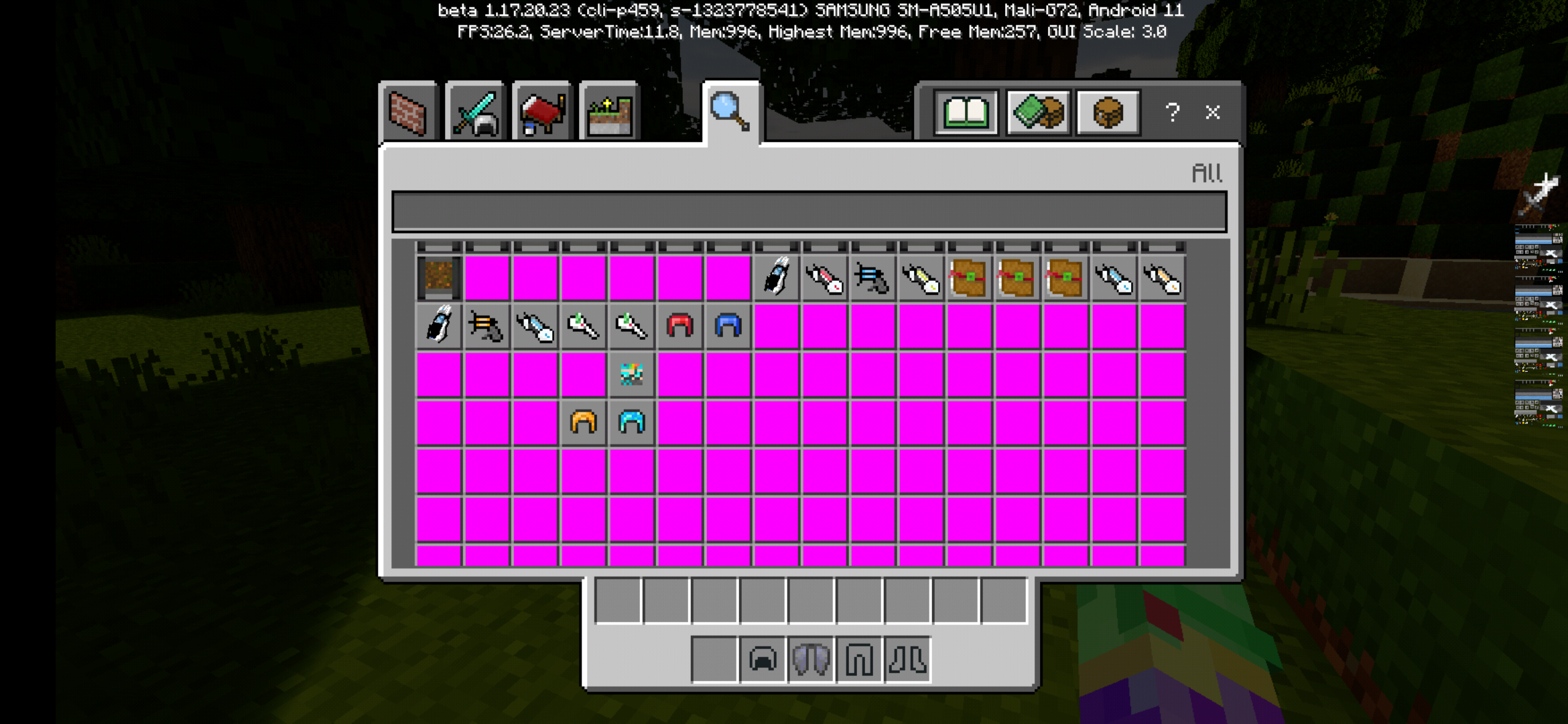
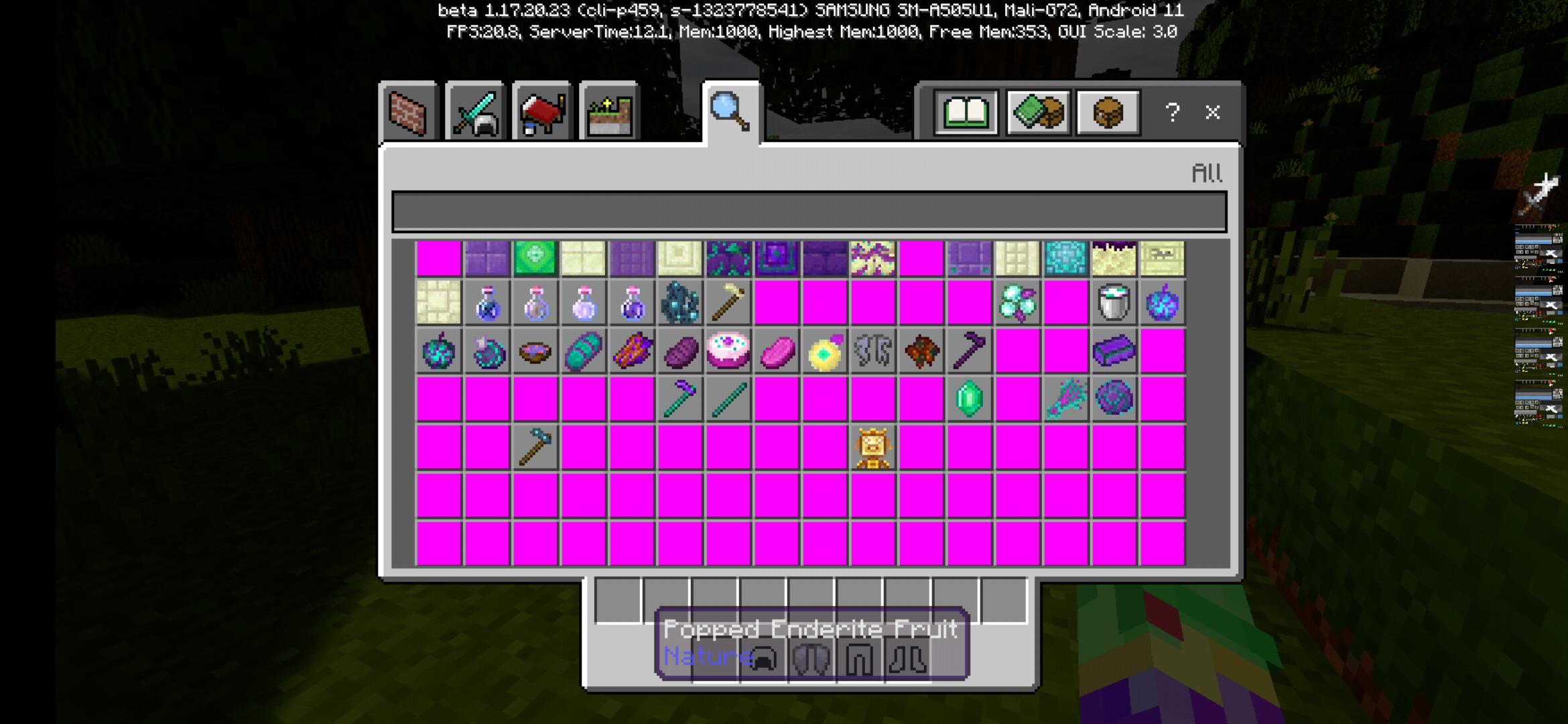
My previous comment is untrue... it seems it affects addons instead of vanilla items, now. It's not just one addon that's affected, either.
I forgot to add images, hehe... but some addons that are affected are ones such as:
You may have noticed I have additional resource packs, but I've tested the addons individually without any other packs, other than the required vanilla one, and the only difference is that the pink square textures are instead blank, transparent textures. Not even the purple-and-white missing texture shows up.
I wonder if this bug can somehow be used to add a feature for addons to change perspective height...? Also, affects 1.17.10.
I think this may be connected to tick lag, or something, as I've had this happen to me when I had addons that caused tick lag (which causes things like entities to move and do a lot of things slower, for example), sometimes I would be mining blocks, and they would suddenly stop showing particles for breaking, wouldn't drop anything, and entities would freeze (not their animations, however), and when it stoppped, all blocks that didn't show particles when broken reappear, any tools used to break them didn't seem to lose durability from the blocks that reappeared, and the player would either be pushed around, usually out of the replaced blocks, get stuck in the blocks, and if they're non-transparent, start suffocating, or be moved to where they were right before the bug occured.
I'm thinking this might be because the mob's pathfinding AI thinks even non-full blocks, like carpet or snow layers, are full blocks, and their AI essentially then sends them into a loop of trying to get on top of the "full block" until they succeed, or are somehow knocked out of the loop, to where their AI no longer tries to make the mob try to jump on top of the "full block", which was never a full block to begin with.
Also, this isn't exclusive to one addon. This occurs with any addon with custom ores/structures to generate, especially in vanilla biomes.
I've had this too. But not only were the worlds not there, but any non-marketplace resource or behavior packs. I tried to re-import the world, but the world import always failed. I tried to create a world within the beta to see if the world would be placed in a new folder, but it wasn't, at least not in the "games" folder that the packs, worlds and such are usually stored in. I got the packs and world to show once, after uninstalling, reinstalling, and switching back to external storage, all after fiddling around with settings, trying to get them to appear. Until I saw Minecraft had to update again, even though it was already updated, and updated, which undid my getting my packs/worlds to appear. After trying to do what I did before and more, I was forced to switch out of the beta to get my packs/worlds back. I'm on Android 11, on a Samsung A50.
I've run into this problem, but not only were the worlds not there, but any non-marketplace resource or behavior packs. I tried to re-import the world, but the world import always failed. I tried to create a world within the beta to see if the world would be placed in a new folder, but it wasn't, at least not in the "games" folder that the packs, worlds and such are usually stored in. I got the packs and world to show once, after uninstalling, reinstalling, and switching back to external storage, all after fiddling around with settings, trying to get them to appear, until I saw Minecraft had to update again, even though it was already updated, and I updated it, which undid my getting my packs/worlds to appear. After trying to do what I did before and more, I was forced to switch out of the beta to get my packs/worlds back, since I didn't realize Minecraft was apparently searching in its folder in the Android/data folders. I do wonder how I managed to get my packs and worlds to appear in the beta at one point, if the files were moved to the Android/data folder. Unfortunately, I... don't have a PC. Just a Samsung A50 and a Samsung Chromebook 3. Another note, the 1.18.0.20 beta was fine with my worlds and packs, it was the 1.18.0.21 update that made them disappear.
It seems that the change of the location effectively made the "external storage" option useless, as now it essentially stores its files in the same place regardless of which storage option is selected.
I'd have thought it would do that when loading, before the loading splash even appears (which is after the mojang screen.) as when I have Minecraft set to external storage, it takes a large amount to timr to even display the loading splash, and still does even in the current update despite the problem I have.
Something possibly the same/similar is how if you leave the beta, as you have to uninstall/reinstall Minecraft (at least on Android), you don't keep worlds, behavior packs, or resource packs. everything has to be backed up in a different file location, and it's not convenient at all, with some file managing apps not allowing you to so much as see the folders within the android/data folder.
I may be ranting here, but the fact that for some reason using file managing apps to move files in minecraft's folders is strangely slow is quite annoying for backing up/recovering files.
I've attempted to fix this, thinking about Jervie's comment, by deleting massive amounts of resource packs, all old ones, ones that have the [!] symbol next to them. After all this, I opened the resource pack list in the global resource pack menu only to find.... that the crash now takes less time to happen after tapping to open the list. It was a big waste of time (but not space, at least!)
I'm starting to think this is a problem with Minecraft itself rather than any of the resource packs, as this only happened in the past 2 "stable" version updates.
I wonder if somehow manually creating a global resource definition file would be able to create a workaround for the crashing?
All of this is on Android, by the way.
@klaus knechtel
where is this appdata path even at? I don't have a folder by that name anywhere on my device, unless you're talking about W10 edition's file path.
@beihaiwjklgk
That might be the problem that's causing the crashes, since I counted 25 total packs in my resource packs list when in a world menu, but 26 in the same list in the global resource pack menu. Now I'm thinking the game thinks there's some amount of nonexistent, "ghost" resource pack(s), and when it tries to load them to show them in the list, there's nothing actually there, so the game crashes.
I thought somehow deleting the valid known packs file would somehow fix it, but deleting it, editing it, doing whatever doesn't fix it. I did notice a pack_settings folder in the minecraftpe folder which was odd since pack settings in bedrock are configured either in the pack's files or through subpacks, but removing that did nothing either. I remember probably around the same time this bug started, that the gui was larger than it should be, requiring me to set the scale to -1 to have it at or close to the size it should be. also, sometimes when crashing from an unsuccessful attempt to fix this crash, the game says global resources reset, packs failed to load previously. I don't know if that's been noted already, though.
@exhila
I've tried to import the pack into the current non-beta version, and it doesn't import, but also doesn't crash, instead showing an error about the manifest.
However, expanding the resource packs list still crashes.
@exhilia
I've tried adding it manually, although expanding the list still crashes. the likely reason why it still crashes for me and not you is because I'm in the stable (non-beta) version.
edit: Also, if the pack is deleted in the beta version and you go out of the beta, will the pack reappear or not?
@exhilia
I did say I did it on the non-beta version.
Anyways, I found a fix for non-beta versions. First, you need to go to your resource packs folder, and copy the folders there to a place that won't be affected by the next step (as well as anything else you want to keep after it), then, you need to uninstall minecraft, then reinstall. Now, you must put all the resource packs you previously copied, and put them in an .zip, then change the .zip at the end to .mcaddon. now you import it the way you would with any other addon through the game, and as you didn't manually reimport them, any corrupted packs fail to get imported, and as such you don't have the corrupted pack crashing your game when you open the resource pack list in the global resources menu.