 Nickolas Azylanmik
- Howthehackrobo
- howthehackrobo
- Europe/Stockholm
- Yes
- No
 MCPE-28417
 MC-170723
![[Mojang] Jasper Boerstra](../../../data/avatars/users/18951.svg)
![[Mojang] Matthew Gatland](../../../data/avatars/users/43046.png)
![[Mojang] Agnes Larsson](../../../data/avatars/users/10122.svg)









Porformace DipPerformace Dip
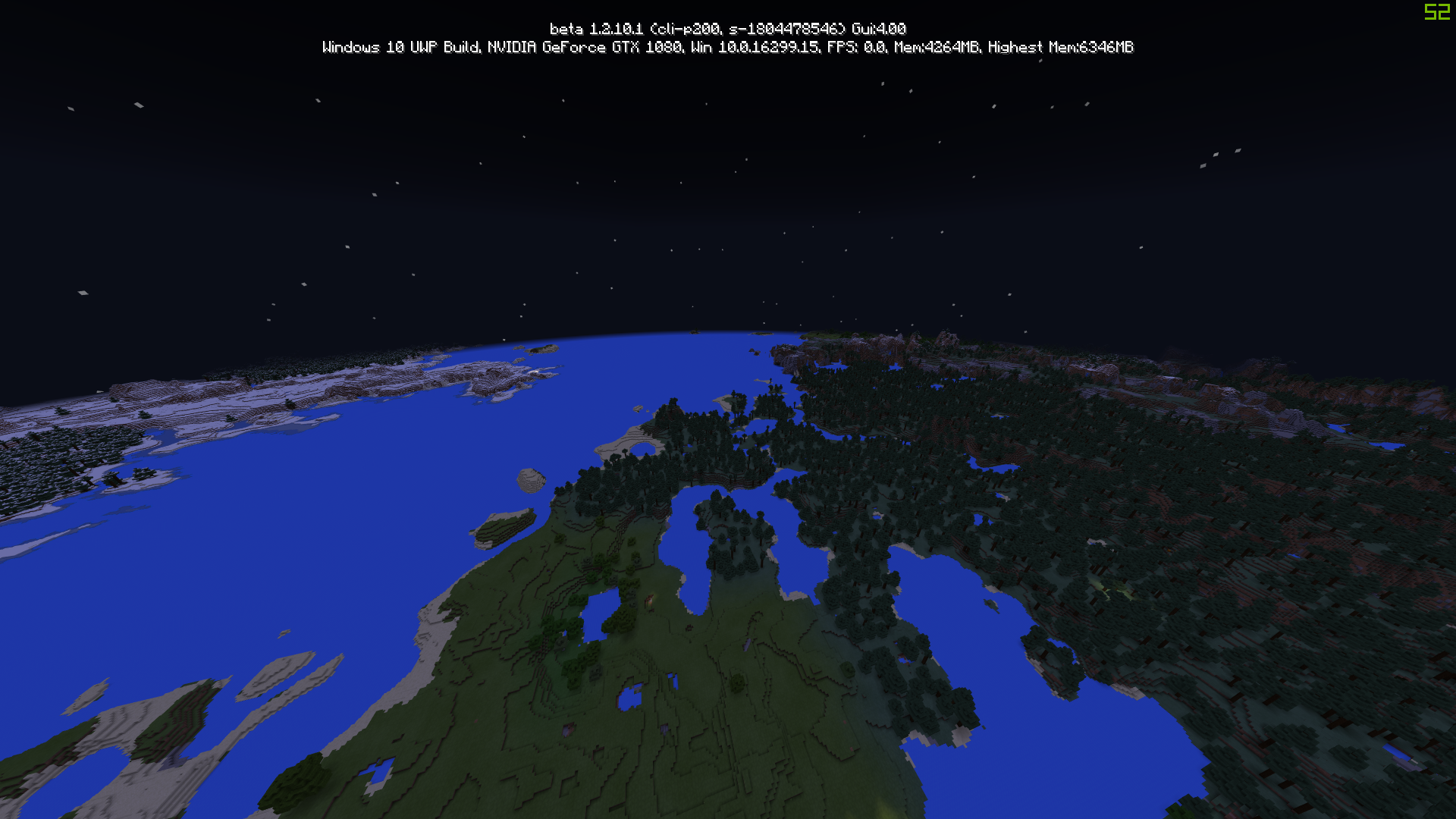
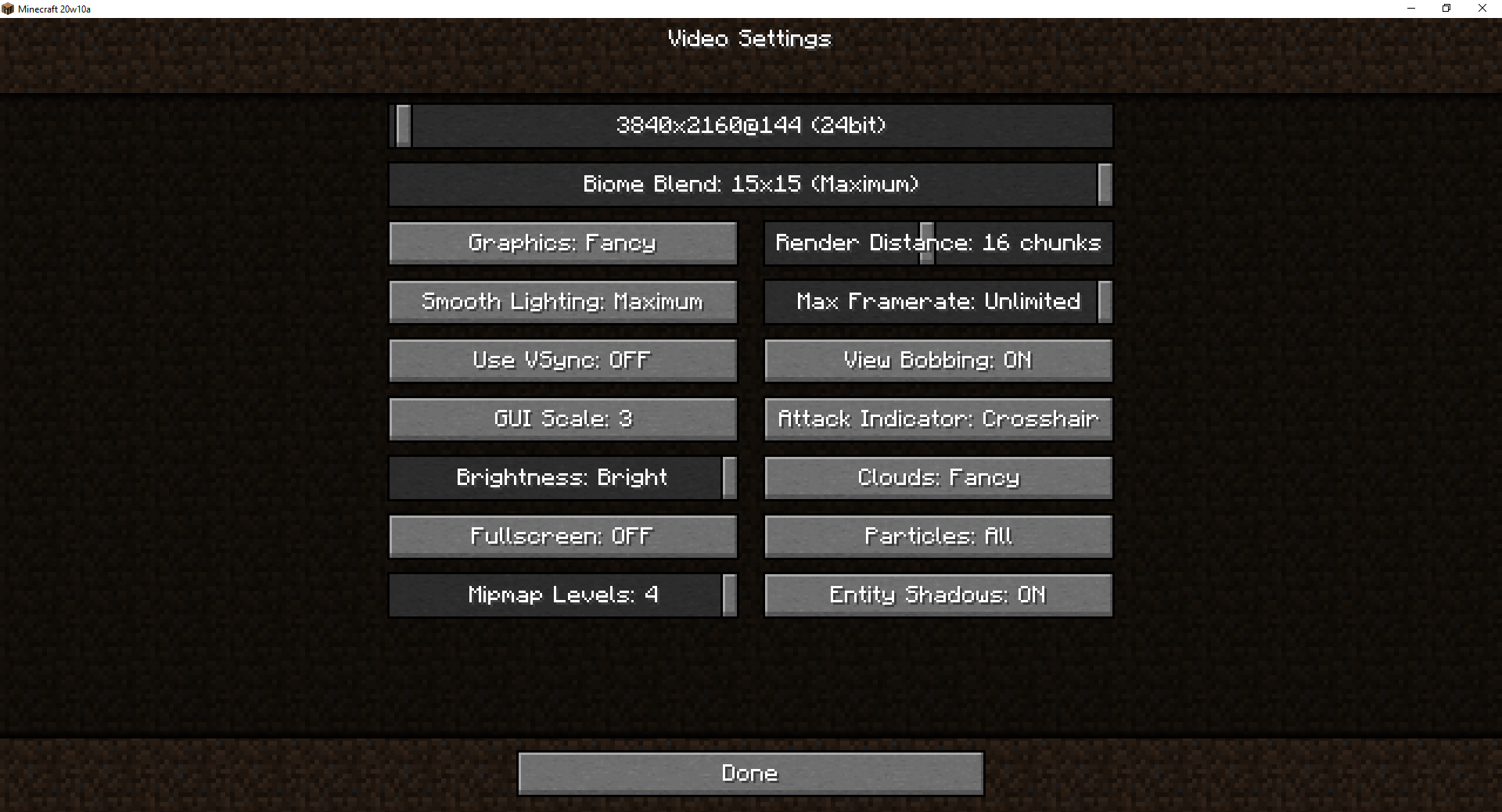
The new thread, is making stuff laggy, and I want to play at 64 chjunks at 100 fps like I used to but now I can't, also, why do you need to have a max render distance of 80 chunks? 60 was enough, the upper limit should be 64 chunks, also the new slider gray color in the 1.2.13 make it hard to see which you have overlapped. Also the slider lacks small increments
The new thread, is making stuff laggy, and I want to play at 64 chjunks at 100 fps like I used to but now I can't, also, why do you need to have a max render distance of 80 chunks? 60 was enough, the upper limit should be 64 chunks, also the new slider gray color in the 1.2.13 make it hard to see which you have overlapped. Also the slider lacks small increments. And the minmum distance is too high, i liked it at 5 chunks, so instead of having the new settings layout, just go back to the old settings layout and have small increments and also have a min of 5 and a max of 60 chunks, not a min of 16 and max of 80 chunks.
 Low
LowInconsistency: lowest resolution through FS resolution slider is on the far right, when it should be on the far left. (vice versa too)
The bug
Basically, if you set your spawn point via bed or respawn anchor and you destroy it, the game will say "Your have no home bed or respawn anchor, or it was obstructed." This is incorrect grammar.
How to reproduce
- Click on a bed to set spawn point
- Destroy the bed and kill yourself
- Observe the incorrect grammar
Duplicate of
MC-175988
The game crashed whilst
unexpected error
Error: java.lang.IllegalStateException:Lock is no longer validThe game crashed whilst ticking player
Error: java.lang.IllegalStateException: Unregistered biome
Inconsistency: The lighting on the lightning rod is inconsistent with everything else (too bright)Inconsistency: The lighting on the lightning rod is inconsistent with everything else (no shade)
image-2021-02-05-12-29-37-638.png
The Bug:
MC-219211claims to have been fixed in 21w16a, however the bug hasn't been completely fixed.Steps to Reproduce:
- Download the attached resourcepack
- Go into a crafting table or anywhere the recipe book may be present
- Look at the recipe book
→
__ Notice how there are STILL two mysterious pixels on the upper left corner of the icon.
Information:
This likely started happening in 21w10a alongside
MC-219211, with the introduction of the OpenGL 3.2 core renderer.The Bug:
MC-219211claims to have been fixed in 21w16a, however the bug hasn't been completely fixed.Steps to Reproduce:
- Download the attached resourcepack
- Go into a crafting table or anywhere the recipe book may be present
- Look at the recipe book
→Information:
This likely started happening in 21w10a alongside
MC-219211, with the introduction of the OpenGL 3.2 core renderer.
![[Mod] Avoma](../../../data/avatars/users/86198.png)
Can confirm in 21w05b. Nickolas Azylanmik, as stated above, it looks no different than the screenshot provided by [Mod] tryashtar.
Can u show me an image?
You don't get what this is... It's a bug that I can't set the render distance below my slider minimum even if I edit the options.txt
Well now my issue is that the minimum render distance is now stuck at 16 and there is no way of going under that 😢
Huh I can't get lower that 16, because of a stupid bug.
xD I already have one, and my drivers are up to date.
also 1.2.13 is a disaster. It was just so iOS can test aquatic features, while there is a bug where your worlds no longer generate chunks, just void. So i am scared of opening my worlds
The 1080 TI gets 96 chunks, if you want 80, get the 1070/1070 ti or the 1080.
My bad, whenever searching Google i couldn't find this bug report.
It's depressing how people don't search for a bug before reporting it
I've never seen a single bug duplicated 73 times
https://bugs.mojang.com/browse/MC-172084 There is a resource pack attached on that bug to temporarily fix this issue, download the resource pack and drop it in your resource packs folder, then go to minecraft, options, resource packs and search till you find it. Once you found it right click and click ok. Also this bug is duplicate of the bug mentioned above, so the mods will mark it as such soon.
this also happens with the realm news button in realms
Duplicate of
MC-170819This affects BOTH resource packs.
Same for 20w12a
I also had it happen to me, I wondered what the heck was wrong.
I think this is serious enough to release 20w13b.
No 20w13b needs to be released to fix this gamebreaking bug.
Duplicate of
MC-175988Duplicate of
MC-175988Thanks for that.
I'm getting this issue in 14a. I think we can reopen.
Confirmed fixed for all of the nether biomes.
It should be changed to affects shields in general as since 20w18a, my enchanted shield with no banner design doesn't look enchanted at all.
You should report that at https://github.com/sp614x/optifine/issues
As this site is only for vanilla bugs.
IK I'm not admin but I saw this somewhere else when people were reporting non vanilla bugs.
Can confirm for myself too.
Not fixed in pre4. Actually wasn't experiencing any of these bugs but now I am.
Not fixed in pre4. Actually wasn't experiencing any of these bugs but now I am.
Are you sure you aren't using a datapack? Datapacks for your information, can modify the loot tables of mobs, making it possible for them to drop whatever the datapack creator wants them to drop.
Cannot reproduce in 1.16-rc1 using the command you put in the descripition after trying a dozen times on multiple test worlds.
By the way, this bug has been around since 1.9.
I can still reproduce this bug in 20w27a despite it being marked as fixed.
Only happens in fast/fancy, fabulous is unaffected by this. Also I noticed that on fast/fancy, hitboxes are fully opaque now.
Cannot reproduce this in 20w28a.
I noticed this too, it's the game attempting to spawn snow but it for some reason it can't. However, it still turns the grass into the snowy=true blockstone.
This happens to me too, but only when upgrading from 1.12.2 forge.
Can confirm, but only happens with fabulous graphics option.
Also affects 1.16.1.
I have noticed that every time I cross a chunk border, the server light goes "??" for a couple of frames. When it goes back to a proper number, I get a lag spike. So I am 90% sure this is caused by lighting updates. This could also explain why its exacerbated by chunks that have blocks very high up, as it takes much longer for the lighting to be calculated for something very high up in the sky. I could be wrong though, this is just an assumption based on what I am noticing.
Yeah Brandon's picture is how it should look after the bug is fixed.
Fixed in 21w05a
this looks fixed to me
the texture didn't "change", are you using a resourcepack? If you look at my screenshot which is right above you can see that it looks right now. The lightning rod looked like the mod's picture until 21w03a but in 21w05b it looks how it should from brandon's screenshot
Ah I think you misunderstood what the bug is about. The bug isn't about the texture it is about how the lightning rod is shaded, which makes it look way too bright because before it was using the brightness of the top on ALL sides when it's not supposed to do that. Here is a comparison between how the lightning rod looked in 03a vs 05b.

Wdym? The pack is version 7. It's just a simple resourcepack I made to show the bug, it can happen with any resourcepack that modifies the recipe book.
That's the scroll bar though. Here it's the chat, like the entire thing is offset.
It looks like they fixed the bug that that one clones by moving everything forward 1 space or something. Not the way it should have been fixed imo.