 Michael F
- htmlland
- htmlland
- Europe/London
- Yes
- No
 MC-1086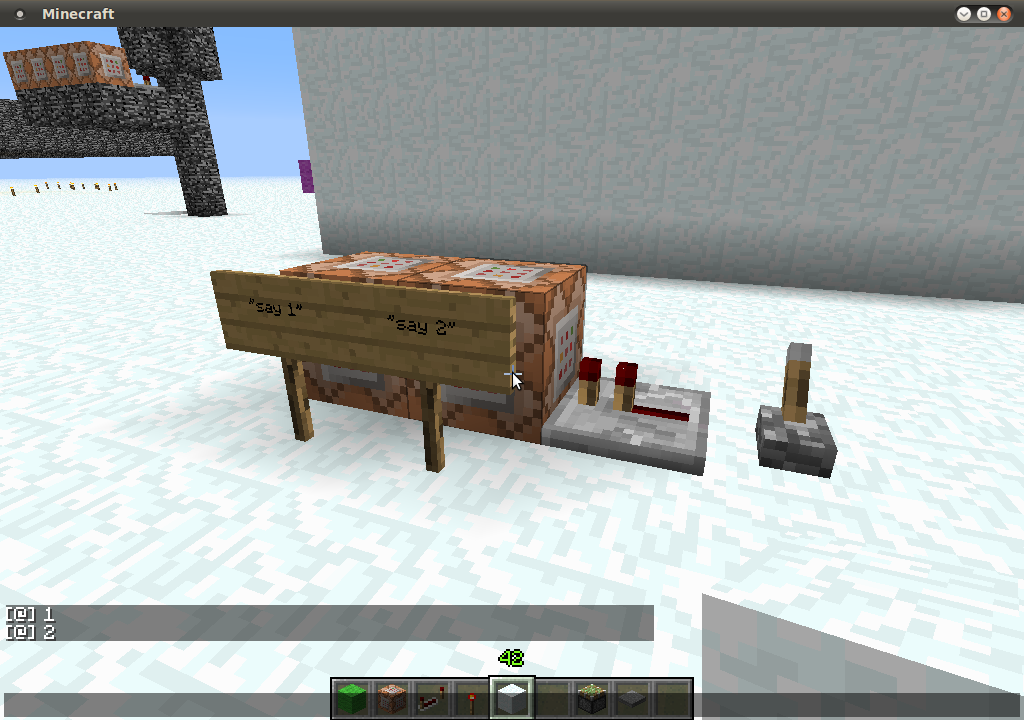



 MCL-1701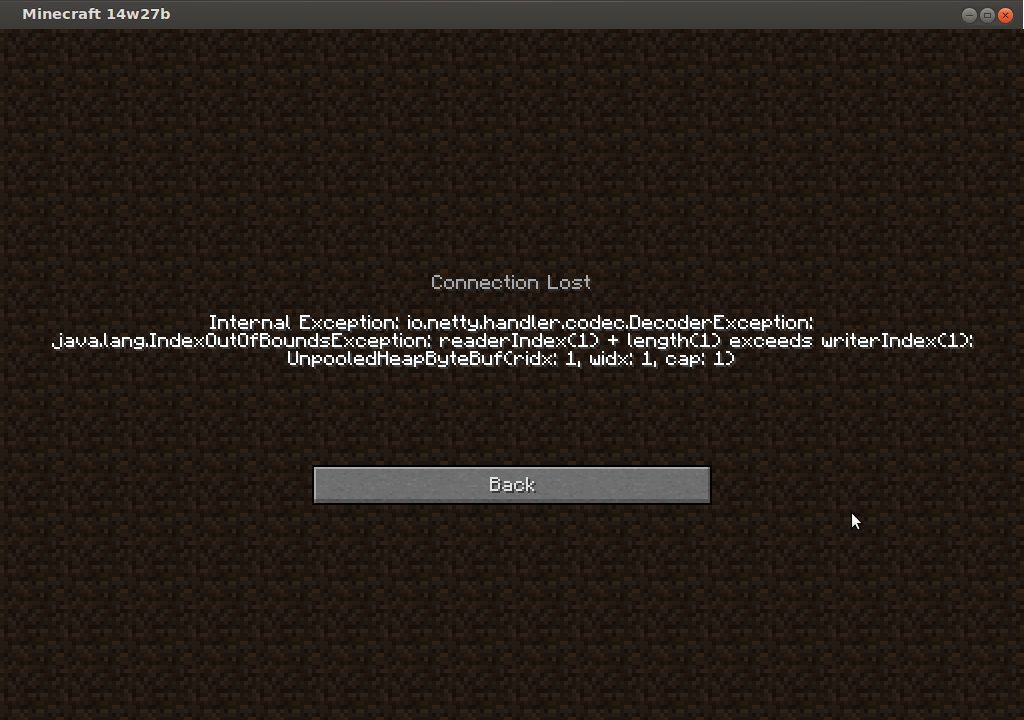
Hello all,
Please see the setup in the attached photo. When the lever is pulled and the repeater is powered the command block "say 1" is powered before the "say 2" command block. Maybe this is a bug or a strange way the redstone is powering through the command block and then checking for an update.
If you remove the repeater and use a piece of redstone it outputs as "intended" 2 then 1.
Steps to Reproduce:
1. Build setup as in picture
2. Pull lever
Please seethe setup in the attached photo. When the lever is pulled and the repeater is powered the command block "say 1" is powered before the "say 2" command block. Maybe this is a bug or a strange way the redstone is powering through the command block and then checking for an update.If you remove the repeater and use a piece of redstone it outputs as "intended" 2 then 1.
Steps to Reproduce:
1. Build setup as in picture
2. Pull leverWhen using the setup in the attached photo. When the lever is pulled and the repeater is powered the command block "say 1" is powered before the "say 2" command block. Maybe this is a bug or a strange way the redstone is powering through the command block and then checking for an update.
If you remove the repeater and use a piece of redstone it outputs as "intended" 2 then 1.
Steps to Reproduce:
1. Build setup as in picture
2. Pull lever
Multiplayer Linux box (clients on windows and linux) & Single player (again windows and linu
z)Multiplayer Linux box (clients on windows and linux) & Single player (again windows and linux)
When using the setup in the attached photo
. Whenthe lever is pulled and the repeater is powered the command block "say 1" is powered before the "say 2" command block. Maybe this is a bug or a strange way the redstone is powering through the command block and then checking for an update.If you remove the repeater and use a piece of redstone it outputs as "intended" 2 then 1.
Steps to Reproduce:
1. Build setup as in picture
2. Pull leverWhen using the setup in the attached photo & the lever is pulled and the repeater is powered the command block "say 1" is powered before the "say 2" command block. Maybe this is a bug or a strange way the redstone is powering through the command block and then checking for an update.
If you remove the repeater and use a piece of redstone it outputs as "intended" 2 then 1.
Steps to Reproduce:
1. Build setup as in picture
2. Pull lever
When using the setup in the attached photo
&the lever is pulled and the repeater is powered the command block "say 1" is powered before the "say 2" command block. Maybe this is a bug or a strange way the redstone is powering through the command block and then checking for an update.If you remove the repeater and use a piece of redstone it outputs as "intended" 2 then 1.
Steps to Reproduce:
1. Build setup as in picture
2. Pull leverWhen using the setup in the attached photo; the lever is pulled and the repeater is powered the command block "say 1" is powered before the "say 2" command block. Maybe this is a bug or a strange way the redstone is powering through the command block and then checking for an update.
If you remove the repeater and use a piece of redstone it outputs as "intended" 2 then 1.
Steps to Reproduce:
1. Build setup as in picture
2. Pull lever
When using the command "/give PLAYERNAME 35 1 700", which translates to wool with a data value of 700, it crashes the game. Now creating a wool block with data value of 700 is silly but I wouldn't expect it would crash just ignore my data value. If you were to do the same with glass (block 20) it will ignore you and give you data value of 0. After crashing out I just tried to reconnect and I believe the faulty entity is still around and it crashes me out immediately. Apologies if this is a dupe I have searched and did not found anything smiler.
13w16a - Horses do not get saved when leavingunloadedchunks
13w16a - Horses do not get saved when leavingunloadedchunks
Super size chat messagescrashclientsSuper size chat messages disconnect clients
Setup: Have two accounts both connected to a new LAN world (run by UserA) on the same PC; /debug mode is running to get more info into the log (also works if /debug is off).
When UserA runs the command "/say @e" the user UserB gets disconnected with the attached error message. The log below is from the latest.log of UserA (because the chat is too big and exceeds the normal chat limit).
[20:44:36] [Server thread/INFO]: [UserA] Rabbit, Rabbit, Rabbit, Rabbit, .... (and loads more)
[20:44:36] [Client thread/INFO]: [CHAT] [UserA] Rabbit, Rabbit, Rabbit, .... (and loads more)
[20:44:36] Netty Server IO #7/ERROR: java.io.IOException: String too big (was 73668 bytes encoded, max 32767)
[20:44:36] [Server thread/INFO]: UserB lost connection: TextComponent{text='Disconnected', siblings=[], style=Style{hasParent=false, color=null, bold=null, italic=null, underlined=null, obfuscated=null, clickEvent=null, hoverEvent=null, insertion=null}}
[20:44:36] [Server thread/INFO]: UserB left the game
Not sure, but this mightwork onfullSMP servers to? And since @e is not a restricted "command" this could effectively grief/DOS servers.I know this is rather silly of a bug; but the chat should be a little more graceful when dealing with unexpectedly large chat messages.
Thanks,
MichaelSetup: Have two accounts both connected to a new LAN world (run by UserA) on the same PC; /debug mode is running to get more info into the log (also works if /debug is off).
When UserA runs the command "/say @e" the user UserB gets disconnected with the attached error message. The log below is from the latest.log of UserA (because the chat is too big and exceeds the normal chat limit).
[20:44:36] [Server thread/INFO]: [UserA] Rabbit, Rabbit, Rabbit, Rabbit, .... (and loads more)
[20:44:36] [Client thread/INFO]: [CHAT] [UserA] Rabbit, Rabbit, Rabbit, .... (and loads more)
[20:44:36] Netty Server IO #7/ERROR: java.io.IOException: String too big (was 73668 bytes encoded, max 32767)
[20:44:36] [Server thread/INFO]: UserB lost connection: TextComponent{text='Disconnected', siblings=[], style=Style{hasParent=false, color=null, bold=null, italic=null, underlined=null, obfuscated=null, clickEvent=null, hoverEvent=null, insertion=null}}
[20:44:36] [Server thread/INFO]: UserB left the gameThis also works on 14w27b SMP servers too (all clients get disconnected in this case) and since @e is not a restricted "command" this could effectively grief/DOS servers.
I know this is rather silly of a bug; but the chat should be a little more graceful when dealing with unexpectedly large chat messages.
Thanks,
Michael
We have just tried this on all four orientations and the bug works on all four ways
I understand that both blocks will be powered in that way, that's not the bug. The bug is that they are "activating" the commands in the wrong way around
I also get this bug. Ubuntu 10.04. java version "1.6.0_24"
OpenJDK Runtime Environment (IcedTea6 1.11.4) (6b24-1.11.4-1ubuntu0.10.04.1)
OpenJDK 64-Bit Server VM (build 20.0-b12, mixed mode)
I will have a try of that, running the ubuntu package version of Java so will be a bit fiddly to update.
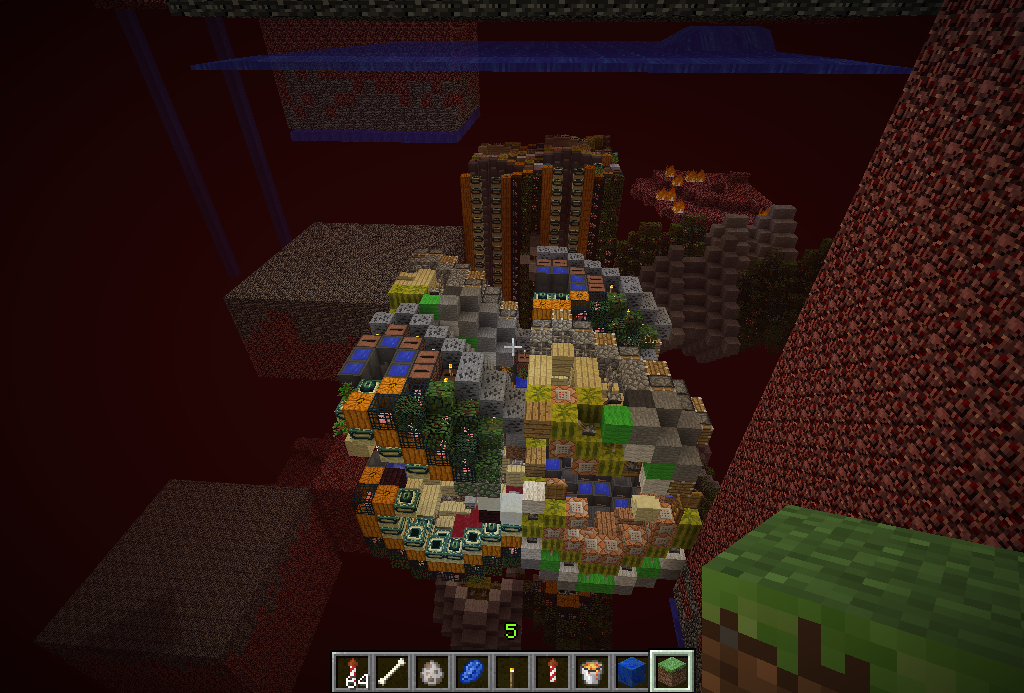
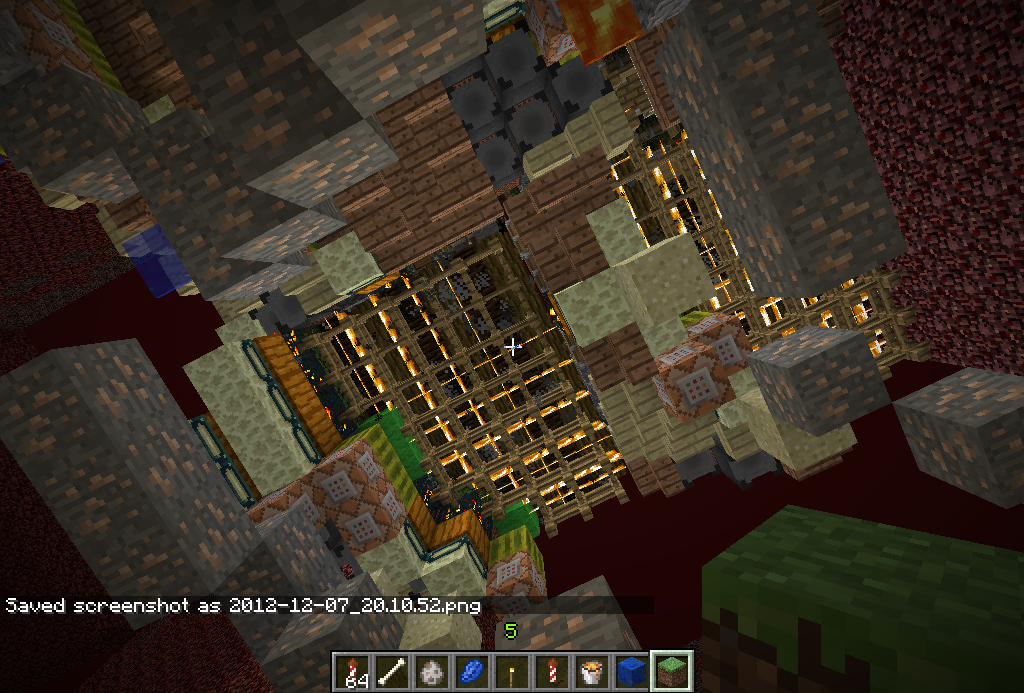
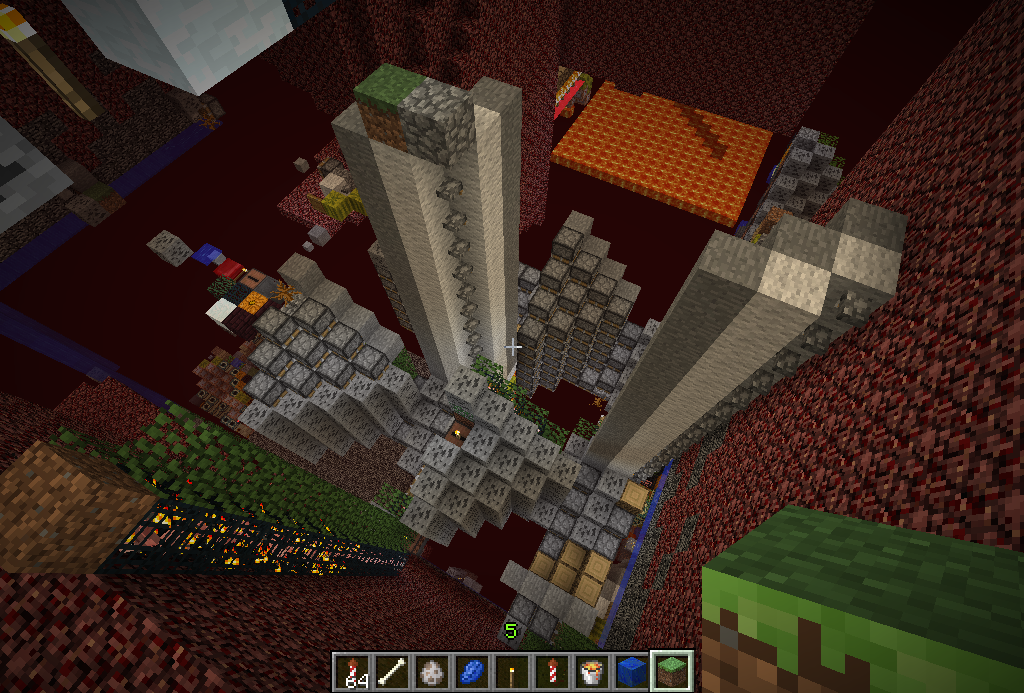
Some screenshots on the same issue and a download of a world causing the bug
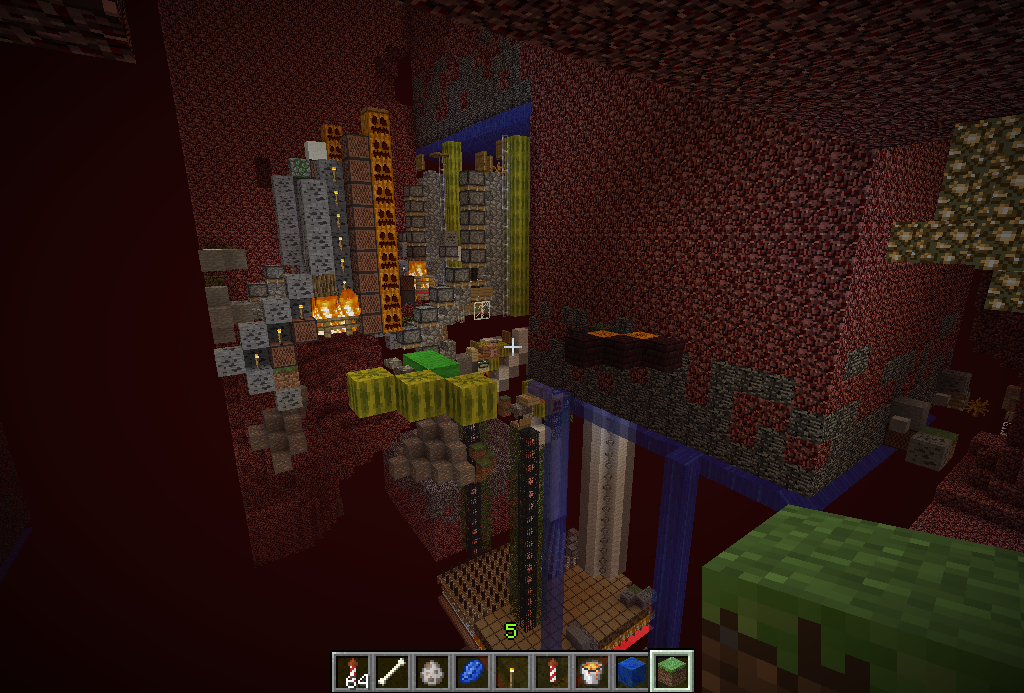
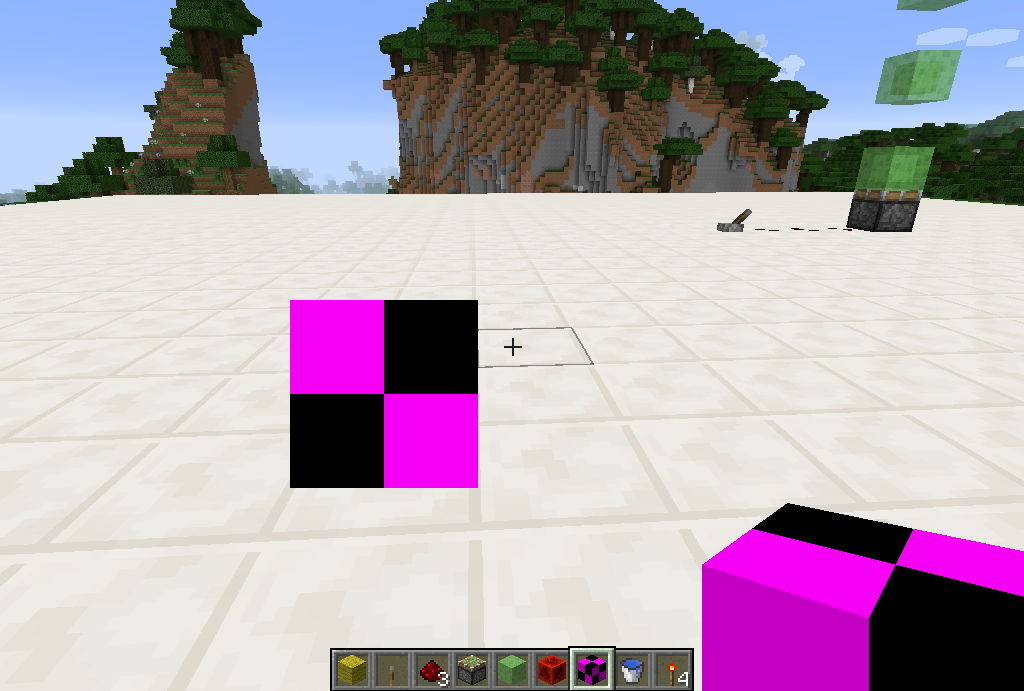
It also seems that right clicking blocks (not all just the "bugged" blocks) deletes them. Also placing any block into the affected areas seems to turn into netherrack, maybe a bug in the render? Tested in SMP. Also yes its very laggy too when generating / loading new chunks.
Could you please close this bug. I will test this again if I get a chance in a week or so; if it is still la bug then I will repost it referencing this one.
Confirmed fixed in 13w02a
If I delete my player.dat file it allows me to login with no problems; however the bug still exists when I then try it again
Please use lightgem.png and lightgem.txt respectively to texture glowstone
On the second try was it "/effect @p 5 60 1" you tried in the command block? I have just tried this and it worked both in the command block and in chat.
Appologies, I did not try this in SMP but as above it should work; if I get a chance I could test this on my SMP server
No these horses were not tamed. Why would untamed horses despawn though? Untamed wolfs and other passive mobs do not do this.
No they do not, not as (mind blank cannot remember the version!) when the yadded real mob farming passive mobs do not despawn.
Just to quote the wiki page on spawning "Unlike monsters, animals do not spontaneously despawn, except for wild ocelots and wolves (which can despawn only when they are hostile)." (EDIT: link is here http://www.minecraftwiki.net/wiki/Spawn#Animal_spawning)
Fair point; if that was the behaviour in the mod then this is fair; but is the spawning behaviour adapted so they spawn more regularly? Or horses would become almost impossible to obtain.
Whoops! Sorry for the duplicate; didn't see this already open case!
Yea looking at my now bug report (now a dupe)
MC-40536I can see in my log its the same issue, a missing / .Duplicate of
MC-57010Duplicate of
MC-57010Confirmed still a problem in 1.4.4. Attached is the crash debug. Still missing the / from file:// .
This,
MC-57041andMC-57042are all duplicates of each other really. Doesn't matter really as mog has fixed itAhh good good, seems my searching to find a duplicate was not enough !
!
MCPE has its own project here on the bug tracker (https://bugs.mojang.com/browse/MCPE). Maybe a mod could move this report there (or you might need to report it there instead)
Do you have a resource pack loaded that was an old one and possibly broken? When in the world and it is not loading as you described; hold down F3 & C for 5 seconds and post the resulting crash report here as it might help find the issue.
You are using a resource pack (or one from the multiplayer server) which is possibly broken. Do you get the same results without a resource pack?