 Sniffer Wasn't Here
- ItzSniffer
- JIRAUSER748934
- Europe/London
- Yes
- No
 MC-261248
 MCPE-179864MCPE-181548MCPE-190306


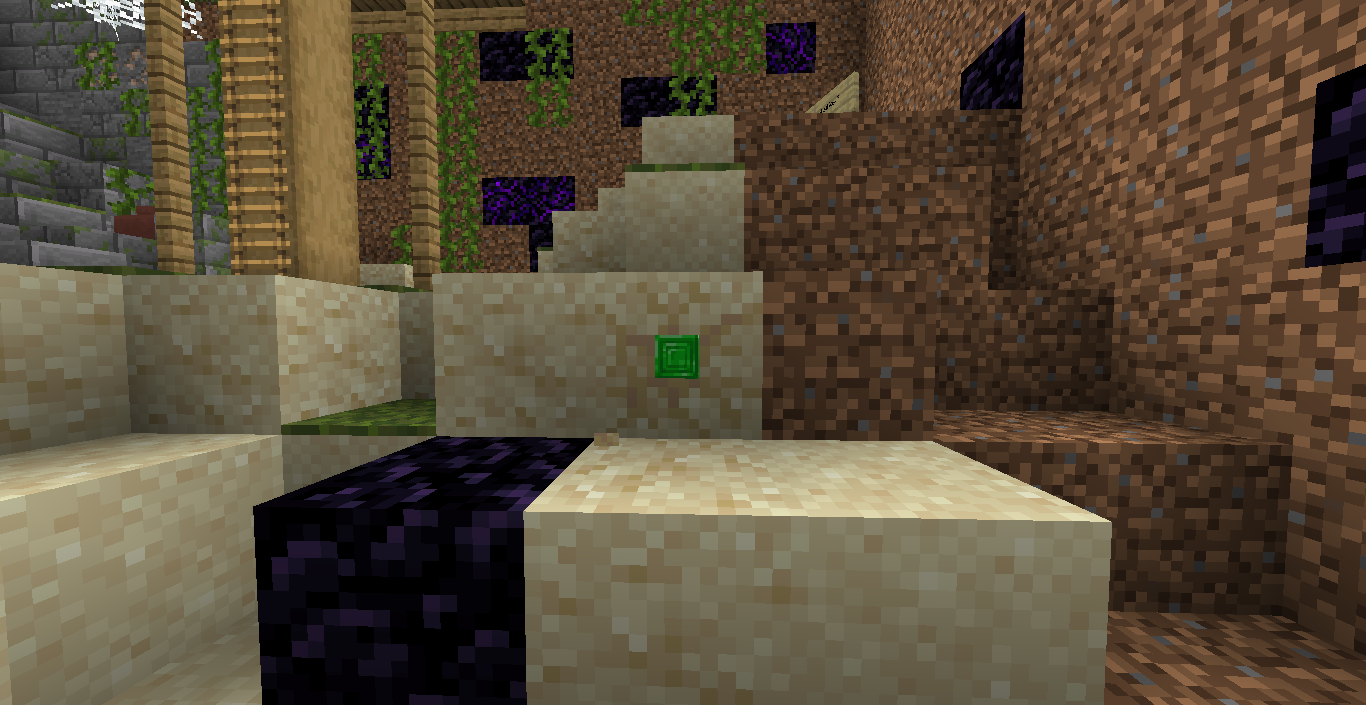


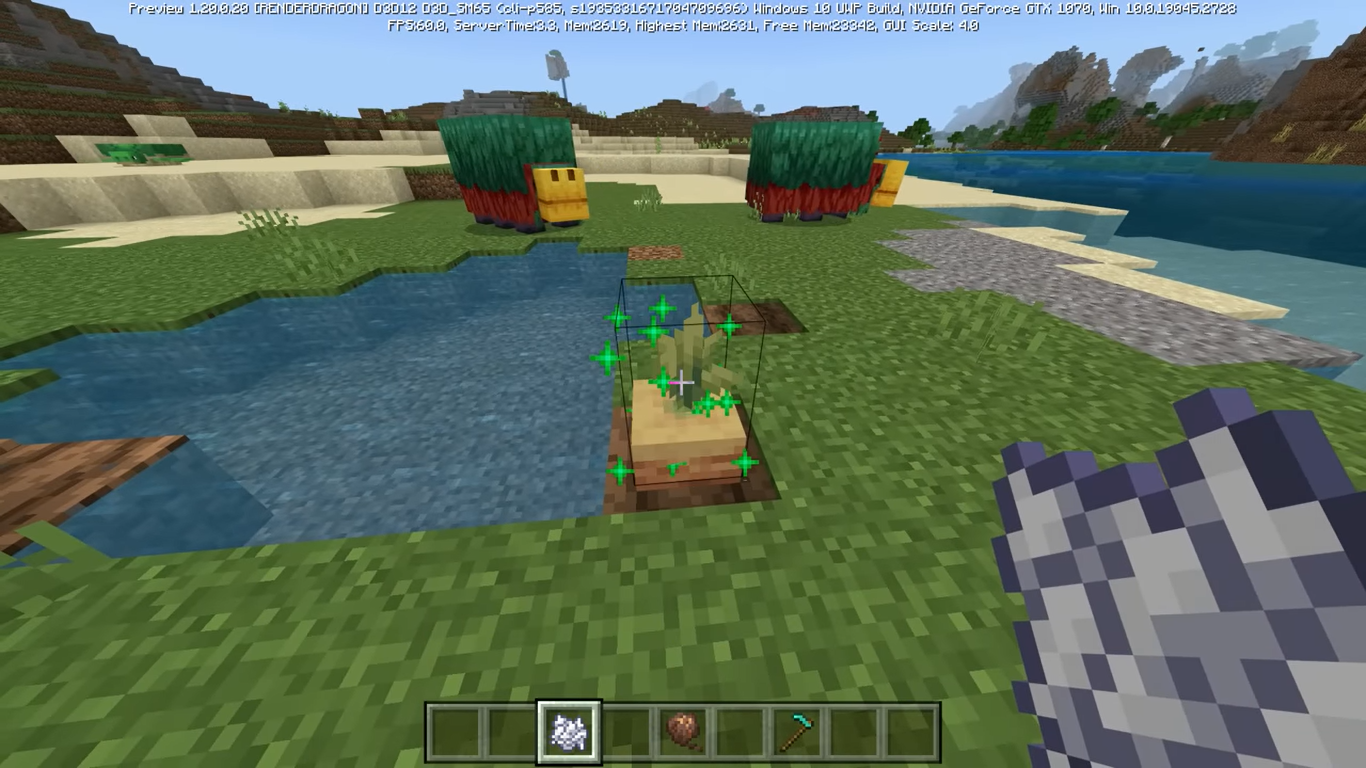

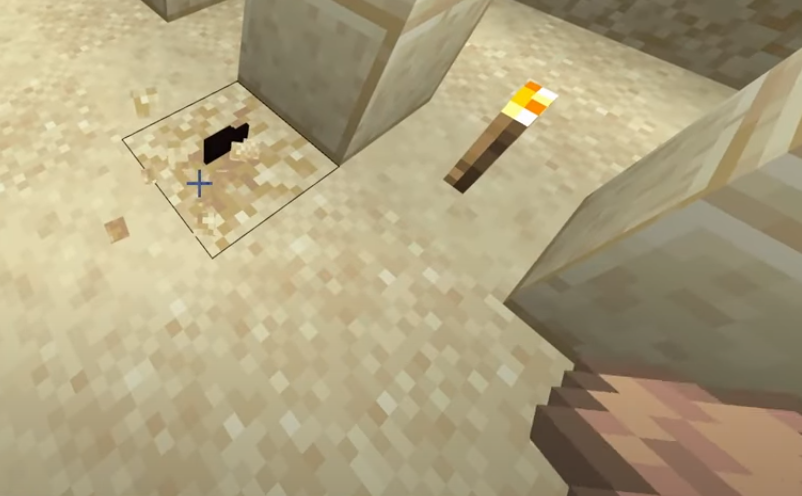




















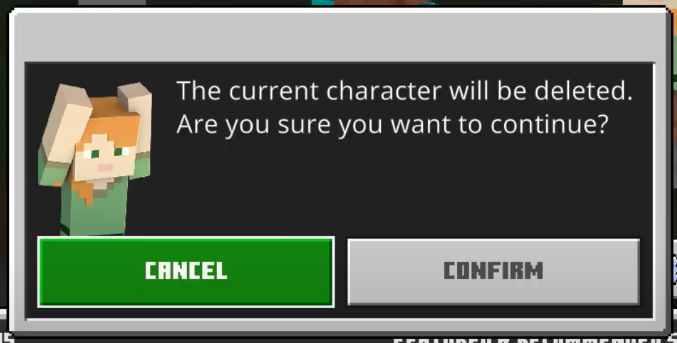
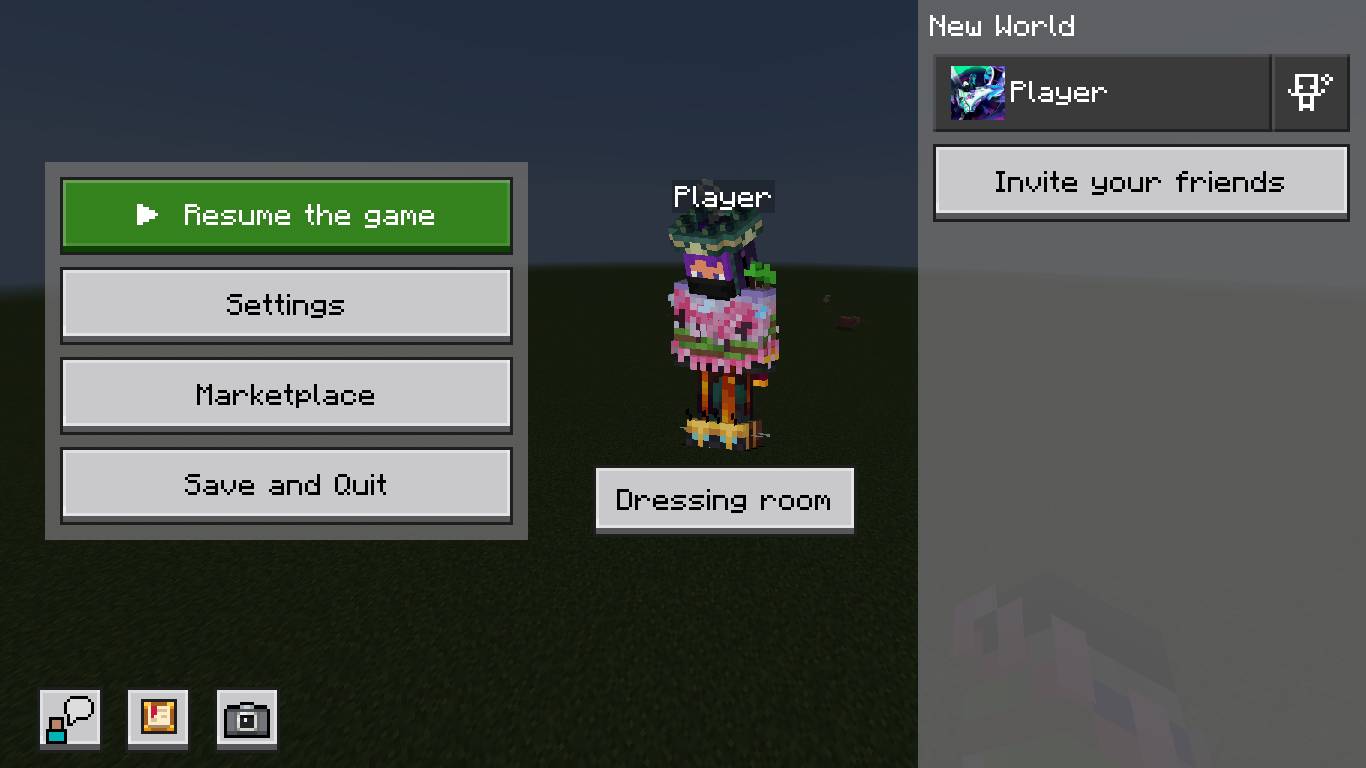


Playernames,Entities names are not visible through wallsPlayers, entities names are not visible through walls
Applying honeycomb on a sign does not grant player the "Wax On" advancementApplying honeycomb on a sign does not grant player the "Wax On" achievement
2023-06-08_01.19.40[03].jpeg
Items inside suspicious blocks aredark in colorand not clearly visibleItems inside suspicious blocks are black and not clearly visible
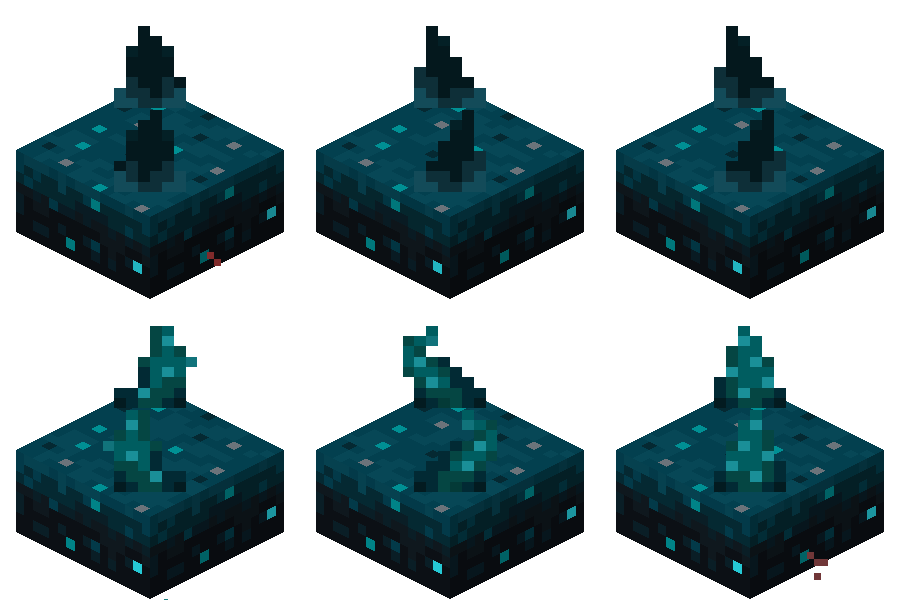
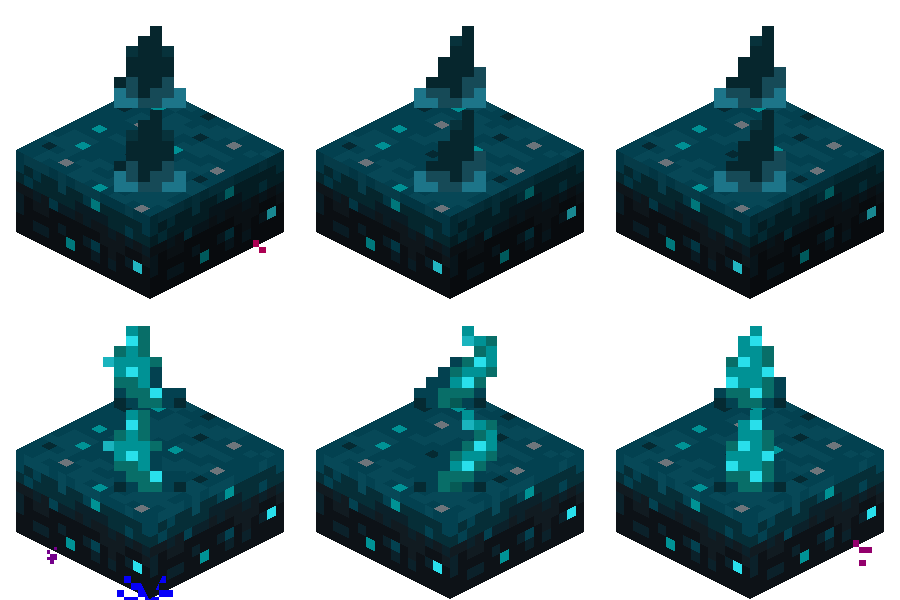
Sculk Sensor has a different tendril animation between Java Edition and Bedrock Edition. Here's the comparision
Left: Java'sSculk SensorRight:
Bedrock's Sculk SensorSculk Sensor has a different tendril animation between Java Edition and Bedrock Edition. Here's the comparision
Left: Bedrock's Sculk Sensor
Right: Java's Sculk Sensor
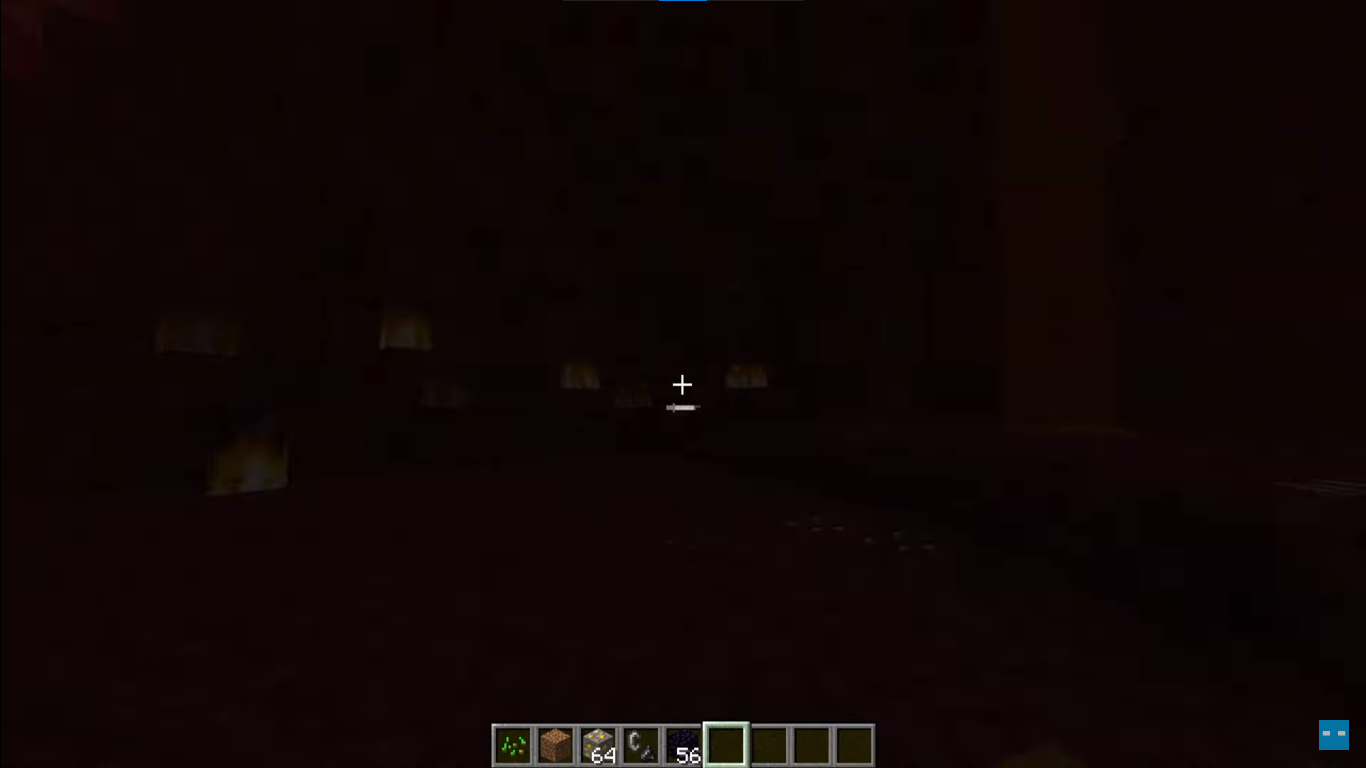
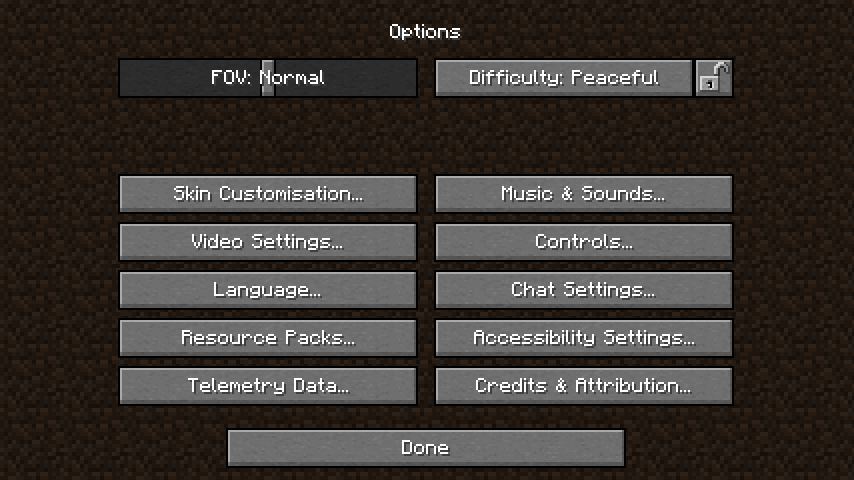
The introduction to the new fresh UI for Java Edition is kinda cool and I really love it. However, it also comes with lots of bugs and problems when switching back to the dirt background (using programmer art resource pack) and enabling high constrast resource pack. Here are the problems
Programmer Art (Classic dirt background)
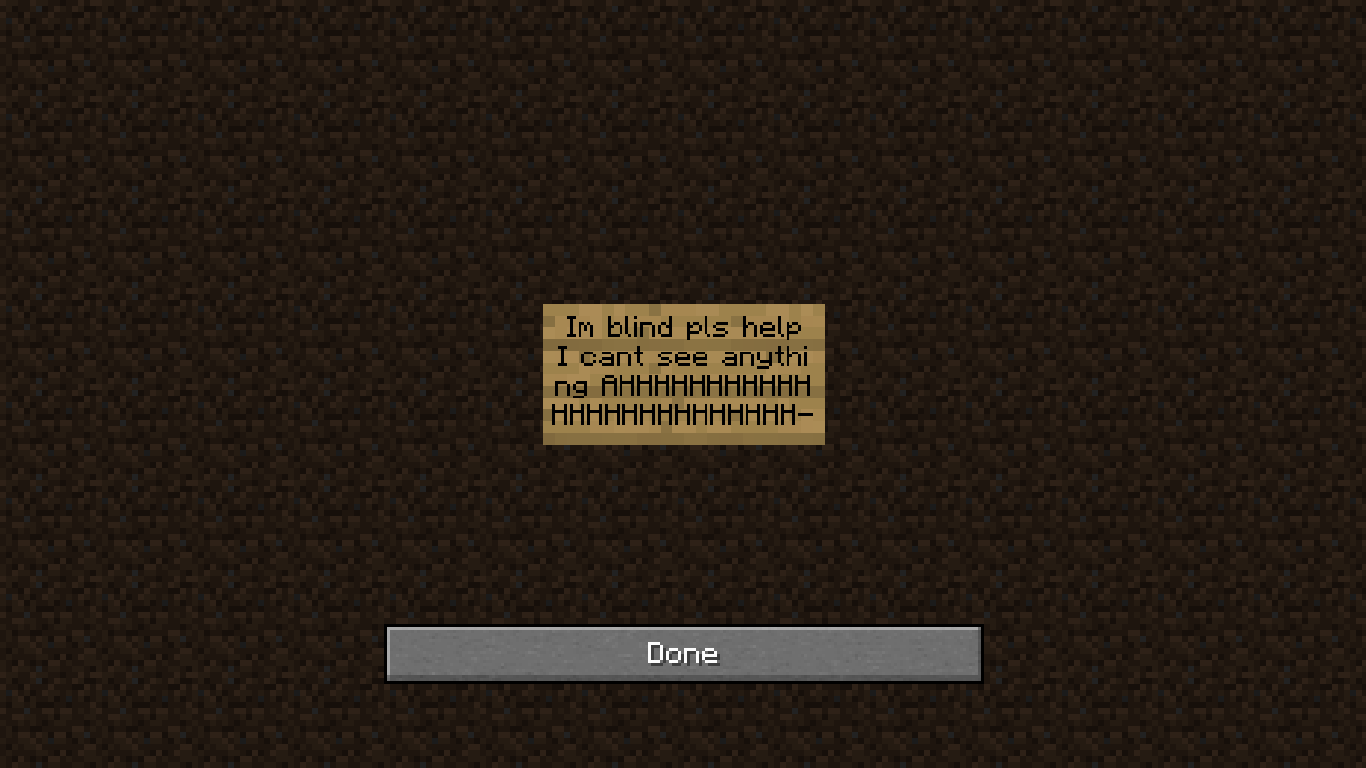
- Switching back to the dirt background is completely fine. However during the gameplay when you press ESC to pause the game, instead of showing what's going on in my world, it just show a completely dirt background instead and this is kinda annoying. It should show the gameplay instead
High constrasts (Resource pack)
- (Same with the dirt background). During the gameplay when you press ESC to pause the game, instead of showing what's going on in my world, it just show a completely solid black background instead
- When you enter an area with a different client light level (like entering a cave), the screen and the gameplay becomes darker for some reason and light blocks like torches, lanterns, etc. or night vision effect just don't work. When you enter the Nether, you can still see things but light level from fire, lava is doesnt work. When you enter the End, you will see nothing, everything is just a solid black until you place some light blocks near you, you'll be able to see things a bit better
For more details of this bug, please take some times to watch this video: https://www.youtube.com/watch?v=T82G6Avl56Mc]
(Start watching at 5:23 for the bugs)
Thank you and hope the developers will fix these bugs as soon as possible!
The introduction to the new fresh UI for Java Edition is kinda cool and I really love it. However, it also comes with lots of bugs and problems when switching back to the dirt background (using programmer art resource pack) and enabling high constrast resource pack. Here are the problems
Programmer Art (Classic dirt background)
- Switching back to the dirt background is completely fine. However during the gameplay when you press ESC to pause the game, instead of showing what's going on in my world, it just show a completely dirt background instead and this is kinda annoying. It should show the gameplay instead
High constrasts (Resource pack)
- (Same with the dirt background). During the gameplay when you press ESC to pause the game, instead of showing what's going on in my world, it just show a completely solid black background instead
- When you enter an area with a different client light level (like entering a cave), the screen and the gameplay becomes darker for some reason and light blocks like torches, lanterns, etc. or night vision effect just don't work. When you enter the Nether, you can still see things but light level from fire, lava is doesnt work. When you enter the End, you will see nothing, everything is just a solid black until you place some light blocks near you, you'll be able to see things a bit better
For more details of this bug, please take some times to watch this video: https://www.youtube.com/watch?v=T82G6Avl56Mc]
(Start watching at 5:23 for the bugs)
Thank you and hope the developers will fix these bugs as soon as possible!
The introduction to the new fresh UI for Java Edition is kinda cool and I really love it. However, it also comes with lots of bugs and problems when switching back to the dirt background (using programmer art resource pack) and enabling high constrast resource pack. Here are the problems
Programmer Art (Classic dirt background)
- Switching back to the dirt background is completely fine. However during the gameplay when you press ESC to pause the game, instead of showing what's going on in my world, it just show a completely dirt background instead and this is kinda annoying. This also happens to some screen like the options screen, advancements screen, open LAN game screen, copy to clipboard screen and more. It should show the gameplay instead of a dirt background
High constrasts (Resource pack)
- (Same with the dirt background). During the gameplay when you press ESC to pause the game, instead of showing what's going on in my world, it just show a completely solid black background instead. This also happens to some screen like the options screen, advancements screen, open LAN game screen, copy to clipboard screen and more
- When you enter an area with a different client light level (like entering a cave), the screen and the gameplay becomes darker for some reason and light blocks like torches, lanterns, etc. or night vision effect just don't work. When you enter the Nether, you can still see things but light level from fire, lava is doesnt work. When you enter the End, you will see nothing, everything is just a solid black until you place some light blocks near you, you'll be able to see things a bit better
For more details of this bug, please take some times to watch this video:
https://www.youtube.com/watch?v=T82G6Avl56M
(Start watching at 5:23 for the bugs)
Thank you and hope the developers will fix these bugs as soon as possible!
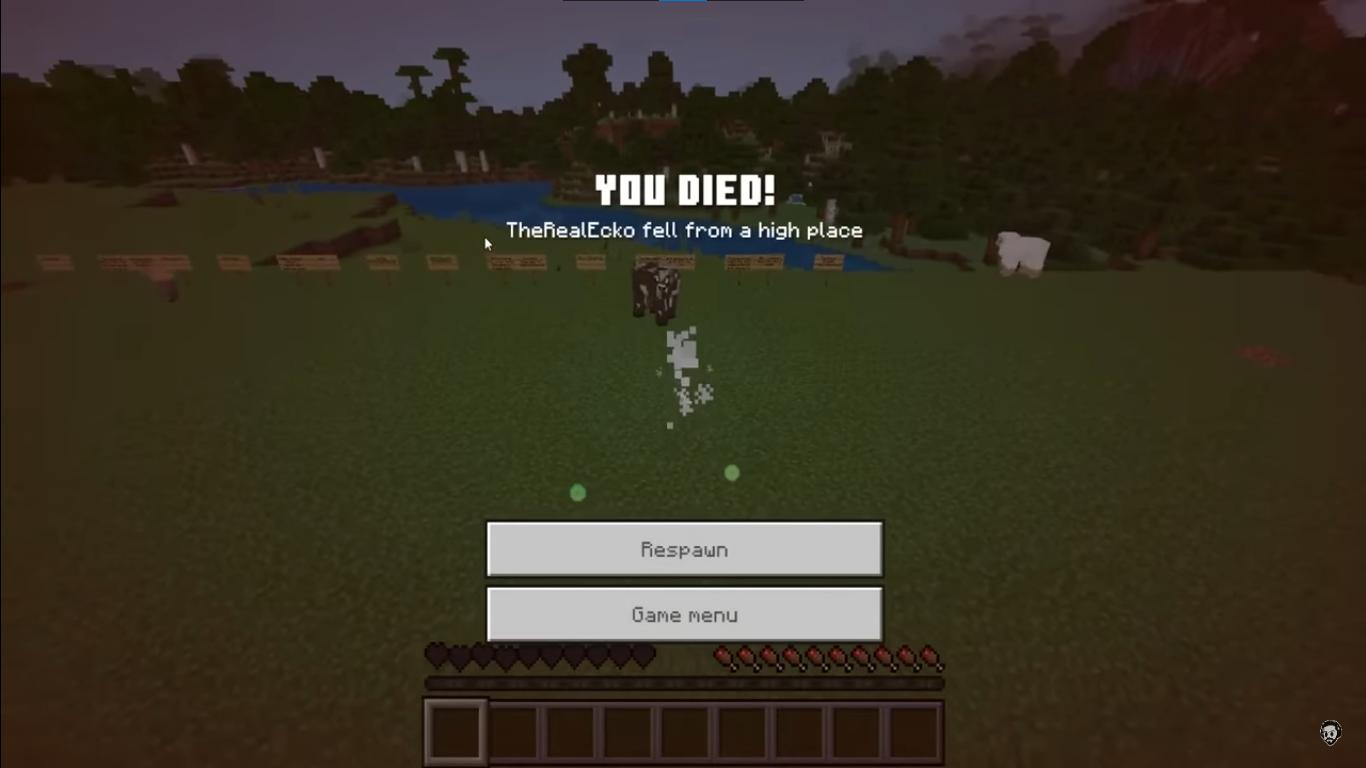
When having resource packs applied, the new death screen experience buttons use the old style instead. Basically, when having no packs applied, the buttons on the death screen use the new design system with a green "Respawn" button and uses Minecraft Ten font.
.But when having packs applied, it is just a regularbutton withold style andusingthe incorrect fontWhen having resource packs applied, the new death screen experience buttons use the old style instead. Basically, when having no packs applied, the buttons on the death screen use the new design system with a green "Respawn" new style button and uses Minecraft Ten font. But when having packs applied, it is just a regular old style and it uses the incorrect font
When having resource packs applied, the new
death screen experience buttons use the old style instead.Basically, when having no packs applied, the buttons on the death screen use the new design system with a green "Respawn" new style button and uses Minecraft Ten font. But when having packs applied, it is just a regular old style and it uses the incorrect fontWhen having resource packs applied, the new OreUI menu experience buttons use the old style instead. For example, when having no packs applied, the buttons on the death screen use the new design system with a green "Respawn" new style button and uses Minecraft Ten font. But when having packs applied, it is just a regular old style and it uses the incorrect font
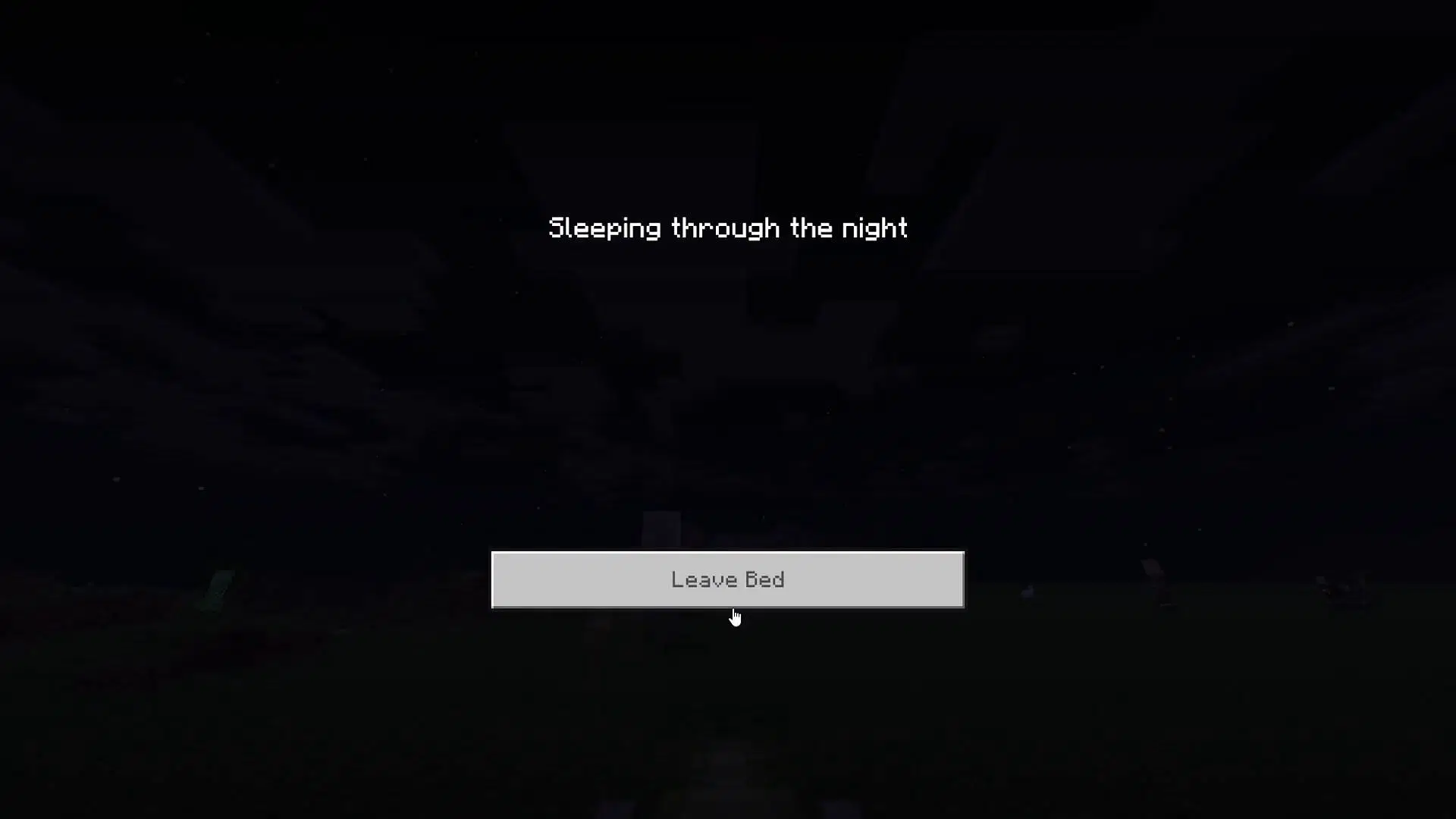
This also happens to the new sleeping screen based on OreUI
When having resource packs applied, the new death screen experience buttons are using the old style insteadWhen having resource packs applied on OreUI menus, buttons used the JsonUI textures

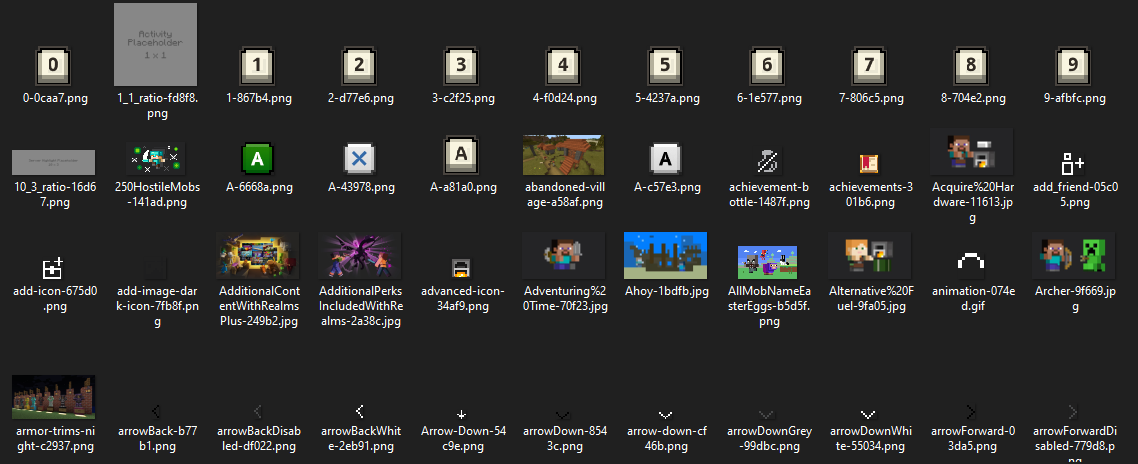
This has been quite a problem to the new OreUI design when the textures for the HBUI is in the wrong folder. It makes changing textures of the new UI so much harder compare to regular JsonUI. So what they should basically do it's move the gui\dist\hbui inside the resource_packs folder
Current location: <minecraft_version>\data
Moved location: *<minecraft_version>\data\resource_packs*
If the texture files for the OreUI is located inside the resource_packs folder, it should makes modifying textures for the OreUI screens so much easier via different resource packs
Left: Current location
Right:Moved location (inside the rp folder)This has been quite a problem to the new OreUI design when the textures for the HBUI is in the wrong folder. It makes changing textures of the new UI so much harder compare to regular JsonUI. So what they should basically do it's move the gui\dist\hbui inside the resource_packs folder
Current location: <minecraft_version>\data
Moved location: <minecraft_version>\data\resource_packs
If the texture files for the OreUI is located inside the resource_packs folder, it should makes modifying textures for the OreUI screens so much easier via different resource packs
1st image: Current location
2nd image: Moved location (inside the rp folder)3rd image: The textures folder for the OreUI
This has been quite a problem to the new OreUI design when the textures for the HBUI is in the wrong folder. It makes changing textures of the new UI so much harder compare to regular JsonUI. So what they should basically do it's move the gui\dist\hbui inside the resource_packs folder
Current location: <minecraft_version>\data
Moved location: <minecraft_version>\data\resource_packs
If the texture files for the OreUI is located inside the resource_packs folder, it should makes modifying textures for the OreUI screens so much easier via different resource packs
1st image: Current location
2nd image: Moved location (inside the rp folder)3rd image: The textures folder for the OreUI (which cannot be customized and modified as of right now)
This has been quite a problem to the new OreUI design when the textures for the HBUI is in the wrong folder. It makes changing textures of the new UI so much harder compare to regular JsonUI. So what they should basically do it's move the gui\dist\hbui inside the resource_packs folder
Current location: <minecraft_version>\data\gui\dist\hbui\assets
Moved location: <minecraft_version>\data\resource_packs
If the texture files for the OreUI is located inside the resource_packs folder, it should makes modifying textures for the OreUI screens so much easier via different resource packs
1st image: Current location
2nd image: Moved location (inside the rp folder)3rd image: The textures folder for the OreUI (which cannot be customized and modified as of right now)
This has been quite a problem to the new OreUI design when the textures for the HBUI is in the wrong folder. It makes changing textures of the new UI so much harder compare to regular JsonUI. So what they should basically do it's move the gui\dist\hbui inside the resource_packs folder
Current location: <minecraft_version>\data\gui\dist\hbui
\assetsMoved location: <minecraft_version>\data\resource_packs
If the texture files for the OreUI is located inside the resource_packs folder, it should makes modifying textures for the OreUI screens so much easier via different resource packs
1st image: Current location
2nd image: Moved location (inside the rp folder)3rd image: The textures folder for the OreUI (which cannot be customized and modified as of right now)
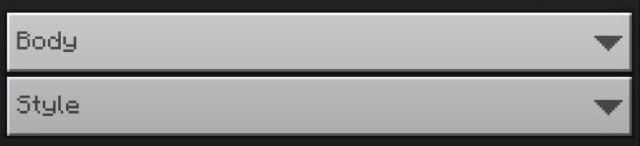
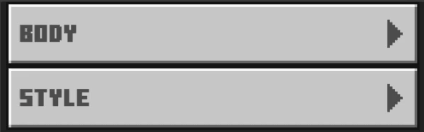
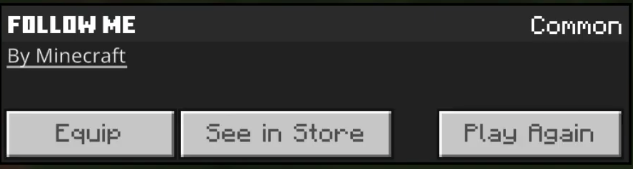
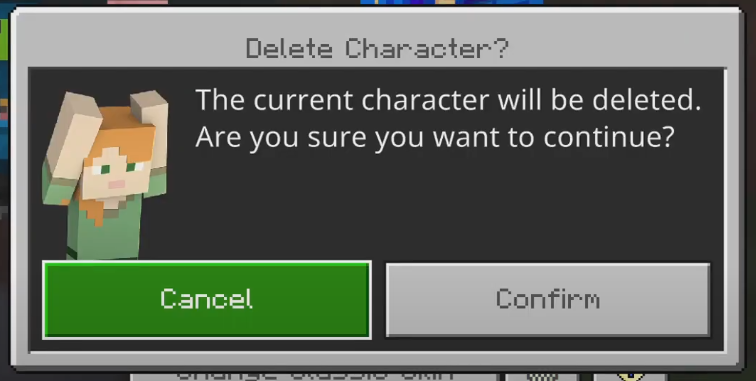
"Mineraft Ten" fonts areno longer displayin the Dressing Room"Mineraft Ten" fonts are less visible in the Dressing Room
[ This has been a problem since 1.19.40 ( ? ) ]
The Dressing Room used to have Minecraft Ten font supported before the 1.19.40 update. But after that update, the font is nowhere to be found in the Dressing Room (not quite because some of categories are still using it, but less). Minecraft Ten font should be added back to the Dressing Room. First, it is much more better and easier to recogize than usual Minecraft Seven font. Second, it'll stay up to date the Dressing Room with the new design (I guess?)
Left pic: After 1.19.40
Right pic: Before 1.19.40
Inconsistency Bundle texture between Java & Bedrock Edition
This report will be all about Vietnamese mistranslation. I'm a native Vietnamese and I found current translation for the Vietnamese language is weird and wrong, some of them are not even translated into Vietnamese. This report will be updated regulary
- NOT TRANSLATED*
(includes) Nether -> Địa ngục
(includes) End -> Kết thúc
(includes) Axolotl -> Kỳ nhông / Kỳ giông
(includes) Chorus -> Điệp khúc
Mooshroom -> Bò nấm
Piglin (brute) -> Người lợn (hung bạo)
Hoglin -> Lợn rừng
Zoglin -> Lợn rừng thây ma
- REMOVE UNNECESSARY WORDS*
item.minecraft.bundle Túi bọc -> Túi
item.minecraft.bowl Cái bát -> Bát
item.minecraft.cauldron Cái vạc -> Vạc
item.minecraft.crossbow Cái nỏ -> Nỏ
item.minecraft.ender_eye Mắt của Ender -> Mắt Ender
entity.minecraft.warden Kẻ cai ngục -> Cai ngục
entity.minecraft.sniffer Kẻ đánh hơi -> Thú đánh hơi / Con khẹt mũi
- NEED TO BE FIXED*
item.minecraft.pickaxe (includes) Cuốc chim -> Cúp
item.minecraft.chestplate (includes) Áo -> Áo giáp
item.minecraft.helmet (includes) Mũ -> NónThis report will be all about Vietnamese mistranslation. I'm a native Vietnamese and I found current translation for the Vietnamese language is weird and wrong, some of them are not even translated into Vietnamese. This report will be updated regulary
NOT TRANSLATED
(includes) Nether -> Địa ngục
(includes) End -> Kết thúc
(includes) Axolotl -> Kỳ nhông / Kỳ giông
(includes) Chorus -> Điệp khúc
Mooshroom -> Bò nấm
Piglin (brute) -> Người lợn (hung bạo)
Hoglin -> Lợn rừng
Zoglin -> Lợn rừng thây maREMOVE UNECCESSARY WORDS
item.minecraft.bundle Túi bọc -> Túi
item.minecraft.bowl Cái bát -> Bát
item.minecraft.cauldron Cái vạc -> Vạc
item.minecraft.crossbow Cái nỏ -> Nỏ
item.minecraft.ender_eye Mắt của Ender -> Mắt Ender
entity.minecraft.warden Kẻ cai ngục -> Cai ngục
entity.minecraft.sniffer Kẻ đánh hơi -> Thú đánh hơi / Con khẹt mũiNEED TO BE FIXED
item.minecraft.pickaxe (includes) Cuốc chim -> Cúp
item.minecraft.chestplate (includes) Áo -> Áo giáp
item.minecraft.helmet (includes) Mũ -> Nón
This report will be all about Vietnamese mistranslation. I'm a native Vietnamese and I found current translation for the Vietnamese language is weird and wrong, some of them are not even translated into Vietnamese. This report will be updated regulary
NOT TRANSLATED
(includes) Nether -> Địa ngục
(includes) End -> Kết thúc
(includes) Axolotl -> Kỳ nhông / Kỳ giông
(includes) Chorus -> Điệp khúc
Mooshroom -> Bò nấm
Piglin (brute) -> Người lợn (hung bạo)
Hoglin -> Lợn rừng
Zoglin -> Lợn rừng thây maREMOVE UNECCESSARY WORDS
item.minecraft.bundle Túi bọc -> Túi
item.minecraft.bowl Cái bát -> Bát
item.minecraft.cauldron Cái vạc -> Vạc
item.minecraft.crossbow Cái nỏ -> Nỏ
item.minecraft.ender_eye Mắt của Ender -> Mắt Ender
entity.minecraft.warden Kẻ cai ngục -> Cai ngục
entity.minecraft.sniffer Kẻ đánh hơi -> Thú đánh hơi / Con khẹt mũiNEED TO BE FIXED
item.minecraft.pickaxe (includes) Cuốc chim -> Cúp
item.minecraft.chestplate (includes) Áo -> Áo giáp
item.minecraft.helmet (includes) Mũ -> NónThis report will be all about Vietnamese mistranslation. I'm a native Vietnamese and I found current translation for the Vietnamese language is weird and wrong, some of them are not even translated into Vietnamese. This report will be updated regulary
NOT TRANSLATED
(includes) Nether -> Địa ngục (except Netherrack)
(includes) End -> Kết thúc
(includes) Axolotl -> Kỳ nhông / Kỳ giông
(includes) Chorus -> Điệp khúc
(includes) Mooshroom -> Bò nấm
(includes) Piglin (brute) -> Người lợn (hung bạo)
(includes) Hoglin -> Lợn rừng
(includes) Zoglin -> Lợn rừng thây ma
(includse) Redstone -> Đá đỏREMOVE UNECCESSARY WORDS
item.minecraft.bundle Túi bọc -> Túi
item.minecraft.bowl Cái bát -> Bát
item.minecraft.cauldron Cái vạc -> Vạc
item.minecraft.crossbow Cái nỏ -> Nỏ
item.minecraft.ender_eye Mắt của Ender -> Mắt Ender
(includes) entity.minecraft.warden Kẻ cai ngục -> Cai ngục
(includes) entity.minecraft.sniffer Kẻ đánh hơi -> Thú đánh hơi / Con khẹt mũiNEED TO BE FIXED
(includes) Cuốc chim -> Cúp
(includes) Áo -> Áo giáp
(includes) Mũ -> Nón
(includes) Netherit -> Đá địa ngục
(includes) Đỏ thẫm (crimson) -> Máu
(includes) Kì dị (warped) -> Cong vênh
Firefly Bush item texture is different from Java Edition and has a redundant gap
In the latest preview (1.21.70.20), the yellow splash text on the title screen of Minecraft Bedrock Edition has no shadow and it is hard to read
In the latest preview (1.21.70.20), the yellow splash text on the title screen of Minecraft Bedrock Edition has no shadow and it is hard to read. Also, it seems like the splash texts are smaller than usual
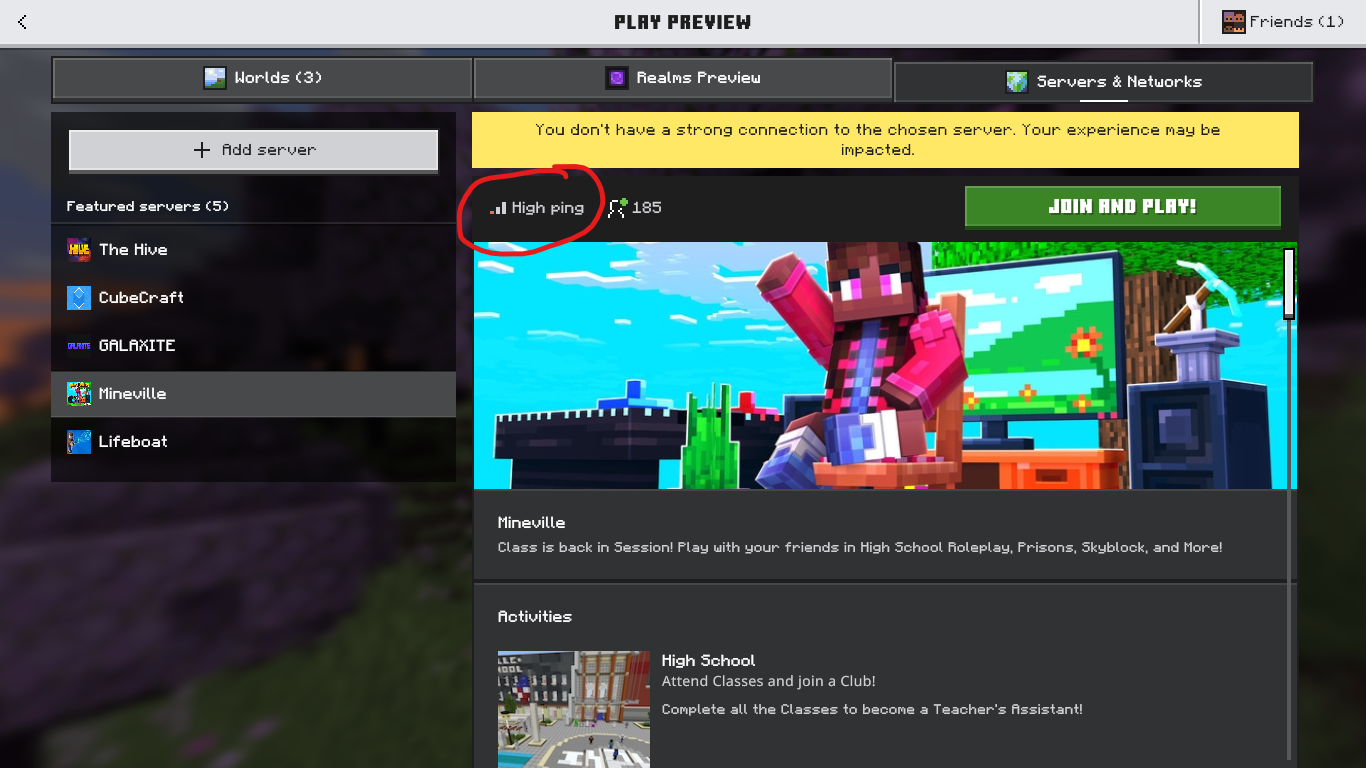
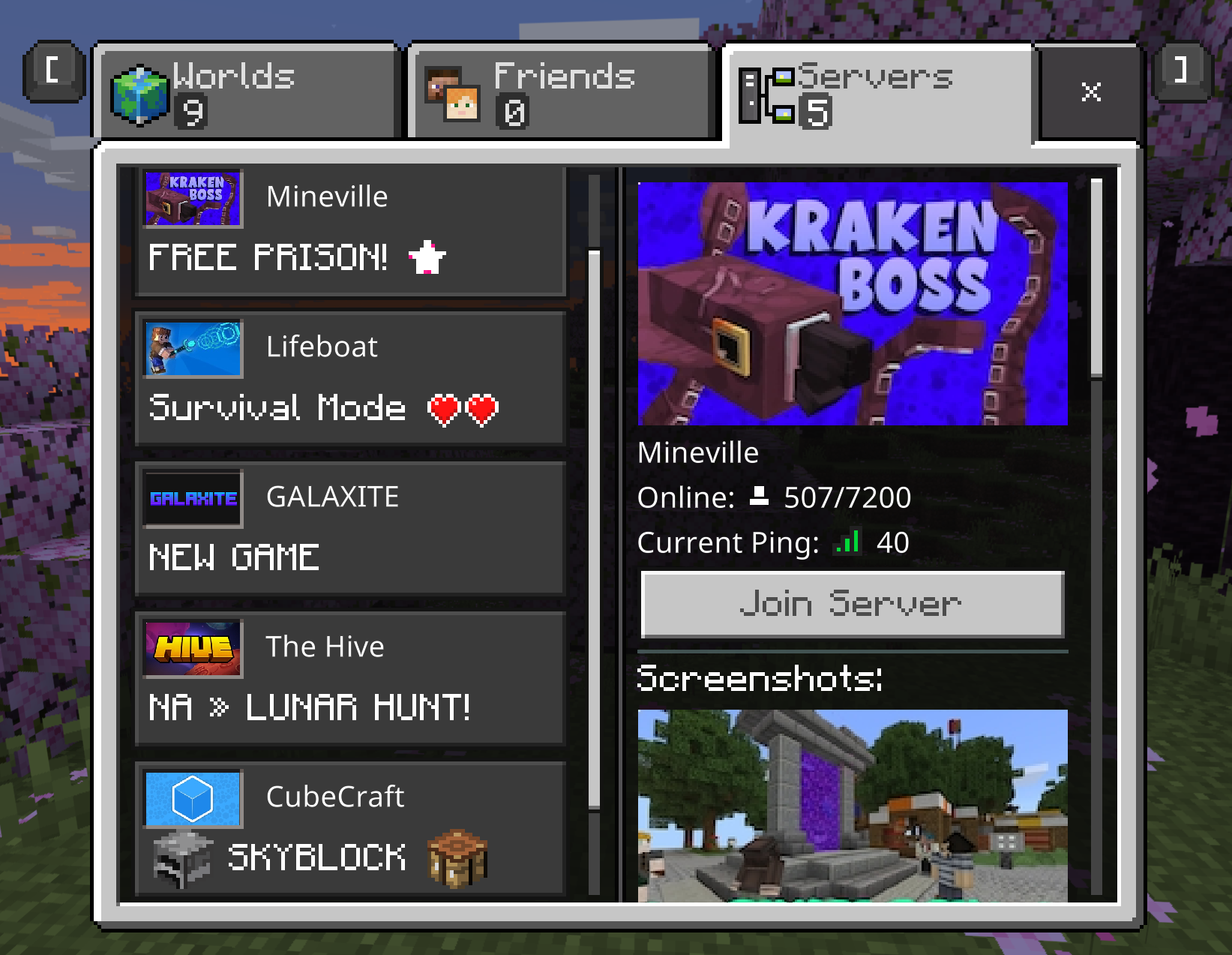
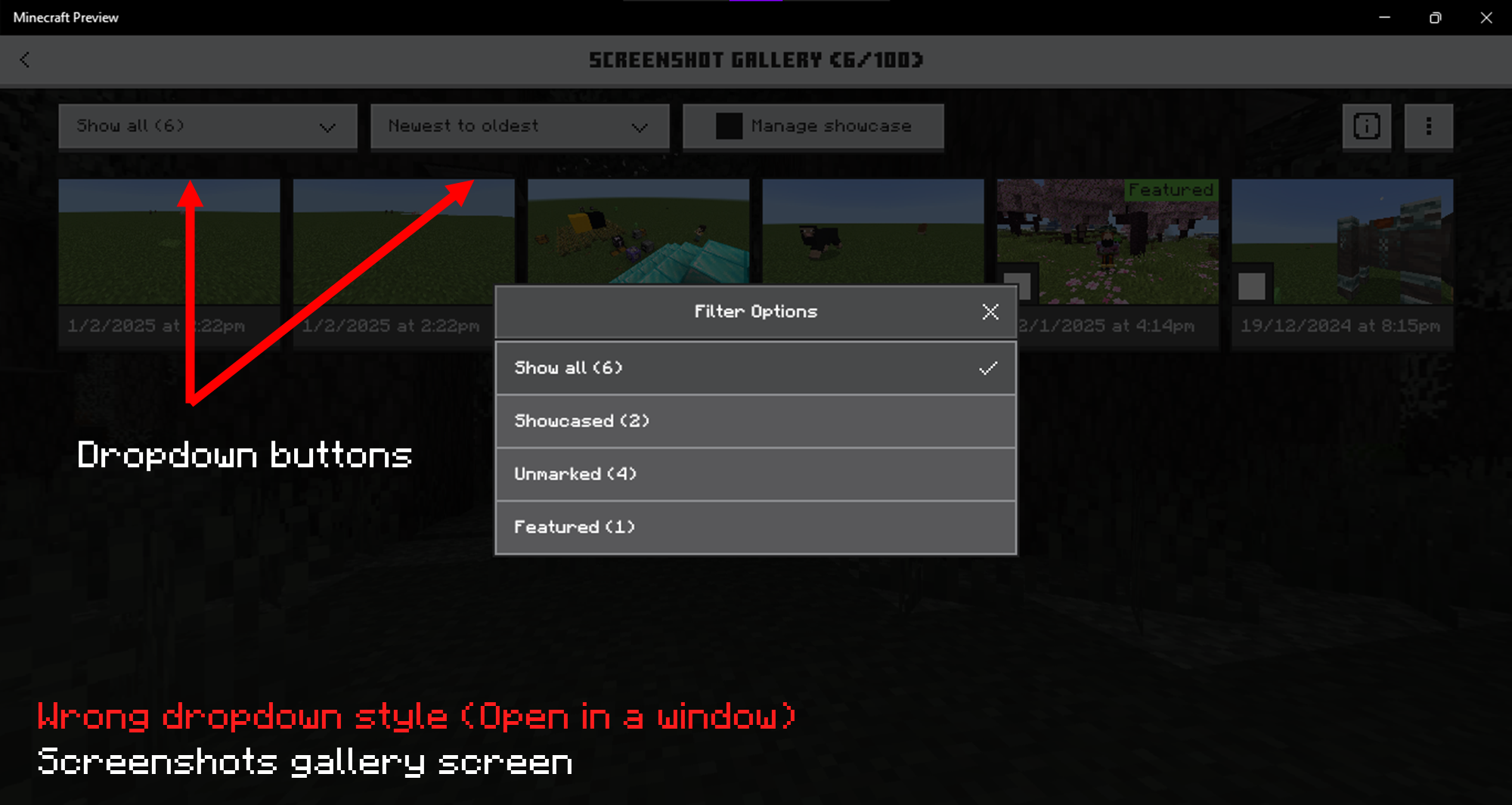
(OreUI screens) Some icons don't display properly, they only show a white squareSome icons in OreUI screens don't display properly, they only show a white square
This has been a problem since 1.21.40 betas/previews. Some icons (such as edit pen, worlds list sorting) don't show its actual icon on some OreUI screens. Instead they only show a white square. I tried to reinstalled the preview, refreshed the hbui\assets folder but it won't fix. This only happens in Minecraft Windows
And no, I'm not using any unofficial launcher, I update the preview directly thru the Windows Store
This has been a problem since 1.21.40 betas/previews. Some icons (such as edit pen, worlds list sorting) don't show its actual icon on some OreUI screens. Instead they only show a white square. I tried to reinstalled the preview, refreshed the hbui\assets folder but it won't fix. This only happens in Minecraft Windows
And no, I'm not using any unofficial launcher, I update the preview directly thru the Windows Store
This has been a problem since 1.21.40 betas/previews. Some icons (such as edit pen, worlds list sorting) don't show its actual icon on some OreUI screens. Instead they only show a white square. I tried to reinstalled the preview, refreshed the hbui\assets folder but it won't fix. This only happens in Minecraft Windows
And no, I'm not using any unofficial launcher, I update the preview directly thru the Windows Store
The first screenshot wasn't mine, it was from @ibxtoycat on Twitter
This has been a problem since 1.21.40 betas/previews. Some icons (such as edit pen, worlds list sorting) don't show its actual icon on some OreUI screens. Instead they only show a white square. I tried to reinstalled the preview, refreshed the hbui\assets folder but it won't fix. This only happens in Minecraft Windows
And no, I'm not using any unofficial launcher, I update the preview directly thru the Windows Store. This is also not an issue caused by resource packs
The first screenshot wasn't mine, it was from @ibxtoycat on Twitter
Some icons in OreUI screens don't display properly, they only show a white square(OreUI screens) Some icons don't display properly, they only show a white square
(OreUI screens) Some icons don't display properly, they only show a white square instead

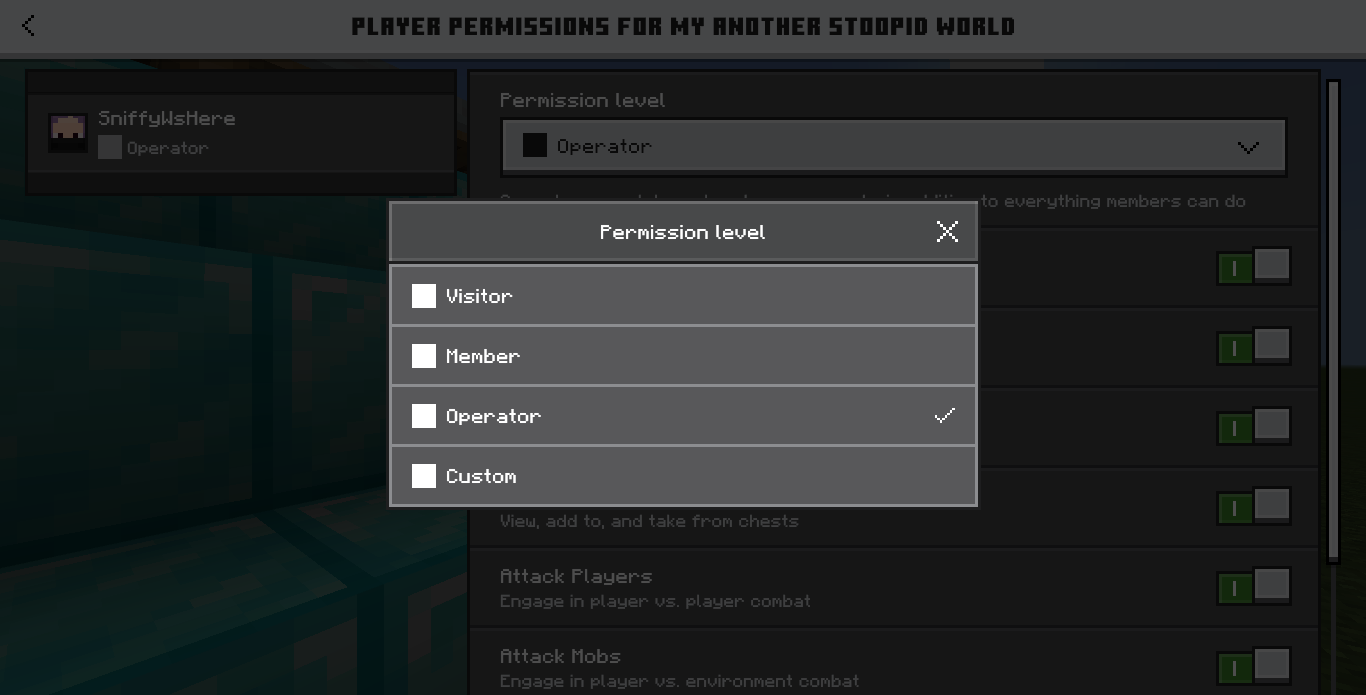


In Bedrock Beta / Preview 1.20.70.22, the Minecraft logo on the title screen has moved down a bit for the new "Friends" button. However, this does affect the world creation screen that caused the Minecraft logo centered and hidden behind the tips menu.
How to recreate the issue:
- Start Minecraft Preview (1.20.70.22)
- Create and load into a world
- Watch world creation screen and you'll see the logo is centered
(I'm not using any resource packs or behaviour packs, this is a fresh experience)
In Bedrock Beta / Preview 1.20.70.22, the Minecraft logo on the title screen has moved down a bit for the new "Friends" button. However, this
does affect the world creation screen that caused the Minecraft logo centered and hidden behind the tips menu.How to recreate the issue:
- Start Minecraft Preview (1.20.70.22)
- Create and load into a world
- Watch world creation screen and you'll see the logo is centered
(I'm not using any resource packs or behaviour packs, this is a fresh experience)
In Bedrock Beta / Preview 1.20.70.22, the Minecraft logo on the title screen has moved down a bit for the new "Friends" button. However, this has affected the world creation screen that caused the Minecraft logo centered and hidden behind the tips menu.
How to recreate the issue:
- Start Minecraft Preview (1.20.70.22)
- Create and load into a world
- Watch world creation screen and you'll see the logo is centered
(I'm not using any resource packs or behaviour packs, this is a fresh experience)
In Bedrock Beta / Preview 1.20.70.22, the Minecraft logo on the title screen has moved down a bit for the new "Friends" button. However, this has affected the world creation screen that caused the Minecraft logo centered and hidden behind the
tips menu.How to recreate the issue:
- Start Minecraft Preview (1.20.70.22)
- Create and load into a world
- Watch world creation screen and you'll see the logo is centered
(I'm not using any resource packs or behaviour packs, this is a fresh experience)
In Bedrock Beta / Preview 1.20.70.22, the Minecraft logo on the title screen has moved down a bit for the new "Friends" button. However, this has affected the world creation screen that caused the Minecraft logo centered and hidden behind the game tips dialog.
How to recreate the issue:
- Start Minecraft Preview (1.20.70.22)
- Create and load into a world
- Watch world creation screen and you'll see the logo is centered
(I'm not using any resource packs or behaviour packs, this is a fresh experience)
Also affected to signs editing backgrounds for some unknown reasons
I thought this only happens for firefly bush lol
no I'm not using launcher, I update directy thru the windows store
nope, it's not an issue caused by rp
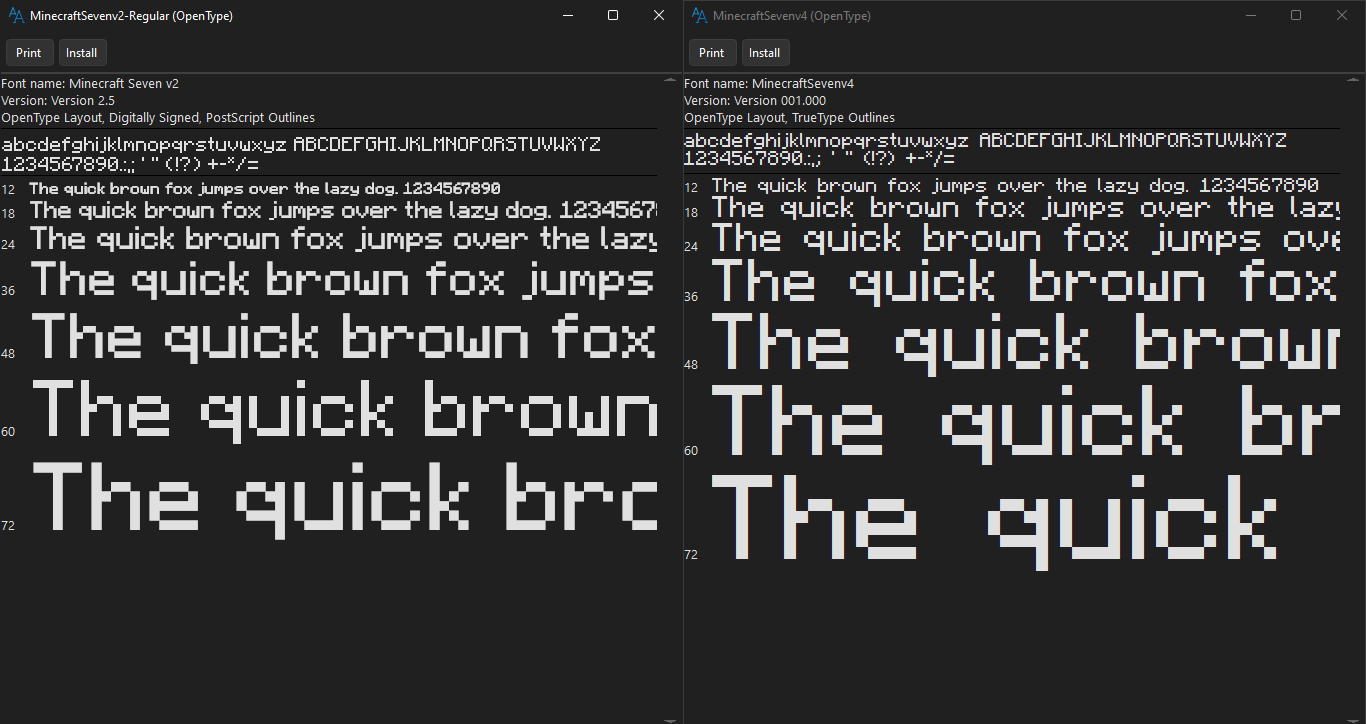
Well, I think this is the problem, due to the font file itself. You can see the difference (you can find these font files in the hbui/fonts folder. Maybe replacing these files will fix the problem?
Reply to [MCQA] Zgajak
It's an old laptop. This white square issue didn't happen on my lap before 1.20.40 previews
Well, this happens to almost every in-game OreUI screens like death screen, sleep screen,...
This is still not fixed and the resolution mark as "fixed"??