 jigar frobozz
- jigarbov
- jigarbov
- Australia/Melbourne
- Yes
- No
![[Mojang] Nathan Adams](../../../data/assets/gravatar/dinnerbone.png)
![[Mojang] Jeb (Jens Bergensten)](../../../data/assets/gravatar/jeb.jpeg)
![[Mojang] Searge (Michael Stoyke)](../../../data/assets/gravatar/searge.png)
 MC-102921
 MCPE-168339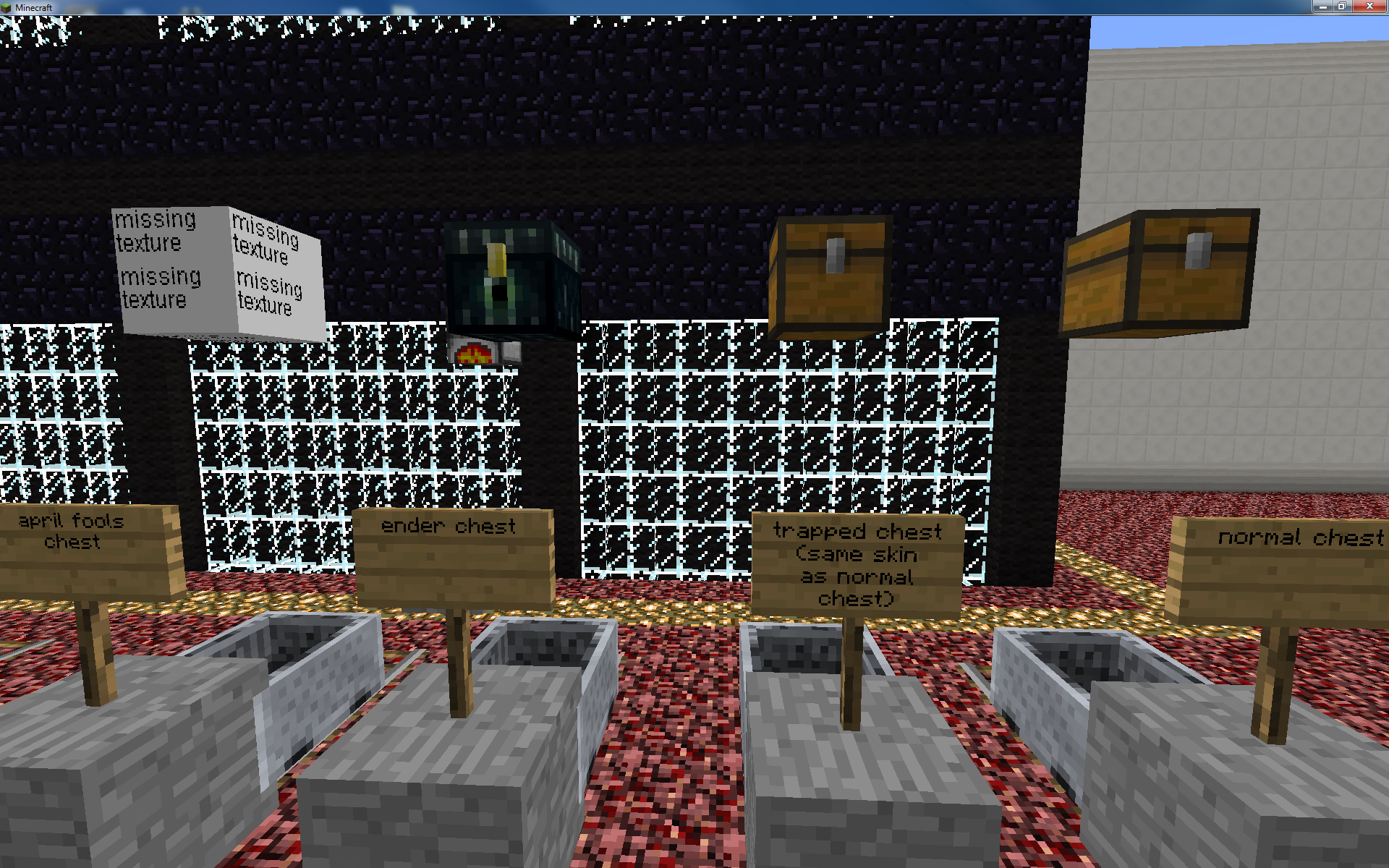
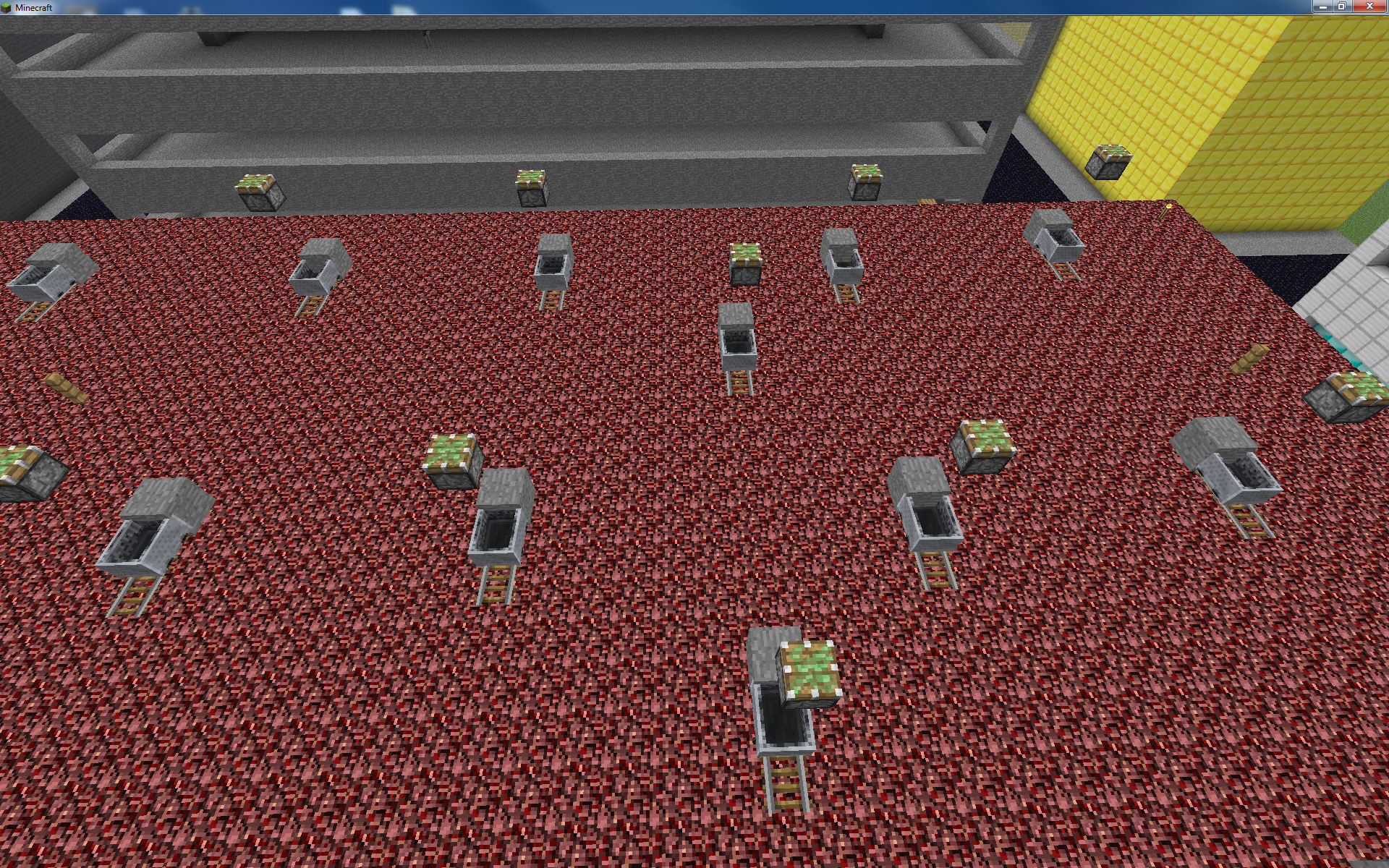

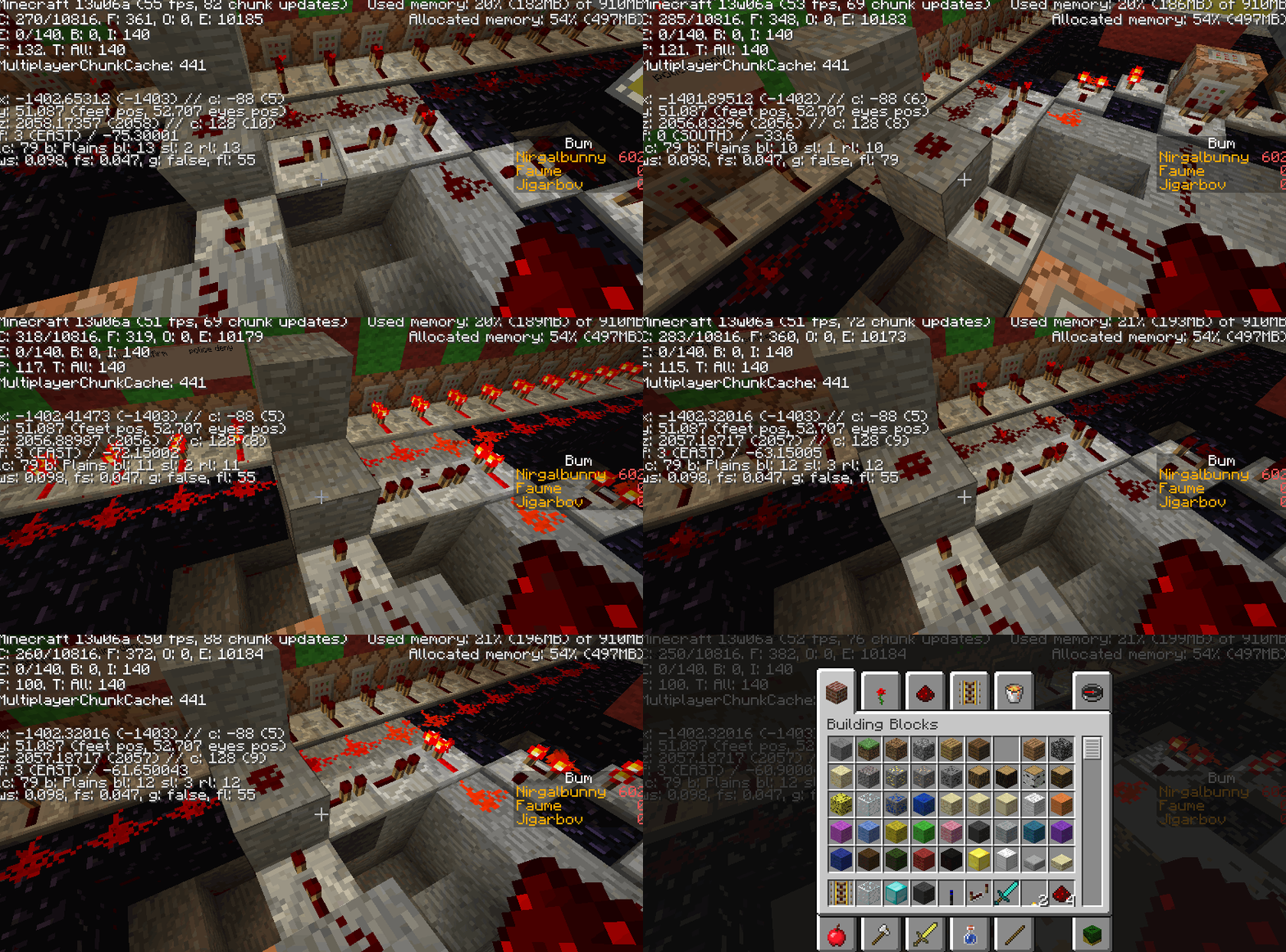



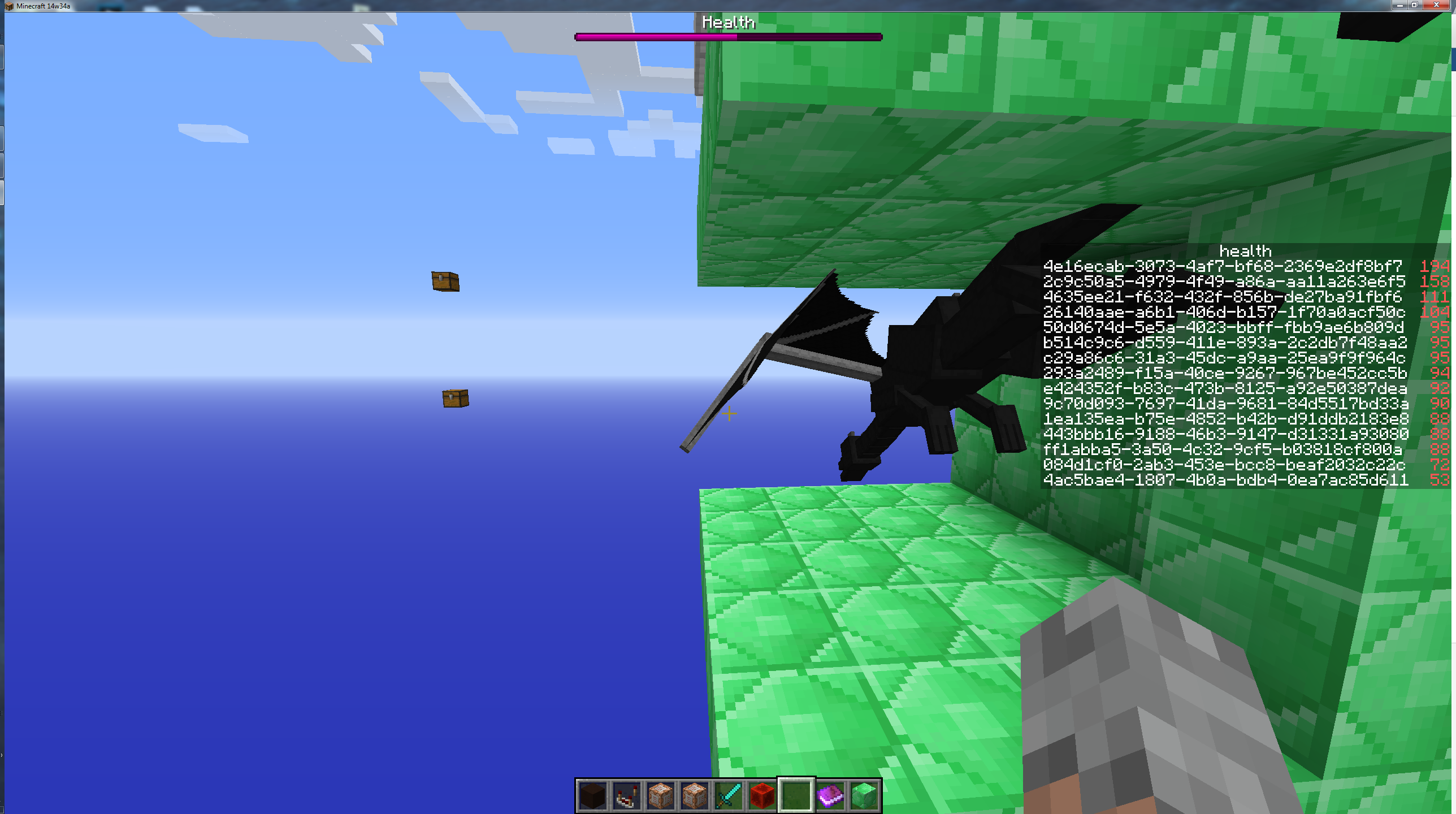

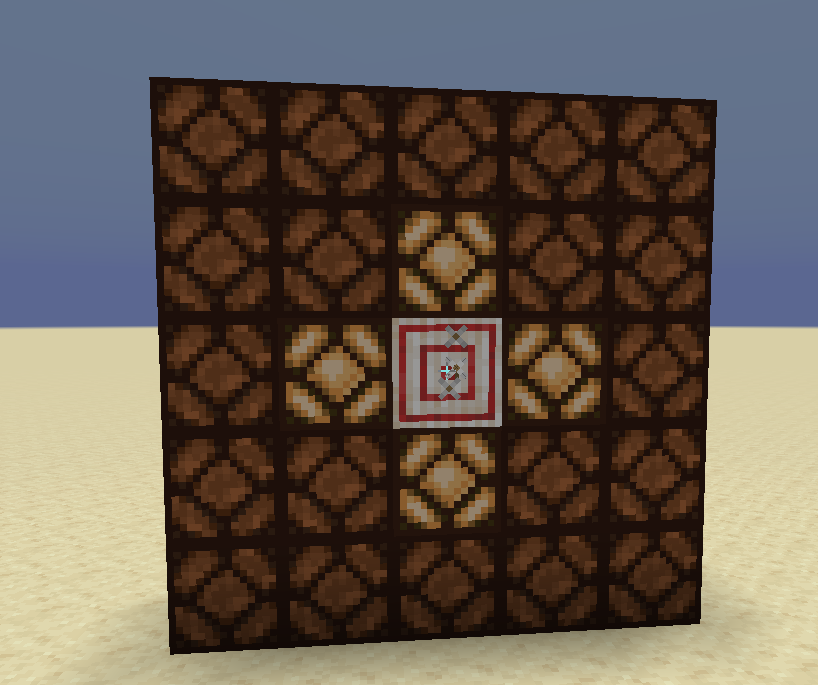
using the new minecart functionality where it is able to display any block, a piston and sticky piston will not rotate in a minecart regardless of data value.
Used MCedit and a filter to change the block to piston and then each minecart has a different data value. As you can see on the screenshot they all look the same. I can confirm the filter does work as it works to rotate pumpkins and it also goes through all the data values of mushroom blocks.
I try to load the map: The Soul Cauldron (obtainable here: http://www.minecraftforum.net/topic/1479332-adv
)whichworks fine in version 1.4.7 and Minecraft does a hard crash and I get an error report.I try to load the map: The Soul Cauldron (obtainable here: http://www.minecraftforum.net/topic/1479332-adv )which works fine in version 1.4.7 and Minecraft does a hard crash and I get an error report.
I try to load the map: The Soul Cauldron (obtainable here: http://www.minecraftforum.net/topic/1479332-adv )which works fine in version 1.4.7 and Minecraft does a hard crash and I get an error report. It says on the page it isn't 1.5 compatible because it's my map and right now it crashes. There shouldn't be any reason for it to crash though. Was reported previously: https://mojang.atlassian.net/browse/MC-10503 and was renamed to "Crash when near crops" however the issue persists. I don't think it was the crops. I have attached a new error log
If you clone a regularly generated tree that has the normal leaves that can decay, its clone produces a tree whose leaves data values are not the same as the original tree, as if the tree started to decompose slightly while being cloned.
How to reproduce: Clone a naturally generated tree, then go into mcedit and look at the damage values of the new trees leaves. This prevents you from doing a fill/replace command on the cloned tree to replace all the leaves.
The clone command im using is /clone 1566 56 1284 1570 61 1288 ~ ~ ~ replace
If you clone a regularly generated tree that has the normal leaves that can decay, its clone produces a tree whose leaves data values are not the same as the original tree, as if the tree started to decompose slightly while being cloned.
How to reproduce: Clone a naturally generated tree, then go into mcedit and look at the damage values of the new trees leaves. This prevents you from doing a fill/replace command on the cloned tree to replace all the leaves.
The clone command im using is /clone 1566 56 1284 1570 61 1288 ~ ~ ~ replace ... but it works with any clone command, on any space, so it isn't the formatting of the command.
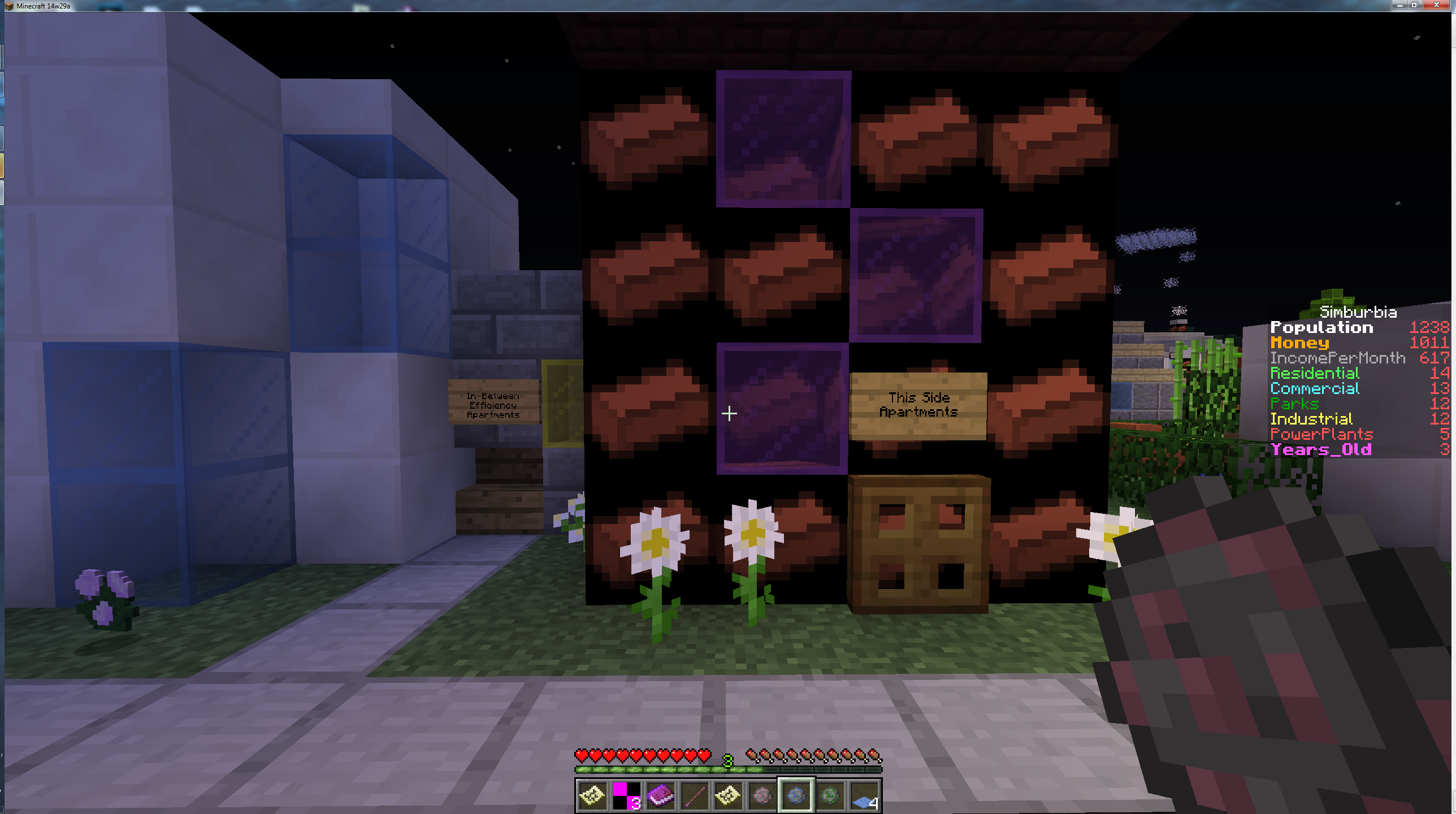
brick block displays as a clay brick texture
windows 7
brick block texture incorrectdelete me
signs in inventory have the no texture texture
windows 7
delete me
signs in inventory have the no texture texturedelete me
Using tellraw commands inside signs to clone a sign into the spot of another sign doesn't update the sign... sometimes.
This is the command I'm using: /blockdata ~ ~ ~-2 { Text1:"{ text:\"1\", color:blue,bold:true, clickEvent:
{ action:run_command, value:\"execute @e[type=Villager,c=1] ~ ~ ~ /say The Field? Come up front and I'll take you there.\" }}",Text2:"{ text:\"Grassy Field\", color:black,bold:true, clickEvent:
{ action:run_command, value:\"/clone ~ ~-4 ~ ~ ~-4 ~ -53 60 1334\" }}",Text3:"{ text:\"\", color:green,bold:true, clickEvent:
{ action:run_command, value:\"/playsound mob.villager.yes @a ~ ~ ~ 1 1 1\" }}",Text4:"{ text:\"Very Easy\", color:green,bold:true, clickEvent:
{ action:run_command, value:\"/clone 42 14 0 44 16 0 -39 25 8\" }}"}
It clones the sign at ~ ~-4 ~ ~ ~-4 and puts it onto another sign that already exists. Most of the time it works, however sometimes it doesn't. It usually occurs when I teleport away from the area, do some other stuff, intensive cloning and entity manipulation, and teleport back. If I right click the same sign, it stops working.
However it should be noted that when I leave the world and come back in, the sign did actually update, it just isn't reflected in what I see.
**I've also experienced the issue with a straight up blockdata command*
image-2020-12-15-22-36-41-437.png
![[Mod] EVGENSYPERPRO](../../../data/avatars/users/92853.png)
jigar frobozz
describes this problem MCPE-135277

jigar frobozz This Preview is outdated, The Full release is will be coming soon.
It does't always happen though, I have 5 cases of the same setup in a world and it happens on 4 of the 5. Maybe there is something to do with location too.
I don't know how to reopen a crash report, but it still isn't fixed. Ill make a new one. And yes, I am the creator of the map, thats why it says it isn't compatible, because it should be but it crashes
I don't know what any of that stuff means, only that it seems like some item frames aren't in the right space or something?... which really, who cares, the map should still work right? It loads fine and is fully playable in 1.4.7 but comes to a screaming halt in the snapshot means there is something wrong that can't just be related to the map but also with the way the new snapshot handles some issues.
There is an entity tag for invincible entities. http://youtu.be/kLe5Hbfm68A shows how to do it with an mcedit filter. This is no longer then an issue. I wouldn't consider this a bug anymore but a wanted feature.
In addition the "use tellraw" is not an excuse as tellraw cannot handle @a, @p, and @r to only msg specific players. The fact it appears fine in the command block itself but not in the chat window indicates it is a chat error and should be fixed.
bug confirmed for 13w41b also
confirmed and /clear @a doesn't work either. It says that the player has no items to remove, even when they do.
eh Neospector? I even mention in the report that obsidian shows up black, and that thing is purple. It certainly doesn't show up grey. Not sure how you would consider this a works as intended, as far as I'm aware, maps are intended to represent the blocks in a color indicative of the block. Obviously there are some examples where that is not the case, however I think this is certainly a case where it is more incorrect than it is not incorrect.
Also confirmed for 14w07a
Still an issue even in 1.8 snapshots
Please re-open this still happens in 14w34a and 14w34b
Please re-open this still happens in 14w34a and 14w34b
I cannot as I don't have one I can release to the public. However I have made a private bug report which has it attached.
yo yo yo, doesn't work in 1.8 confirmedamundo. Tried to use it on a sign and no dice.
Still happening, 1.1.4
Confirmed on win10 too and a world I started in 1.11.0.3
confirmed, horizontal movement basically halted in bedrock vs java where you get to slide for ages
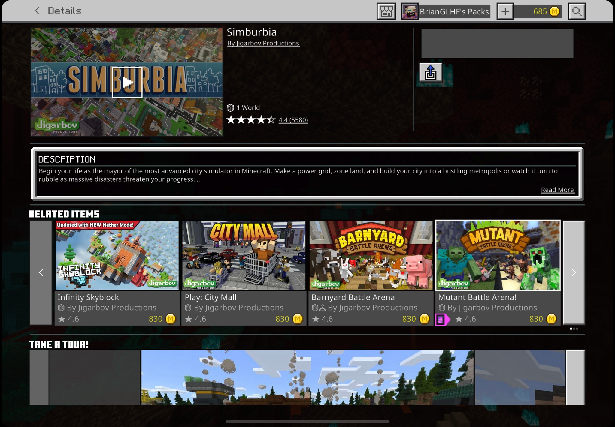
This bug has affected loads of people, there is a solution: Go into Settings, Storage, World Templates. Delete the Infinity Skyblock template there and then download it fresh again from the store. Sometimes there are issues with the download.
That said, it's still a bug that this happens, so the report should stay. I've had dozens of people emssage me with the same issue.
still occuring 1.16.200
If anyone comes across this, the actual bug that should be reported is that animation controller commands do not currently work in the beta. It is not a bug with the map but a bug with the game that is causing the above behavior.
This occurs in Marketplace content as well. This causes problems with game logic and player control. Happens more often in multiplayer than single player, but can occur in single player too. Seems to happen when there is a player isn't in perfect sync with the local server.
Can confirm this also occurs on Win10
The fix for this, added in 1.17.20.22 has broken the light_block functionality as we can no longer interact with mobs that are behind the light blocks or buttons in adventure mode.
came looking for the same thing, also reproducing when playing sound from animations and playsound, completely ignoring the sound_definitions
this was moved here from the public jira, whoever moved it here needs to move it back since it doesn't belong here
affects 1.20.30 betas and 1.20.10 release
no. same error "Target position is not a container" changing the loot table wont fix that. reproed in 1.20.30
confirming in 1.20.60.26
this is still an issue