 Lazini
- lazini
- lazini
- Europe/Athens
- Yes
- No
 MC-13118






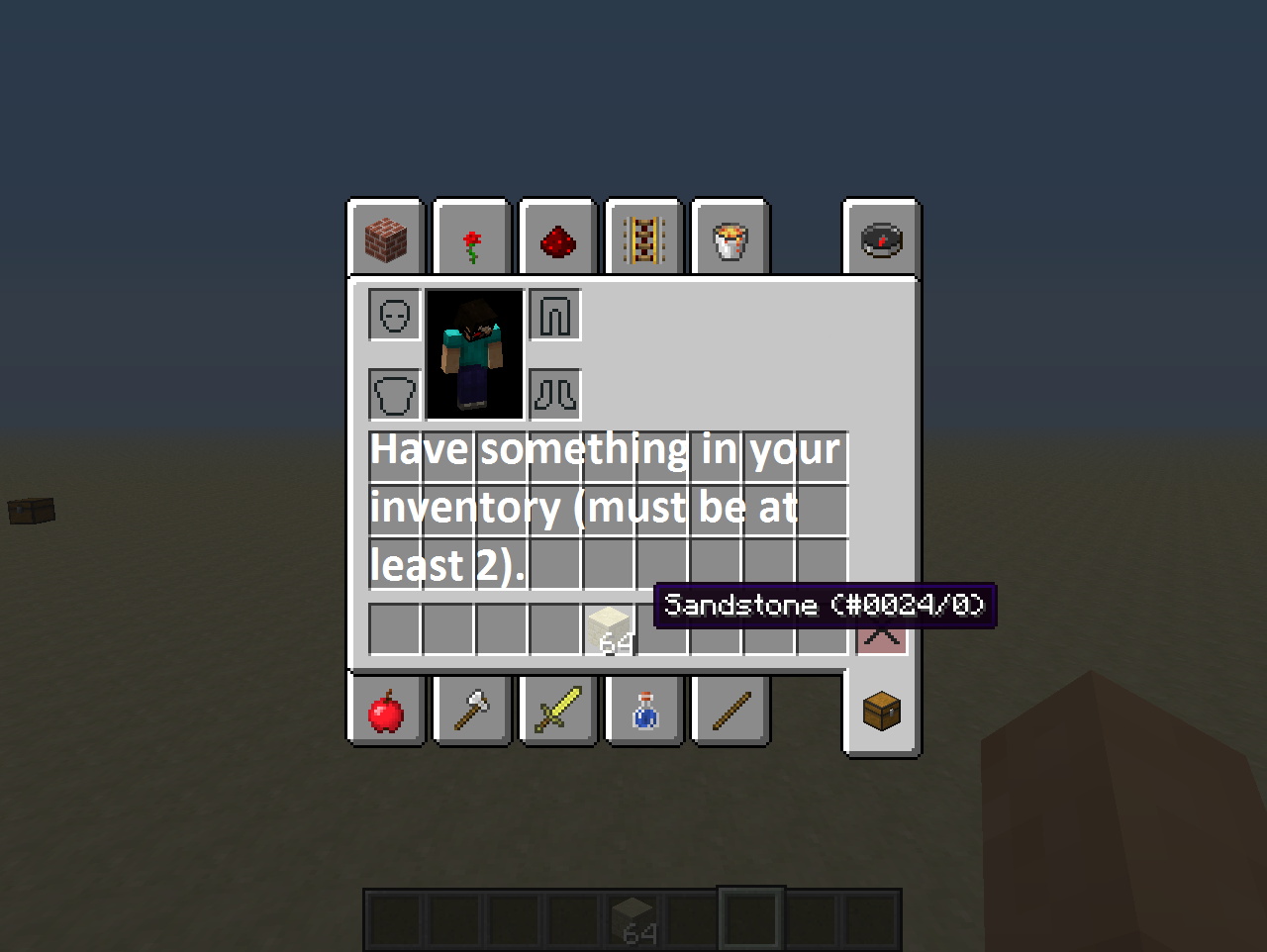
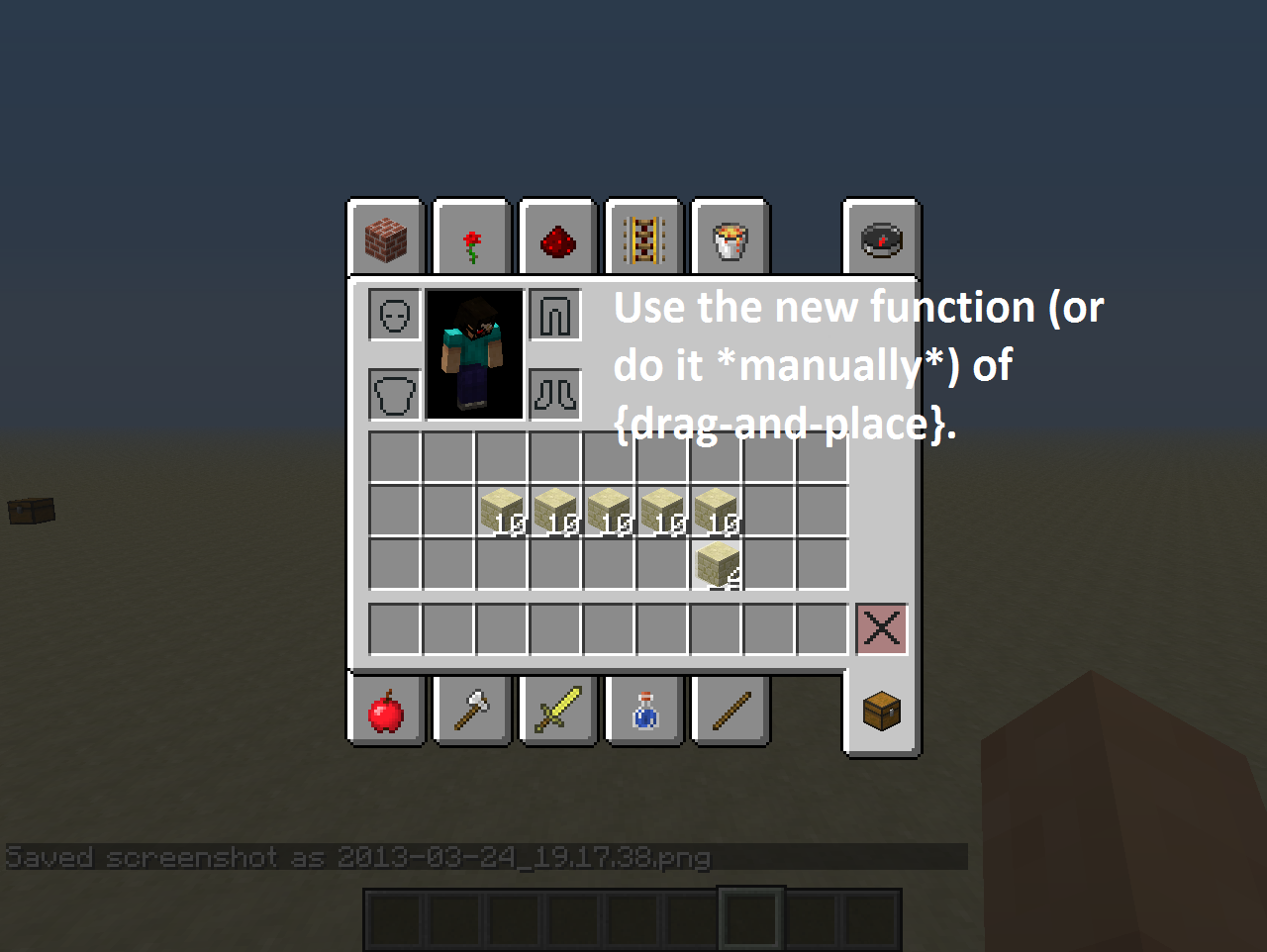
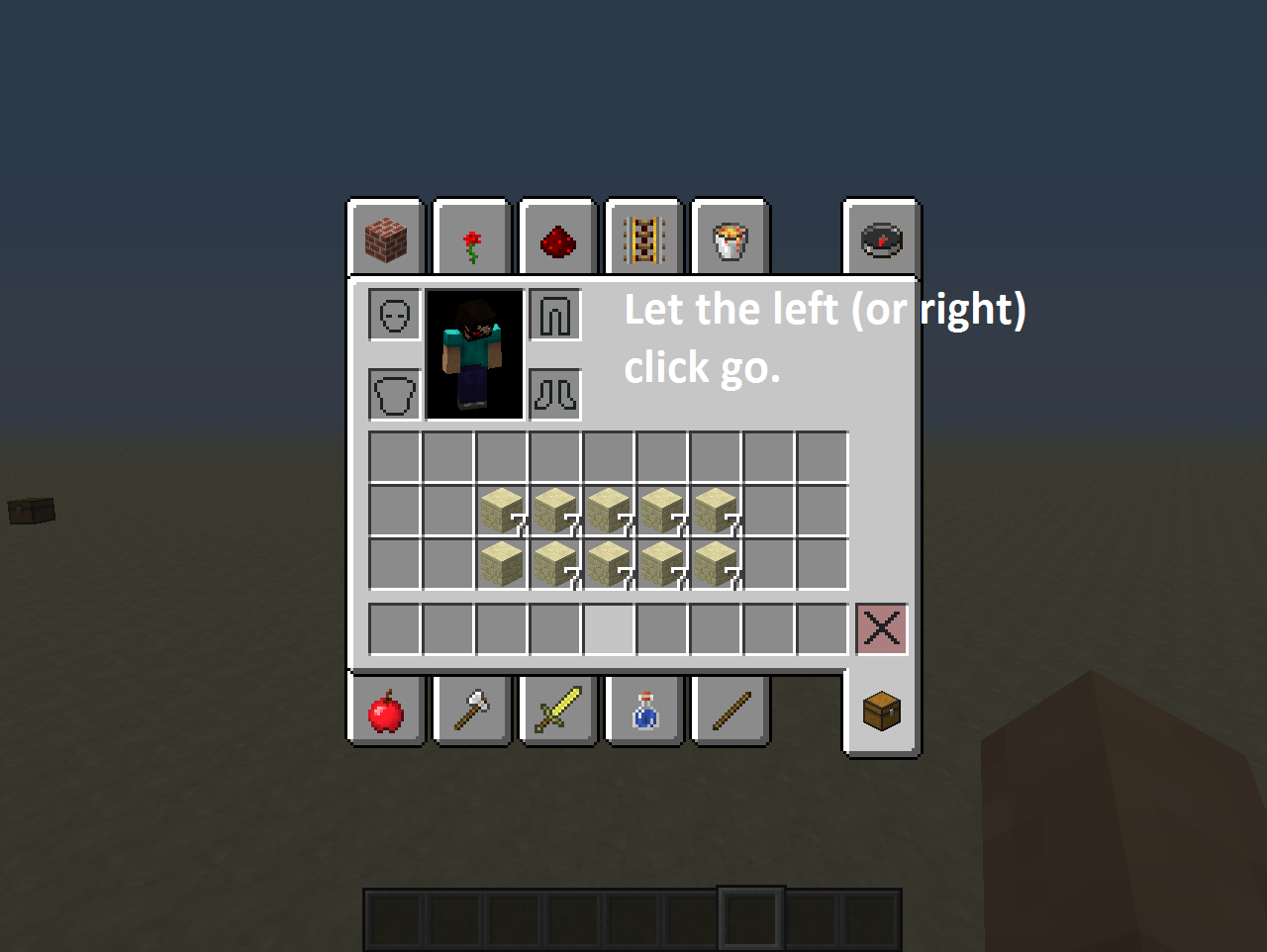

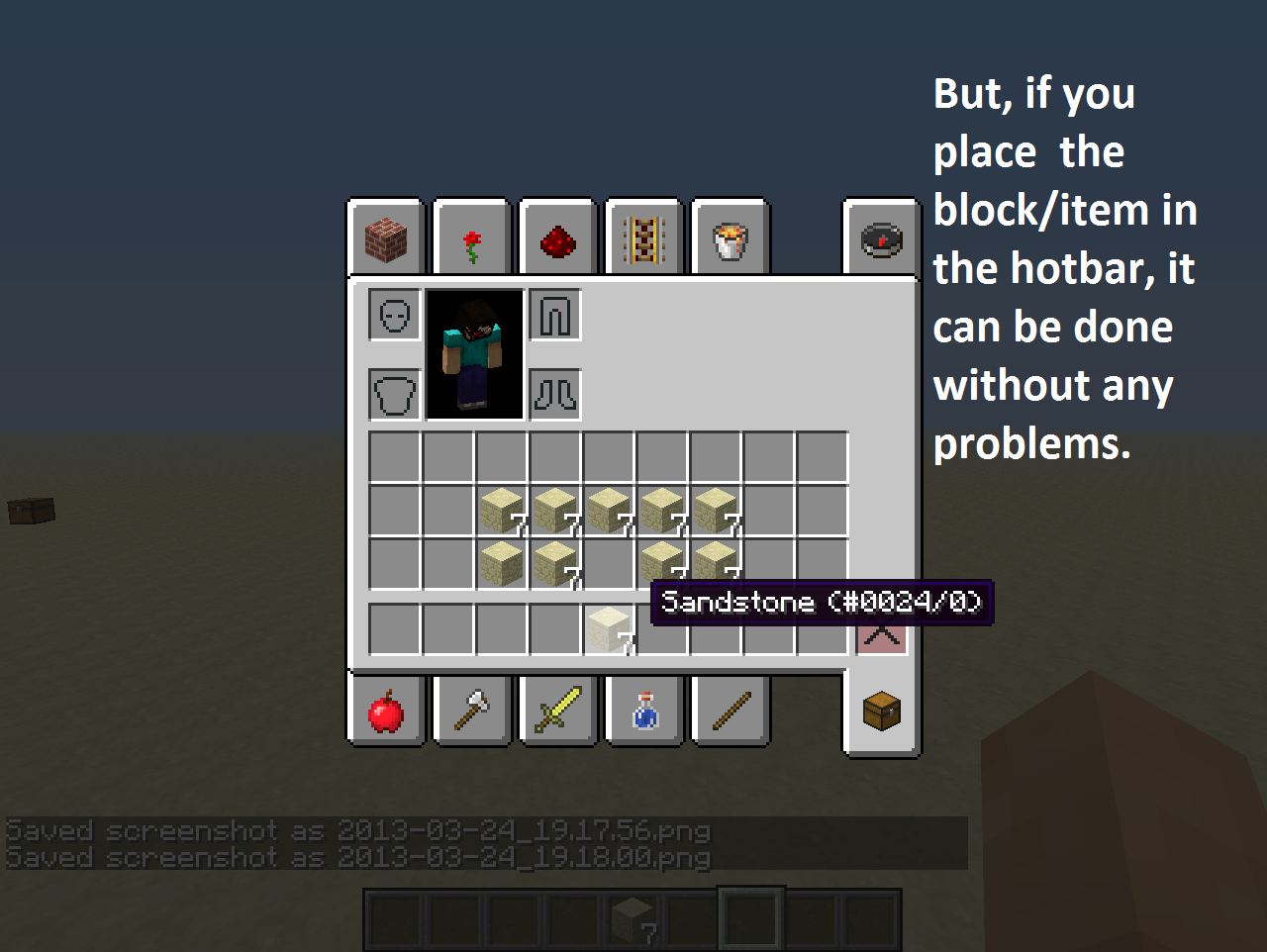
















Item Duplication in Hotbar and in World
Move items from one slot (in the hotbar) to another using keys (1-9).
I moved an item from a slot to another and then when I pressed right-click to place the block, it duplicated it.
1. Have a block (something placeable) in your hotbar, then a different block (again something placeable).
2. Move it from a slot to another using keys[1-9] (e.g. from slot 1 to slot 8, it doesn't matter).
3. Place the block you moved.
4. It will "convert" to the block you PLACED, not moved using the keys[1-9]. What I mean is, if you have Smooth Stone in your selected slot and place it on Glowstone, it will convert into glowstone.Move items from one slot (in the hotbar) to another using keys (1-9).
I moved an item from a slot to another and then when I pressed right-click to place the block, it duplicated it.
1. Have a block (something placeable) in your hotbar, then a different block (again something placeable).
{1-9} (e.g. from slot 1 to slot 8, it doesn't matter).
2. Move it from a slot to another using keys
3. Place the block you moved.
4. It will "convert" to the block you PLACED, not moved using the keys{1-9}. What I mean is, if you have Smooth Stone in your selected slot and place it on Glowstone, it will convert into glowstone.
 1.png
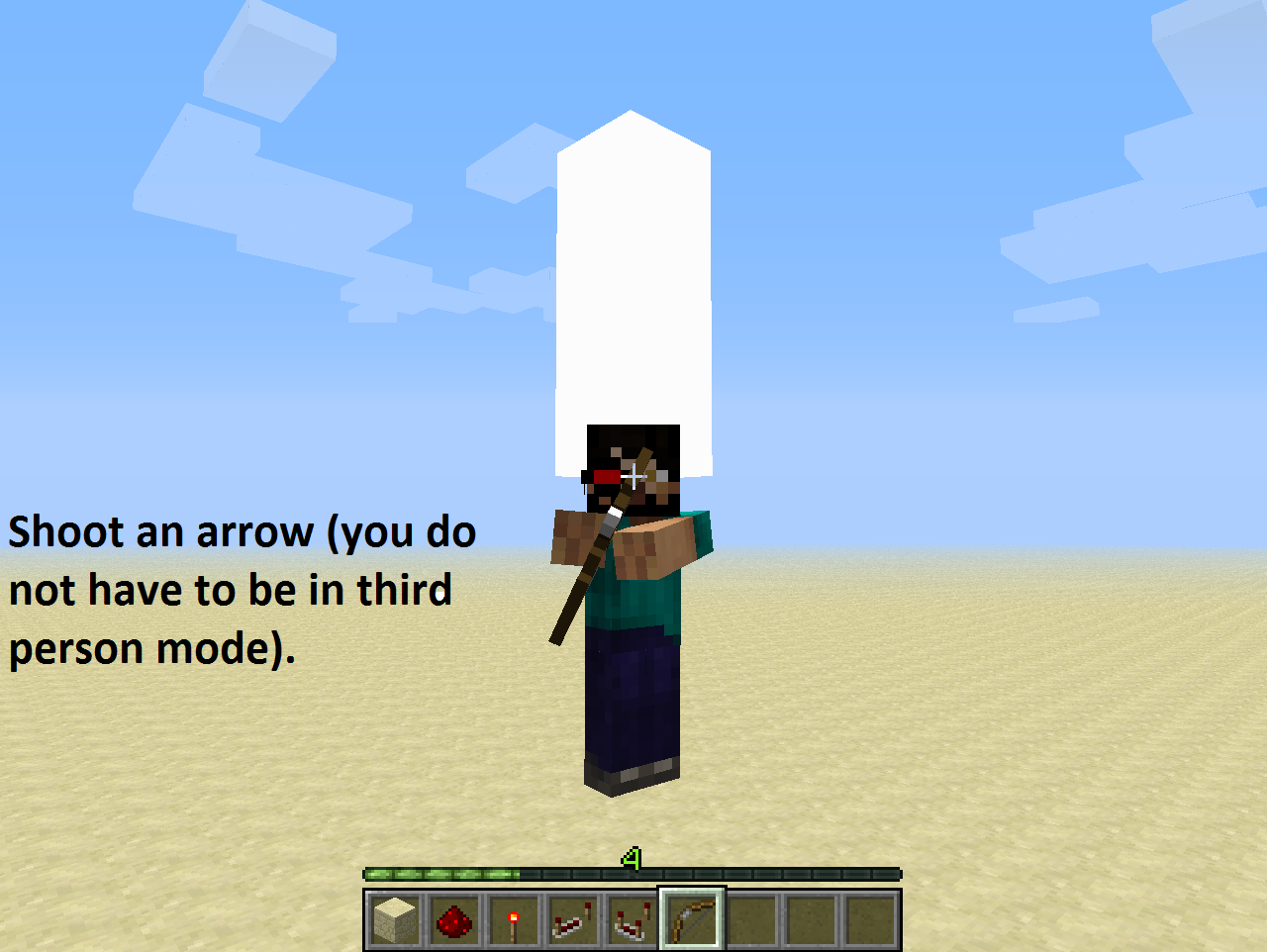
1.pngArrows in 13w16b are buggy
Description.
The arrows are buggy in the latest snapshot (13w16b). This problem might be related toMC-12133.Steps To Reproduce.
1. Have a bow (and and arrow if in Survival mode).
2. Shoot it.
3. It shows that it is stuck on the player and after a bit it hits the ground.
4. Its back (the feathers) do not point where they should.I hope this is not a duplicate becuase I searched for something like this but I didn't find anything.

I had two portals right next to each other (connected) to see it rendered the portal blocks. Then I removed a block of obsidian and the game crashed.
Edit: It crashes if you break one the portal blocks, too.
Removing obsidian/portal block from a lit portal crashes the game
Oops, didn't notice that. Sorry!
I know... how do I delete it?
Ok...
Great!
Oops..
It has not been fixed yet in 1.5.1
I did but I didn't find anything. I tried multiple times but it wouldn't show me anything.
Sorry....
I don't think that this works as intended because if you look next to the exact coordinates (next to all those numbers) there are parenthesis with an integer of your x/z. If x = -849. 21371, the integer will be 850, but if z = 360.78782 then the integer will be 360. For some reason if the coordinate is negative, it will add one to make it an integer. I think it's still a bug.
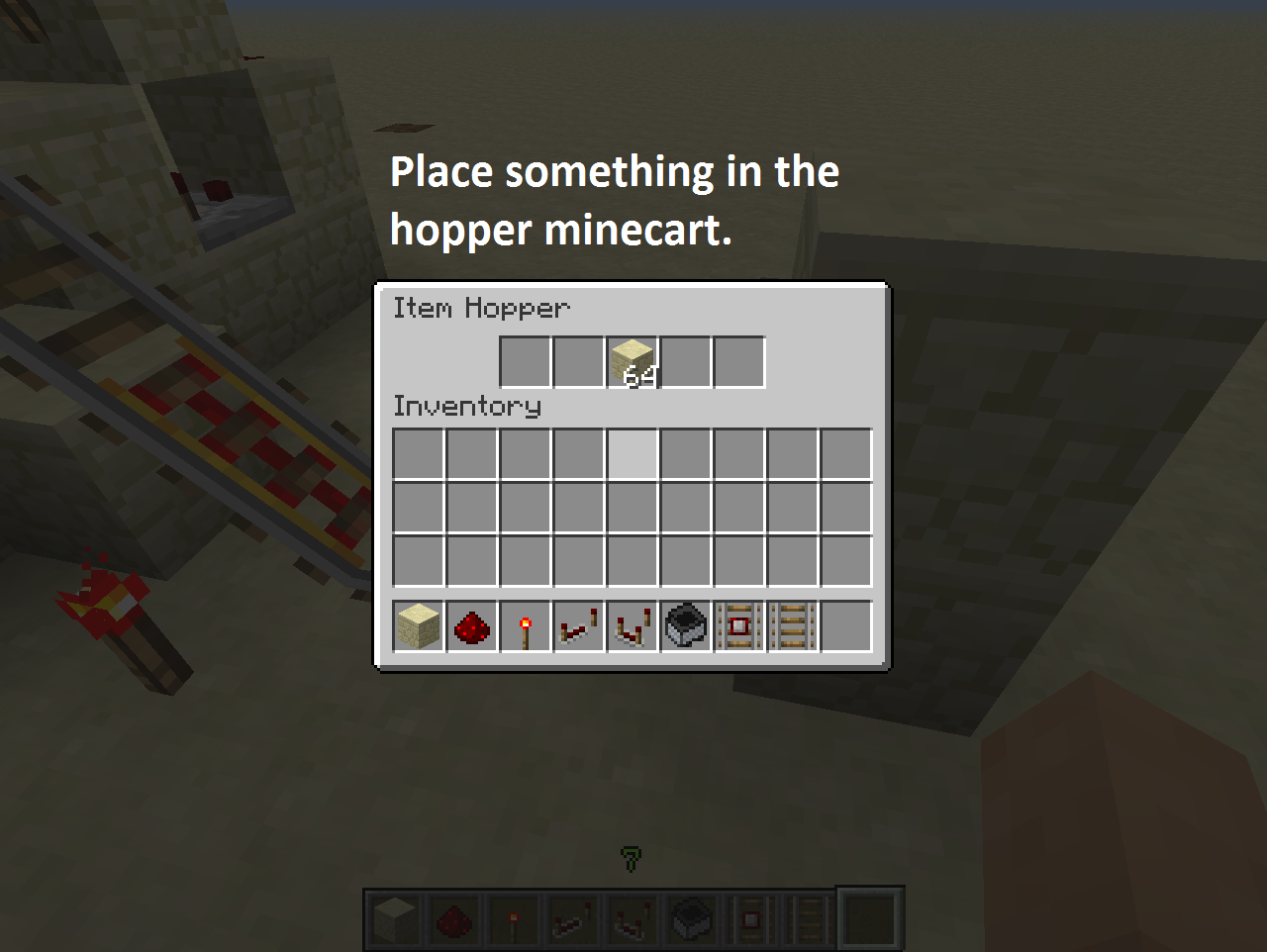
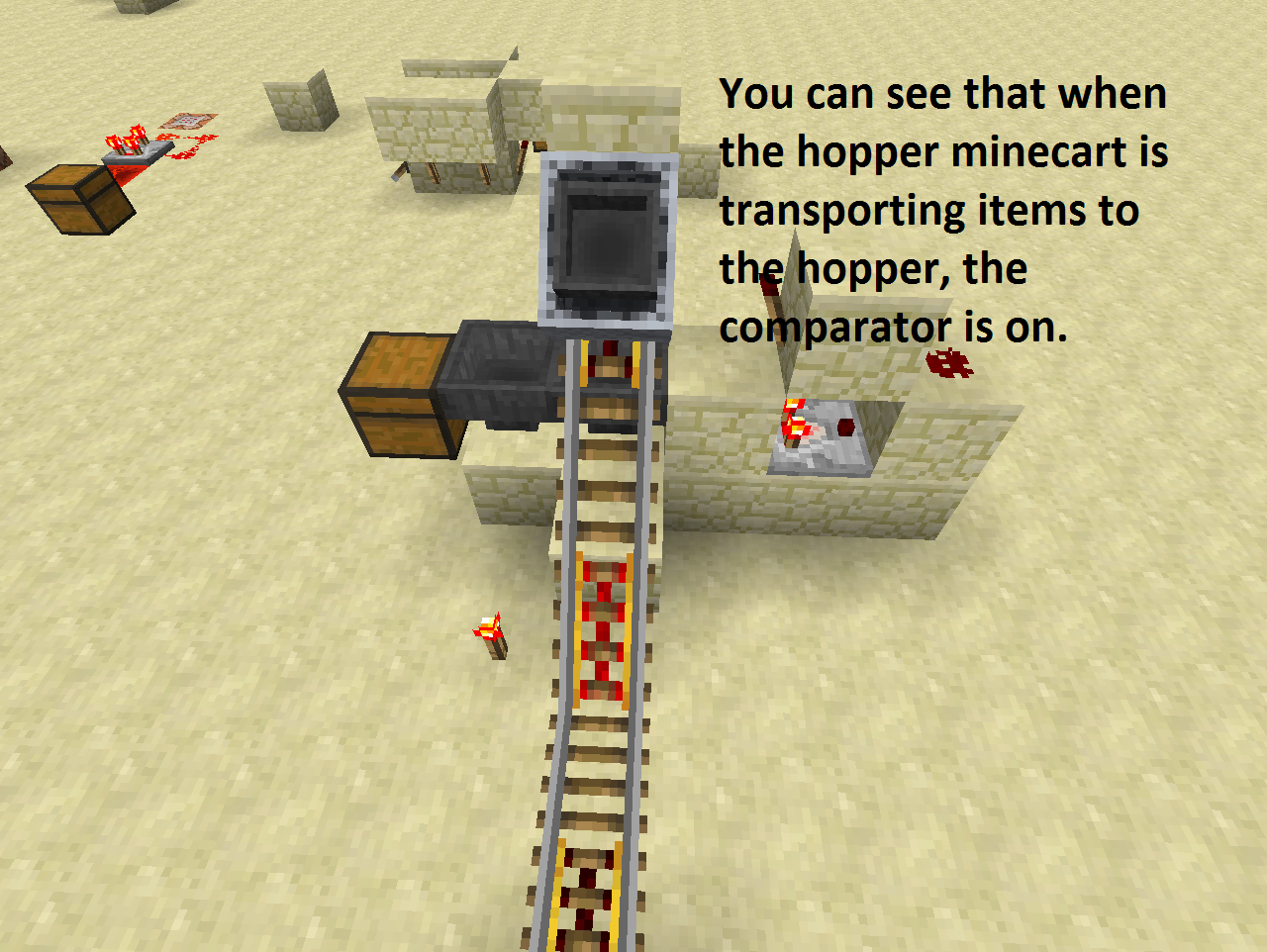
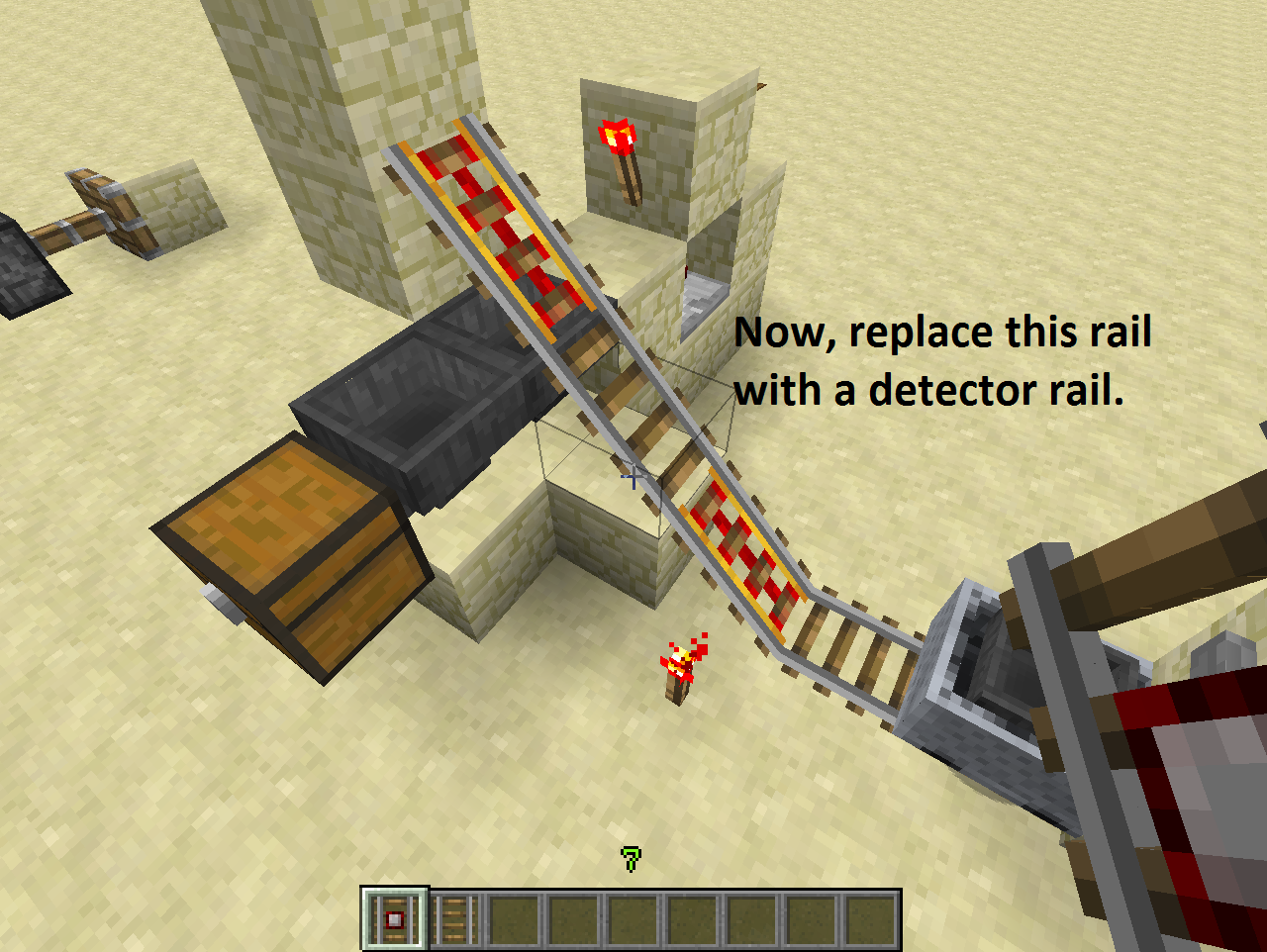
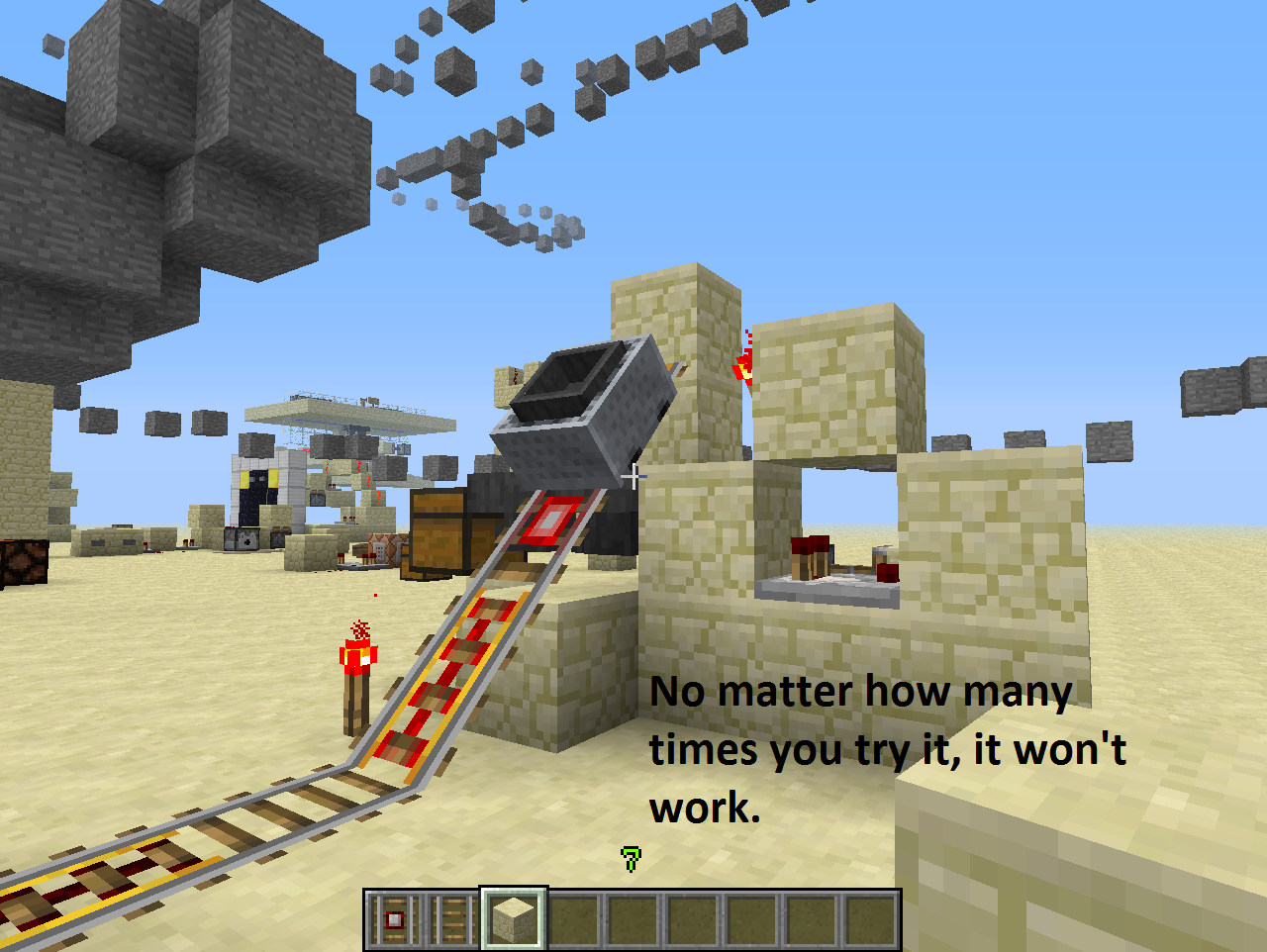
Also, even if the powered rail on top of the hopper isn't diagonal, this still happens (forgot to mention it).
I didn't mean to ignore the report, just my saved worlds.
Great!
I don't understand! I searched for it lots of times, nothing came up though... Anyway..
Great! I was about to create a ticket with this bug, though.. Anyway, keep it up!
Crash text file. Sorry for the delay, had to find the location and had to check if it is the correct one.
Seems to be fixed in 13w38c.
I had this problem too, but then I played around with the settings and realized that I had to lower the bandwidth from its default value to 200 (lowest number) to make it work. The problem is, it makes the quality bad, really bad. Even after setting the Quality to 0.200 bpp (highest), changing to the closest server and making the Compression higher, the quality stays bad. I think this is logical though.