 Legofan Minifig
- Legofan613
- legofan613
- America/Havana
- Yes
- No
 MC-56816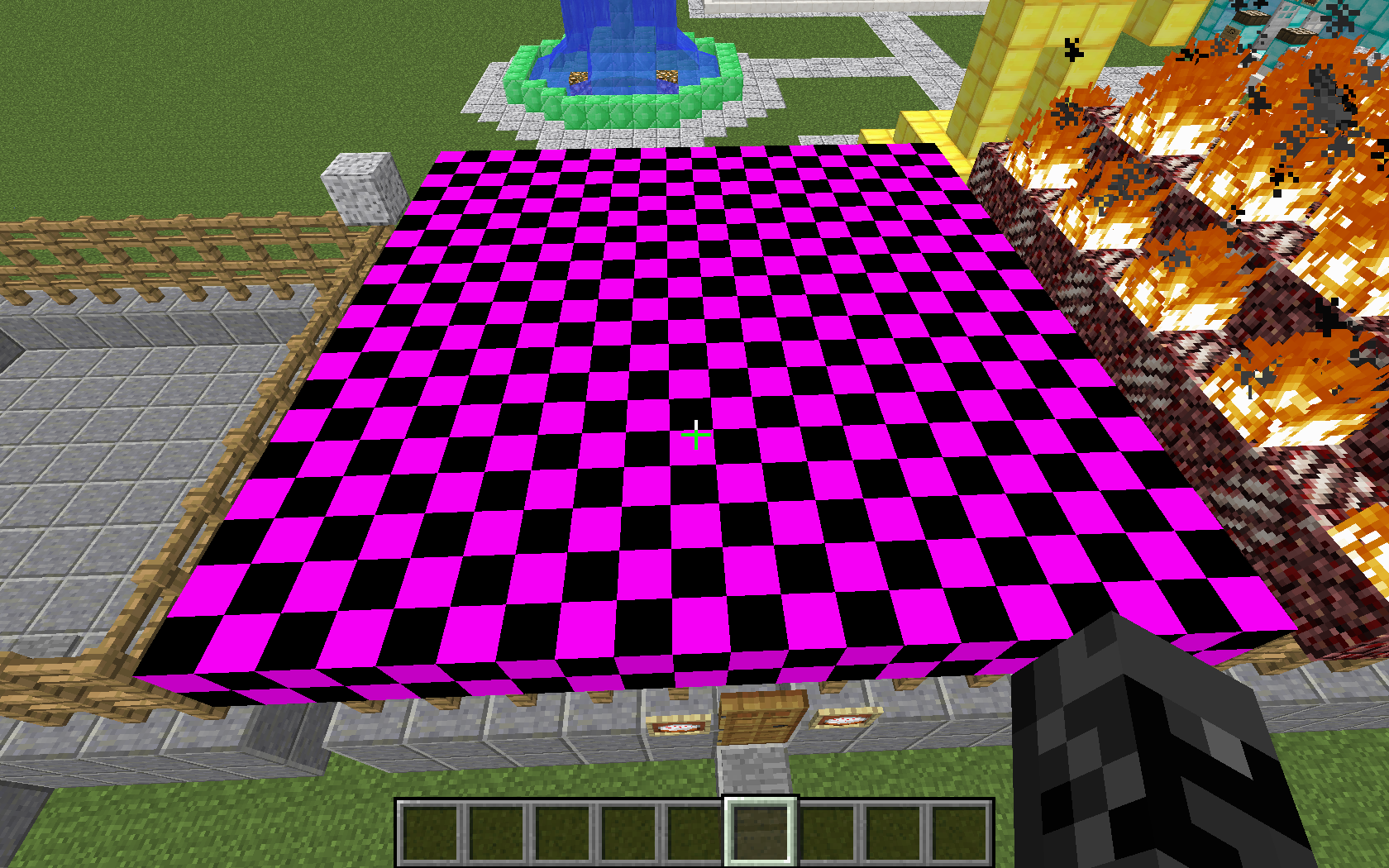

















So I'm using the /fill command to make a roof for a shop, and I type:
/fill x1 y1 z1 x2 y2 z2 Clay 6
whilst attempting to make a roof of pink stained clay. Instead, I get pink and black checkerboard blocks. (Same thing happens no matter what number I put at the end, granted I put a positive integer less than 16.)
I thought at first that I should putHardened_Clay instead of Clay, and the same thing happens. Finally, after consulting the wiki, I found out that the correct usage is Stained_Hardened_Clay. So now that I've got my clay, is the checkerboard block supposed to be like that?
Attached is a picture of the building with the checkerboard roof.So I'm using the /fill command to make a roof for a shop, and I type:
/fill x1 y1 z1 x2 y2 z2 Clay 6
whilst attempting to make a roof of pink stained clay. Instead, I get pink and black checkerboard blocks. (Same thing happens no matter what number I put at the end, granted I put a positive integer less than 16.)
I thought at first that I should put hardened_clay instead of Clay, and the same thing happens. Finally, after consulting the wiki, I found out that the correct usage is Stained_Hardened_Clay. So now that I've got my clay, is the checkerboard block supposed to be like that?
Attached is a picture of the building with the checkerboard roof.
EDIT: I guess users didn't get what I was aiming at with this. My point wasn't that the /fill command wasn't working, my point was that the checkerboard clay was appearing for all numbers, when those data values don't even exist.
I'm hoping this is closed because it's a duplicate, not because everyone thinks that it's not a problem...
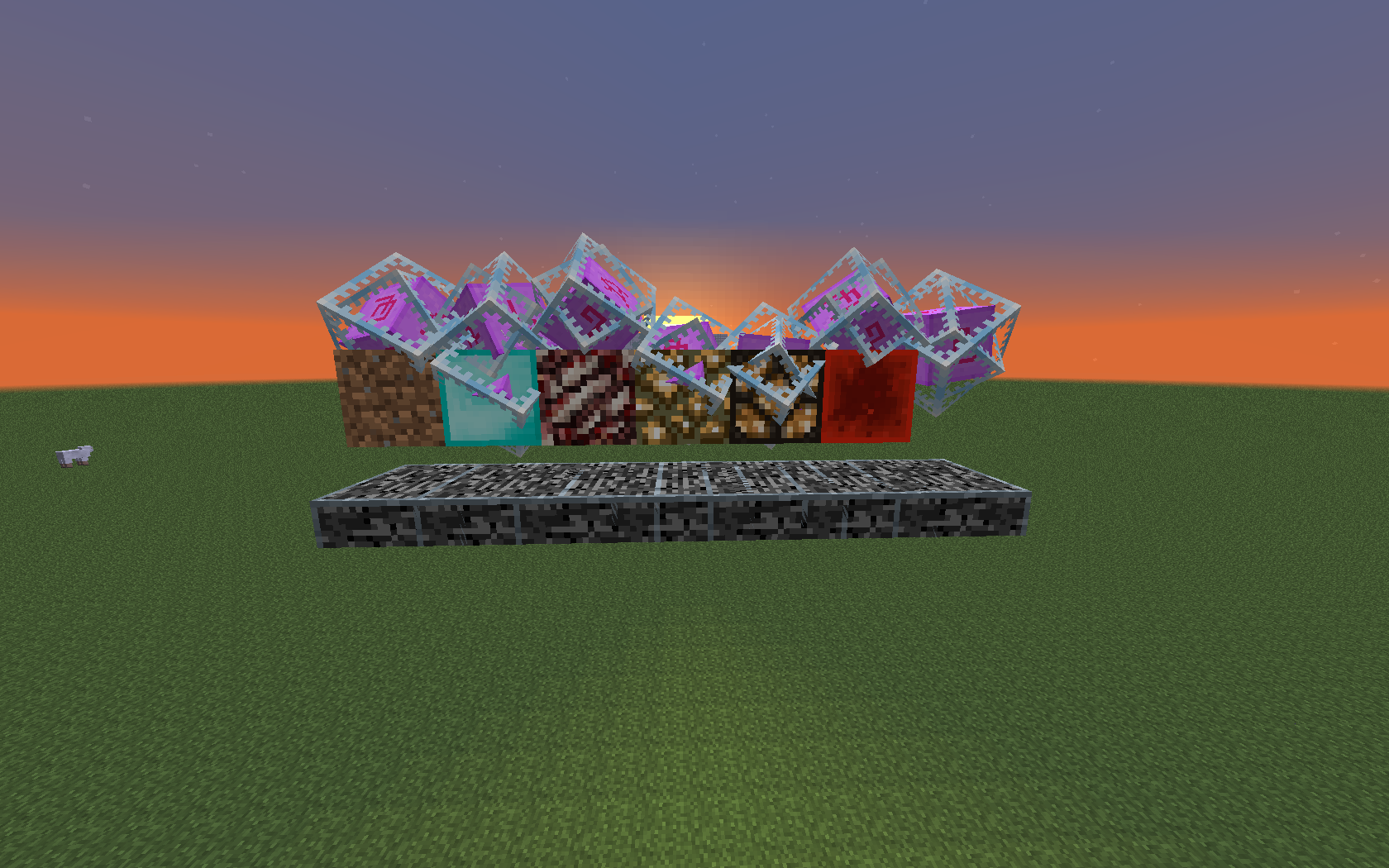
If you use /summon to spawn an End Crystal to a coord containing a block other than air, it will spawn around that block. It's hard to describe; see the screenshot.
Steps to reproduce: Use /summon EnderCrystal x y z where (x,y,z) is presently a block other than air.
This may not be a glitch,but in case it is, I'm posting it.If you use /summon to spawn an End Crystal to a coord containing a block other than air, it will spawn around that block. It's hard to describe; see the screenshot.
Steps to reproduce: Use /summon EnderCrystal x y z where (x,y,z) is presently a block other than air. (Notice that the one all the way to the right was summoned on a block of air, but the fire is missing.)
This may not be a glitch, since it's an entity and not a block, but IDK.
If I use /give @p stained_hardened_clay X and X is a number between 0 and 15, it gives the right clay. If X is a number 16 or higher, it cycles through the block types and gives you that block, but calls it "White Stained Clay". (So /give...16 yields white clay that's actually white clay, /give...17 yields orange clay, but it's called white clay, etc. However, blocks of the same color with different ID's won't stack, obviously.
Steps to reproduce: Type /give @p stained_hardened_clay followed by any positive integer 16 or greater.
14w21b "gray" clay
1.7 gray clay
2014-06-22_08.03.19.png
Repeaters' bottoms don't render through barriers. See images. One shows repeaters' bottoms with the barrier "no" symbol showing, the other shows the same place with the barrier invisible.
Repeaters' bottoms don't render through barriers. See images. One shows repeaters' bottoms with the barrier "no" symbol showing, the other shows the same place with the barrier invisible.
Likewise, redstone doesn't show through barriers from the bottom. See images. I didn't include one of the barrier "no" symbol this time. (Look toward the top, a little to the left; you can see the redstone particle effect from its being on, but the redstone itself doesn't render from this angle.
Repeaters and Redstone through Barriers
1. Use /give to give yourself a custom head.
2. Place the head.
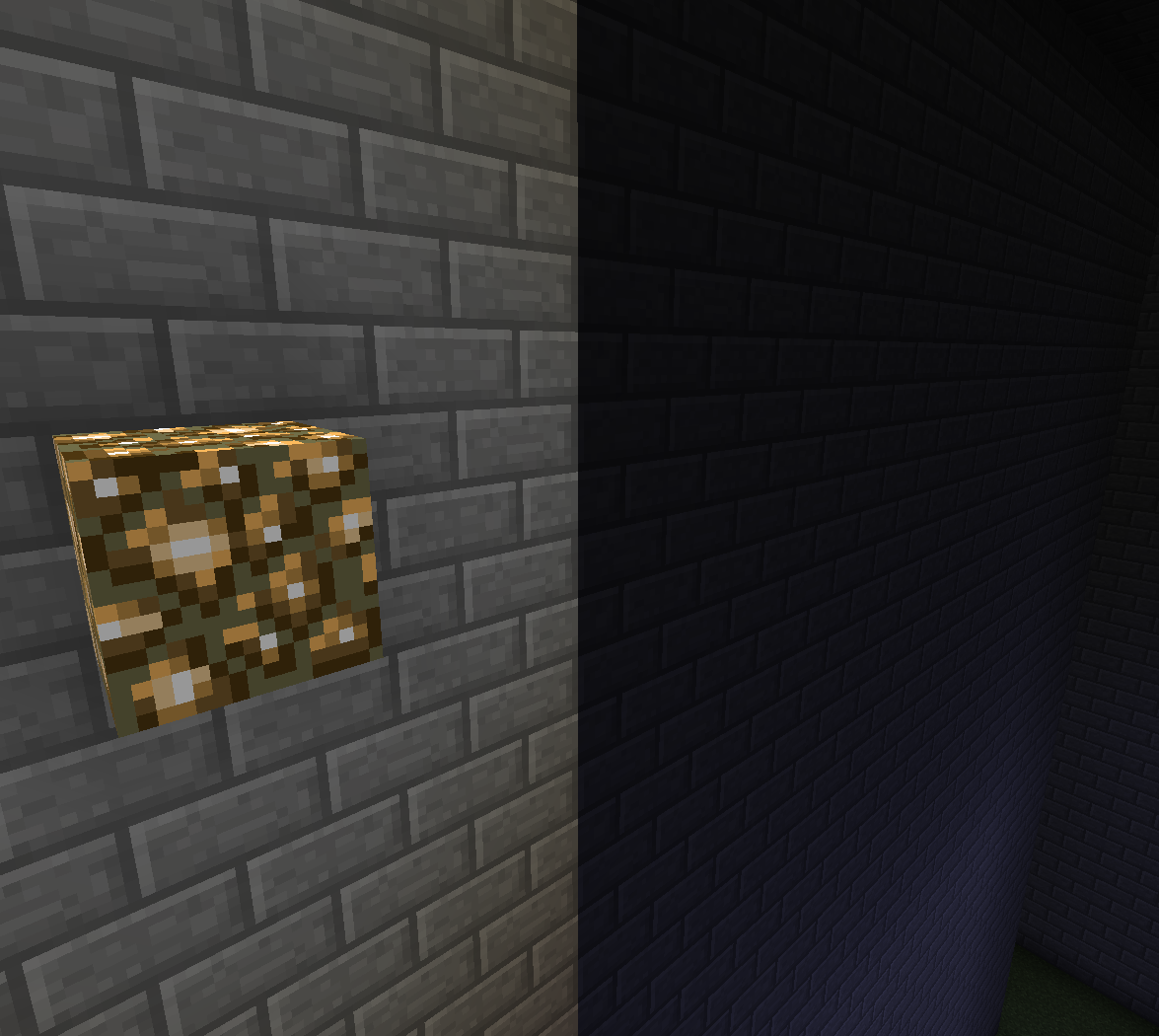
3. Watch as the head is placed as a skeleton head for a few moments before reverting to the player head.Notice in the picture below, I'm holding my head, no skeleton head is in the action bar. The one placed is from my own head, and I'm definitely not a skeleton.
I have a command block set to "repeat," "unconditional," and "always active" that makes all entities glow. However, it doesn't work on minecarts, item frames, or arrows, although it does work on armor stands. Why are some entities different than others?
Couldn't tell if it was supposed to be this way or not.I have a command block set to "repeat," "unconditional," and "always active" that makes all entities glow. However, it doesn't work on minecarts, item frames, or arrows, although it does work on armor stands. Why are some entities different than others?
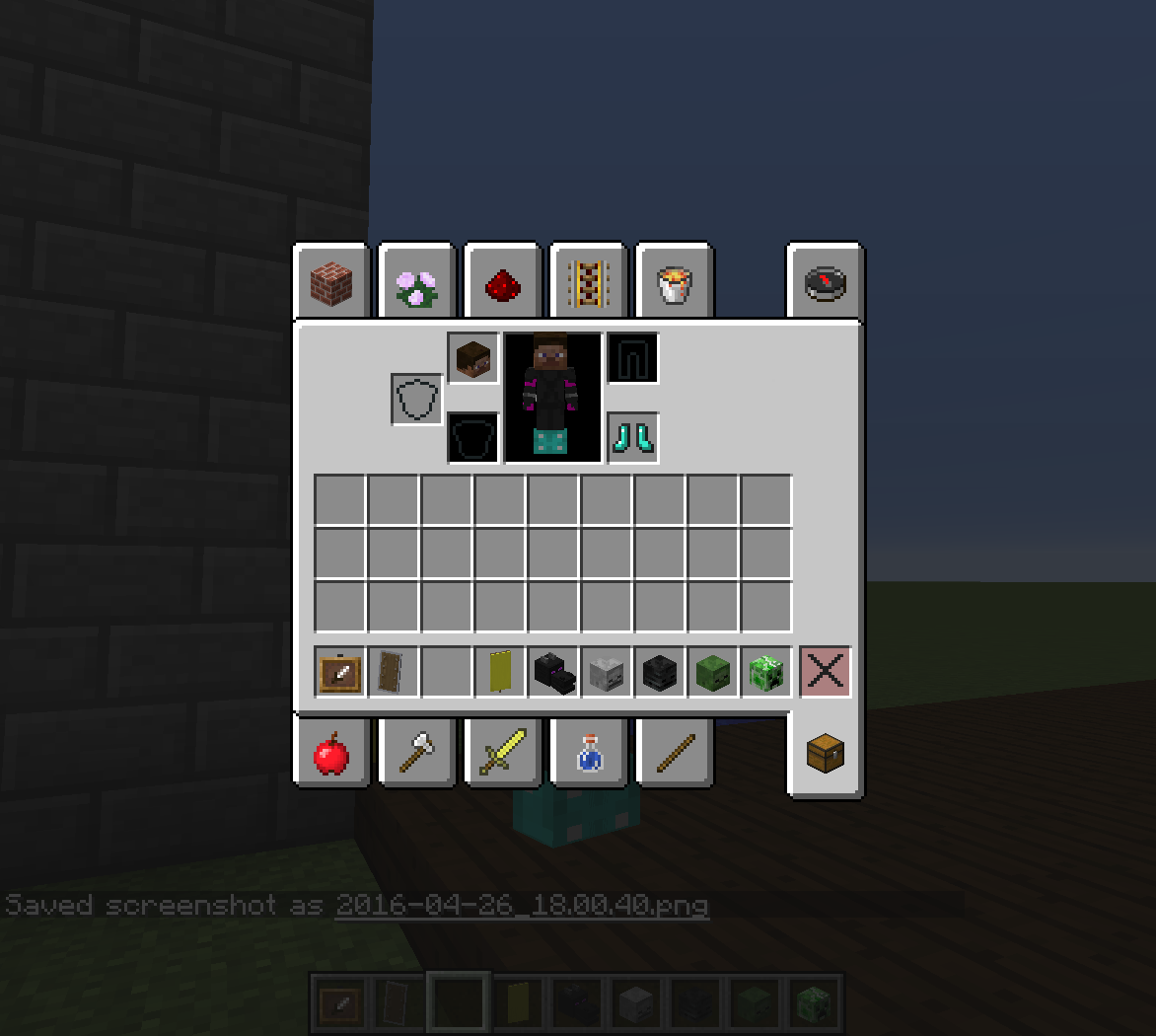
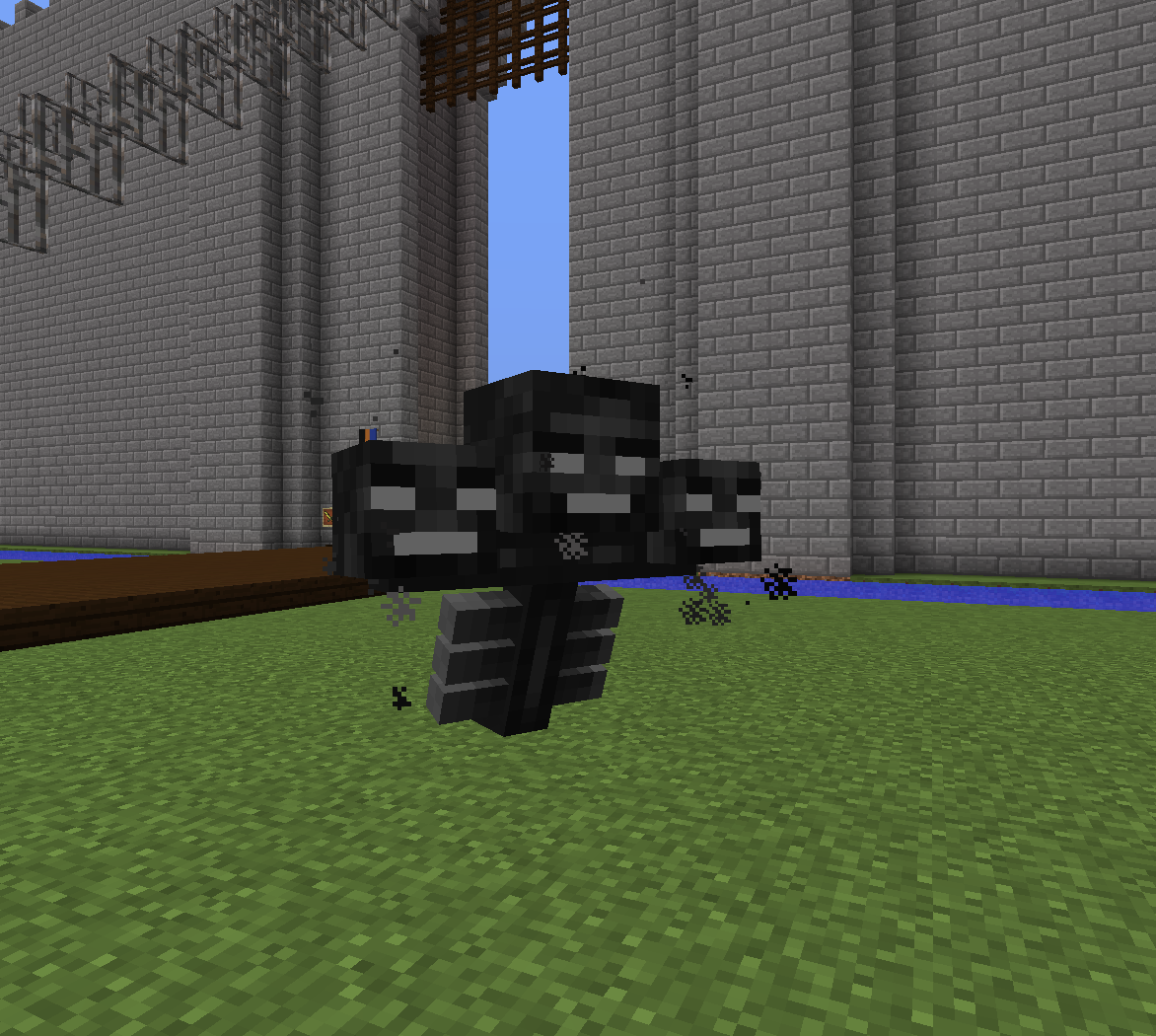
EDIT 4/28/16: Added screenshots. I went through all the mobs in the game. I couldn't get a good screenshot of the projectiles, but other than that...
All the egg-spawned hostile and passive mobs glow like normal. However, the Ender Dragon and Wither don't glow. Neither do the immobile entities like the lead knot, end crystal, item frame, or painting. Transportation entities (minecarts and boats) are out also, as are primed TNT, falling sand, item drops, and XP orbs.
OSX 10.11
I have a command block set to "repeat," "unconditional," and "always active" that makes all entities glow. However, it doesn't work on minecarts, item frames, or arrows, although it does work on armor stands. Why are some entities different than others?
EDIT 4/28/16: Added screenshots. I went through all the mobs in the game. I couldn't get a good screenshot of the projectiles, but other than that...
All the egg-spawned hostile and passive mobs glow like normal. However, the Ender Dragon and Wither don't glow. Neither do the immobile entities like the lead knot, end crystal, item frame, or painting. Transportation entities (minecarts and boats) are out also, as are primed TNT, falling sand, item drops, and XP orbs.EDIT 4/30/16: From my manual /effect command (see comments and screenshots) it seems that the game doesn't even recognize that the Item Frame's in existence to make it glow. Extrapolating to the other entities, perhaps the game doesn't recognize that non-mobs are in existence to apply the effect?
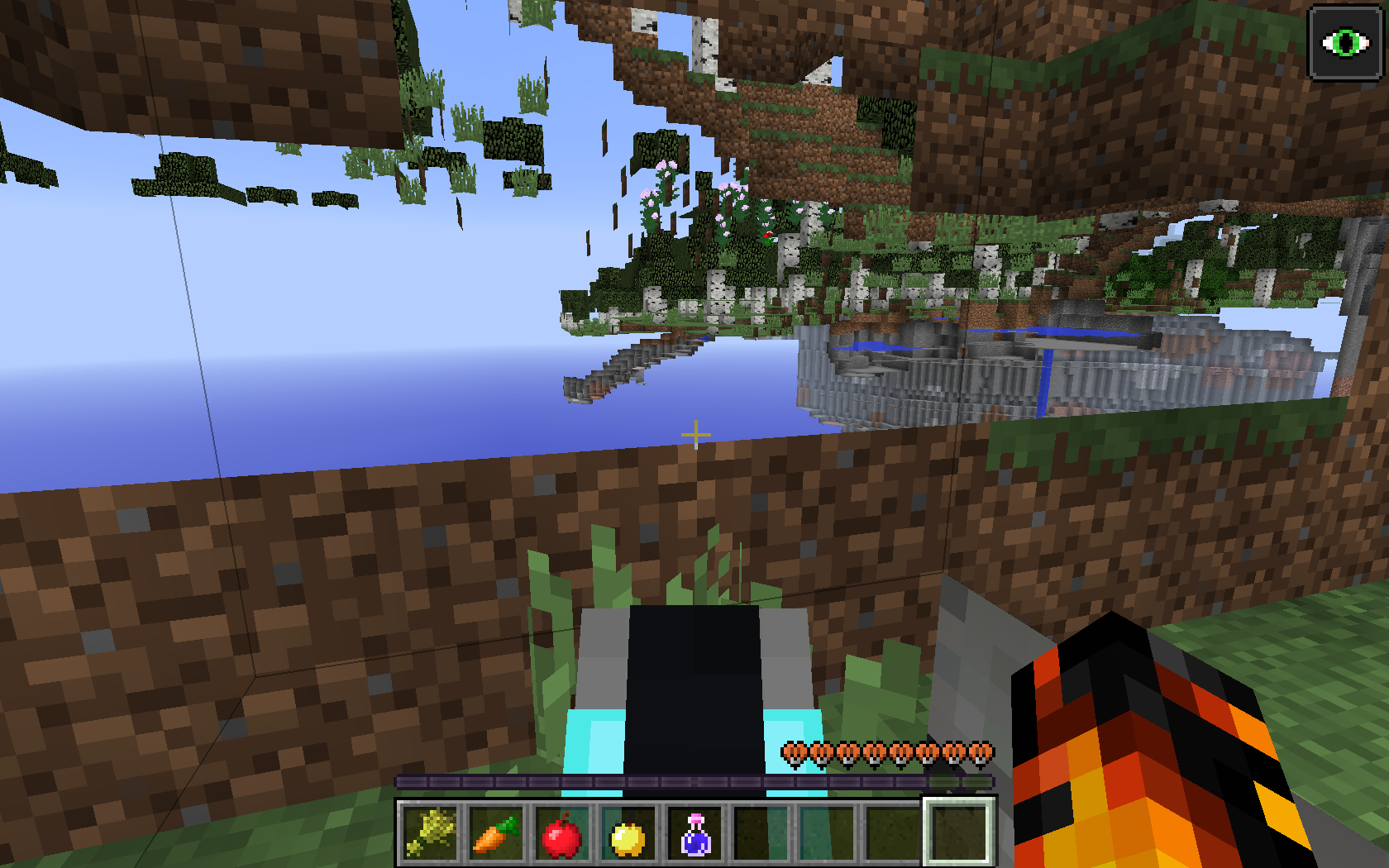
1. Type /give @p skull 1 3
{SkullOwner:"<username that doesn't exist>"}2. Watch the game crash (crash reports of both times this has happened are attached).

/me wonders if Legofan Minifig has ever colours IRL...
Dark brown + gray = light brown
http://minecraft.gamepedia.com/Stained_Clay
It is available in the same 16 colors that wool can be dyed, although the shading of the color is less vibrant.
@FVbico: /clone 186 3 898 174 3 887 150 3 887. I didn't use the optional masked/replace mode tag at the end.
@Blah: To be precise, i'm using snapshot 14w21b. It's a 1.8 snapshot, and so 1.8 was the closest version in the pull-down. Besides, /clone is new to 1.8 I believe.
@Preben: That wasn't the aim of my post. The aim was the checkerboard clay that somehow appeared when I used clay X or hardened_clay X.
@FVbico: Yeah, i know it's not capitalized. But what do you mean by "invalid"?
@Preben: Exactly my point.
So any block that has a missing texture, not just clay, will have the checkerboard?
Yep, but you can get them with the /summon command.
And not all enemies will equip armor either?
/me facepalms

Thx FVbico
There were blocks underneath, and when i used the command, they disappeared!
Wow, that was quick Thx Ezekiel
Shift+right click doesn't work.
Also a problem in 14w21b.
No, I'm referring to a block that appears as "Gray Stained Clay"; cyan is something else.
You mean they're not supposed to despawn if they're in an unloaded chunk? Yeah, it's happening for me, too, in 14w21a. However, they seem to stick around if you name them. (IDK if you're supposed to be able to name untamed wolves.) The same problem and solution occurs with untamed ocelots.
You aren't supposed to do it before the dragon is dead. I tried in 14w21a and you should be able to place them after its death.
What exactly do you mean by "guardian"?
Confirmed for 14w21a, wasn't sure at the time if it was a glitch or not.
Is this a duplicate of
MC-47526?Dupe of MC-44654?
Not exactly a crash so much as a boot me back to the title screen issue. No crash report appeared in the crash report folder from it.
Ella, did you have the barrier in the hotbar? As long as it's in your inventory the barrier should show.
/me groans.
This doesn't have anything to do with cyan clay! There is a block called "Gray stained clay". When I place it, it appears brown. In my inventory, it appears gray. THIS IS NOT A CYAN BLOCK!!!!!
UGH! Do you guys refuse to understand the issue?
That problem is with the block known as "Cyan Stained Clay". There is ANOTHER block called GRAY Stained Clay...and it's NOT GRAY!
If I knew how to upload pictures after the bug's been reported I'd upload a picture comparing the brown gray to 1.7 gray... THEYRE NOT THE SAME!
So I uploaded the pix. Now do you see that they're different?
Yeah, different worlds, but i dont have resource packs installed and both are single player. Different grasses because different biomes.
But just for you, I took a screenshot of the 1.7.x world in 14w25b. It's exactly the same block, different texture. (To be precise, it's a 1.7.5 world originally, if that matters.)
I'm gonna note 14w2*5*b, not 14w2*1*b, so shouldn't this be "fixed in later update", not "invalid"?
No, that's just because the crystals bob up and down. I expected for the blocks they're in to be destroyed when the crystals were /summoned.
The point of putting multiple things in the screenshot was to show that it's not just by a particular block, it's by a wide variety. The last one is supposed to be air.
Neither, Blah. 14w27b. I didn't mistype when I put in the version above.
Fixed in some version between 14w21b and 14w28b.
Hold on a sec Anon. So you're saying that it's always been possible for the item frame to simply disappear without dropping itself because of that?
Not quite a dupe.
MC-62166shows blocks appearing when they've been interacted with in ways other than placing another block. My problem is that the block doesn't appear until you right-click it. Bouncing, standing, or otherwise interacting does not make it appear. Also, his bug is only for a few seconds; mine is however long it takes you to add another block attached to it.Attached two files comparing before and after appearing.
Confirmed for 14w25b
Confirmed for 1.8-pre1.
Confirmed for 1.8-pre1.
Confirmed for 14w25b, but I don't remember seeing this bug since then. IDK if it's fixed or not though based on that alone.
Fixed in 1.8-pre1. I was in Creative, though, so IDK if that affects anything. The zombie took damage from the "bugged stick" just like a punch. And it died after twenty-odd hits from the two combined, just like a zombie should.
The bug is somewhat fixed in 1.8-pre1. If you use the command from the description of the bug, the first time the entity is inside the block, the second time it starts suffocating, and the third time the falling sand doesn't appear (though the first two don't disappear).
I'm not seeing anything unusual at the specified coordinates. No stone growing on trees. Played in 1.8-pre1.
Confirmed as early as 1.7.2. I haven't played earlier versions of MC so IDK if it did this since the beginning or not.
Confirmed for 1.8-pre1. Also works if the wolf is running around and you make it sit while it's moving.
Invalid. Most mobs don't attack players when shot by a bow.
...it's called the Nether, Ben...

If you want a world with Nether, just put spawn in the Nether and remove the portal. No exit. Mwahahaha.
Same thing with the End.
Confirmed in 1.8-pre1.
Attached a .zip with a few files in it - the TNT cart gets darker or lighter depending on the light level, as opposed to being black in light level 0 and normal in 1 and higher.
Confirmed for 1.8-pre1. Similar to the linked
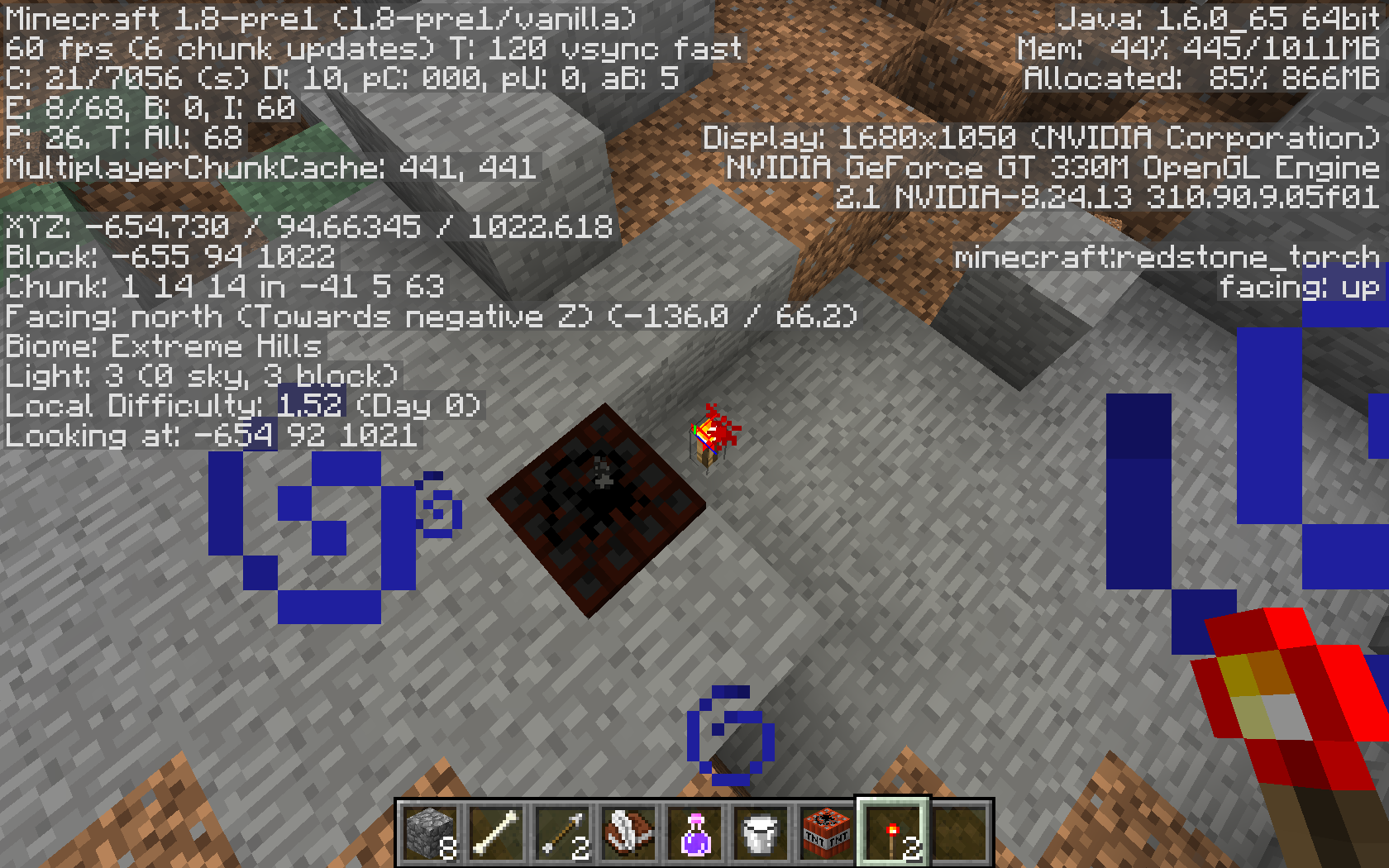
MC-6932, Primed TNT will appear black in low light levels, even in the Overworld. Attaching a picture. Also see my comment about light levels inMC-6932; I think the same issue applies here.Confirmed for 1.8-pre1.
@Brian: Similar, but not quite the same. That one specifies that it's on fast graphics; I didn't have fast graphics enabled.
Still around in 1.9.2 -
MC-101100Nope.
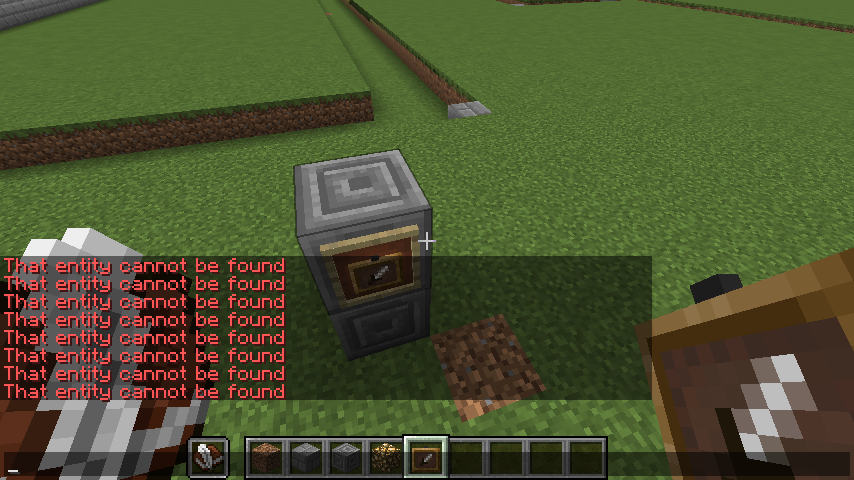
/effect @e glowing 1000000 0 true
Since I was able to make myself glow, as well as the armor stands and most mobs (all if you don't count the bosses), clearly the code works. Plus, I continued glowing even after using /effect @p clear, which successfully showed "Cleared all effects" in the chat bar, proving that the command block does output every tick.
Just to see if it would work, I manually typed /effect @e[type=ItemFrame] glowing into the chat box, and I got the attached screenshot as a result. Since there's an item frame in the picture, obviously there's an ItemFrame in existence to make glow.
And since you asked so nicely, I've attached the crash report. Not that I have any idea how to read it, so maybe you can get something useful out of it.
P.S. The glow's not working properly in your screenshot, either. The command block is glowing, in spite of not being an entity (from the fact that it can't exist in the same coordinates as another block, as well as its not being given an Entity ID - http://minecraft.gamepedia.com/Data_values/Entity_IDs - I'm assuming that it's not an entity) and you can see the texture, not just the glow, through the stone block. Compare to the boat, which you managed to get working, which you can't see the boat through the stone, only its glow.
@Kumasasa: Mrpingouin got it to work with /effect. Why is this invalid?
Is the trapdoor placed on the top of the block, opening downwards, or on the bottom of the block, opening upwards?
Yep, that was exactly the problem. Thanks!