 Littleman9Mew2
- Littleman9Mew2
- littleman9mew2
- America/Los_Angeles
- Yes
- No
![[Mojang] Grum (Erik Broes)](../../../data/assets/gravatar/grum.png)

 MC-115369MC-116454
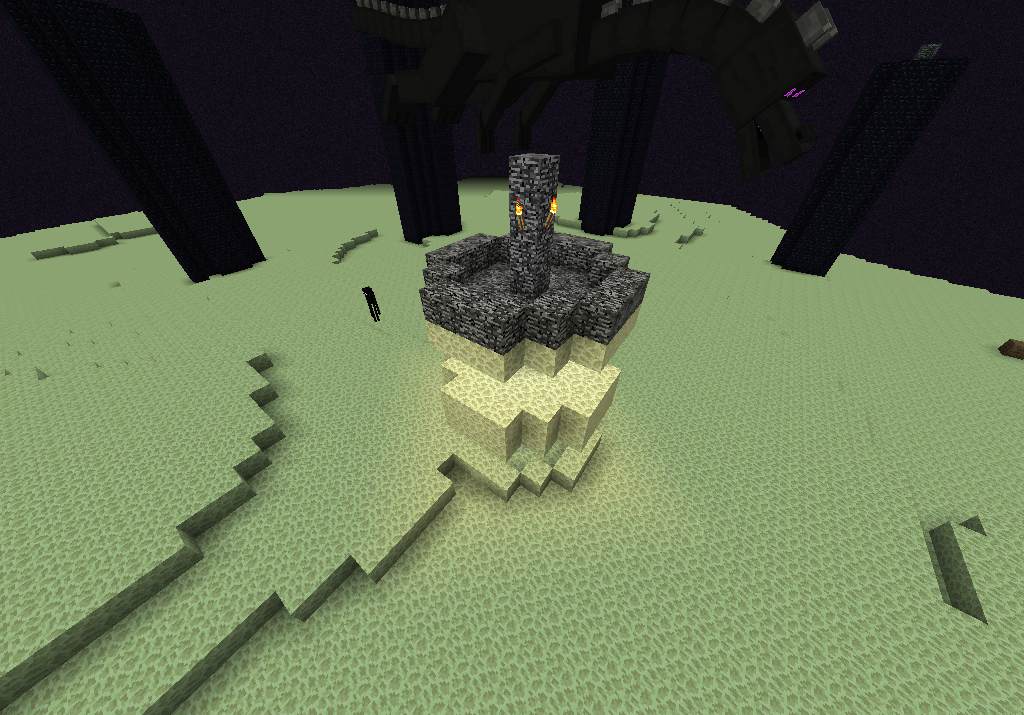
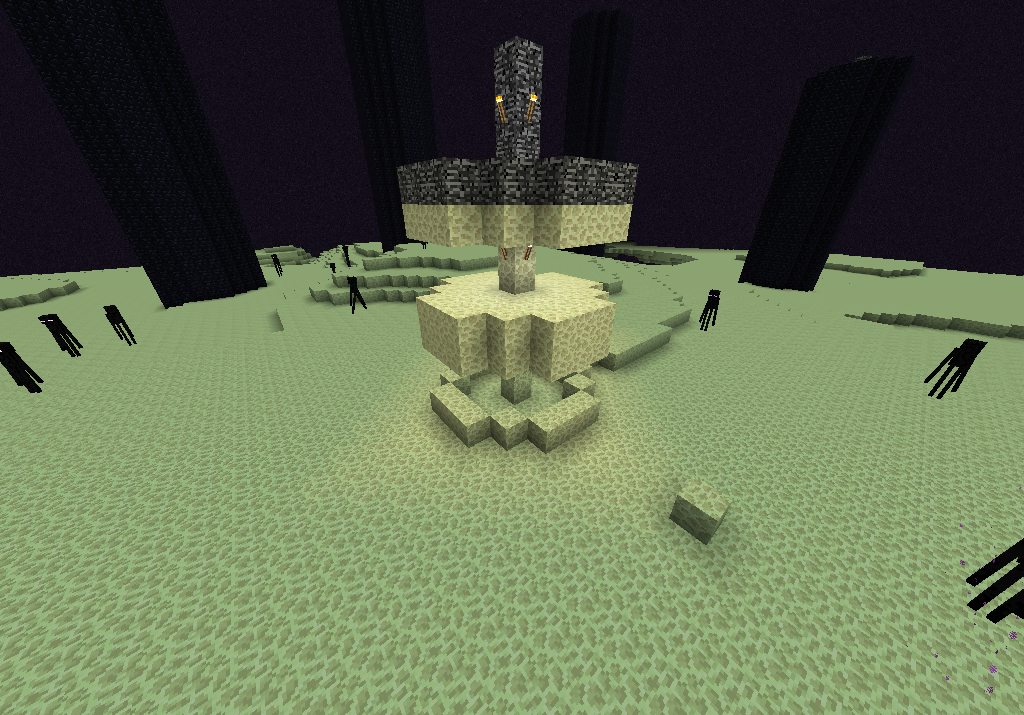
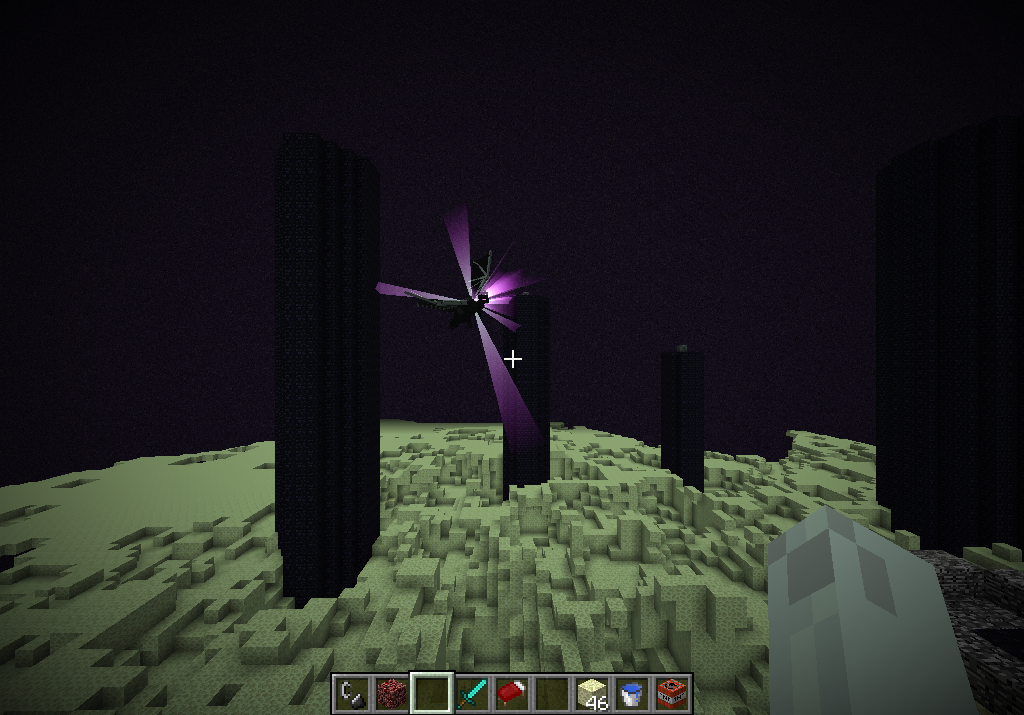
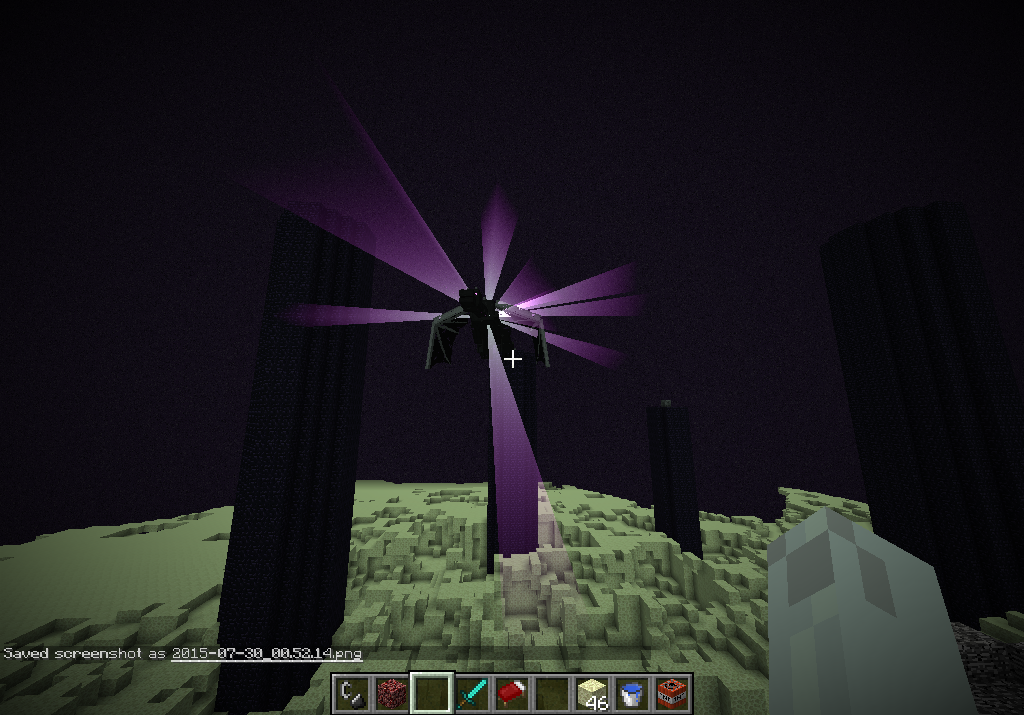


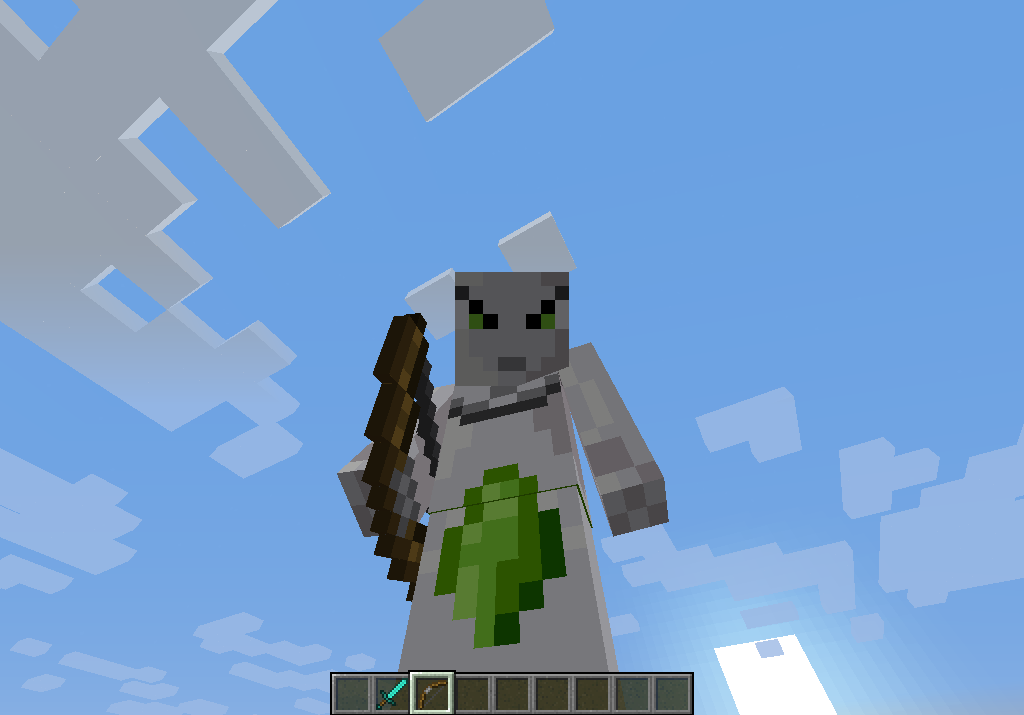
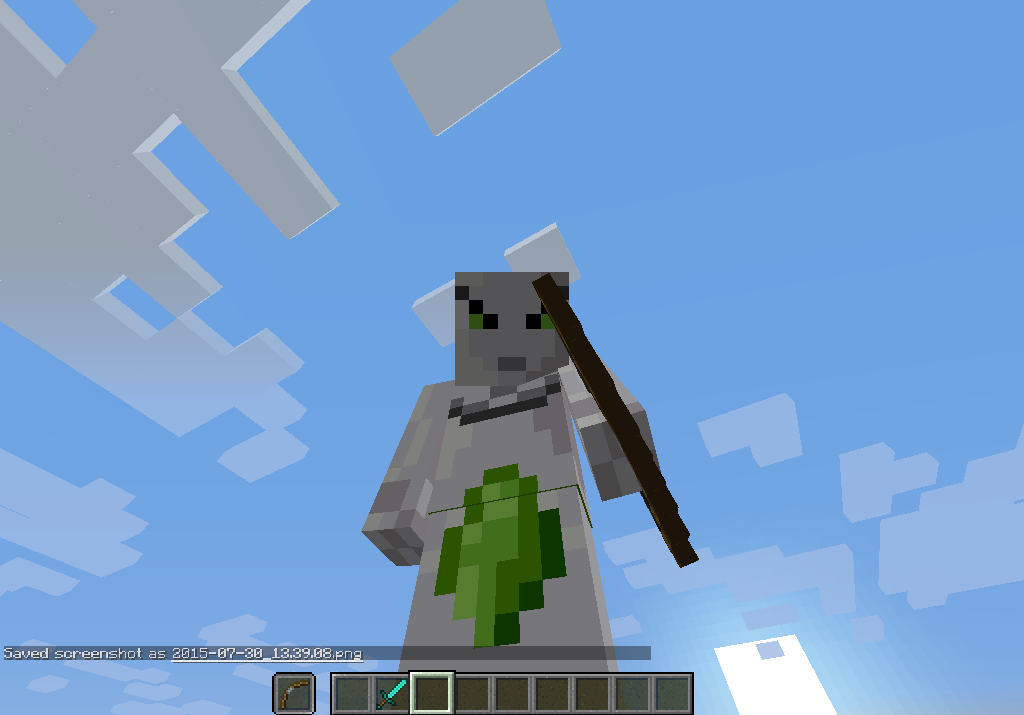








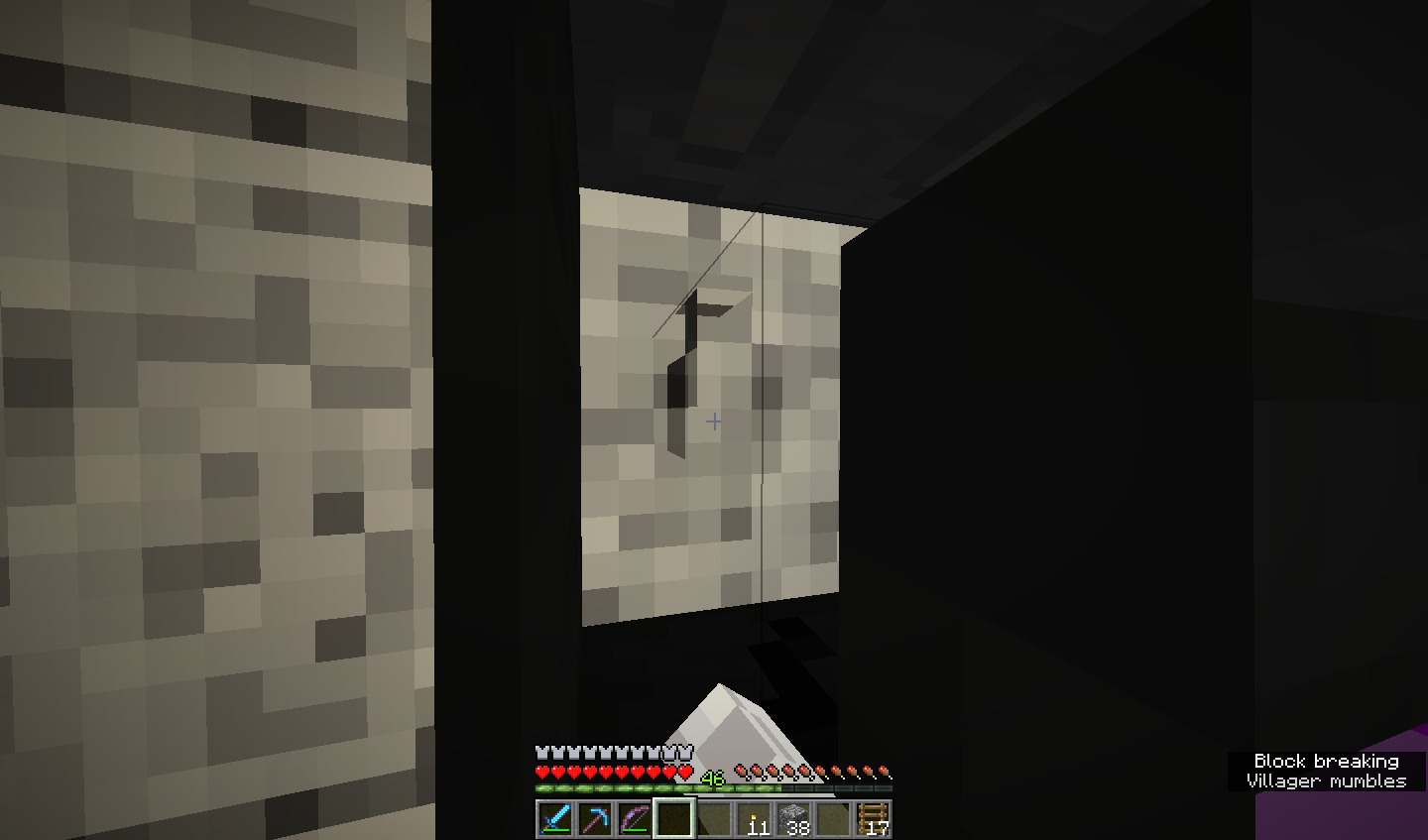


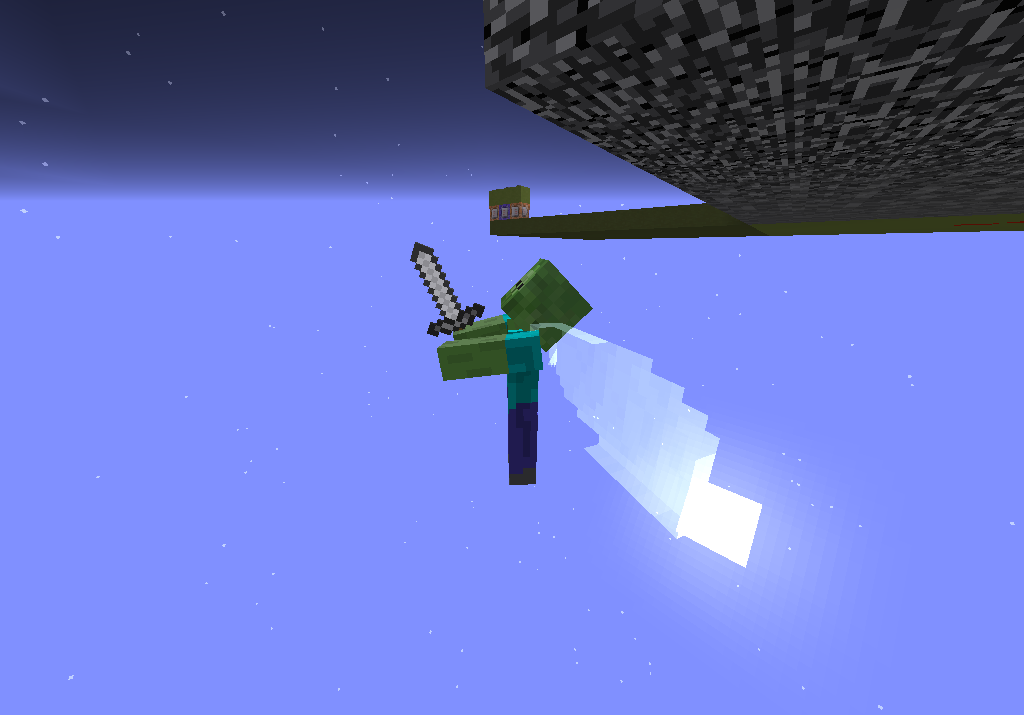
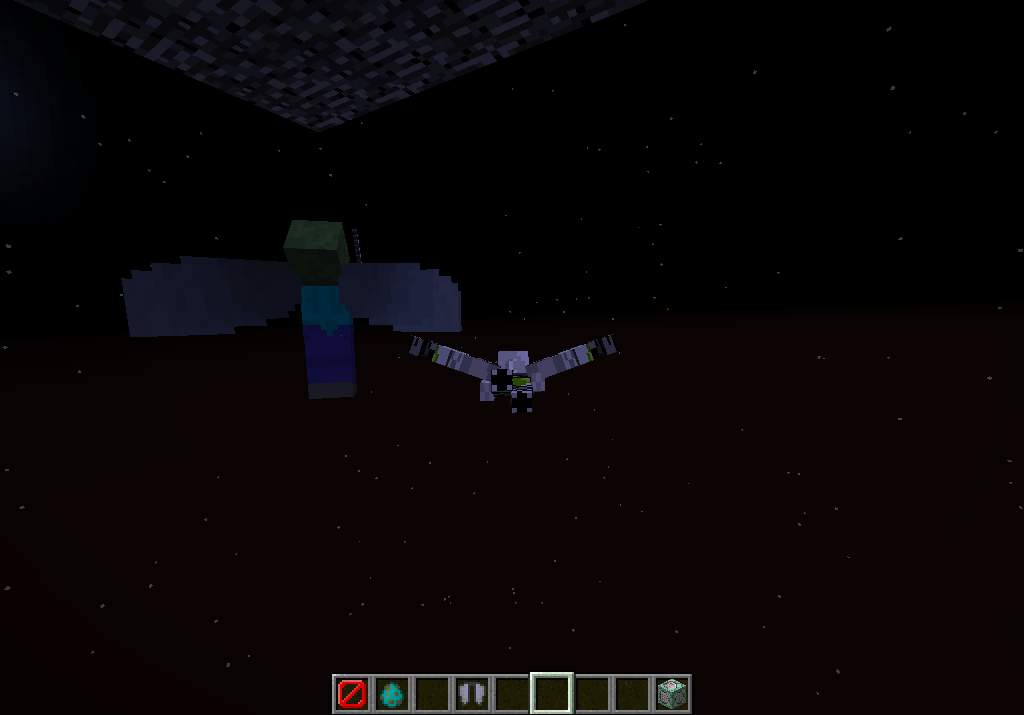




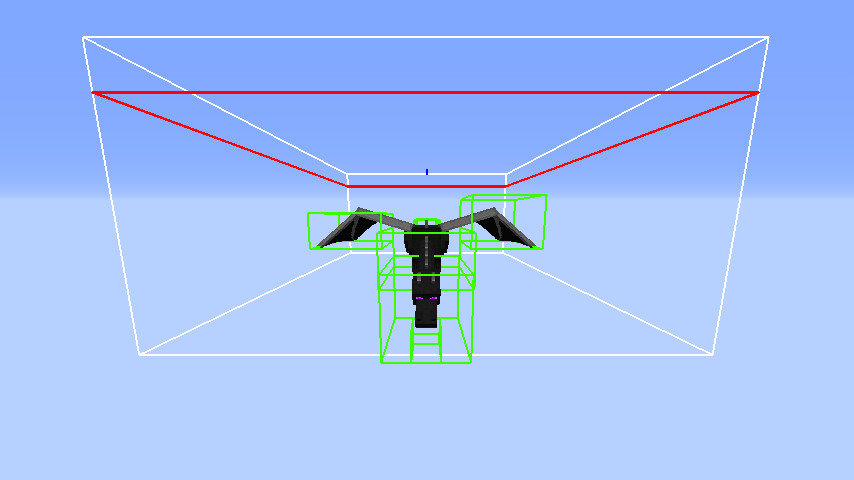




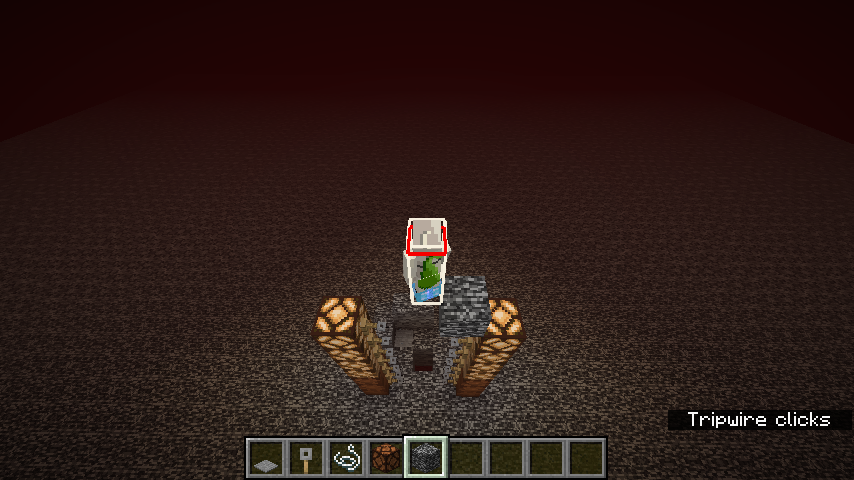
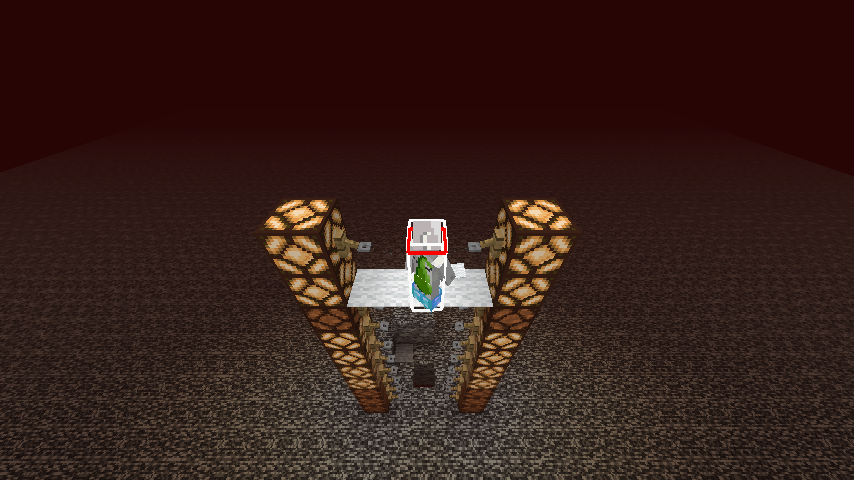
What happened: The Dragon was stuck flying around in it's dying state like nothing was wrong
==============
What I expected to happen was:
The dragon blows up and dies like normalOR
Takes damage from explosion and get pushed far away from the large explosion.
==============
What actually happened:
I used /tp @e @p to TP all the TNT and the Dragon. Suddenly it dies from the explosion and got stuck in it's animation when it was "thrown" by the Explosions to then unload out of range.
==============
Steps to reproduce:
1)Summon (or Find) the Ender Dragon.
2)Get the Enderdragon to low enough health to die in a few TNT explosions.
3)Have something to push it away when the final hit is delivered, such as an explosion (or Explosions) with a strong force.
4) Have the Enderdragon die and get flung far enough away that it get's "stuck" in its death animation and unloads.
==============
Result:
The EnderDragon will be flying around stuck in the exact frame in his death animation with no health remaining. Simply punch it to resume it's death animation.
==============
--NOTE--
-I made a big box of TNT around the dragon when it was by the
-End Portal doing his attack breath. For some reason all the
-momentum is conserved during this attack and is release afterwards, -causing him to get "flung" far away.
--NOTE2--
--Same goes for when another dragon is trying to "hog" the portal from
--the first one, it causes all pushing momentum to fling the first one out of --the way. This is by far, the easiest method to do so, if the two dragons --are trying to hog the spotlight when the one that was there first dies it
--causes this to happen as well, but only if it was in the middle of the --attack when the killing blow was delivered.Other Notes:
If the player moves and unloads the Dragon altogether, the visual look of the death animation vanishes but it will still die when hit by hand.
==============What happened: The Dragon was stuck flying around in it's dying state like nothing was wrong
==============
What I expected to happen was:
The dragon blows up and dies like normal
OR
Takes damage from explosion and get pushed far away from the large explosion.
==============
What actually happened:
I used /tp @e @p to TP all the TNT and the Dragon. Suddenly it dies from the explosion and got stuck in it's animation when it was "thrown" by the Explosions to then unload out of range.
==============
Steps to reproduce:
1)Summon (or Find) the Ender Dragon.
2)Get the Enderdragon to low enough health to die in a few TNT explosions.
3)Have something to push it away when the final hit is delivered, such as an explosion (or Explosions) with a strong force.
4) Have the Enderdragon die and get flung far enough away that it get's "stuck" in its death animation and unloads.
==============
Result:
The EnderDragon will be flying around stuck in the exact frame in his death animation with no health remaining. Simply punch it to resume it's death animation.
==============NOTE
-I made a big box of TNT around the dragon when it was by the
-End Portal doing his attack breath. For some reason all the
-momentum is conserved during this attack and is release afterwards, -causing him to get "flung" far away.
NOTE2
--Same goes for when another dragon is trying to "hog" the portal from
--the first one, it causes all pushing momentum to fling the first one out of --the way. This is by far, the easiest method to do so, if the two dragons --are trying to hog the spotlight when the one that was there first dies it
--causes this to happen as well, but only if it was in the middle of the --attack when the killing blow was delivered.Other Notes:
If the player moves and unloads the Dragon altogether, the visual look of the death animation vanishes but it will still die when hit by hand.
==============
What happened:
The two rods cast twice before reeling in. Making the first one cast a line then the second one cast it's line and then reeling in the line altogether.
=================
What I expected to happen:
Cast the first rod and reel back on the next click. Making the second rod not do anything.
=================
Steps to reproduce:
1)Get a two fishing rods
2)Duel Wield both of them
3)Cast the rods out.
=================
Other notes:The grahpic of having one of the rods casted out also makes both rods render as being castedout.What happened:
The two rods cast twice before reeling in. Making the first one cast a line then the second one cast it's line and then reeling in the line altogether.
=================
What I expected to happen:
Cast the first rod and reel back on the next click. Making the second rod not do anything.
=================
Steps to reproduce:
1)Get a two fishing rods
2)Duel Wield both of them
3)Cast the rods out.
=================Other notes:
The grahpic of having one of the rods casted out also makes both rods render as being casted out.When throwing the second line out, the rods appear to be reeled in even when the bobber is out
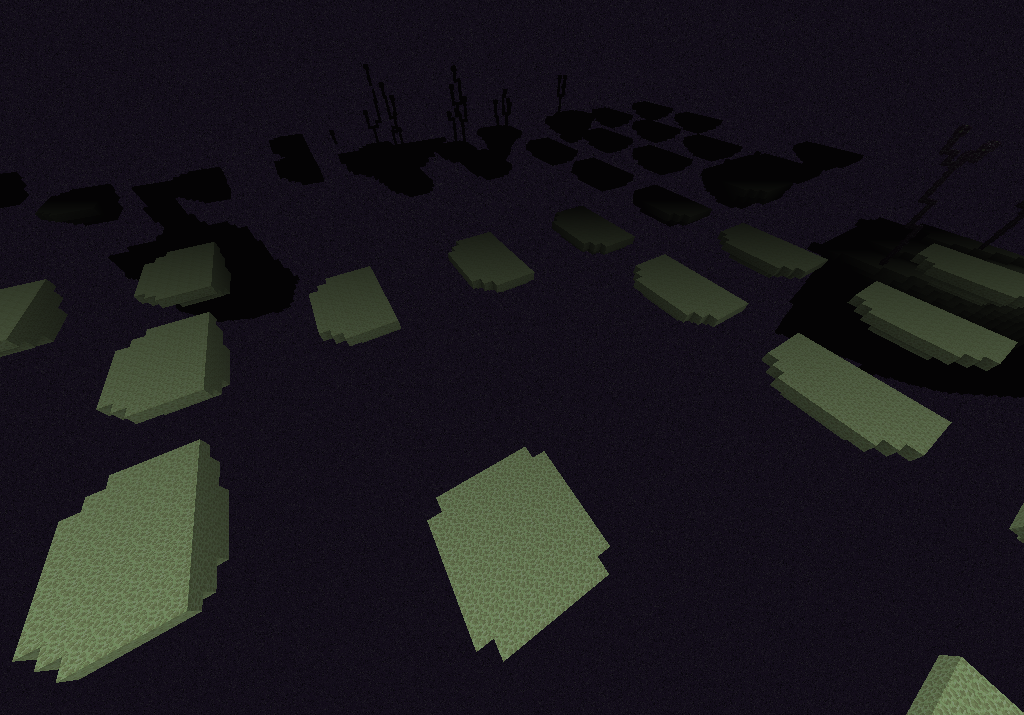
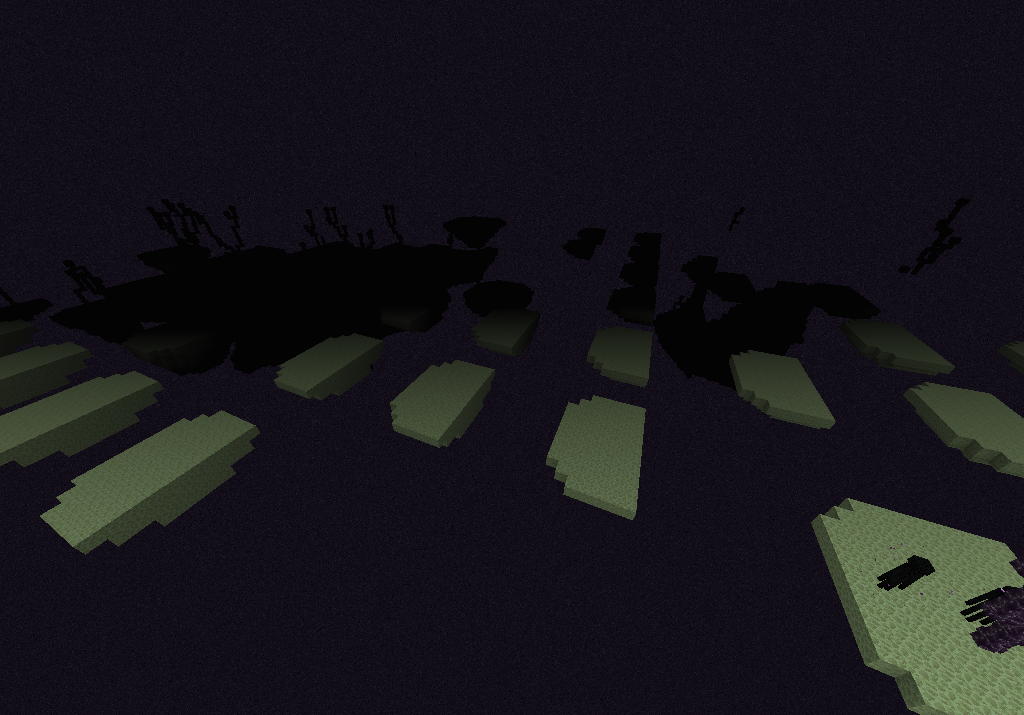
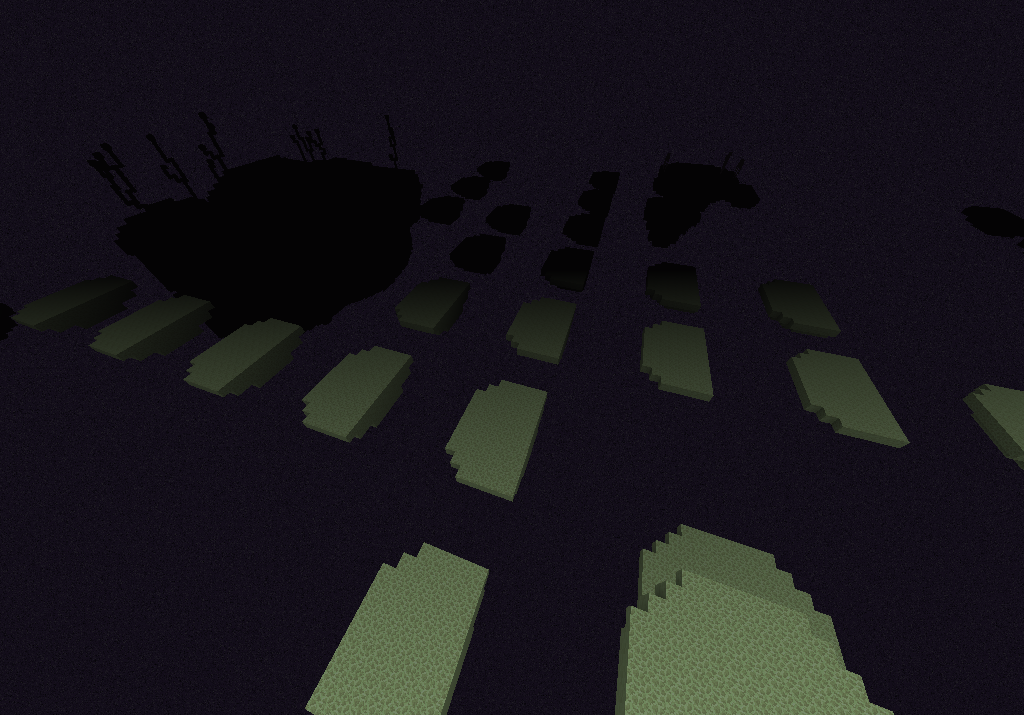
As I traveled through the End Gateway on my 4 trip. I explored the End a little bit, generating new chunks as I did so the small Islands started to generate in an odd way. Forming half islands and in grid patterns, this doesn't occur when over the large island masses though. I tried a couple other worlds and this seem to occured a bit.
EDIT:
After travelling for bit. I reloaded the world and got stuck unable to move. So I quickly /kill @e After doing so the islands just vanished. I think it's a client side thing that's happening
I know how! I been able to replicate it using the endgateway in the end, sometimes teleporting through seems to remove the ability to fly.
Unlike that of the Guardian Jumpscare animation, the totem animation is the same no matter what the perspective is in F5 mode. Resulting in the totem blocking the players view while it plays while in third-person.
EDIT:
The fov values never change the scale of the totem as well, causing high fov values to make the player impossible to see behind the totem.
While the update entails that the Glazed Terracotta cannot attac
kto slimeblocks, this doesn't resolve the fact they cannot be pulled under any circumstances. They can be pushed, but not pulled. In the screenshot, the piston with the slime and wood plank should pull the terracotta, but the piston retracts as if the terracotta block was a immovable object. The lone terracotta in front of the sticky piston shown below cannot be pulled with it, but it can be pushed by a sticky piston.While the update entails that the Glazed Terracotta cannot attach to slime blocks, this doesn't resolve the fact they cannot be pulled under any circumstances. They can be pushed, but not pulled. In the screenshot, the piston with the slime and wood plank should pull the terracotta, but the piston retracts as if the terracotta block was a immovable object. The lone terracotta in front of the sticky piston shown below cannot be pulled with it, but it can be pushed by a sticky piston.
Glazed Terracotta cannot be pulled by sticky pistons/ Or with blocks attached to slime blocks

@Littleman9Mew2: This is according to the Mojang Devs Working as Intended.

read my previous comment again.he's showing it in the case for modding that it causes issues. It still causes issues in vanilla with commands as you require the "1b" part unlike most nbt tags with only needs an integer (like "NoGravity:1").
Can confirmed. Last repeater stuck in on state.
Confirmed for
15w31b
They're not added as blocks/items just yet, they'll come in the future
Confirmed, stays during gameplay, resets to "off" when leaving game.
Cobble Stairs
Wood Oak Stairs
Oak Doors (Not birch, spruce, only oak)
Iron Doors effected.
Turns to air upon world reload
Sometimes also (visually) disappear if you unload the chunks and come back.
I've been having the same problem, it's more serious with customized worlds and the chunk rendering is just horrible.
Would you mind loadin a regular or [customized] world and see if this becomes the smae issue, you just walk around and venture and this happens. This is a problem with the game, wheither my GC is out of date or not, it's a problem people are facing and this needs to addressed. IF it was my GC, then the chunks would be tiling like with the other bug and the mobs/players would be bugging out. This isn't the case compared that bug.
Whether it's a "technical issue" or otherwise, this is a bug people are facing. If I get a poll and the vote has plenty of "YES IM HAVING THE PROBLEM!" would this change your mind?
(My computer is recognized as a "custom built" and cannot update the GC. )
)
What if you press both the a+s keys? Does it move forwar? (Similar to a boat?)
This ticket needs to be reopened, Skeleton horses are now officially supported. This is a bug for skeleton horses, I'm unable to use a lead, it opens the inventory is shift+LMB and just LMB.
Makes moving them impossible and keeping them still.
REally? The signs I have that used to be placed in 37c DO NOT WORK in 39b.
/setblock ~ ~2 ~ minecraft:wall_sign 2 replace
{Text1:"Rule 1",Text2:"This is a test",Text3:"Mode",Text4:"============"}This command does not work anymore and now my map is broken.
Can you provide a correct command please to the broken one above to elaborate?
Ditto, can confirmed, no music in overworld/end/nether.
What about the "Creative" music?
And music disks?
The effect is OPTIONAL. He's just stating it so it defeats the dragon FASTER. It's unrelated to the bug report ticket. :
:
Post should be reedited to be more clear
1. Open a creative world.
2. Go to the end dimension and defeat the Ender Dragon.
3. Break all the the end portal blocks. The torches, bedrock, and dragon egg can stay.
4. Exit the world and reload it. You should see the Exit End Portal go back to how it was before the Ender Dragon was killed and the Ender Dragon's health bar appear at the top of the screen. Wait about a minute and the Ender Dragon will respawn.
Also renders the player skin too. No idea how it did though. It first rendered all the items textures, then loaded my skin as the model.
Can confirm, doesn't update "Times used" statistic either.
Not fixed, still consumes entire stack of totem in 16w39b
I don't think the bug here was fixed, in fact it still didn't do anything to potions. As applying the Ench:[(id:0)] tag still doesn't do anything to potions. I do the same to any other item and the effect shows. One fix should be to make so that the "ench:[]" tag overwrites the potion enchantment effect.
The issue I see is how potions are enchanted based on the effect and not the tag. If it's a potion without a glint, it wont show a glint, no matter what. But if it does, it always shows the glint. However!! I don't what it so that items cannot be enchanted at all, as that will break a lot of immersion and command block contraptions. Really the change should be reverted as it didn't do anything besides break everything in previous snapshots. I'm only stating that only potions are still effected because of the weird way the enchantment glint applies to them.
@FBbico. So it's a bug since it's not consistent in the vanilla code, additionally he's showing it in the case for modding that it causes issues. It still causes issues in vanilla with commands as you require the "1b" part unlike most nbt tags with only needs an integer (like "NoGravity:1").
This can easily be seen with mobs inside a boat with no gravity.
/summon Boat ~ ~20 ~ {NoGravity:1,Passengers:[
{id:Zombie}]}
The zombie just twitches back and forth inside the boat when trying to path towards players. :|
This is still in the current snapshot 17w06a
Can confirm. Had inventory filled with 27 stacks of wooden planks with a 28th stack on the ground. Went to craft a boat, and when I clicked on a different recipe without crafting the boat, the game crashed.
This is due to their AI using NoGravity as part of their flight code.
Can confirm, in 17w13b
So are loot tables Lawrence G., so reloading it should reload advancements