 omkhamsa
- omkhamsa
- omkhamsa
- Europe/Stockholm
- Yes
- No
 MC-117193
![[Mojang] Bartosz Bok](../../../data/avatars/users/10122.svg) MC-194174
MC-194174
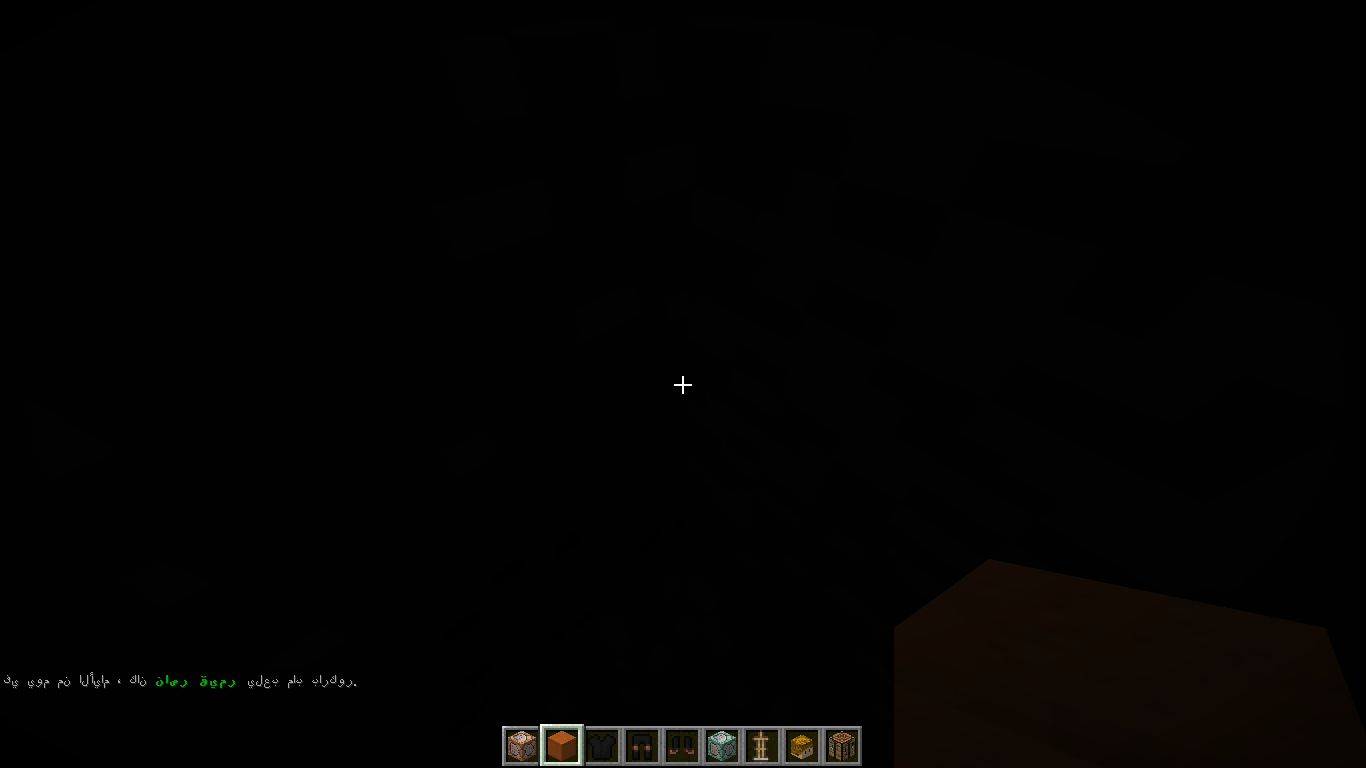
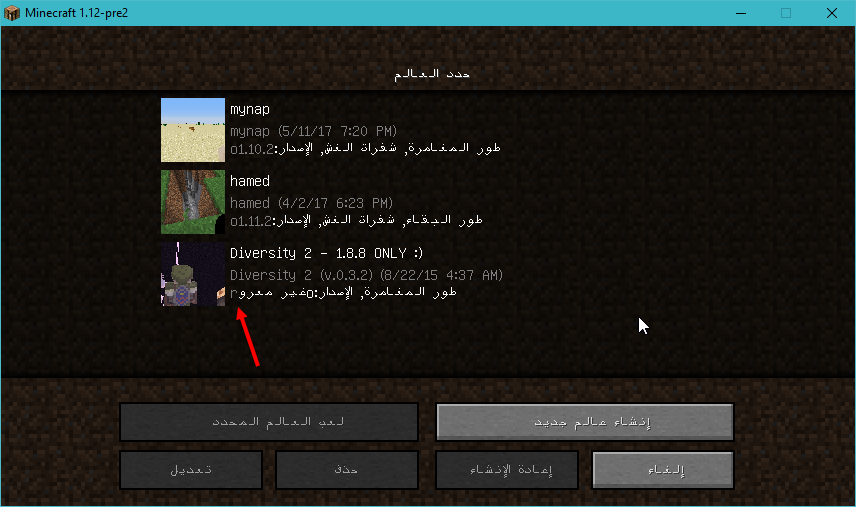
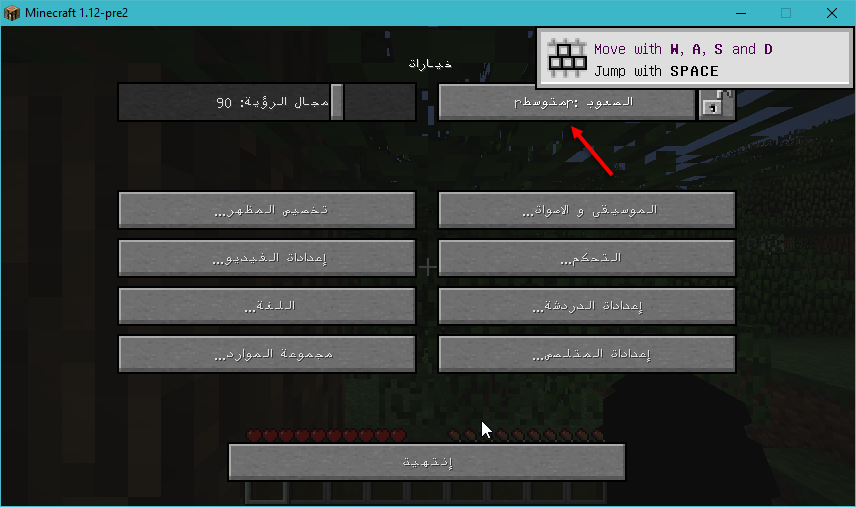


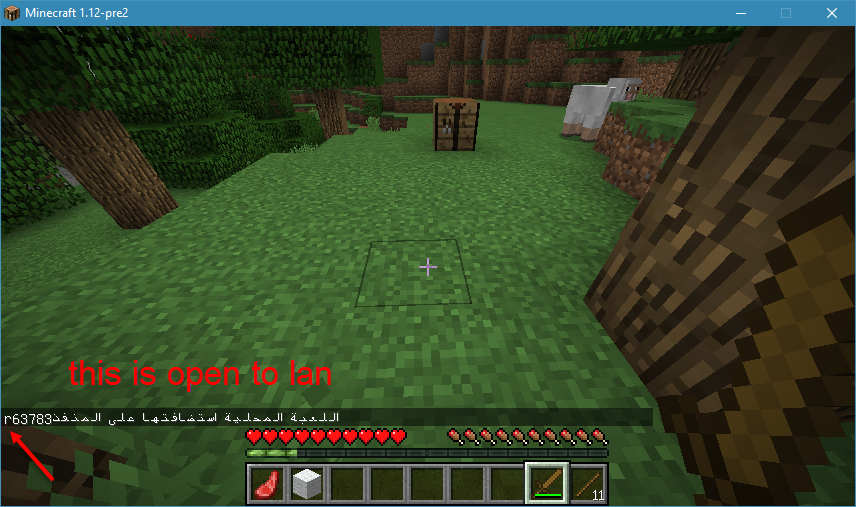

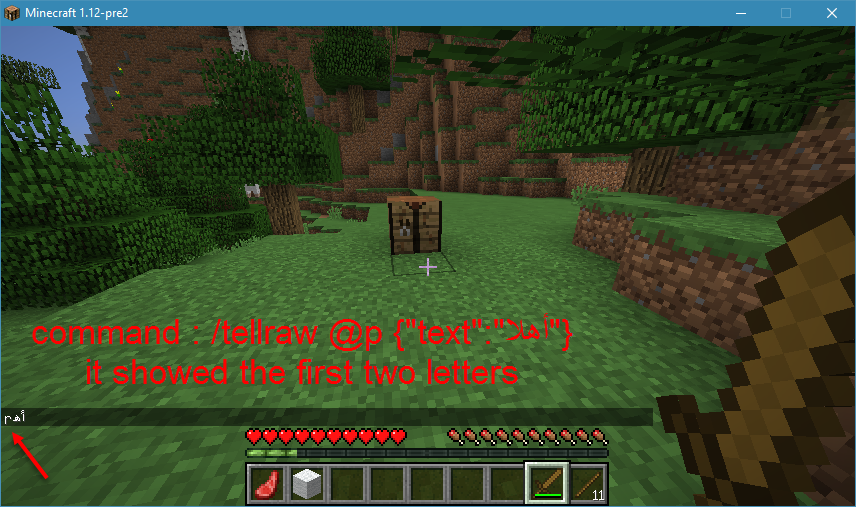

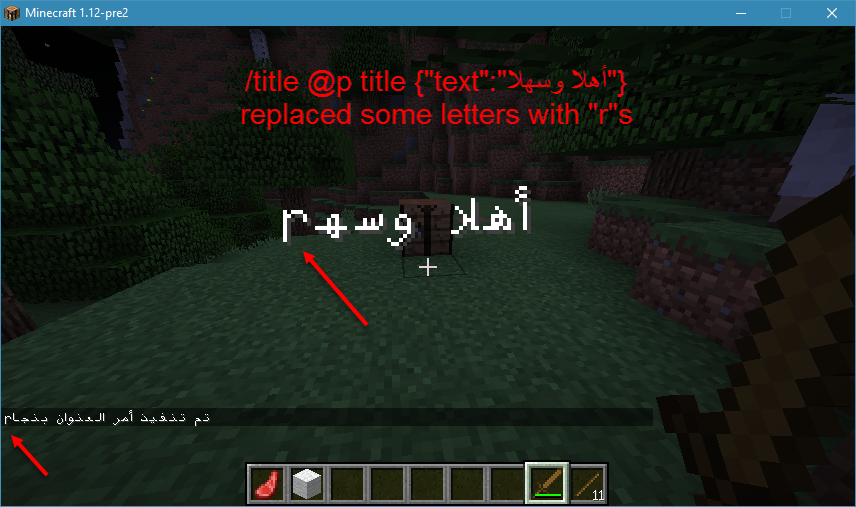

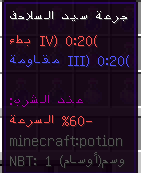
when type something arabic in the chat , the letters are not connected unless you are using arabic language
as an optionkeep in mind that a lot of arabian people use english language , because of the font , the translation and other purposes
when you type something arabic in the chat , the letters are not connected and inverted unless you are using arabic language
keep in mind that a lot of arabian people use english language , because of the font , the translation and other purposes
as i mentioned in
MC-117192and as you can see inMC-57869, arabic text is buggy when it comes to commands or "§" , if you look in the chat in the pictures, when i switch to arabiclanguage it shows the text correctly , but with no colors and with some "r" letterthat i didn't write in the command, when i switch to english language (us) , it shows the colors correctlybut the letters are inverted and not connectedright-to-left language's text is really buggy .... in commands , tooltips , the top-right popups , even the options screen ...
i will upload some pictures of the thing , when i switch to a right to left language it shows the text correctly , but with no colors and with some "r" letters and some times it will replace some letters with "r"s , when i switch to english language (us) , it shows the colors correctly
using arabic textin tellraw/title commandswill put "r" letters in the text
usingarabictext will put "r" letters inthe textusing right-to-left text will put "r" letters in it
/tellraw @a ["",
{"text":"في يوم من الأيام ، كان ","color":"gray"},
{"text":"ناصر قيمر ","color":"dark_green","bold":true},
{"text":"يلعب ماب باركور","color":"gray","bold":false}]
here you go ( i used a tellraw generator )
marcono1234 : nice , this is a lot better
Confirmed for 18w49a
confirmed for 18w49a
I FOUND A TEMPORARY SOLUTION.
All you need is to install attached resource pack (FixedRTL.zip ), select "English (Arab World)" from the language selection menu and the issue will be fixed.
When creating a new language in minecraft, in the pack.mcmeta file you can put "bidirectional" : false if the language is not rendered from right to left.
However, if you set it to true it will fix the issue and view both LTR and RTL correctly.
I confirm that it is fixed for the Arabic language
edit : in 1.16 rc-1
this issue is no longer present in 1.16 rc-1
confirmed for 1.16 rc-1
this is no longer an Issue in 1.16 rc-1
confirmed in 1.16 rc-1
confirmed in 1.16 rc-1