 MC-117193
Text formatting not working correctly for right-to-left text in right-to-left language
The bug
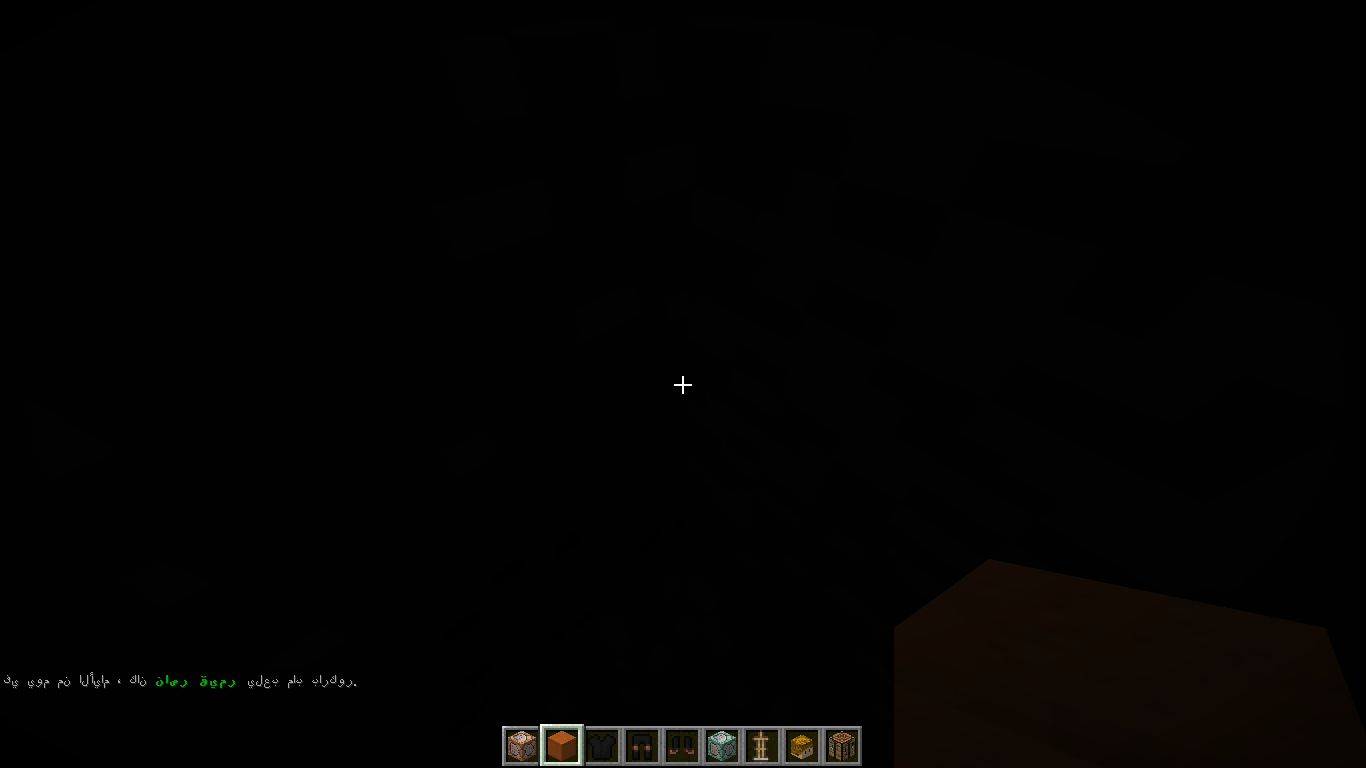
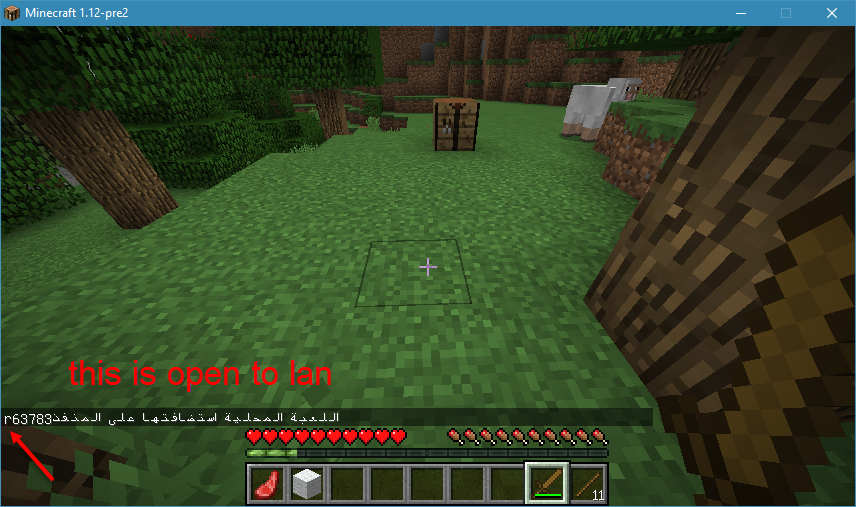
Text formatting is not working correctly for right-to-left text in right-to-left languages. The position of the formatting character is reversed breaking the formatting. Additionally a "r" appears in front of the text which is likely used to reset the formatting but the formatting character for it appears to be placed incorrectly as well.
How to reproduce
- Change your language to a right-to-left one, for example Arabic (first right-to-left language in language list)
- Use the following command
/tellraw @a ["",{"text":"في يوم من الأيام ، كان ","color":"gray"},{"text":"ناصر قيمر ","color":"dark_green","bold":true},{"text":"يلعب ماب باركور","color":"gray","bold":false}]
Linked Issues
Attachments12






Created Issue:
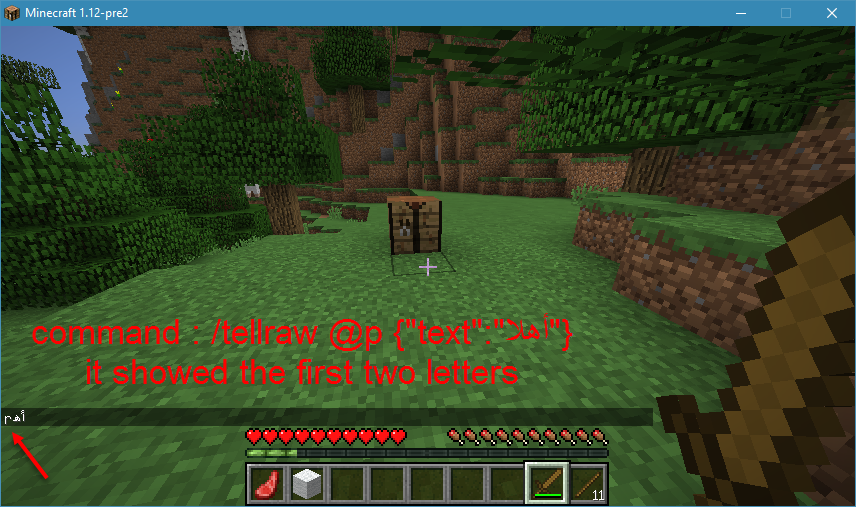
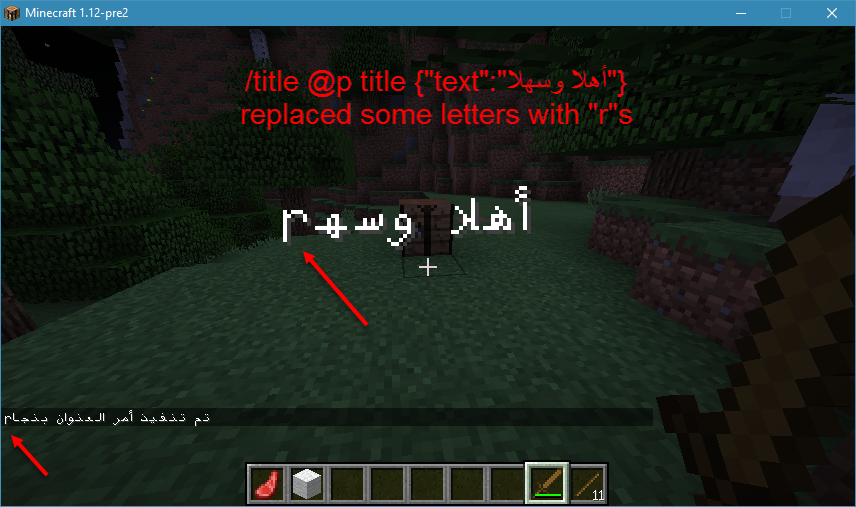
using arabic text in tellraw/title commands will put "r" letters in the text
as i mentioned in
MC-117192and as you can see inMC-57869, arabic text is buggy when it comes to commands or "§" , if you look in the chat in the pictures , when i switch to arabic language it shows the text correctly , but with no colors and with some "r" letter that i didn't write in the command , when i switch to english language (us) , it shows the colors correctly but the letters are inverted and not connectedEnvironment
windows 10 , java edition , java 8 lastest version
Attachments2


as i mentioned in
MC-117192and as you can see inMC-57869, arabic text is buggy when it comes to commands or "§" , if you look in the chat in the pictures, when i switch to arabiclanguage it shows the text correctly , but with no colors and with some "r" letterthat i didn't write in the command, when i switch to english language (us) , it shows the colors correctlybut the letters are inverted and not connectedright-to-left language's text is really buggy .... in commands , tooltips , the top-right popups , even the options screen ...
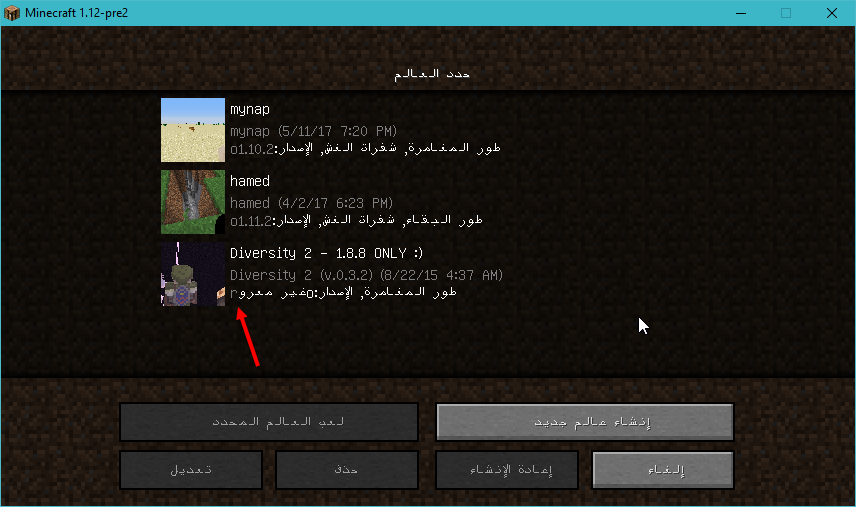
i will upload some pictures of the thing , when i switch to a right to left language it shows the text correctly , but with no colors and with some "r" letters and some times it will replace some letters with "r"s , when i switch to english language (us) , it shows the colors correctly
using arabic textin tellraw/title commandswill put "r" letters in the text
![[Bot] Arisa](../../../data/assets/gravatar/mustek2.png)
usingarabictext will put "r" letters inthe textusing right-to-left text will put "r" letters in it
using right-to-left text will put "r" letters in itText formatting not working correctly for right-to-left text in right-to-left language
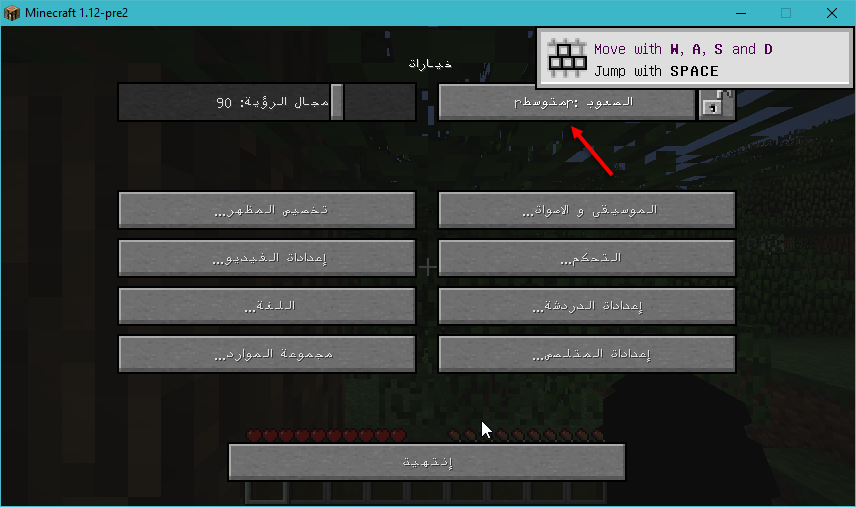
right-to-left language's text is really buggy .... in commands , tooltips , the top-right popups , even the options screen ...
i will upload some pictures of the thing , when i switch to a right to left language it shows the text correctly , but with no colors and with some "r" letters and some times it will replace some letters with "r"s , when i switch to english language (us) , it shows the colors correctlyThe bug
Text formatting is not working correctly for right-to-left text in right-to-left languges. The position of the formatting character is reversed breaking the formatting. Additionally a "r" appears in front of the text which is likely used to reset the formatting but the formatting character for it appears to be placed incorrectly as well.
How to reproduce
- Change your language to a right-to-left one, for example Arabic (first right-to-left language in language list)
- Use the following command
/tellraw @a ["",{"text":"في يوم من الأيام ، كان ","color":"gray"},{"text":"ناصر قيمر ","color":"dark_green","bold":true},{"text":"يلعب ماب باركور","color":"gray","bold":false}]
windows 10 , java edition , java 8 lastest version
![[Mod] violine1101](../../../data/avatars/users/92858.png)
relates to

2018-09-15_01.45.27.png
![[Mod] Asteraoth](../../../data/avatars/users/92886.png)
![[Mod] Michael Wobst](../../../data/avatars/users/37868.png)
The bug
Text formatting is not working correctly for right-to-left text in right-to-left languages. The position of the formatting character is reversed breaking the formatting. Additionally a "r" appears in front of the text which is likely used to reset the formatting but the formatting character for it appears to be placed incorrectly as well.
How to reproduce
- Change your language to a right-to-left one, for example Arabic (first right-to-left language in language list)
- Use the following command
/tellraw @a ["",{"text":"في يوم من الأيام ، كان ","color":"gray"},{"text":"ناصر قيمر ","color":"dark_green","bold":true},{"text":"يلعب ماب باركور","color":"gray","bold":false}]
![[Mojang] Nathan Adams](../../../data/assets/gravatar/dinnerbone.png)
![[Mod] SPGoding](../../../data/avatars/users/44622.png)
The letters not being connected is
MC-35765, please change the report to be only about the "r" in front of the message which appears for other right-to-left languages as wellCan you please add the exact command you use as well?
/tellraw @a ["",
{"text":"في يوم من الأيام ، كان ","color":"gray"},
{"text":"ناصر قيمر ","color":"dark_green","bold":true},
{"text":"يلعب ماب باركور","color":"gray","bold":false}]
here you go ( i used a tellraw generator )
Thank you for providing the command. I am going to edit the report a little bit, I hope you are fine with that.
Could be related to
MC-100866and definitely related toMC-57869marcono1234 : nice , this is a lot better
Confirmed for 1.13.1.
confirmed for 18w49a
this issue is no longer present in 1.16 rc-1
Closing as "Cannot Reproduce" then